Crossing Packaging Tapes Mockup
This product is a part of Packaging Tape Mockup Bundle
Product Details
Crossing Packaging Tapes Mockup
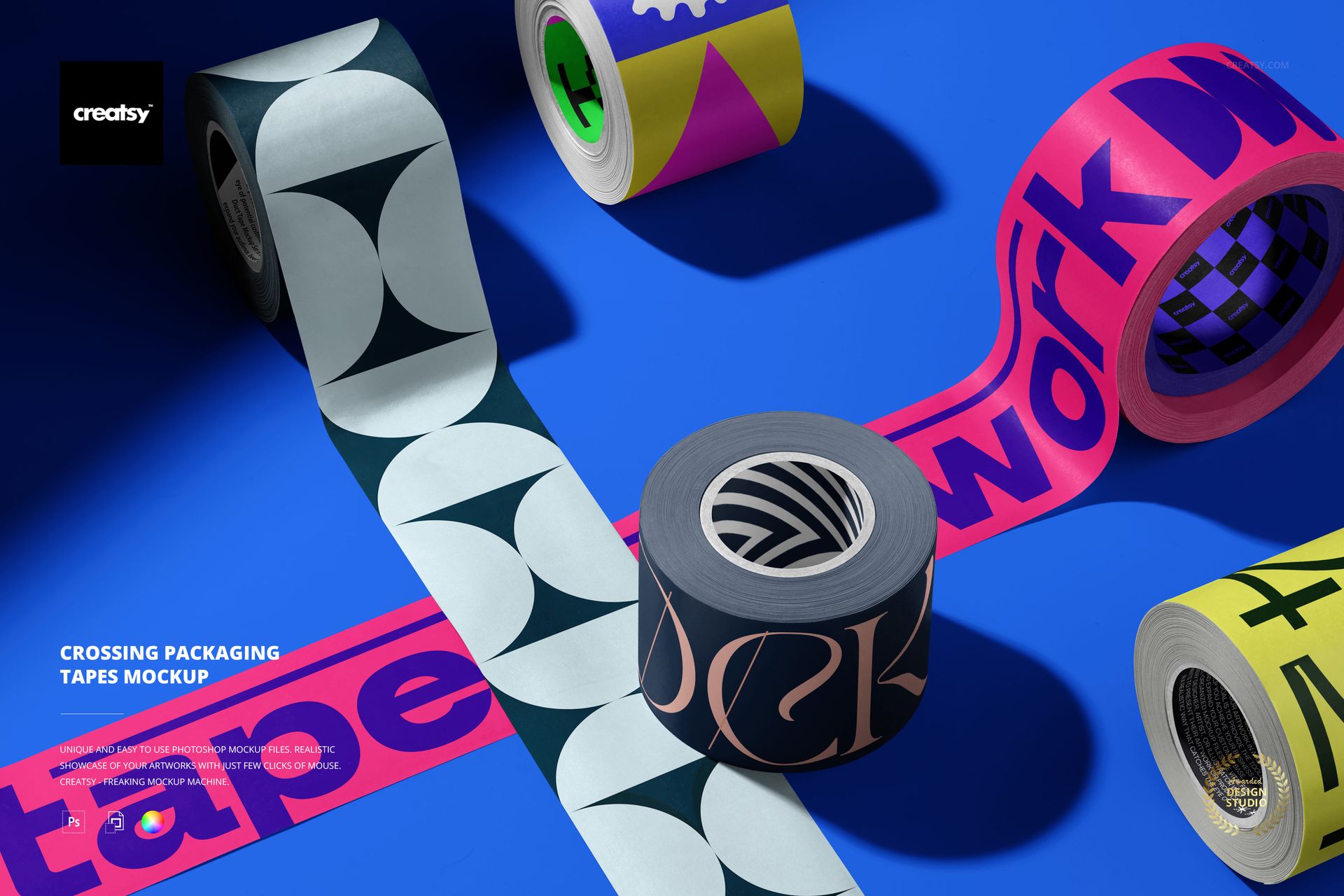
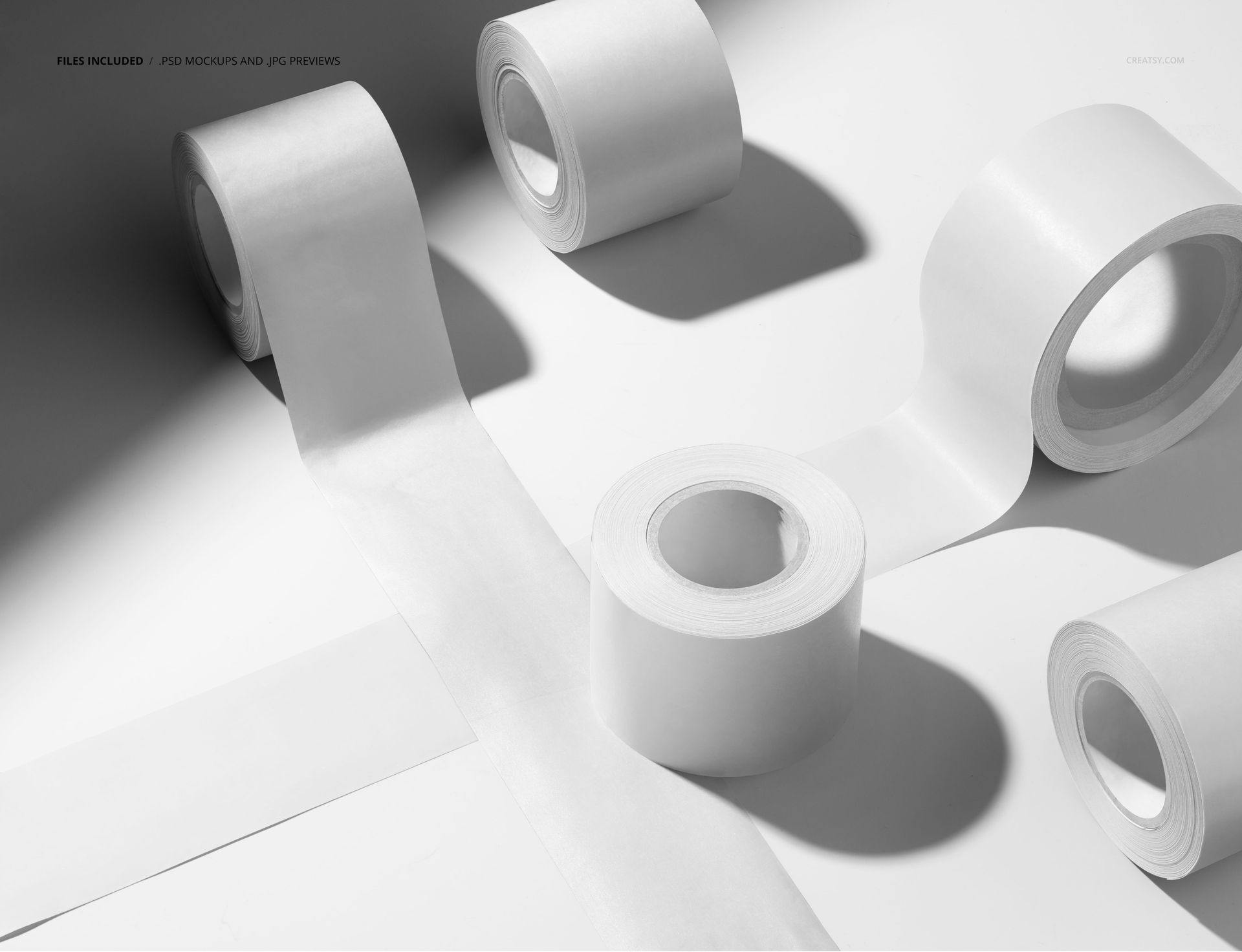
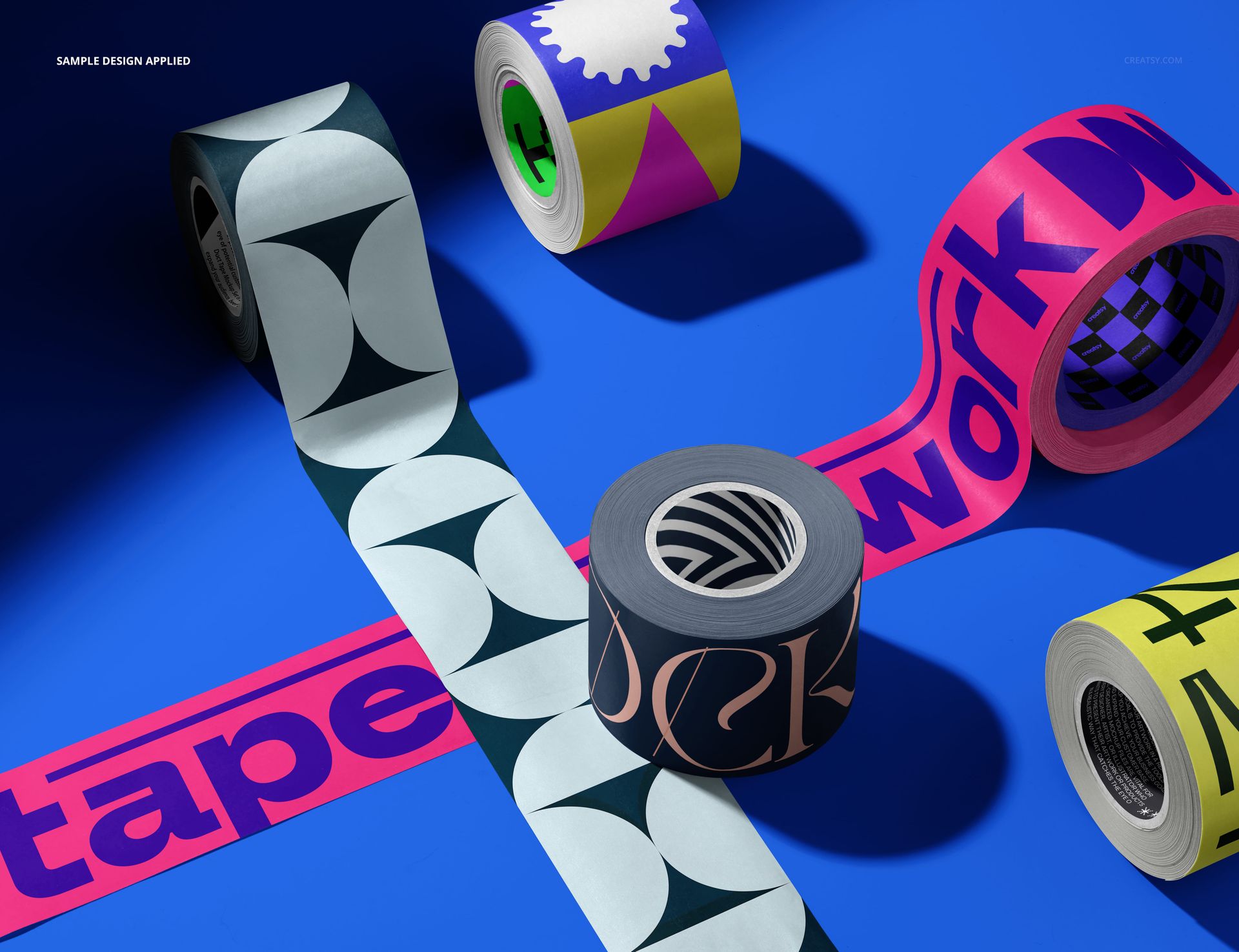
Present a coordinated tape collection in one bold overhead scene. The composition brings five rolls and two long intersecting strips into view, helping clients compare pattern scale, color relationships, core graphics, and repeated brand details at a glance.
Use the PSD to develop branded packing tape, paper tape, adhesive label systems, ecommerce packaging concepts, or campaign visuals. Smart Objects keep artwork placement efficient while the rendered rolls, curled tape, directional shadows, and overlapping surfaces supply depth without manual warping.
Designed for useful presentation decisions
Show multiple tape designs in one cohesive hero image.
Test how typography and patterns repeat across straight, curved, and rolled surfaces.
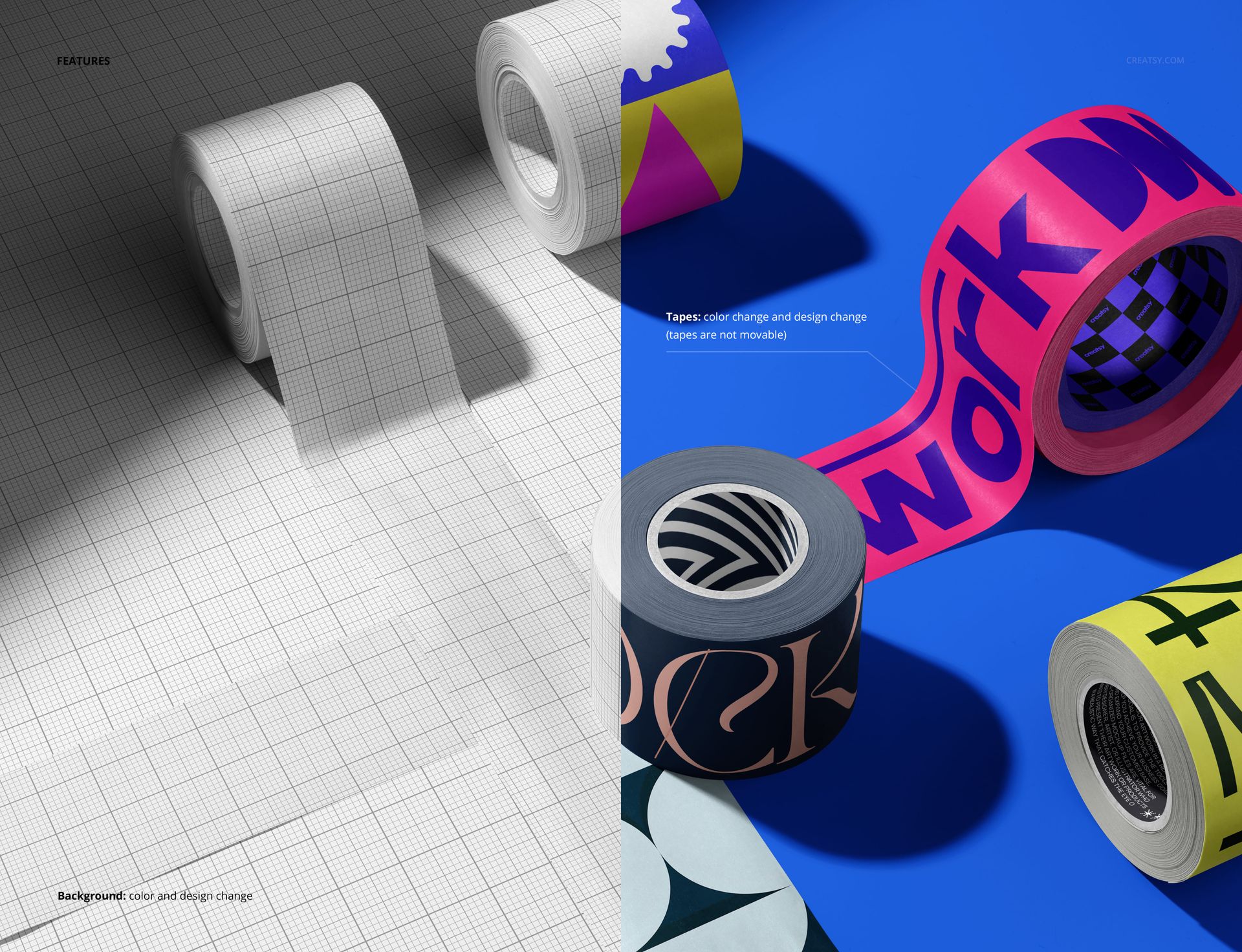
Change tape colors and the background color or artwork to match a brand palette.
Prepare polished visuals for approvals, portfolios, marketplaces, and social launches.
The fixed arrangement preserves the crossing composition, so your time goes into comparing artwork rather than rebuilding the scene. Open the file in Adobe Photoshop CC 2020 or newer, or use Photopea in a browser.
File details
- Compatibility
- Package size
- 48.8 MB
|51.1 MB
- Files type
- .psd, .jpg
- Files size
- 6000x4000


MEET THE SHOP
- $2380$28.00
- $1785$21.00
- $2210$26.00
- $1615$19.00

HOW IT WORKS
3 clicks. That's it.
No tutorial needed. If you can copy-paste, you can use this.
- 1OpenDouble-click the smart object inside the PSD - in Adobe Photoshop, or free in your browser with Photopea.
- 2PasteDrop in your pattern, print, or artwork. Any design, any style.
- 3SaveHit save and the mockup wraps it in for you - shadows, folds, and lighting included.
FROM IDEA TO IMAGE
Built for real workflows
Get the label signed off before the print run Wrap your design onto the box, pouch, or bottle and show the client exactly what ships.
See it on the product, not a swatch Drop your file into the smart object and the scene's lighting and folds wrap around it, so you judge the real thing before you commit.
Smart Objects
Edit once and you're done. Your artwork drops into a smart object and the mockup updates itself - no masking, no warping by hand.
Perfectly Organized
Named layers and folders you can actually navigate. Find what you need, change what you want, and get out fast.
Print-Ready
High-resolution files built to hold up on screen and in print. Exact size and DPI are in this product's Details above.