Gift Boxes Wrapped in Wrapping Paper with Curling Ribbon Mockup
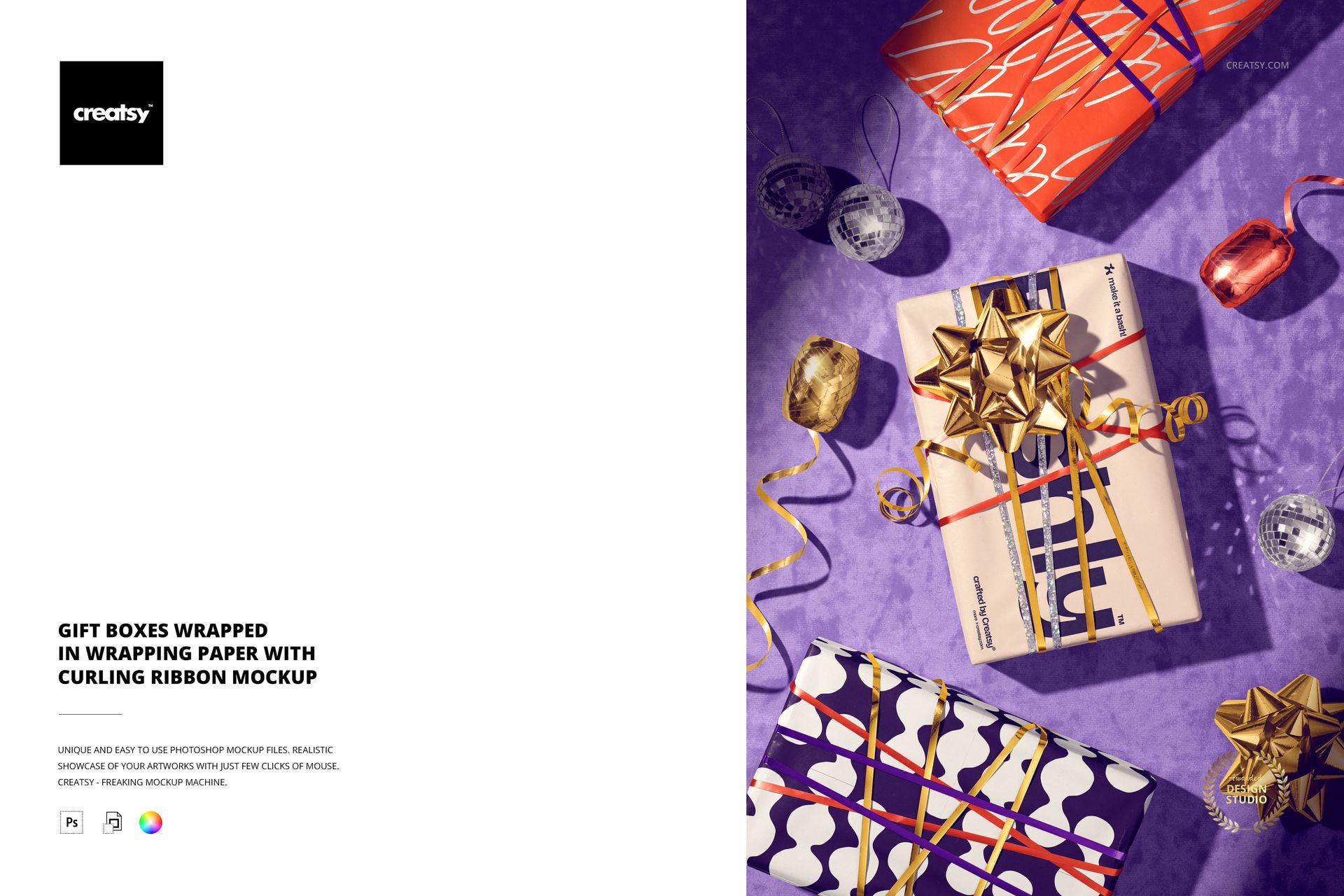
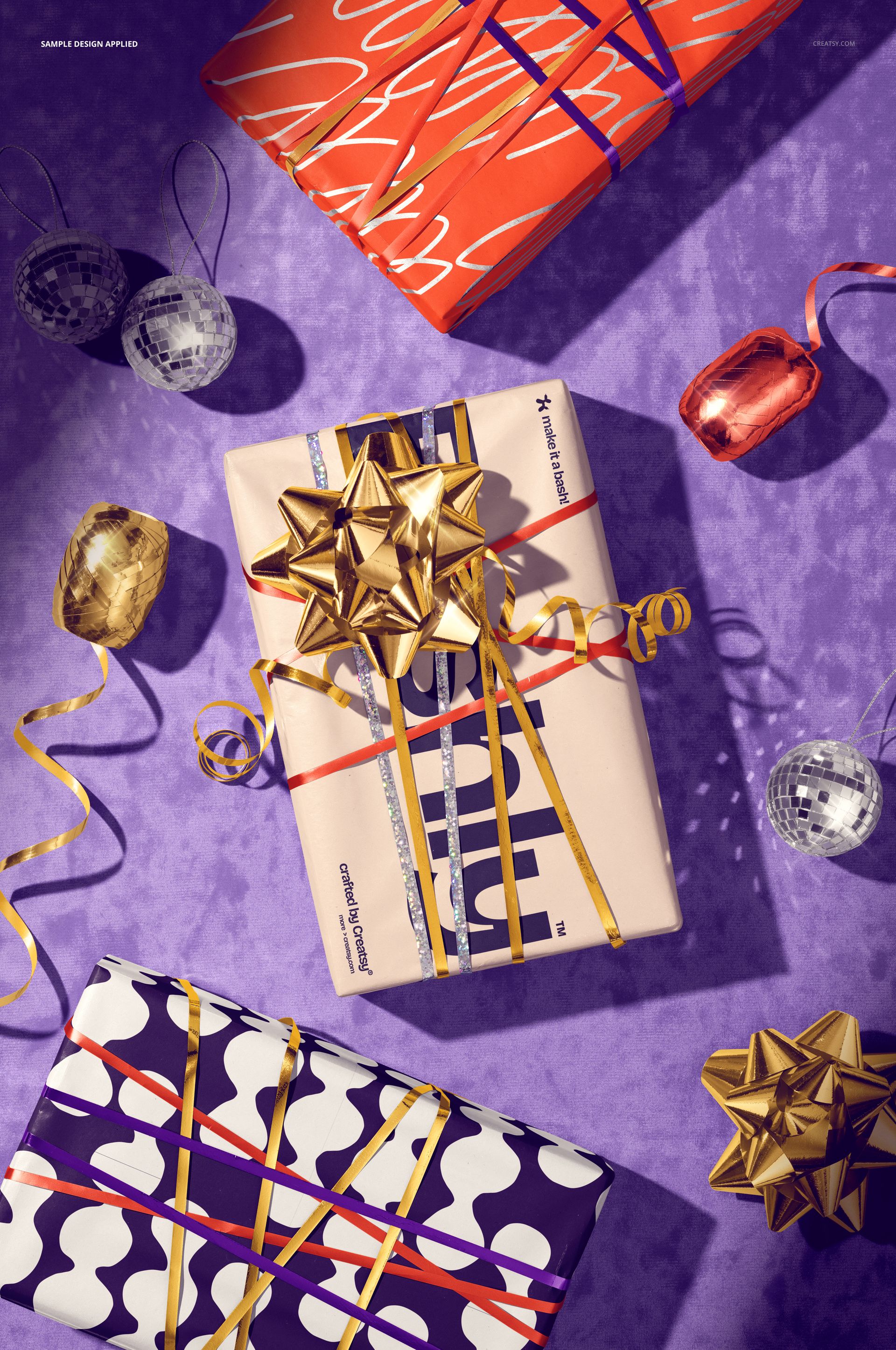
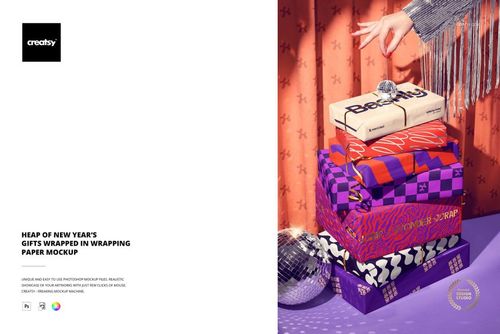
Turn a wrapping paper design into a lively gift presentation. This fixed-perspective mockup places several wrapped boxes on a textured purple surface with curling ribbons, layered bows and reflective baubles, creating a celebratory scene that keeps the paper pattern at the center of attention.
The overhead arrangement gives a collection a useful sense of rhythm: one box can carry the main pattern, another can echo a color cue, and the ribbons can pull the palette through the rest of the frame. It is a focused way to present gift wrap artwork without arranging a physical styling set.
What Is Included
1 layered PSD mockup file with one fixed scene of wrapped gift boxes.
1 JPG preview, 2 files in total.
6000 × 4000 px canvas at 300 DPI for detailed digital presentations and print-oriented layouts.
Wrapping Paper with a Metallic Option
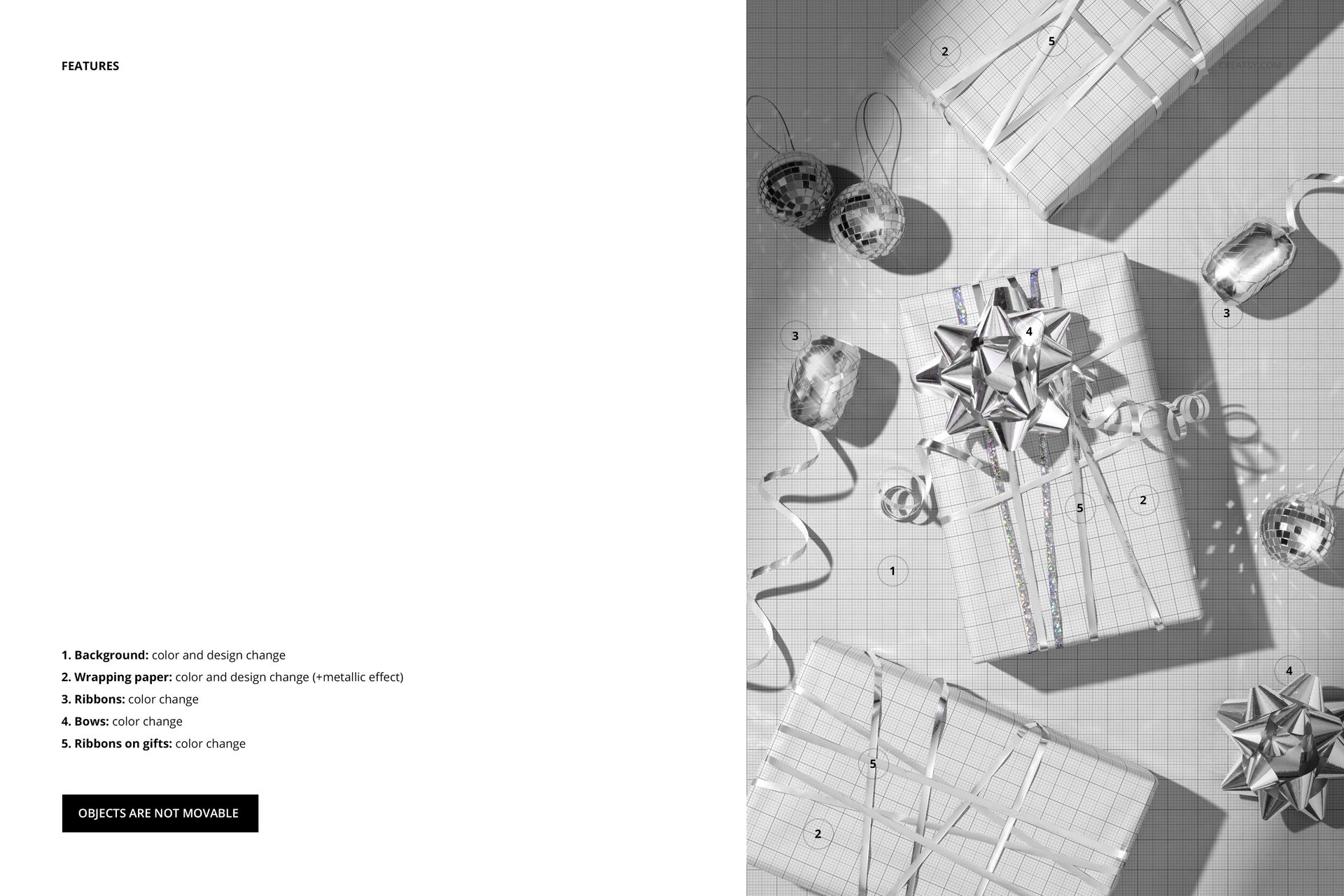
The wrapping paper supports color and design changes with a metallic effect option, so you can compare a flat printed direction with a more reflective finish. Use the paper artwork to test pattern scale and contrast across the visible faces of the boxes.
Ribbon and Bow Color Controls
Adjust the loose ribbons, the bows and the ribbons tied around the gifts using their color controls. Background color and design can also be changed to support a new campaign palette. Objects are not movable, so these edits preserve the photographed perspective and arrangement.
Easy PSD Editing
Open the PSD in Adobe Photoshop CC2020 or newer, or in Photopea. Place your artwork in the editable paper layer, review the metallic treatment, then tune the background and ribbon colors for a coherent gift wrap presentation. Organized layers make the scene straightforward to navigate.
Perfect For
Use this mockup for wrapping paper collections, giftware launches, holiday campaigns, boutique packaging portfolios, surface pattern licensing presentations and client reviews that need a clear view of paper, ribbon and bow together.
This is a digital mockup product. The physical gifts, ribbons and baubles are not included, and the example artwork in the previews is for presentation only.