Edible Cake Topper Mockup Set
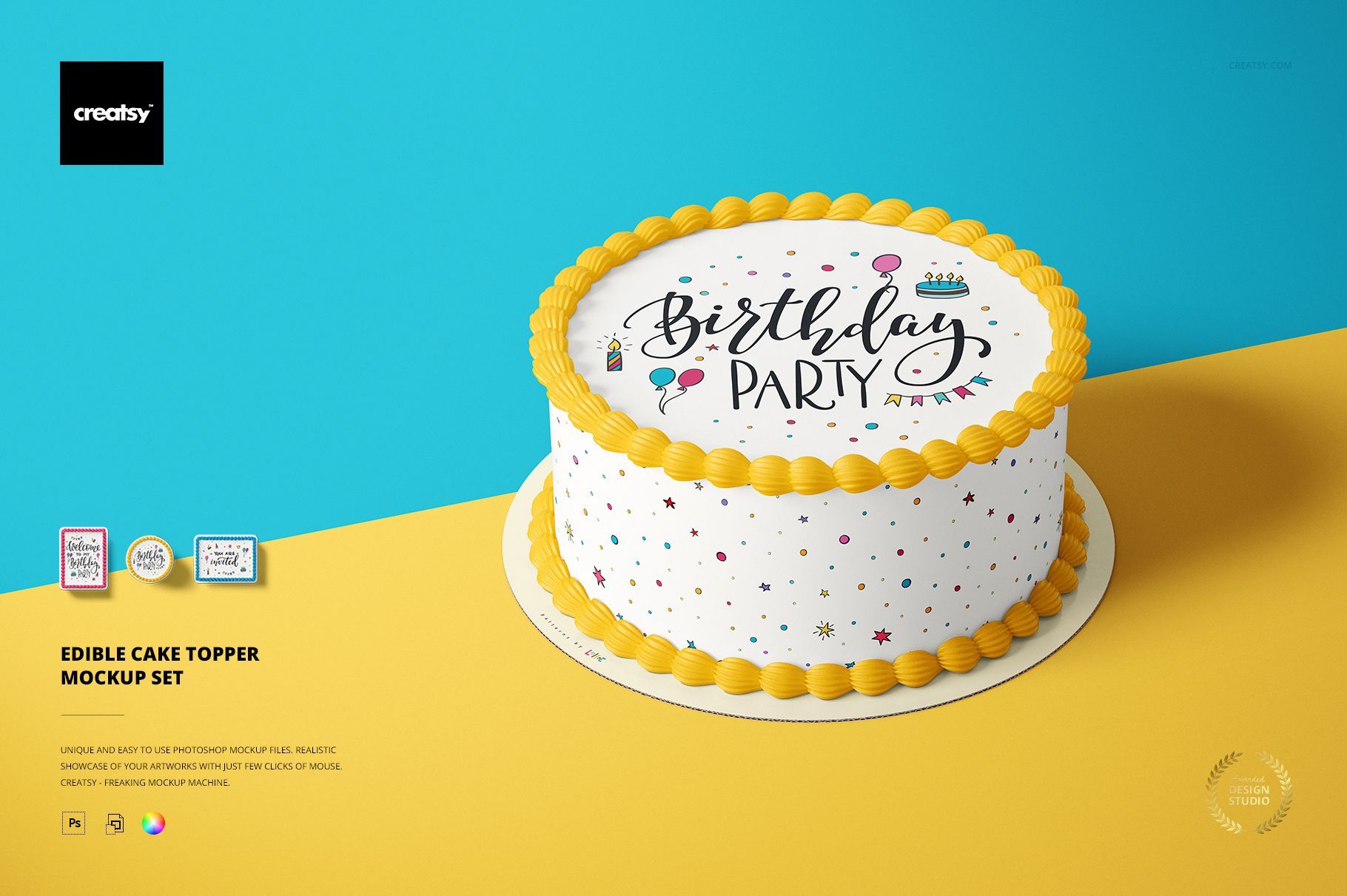
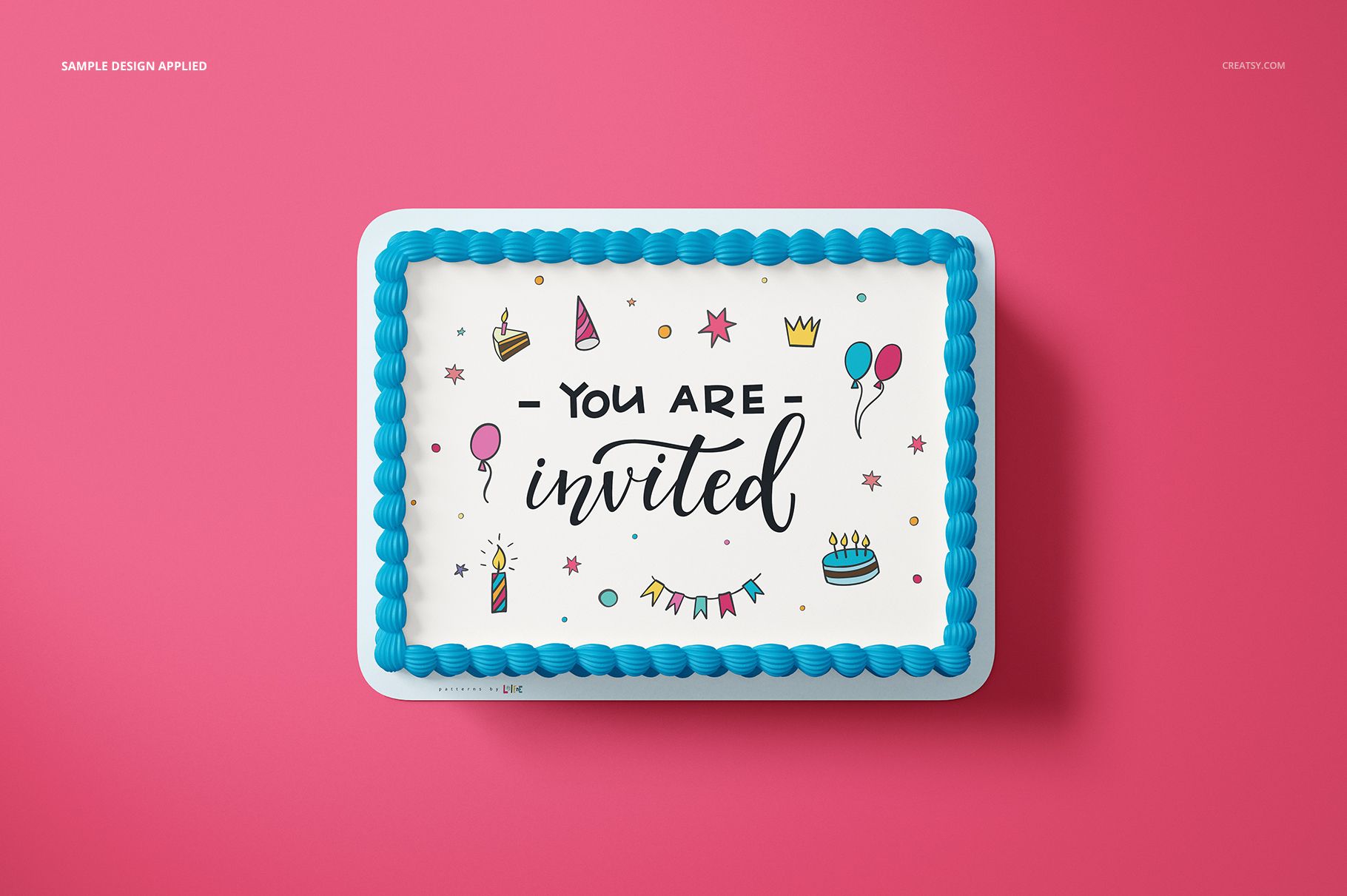
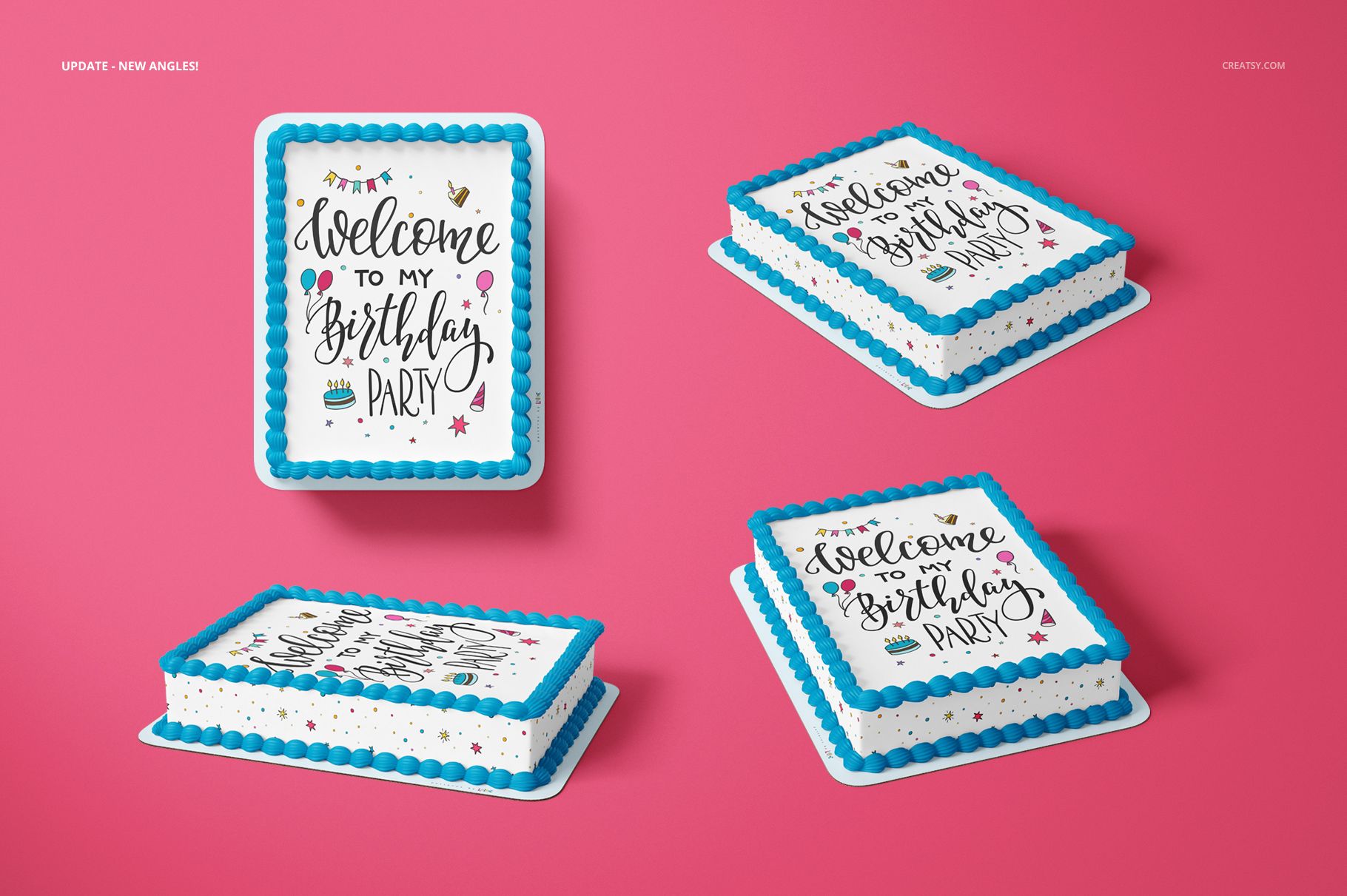
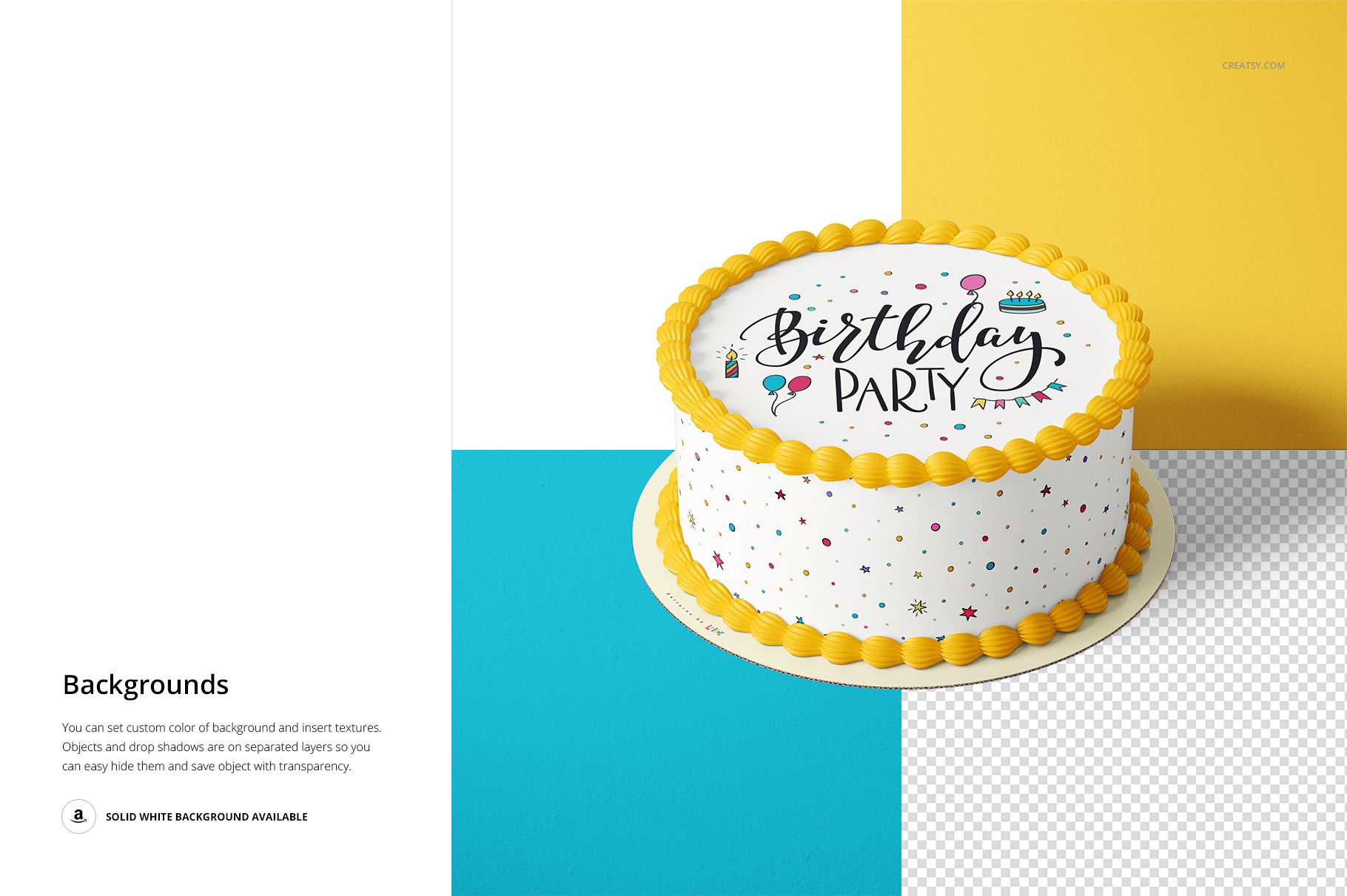
A cake topper can look balanced on screen yet lose impact once it is placed across a rounded cake or extended over a rectangular sheet cake. This eight-scene set helps you preview edible artwork in realistic top and angled views before printing.
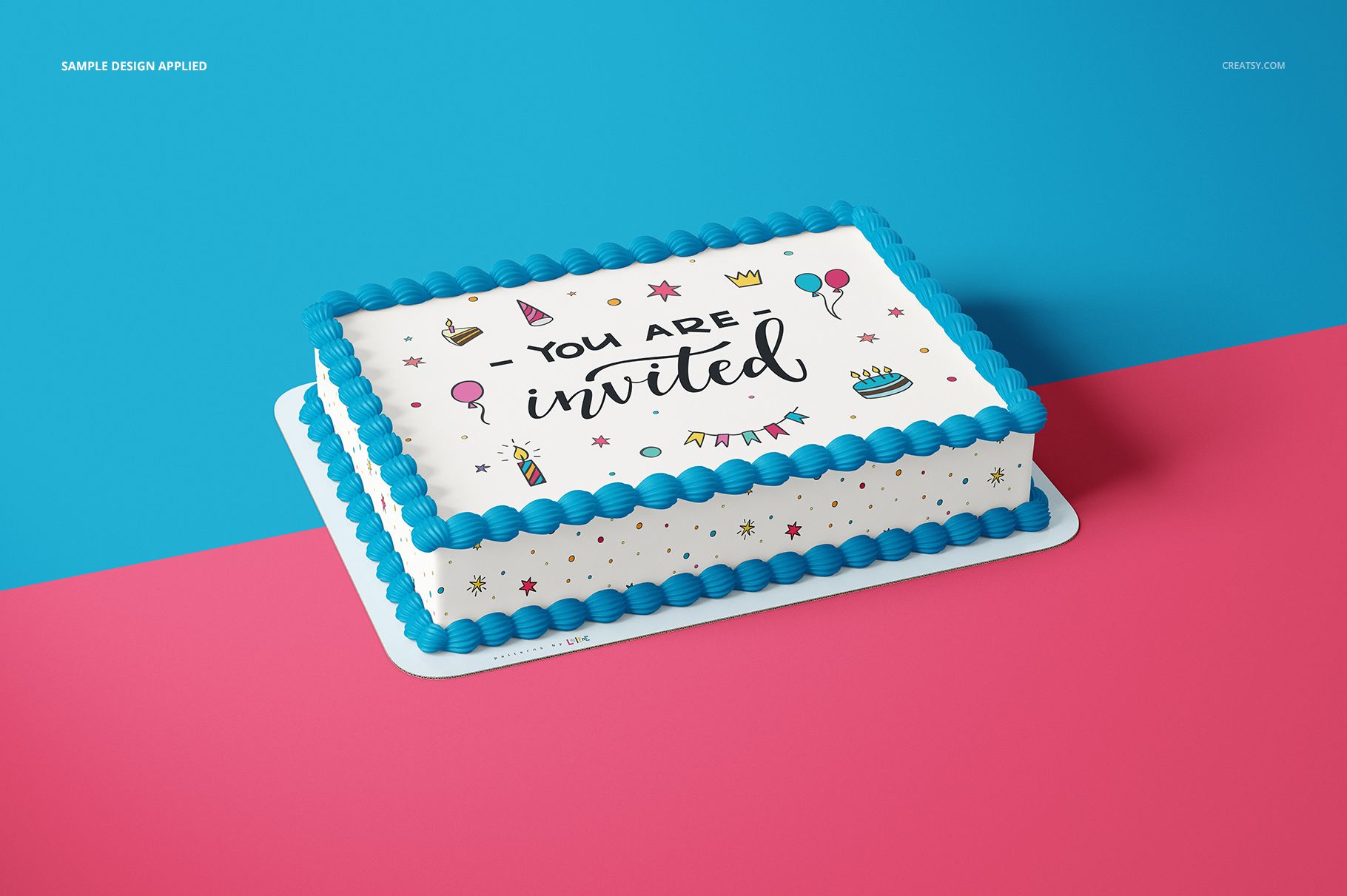
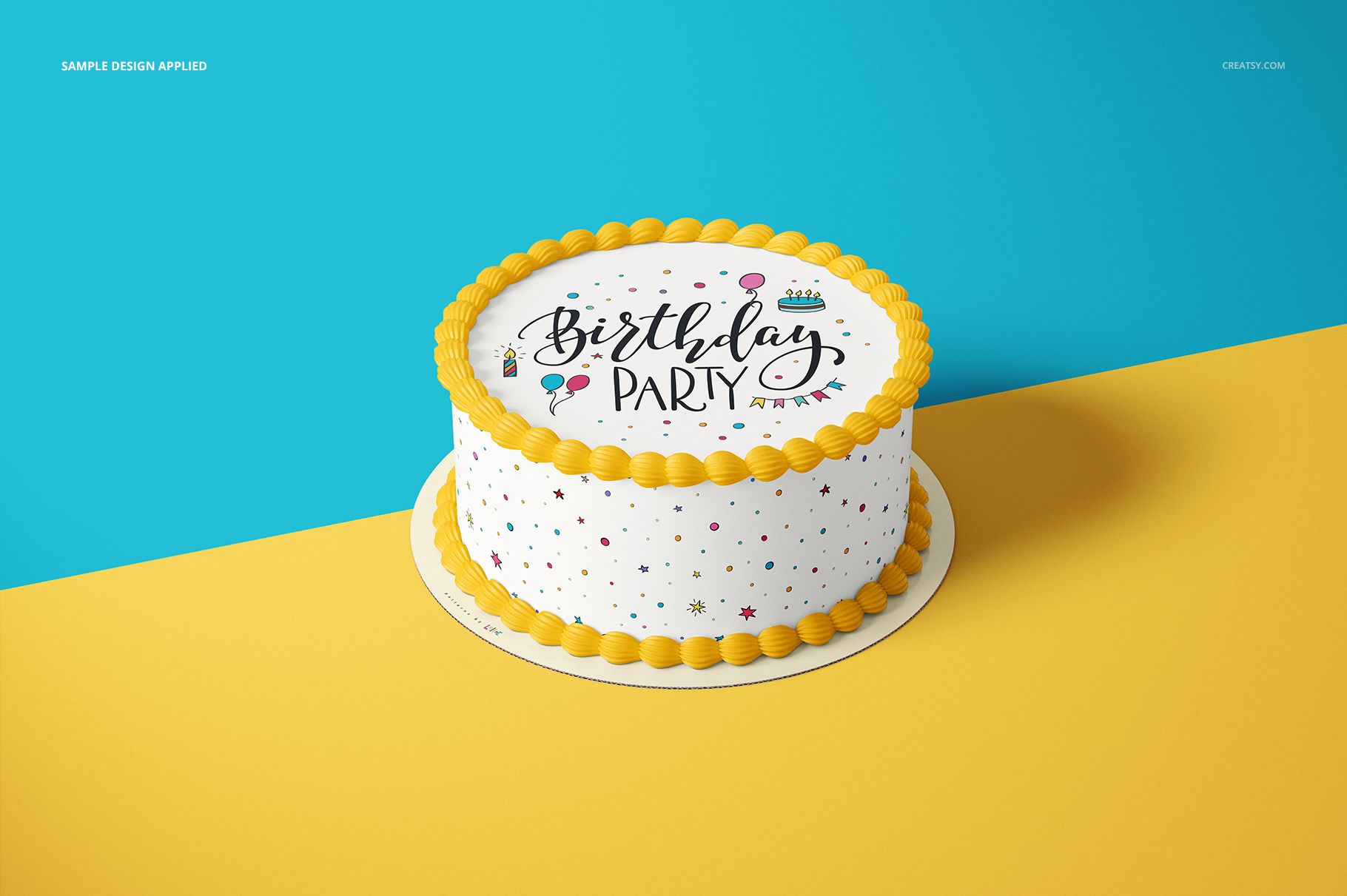
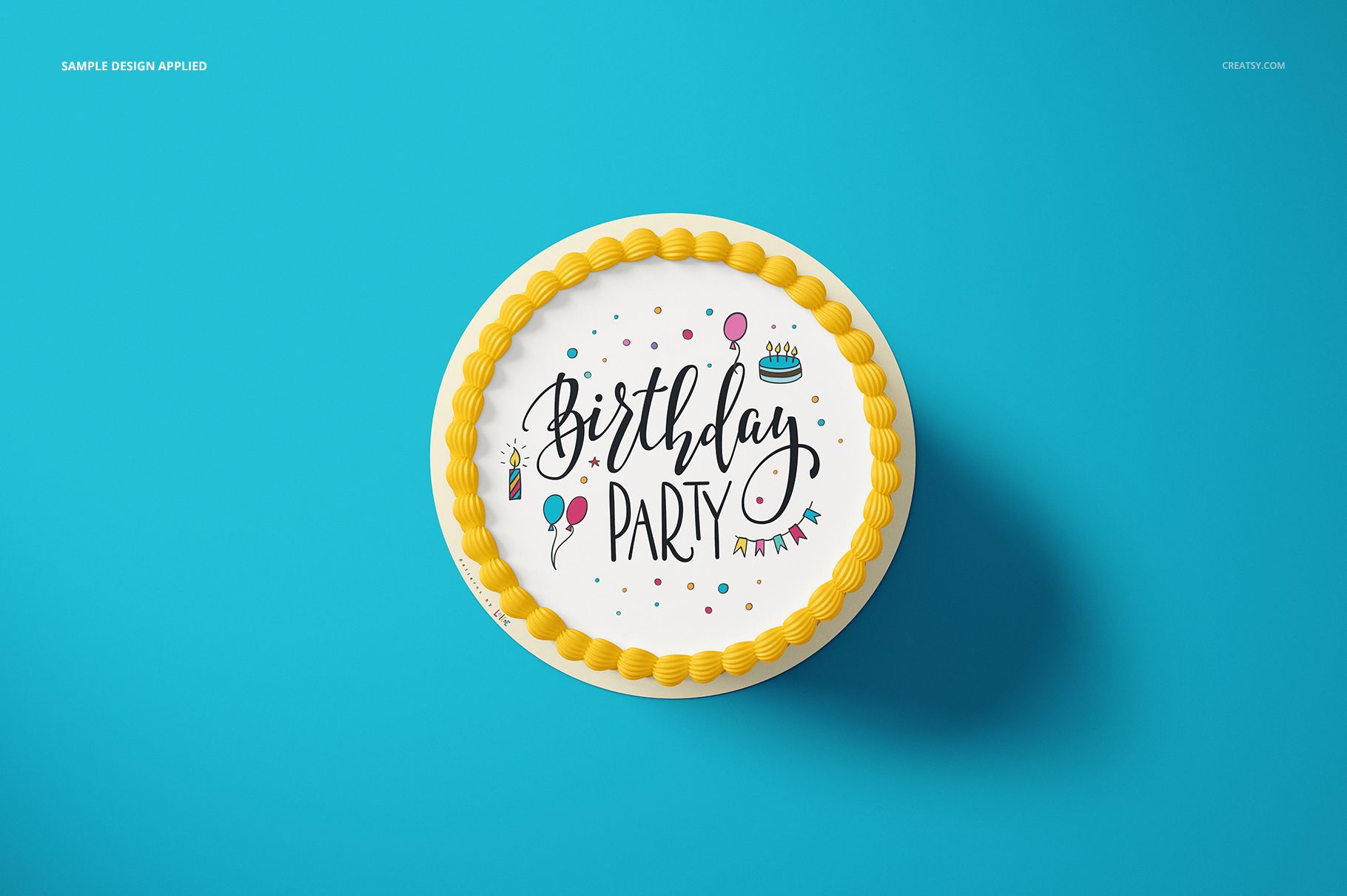
Switch between a 6 inch round topper and an 8 × 11 inch rectangular topper to compare typography, illustration scale and edge spacing. The surrounding cake, frosting and plate controls let you build a coordinated presentation instead of showing the printed sheet in isolation.
What Is Included
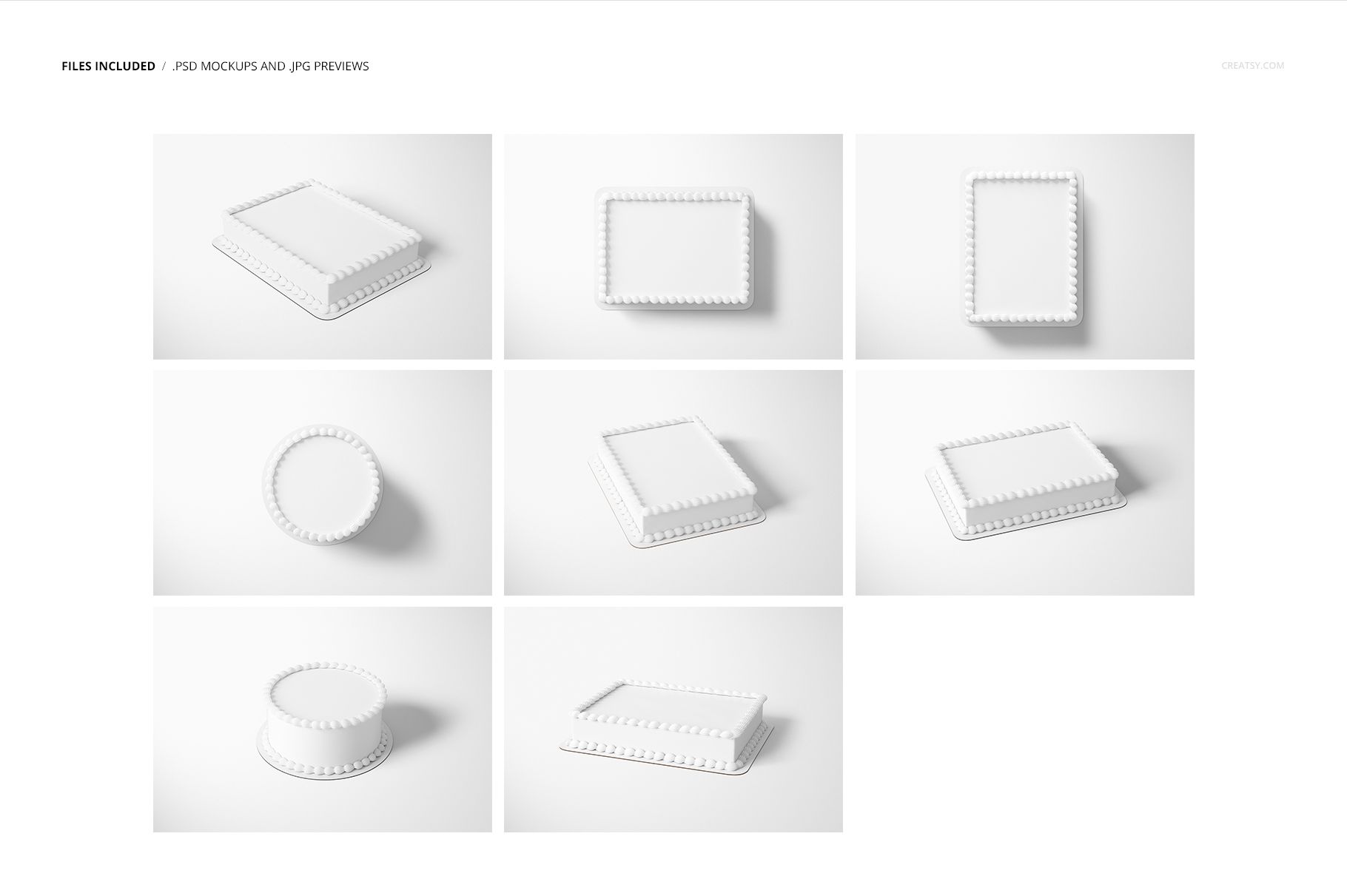
8 layered PSD mockup scenes and 8 matching JPG previews
2 round cake scenes and 6 rectangular cake scenes
Top and angled viewing perspectives
6 inch round and 8 × 11 inch rectangular topper formats
1 PDF user manual
6000 × 4000 px at 300 DPI per PSD
Compare Two Popular Topper Formats
Round and rectangular layouts answer different design questions. The circular view is useful for centered names, crests and radial compositions, while the sheet cake format gives invitations, illustrations and repeating motifs more horizontal space. Seeing both helps clients choose a format with confidence.
Edit the Cake, Not Just the Topper
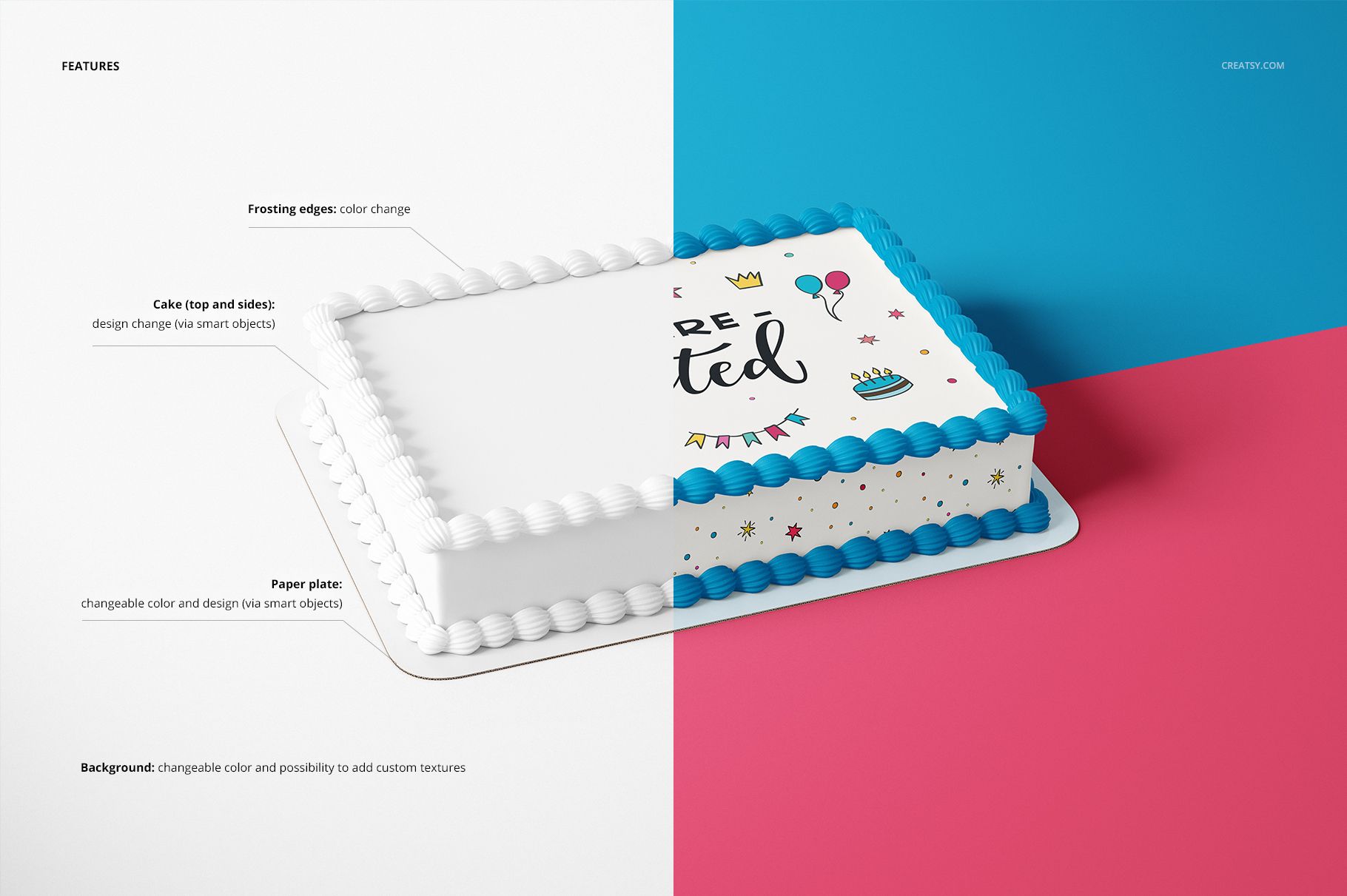
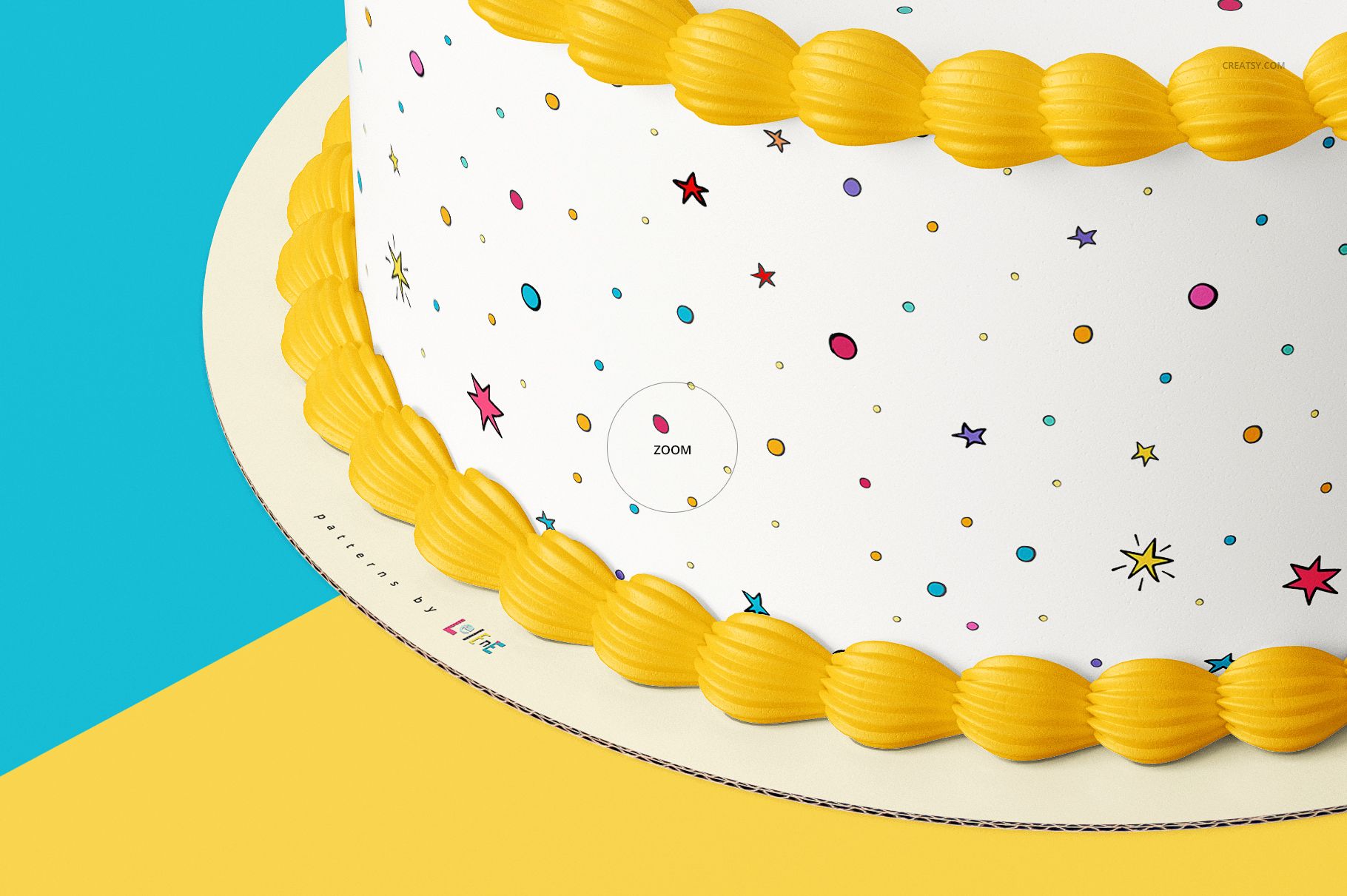
Smart Objects are provided for the cake top, cake sides and paper plate. You can also change the frosting edge color, set a custom background color and add a background texture, giving the preview a visual language that matches the artwork.
Easy Smart Object Editing
Replace the sample graphics through the organized layer structure, review the warped result, then refine cake and background colors. The PSD files are compatible with Adobe Photoshop CC 2015 or newer and Photopea.
Perfect For
Cake artists and edible printing studios
Bakery branding and product launch presentations
Birthday and celebration graphic collections
Client approvals for round or sheet cake formats
Portfolio pages, menus and online shop galleries
This is a digital presentation set, not an edible print file or production guide. Cakes, decorations and sample artwork shown in the previews are not included as reusable assets.














trash .. downloading 500kbps?? are we in 1995??????????????????????????????? also why trashbox is not adding file to my account??? so annoying ...
Hi there, sorry for the trouble. Downloads should be fast. Our files are hosted on Microsoft Azure’s top tier, so speed issues are usually caused by local ISP or temporary network congestion. To help right away, I am sending your purchase via WeTransfer as an alternative download. Let me know if this solves it.