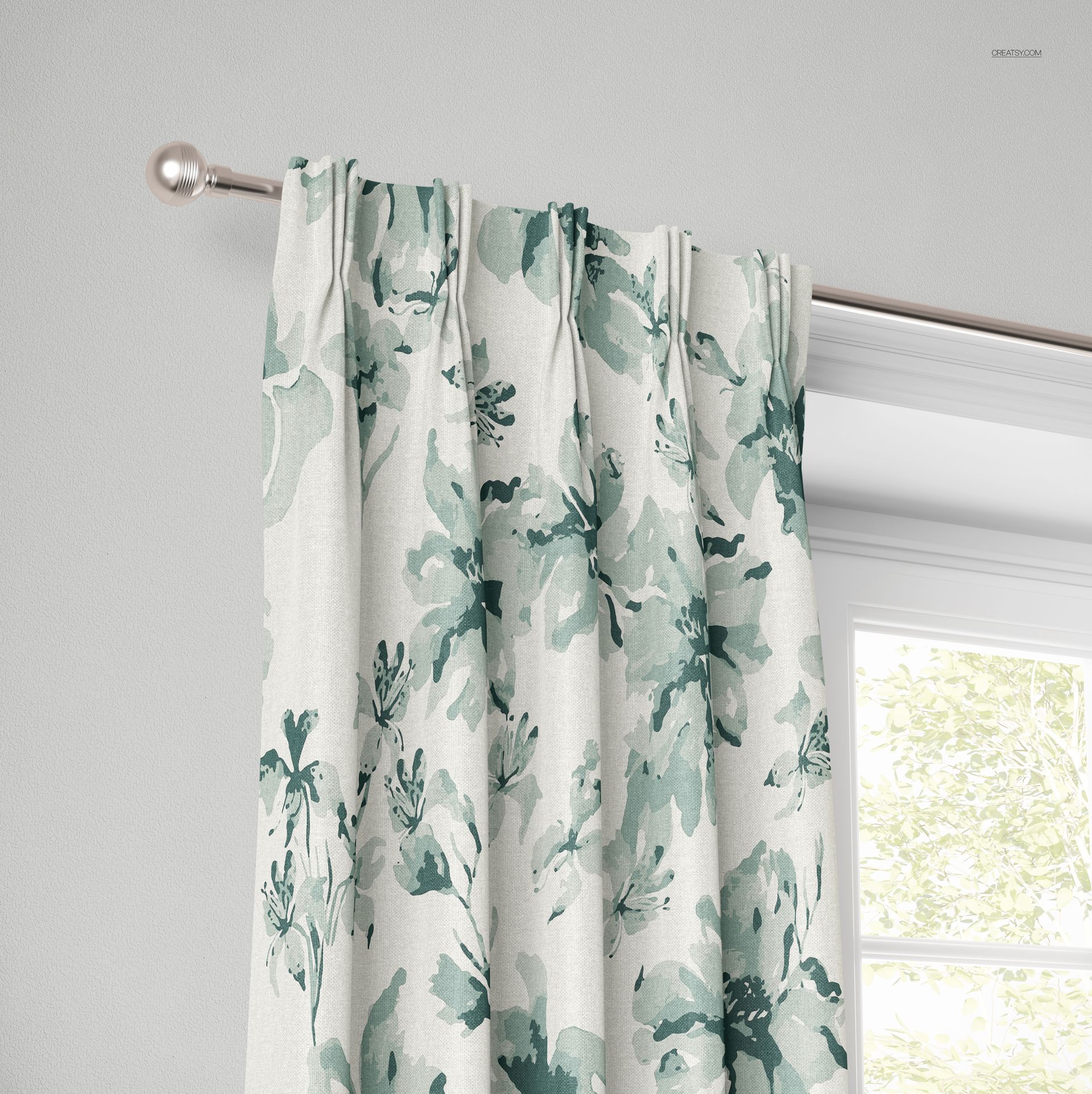
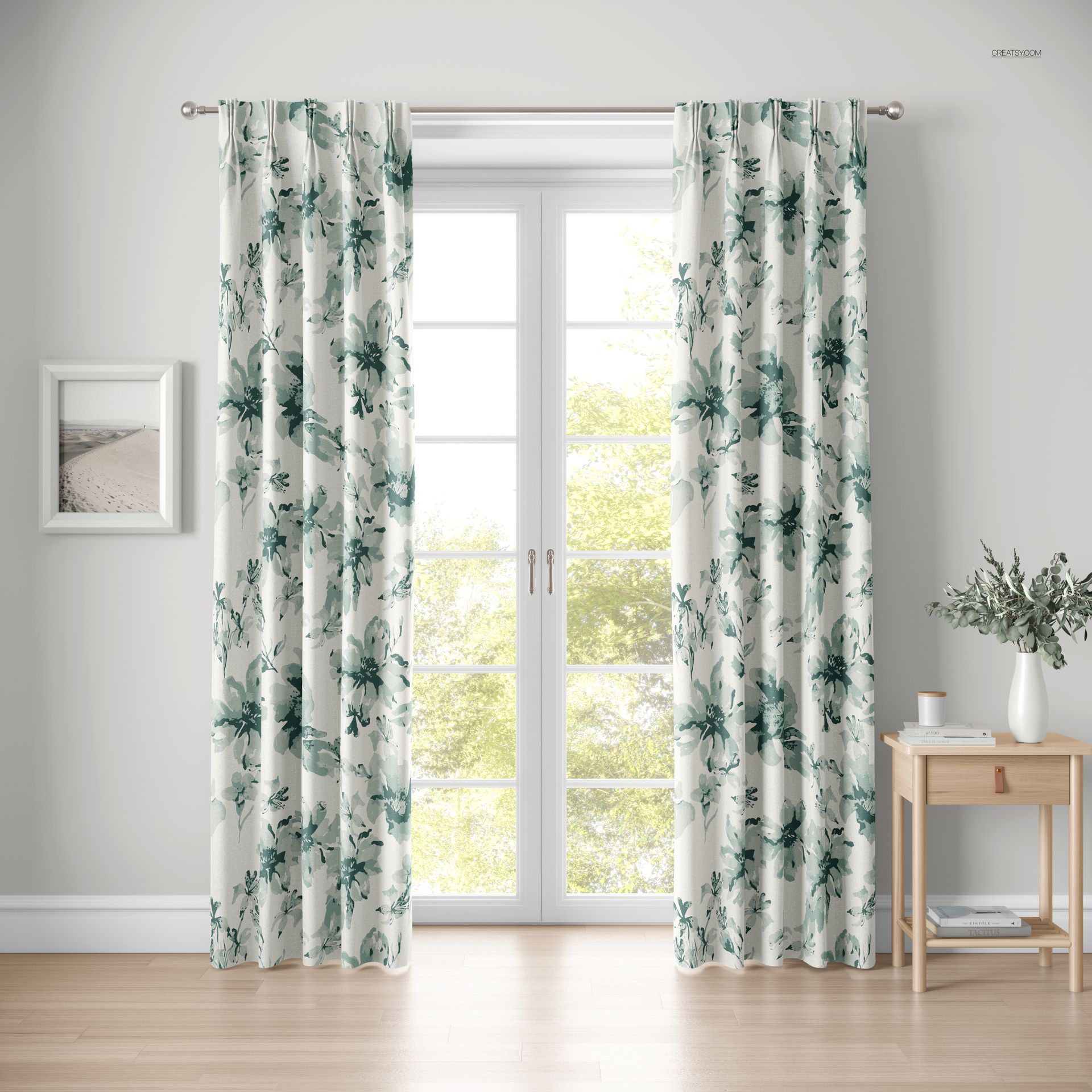
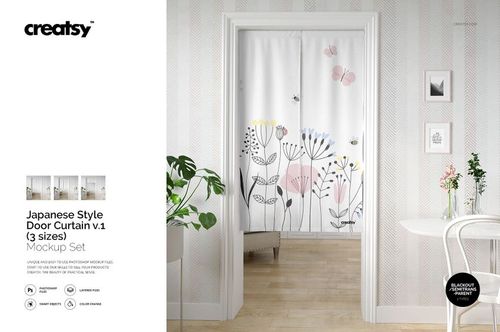
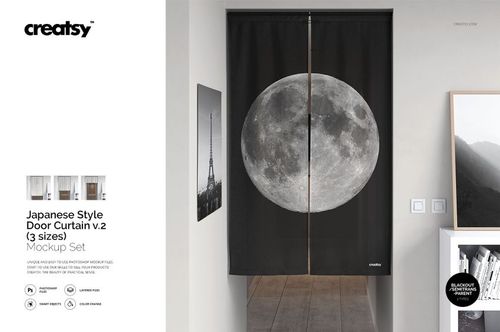
American Pleat Curtain Mockup Set

ID: 1540913493 | Updated: Sep 25, 2025

Product Details

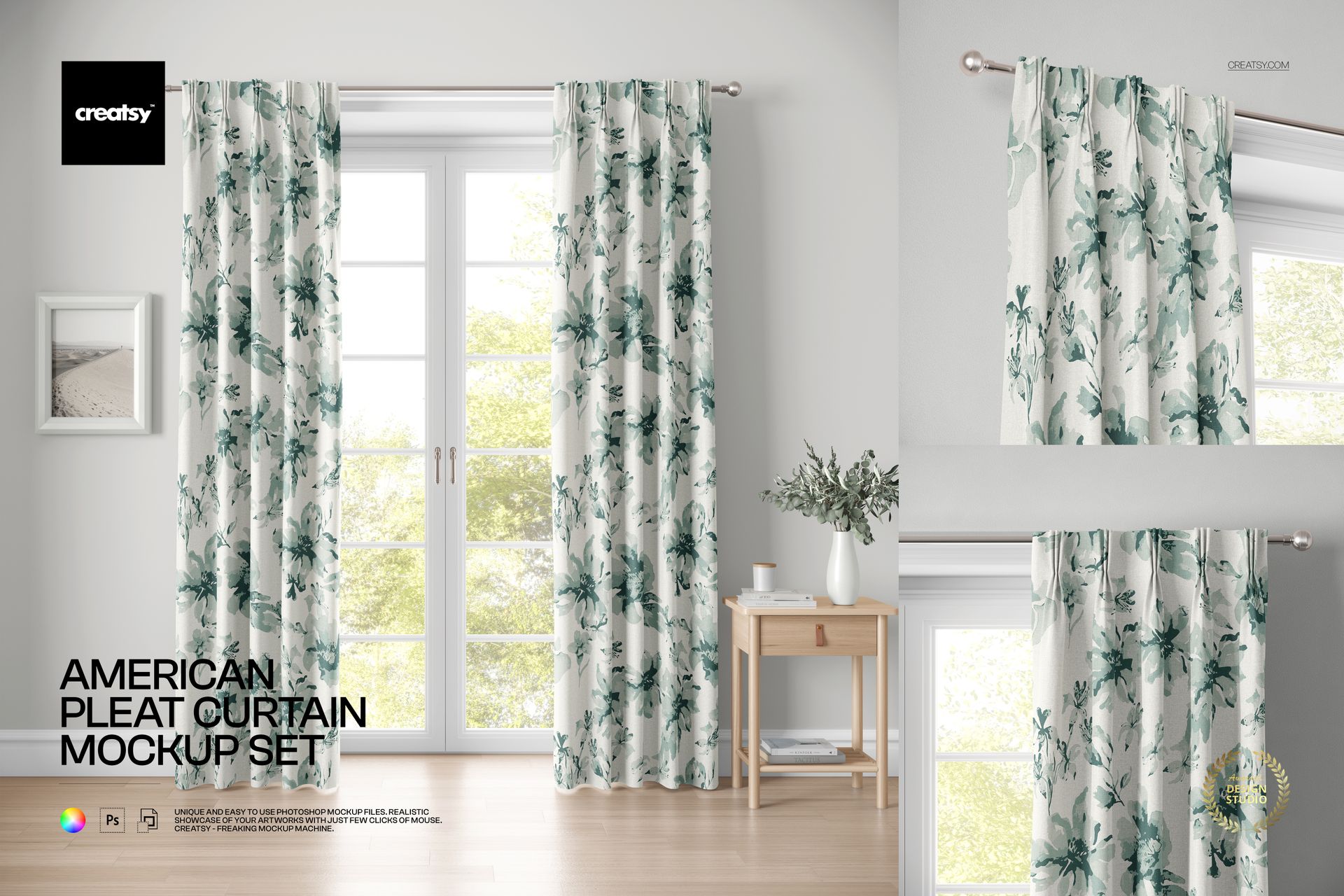
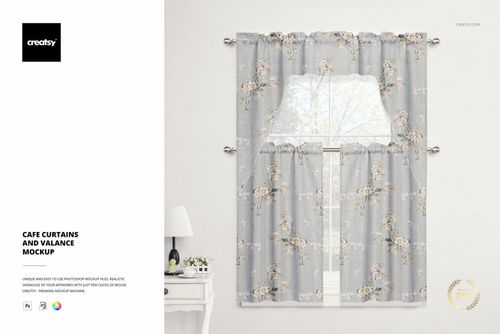
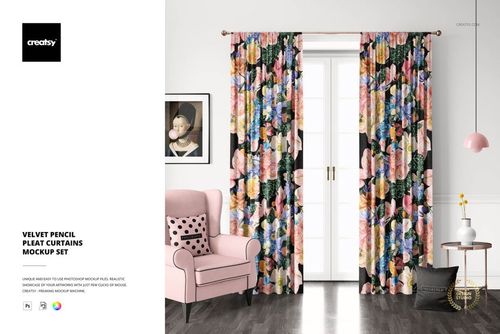
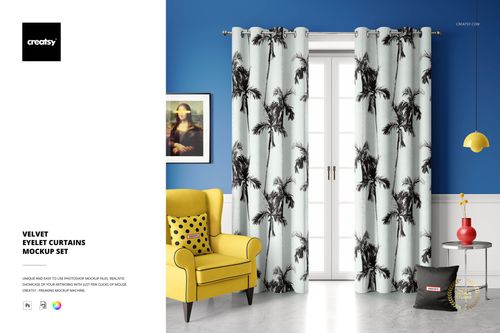
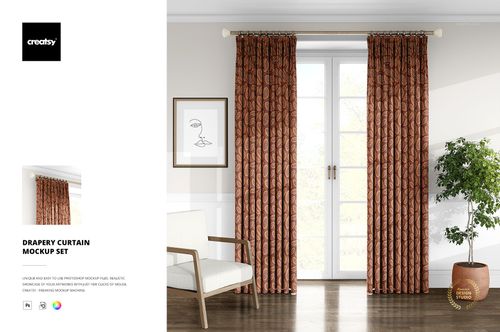
The American Pleat Curtain Mockup Set includes three PSD files showing pinch pleat curtains in a bright, naturally lit room with a window view. Each file presents the curtains from a different angle at 6000 x 6000 px and 300 DPI, giving you full-resolution coverage for portfolio presentations, client pitches, and product listings. This set is built for surface pattern designers, textile artists, interior designers, and home decor brands that need to showcase fabric designs on realistic curtain panels with proper pleat structure and drape.

Why This Mockup Set Works

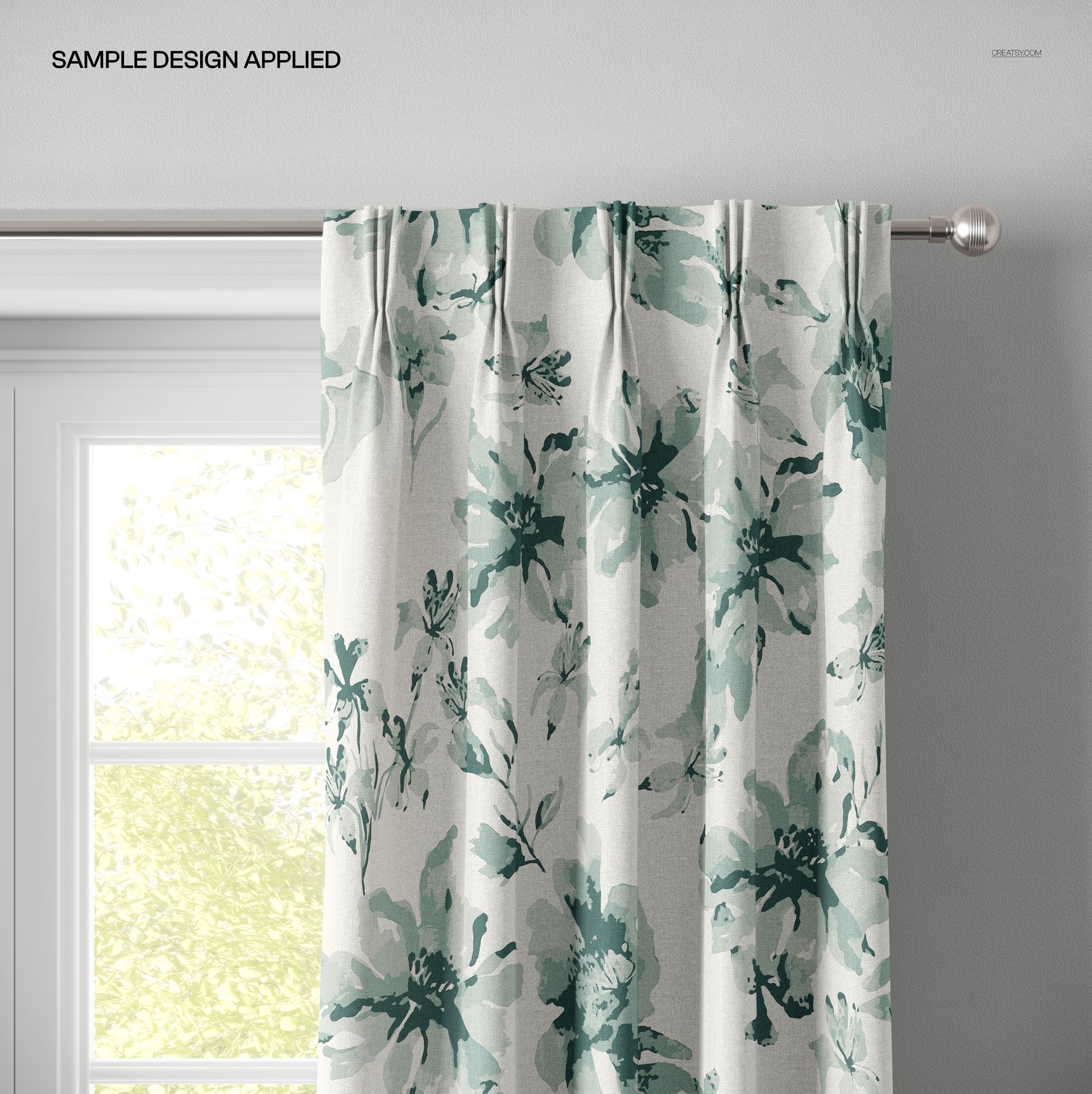
Flat fabric swatches show your pattern but not how it behaves on a real window treatment. These curtain mockups place your design onto American pleat panels that hang naturally from a curtain rod, showing how repeat scale, color density, and pattern orientation look in an actual room. The bright interior setting with natural window light creates a clean, aspirational context that works for both residential and commercial decor presentations. With three viewing angles in the set, you can build a complete product story that covers the full curtain view, the pleat detail, and the drape character from different perspectives.

What Is Included

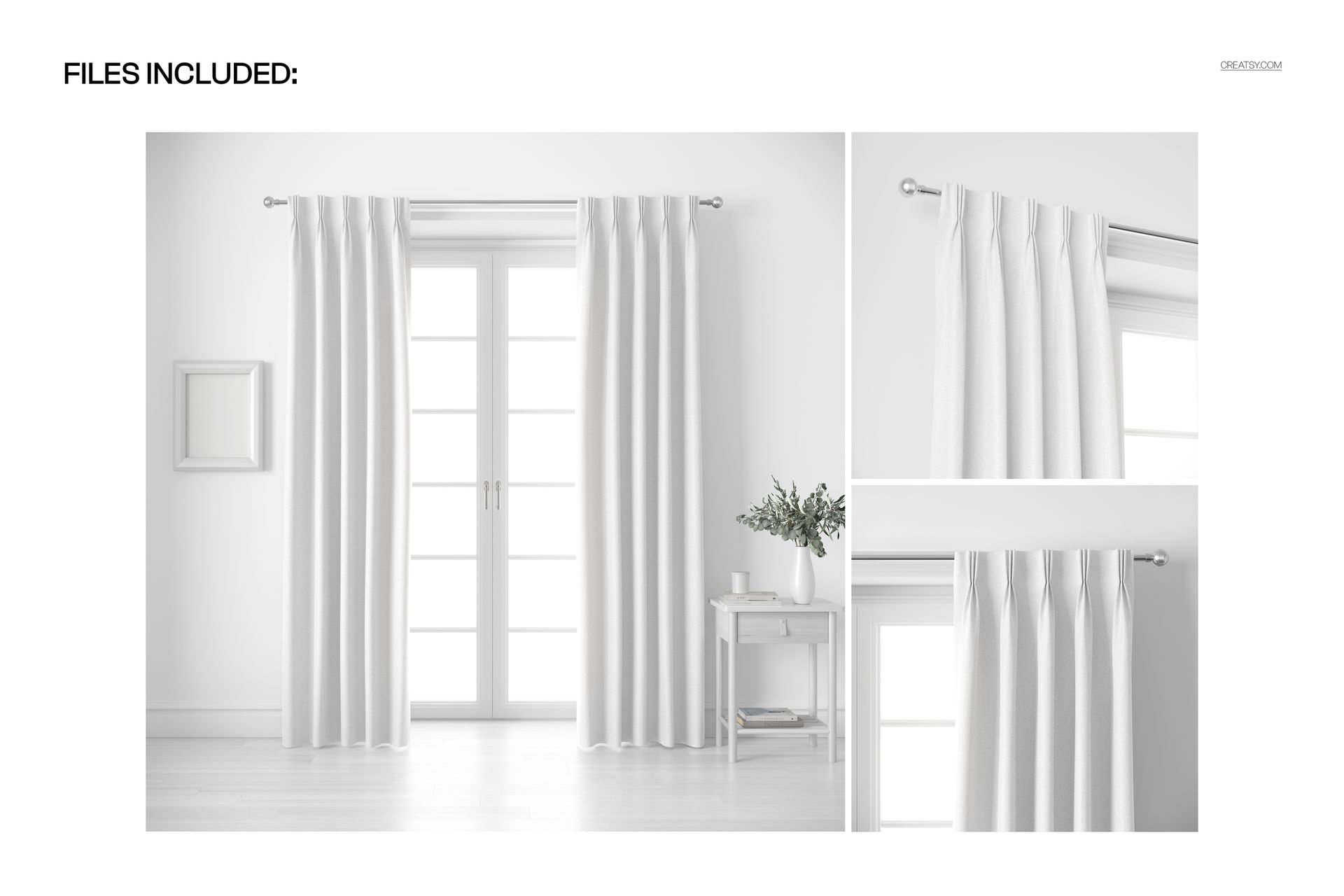
You receive three layered PSD files, each containing a different view of the same American pleat curtains in a styled room scene. Every file uses smart object layers that accept your fabric design via drag-and-drop or paste. Built-in displacement mapping wraps your pattern around the pleated fabric surface, preserving fold depth, shadow gradients, and the natural drape of the curtain material. The organized layer structure keeps editing straightforward. All files are rendered at 6000 x 6000 px and 300 DPI for print-quality output.

What You Can Customize

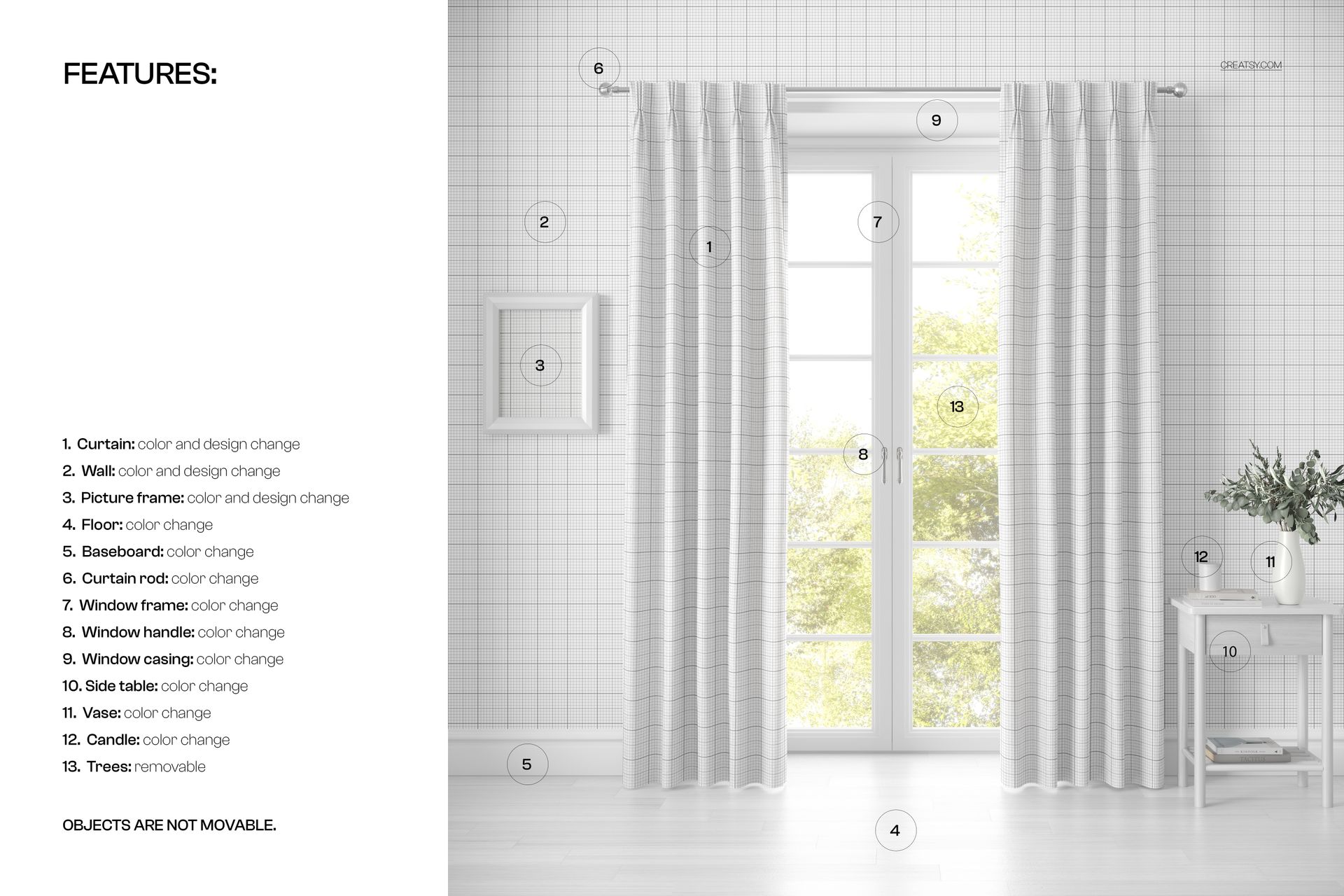
Place any seamless or non-seamless pattern, print, or solid color into the smart object layer of each PSD. The mockup handles pleat geometry, fold shadows, and fabric drape automatically. Swap designs across all three files to create a matched set of curtain images with consistent pattern placement. Adjust backgrounds or keep the existing bright room setting. Export at full 6000 x 6000 px resolution for large-format portfolio prints and trade show displays, or resize for web, social media, and marketplace listings.

Who This Mockup Set Is For

Surface pattern designers use this set to demonstrate how their repeats look on pleated curtain panels in a room context. Textile artists present hand-painted or digitally created fabric designs in a format that buyers and licensing partners can immediately visualize in a home setting. Interior designers show clients specific fabric options on realistic curtain panels during the selection process. Home textile brands and manufacturers preview new curtain collections before committing to fabric production and sewing. E-commerce sellers on Etsy, Shopify, and Amazon create multi-angle product listings that show curtain designs from different perspectives, increasing buyer confidence. Window treatment retailers generate visual catalogs of their fabric options without photographing every pattern individually.

File Specifications

Format: PSD (Adobe Photoshop). Files: 3 PSD files with different viewing angles. Dimensions: 6000 x 6000 pixels per file. Resolution: 300 DPI. Organized layers with smart object placement. American pleat (pinch pleat) curtain style. Compatible with Adobe Photoshop CC and later versions.

File details

Compatibility
PhotopeaAdobe Photoshop
Number of files included
6
Package size
1.31 GB1.31 GB|1.4 GB1.4 GB
Files type
.psd, .jpg
Files size
6000x6000
TEST FOR FREE

MEET THE SHOP

Creatsy logo

Creatsy

Poland
4.7 (648)

Bring your ideas to life.

We're a family-run studio in Katowice, Poland, making PSD mockups by hand since 2016. Everything in this shop starts in our own studio. We shoot the photography, build the 3D, and put together every Smart Object PSD ourselves - then we test it, organize the layers, and only ship it once it actually works...
GO TO SHOP

HOW IT WORKS

3 clicks. That's it.

No tutorial needed. If you can copy-paste, you can use this.

  1. 1OpenDouble-click the smart object inside the PSD - in Adobe Photoshop, or free in your browser with Photopea.
  2. 2PasteDrop in your pattern, print, or artwork. Any design, any style.
  3. 3SaveHit save and the mockup wraps it in for you - shadows, folds, and lighting included.

FROM IDEA TO IMAGE

Built for real workflows

Skip the photo shoot Show your artwork on the real product type for approvals or listings - no studio, no model, no sample.

See it on the product, not a swatch Drop your file into the smart object and the scene's lighting and folds wrap around it, so you judge the real thing before you commit.

Smart Objects

Edit once and you're done. Your artwork drops into a smart object and the mockup updates itself - no masking, no warping by hand.

Perfectly Organized

Named layers and folders you can actually navigate. Find what you need, change what you want, and get out fast.

Print-Ready

High-resolution files built to hold up on screen and in print. Exact size and DPI are in this product's Details above.