What Is the Roman Blind Mockup Set?
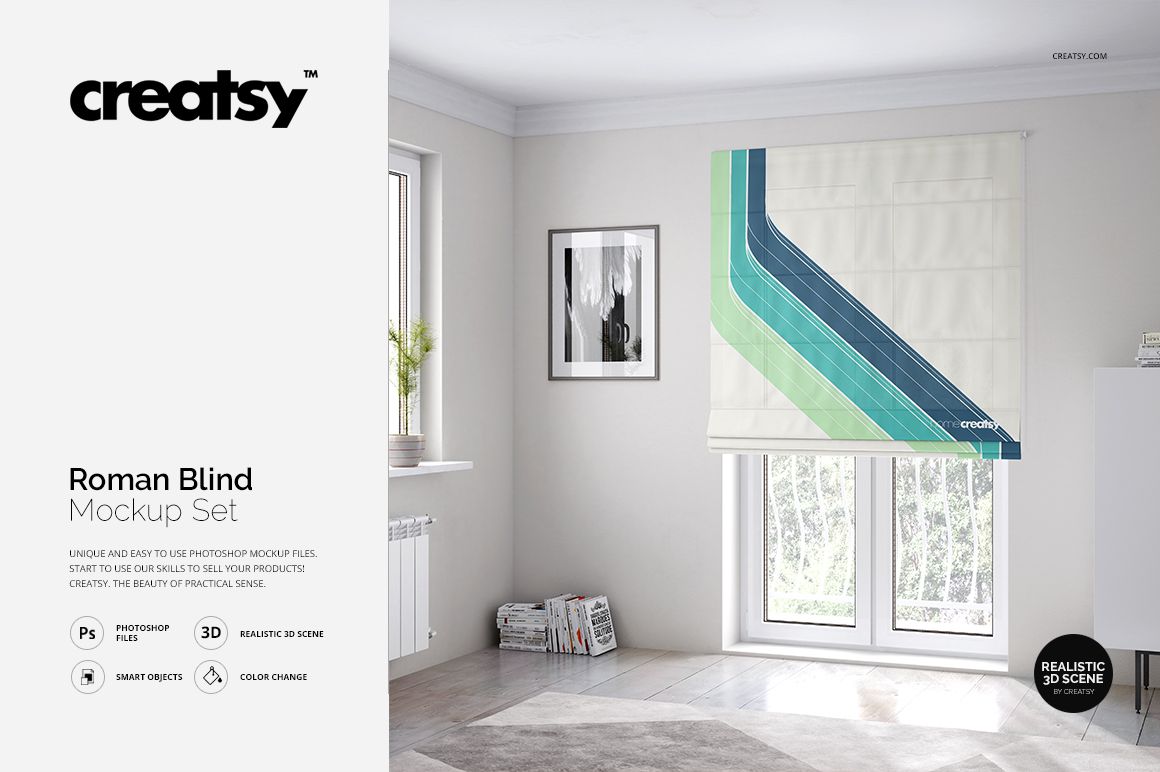
The Roman Blind Mockup Set by Creatsy is a digital PSD mockup collection for presenting seamless patterns, textile prints, illustrations, logos, and custom artwork on a fabric Roman blind, also known as a Roman shade.
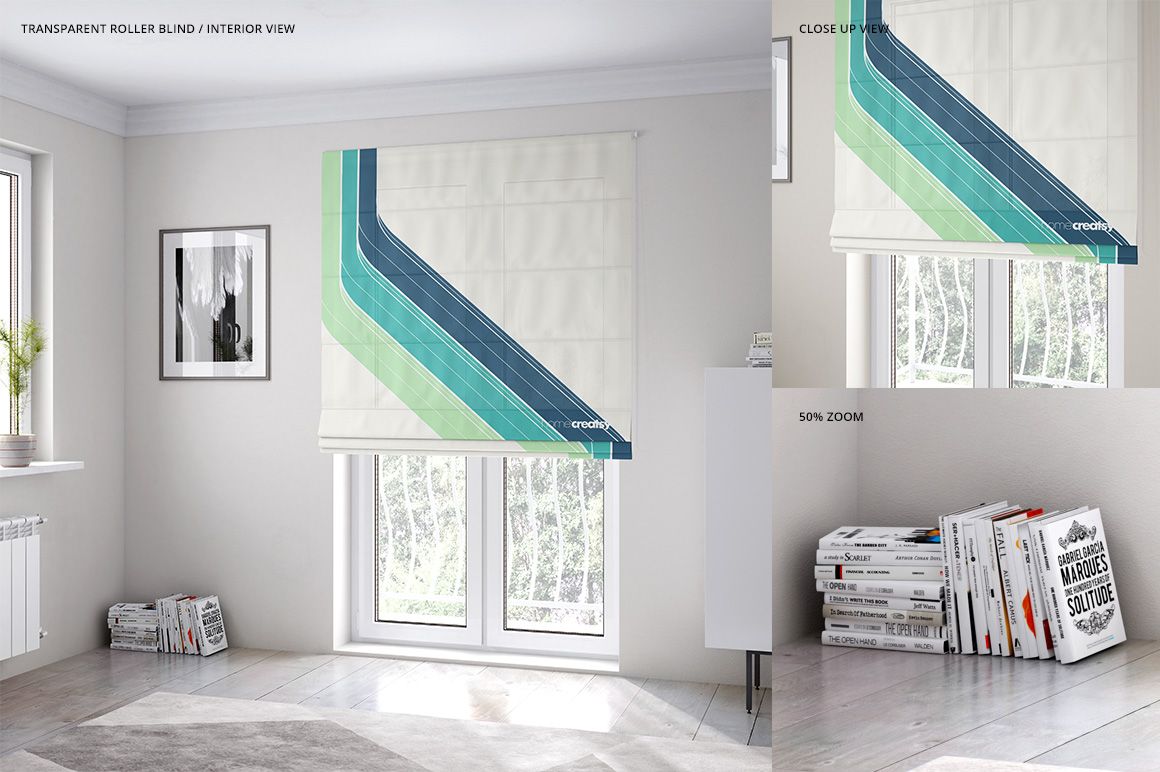
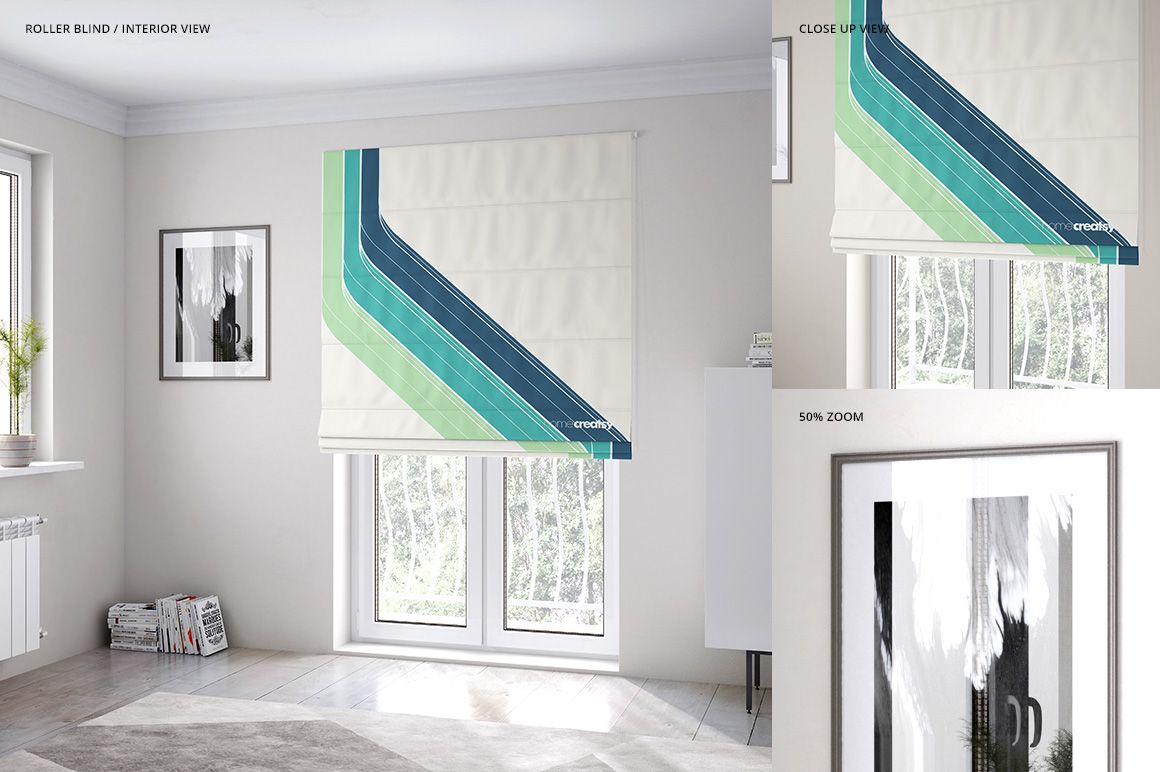
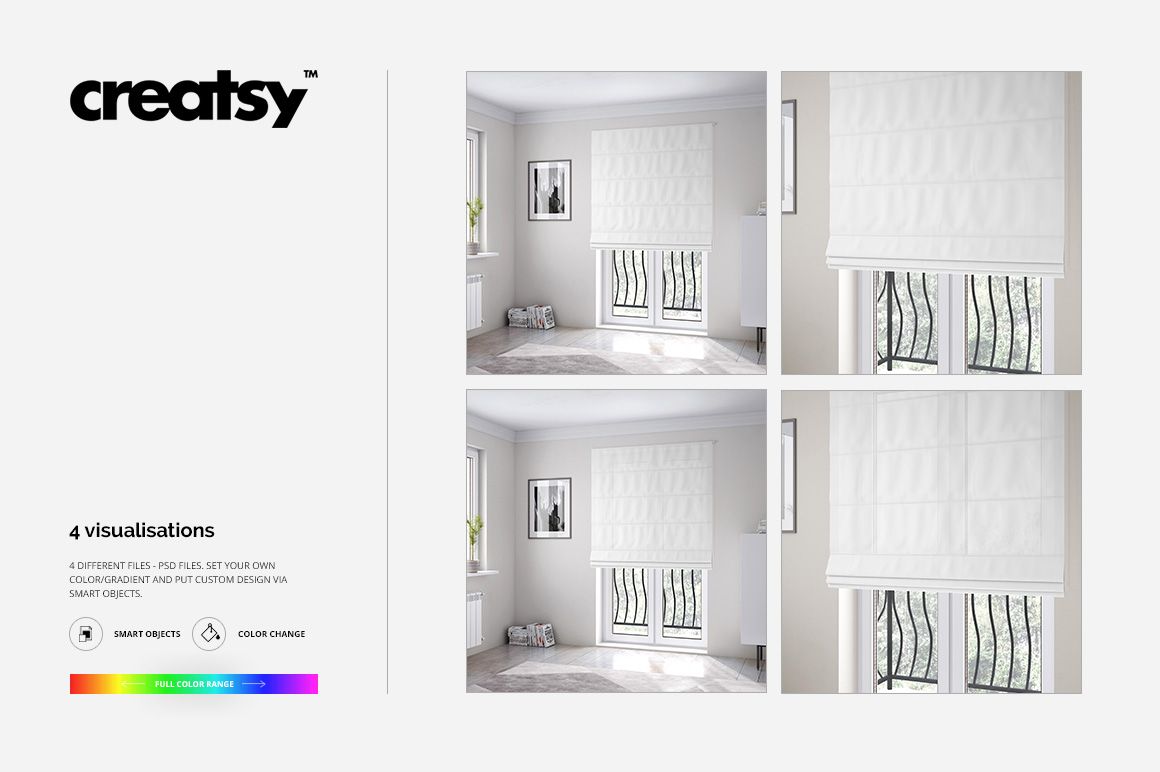
The set includes four editable PSD files built around two compositions: a full interior view and a detailed close-up. Each composition is supplied in a standard and a transparent blind version, allowing you to present the same artwork with two different levels of light transmission. Every PSD is 4000 × 4000 px at 300 DPI, creating a consistent square format for online shop listings, product galleries, portfolios, catalogs, line sheets, licensing presentations, client proposals, and social media content.
Use the interior view to show how the Roman blind works within a furnished room and how the design relates to the window, walls, furniture, and surrounding decor. Use the close-up view when pattern scale, motif placement, color, and the effect of light on the fabric need to remain the main focus.
Add your artwork through the Smart Object, adjust its scale and position, and save. The mockup preserves the blind’s perspective, surface details, lighting, and shadows, helping you evaluate how a flat pattern or placement design may look on a finished window treatment before producing a physical sample or arranging a photo shoot.
You can also customize the blind’s color and gradient and recolor selected interior elements, including the walls, bed elements, and frames, to create a scene that complements your artwork.
This is a digital product. No physical Roman blind, Roman shade, or other window treatment will be shipped.
In the Download
- 4 layered PSD mockup files, 4000 × 4000 px at 300 DPI per PSD
- 4 JPG preview images and 1 TIF guide file, 9 files in total
- 2 compositions: 1 full interior view and 1 detailed close-up view
- standard and transparent Roman blind versions of each composition
- editable Roman blind artwork, colors, and gradients
- editable colors for the walls, selected bed elements, and frames
- artwork replacement via Smart Objects
- well-organized layers for straightforward editing
- compatible with Adobe Photoshop CS4 or later and Photopea
- sample artwork shown in the product images is not included
Who Is It For?
The Roman Blind Mockup Set is designed for surface pattern designers, textile designers, illustrators, licensing artists, home decor brands, fabric studios, custom window treatment businesses, Roman blind and Roman shade manufacturers, interior designers, ecommerce sellers, and graphic designers.
It is especially useful for creatives who want to present repeat patterns, placement prints, large-scale illustrations, coordinated home textile collections, or custom window covering concepts without producing a physical sample or organizing a professional interior photo shoot.
How to Use It
1. Open one of the PSD files in Adobe Photoshop or Photopea.
2. Double-click the Smart Object assigned to the Roman blind artwork.
3. Paste your pattern, illustration, logo, or other custom design.
4. Adjust the artwork scale and position, then save the Smart Object.
5. Customize the blind and interior colors if needed.
6. Return to the main scene and export your finished mockup image.