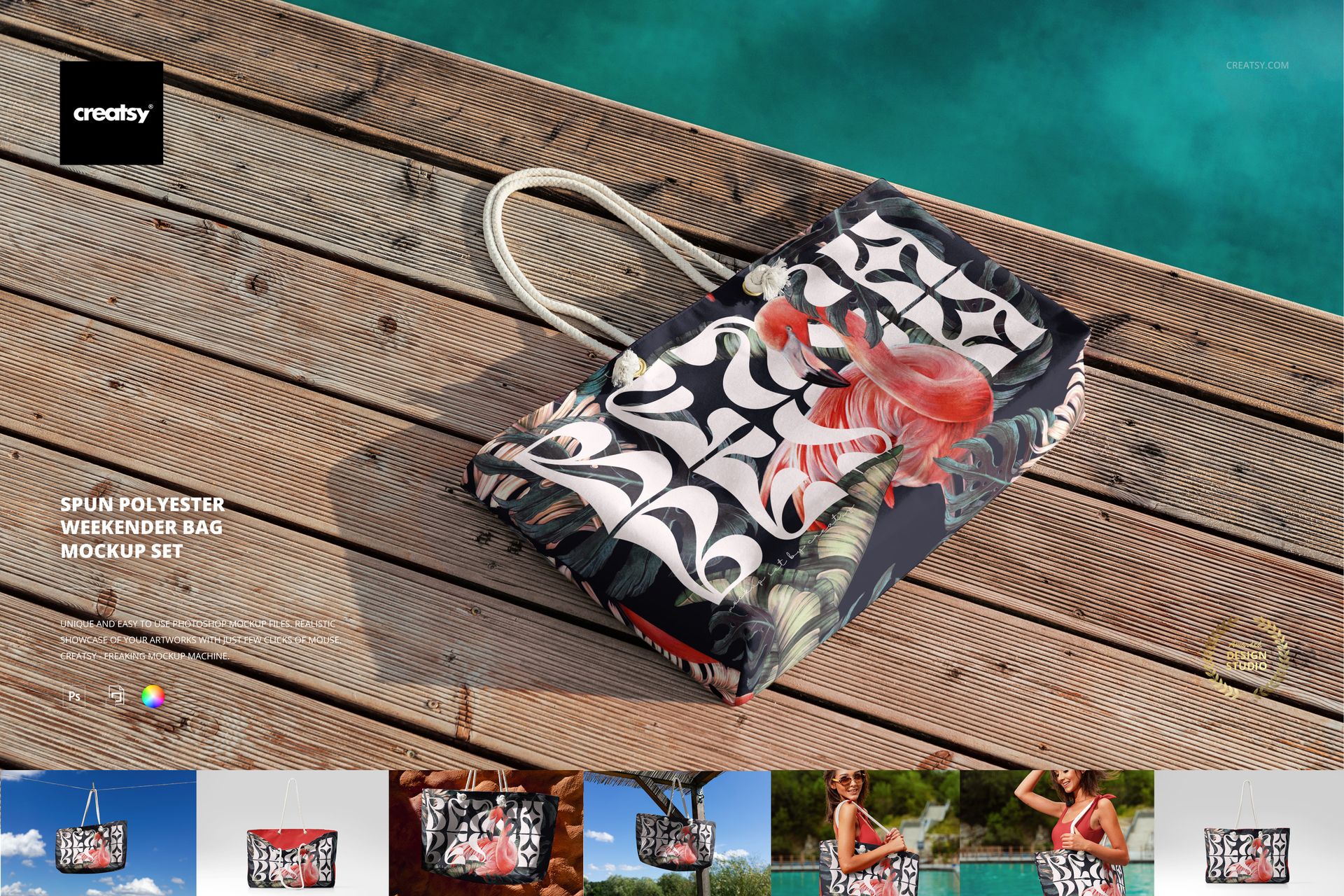
Spun Polyester Weekender Bag Mockup Set
The Spun Polyester Weekender Bag Mockup Set is your invitation to stretch summer just a little longer. With warm lighting, bright skies, and swimwear vibes, this set was created to capture that golden, carefree energy of sunny getaways — and turn it into beautiful, branded visuals.
Chase the Sun in Style
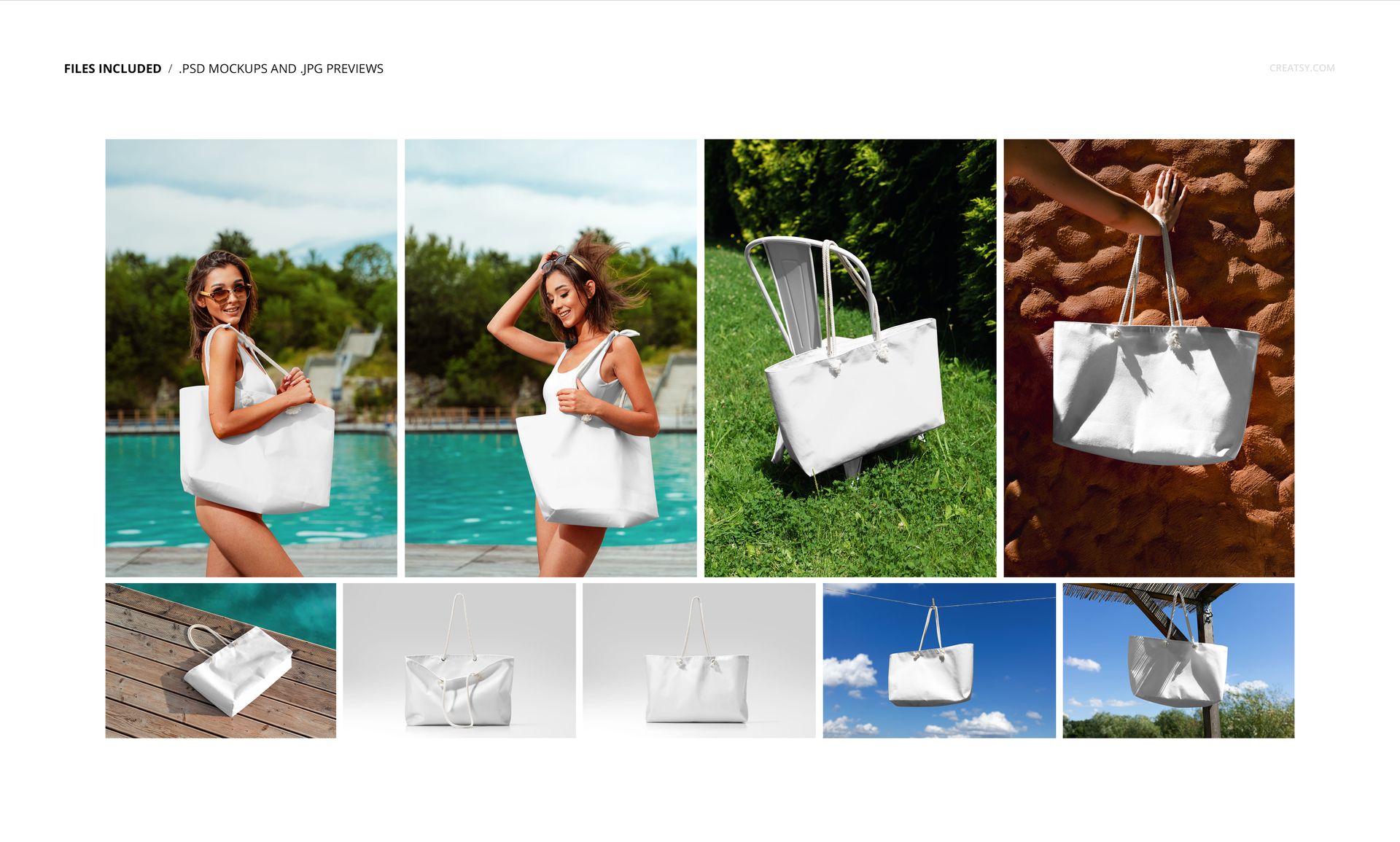
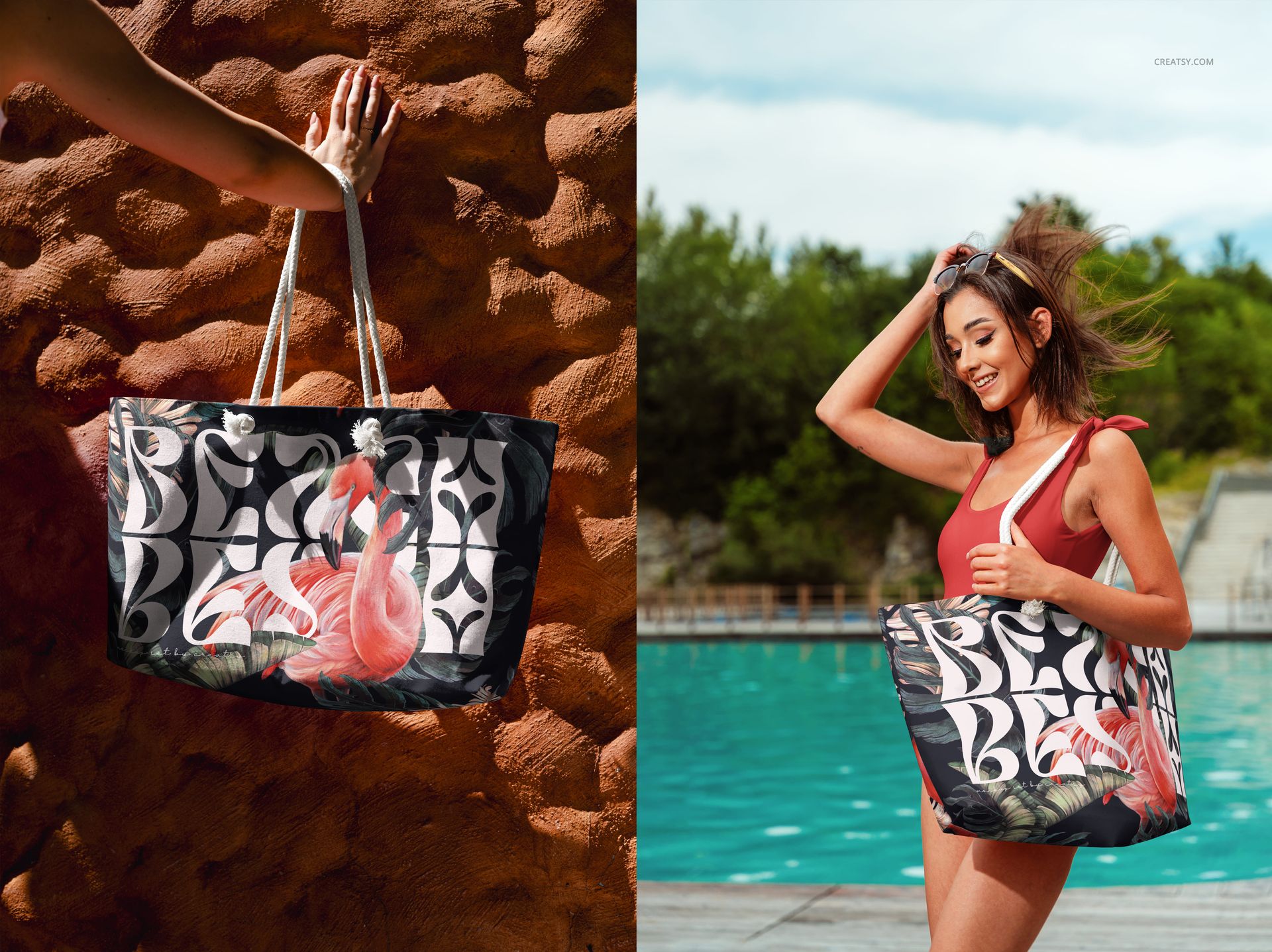
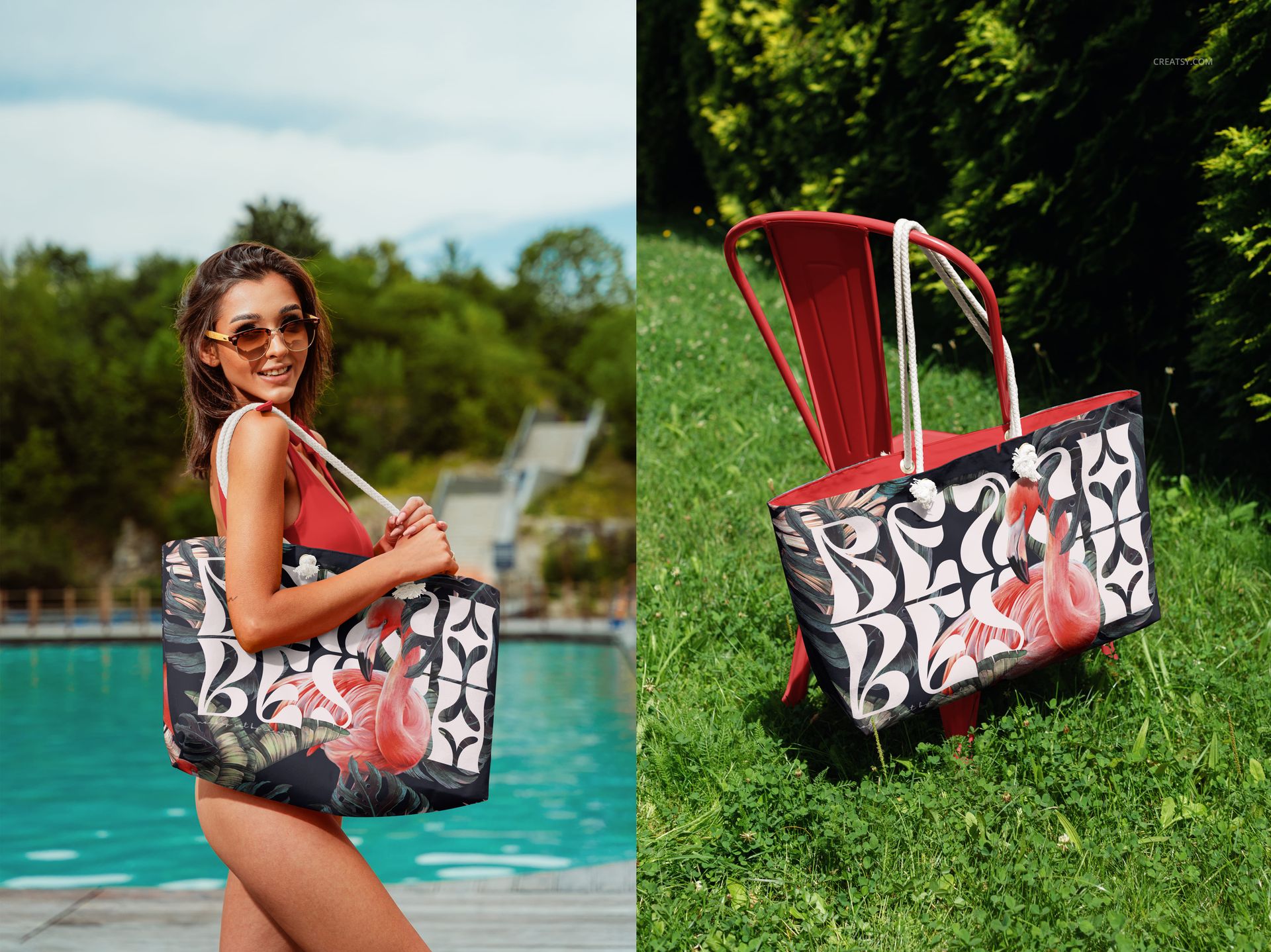
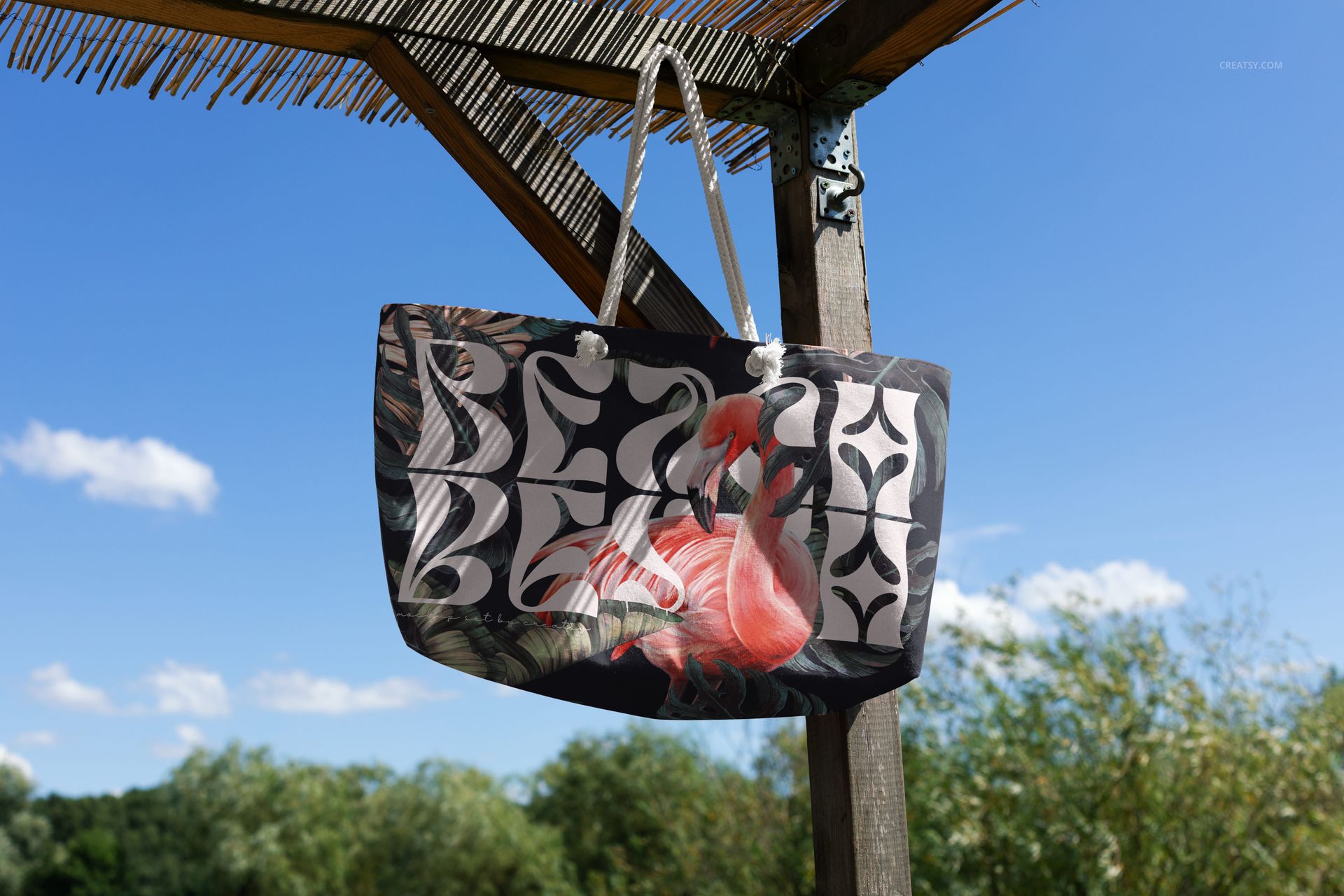
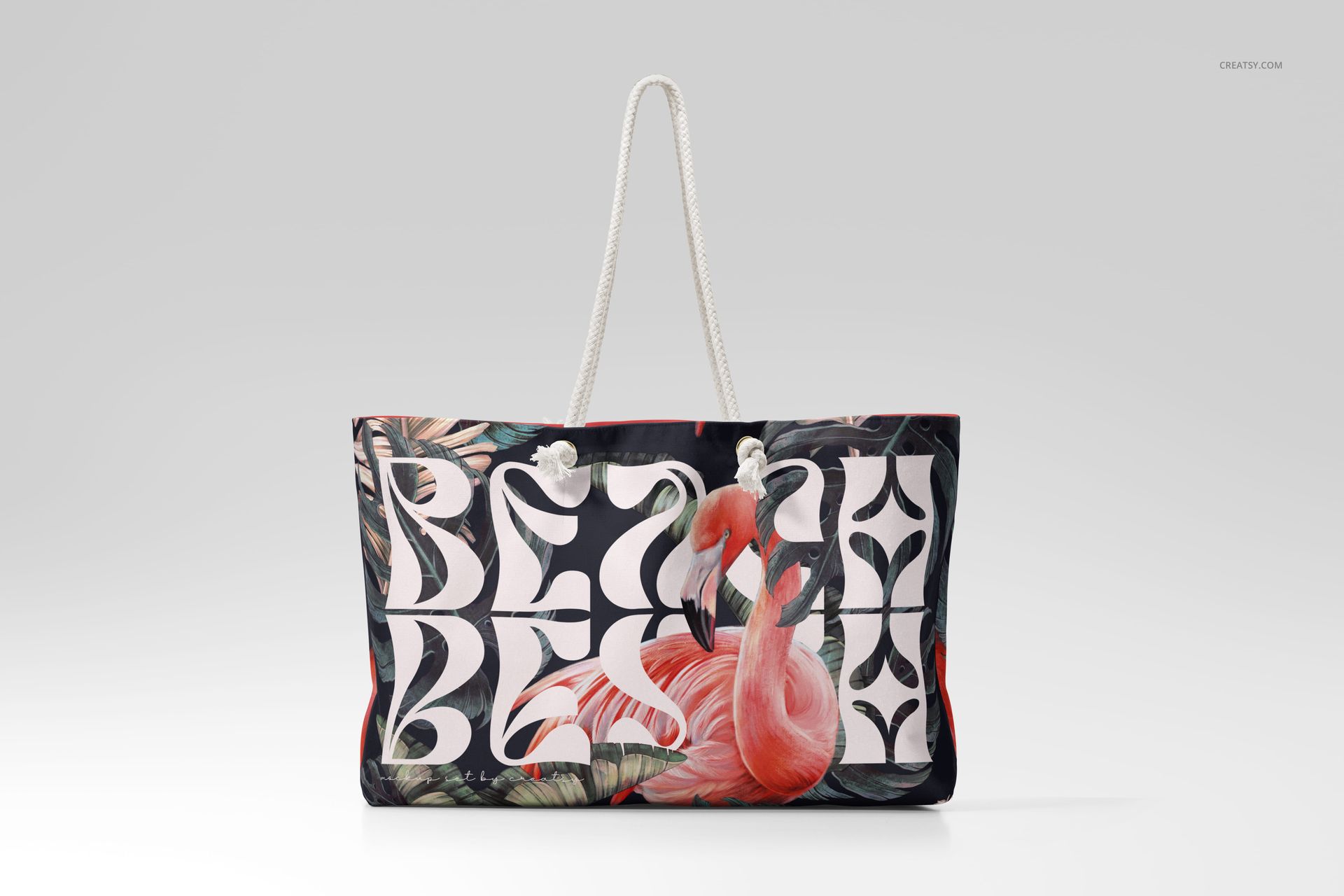
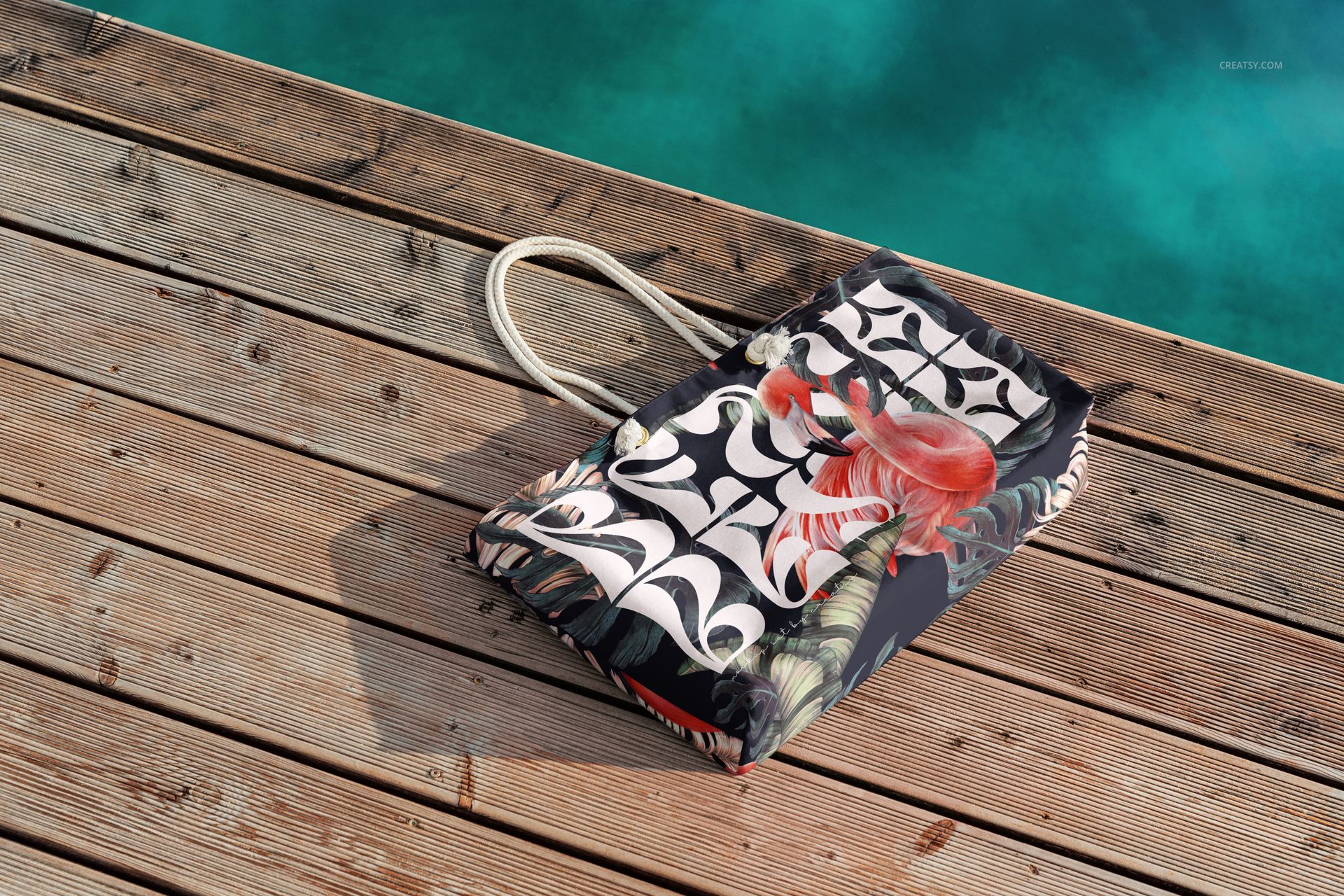
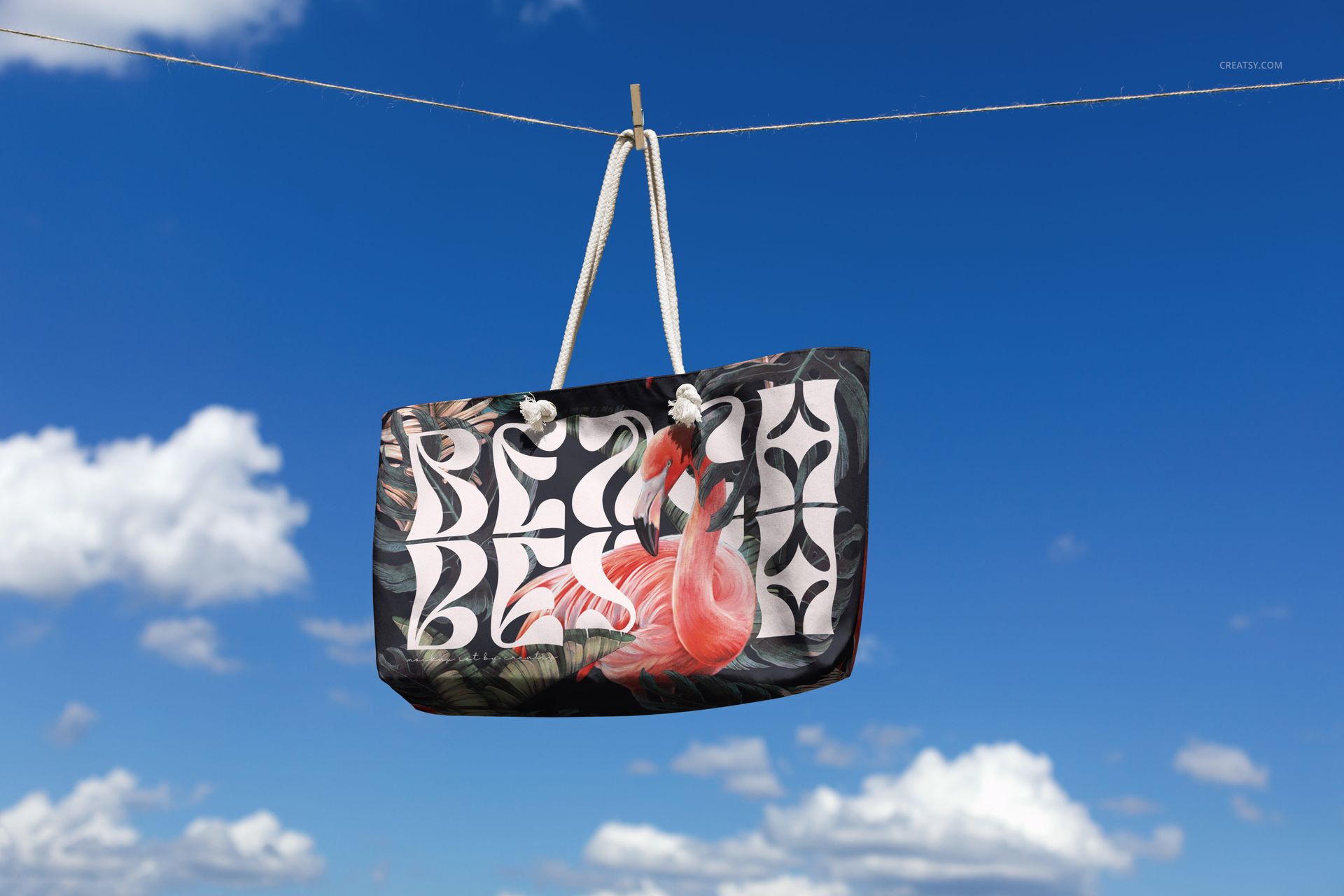
Inside the pack, you'll find 9 professional PSD mockups offering a full mix of aesthetics. Two lively lifestyle shots show the bag worn poolside by a model in a swimsuit. Five frames spotlight the bag alone: swinging from a chair, resting against clay walls, lounging on a dock, floating under a pavilion, and hanging mid-air in a clear blue sky. Two final shots step into the studio — clean, minimalist, and crafted for maximum detail control.
Total Creative Freedom
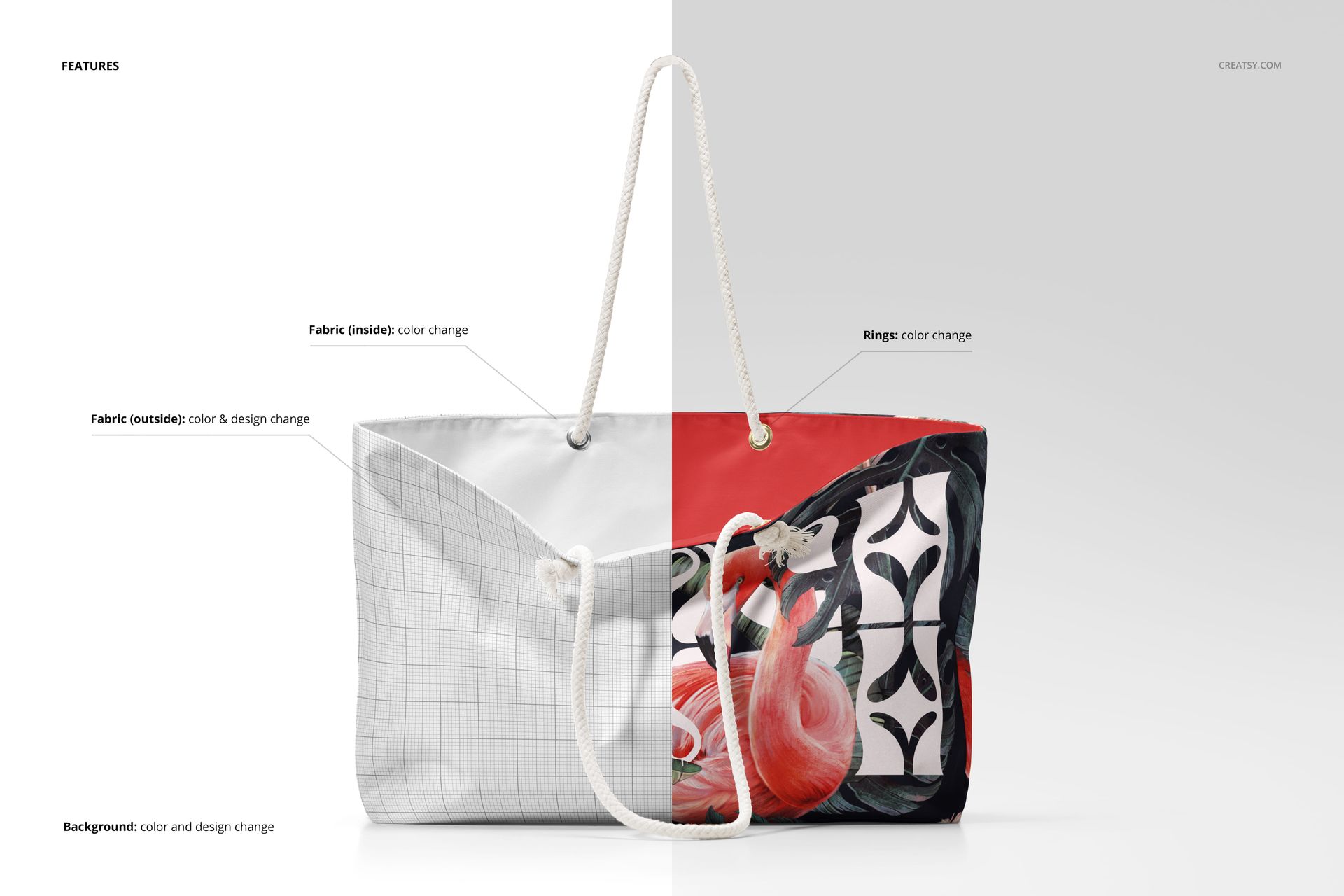
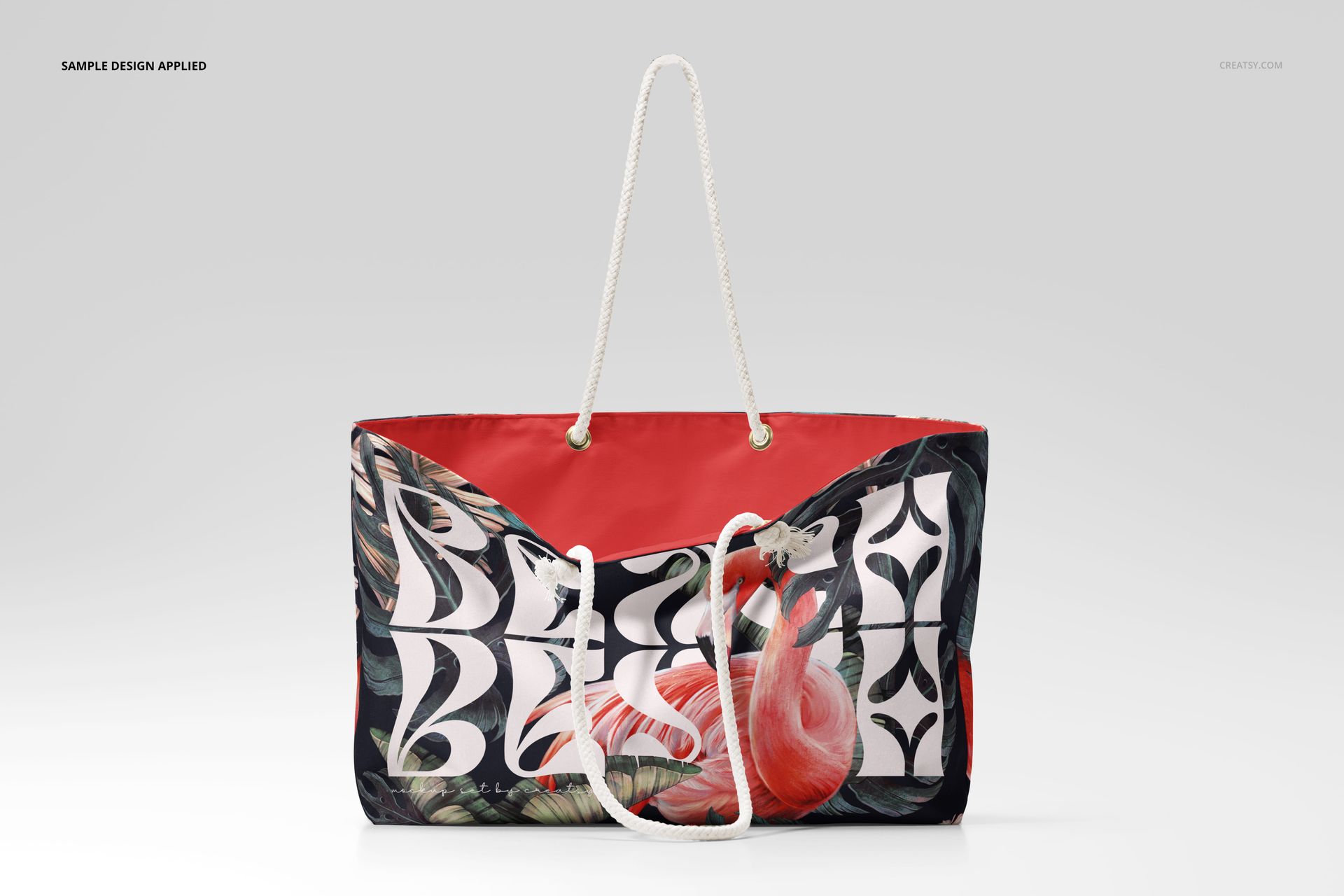
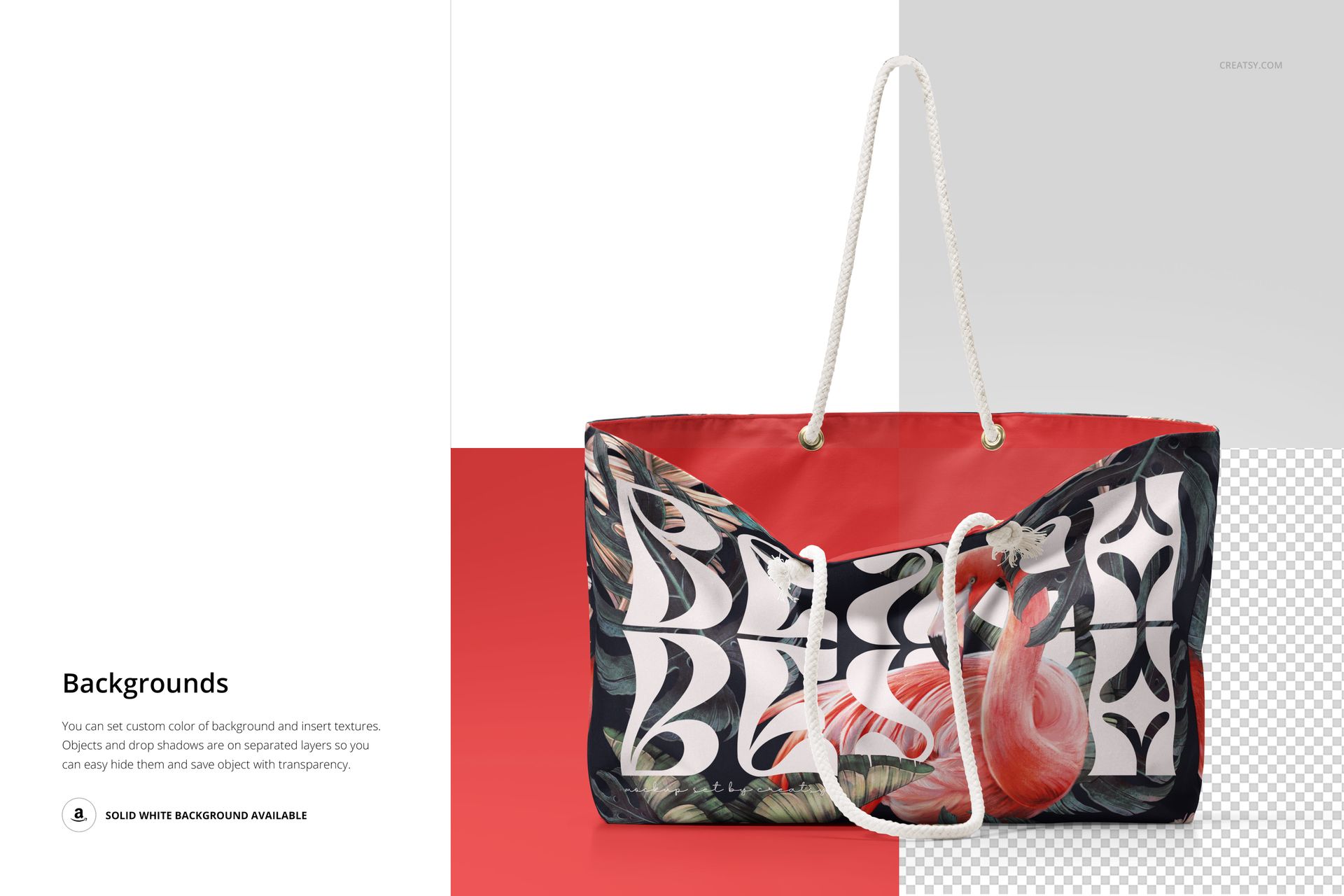
Designers can add summer-inspired artwork, logos, slogans, or surface patterns directly onto the outer material. You can also change the color of the inner fabric, tweak the shade of the metallic handle rings, and customize the background in the studio images. The model’s swimsuit? Editable too. This mockup set is a dream for anyone working in fashion design, surface pattern, or branding.
Files work in Photoshop (min. version CC2020) and in free online editor: Photopea.com;
Pack includes 9 .psd files: ~6000x4000 px, 300dpi;
Check screenshots for all the features;
Well organized layers.