Best Placeit Alternative for Designers - Creatsy vs Placeit (2026)


If you are a freelance designer preparing a client pitch, an agency scaling visual output across brands, or a print-on-demand seller building Etsy listings that actually convert, the mockup tool you choose shapes how your work gets perceived. For years, the industry accepted a false trade-off: browser speed or professional quality, pick one.
In 2026, that compromise is over.
This designer-to-designer comparison breaks down the real structural differences between Creatsy and Placeit. No marketing fluff. We focus on what shapes your actual workflow: output quality, editing accessibility, verified file counts, pricing models, and creative flexibility - including where Placeit still wins.
TL;DR - Quick Comparison
Choosing between Creatsy and Placeit comes down to one question: do you need a reusable, high-resolution source file you fully control, or the fastest possible finished image?
Feature | Creatsy | Placeit |
|---|---|---|
Mockup type | Photorealistic layered PSD source files | Browser-based generated templates |
Editing tool | Photopea.com (free, web-based) or Photoshop | Browser editor only |
Output quality | 300 DPI, print-ready, photorealistic | 72 DPI, sRGB, screen-optimized |
Customization | Full Smart Object control - colors, textures, shadows, backgrounds, lighting | Drag-and-drop presets, limited adjustments |
Library size | 17,000+ real PSD files grouped into ~3,500 curated bundles | 40,000+ mockup templates |
Learning curve | Flat - learn one file, master all 17,000+ | Very low (upload and download) |
Pricing | One-time purchase - permanent ownership | $14.95/month or $89.69/year subscription |
Video mockups | No | Yes |
Free options | 50+ fully functional premium PSD mockups | Rotating watermarked free templates |
Best for | Designers, agencies, brand teams, packaging, catalogues, POD | Fast social media graphics, video, disposable assets |
Want to test the workflow before buying anything? Browse Creatsy Free Mockups »
What Is Placeit?
Placeit is a browser-based mockup, design, logo, and video generator. You pick a template, upload your artwork, make a few adjustments, and download the finished asset. That simplicity is Placeit's strongest selling point.
For marketers, social media managers, and ecommerce teams producing high volumes of disposable visuals, that speed is the whole point. There is no layers panel to manage, no file to organize, and no software to learn. Placeit is now part of Envato, which Shutterstock completed its acquisition of in July 2024, but Placeit continues to operate under its own brand.
The trade-off is structural. Placeit generates flat PNG images capped at 72 DPI in sRGB color space. The automated overlay algorithms do a decent job of basic wrapping, but they lack the handcrafted Smart Object precision that produces convincing texture, lighting, and surface detail. A 72 DPI output works for social posts, marketplace thumbnails, and quick previews. It starts to fall apart when you need print-ready exports, close-up crops, or presentation-quality detail.
Placeit also operates on a subscription model - $14.95/month or $89.69/year - and supports single asset purchases. When the subscription ends, you keep what you downloaded, but you lose the ability to generate new variations of past work.
Why users choose Placeit
100% browser-based workflow with zero software requirements
40,000+ mockup templates plus a wider ecosystem of logos, designs, and videos
Video mockups for social ads and content
Straightforward subscription for high-volume, fast-turnaround use cases
What Is Creatsy?
Creatsy is a mockup marketplace built around layered PSD source files - not generated images. That distinction changes the entire workflow, because you are not downloading a locked final visual. You are getting the editable source file you can reopen, modify, and export again whenever you need to.
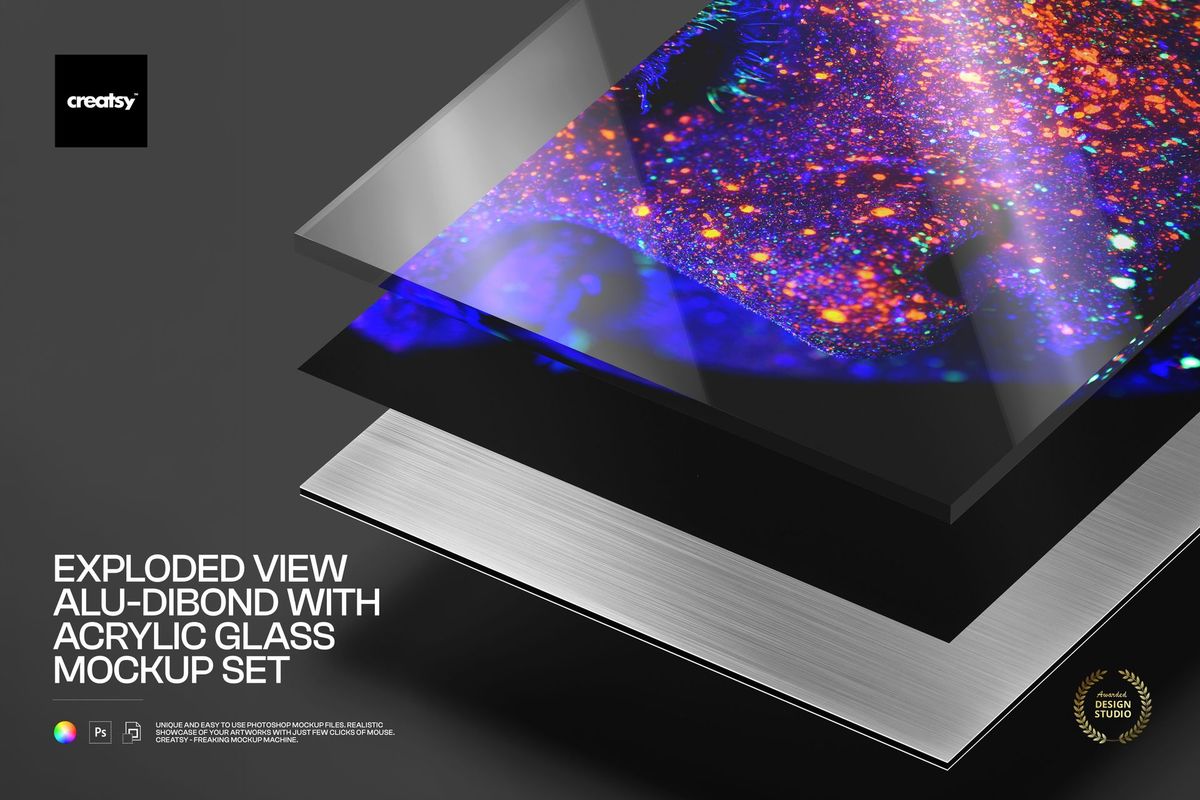
The core difference visualized: A Creatsy PSD file open in the free Photopea web editor with full layer and Smart Object control at 300 DPI, compared to the flat 72 DPI output of a standard browser-based mockup generator.
That makes Creatsy especially powerful when the job does not end with a single image. If you need alternate colorways, multiple aspect ratios, print-ready exports, close-up crops, presentation slides, or client revisions, a reusable PSD file is more valuable than a one-time generated PNG.
The library contains over 17,000 real PSD files grouped into approximately 3,500 curated product bundles. One Creatsy product often contains several angles, scenes, or close-ups rather than splitting each file into a separate listing to inflate the count. That is a deliberate choice - it is better for your workflow and wallet, even if it makes the headline number look smaller than competitors.
Every mockup is meticulously handcrafted with precision Smart Objects - no automated generators.
The "Photoshop Only" myth is dead
The old objection - "Creatsy means paying for Photoshop" - no longer holds up.
99.9% of Creatsy's PSD mockups work flawlessly in Photopea.com - a highly capable, entirely free, web-based graphics editor that runs directly in your browser. You get full Smart Object manipulation, layer control, blending modes, color adjustments, and high-resolution exports without downloading any software or paying a monthly subscription.
This is not a workaround. It is a fully supported workflow. The result is that Creatsy's entry barrier is now comparable to any browser-based generator - except you also get 300 DPI photorealism, layered editing, and permanent file ownership.
The "Learn one, master them all" philosophy
Every single file in Creatsy's catalog uses the exact same standardized, color-coded layer structure. The Smart Objects, folder organization, and editing mechanics are identical whether you are working with a simple coffee cup or a complex streetwear hoodie set.
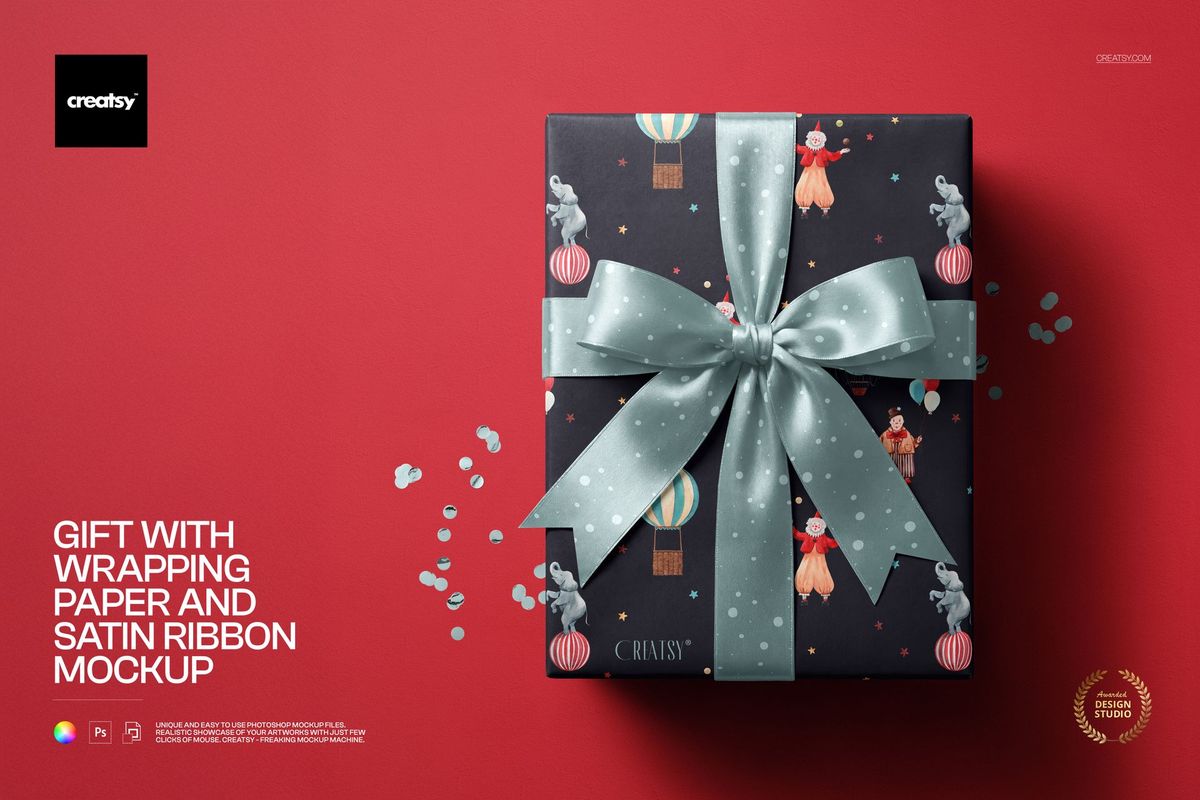
Creatsy unified file architecture: Every mockup features the same color-coded layer structure. Master one file logic, and you instantly know how to use all 17,000+. Supported by step-by-step video guides and fast human support.
Learn how to place your design into one Smart Object, and you have learned how to operate the entire library. Even if you have never touched a PSD before, you can download a free mockup, follow a two-minute video guide, and produce professional-quality visuals on day one.
Need help getting started? Read the step-by-step guide »
Why designers choose Creatsy
Editable PSD source files you own permanently - not locked final outputs
300 DPI photorealistic quality designed for print, presentation, and close inspection
Free editing via Photopea - no Adobe subscription required
Repeatable workflow with consistent Smart Object and layer mechanics across the entire catalog
50+ free mockups to test the workflow risk-free before purchasing
Commercial and Extended Commercial licenses depending on the use case
Creatsy vs Placeit: Head-to-Head
The biggest mistake in this comparison is treating Creatsy and Placeit as the same kind of product. They are not. Creatsy is closer to buying a reusable design asset. Placeit is closer to using a fast generator. Both can help you create attractive visuals. The right choice depends on whether you care more about control or speed.
1. Mockup Quality and Realism
This is where Creatsy has the clearest advantage.
Creatsy files are delivered as high-resolution PSDs - typically around 6000 x 4000 px at 300 DPI - built on studio photography combined with meticulously handcrafted Smart Object layers. When you place your artwork into a Smart Object, the file uses carefully constructed displacement maps to organically warp your flat design around the physical creases of a cotton hoodie, the micro-grain of premium cardboard, or the hard refractive edges of a glass bottle. Every texture, fold, shadow, and reflection is manually tuned to ensure your design sits perfectly on the surface.
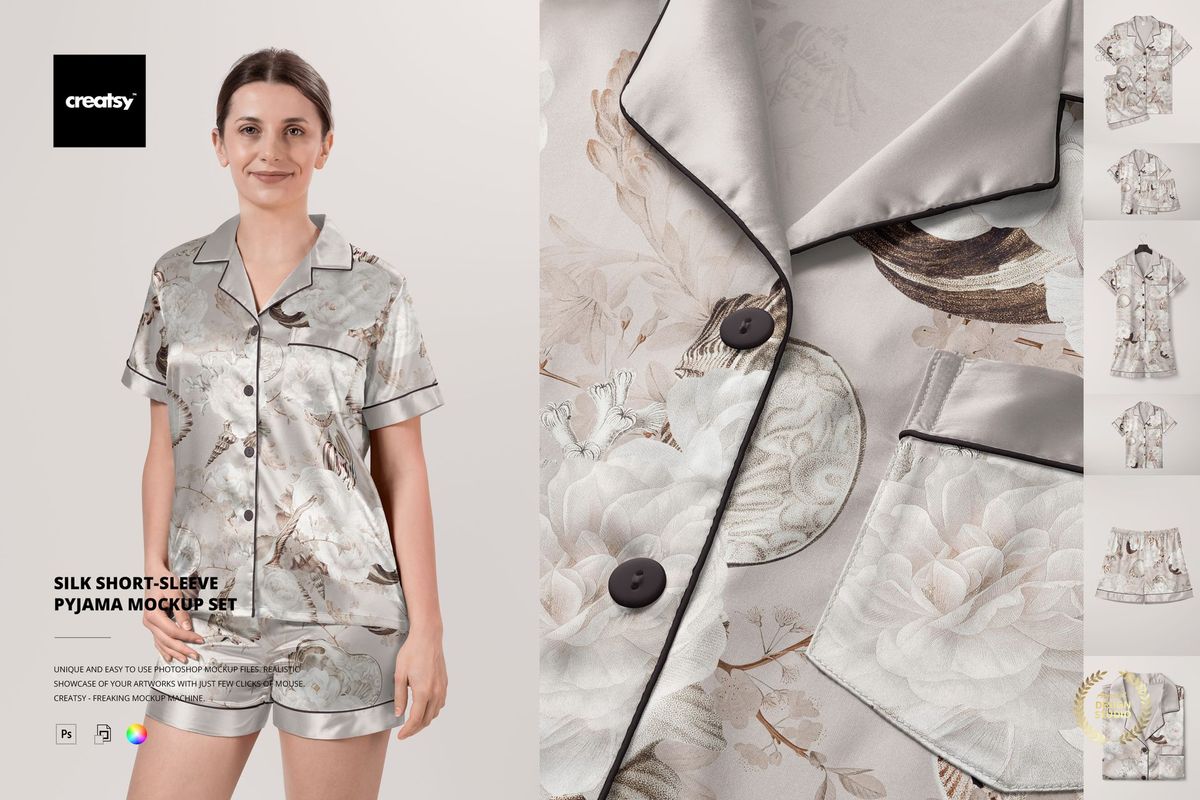
Macro-level detail at 300 DPI: The ink conforms to the micro-texture of the fabric grain with realistic displacement and lighting - handcrafted Smart Object precision that automated 72 DPI web generators cannot reproduce.
Placeit is optimized for fast digital output. Its downloads are PNG for images and MP4 for video, with images exporting at 72 DPI in sRGB. The automated overlay algorithms perform adequately at thumbnail scale, but they lack the handcrafted Smart Object precision that makes a mockup look like a real photograph.
Verdict: If you care about print-ready output, close-up presentation quality, or photorealism that holds up under scrutiny, Creatsy wins. If you need good-enough digital visuals fast, Placeit is often enough.
2. Customization and Creative Control
Creatsy gives you the source file, which changes the entire editing equation.
With a layered PSD, you can replace the design via Smart Objects, change object colors to exact hex codes, adjust backgrounds, toggle individual elements on or off, fine-tune shadow intensity, manipulate lighting layers, and create multiple variants from the same file. That flexibility is especially valuable in client work, brand systems, packaging, catalogues, and presentation decks.
Placeit is intentionally more constrained. You upload artwork, reposition it if needed, change a product color if the template allows, and download. Those boundaries are what make it so fast - and for a lot of use cases, that constraint is a feature, not a bug.
Verdict: Creatsy is far more flexible. Placeit is far simpler.
3. Workflow and Learning Curve
Placeit wins the very first impression. Its workflow is basically: pick a template, upload artwork, adjust, download. That is hard to beat for speed.
Creatsy takes slightly longer on the first file - but not by much. A typical Creatsy workflow: Open the PSD in Photopea (free, in your browser) or Photoshop. Double-click the clearly labeled Smart Object. Paste your design and save. The design automatically conforms to the object's surface with realistic displacement - every Smart Object is handcrafted so your artwork fits perfectly. Adjust colors, shadows, or background if needed. Export the final image at full 300 DPI resolution.
Once you understand that sequence once, it becomes repeatable across the entire catalog - because every file uses the same mechanics.
Verdict: Placeit is easier on first use. Creatsy becomes equally efficient once you complete one file - and the workflow scales better across revisions, alternate versions, and repeat projects.
4. Pricing and Value
These tools sell value in very different ways.
Placeit sells access. The current pricing is $14.95/month or $89.69/year, with single asset purchases also available. When the subscription ends, you keep your downloads, but lose the ability to generate new versions.
Creatsy sells ownership of individual products, sets, and bundles. You pay once for a specific asset and own the source file permanently. No recurring fees, no access expiration. You can reopen the same PSD next month, next year, swap in a new design, and export a fresh render at no additional cost.
Verdict: Placeit usually wins for volume. Creatsy often wins for long-term value per asset.
5. Library Size and Real Counts
On headline volume, Placeit is bigger. Its official mockups page promotes 40,000+ mockup templates, and the broader platform includes many more when you count logos, designs, and video assets together.
Creatsy should be understood differently. The library contains over 17,000 real PSD files grouped into approximately 3,500 curated product bundles. One product often delivers several angles, close-ups, and scene variants - bundled together because that is how designers actually use them, rather than listed separately to inflate the count.
Verdict: Placeit is larger. Creatsy is more depth-first.
6. File Format, Reusability, and Ownership
This is one of the most practical differences in the entire comparison.
With Creatsy, you receive the source PSD. You own it. You can reopen it next quarter, swap the design, export a new size or format, and keep working from the same foundation indefinitely.
With Placeit, you receive the generated output - a final PNG or MP4. If you want to change the design later, you need to generate and download a new version. The downloads are flat files, not editable source formats.
Verdict: Creatsy gives you a reusable source asset you own forever. Placeit gives you a fast finished file.
Want a mockup you can keep using? Browse all Creatsy mockups »
7. Video Mockups
Placeit has a clear structural advantage here. If you need short MP4 video mockups - rotating t-shirt models, device turnarounds, lifestyle clips for social ads - Placeit's video generator is genuinely functional and easy to use.
Creatsy does not offer video mockups. The entire catalog is focused on hyper-realistic still imagery. If video is core to your workflow, Placeit holds this edge.
Verdict: Placeit wins on video. Creatsy does not compete in this category.
POD Sellers: What You Need to Know About Licensing
This section matters because mockup licensing for POD workflows is widely misunderstood, and getting it wrong can create real business risk. Here is the precise distinction for Creatsy:
What is allowed
Creatsy's license allows POD sellers to create static listing images for their own stores - Etsy, Shopify, Amazon, and similar marketplaces. You open the PSD, place your design into the Smart Object, export a finished mockup image, and use that image as a product listing photo to showcase your design. This is standard commercial use and is fully permitted.
What is not allowed
Creatsy's license strictly forbids using their mockup assets in buyer-customizable workflows. You cannot build a SaaS tool, online generator, or any application where end users interact with the Creatsy template directly - uploading their own designs, extracting the original file layers, or generating outputs from the source PSD. The mockup is licensed to you as the designer, not to your customers as an interactive tool.
Need the full license details? Read about Creatsy licenses »
When to Choose Which
Choose Creatsy
You want a real source file, not only a final export
You care about print-ready quality at 300 DPI
You expect revisions and multiple export formats from the same asset
You work in branding, packaging, catalogues, lookbooks, or client decks
You want to edit for free in Photopea without Adobe software
You'd rather buy fewer, stronger assets than pay a monthly subscription
You are a POD seller who needs professional listing previews
You want to test the workflow first with free mockups
Choose Placeit
You do not want to touch PSD files or any editing software at all
You need visuals as fast as possible and rarely revisit old files
You need video mockups for social media or ads
You create lots of social, ecommerce, and ad assets every month at scale
You want one subscription for mockups, logos, templates, and videos
Your main priority is convenience over control
This is the part that makes the comparison honest: Placeit is very good at fast output, and for a lot of creators, that is exactly the right tool.
Creatsy Limitations (Transparency Section)
No tool is perfect for every scenario. Here is where Creatsy has real limitations:
No video mockups. If video is core to your workflow, Placeit has the structural advantage.
PSD-based workflow. While Photopea makes this free and browser-accessible, the editing process is more involved than Placeit's upload-and-download approach.
Desktop-first experience. The Photopea workflow is better on desktop than on mobile devices.
Smaller headline catalog. 17,000+ real files is substantial, but Placeit's 40,000+ templates offer broader surface-level variety.
POD licensing restrictions. End-user customizable workflows are not permitted - review the license if your use case involves interactive tools.
Other Placeit Alternatives Worth Knowing
If you want to compare the wider market, these are the names worth considering in 2026:
Canva Mockups (formerly Smartmockups)
The standalone Smartmockups website was shut down in late 2024 and absorbed entirely into the Canva ecosystem. Best if you already pay for Canva Pro and need basic, flat digital mockups without leaving the Canva editor.
MediaModifier
A browser-based SaaS generator focused on ecommerce workflows and bulk mockup creation. Pro plans currently start around $15.83/month. A solid middle ground between Placeit's simplicity and full PSD editing.
Yellow Images
Stronger for buyers who need highly complex, 3D-rendered packaging mockups. Excellent depth in product visualization, though pricing per file can be steep.
Creative Market
Useful for wide marketplace variety across multiple creators. Quality and file structure vary significantly depending on the seller - less consistency than Creatsy's standardized catalog.
Final Verdict
If your search is really "What is the best Placeit alternative for designers who want more control?" - Creatsy is a strong, defensible answer.
Placeit remains one of the easiest tools on the market when your priority is speed, video, and browser convenience. It is a good tool that serves a real need.
But Creatsy becomes the better choice when the mockup needs to hold up in a professional workflow - not just for one social post, but across revisions, exports, presentations, and brand systems. With 17,000+ photorealistic 300 DPI PSD files, free editing via Photopea, a unified learning curve, and permanent asset ownership, Creatsy delivers more value per file for designers who actually need control.
Every single mockup is handcrafted with precision Smart Objects - manually built and fine-tuned so your design always looks pixel-perfect on the product, no matter the surface, angle, or material.
Ready to see the difference?
Try 50+ premium mockups completely free. No subscription, no watermarks, full 300 DPI quality.
Browse Free Mockups » | Explore All Mockups
Frequently Asked Questions
Is Creatsy better than Placeit?
It depends on your workflow. Creatsy is better when you want layered source files, deeper editing control, photorealistic 300 DPI output, and permanent asset ownership. Placeit is better when you need browser speed, video mockups, and the simplest possible workflow for disposable marketing assets.
Can I use Creatsy without Photoshop?
Yes. 99.9% of Creatsy's PSD mockups work flawlessly in Photopea.com - a free, web-based graphics editor that runs directly in your browser. You get full Smart Object manipulation, layer control, and high-resolution export with zero software costs.
How hard is Creatsy to learn for a beginner?
Not hard at all. Every file in the catalog uses the same standardized, color-coded layer structure and Smart Object mechanics. Learn how to place your design in one file, and you know how to use all 17,000+. Creatsy also provides step-by-step video guides and fast human support.
Does Placeit give you editable PSD files?
No. Placeit downloads are generated PNG images or MP4 videos. If you want to change the design later, you need to generate and download a new version. There are no editable source files.
Can I use Creatsy mockups for my print-on-demand store?
Yes, with an important distinction. Creatsy allows you to create static listing images for your own POD stores (Etsy, Shopify, Amazon) to showcase your designs. What is not allowed is using Creatsy mockups in buyer-customizable workflows - SaaS tools, online generators, or any application where end users interact with the template or extract the original file. Read the full license terms »
Does Creatsy have free mockups?
Yes. Creatsy offers 50+ fully functional, premium PSD mockups for free. These are the same layered, 300 DPI files as the paid products - not watermarked previews. They are designed so you can test the full workflow in Photopea before committing to a purchase. Browse free mockups »
How many mockups does Creatsy have?
Creatsy's library contains over 17,000 real PSD files grouped into approximately 3,500 curated product bundles. Each bundle typically includes multiple angles, close-ups, and scene variants. The lower headline product count reflects honest bundling, not a smaller real file base.
Last updated: March 2026.