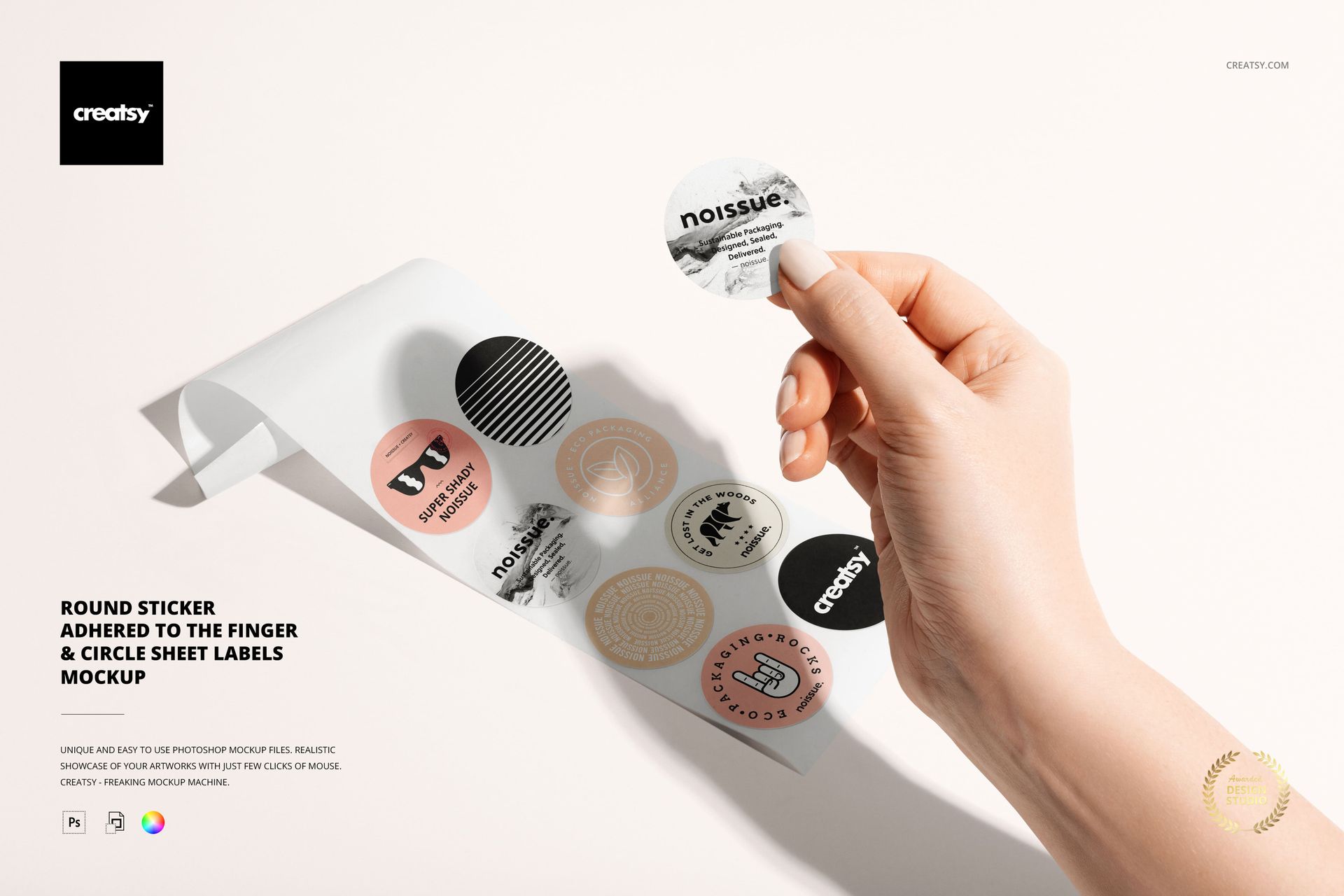
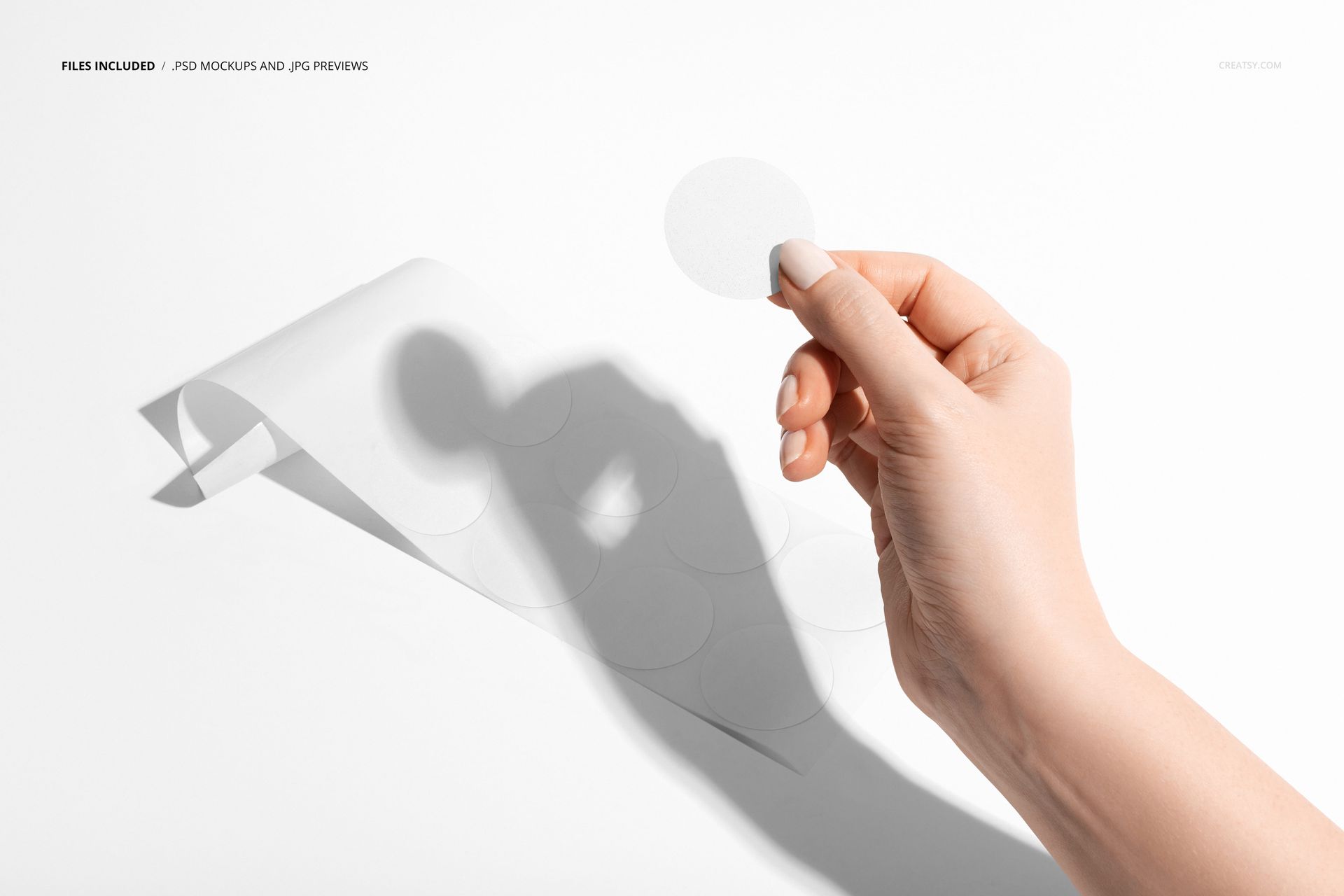
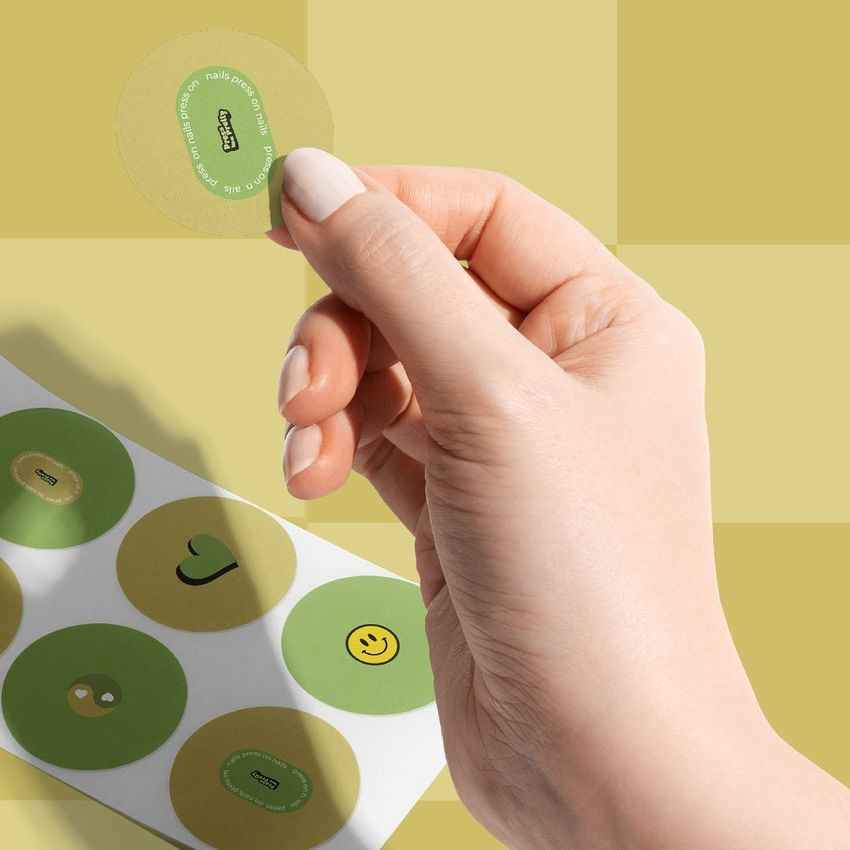
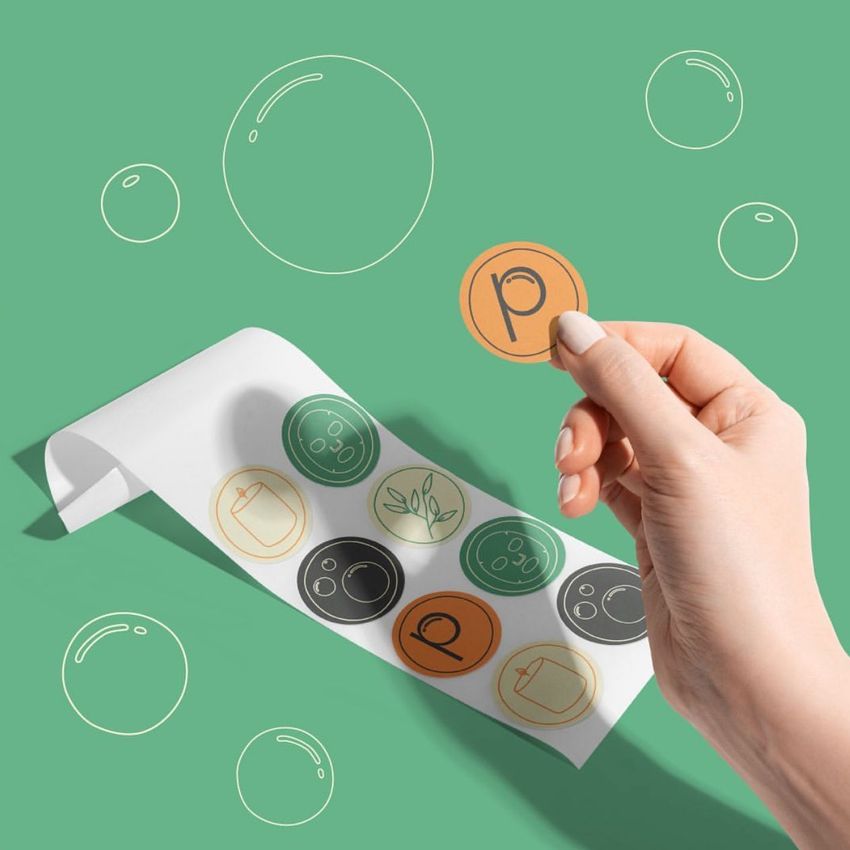
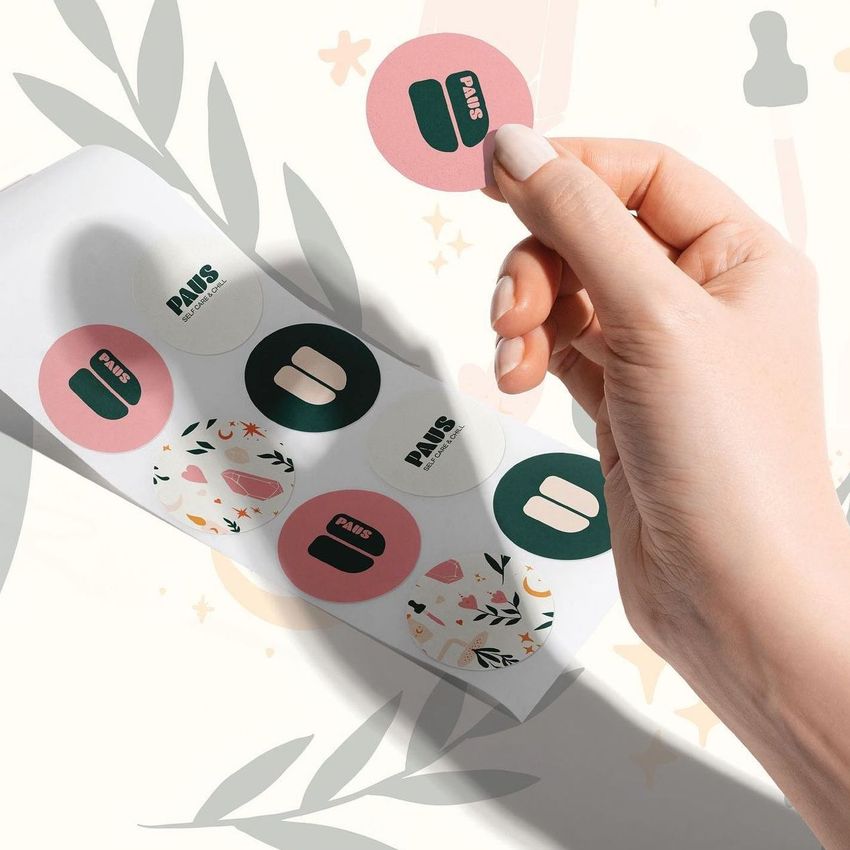
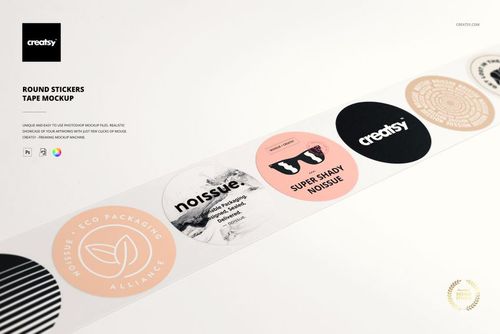
The Round Sticker in Hand & Circle Sheet Labels Mockup combines two views in a single PSD file: a round sticker held between fingers against a clean background and a sheet of circle labels arranged in a grid. The hand-held view shows your sticker design at the scale a customer actually sees it, with realistic paper edge detail and natural finger positioning, while the sheet view shows how your labels look printed and ready for use. The smart object layers let you apply your artwork to both the individual sticker and the full sheet simultaneously, so you can present the design at both scales without switching files. This is a practical mockup for anyone selling stickers, labels, or circle decals who needs product images showing both the individual piece and the printed sheet. The file measures 6000x4000px at 300 DPI with organized layers and works in Adobe Photoshop CC and Photopea.
Why This Mockup Works
Sticker and label buyers want to see two things before purchasing: what the individual sticker looks like at actual size and what the printed sheet looks like. This mockup delivers both in one file. The hand-held view provides scale reference and shows paper quality, edge finish, and print clarity in a way that a flat render cannot. The sheet view shows how the design tiles across multiple labels, which matters for customers ordering sheets for packaging, events, or retail. Together, these two perspectives answer the questions that drive purchasing decisions and reduce the back-and-forth that slows down sales.
What Is Included
The download contains 1 layered PSD file with two mockup compositions: a round sticker held in hand and a sheet of circle labels. The smart object layers control the design on both the individual sticker and the label sheet. The hand view captures realistic paper texture, edge detail, and natural lighting, while the sheet view shows the design repeated in a clean grid layout with consistent print quality.
What You Can Customize
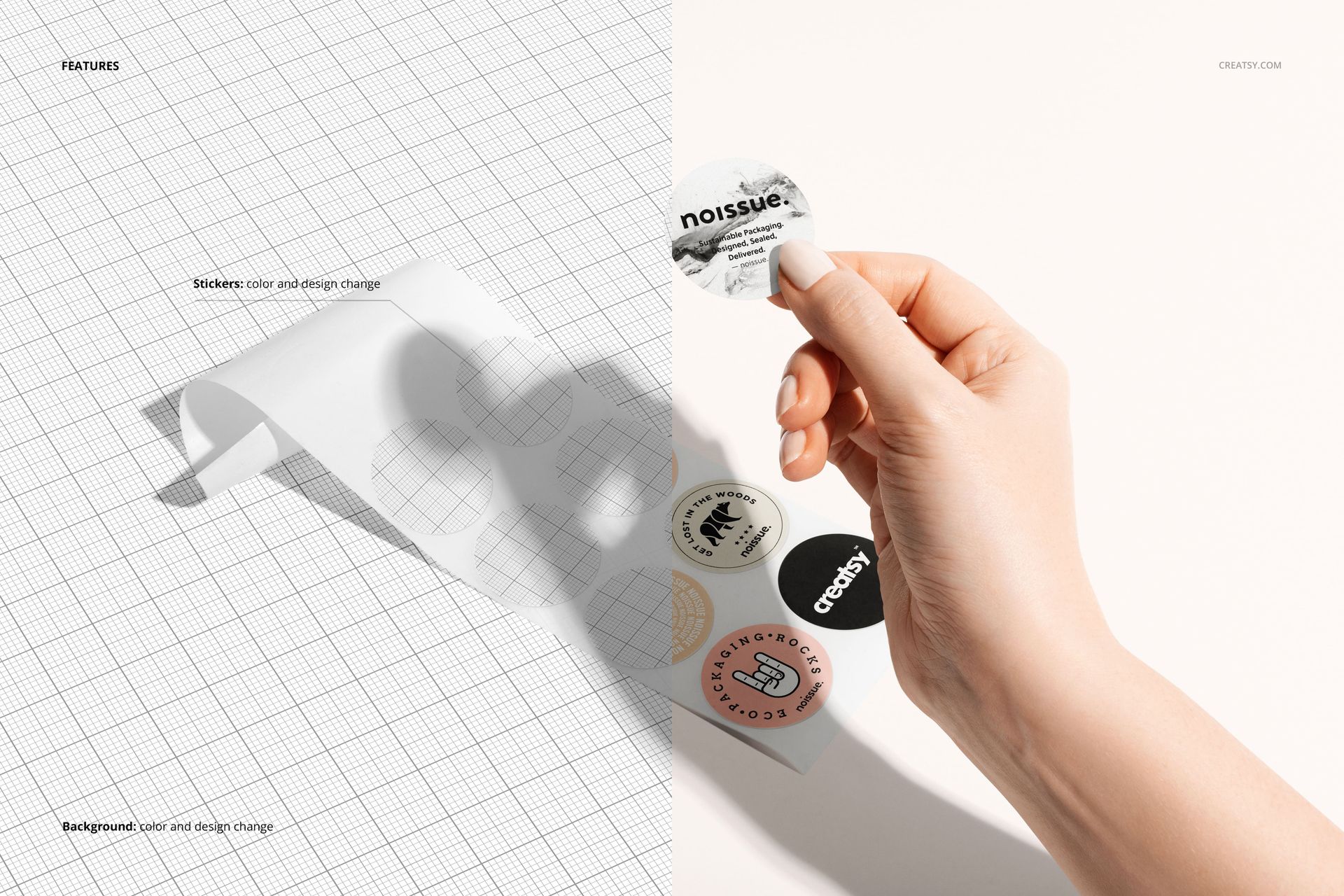
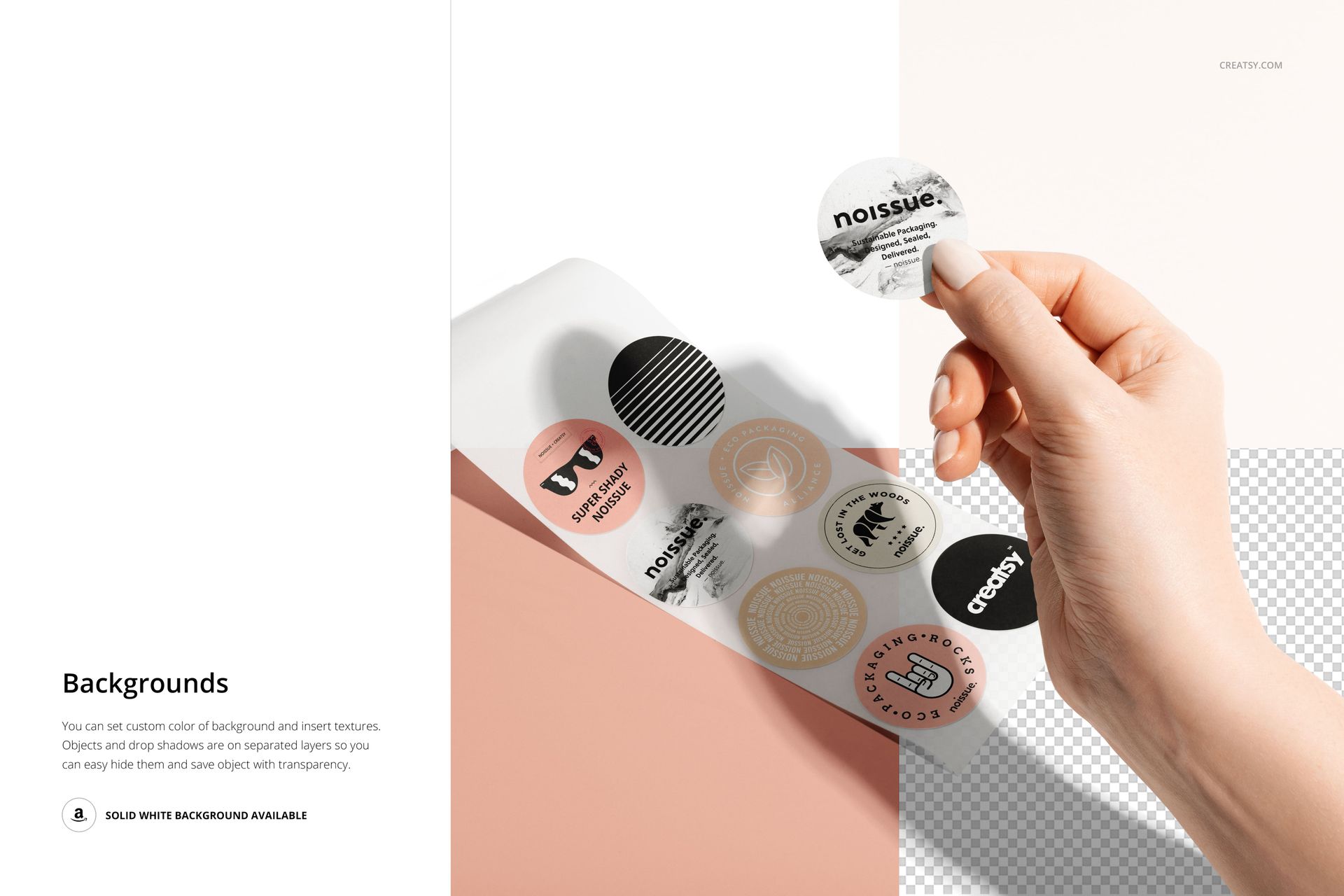
The smart objects control the design on both the individual sticker and the label sheet. Double-click the smart object layer to place your logo, illustration, pattern, or text design. The artwork applies to the sticker with accurate paper texture and edge behavior, and updates across the sheet layout automatically. Adjustment layers let you modify brightness, contrast, and color temperature. You can also customize the background color to match your brand aesthetic or create variations for different marketing channels.
Who This Mockup Is For
Sticker shops and label businesses on Etsy, Shopify, and Amazon who need product listing images that show both the individual sticker design and the printed sheet in a single professional image. Graphic designers and illustrators creating sticker collections who need portfolio-ready mockups that demonstrate how their designs translate from screen to printed circle labels. Brand identity designers presenting logo stickers and branded label concepts to clients who need to see how the design looks at actual sticker size and as a production-ready sheet. Packaging designers and small businesses creating custom circle labels for products, jars, bottles, and envelopes who need realistic previews before committing to a print run.
File Specifications
Files: 1 PSD. Dimensions: 6000x4000 px. Resolution: 300 DPI. Color mode: RGB. File size: 52.37 MB. Compatibility: Adobe Photoshop CC, Photopea.