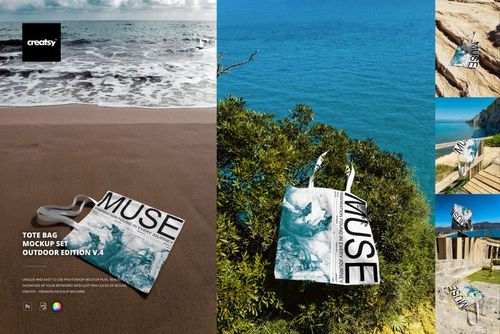
Free Tote Bag Mockup v.4

ID: 2008932693 | Updated: Jun 14, 2026

Product Details

About the Product

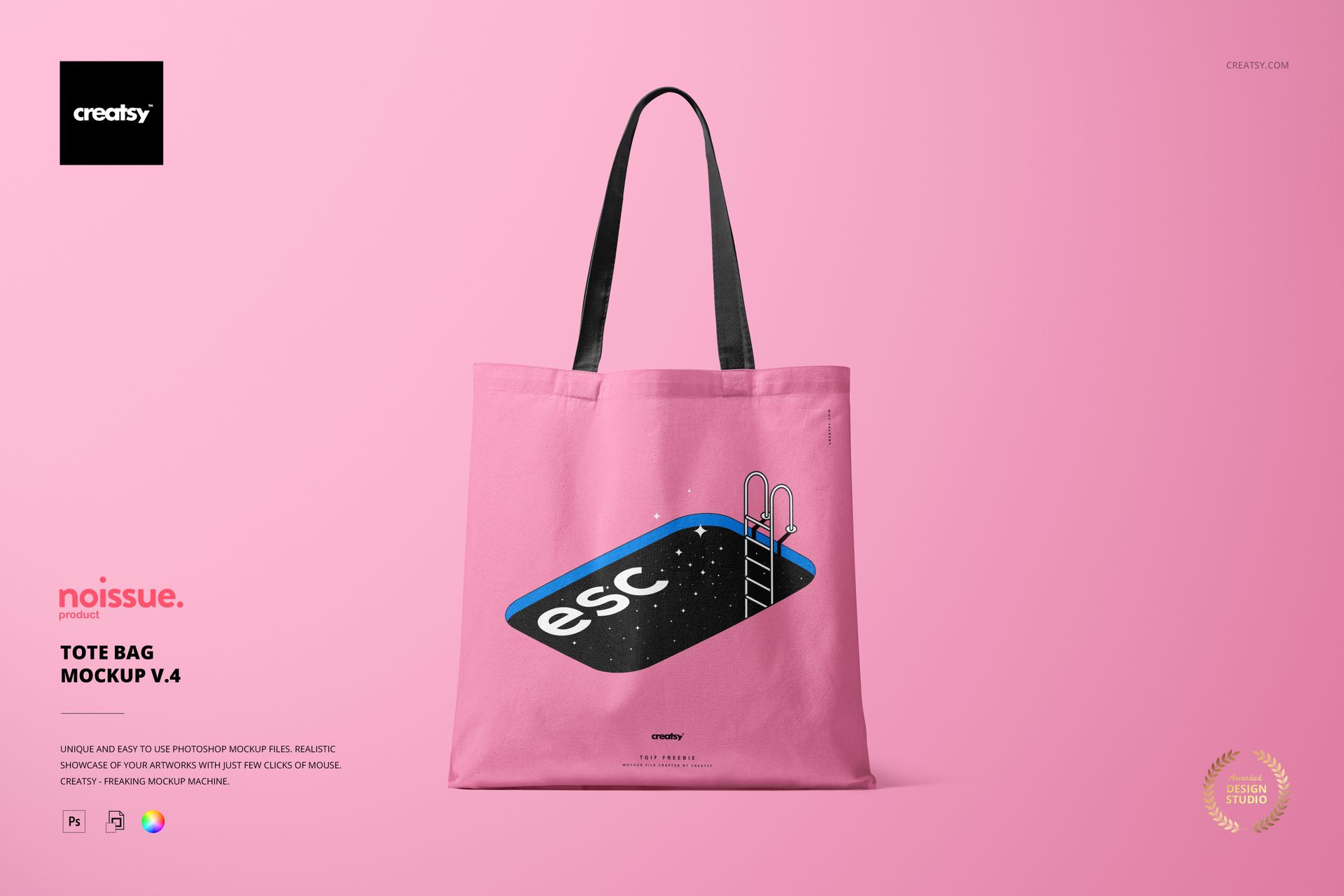
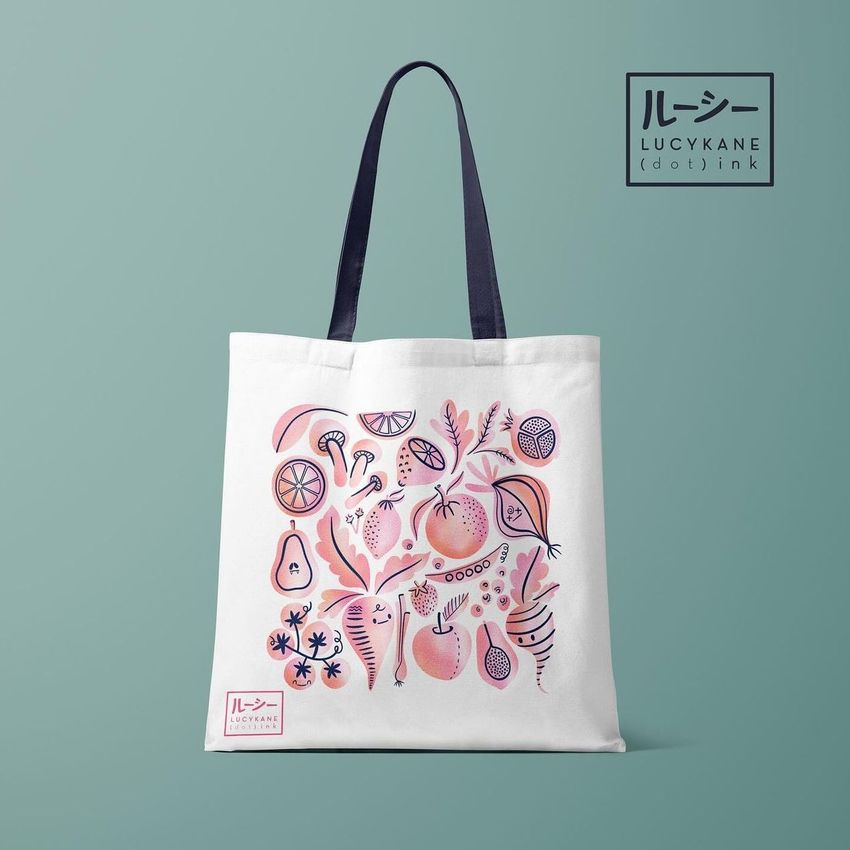
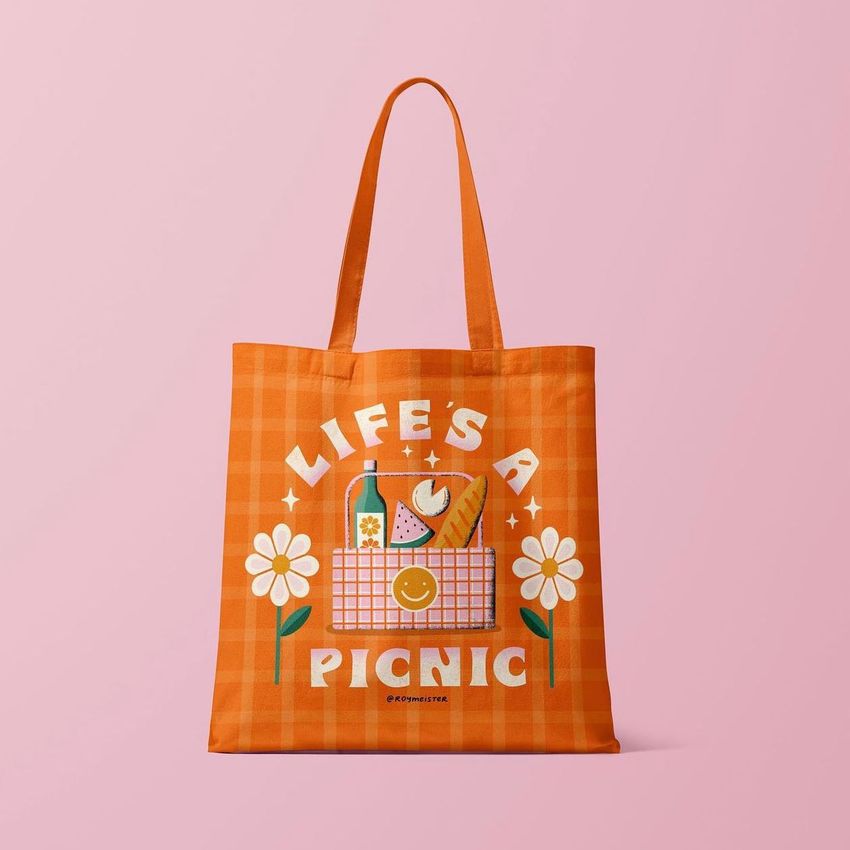
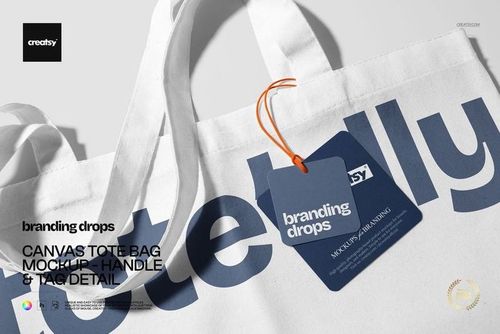
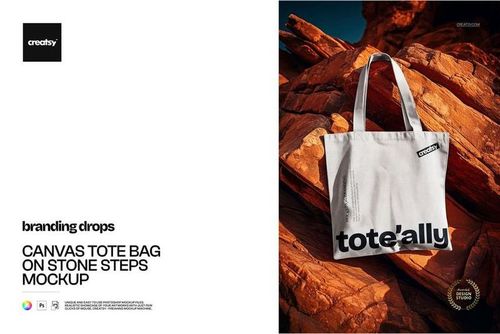
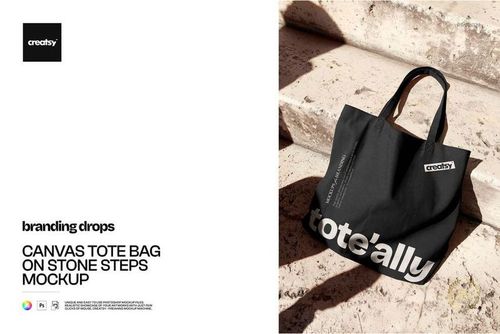
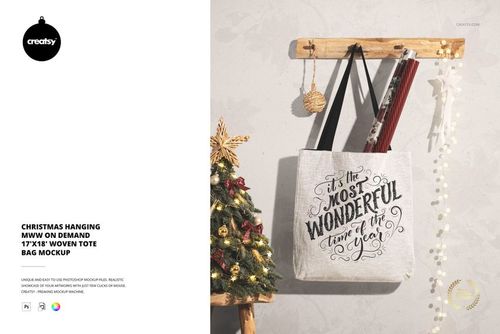
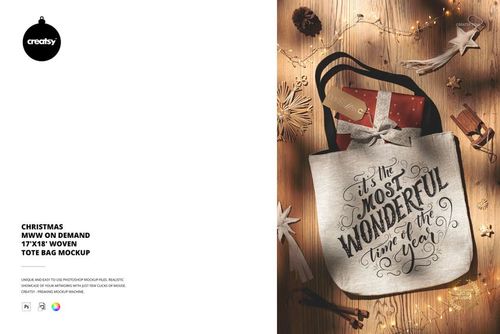
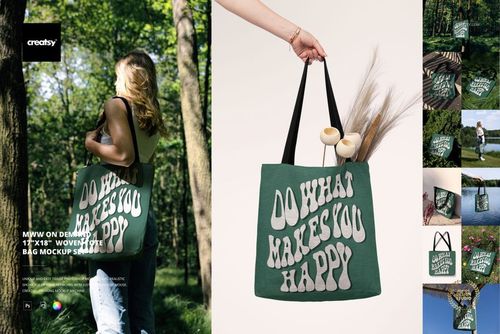
Free Tote Bag Mockup v.4 by Creatsy is a canvas tote bag mockup that shows your artwork on an upright cotton tote, built as a layered Photoshop PSD at 6000 by 4000 px and 300 dpi with smart object placement.

The bag stands front-on with long handles, and the tote face is one smart object: drop your pattern, illustration, or logo in, save, and it sits on the canvas with the scene's light and folds. The tote ships blank and white, so you see exactly where the design lands before you paste. You can recolor or swap the background, and the handles stay clear against the bag. The pool illustration and grid shown in the previews are display artwork, not part of the file.

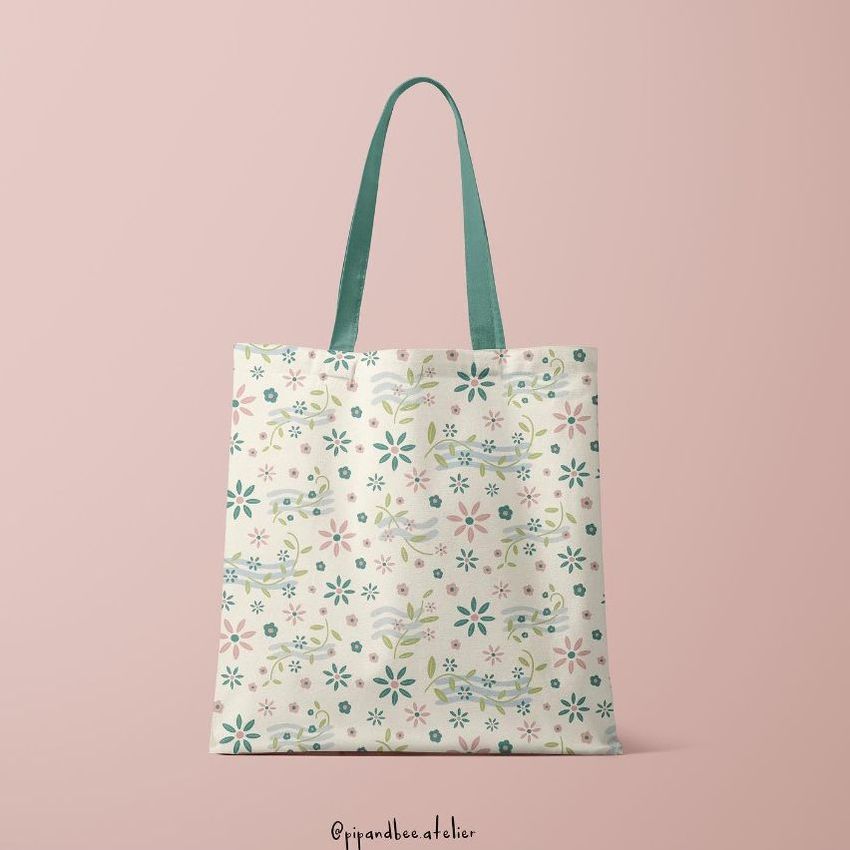
Because it is free, it is an easy way to test a print on a tote before you commit, or to build shop and portfolio images for a tote bag line without arranging a photo shoot. It fits all-over print and print on demand sellers, Etsy and Shopify tote listings, and pattern or branding presentations.

What you get

  • One layered Adobe Photoshop PSD, 6000 by 4000 px at 300 dpi

  • The tote face as an editable smart object, so your artwork sits on the canvas

  • A blank white canvas tote in front view, with long handles

  • Recolor or swap the background to suit your shop or catalog

  • Download package: 224 MB on Windows, 235 MB on macOS; files in .psd and .jpg

  • Opens in Adobe Photoshop CC or later, and free in the browser with Photopea

How it works

  1. Open the PSD in Adobe Photoshop, or free in your browser with Photopea.

  2. Double-click the tote smart object and paste your pattern, illustration, or logo.

  3. Save, and your design sits on the canvas with the bag's light and folds.

  4. Export the JPG for your Etsy or Shopify listing, portfolio, or social post.

Specifications

  • Files: layered PSD (download includes .psd and .jpg)

  • Resolution: 6000 by 4000 px, 300 dpi

  • Editable: tote face is a smart object; background is recolorable

  • View: front view, upright canvas tote with long handles

  • Software: Adobe Photoshop CC or later, or Photopea (free)

  • Package size: 224 MB (Windows) / 235 MB (macOS)

  • Price: free download

File details

Compatibility
PhotopeaAdobe Photoshop
Number of files included
2
Package size
224 MB224 MB|235 MB235 MB
Files type
.psd, .jpg, .pdf
Files size
6000x4000
TEST FOR FREE

Reviews

Professional PSD mockups built in-house - editable, realistic, high-resolution, and supported by real people.

4.5 (12 ratings)
Sort by:

jeonokim83 avatar
jeonokim83
Mar 9, 2026

good


Eeva_Rapola avatar
Eeva_Rapola
Oct 3, 2025

Great mockup and high quality!


Figurino_Cênico avatar
Figurino_Cênico
Aug 25, 2025

ótimo


mgarabato avatar
mgarabato
May 27, 2025

Wonderful


Liliya_Garipova avatar
Liliya_Garipova
Dec 30, 2024

Very nice mockup!


Krystl Faith_C Porlas avatar
Krystl Faith_C Porlas
Dec 14, 2024

love it


tamol avatar
tamol
Oct 18, 2024

Excellent!


?_??10 avatar
?_??10
Oct 7, 2024

good


Made with Creatsy

Real designs. Real customers. See how creatives use Creatsy mockups to turn their artwork, branding, and product ideas into polished visuals.

MEET THE SHOP

Creatsy logo

Creatsy

Poland
4.7 (638)

Bring your ideas to life.

We're a family-run studio in Katowice, Poland, making PSD mockups by hand since 2016. Everything in this shop starts in our own studio. We shoot the photography, build the 3D, and put together every Smart Object PSD ourselves - then we test it, organize the layers, and only ship it once it actually works...
GO TO SHOP

HOW IT WORKS

3 clicks. That's it.

No tutorial needed. If you can copy-paste, you can use this.

  1. 1OpenDouble-click the smart object inside the PSD - in Adobe Photoshop, or free in your browser with Photopea.
  2. 2PasteDrop in your pattern, print, or artwork. Any design, any style.
  3. 3SaveHit save and the mockup wraps it in for you - shadows, folds, and lighting included.

FROM IDEA TO IMAGE

Built for real workflows

You just finished a print collection and need portfolio-ready shots - without booking a $2,000 photo shoot or waiting two weeks.

Your client wants to see the pattern on a real dress before approving. Send them a photorealistic mockup, not a flat swatch and a "trust me."

You're launching a summer drop on Etsy or Shopify and need listing images that actually convert.

You're pitching resort wear to a brand and your lookbook needs to feel like a million bucks. This gets you there for the price of lunch.

Smart Objects

Edit once and you're done. Your artwork drops into a smart object and the mockup updates itself - no masking, no warping by hand.

Perfectly Organized

Named layers and folders you can actually navigate. Find what you need, change what you want, and get out fast.

Print-Ready

High-resolution files built to hold up on screen and in print. Exact size and DPI are in this product's Details above.