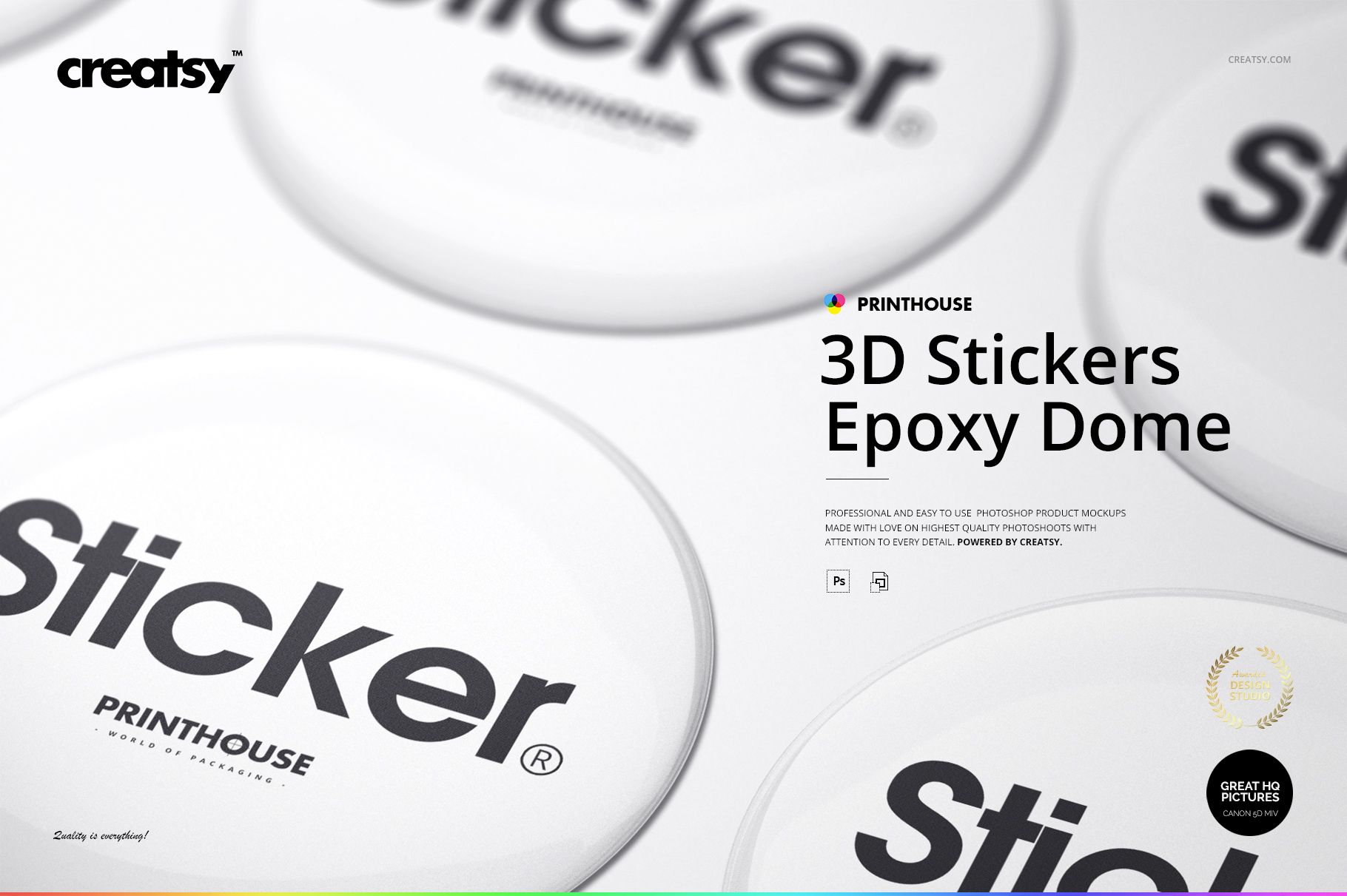
3D Epoxy Dome Sticker Mockups for Polished Brand Visuals
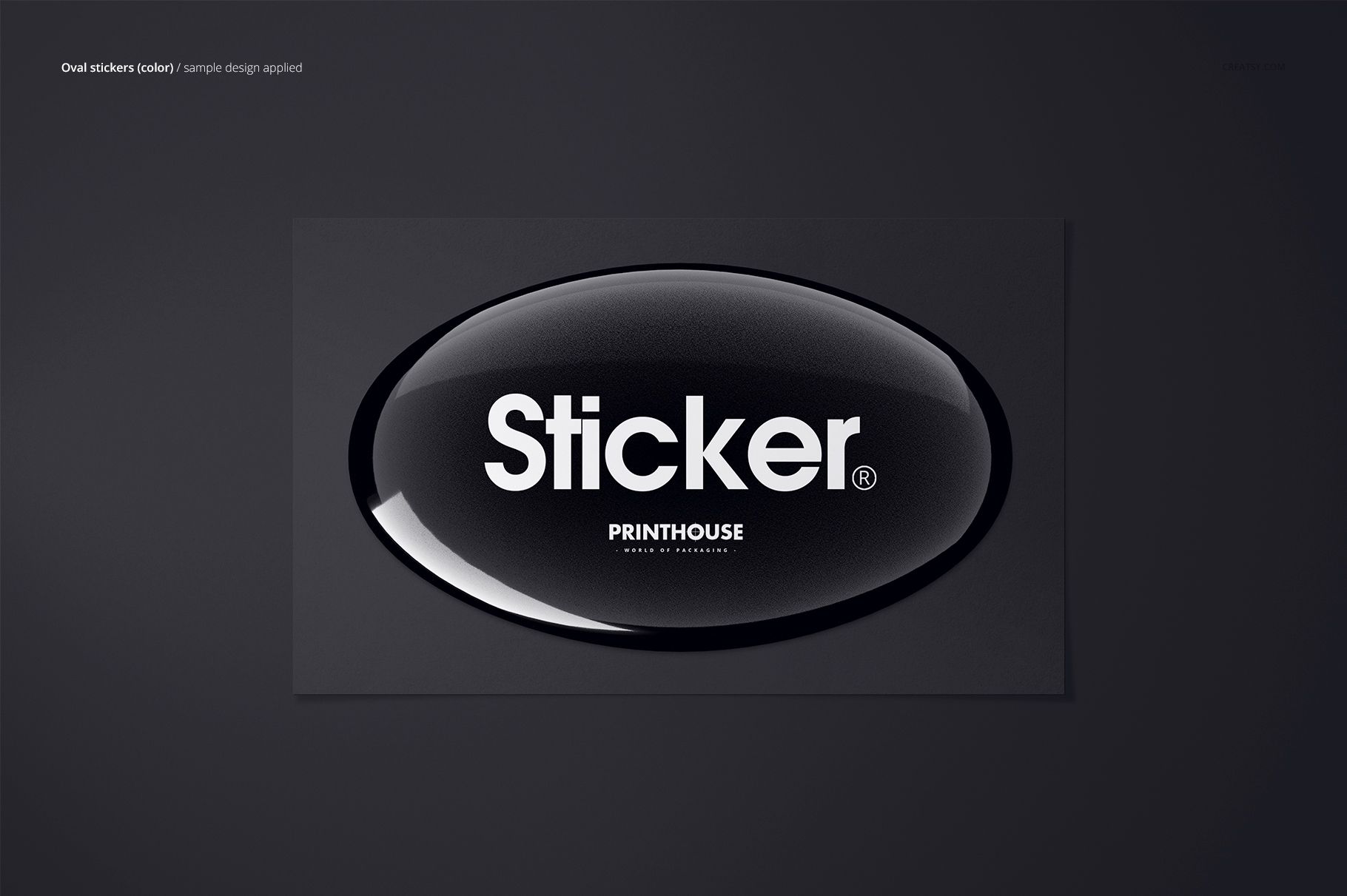
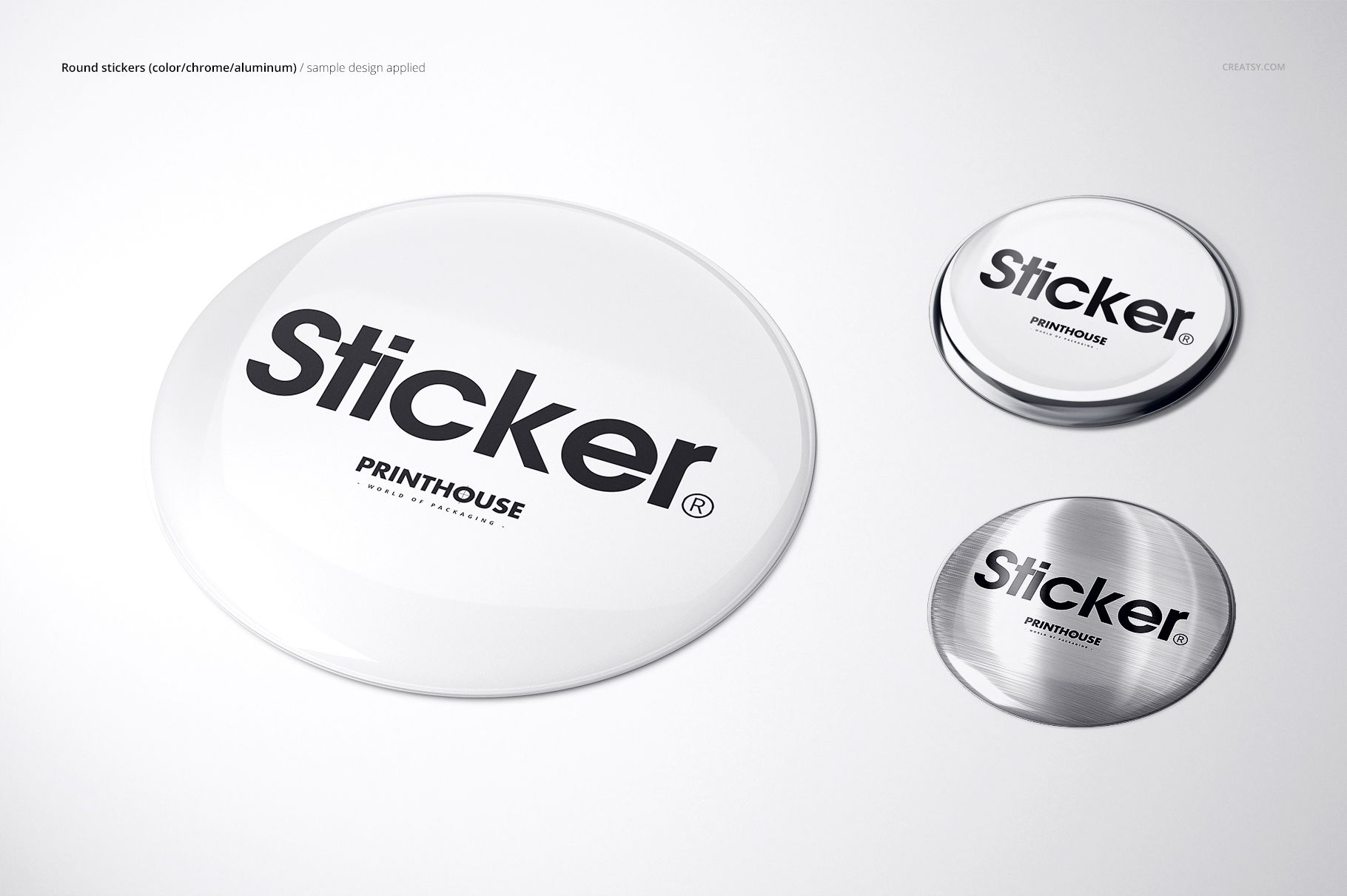
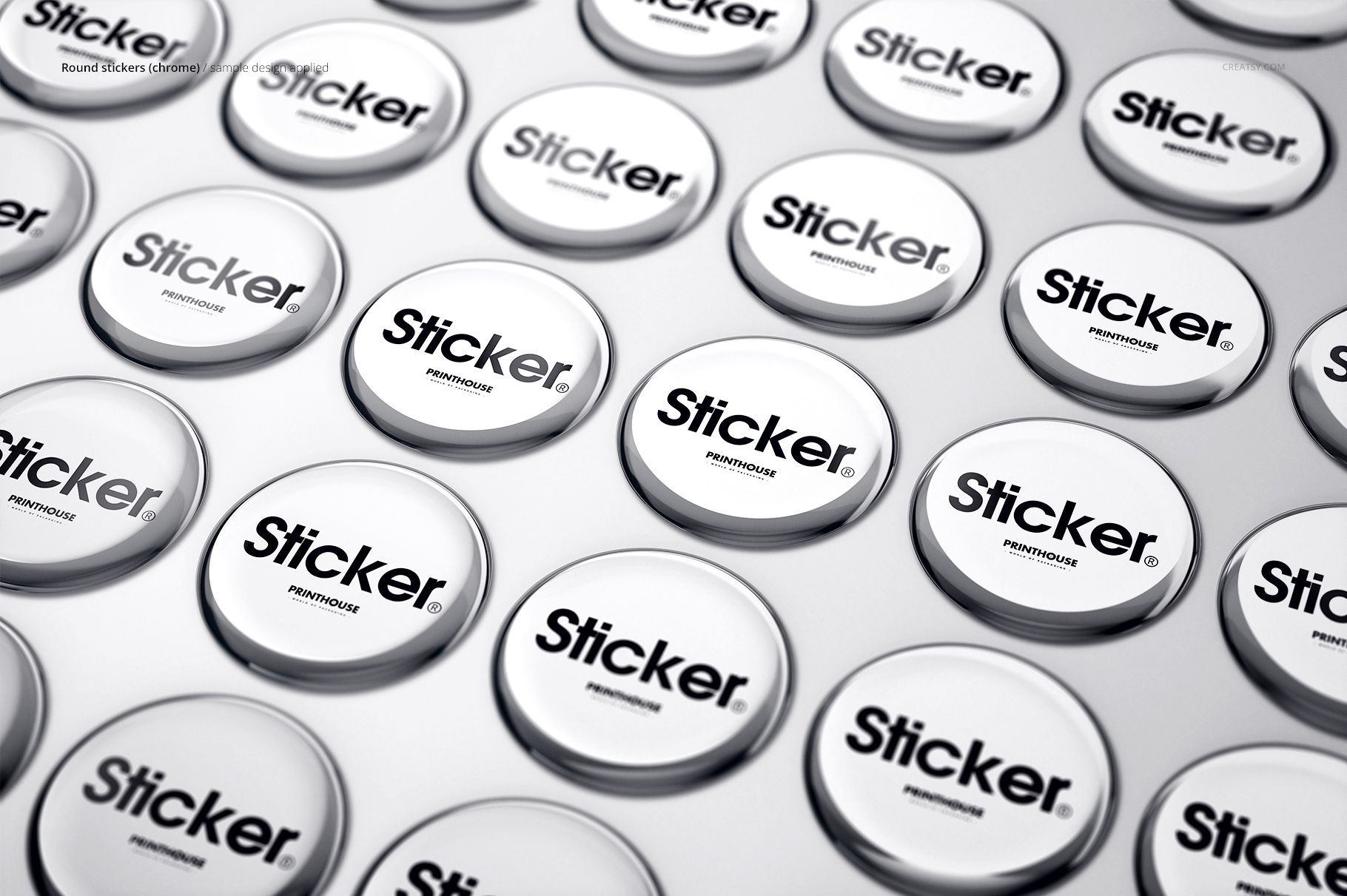
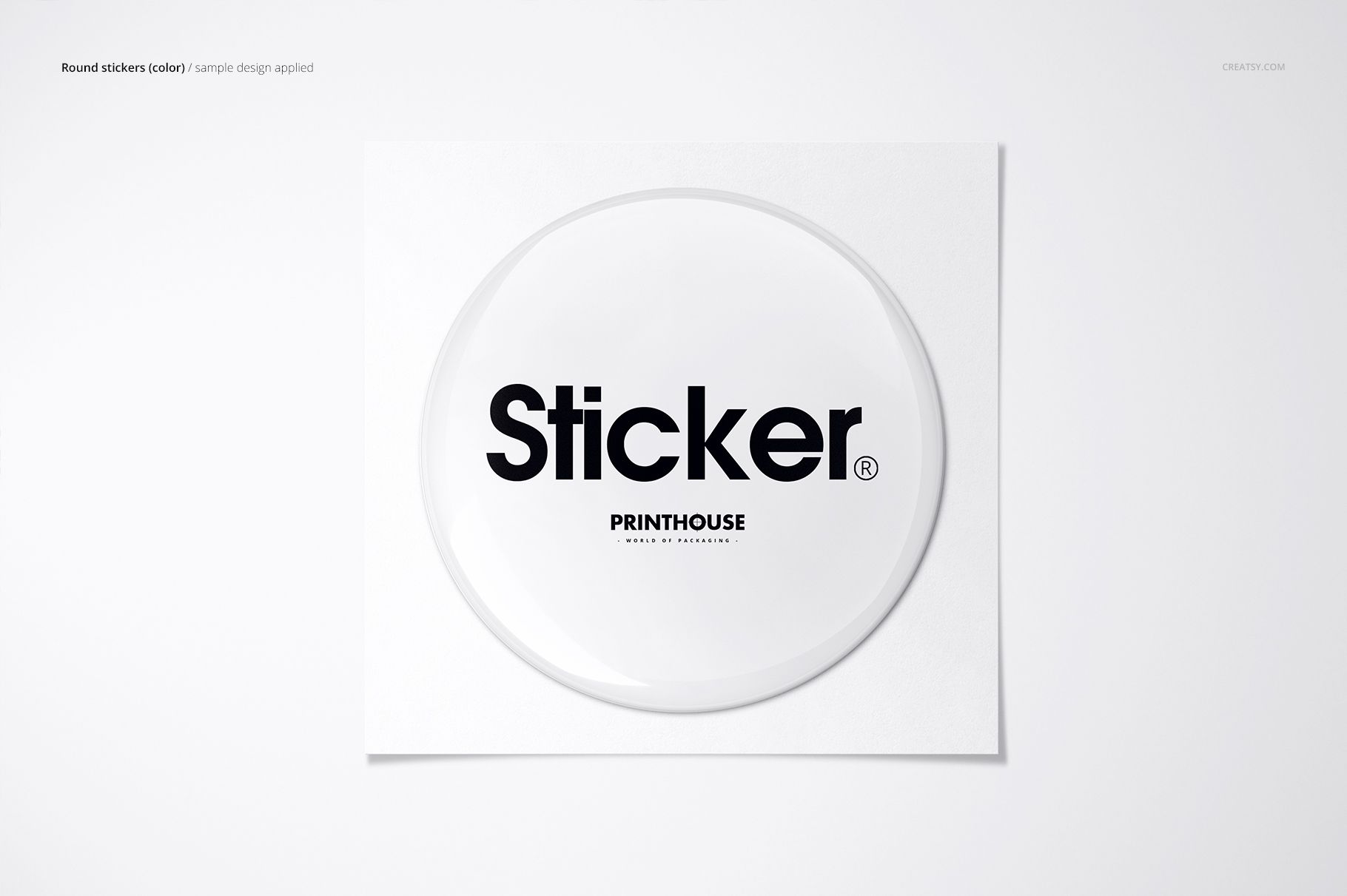
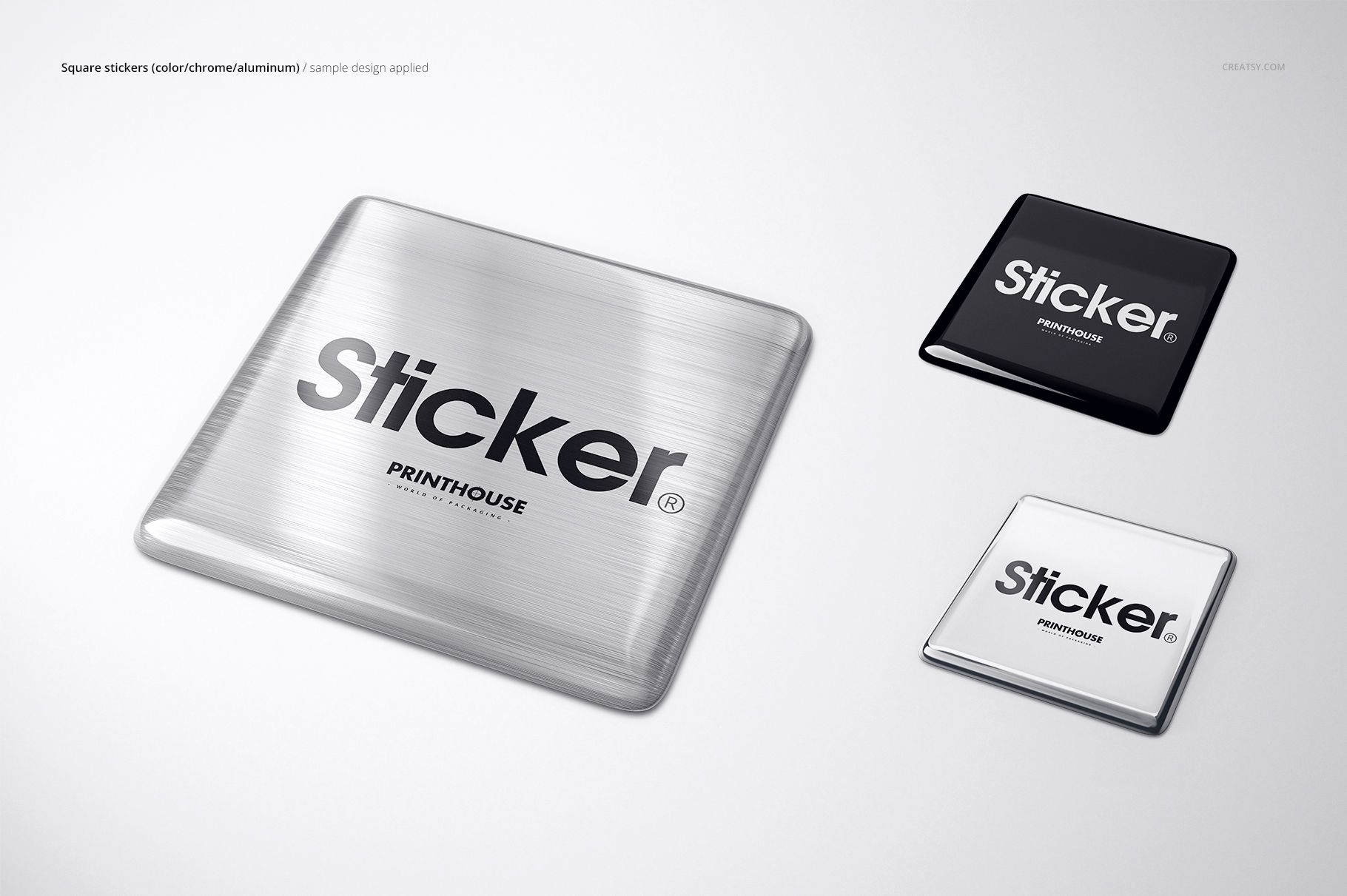
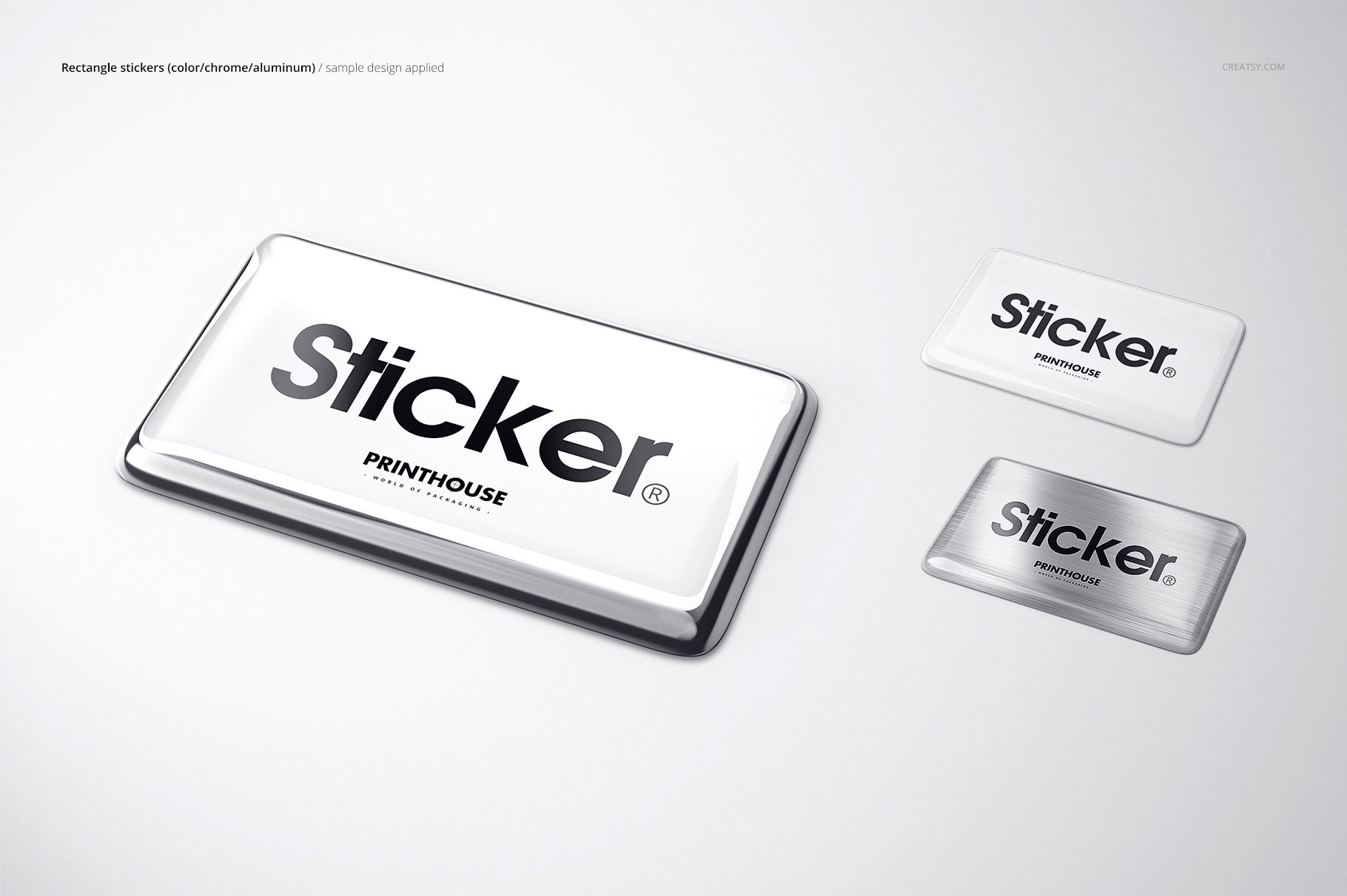
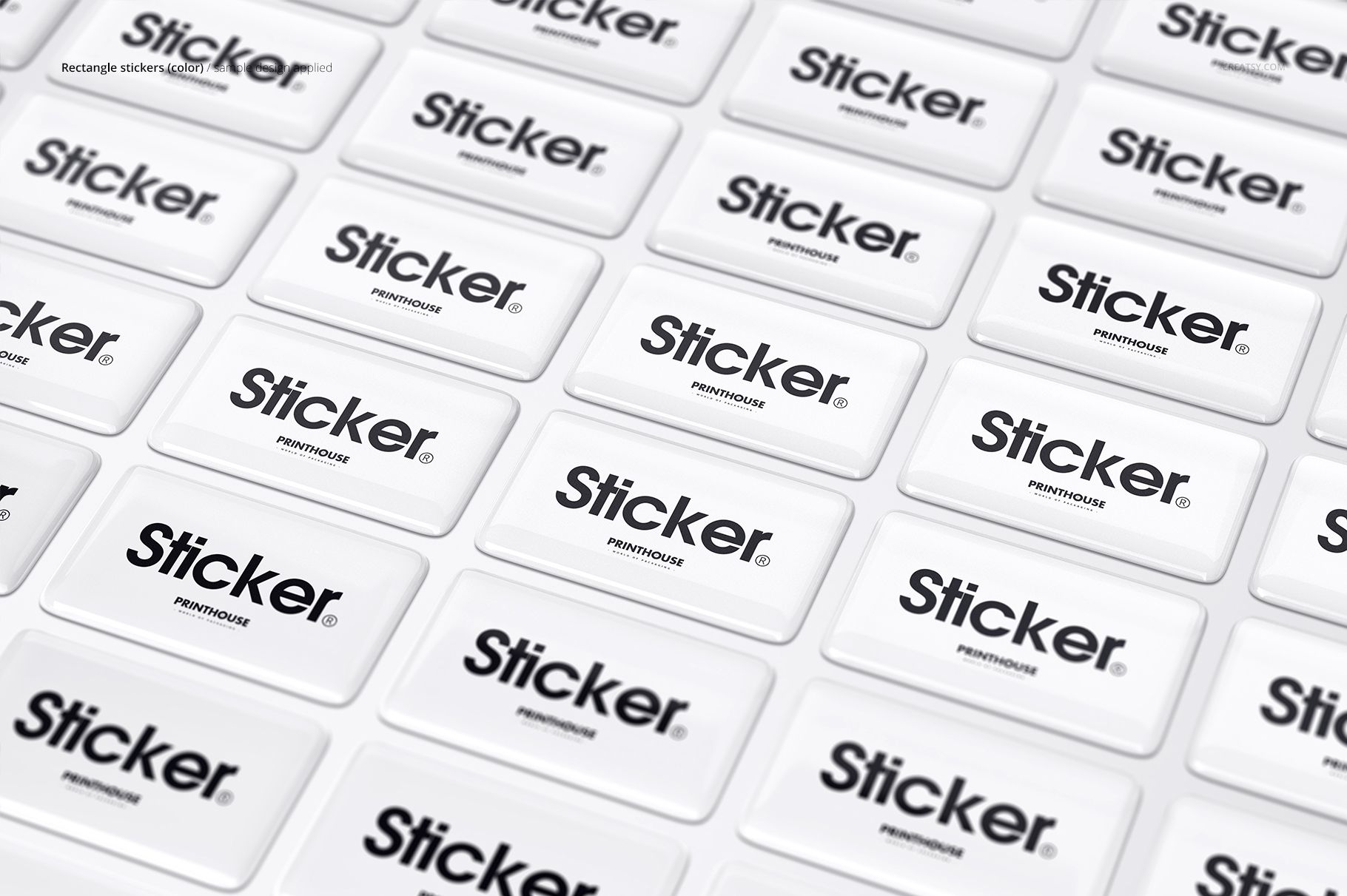
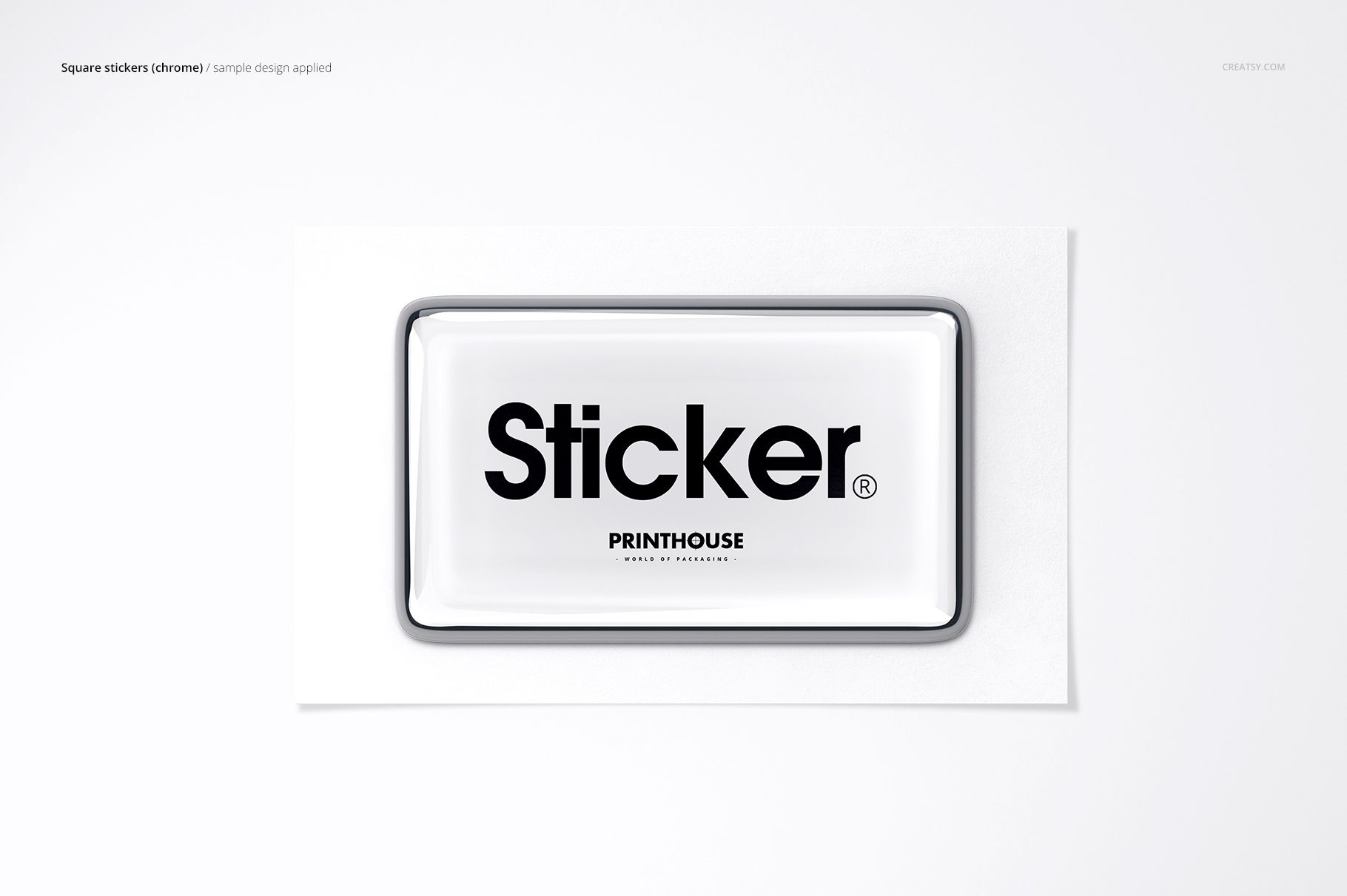
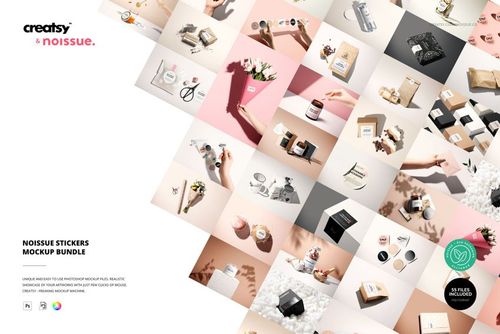
Turn flat logos, emblems, product labels, and promotional graphics into realistic raised resin presentations. The 3D Epoxy Dome Stickers Mockup Set contains 36 layered PSD scenes and 39 JPG previews and guides, giving you 75 files in total. Every editable PSD scene is presented at 6000 x 4000 px and 300 DPI for detailed product pages, client approvals, advertising, and portfolio case studies.
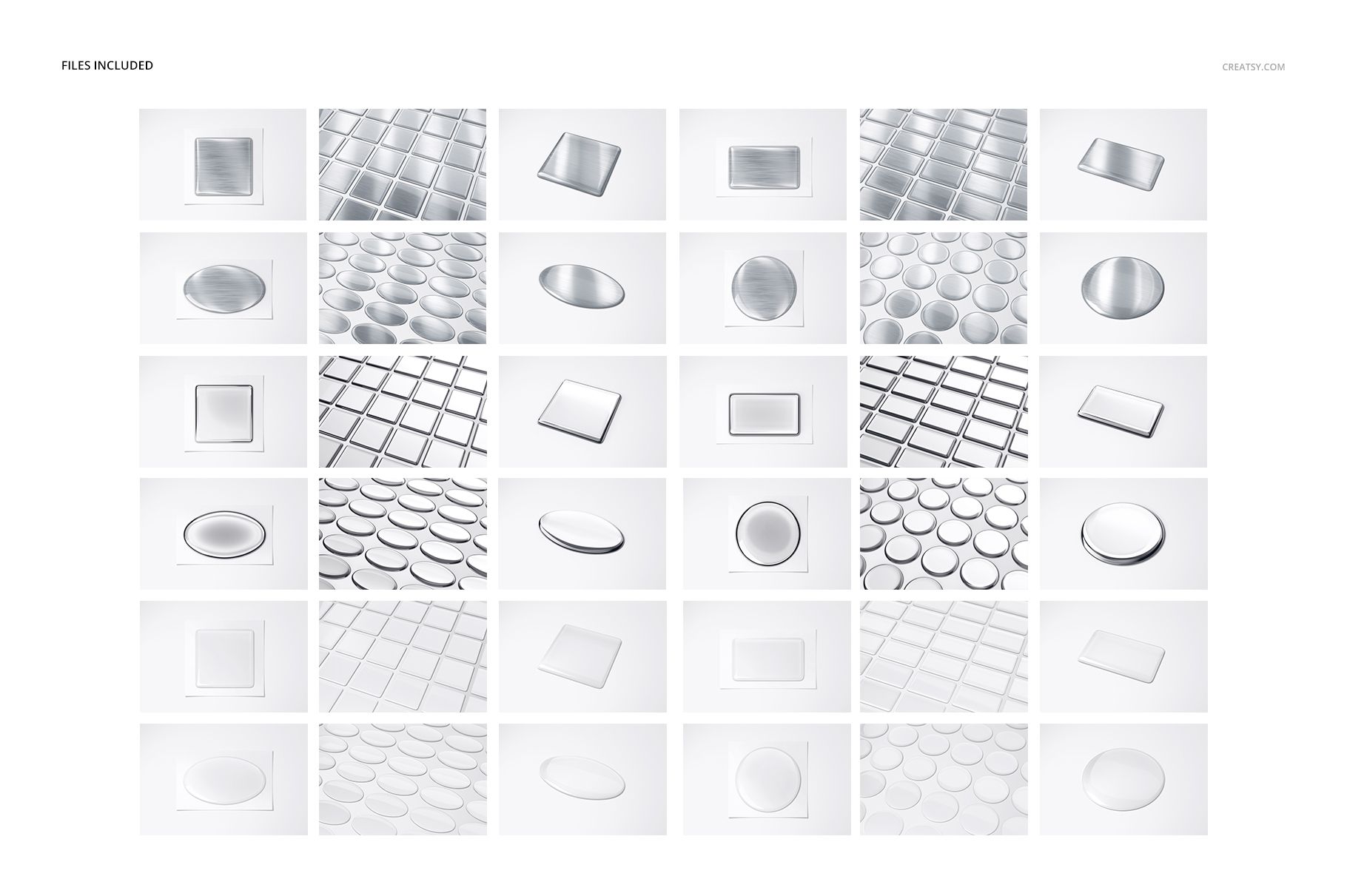
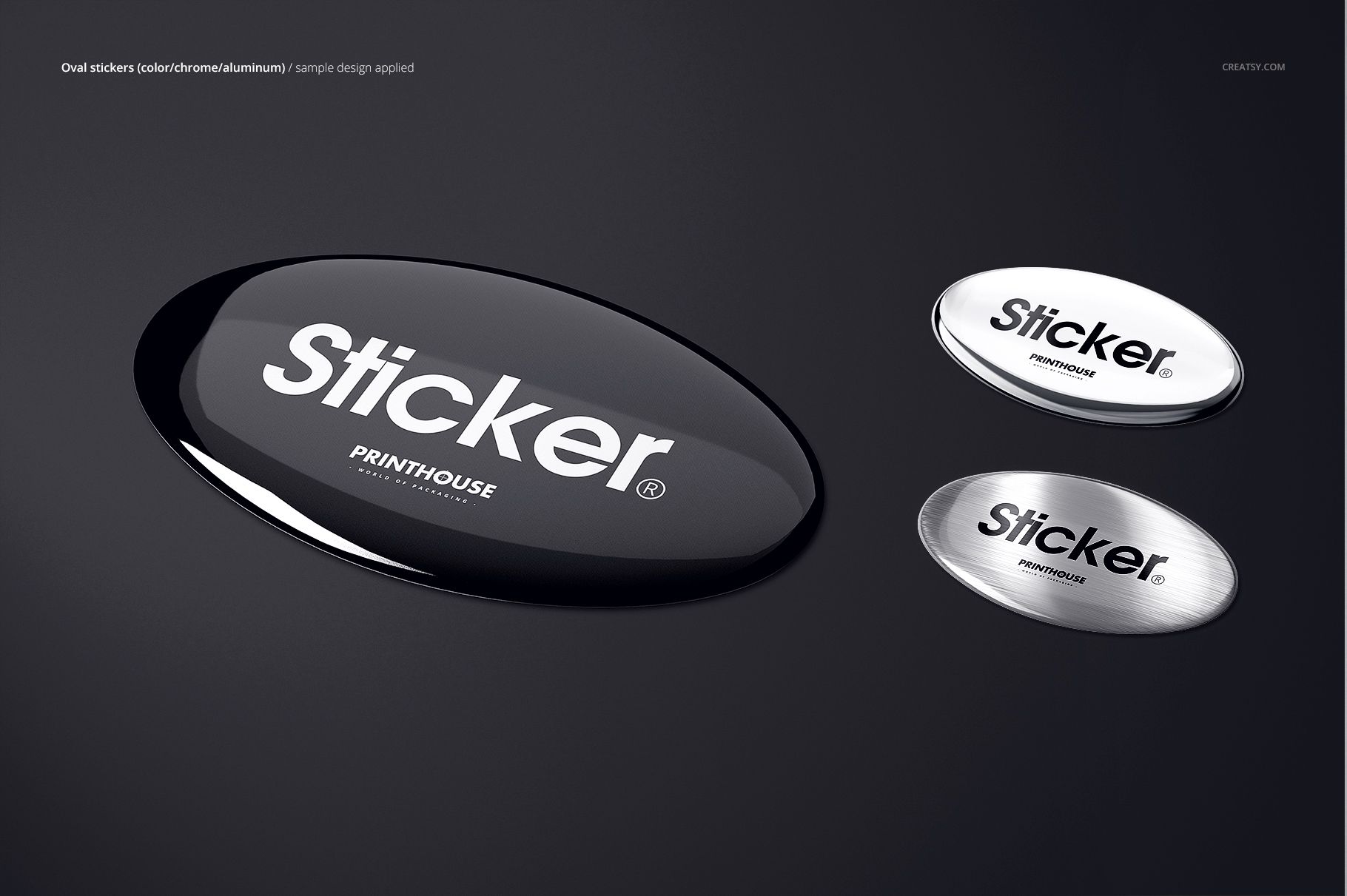
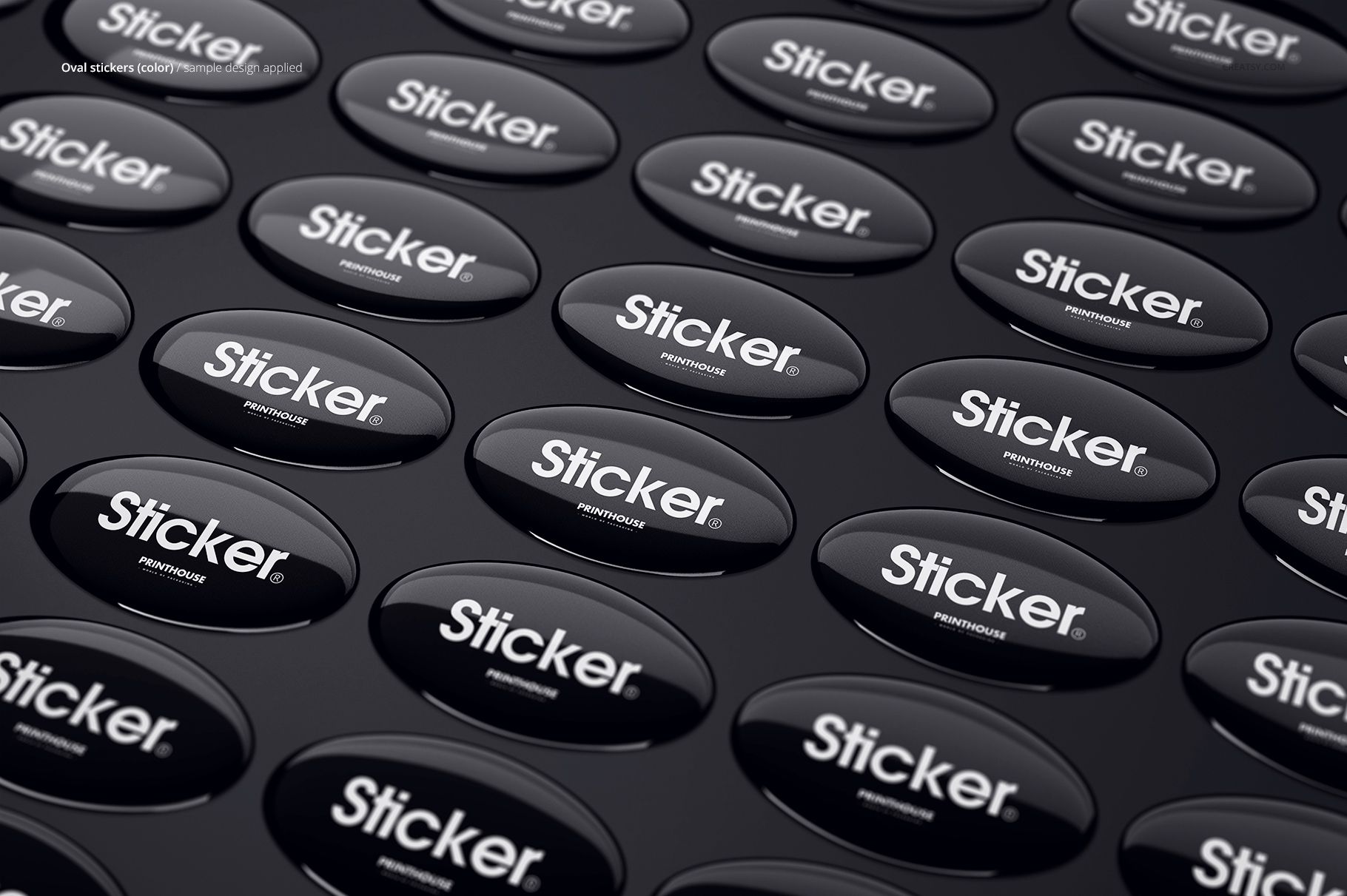
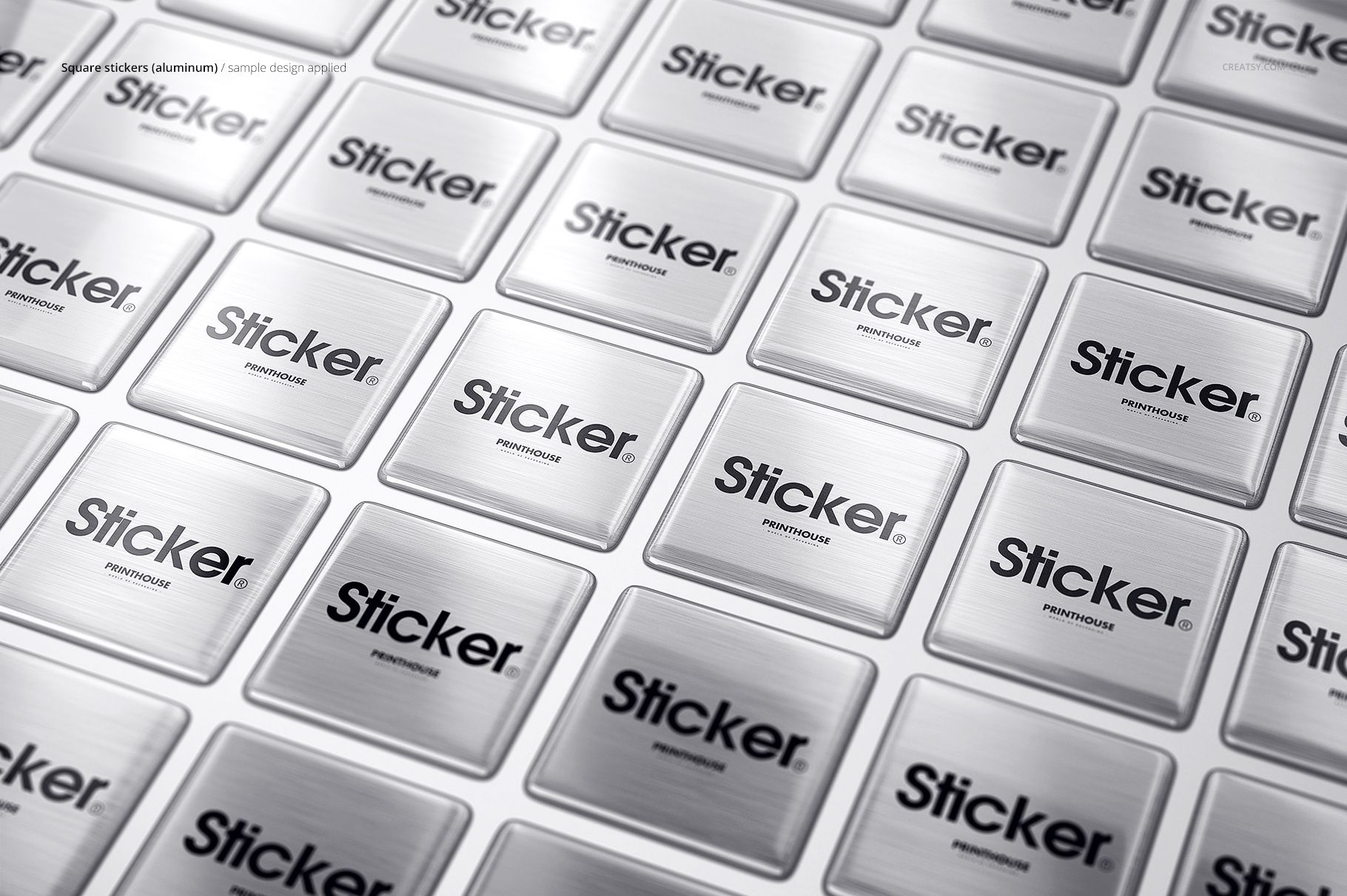
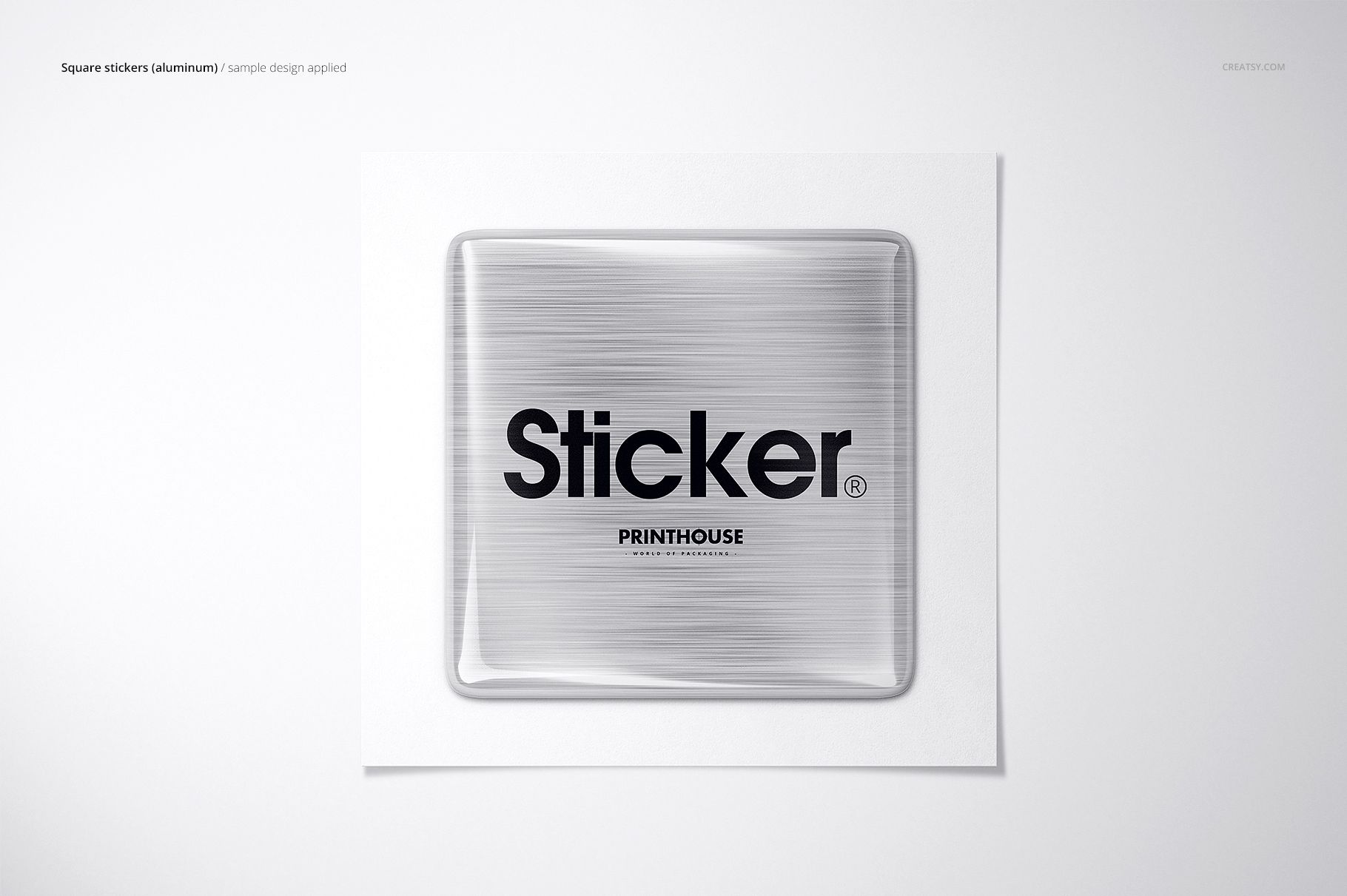
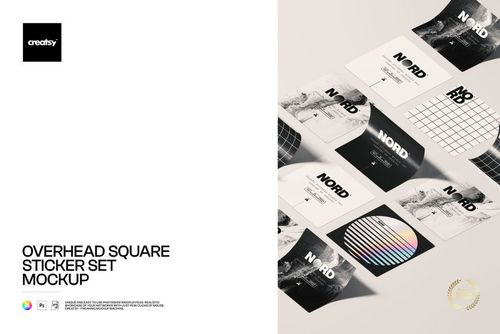
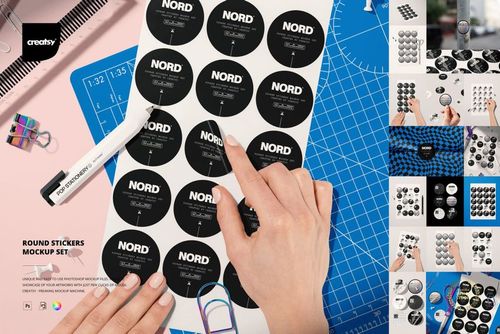
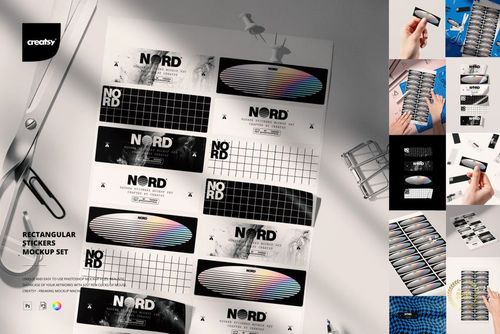
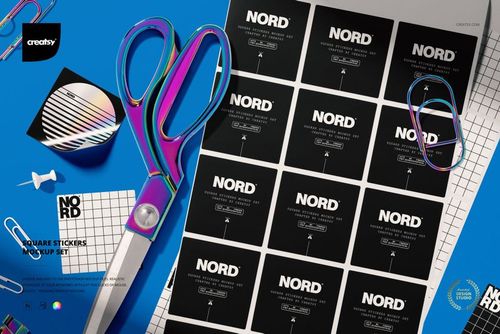
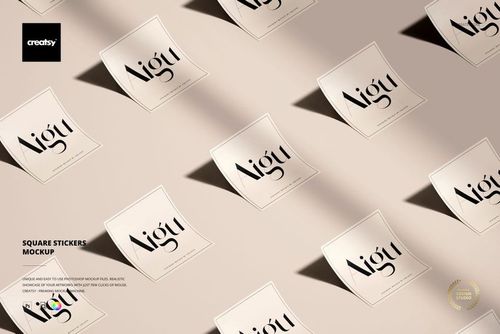
The collection follows a clear 3 x 4 x 3 system: three finish families, four sticker shapes, and three composition styles. Present square, rectangular, oval, and circular designs in aluminum, chrome, or an editable color treatment. Top views, angled views, and grouped arrangements help you compare the same visual identity across format, surface, and scale.
What You Can Customize
Artwork: replace logos, lettering, patterns, or label graphics through Smart Objects.
Color treatment: adjust the sticker surface in the dedicated Color family.
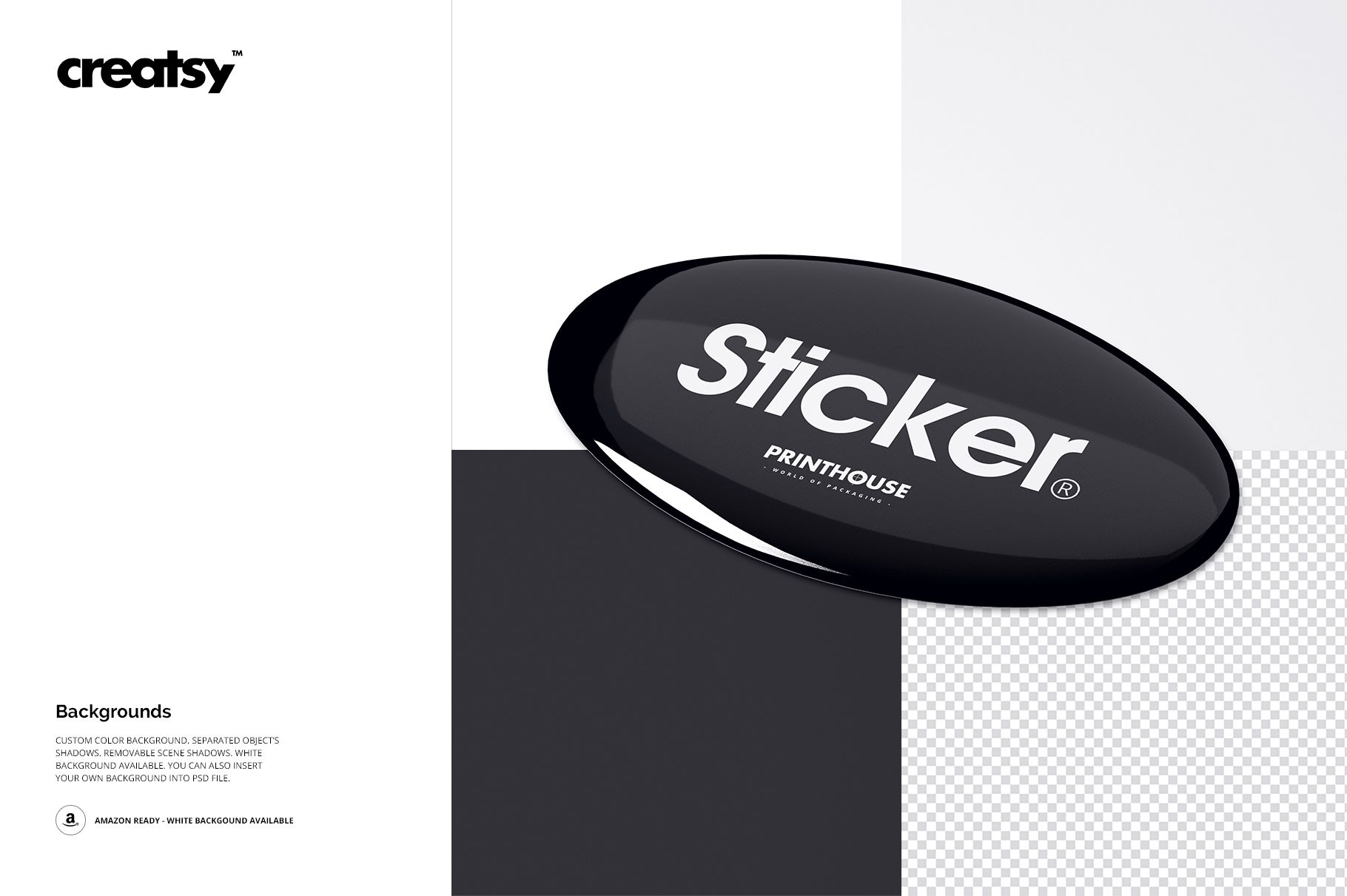
Background: choose a custom color, insert a texture, keep a clean white scene, or prepare a transparent export.
Composition: work with individual objects and separately organized shadows.
Shadow visibility: refine, hide, or remove scene shadows for cleaner campaign layouts.
Designed for Confident Visual Decisions
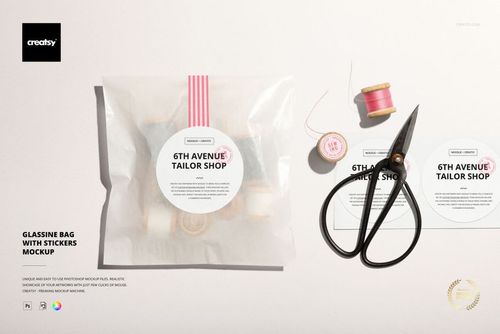
Use the mockups to present resin dome labels, logo badges, branded decals, equipment markings, packaging labels, membership seals, and promotional merchandise concepts before production. The coordinated scene structure makes it easier to compare shapes and finishes without rebuilding the presentation from the beginning.
Software and Delivery
The PSD files work with Adobe Photoshop CC 2015 or newer and Photopea. Physical stickers, printing services, and the sample artwork visible in the previews are not included. These files are visual presentation mockups, not manufacturing specifications, dielines, or print-ready cutting templates.
Explore more resources in the Stickers and Labels mockup collection to create a consistent library of campaign visuals.