Vinyl Record on the Rocky Ocean Shore Mockup
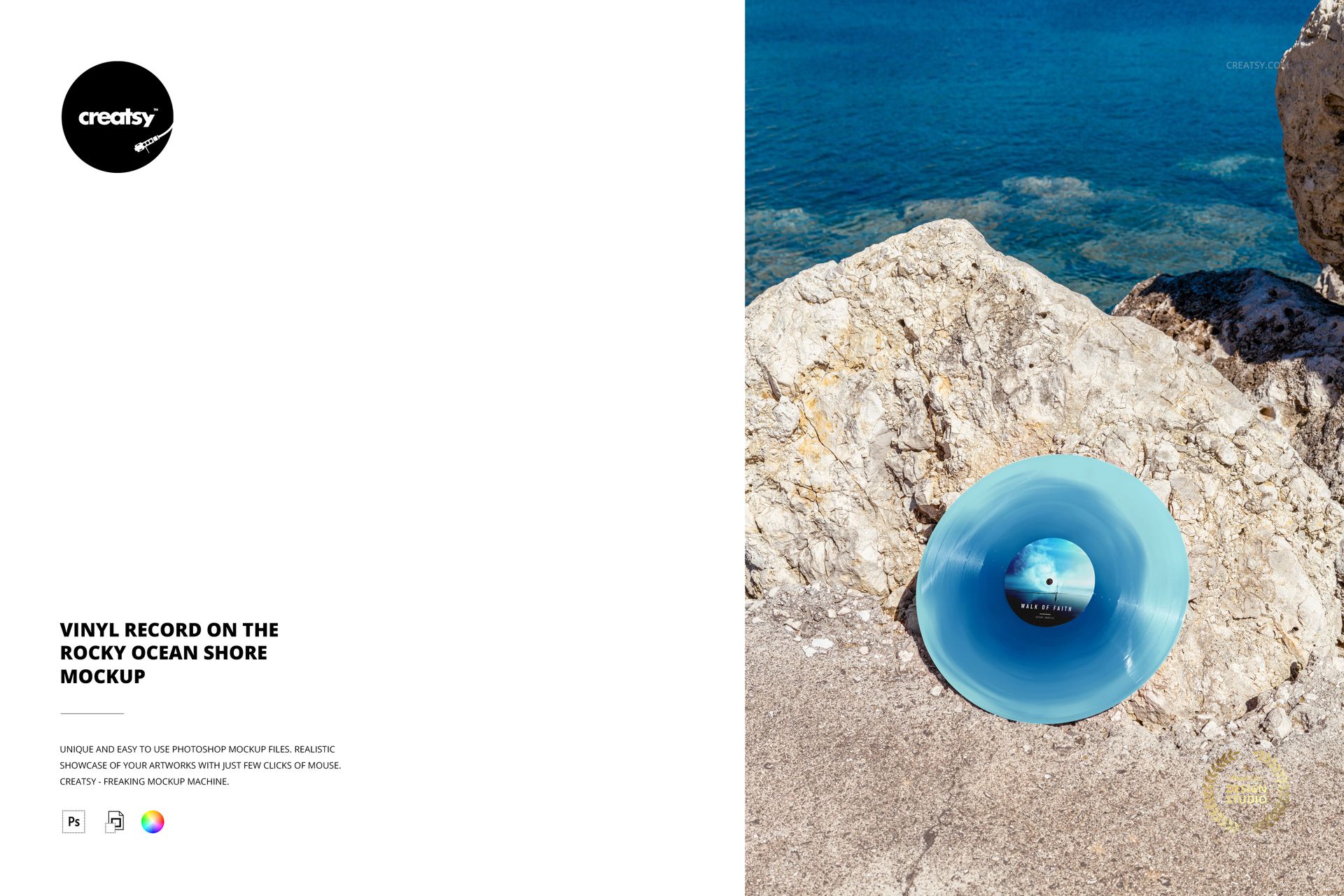
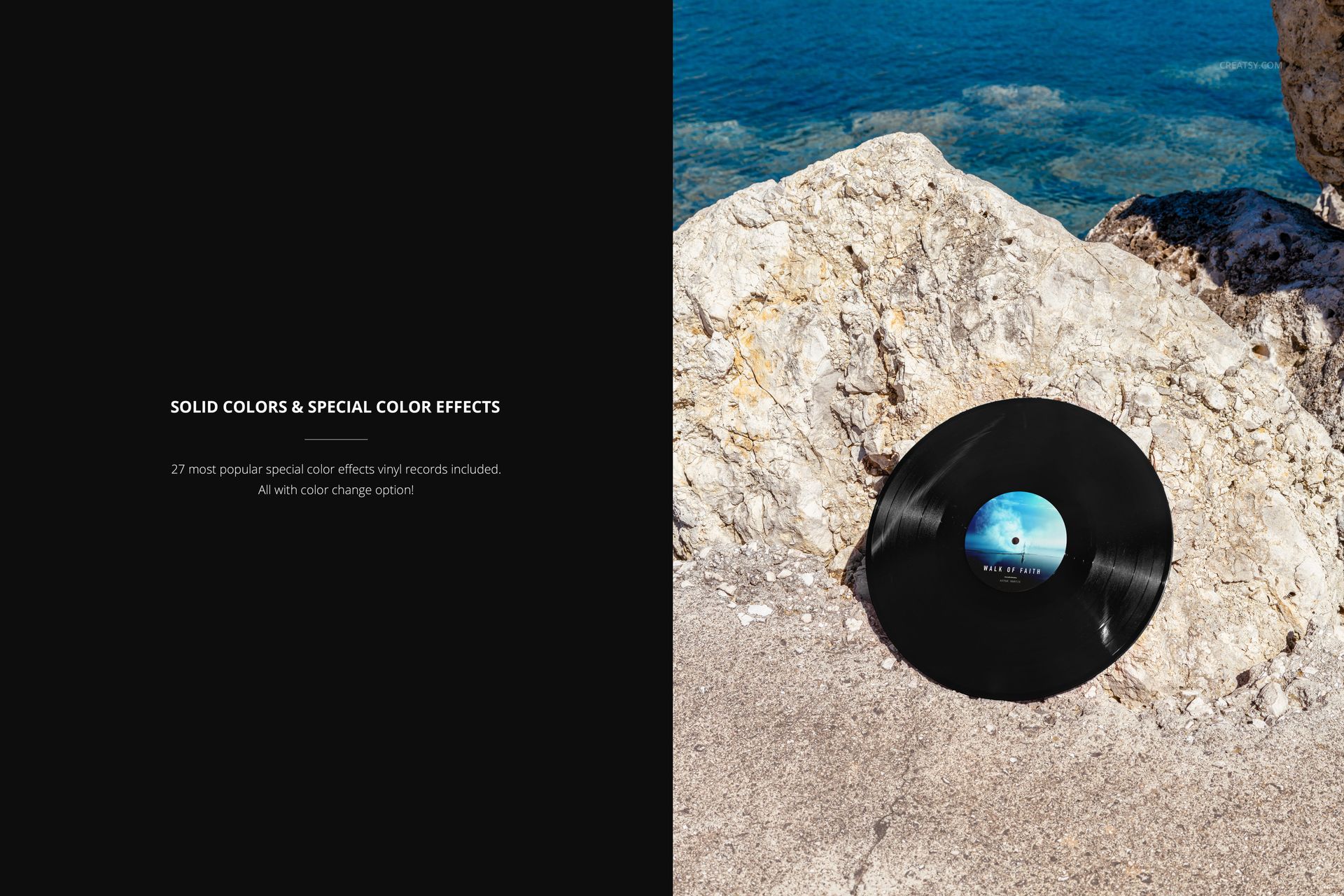
Pale coastal rock, deep blue water and an angled vinyl record create a sunlit setting for your next release concept. The disc rests against the stone in the lower part of the frame, with the ocean visible above, giving this mockup a distinct sense of place.
Use the composition to show how a center-label design and a special vinyl finish work together in an outdoor campaign. The wider view suits artwork presentations where mood matters as much as the product detail.
What Is Included
One layered PSD containing the rocky ocean shore scene.
4000 × 6000 px in portrait orientation, at 300 DPI.
One accompanying JPG preview, two files total.
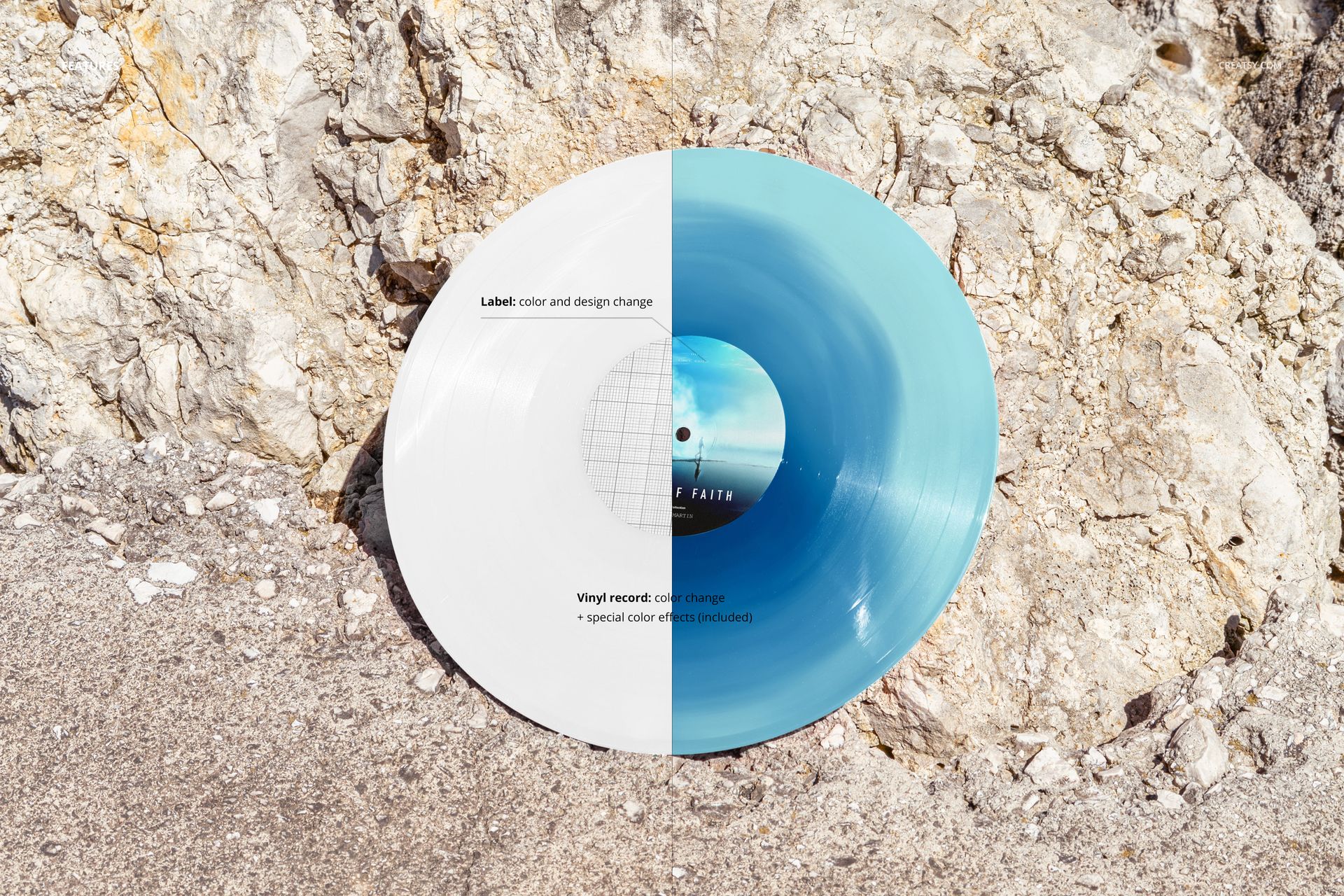
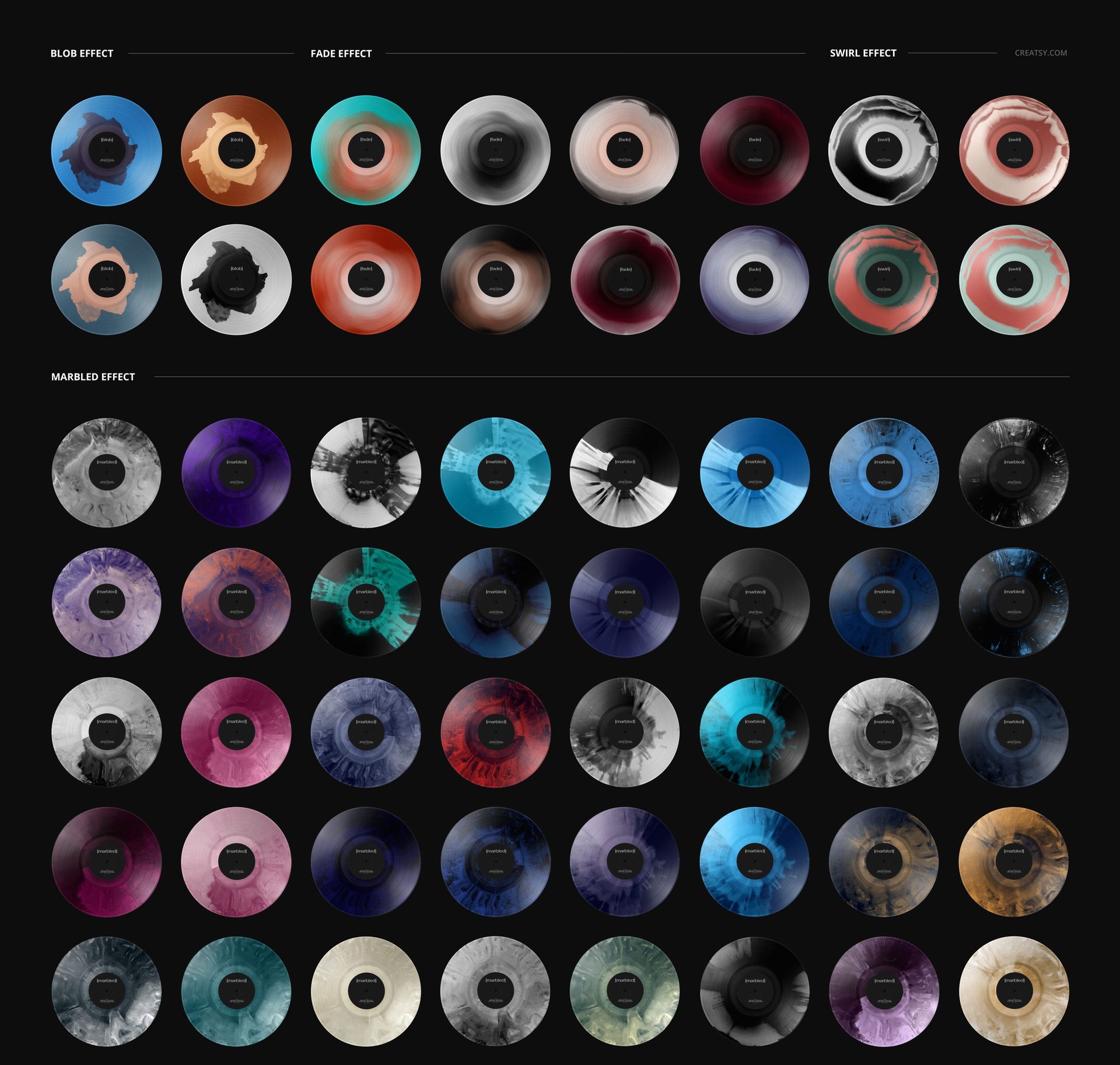
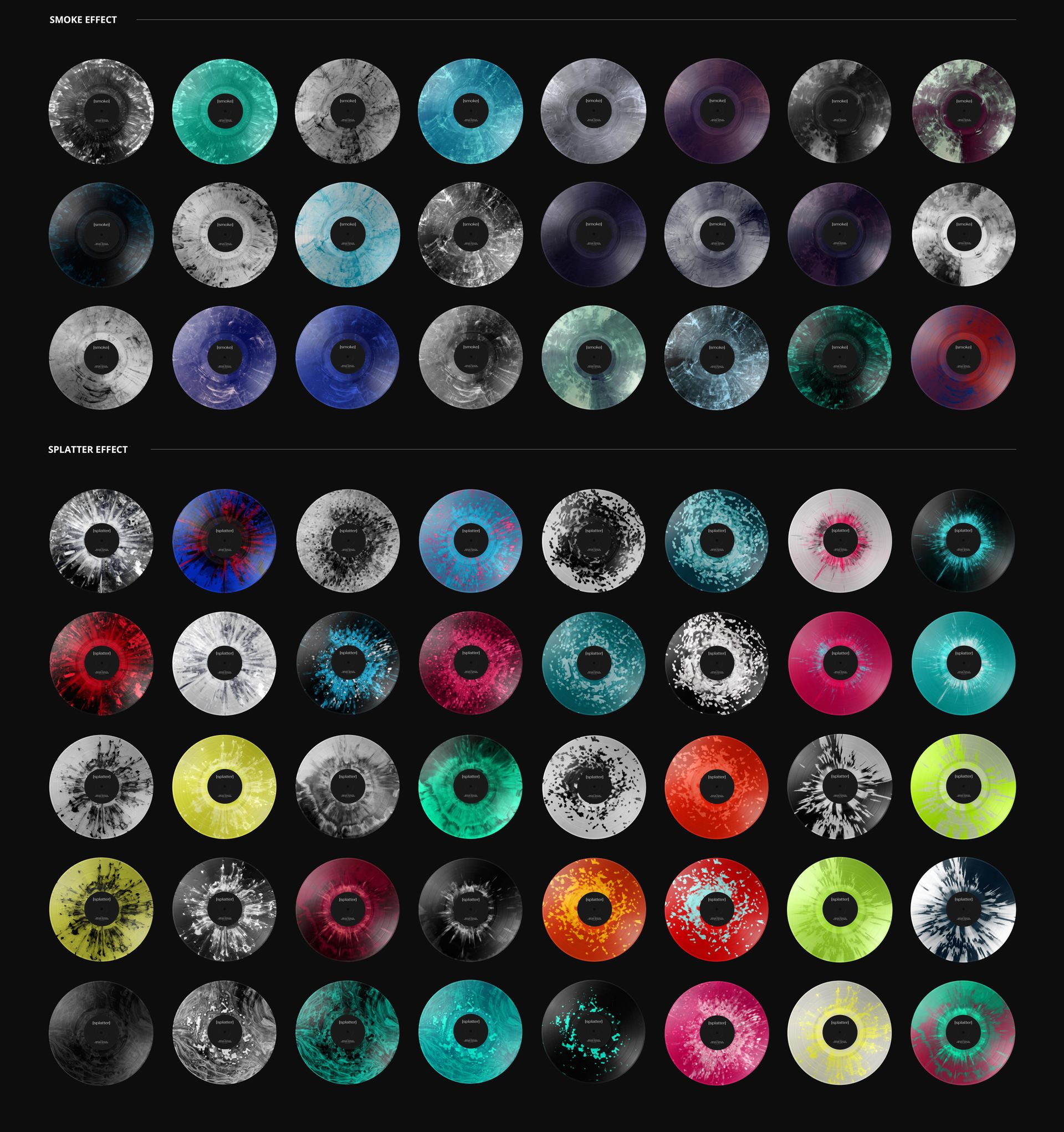
Label color/design editing, record color changes and 27 special vinyl effects.
Build a Release Palette around Stone and Sea
The pale stone helps darker vinyl stand apart, while the blue water offers a visual reference for cooler colorways. Compare solid colors with blob, fade, swirl, marbled, smoke or splatter treatments without changing the camera view.
Easy Smart Object Editing
Work in Adobe Photoshop or Photopea. Open the label Smart Object, insert your artwork and save the edit to update the scene. Adjust the record treatment using the organized layers.
Perfect For
Record-label pitches, artist release campaigns, album design portfolios and promotional images with an outdoor, coastal character.
A digital mockup is supplied, not a physical vinyl record. The example artwork is for preview purposes only and is not included.