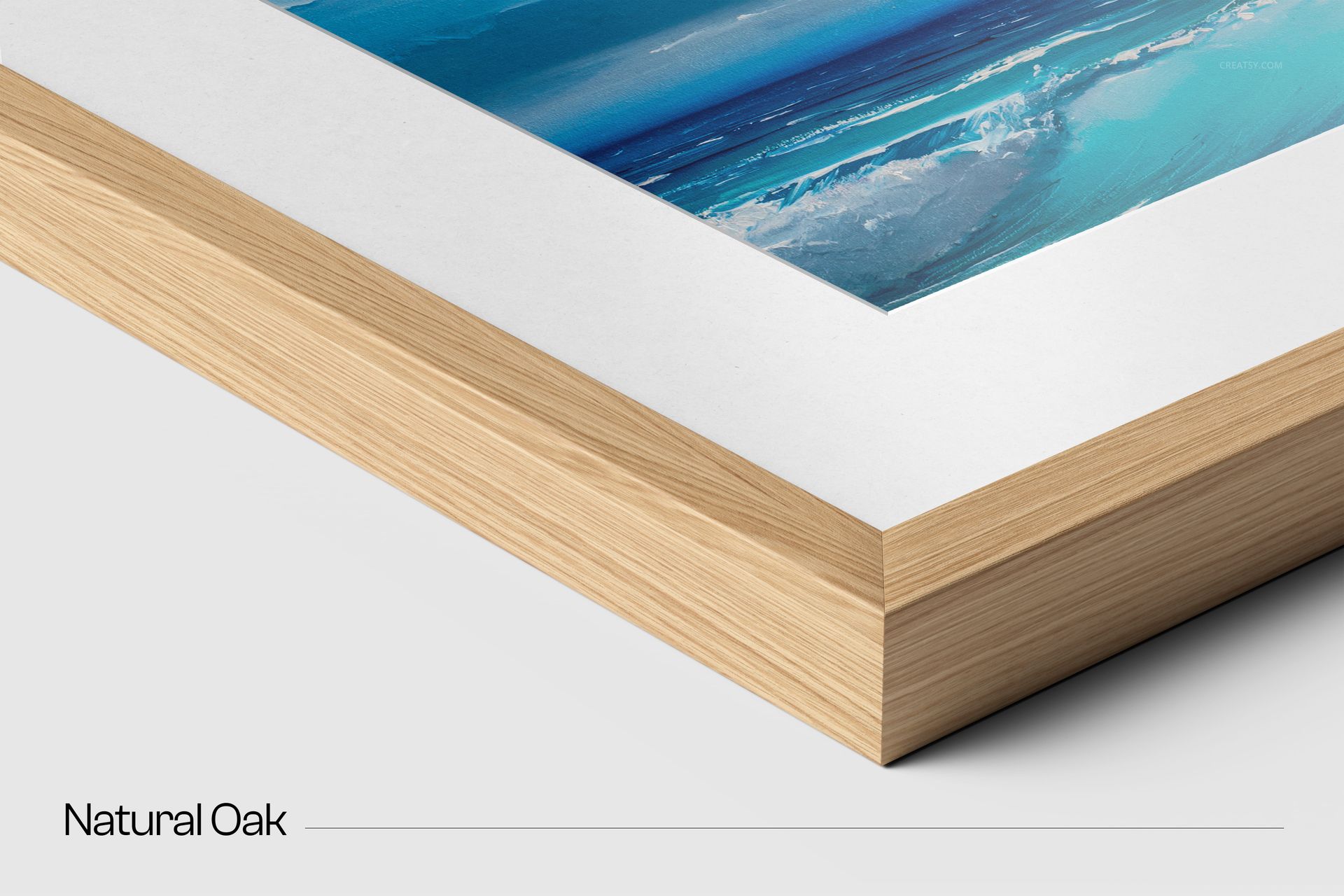
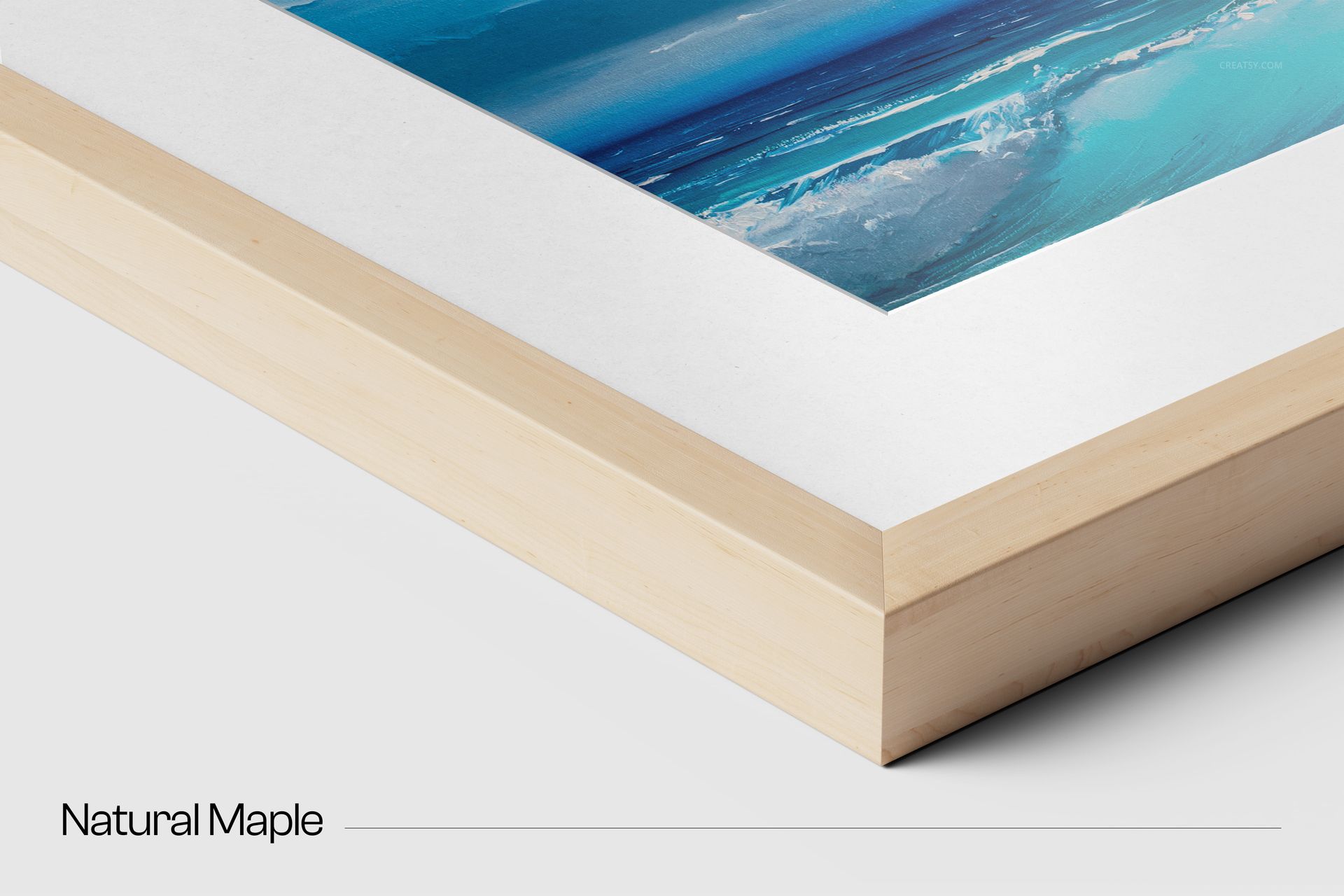
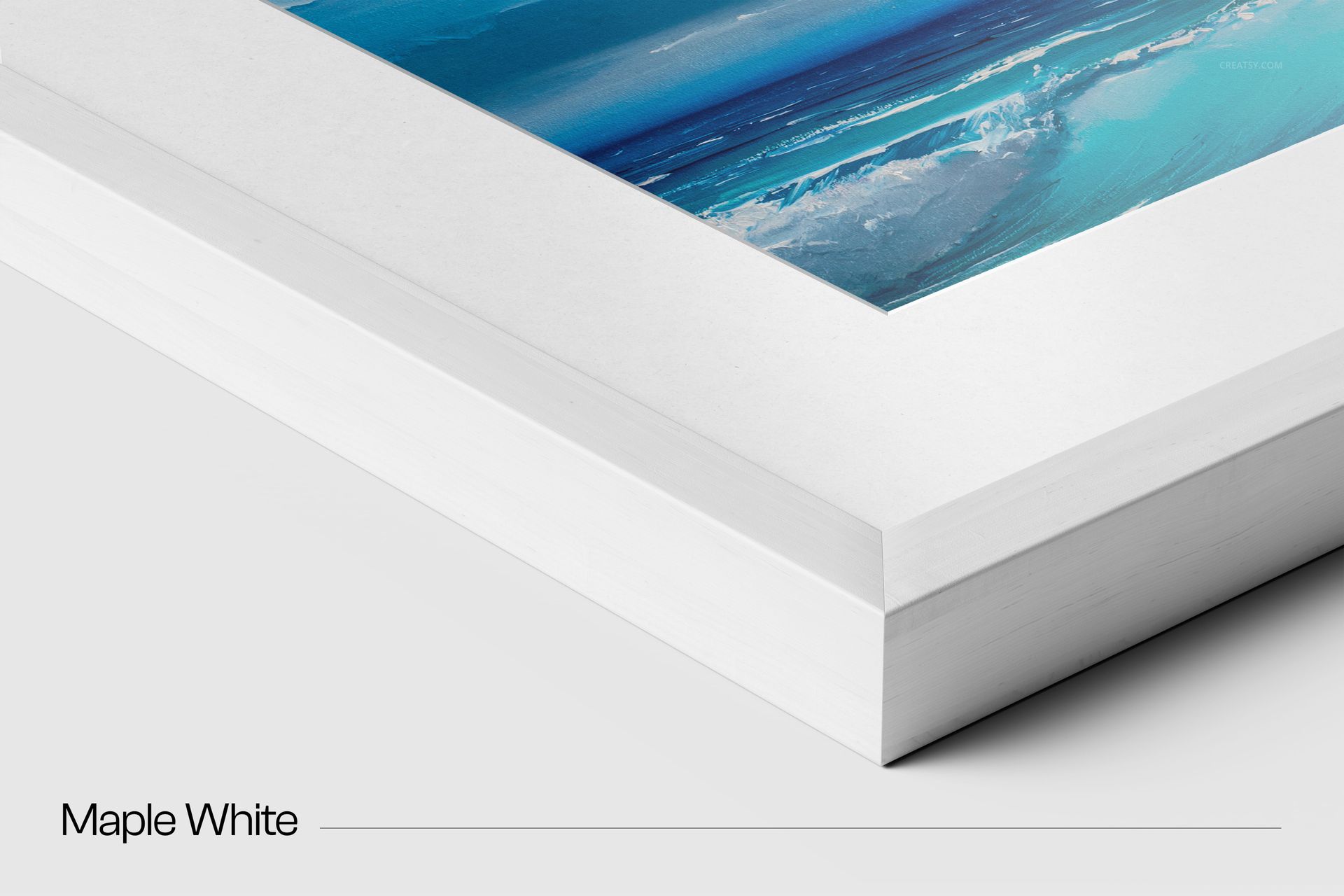
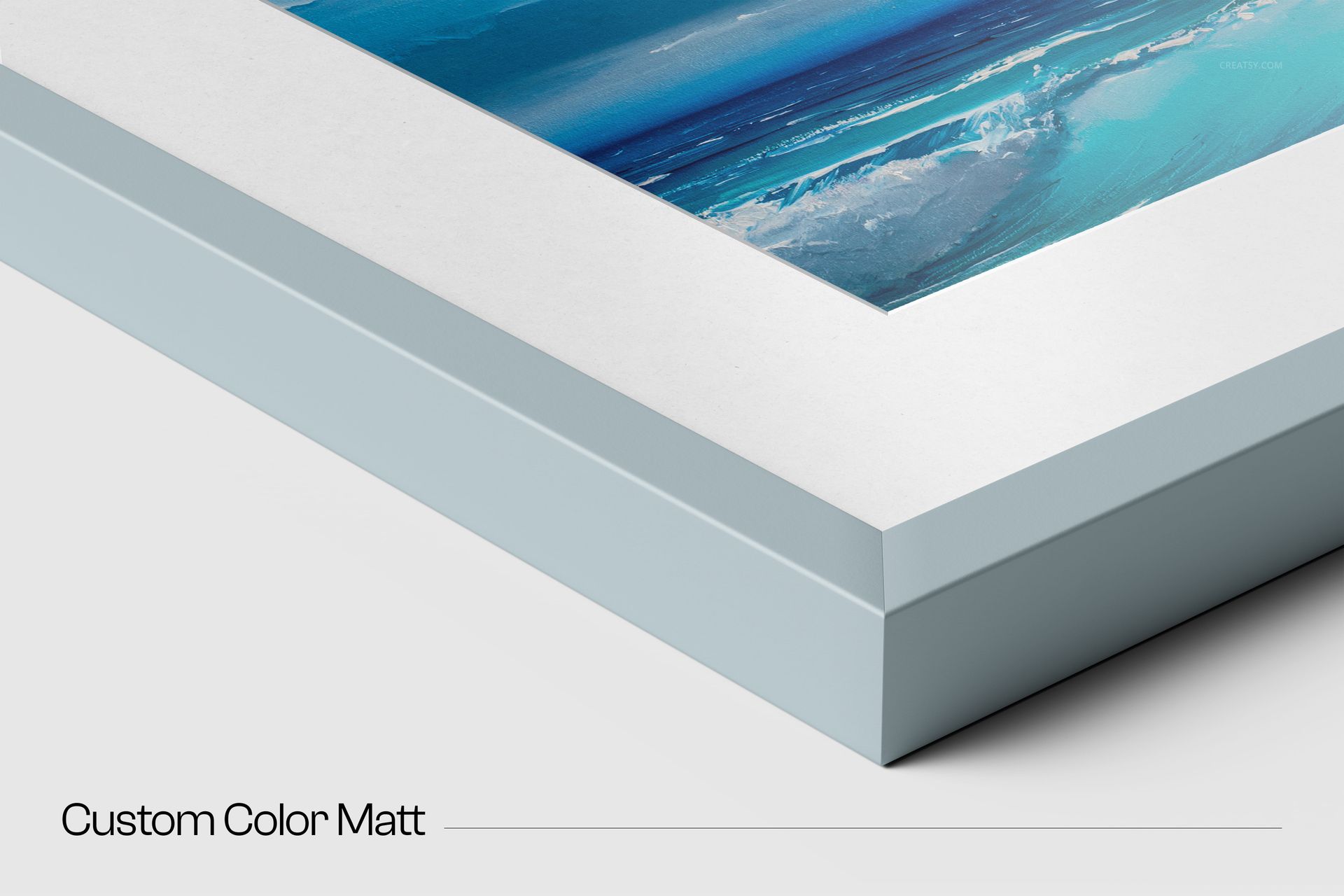
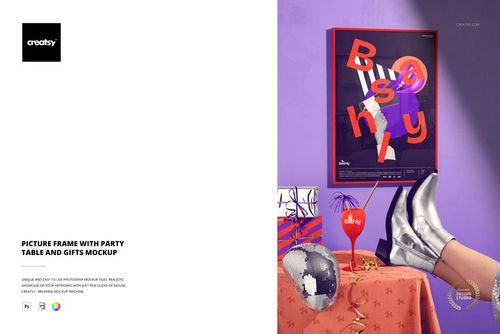
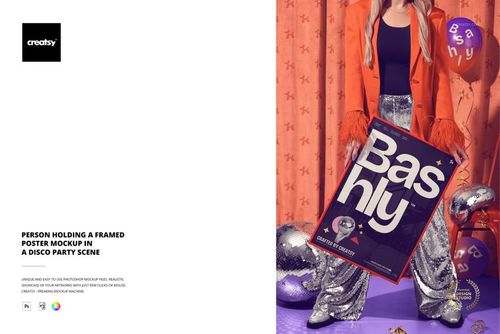
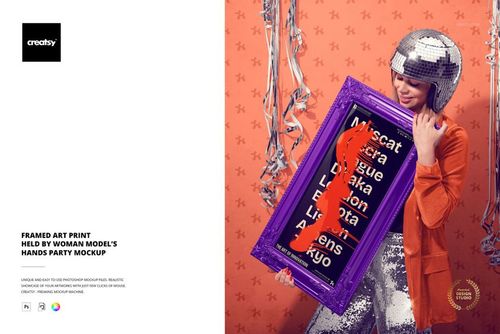
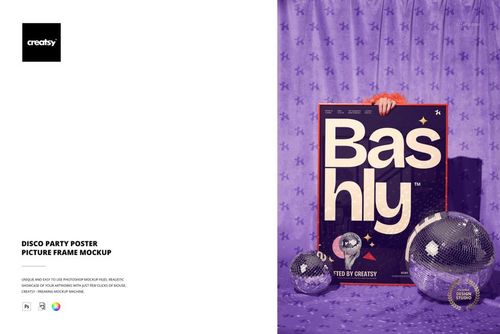
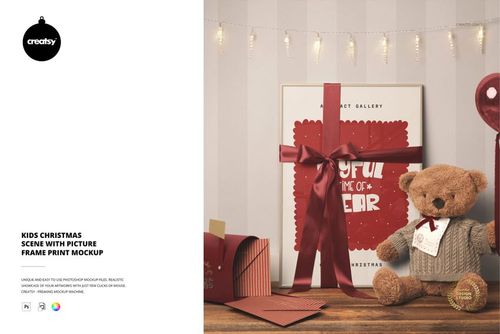
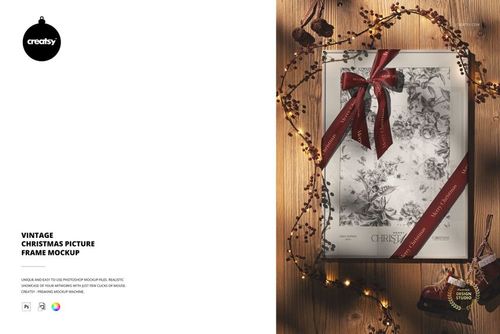
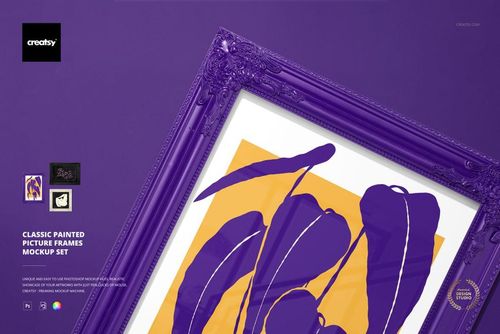
Closeup of 20 mm Solid Wooden Frame Mockup Set

ID: 1983666517 | Updated: Dec 31, 2025

Product Details

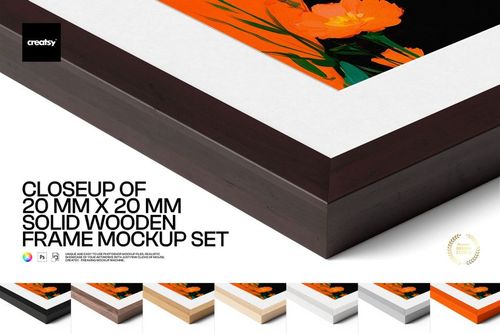
Closeup of 20 mm Solid Wooden Frame Mockup Set

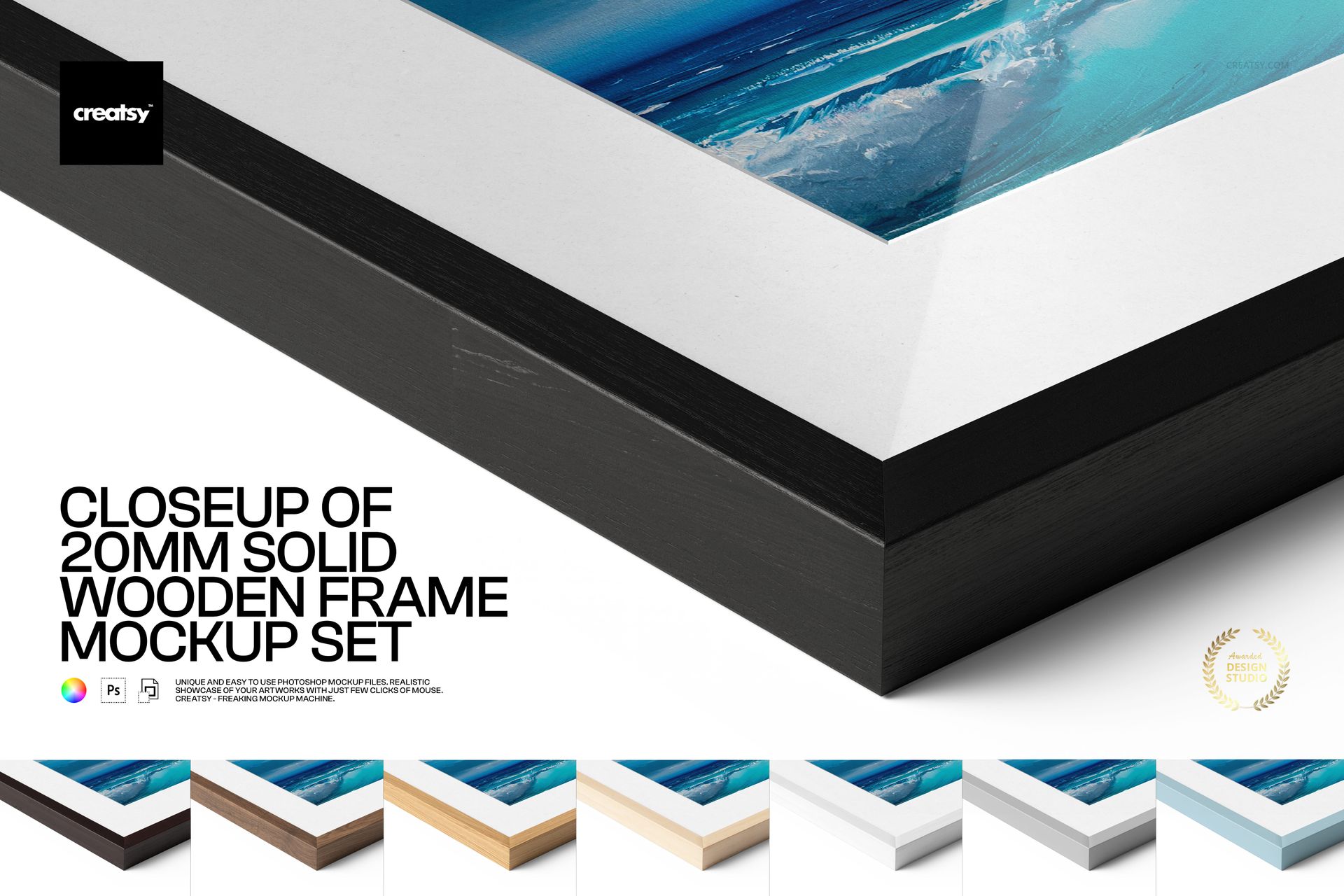
A great print deserves a great frame – and this set focuses on the detail that sells it: the crisp edge, the solid 20 mm depth, and that “ready for the gallery wall” finish. With close-up realism and flexible options (mat, glass, textures, backgrounds), you can present your artwork like a premium product shot in just a few clicks.


Product highlights

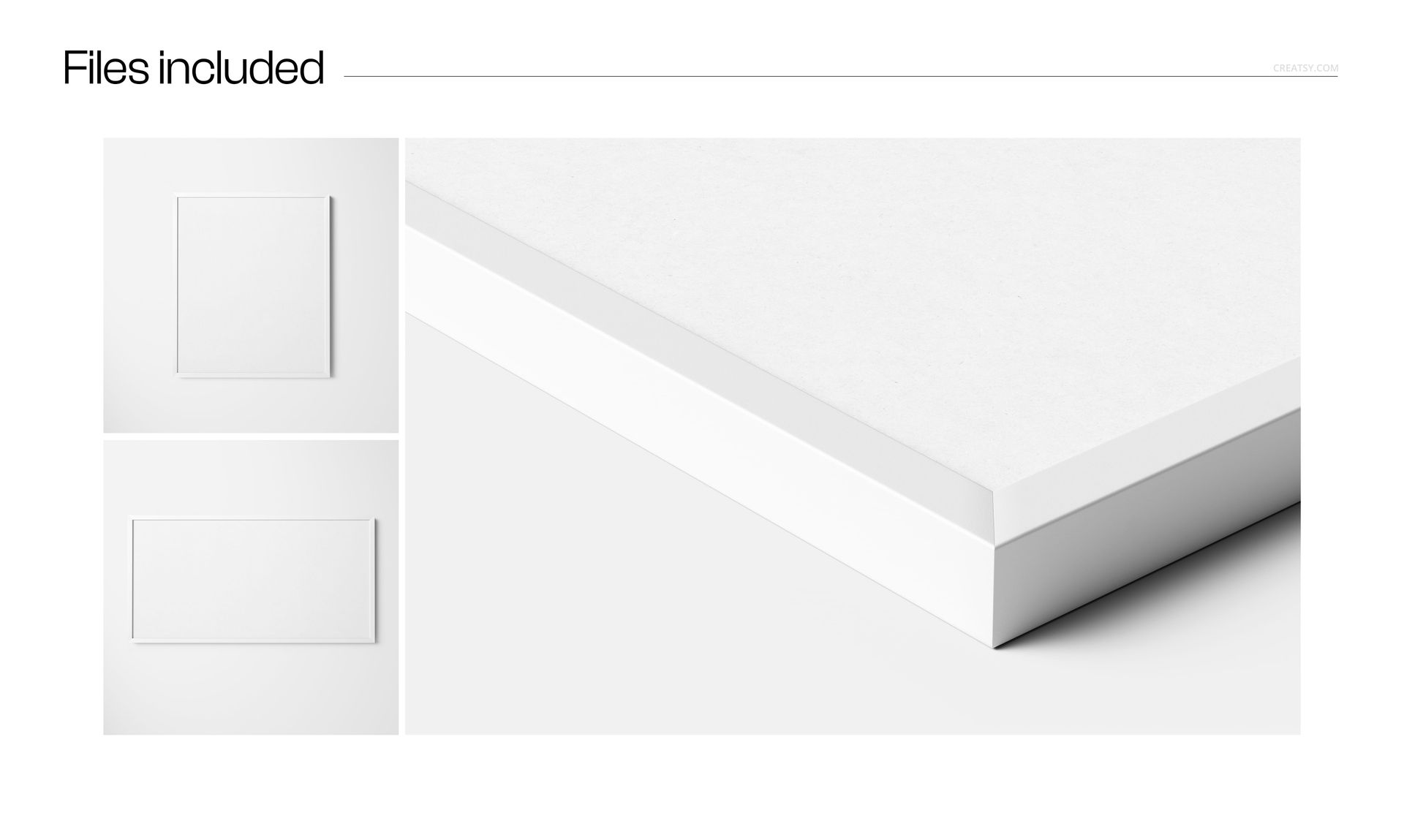
  • 3 high-resolution PSD mockups (~6000×4000 px, 300 DPI)

  • Works in Photoshop (min. CC2015) + Photopea

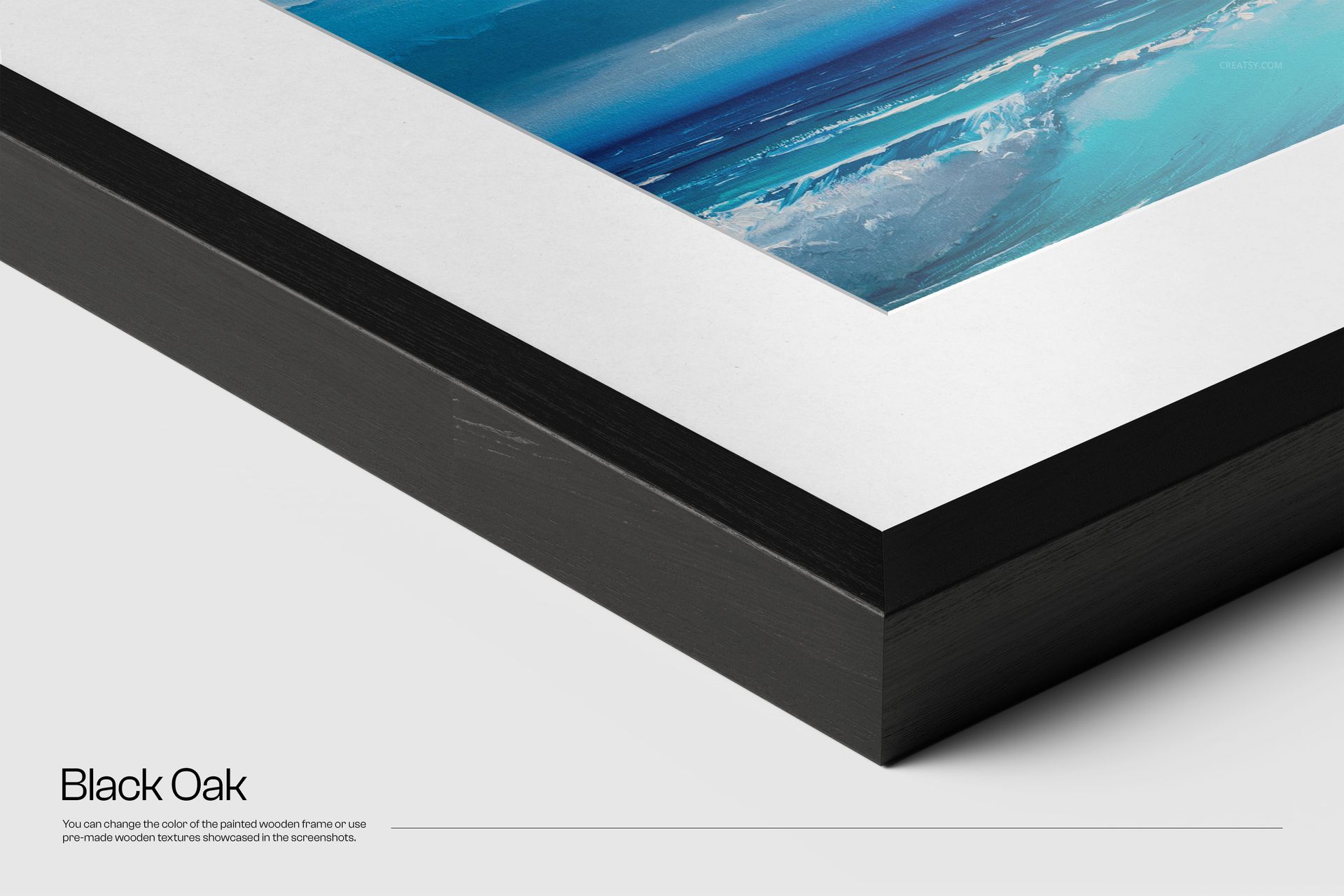
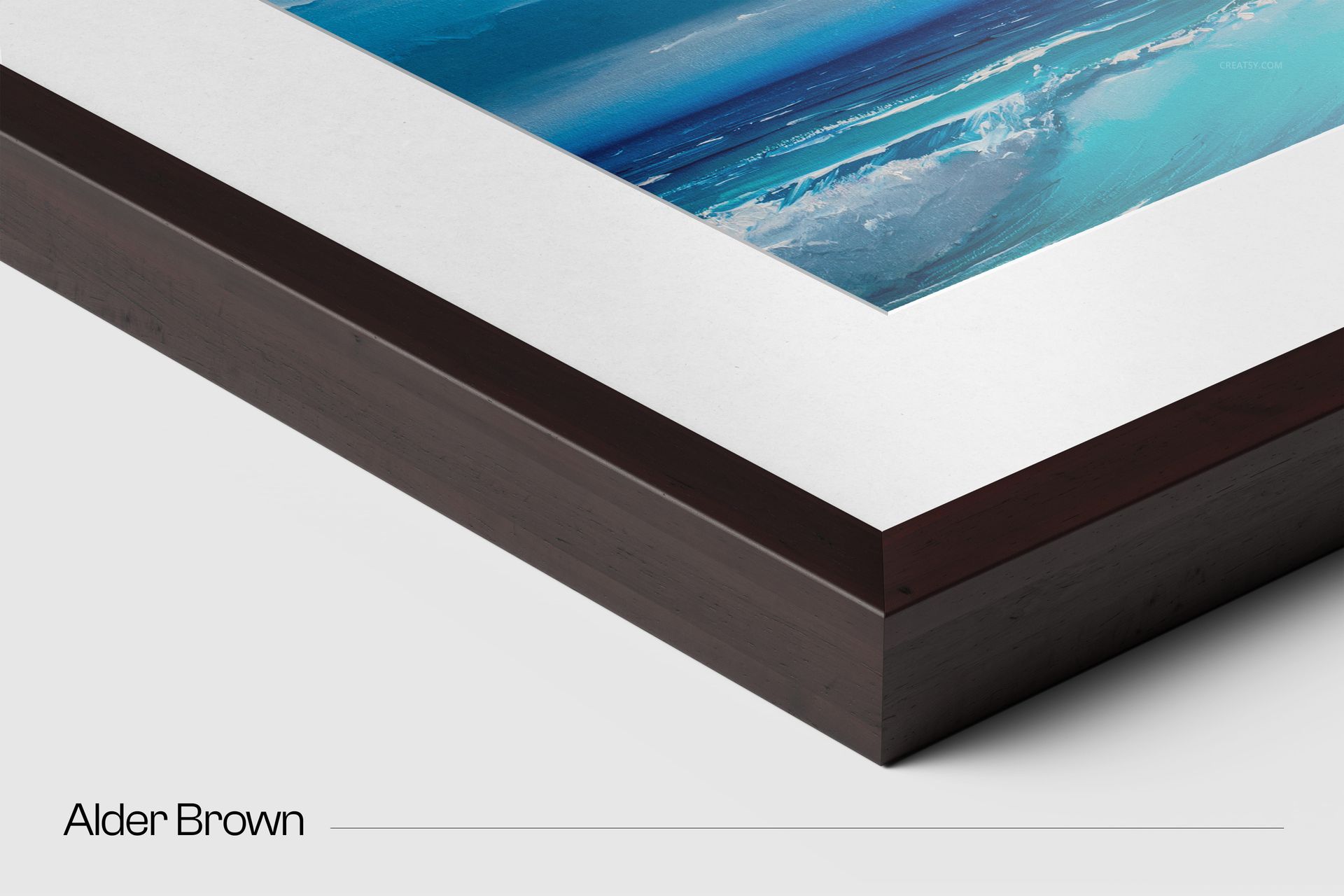
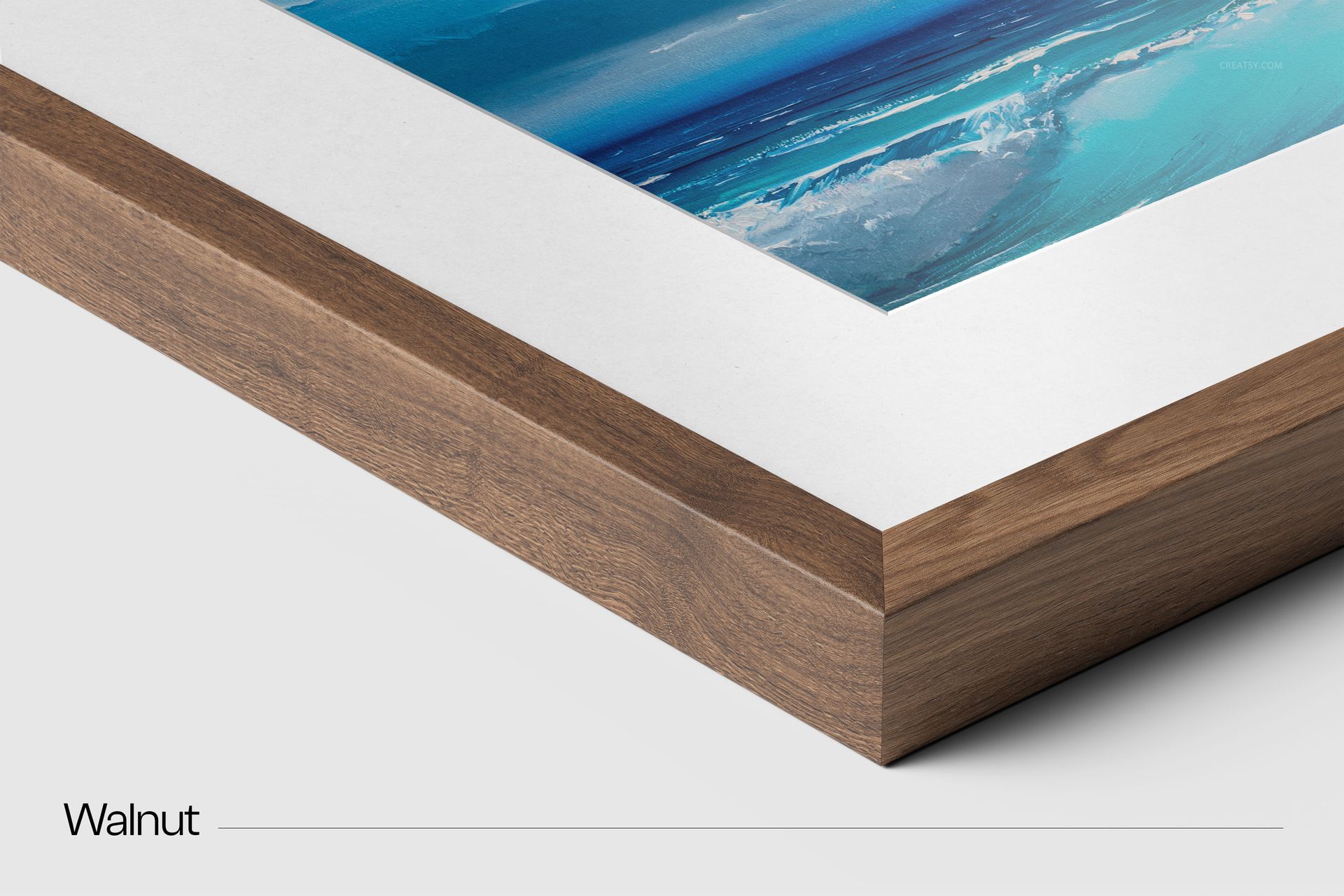
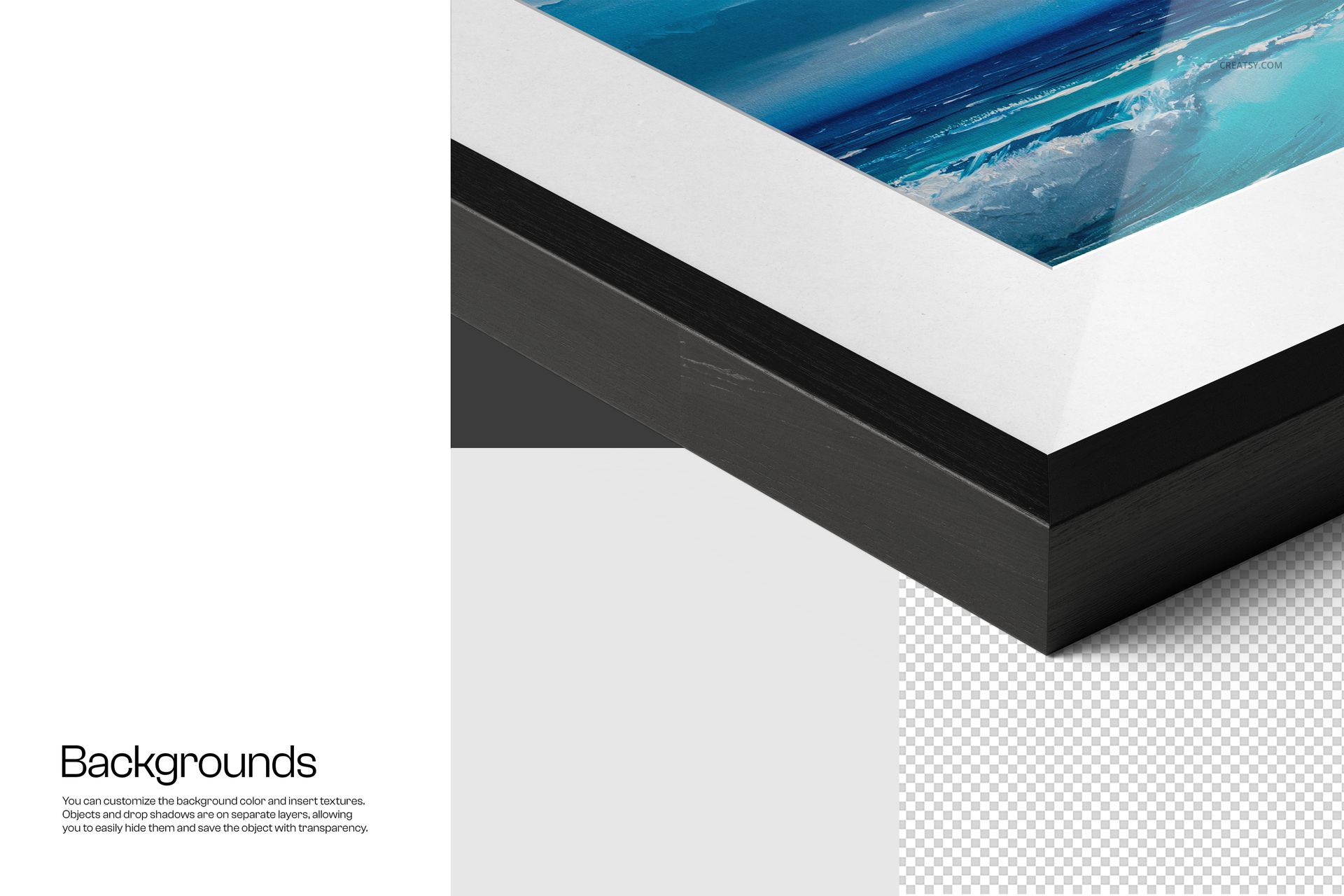
  • Close-up 20 mm solid wooden frame detail (premium, gallery-like look)

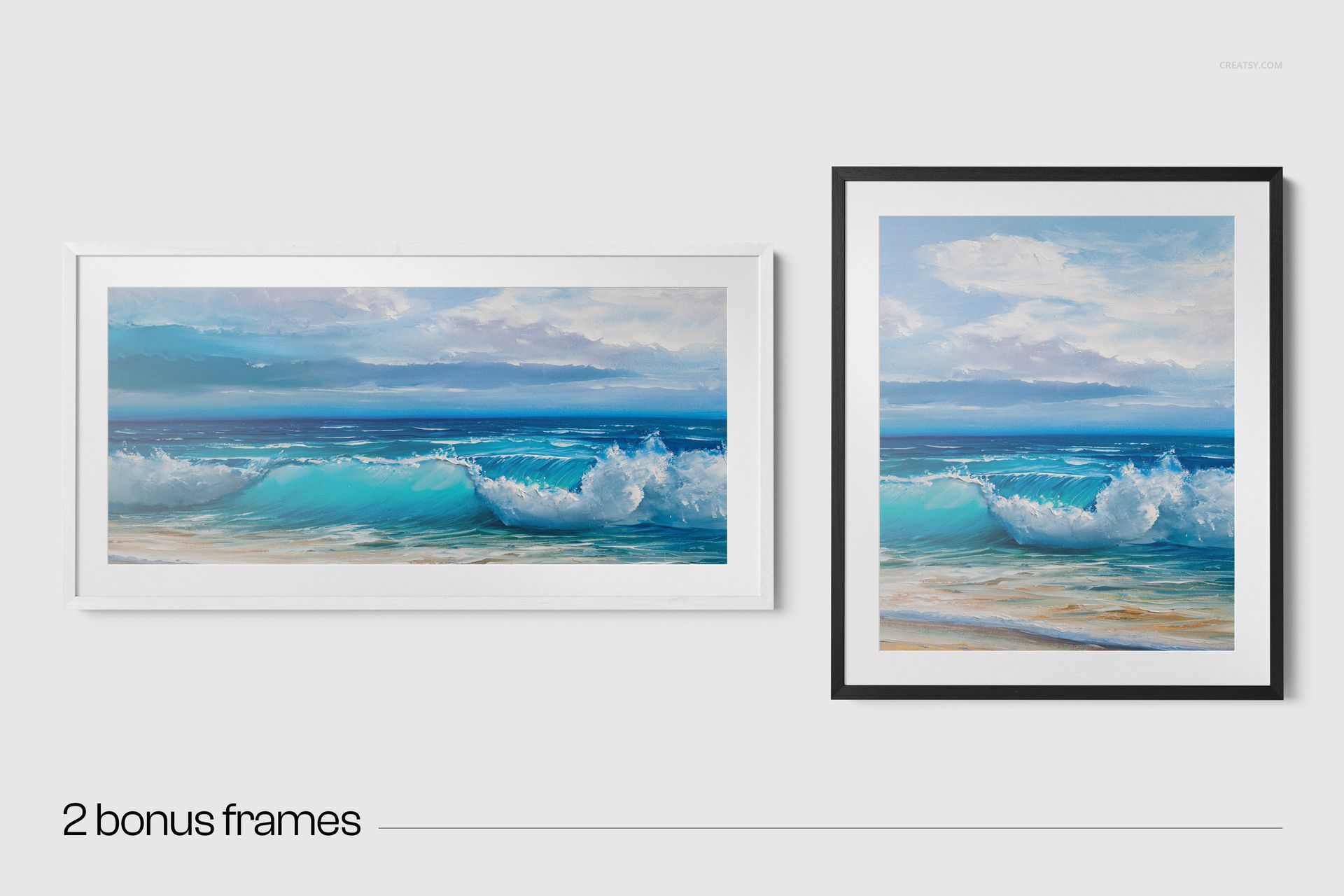
  • 2 frame orientations included: 82×69 cm (vertical) + 56×112 cm (horizontal)

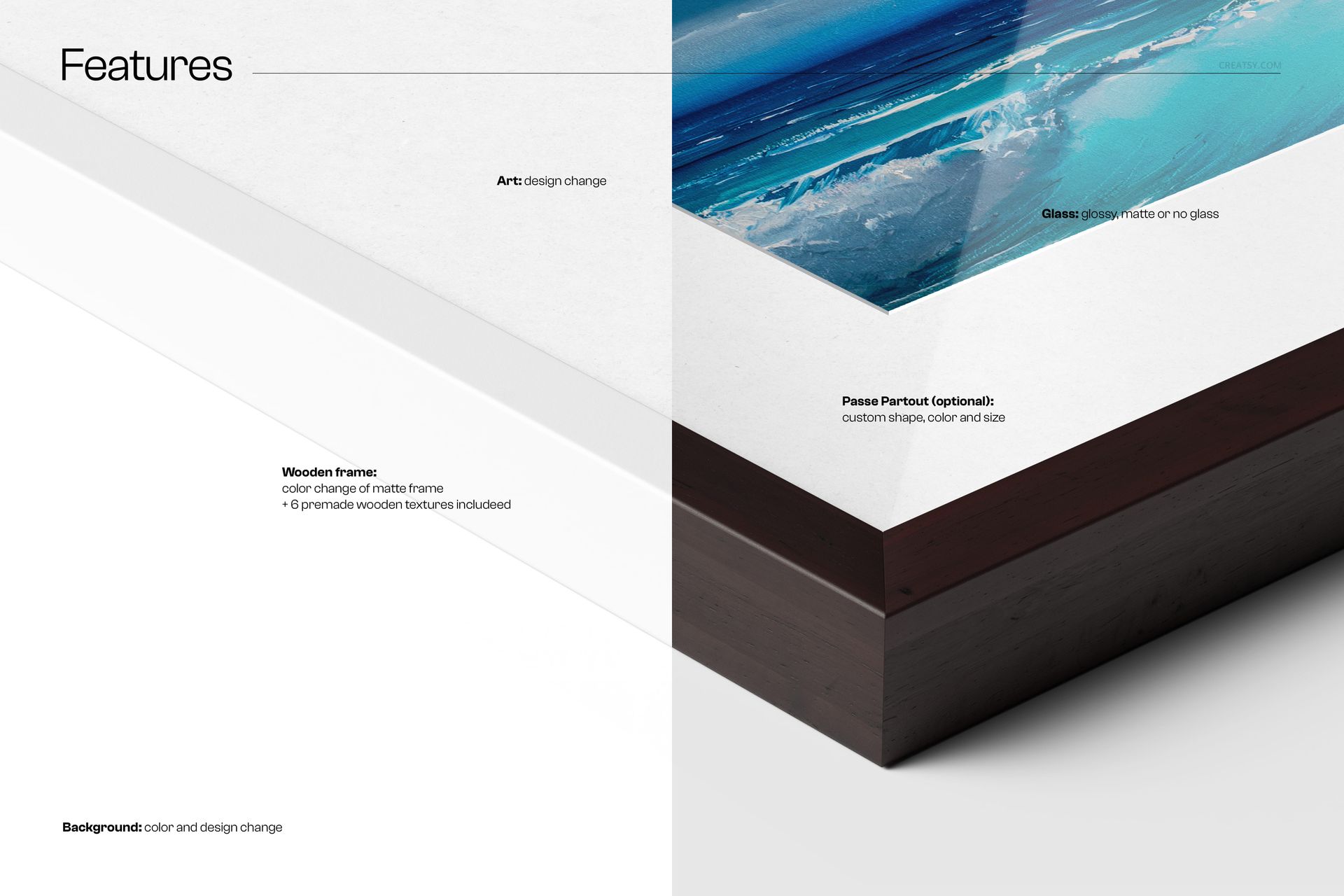
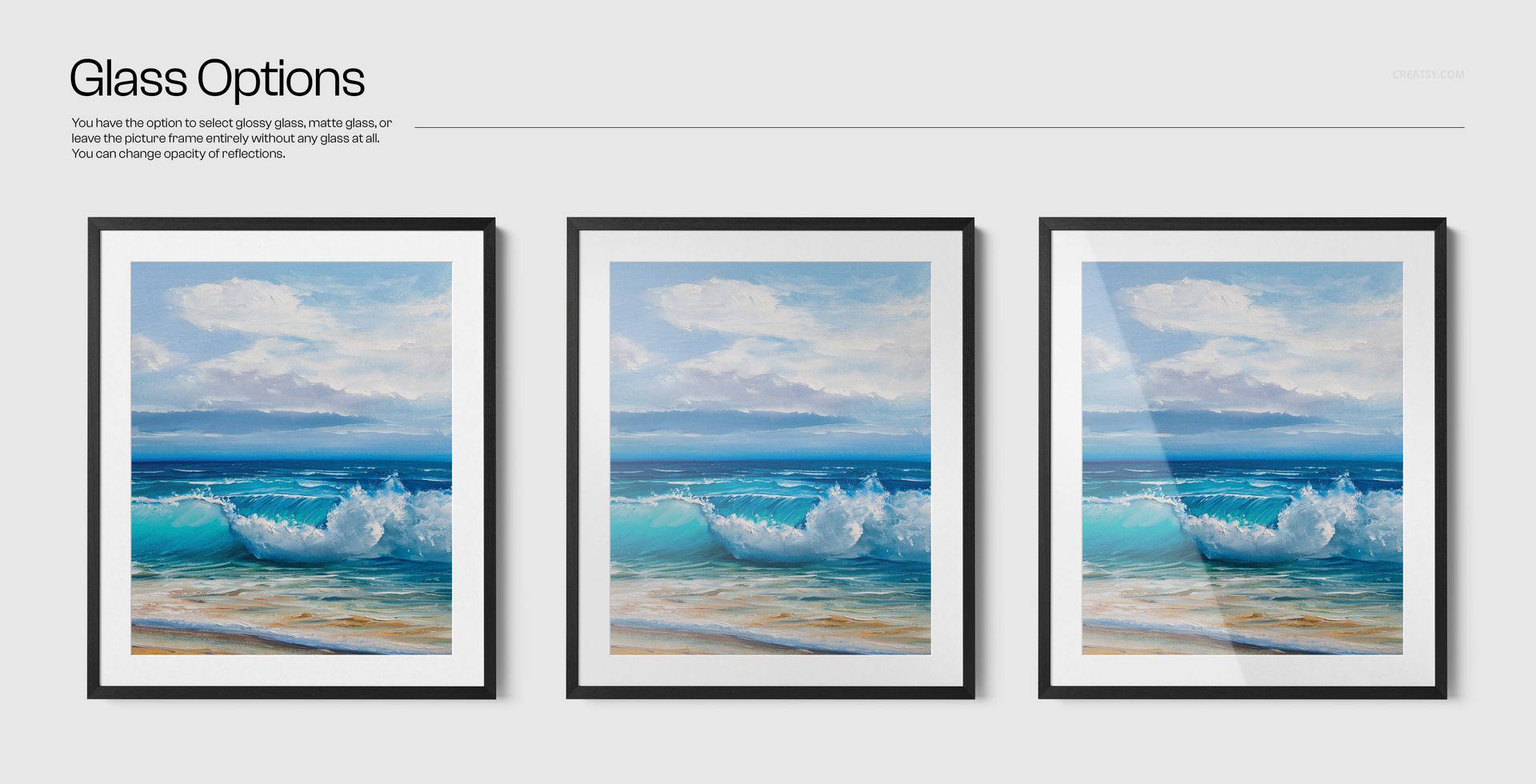
  • Glass options: glossy, matte, or no glass (adjust reflections)

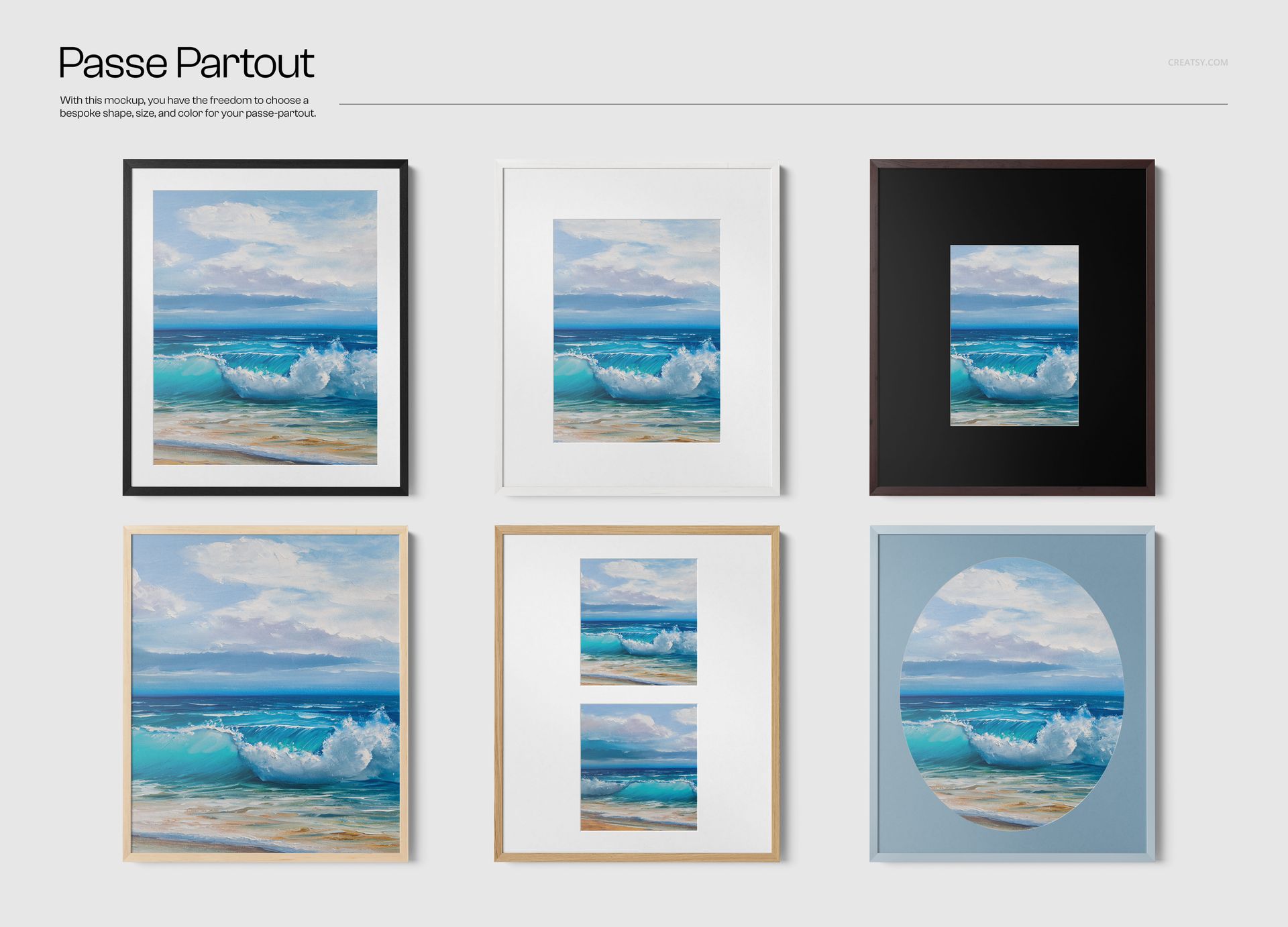
  • Passe-partout (optional): custom shape, size & color

  • 6 premade wood textures + easy custom color control

  • Background control: color & texture/design + clean layer structure


Why you’ll love it

Close-up impact: perfect for showing quality, materials, and craftsmanship in your listings.

Premium framing options: switch wood textures fast, or dial in your own look.

Mat + glass control: create everything from minimalist to collector-grade presentation.

Clean, modern styling: keeps attention on the art (and the frame detail).

Fast workflow: well-organized layers for quick swaps and exports.

File details

Compatibility
PhotopeaAdobe Photoshop
Number of files included
7
Package size
923 MB923 MB|968 MB968 MB
Files type
.psd, .jpg
Files size
6000x4000
TEST FOR FREE

Reviews

Professional PSD mockups built in-house - editable, realistic, high-resolution, and supported by real people.

5 (1 rating)
Sort by:

Martine_J avatar
Martine_J
Aug 15, 2024

I'm impressed! These are the highest quality mockups I've ever downloaded, which makes the price very good. Perfect for my needs.


MEET THE SHOP

Creatsy logo

Creatsy

Poland
4.7 (639)

Bring your ideas to life.

We're a family-run studio in Katowice, Poland, making PSD mockups by hand since 2016. Everything in this shop starts in our own studio. We shoot the photography, build the 3D, and put together every Smart Object PSD ourselves - then we test it, organize the layers, and only ship it once it actually works...
GO TO SHOP

HOW IT WORKS

3 clicks. That's it.

No tutorial needed. If you can copy-paste, you can use this.

  1. 1OpenDouble-click the smart object inside the PSD - in Adobe Photoshop, or free in your browser with Photopea.
  2. 2PasteDrop in your pattern, print, or artwork. Any design, any style.
  3. 3SaveHit save and the mockup wraps it in for you - shadows, folds, and lighting included.

FROM IDEA TO IMAGE

Built for real workflows

Show the finished print on the wall Poster, canvas, or acrylic - drop your art in and the client sees the hung piece before it goes to print.

See it on the product, not a swatch Drop your file into the smart object and the scene's lighting and folds wrap around it, so you judge the real thing before you commit.

Smart Objects

Edit once and you're done. Your artwork drops into a smart object and the mockup updates itself - no masking, no warping by hand.

Perfectly Organized

Named layers and folders you can actually navigate. Find what you need, change what you want, and get out fast.

Print-Ready

High-resolution files built to hold up on screen and in print. Exact size and DPI are in this product's Details above.