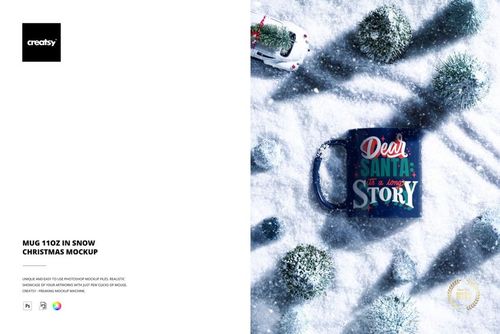
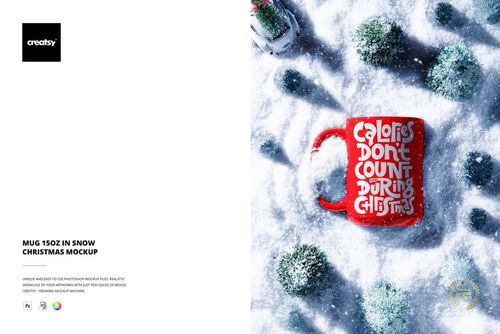
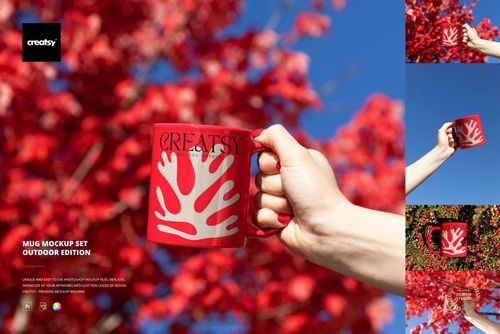
Sublimation Coffee Mug Mockup

ID: 1977966933 | Updated: Feb 17, 2025

Product Details

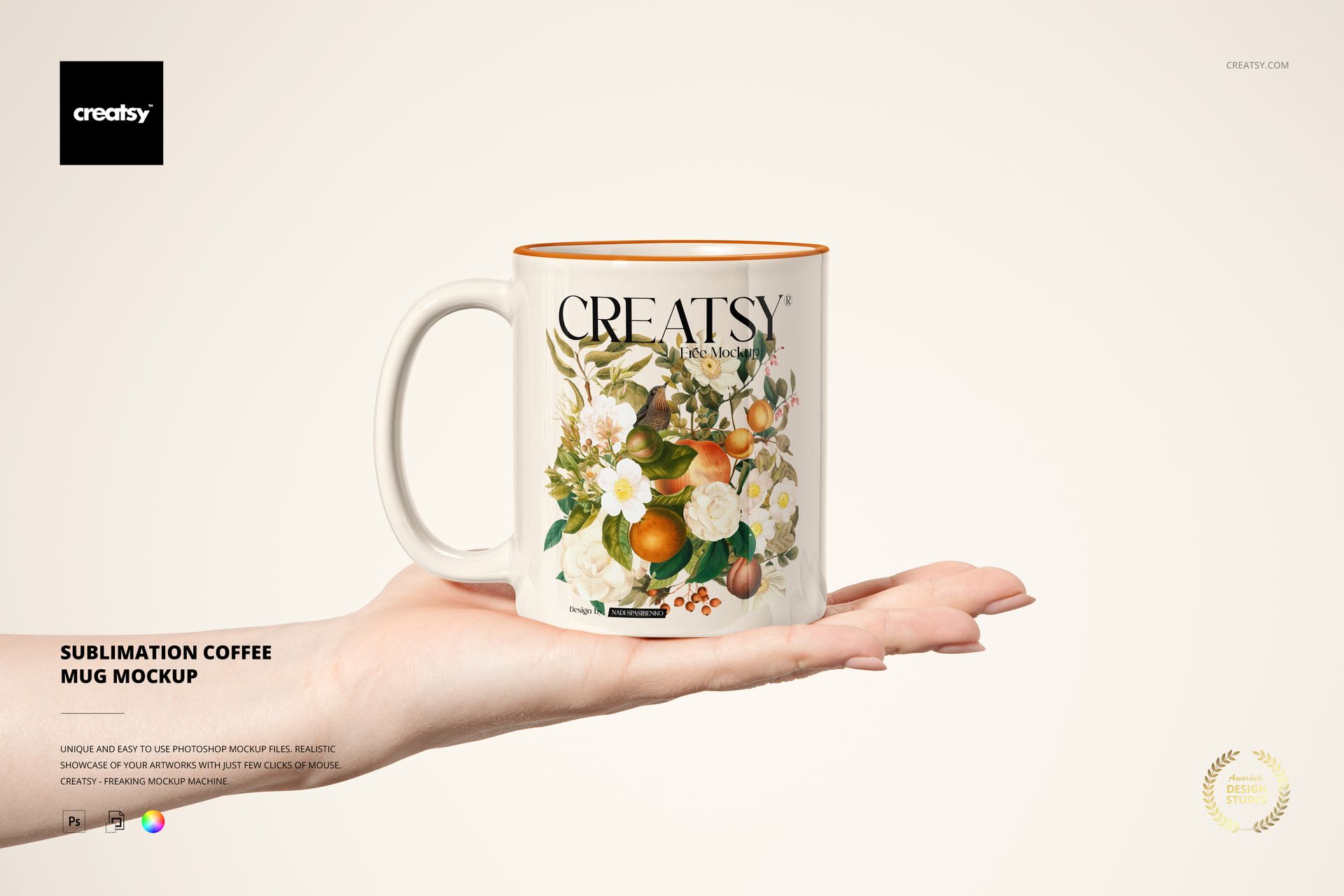
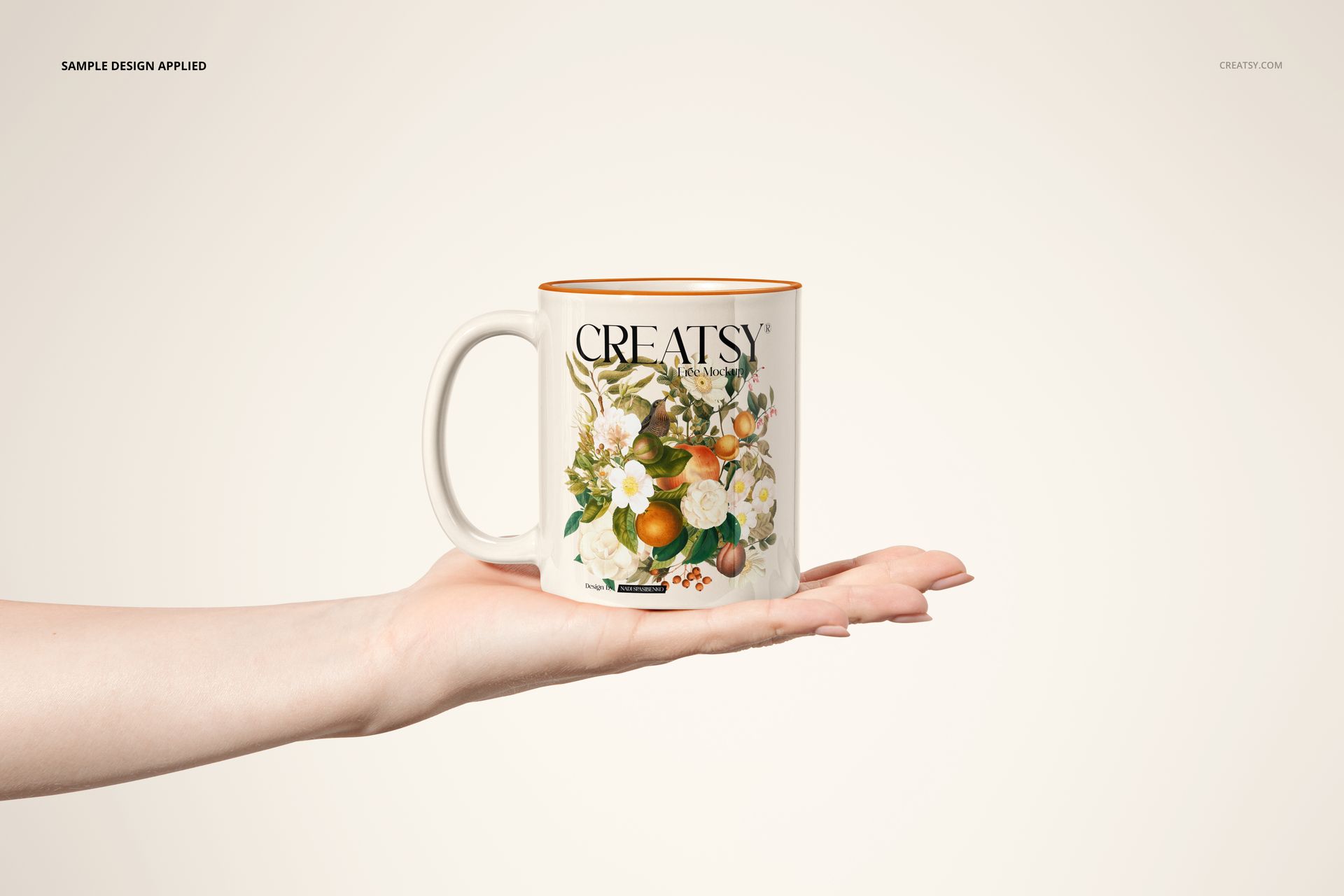
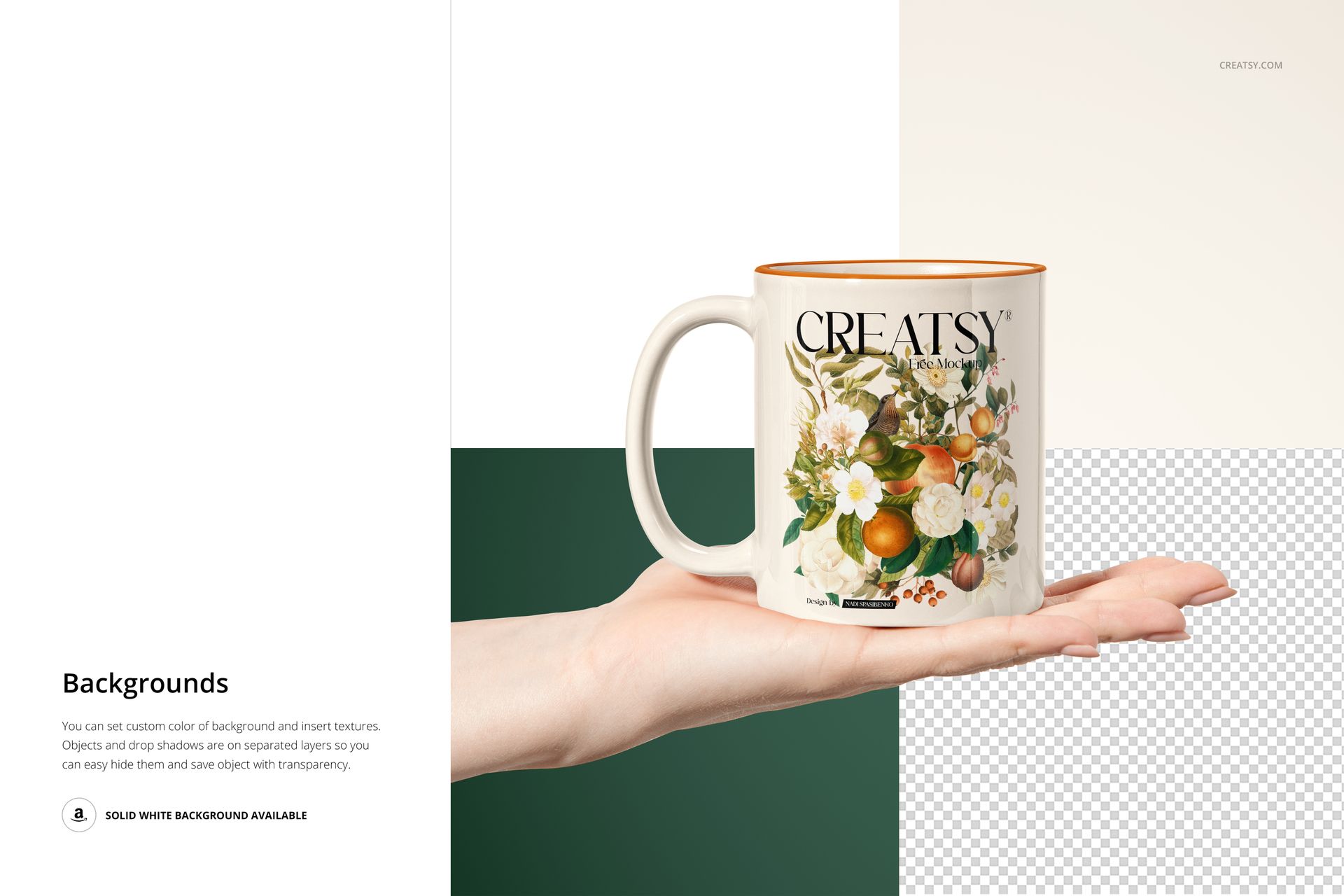
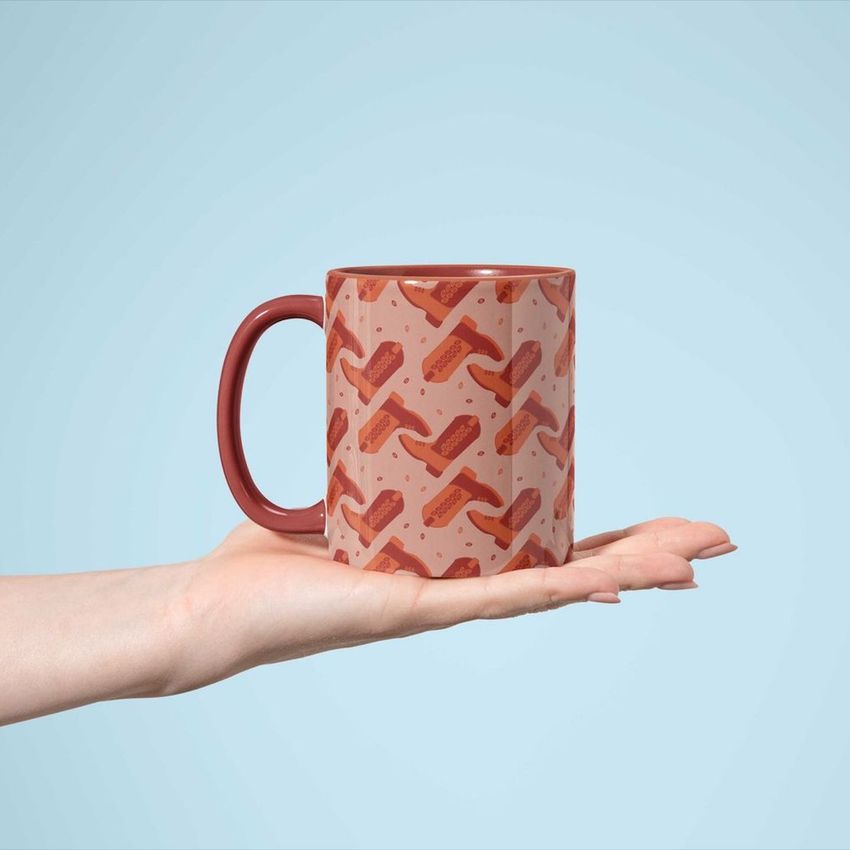
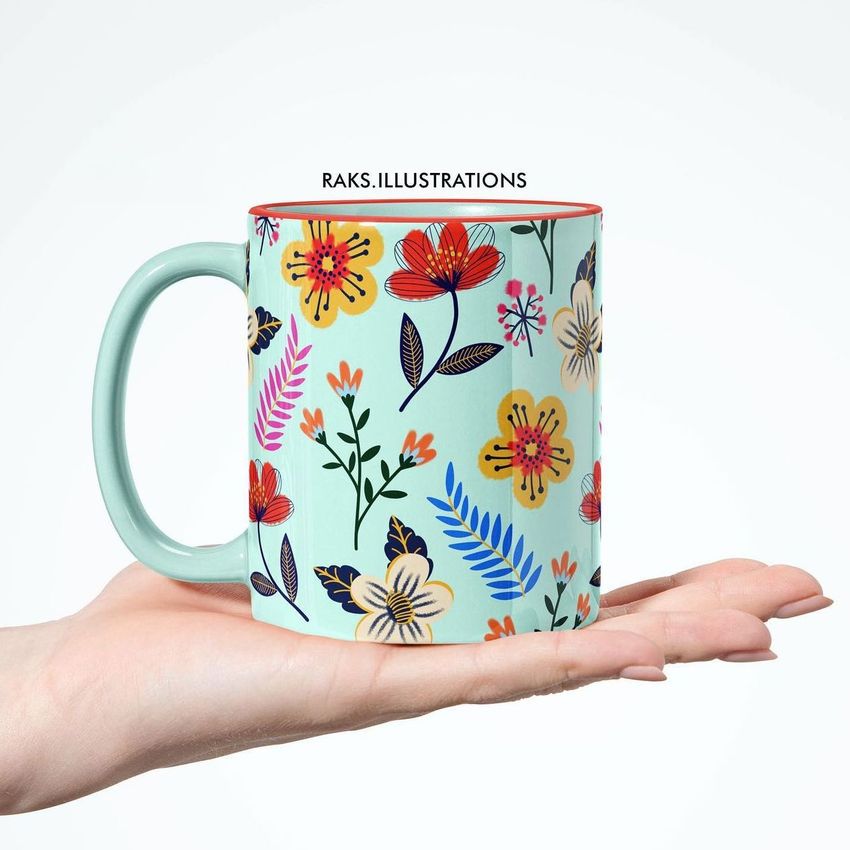
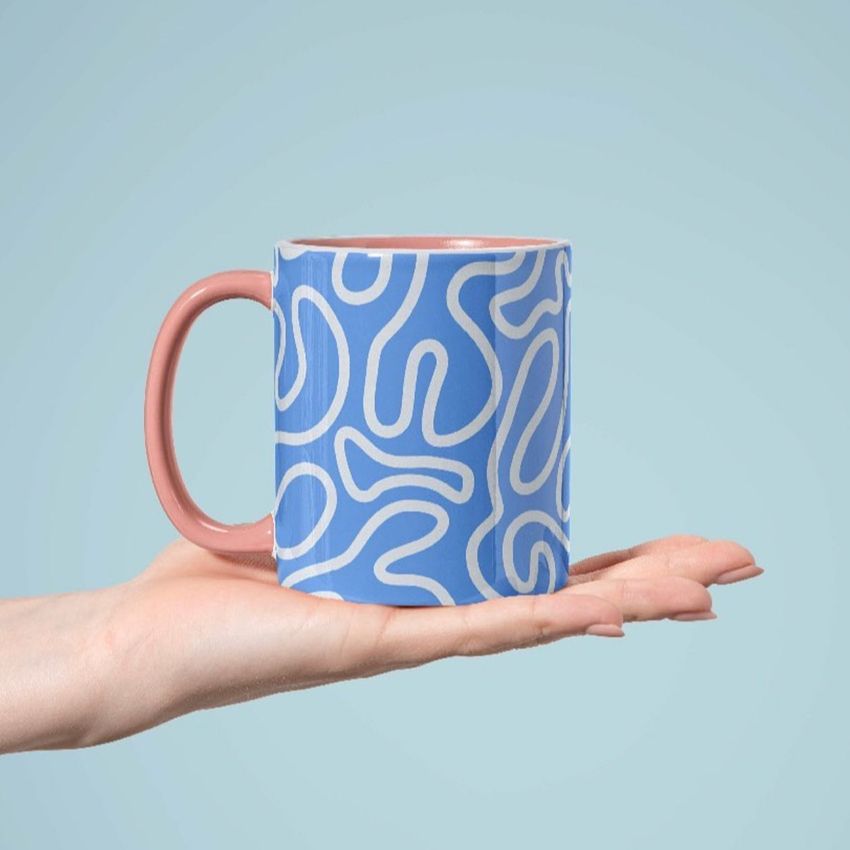
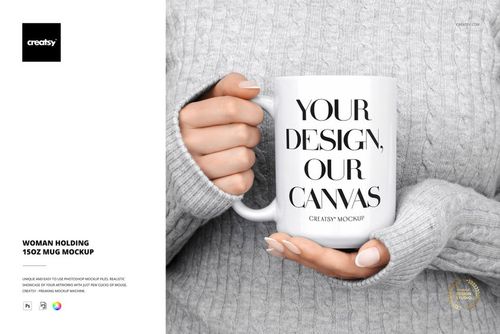
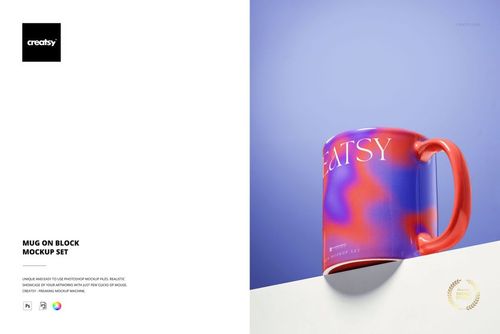
The Sublimation Coffee Mug Mockup lets you present mug designs, sublimation prints, and branded artwork on a realistic white ceramic coffee mug photographed held in a hand. This layered PSD file gives you control over the mug body surface, handle color, inner rim color, and background - producing product images that show your design on a real mug in a natural, relatable context that customers recognize from their own daily routine.

Why This Mockup Works

Mug listings with flat graphic previews or blank white-background shots consistently underperform compared to lifestyle images that show the product in use. This mockup places your design on a coffee mug held in a human hand, instantly communicating the mug size, proportions, and how the print wraps around the curved ceramic surface. Buyers on Etsy, Amazon, Shopify, and other marketplaces can immediately picture themselves holding the mug, which is the context that drives add-to-cart decisions. The clean, neutral hand pose and soft background keep full attention on your artwork while providing enough lifestyle context to feel real and trustworthy.

What Is Included

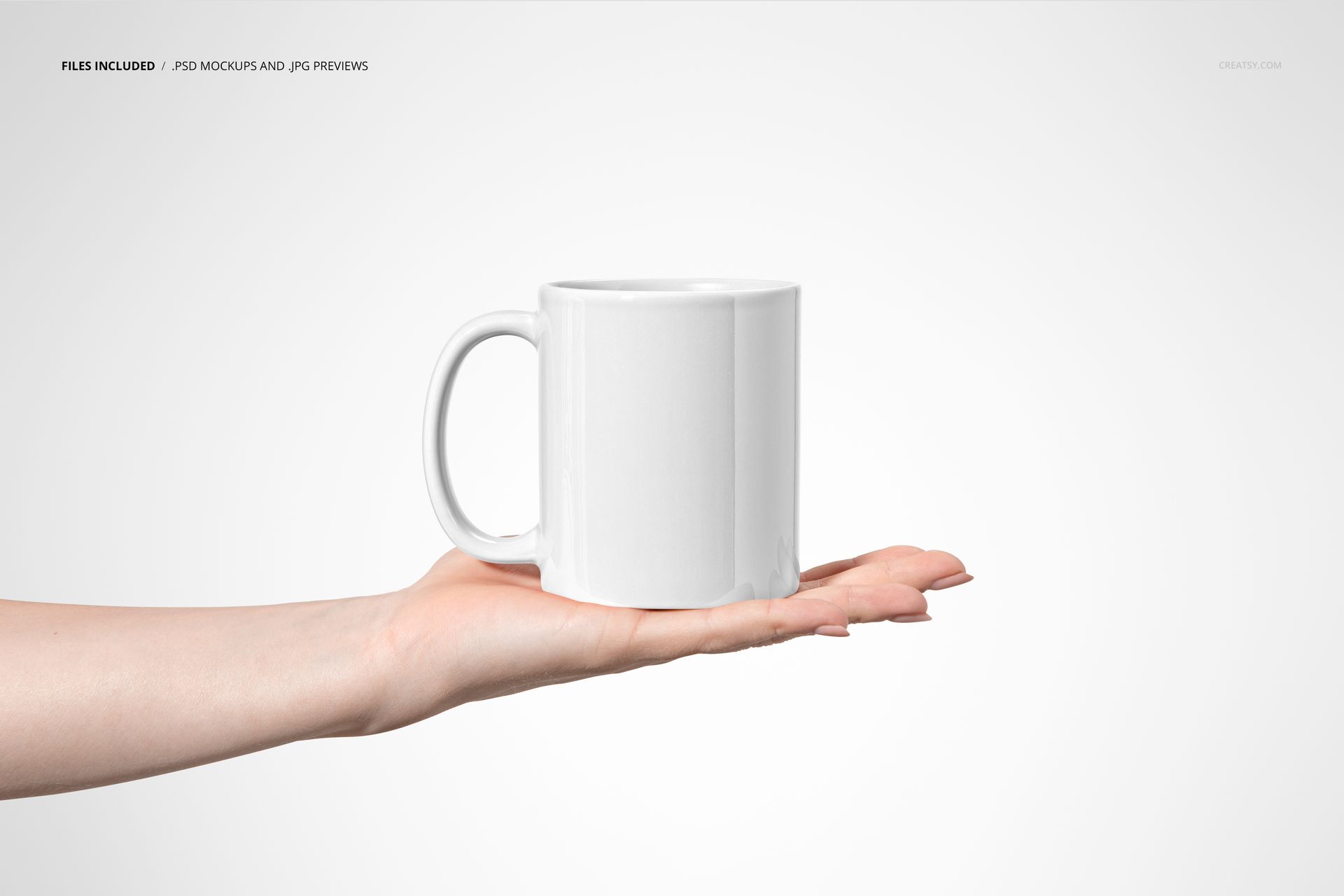
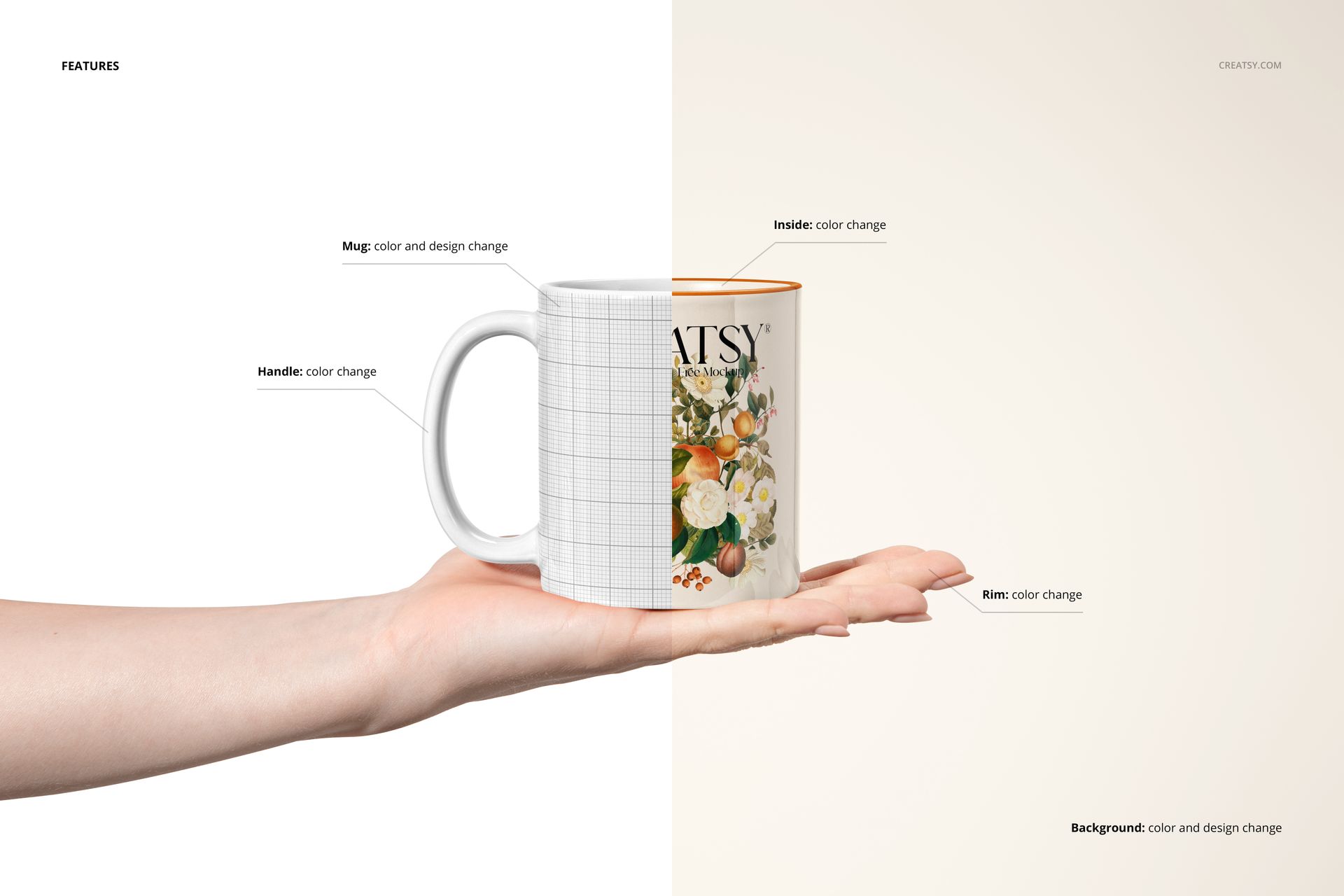
You receive 1 high-resolution PSD file featuring a white ceramic coffee mug held in a hand against a customizable background. The file contains well-organized smart object layers for the mug body surface (where your sublimation design goes), handle color adjustment, inner rim color, and background customization. A separate User Manual PDF (907 KB) walks you through the complete layer structure and editing workflow step by step, making this mockup accessible even if you are new to working with Photoshop smart objects.

What You Can Customize

Open the PSD in Adobe Photoshop CC or newer (also fully compatible with Photopea for free browser-based editing) and double-click the mug body smart object to place your sublimation design. Your artwork wraps around the mug surface with realistic curvature, ceramic texture, and accurate light reflections applied automatically. Change the handle color to match your design palette or create a two-tone mug effect. Adjust the inner rim color for accent contrast, and swap the background to any solid color or gradient that fits your product listing style. The 6000 x 4000 px canvas at 300 DPI provides enough resolution for web product pages, social media marketing, and high-quality print materials including packaging inserts and catalog pages.

Who This Mockup Is For

This mockup is built for sublimation printing businesses creating product catalogs and e-commerce listings, print-on-demand entrepreneurs selling custom mugs on Etsy and Shopify, graphic designers presenting branded mug concepts to clients, coffee shop and cafe owners previewing branded merchandise, gift personalization businesses showing custom mug options to customers, and marketing teams producing promotional merchandise visuals for corporate gifting campaigns. It works equally well for wedding favor previews, event merchandise planning, and retail product photography across any online or offline sales channel.

File Specifications

Format: 1 layered PSD file with organized smart object layers, plus User Manual PDF. Dimensions: 6000 x 4000 px at 300 DPI - suitable for web product listings, social media posts, and print-quality marketing materials. Compatibility: Adobe Photoshop CC or newer, Photopea (free browser-based editor). File size: 78.56 MB. Editable elements: mug body surface, handle color, inner rim color, background. Example artwork by Nancy and Belle (nancyandbelle.com).


File details

Compatibility
PhotopeaAdobe Photoshop
Number of files included
2
Package size
79.4 MB79.4 MB|83.3 MB83.3 MB
Files type
.psd, .jpg, .pdf
Files size
6000x4000
TEST FOR FREE

Reviews

Professional PSD mockups built in-house - editable, realistic, high-resolution, and supported by real people.
3.7 (7 ratings)
Sort by:

Jac.h avatar
Jac.h
Oct 3, 2024

ok


Andrea_Pazmiño avatar
Andrea_Pazmiño
Nov 15, 2023

love it!


Liza_Shop avatar
Liza_Shop
Sep 22, 2023

Best Mock ups


zeesi avatar
zeesi
Jun 26, 2023

creatsy is the best!


lmgriffinart avatar
lmgriffinart
Mar 11, 2024

The files were well organized and easy to use but the arm looks a little wonky. I won't be using this file, but it was a free download so it was good to try it out first. The cup smart objects work fine, so you could crop out after the wrist if you wanted to use it instead.


harendar_pharswan avatar
harendar_pharswan
Dec 2, 2024

file not found

Jakub Gruszka avatar
Jakub Gruszka Author
Dec 5, 2024

Hi there, I apologize for this issue. We have tested all of these files, and they appear to be working properly. It seems that the issue may be related to incomplete downloads or incorrect extraction of the files. Please ensure that you fully download the files and extract them correctly. https://creatsy.com/help-center/troubleshooting-downloading-and-unzipping-issues This problem may also be caused by an error in the default zip file extraction tool. Please check this article for troubleshooting zip file extraction issues:       •     For Windows: https://creatsy.com/help-center/troubleshooting-unzipping-ZIP-files-windows       •     For Mac: https://creatsy.com/help-center/troubleshooting-unzipping-ZIP-files-mac As a workaround, I’m also sending these files unzipped via WeTransfer to provide an alternative delivery method. Please check your inbox for the link. Let me know if this resolves the issue or if there’s anything further I can assist you with. Thank you for your patience!


elizabeth avatar
elizabeth
Jul 3, 2024

I can´t open the file

Jakub Gruszka avatar
Jakub Gruszka Author
Jul 3, 2024

Hi Elizabeth, I apologize for this issue. We have tested all of these files, and they appear to be working properly. It seems that the issue may be related to incomplete downloads or incorrect extraction of the files. Please ensure that you fully download the files and extract them correctly. https://creatsy.com/help-center/troubleshooting-downloading-and-unzipping-issues This problem may also be caused by an error in the default zip file extraction tool. Please check this article for troubleshooting zip file extraction issues on a Windows here: https://creatsy.com/help-center/troubleshooting-unzipping-ZIP-files-windows or Mac here: https://creatsy.com/help-center/troubleshooting-unzipping-ZIP-files-mac As a workaround, I'm also sending these files unzipped via WeTransfer to provide an alternative delivery method. Please let me know if this resolves the problem for you. Thank you for your patience.


Made with Creatsy

Real designs. Real customers. See how creatives use Creatsy mockups to turn their artwork, branding, and product ideas into polished visuals.

MEET THE SHOP

Creatsy logo

Creatsy

Poland
4.7 (644)

Bring your ideas to life.

We're a family-run studio in Katowice, Poland, making PSD mockups by hand since 2016. Everything in this shop starts in our own studio. We shoot the photography, build the 3D, and put together every Smart Object PSD ourselves - then we test it, organize the layers, and only ship it once it actually works...
GO TO SHOP

HOW IT WORKS

3 clicks. That's it.

No tutorial needed. If you can copy-paste, you can use this.

  1. 1OpenDouble-click the smart object inside the PSD - in Adobe Photoshop, or free in your browser with Photopea.
  2. 2PasteDrop in your pattern, print, or artwork. Any design, any style.
  3. 3SaveHit save and the mockup wraps it in for you - shadows, folds, and lighting included.

FROM IDEA TO IMAGE

Built for real workflows

Wrap your logo around the cup, not a flat rectangle Drop the artwork in and see how it sits on the curve before you list it.

See it on the product, not a swatch Drop your file into the smart object and the scene's lighting and folds wrap around it, so you judge the real thing before you commit.

Smart Objects

Edit once and you're done. Your artwork drops into a smart object and the mockup updates itself - no masking, no warping by hand.

Perfectly Organized

Named layers and folders you can actually navigate. Find what you need, change what you want, and get out fast.

Print-Ready

High-resolution files built to hold up on screen and in print. Exact size and DPI are in this product's Details above.