Sticker Generator Mockup Set
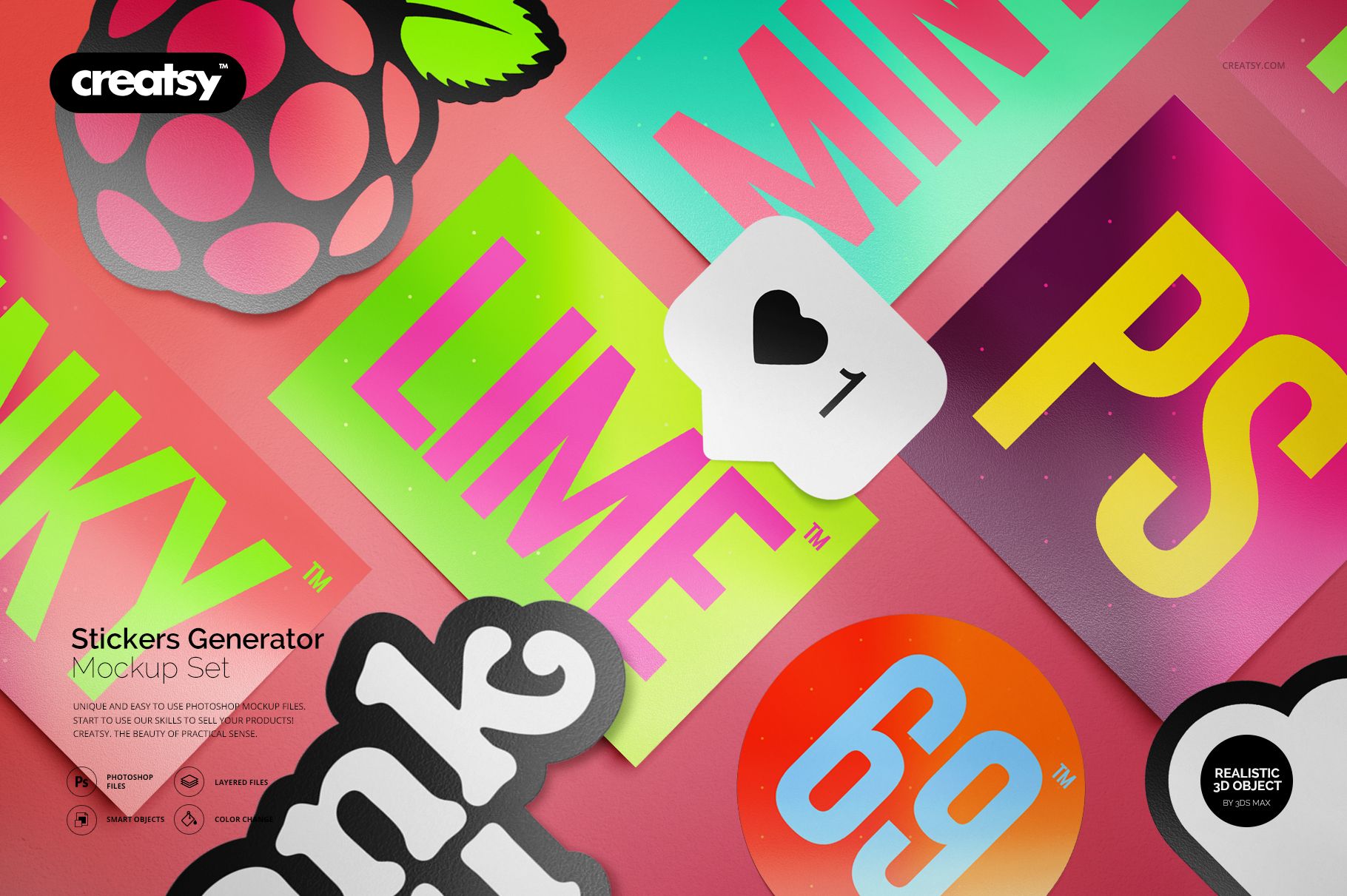
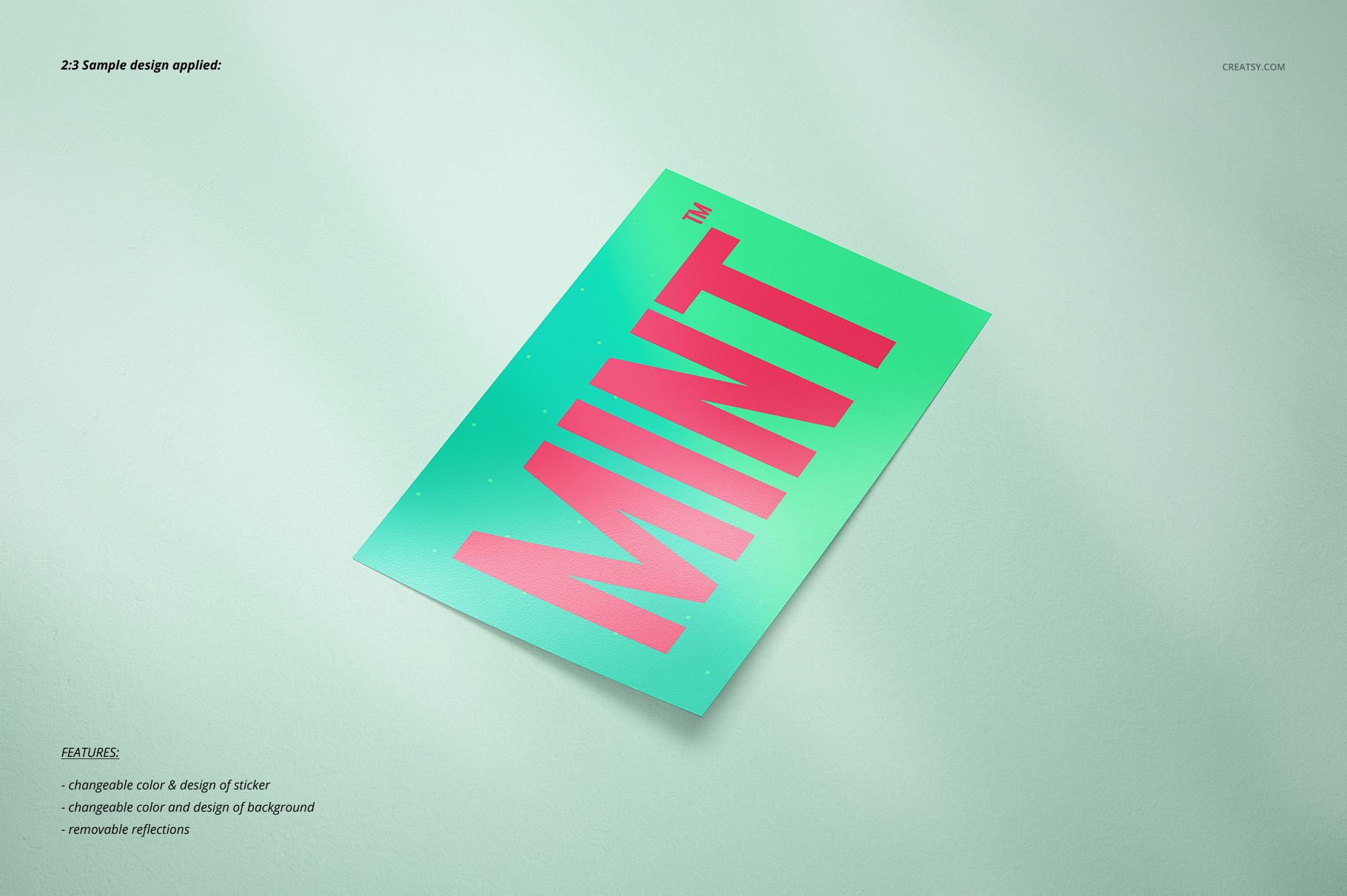
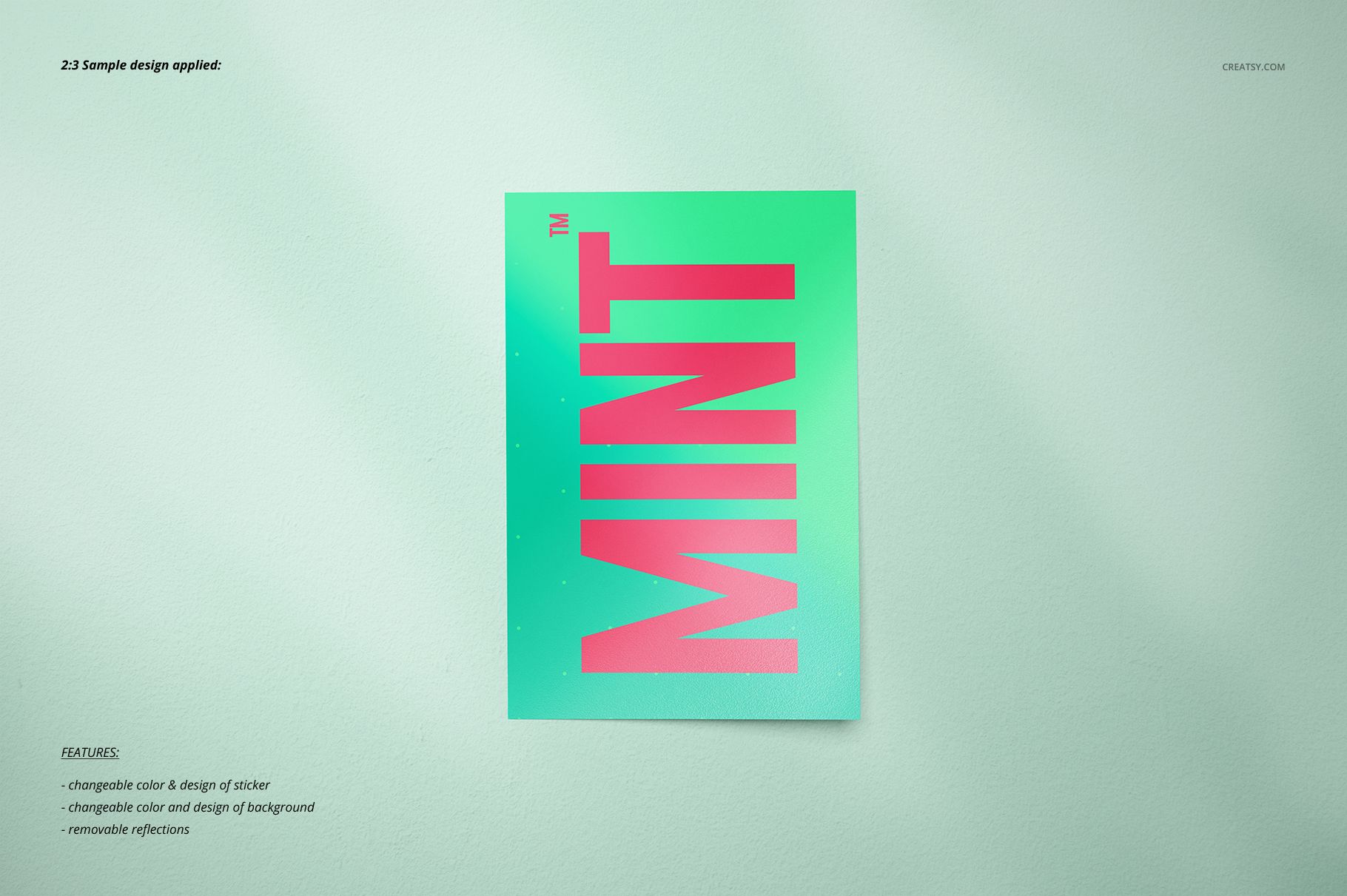
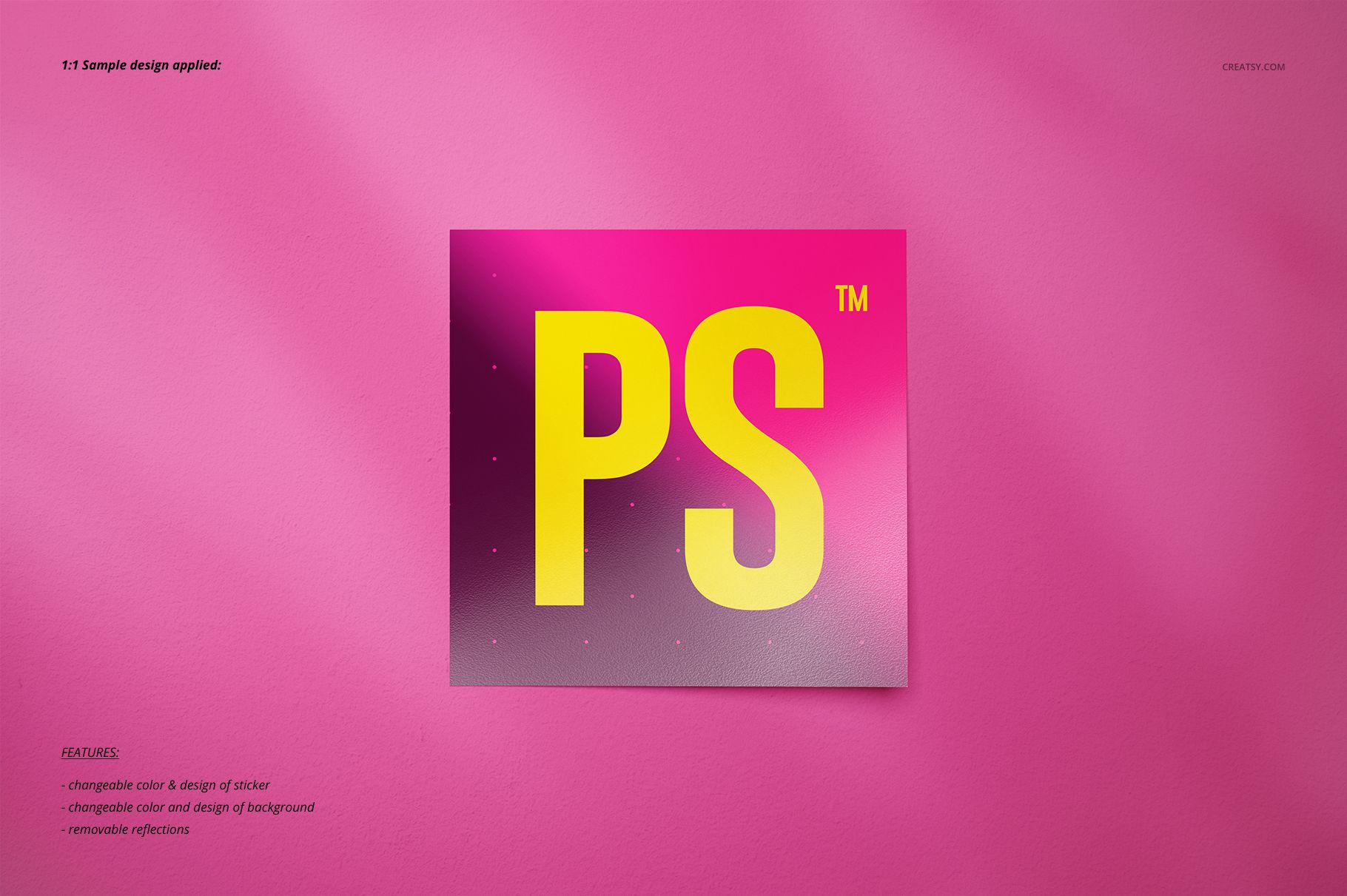
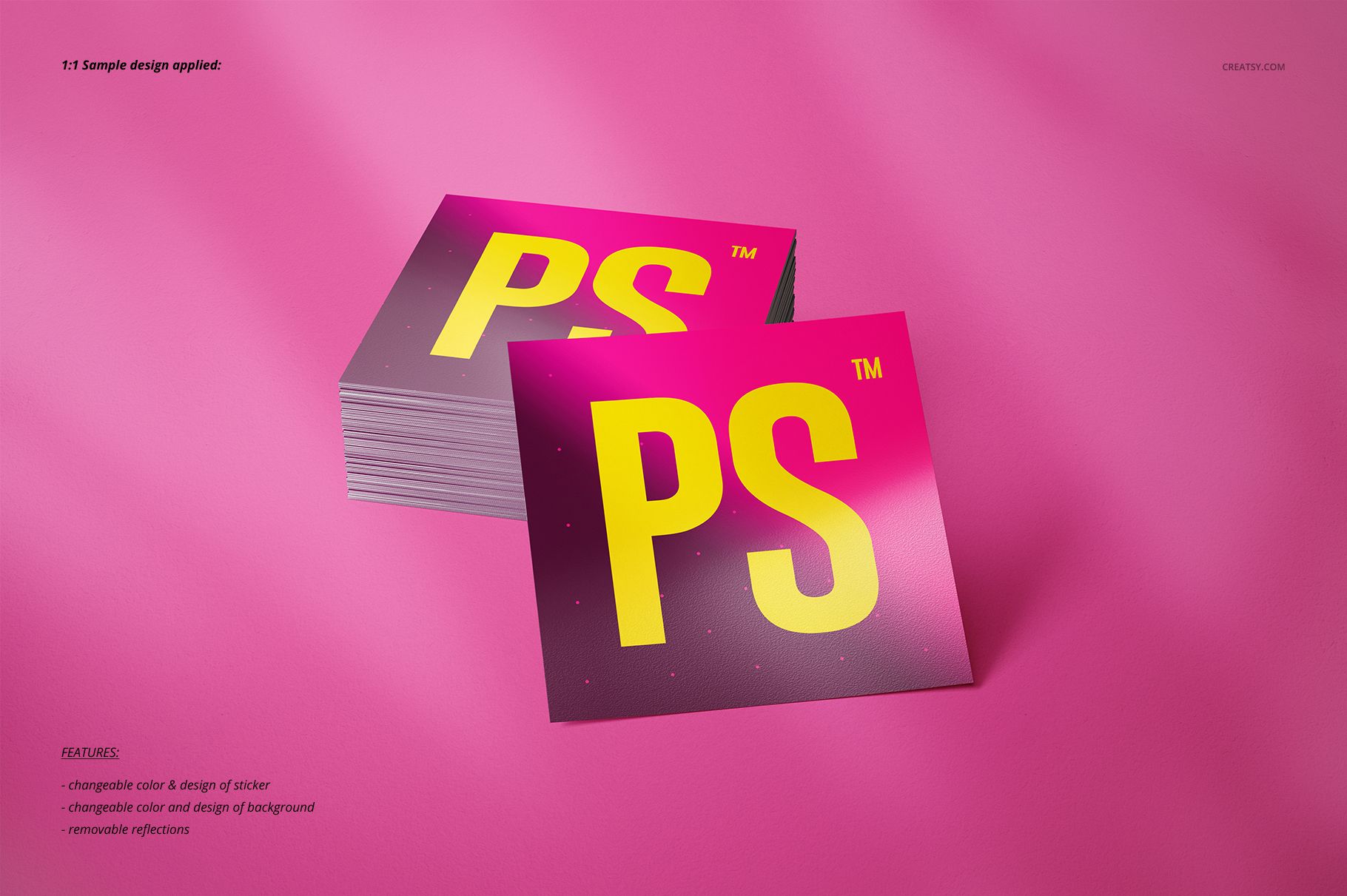
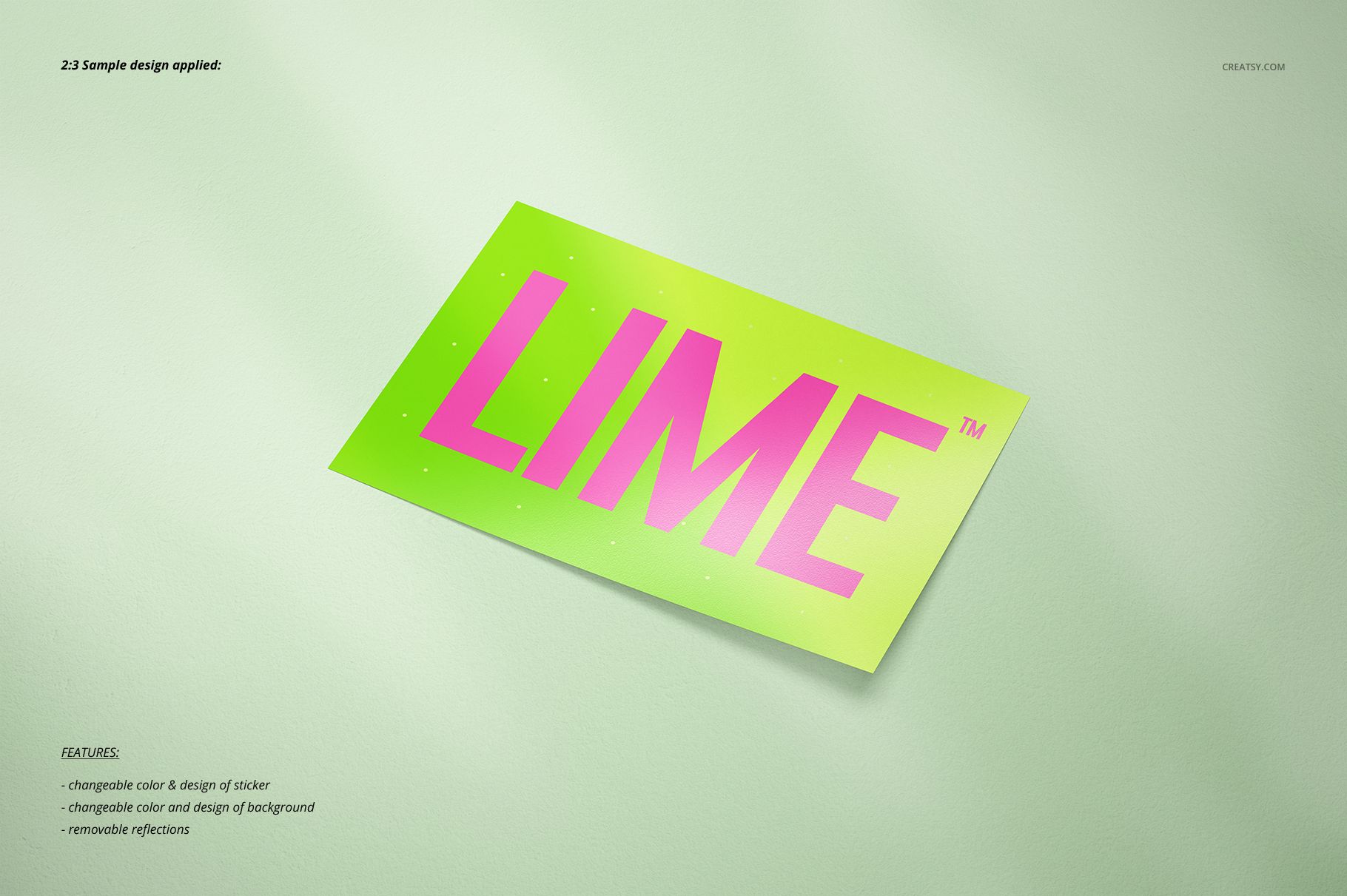
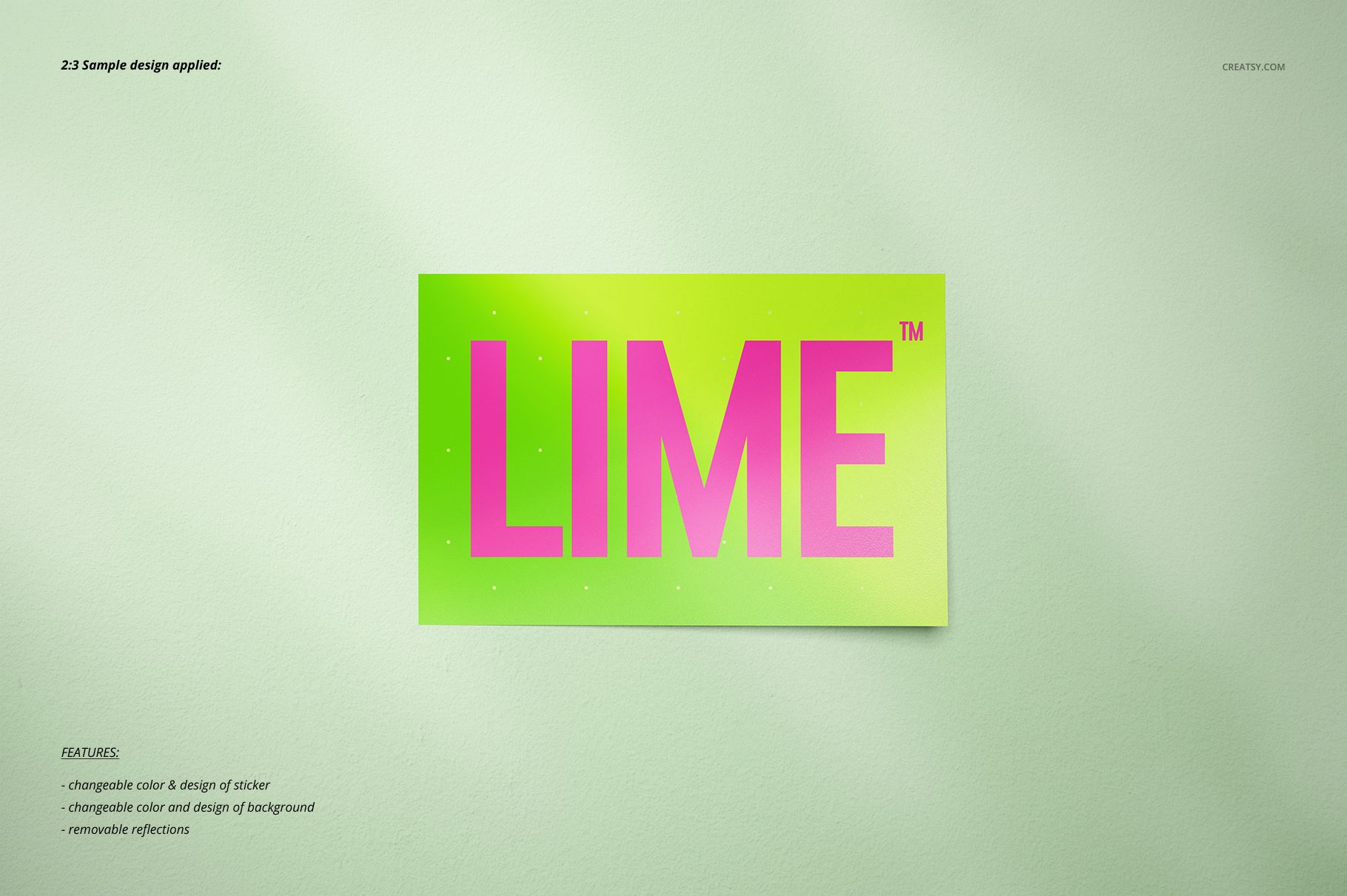
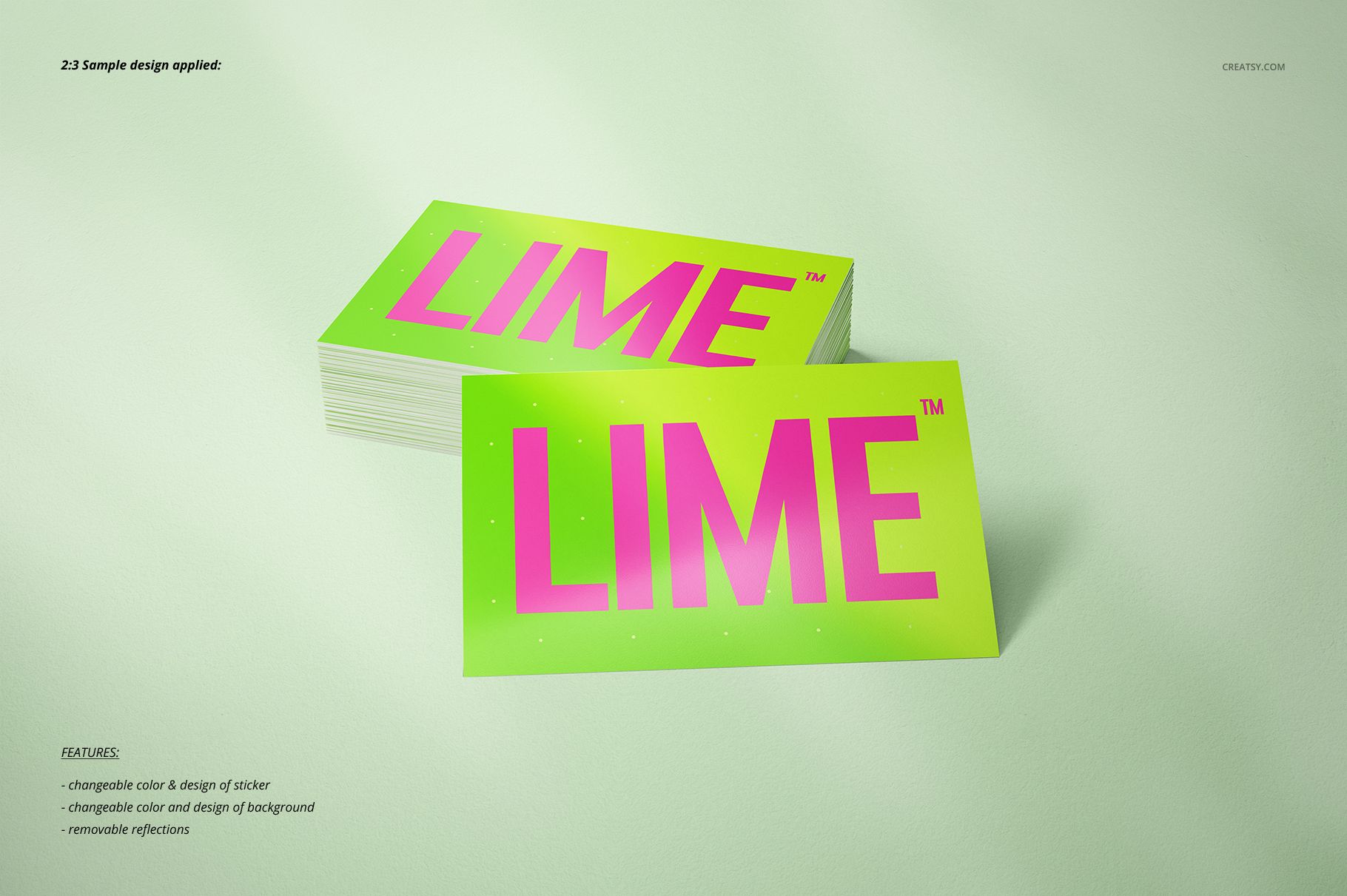
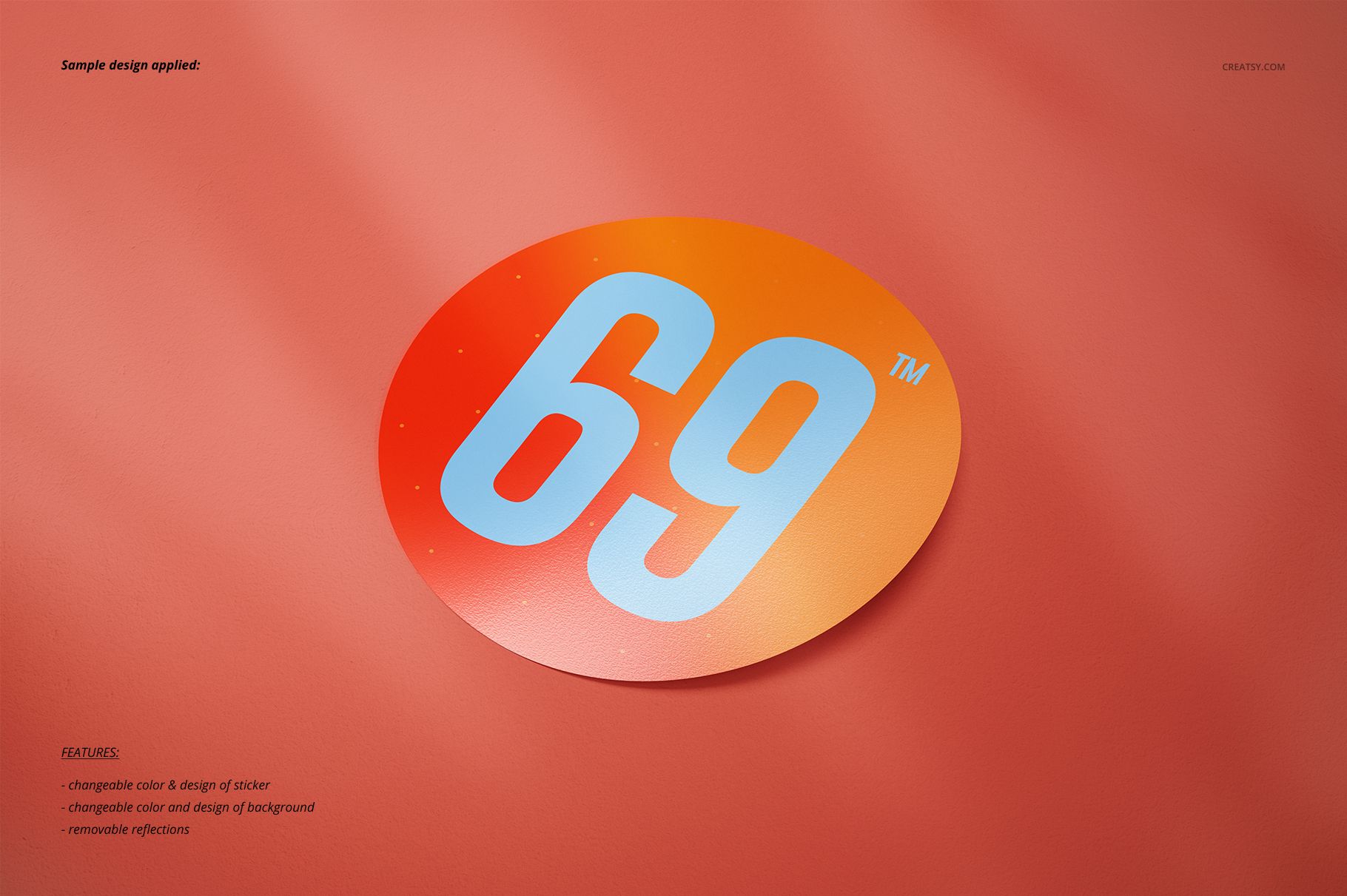
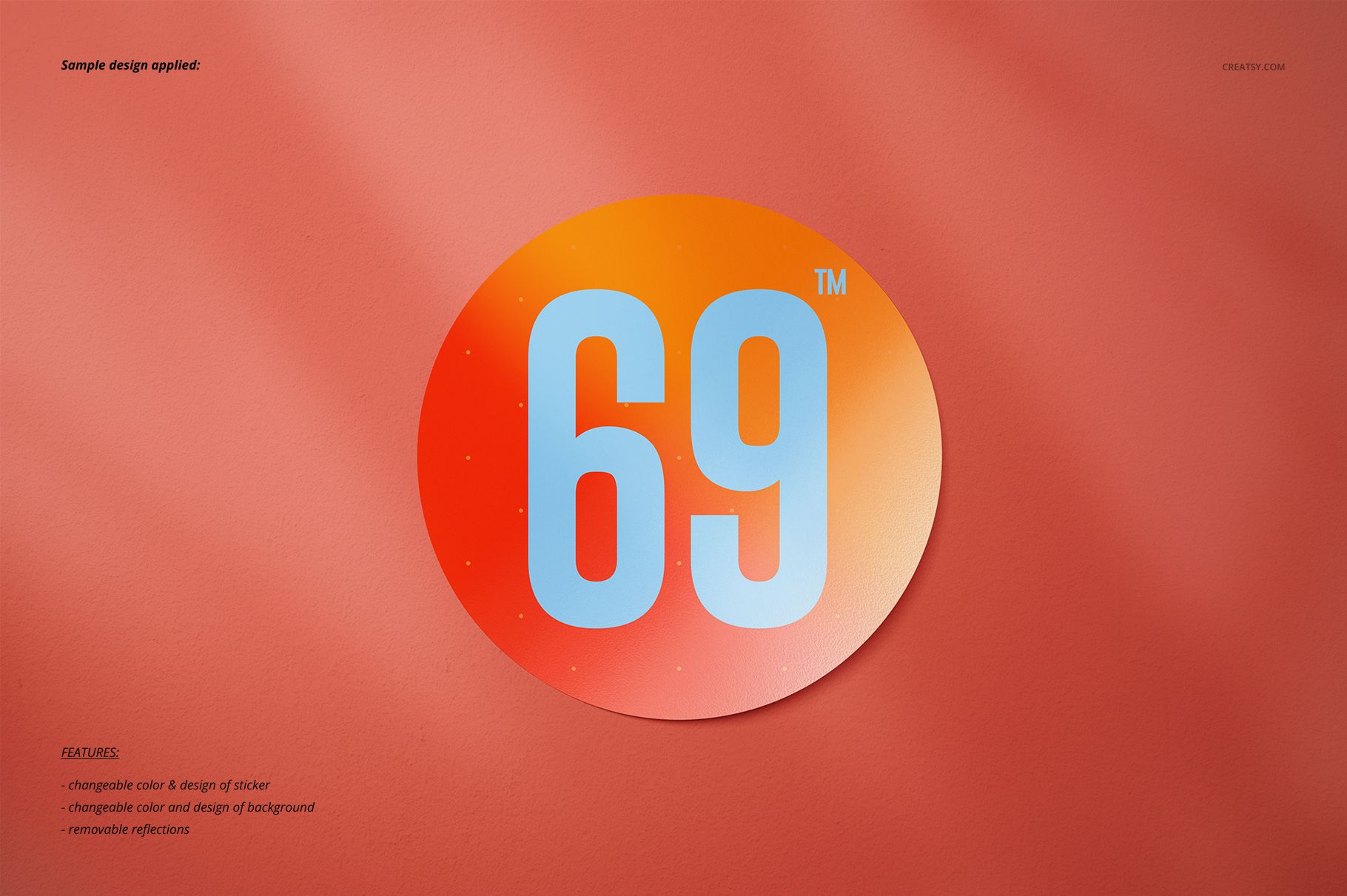
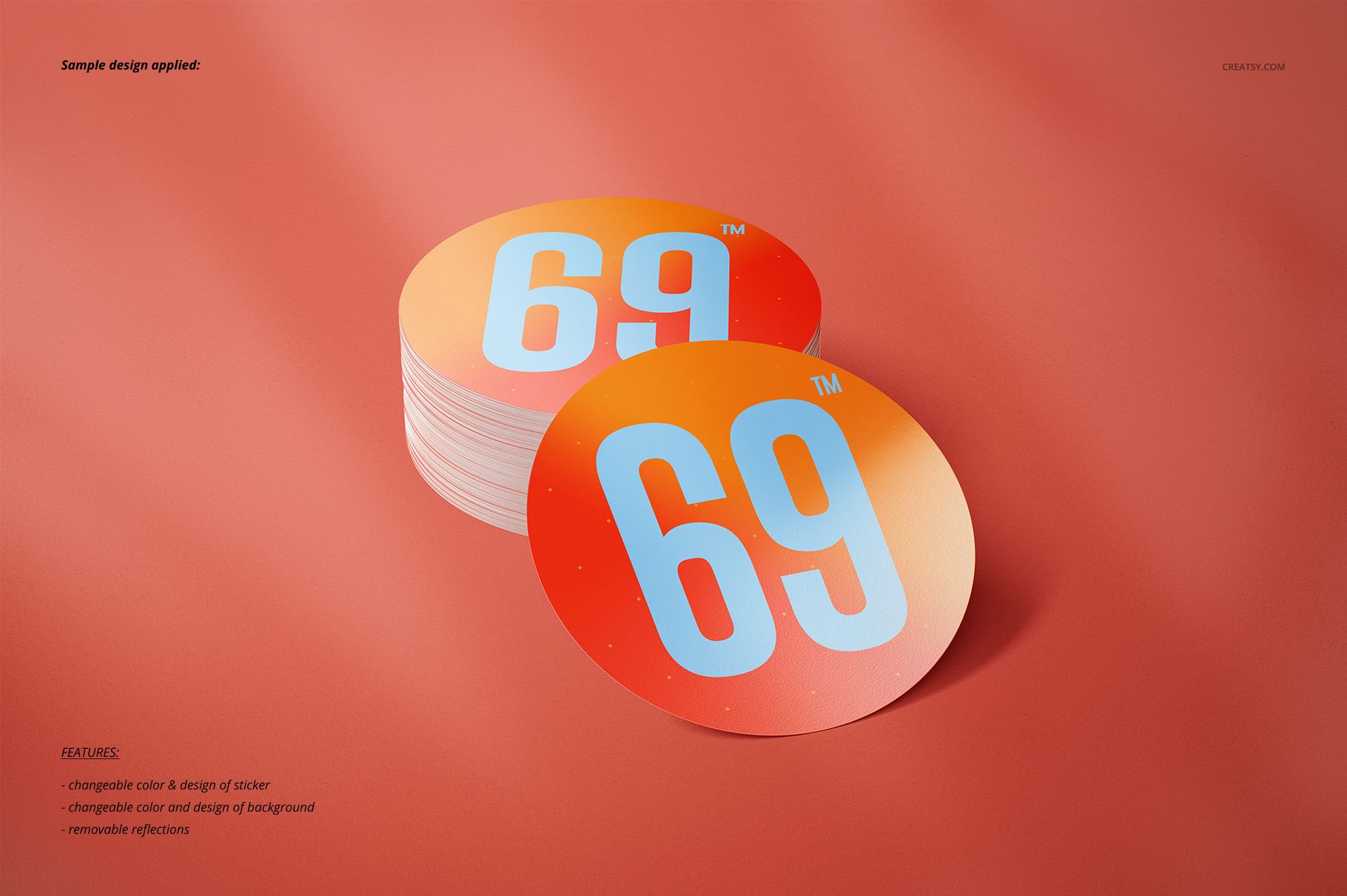
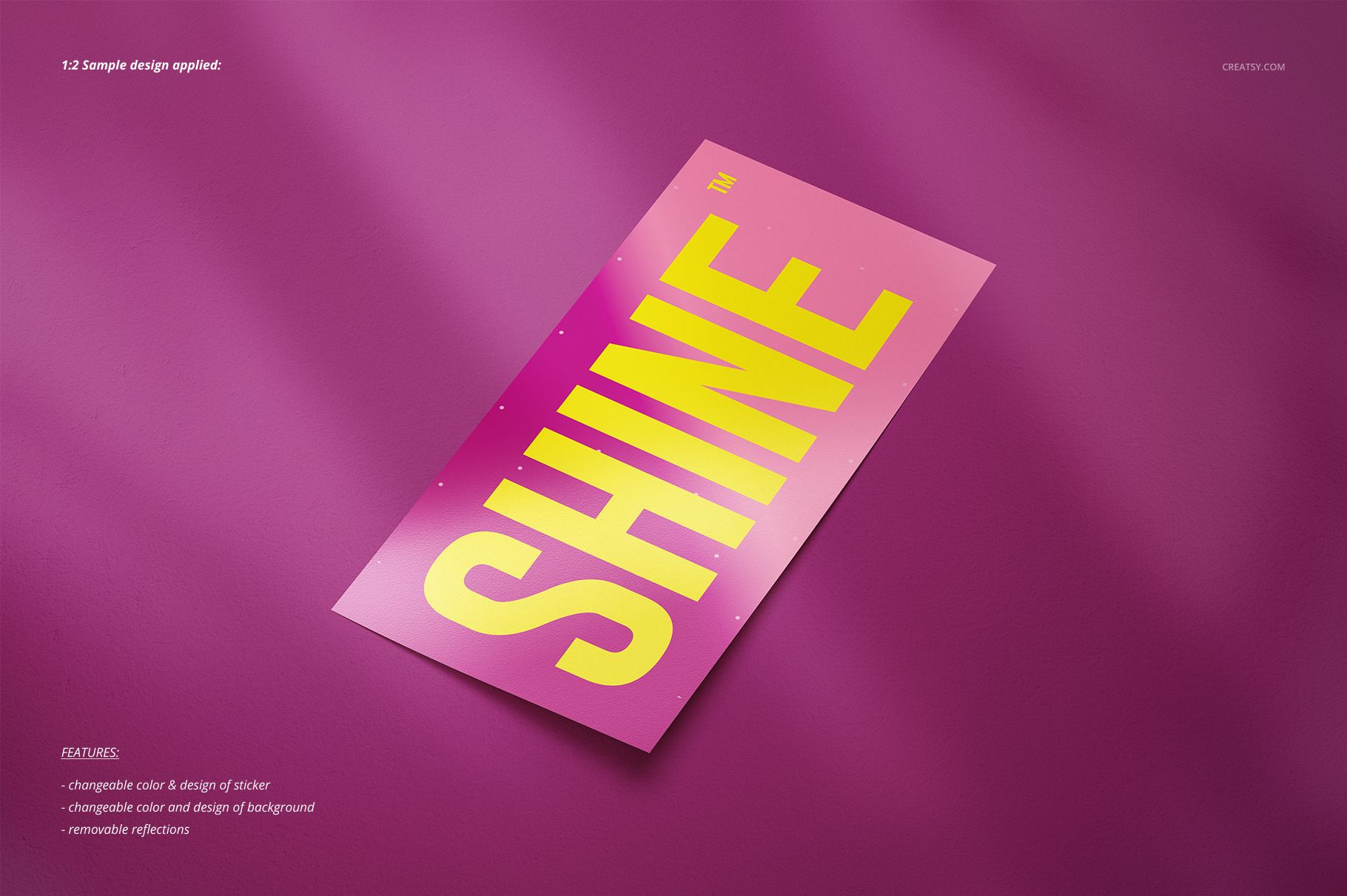
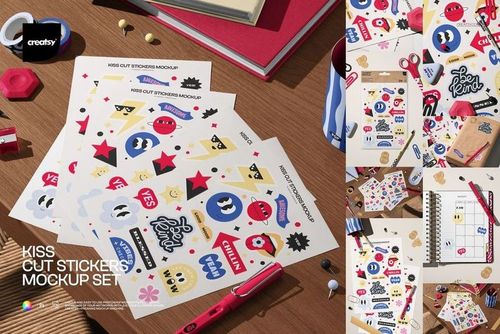
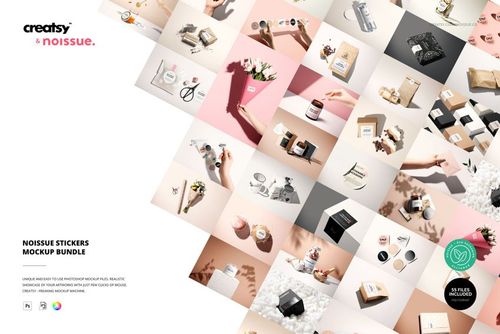
Move beyond one fixed sticker format with 20 layered PSD scenes built for standard and custom-shaped artwork. The collection combines multiple silhouettes, aspect ratios, and arrangements so one design can be presented as a complete sticker range.
What Is Included
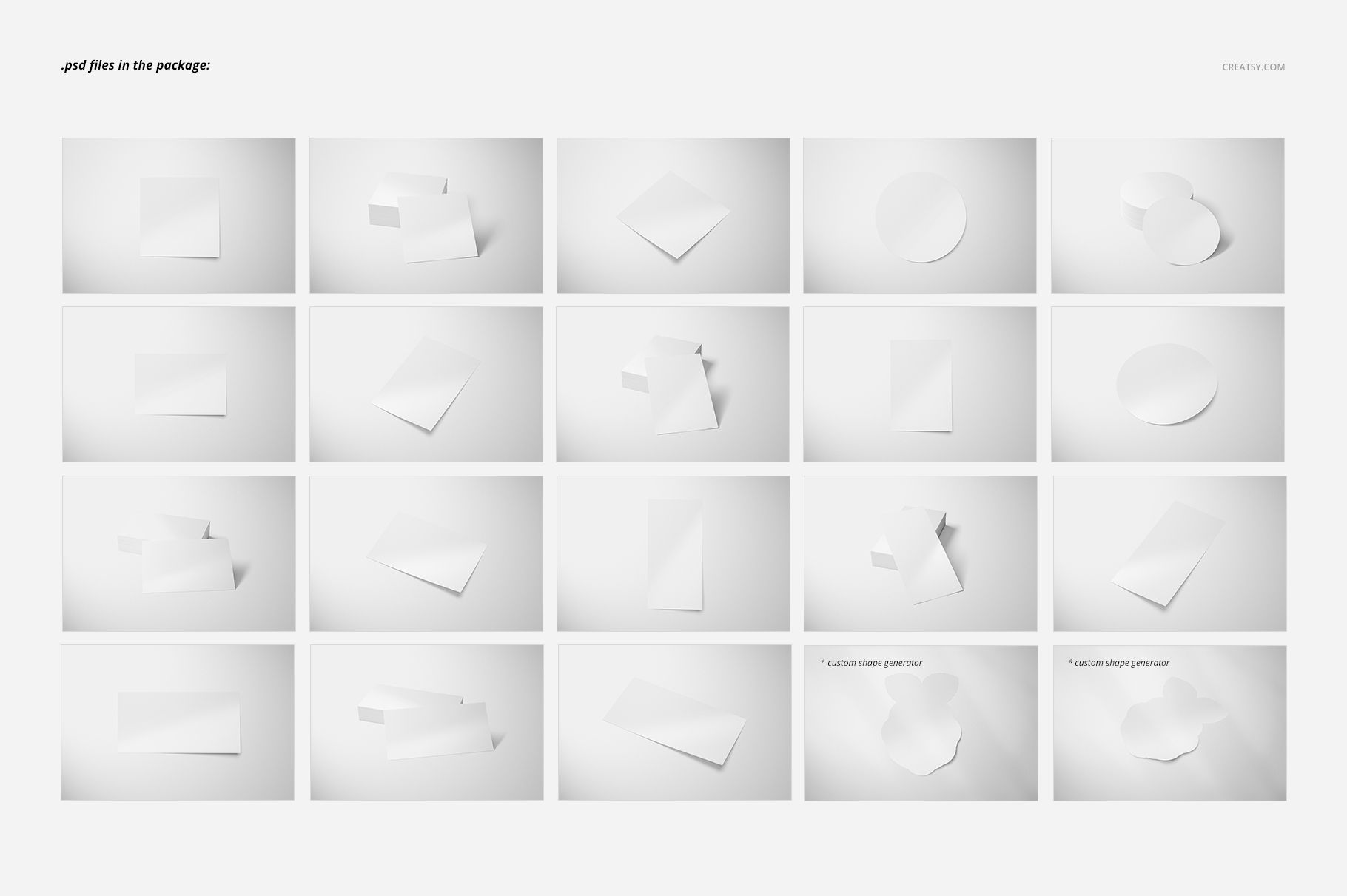
20 layered PSD mockup scenes
44 files in total, supplied in PSD and JPG formats
6000 x 4000 px per scene at 300 DPI
Adobe Photoshop CC 2018 or newer and Photopea compatibility
Well-organized layers for artwork, background, reflections, objects, and shadows
Multiple Shapes in One Collection
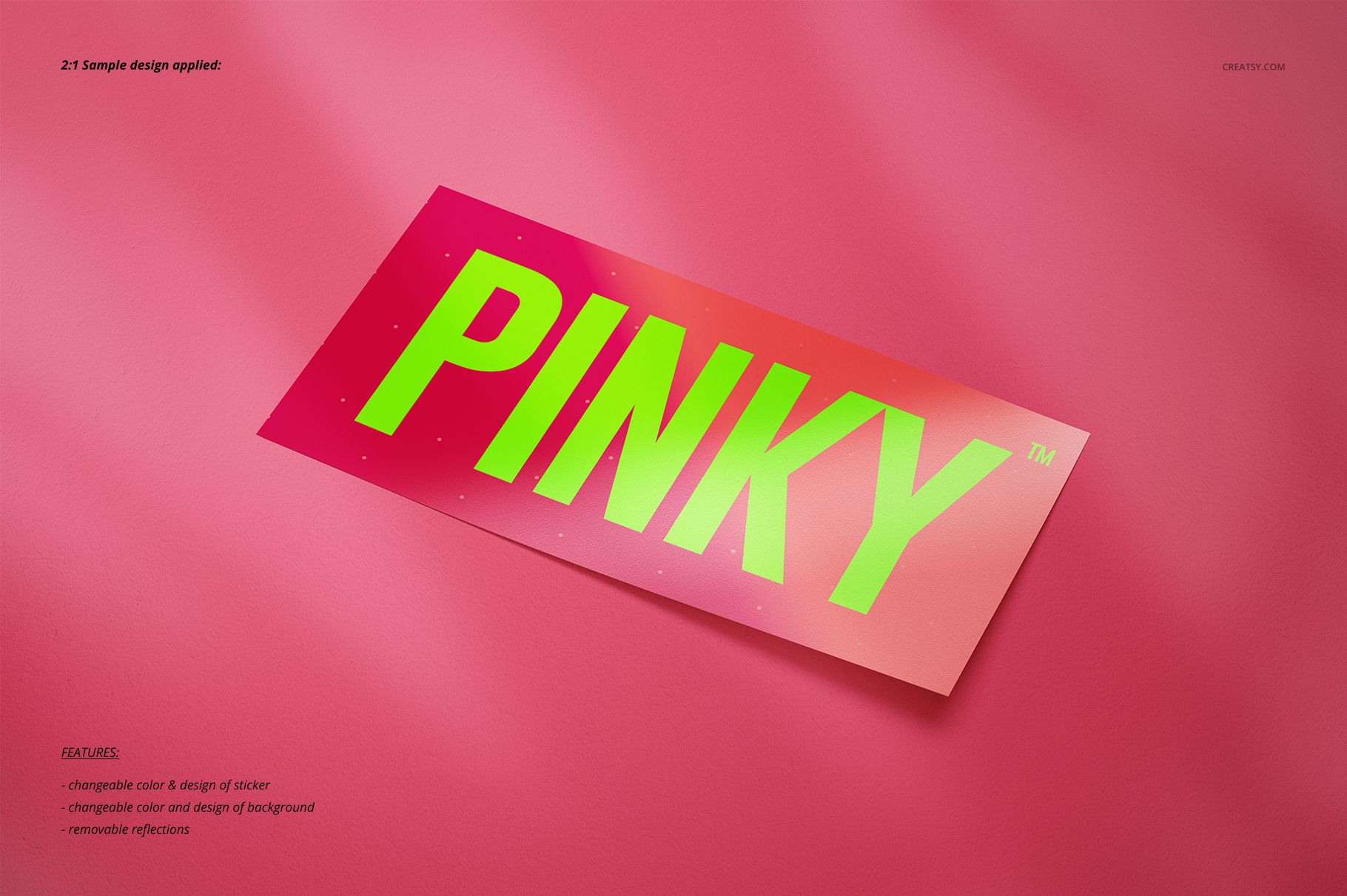
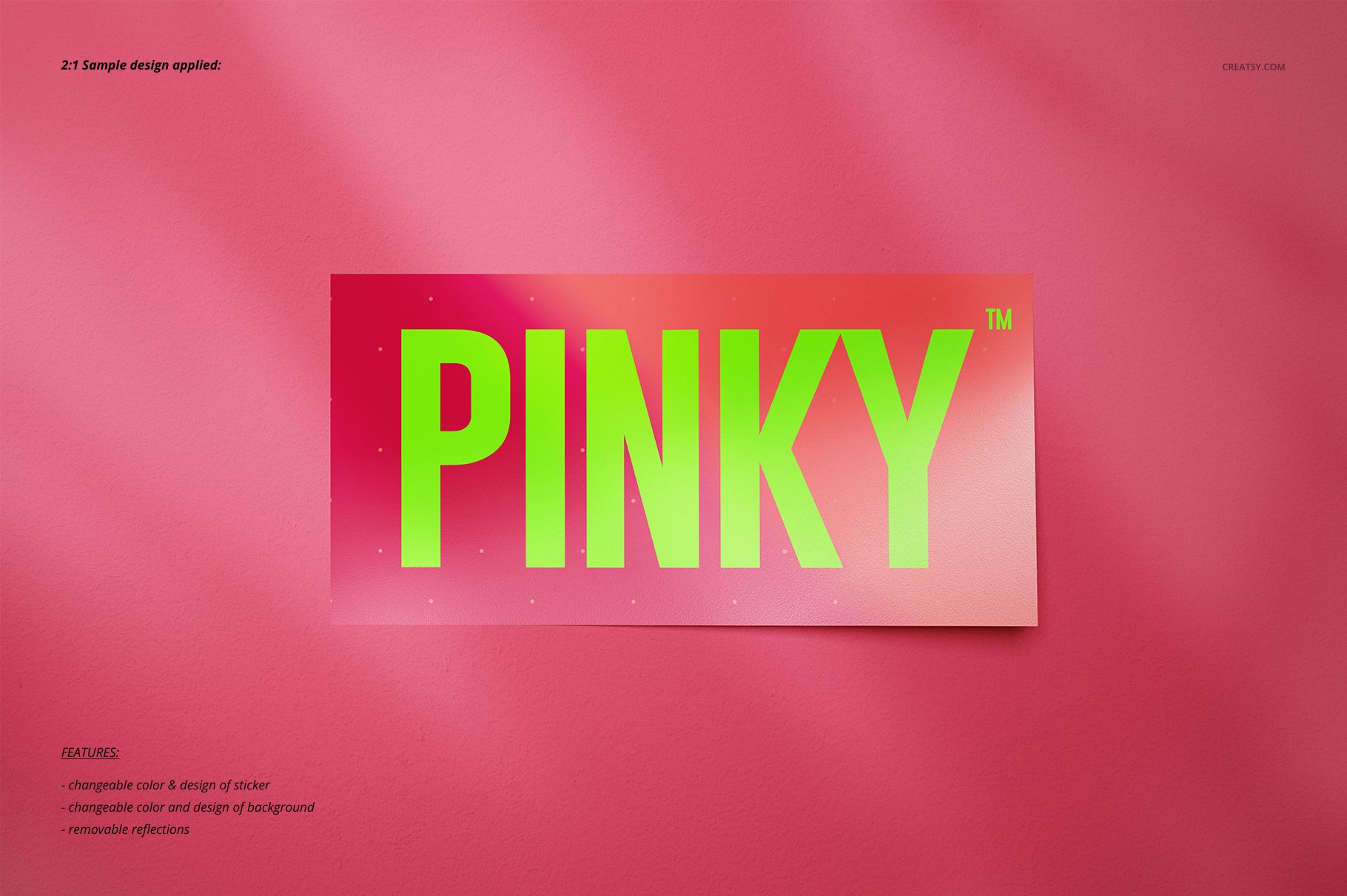
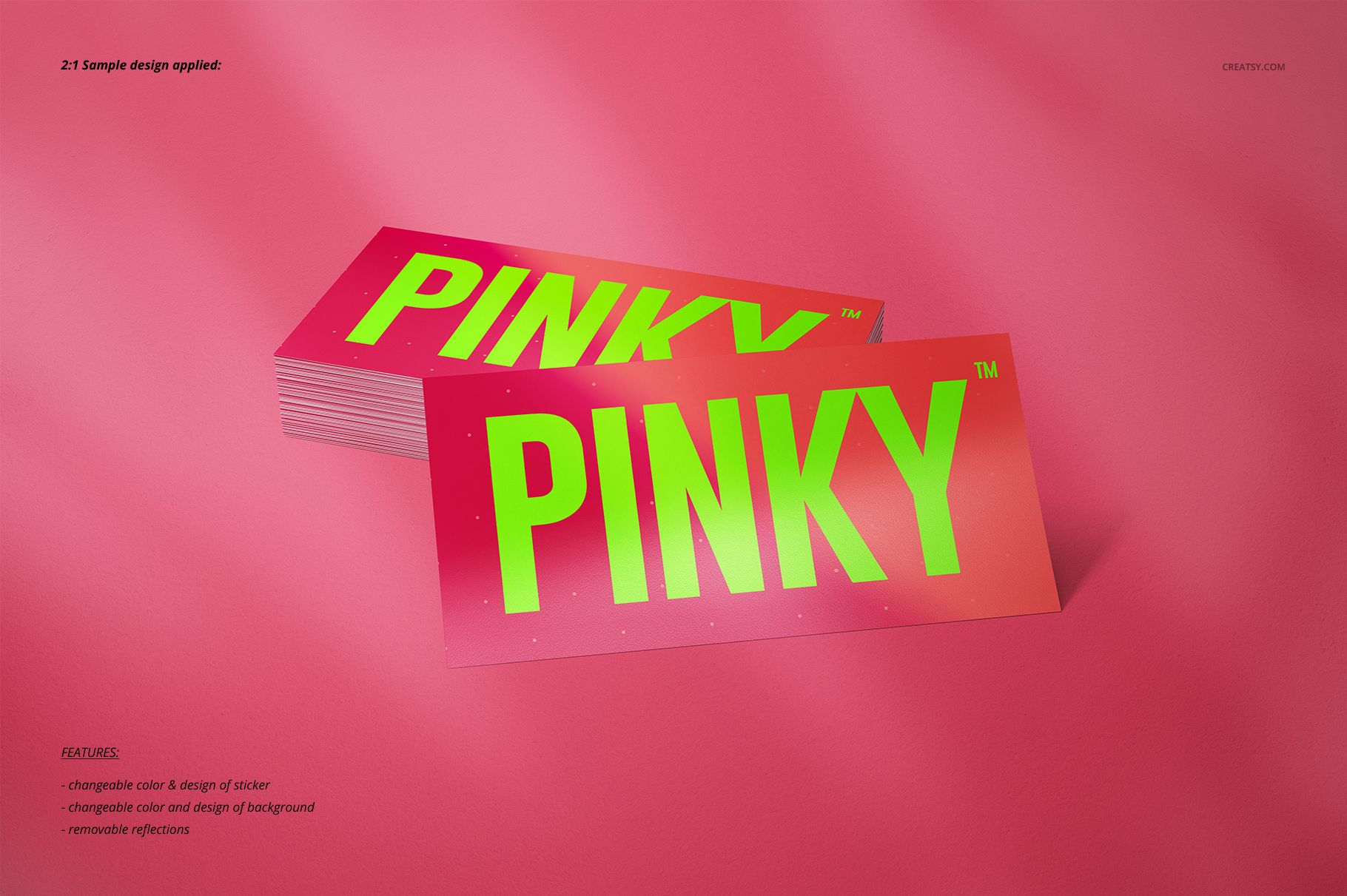
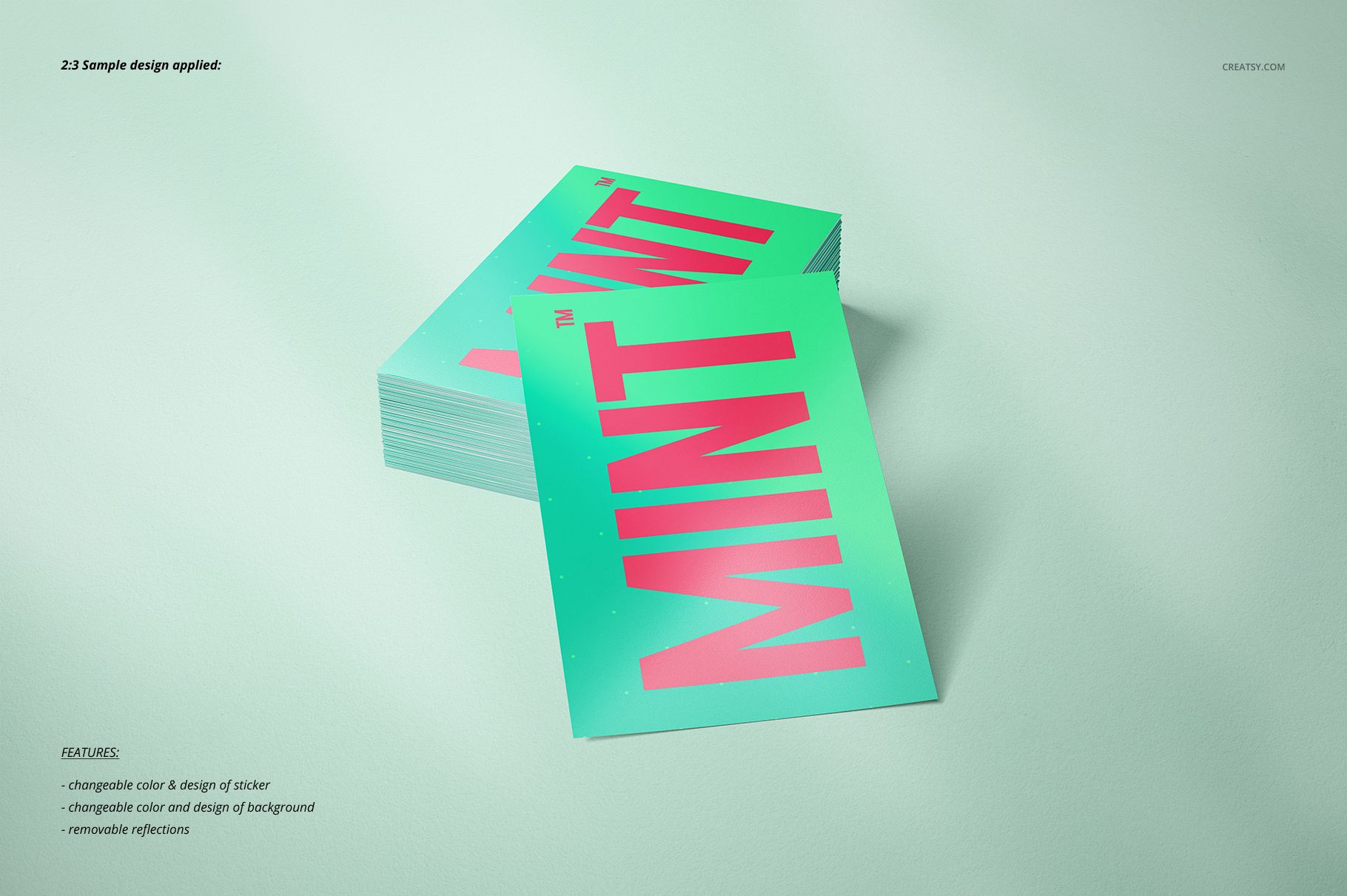
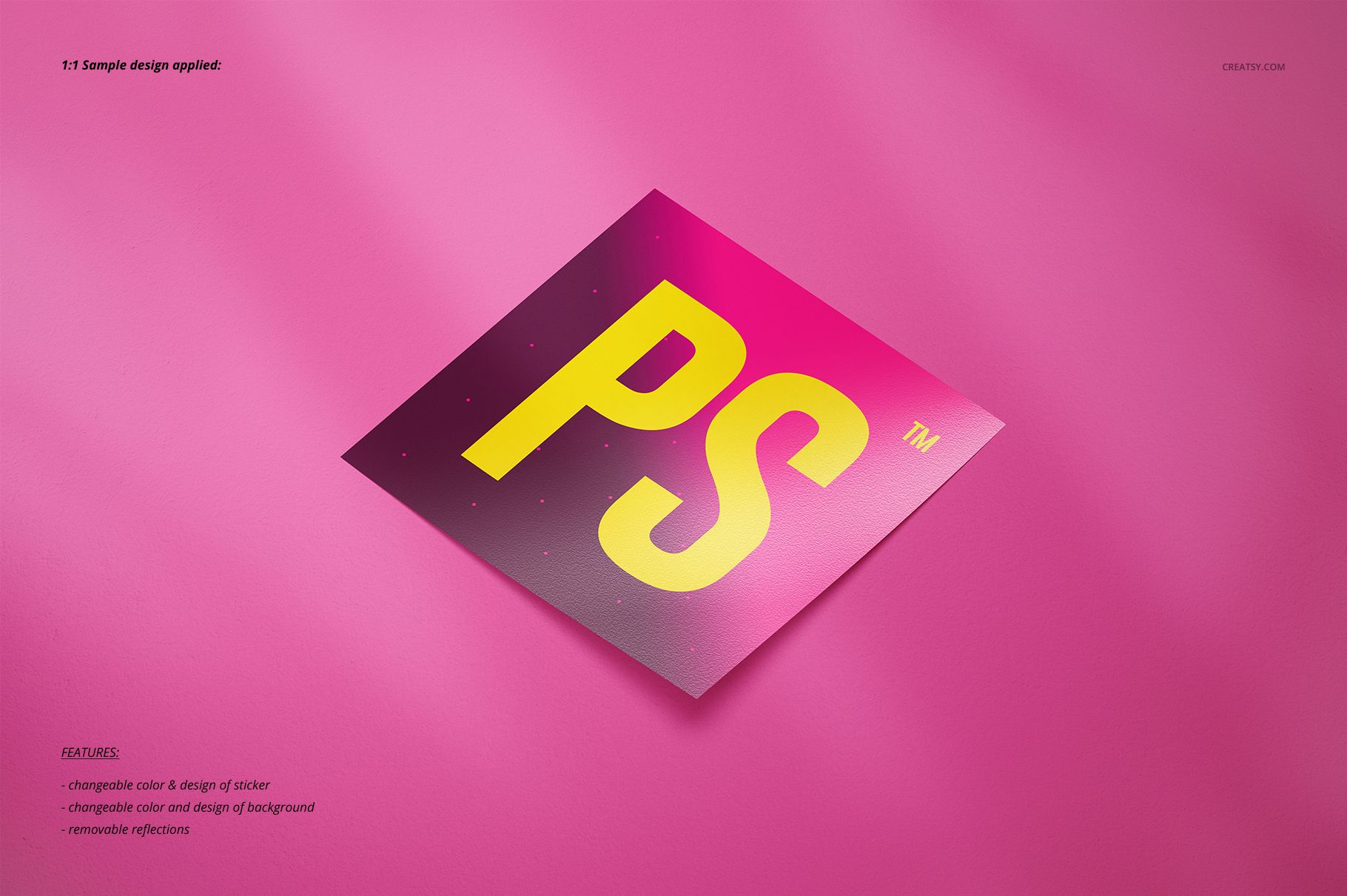
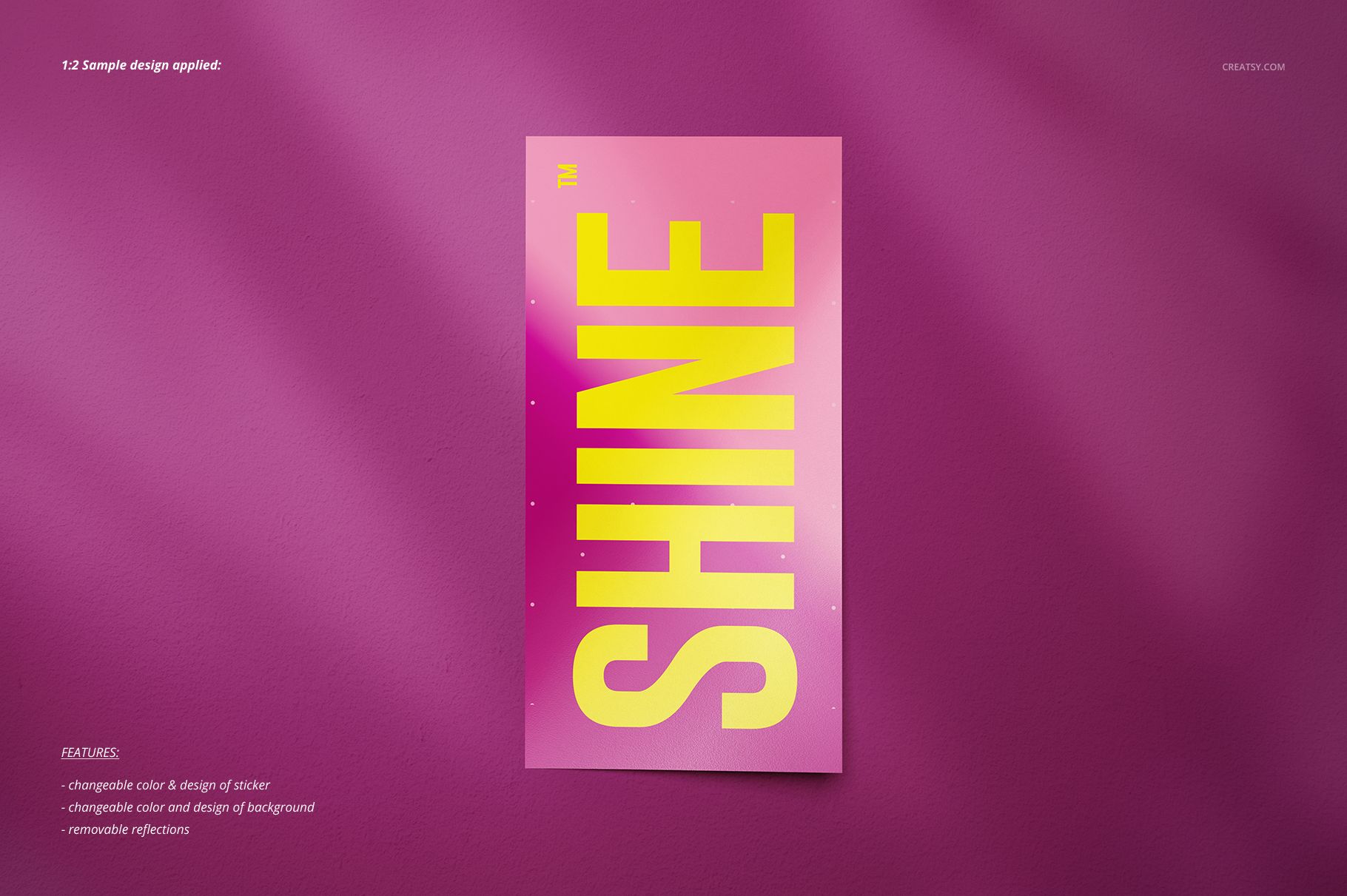
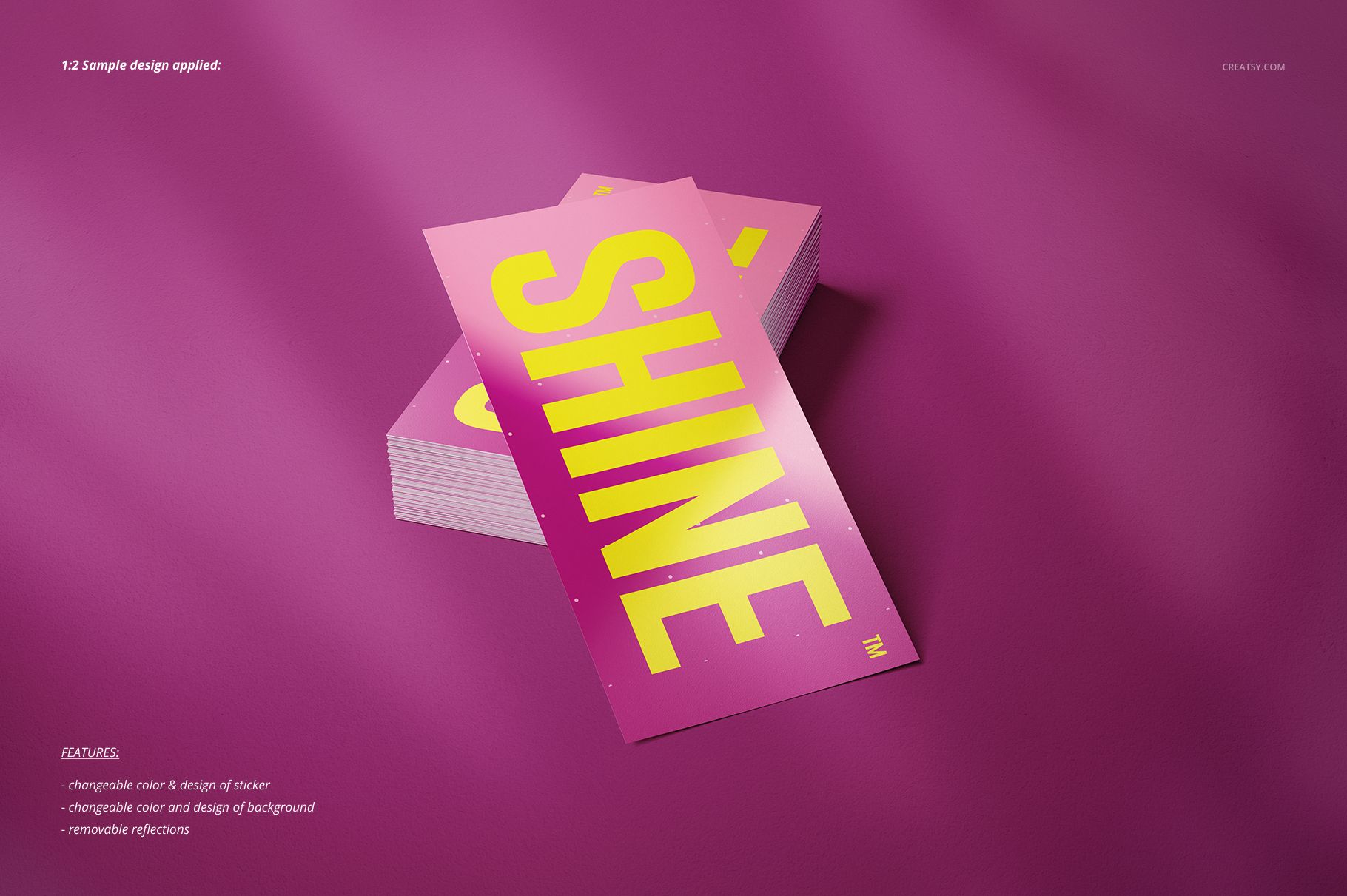
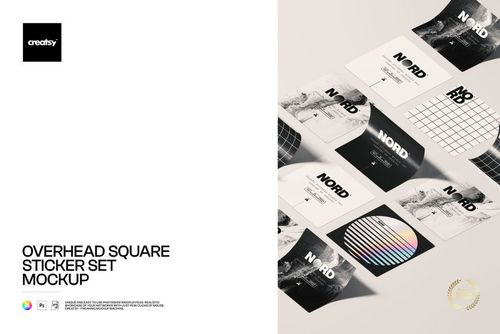
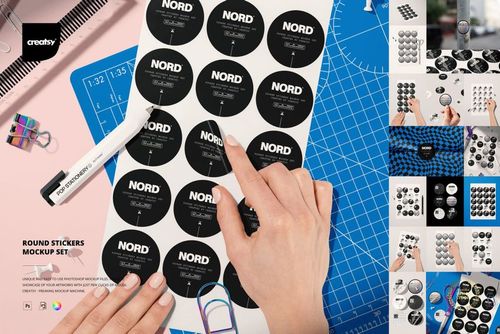
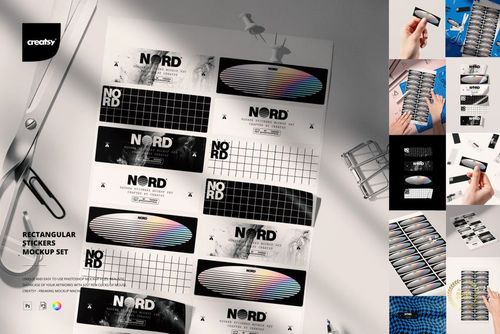
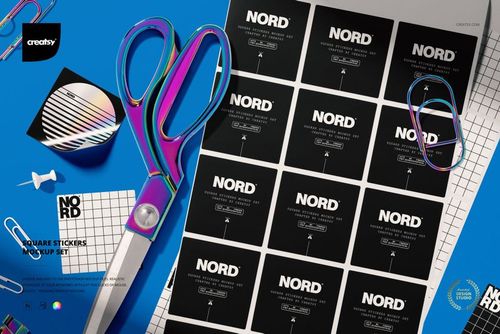
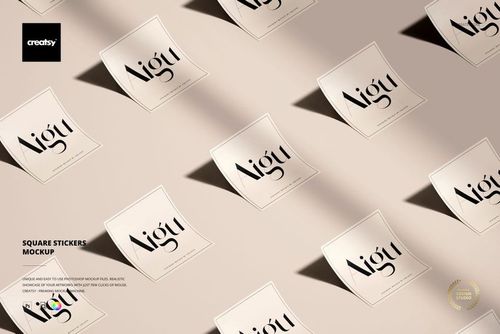
Build presentations for square and round stickers as well as landscape and portrait rectangles. Use single, angled, overlapping, and stacked compositions to show one design from different perspectives or assemble a more complete product gallery.
Create Custom Sticker Silhouettes
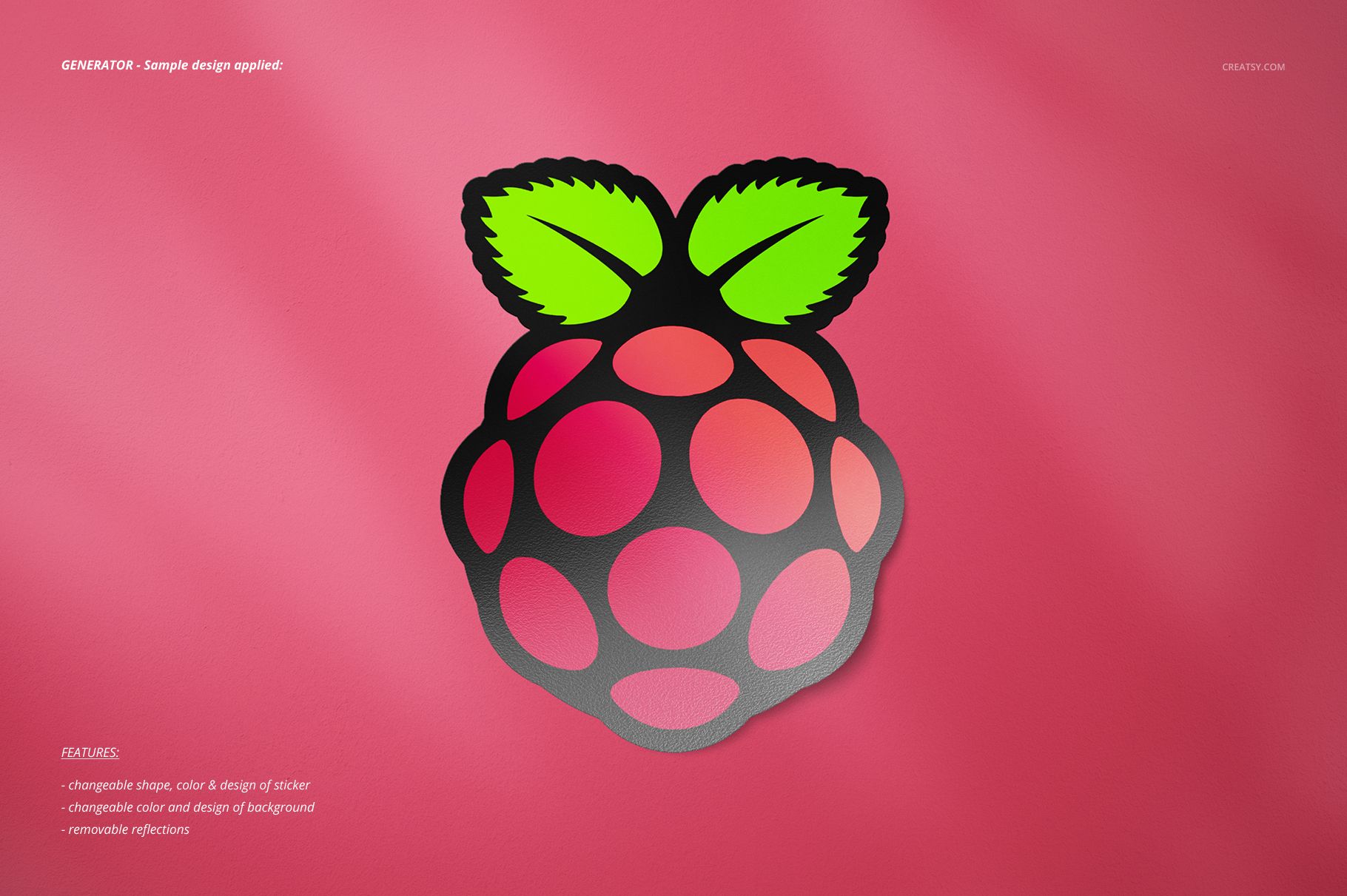
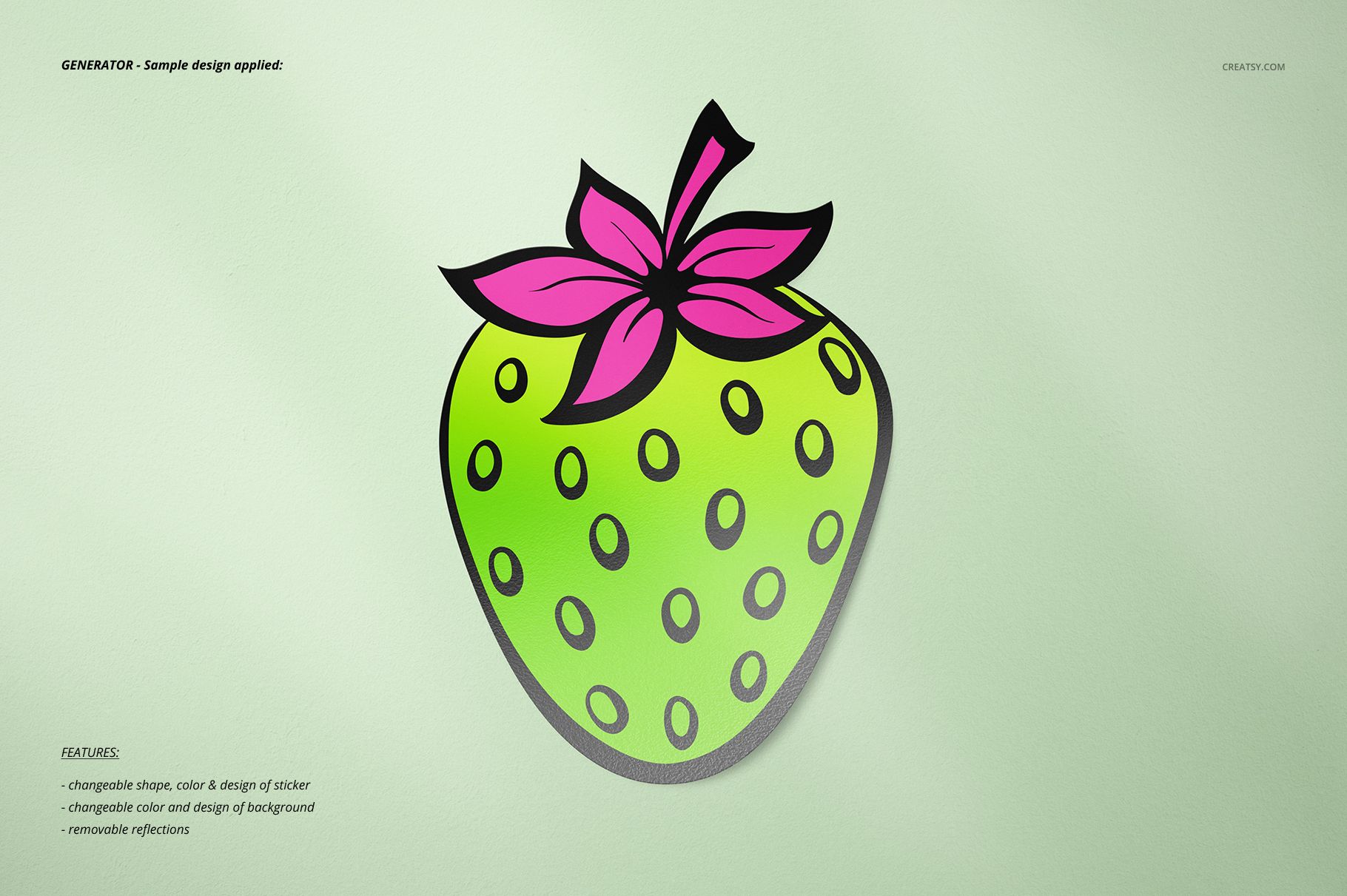
Two generator scenes add editable sticker shape to the usual artwork and color controls. They are useful for previewing custom silhouettes alongside the set's standard square, round, and rectangular formats.
Easy Smart Object Editing
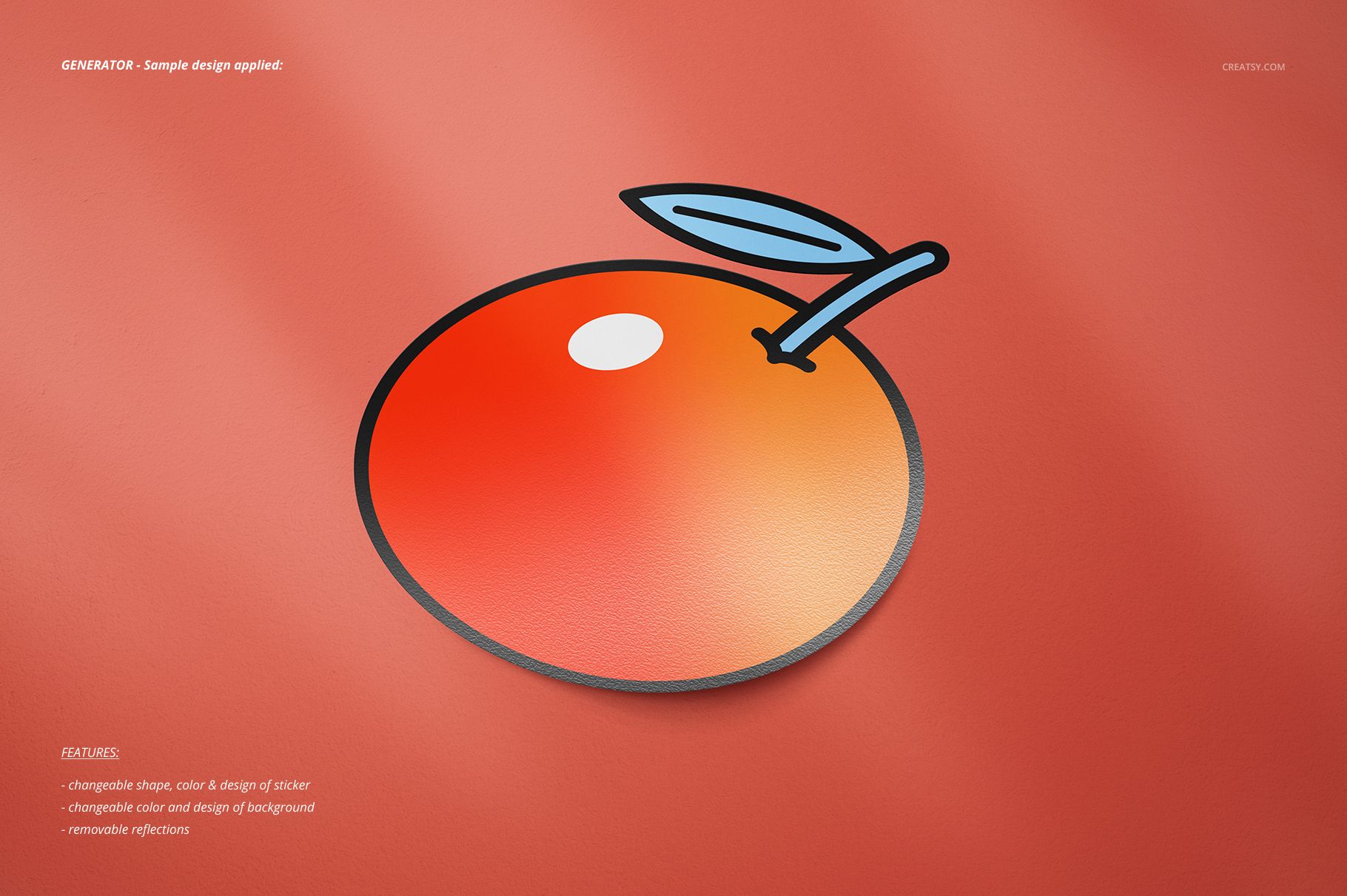
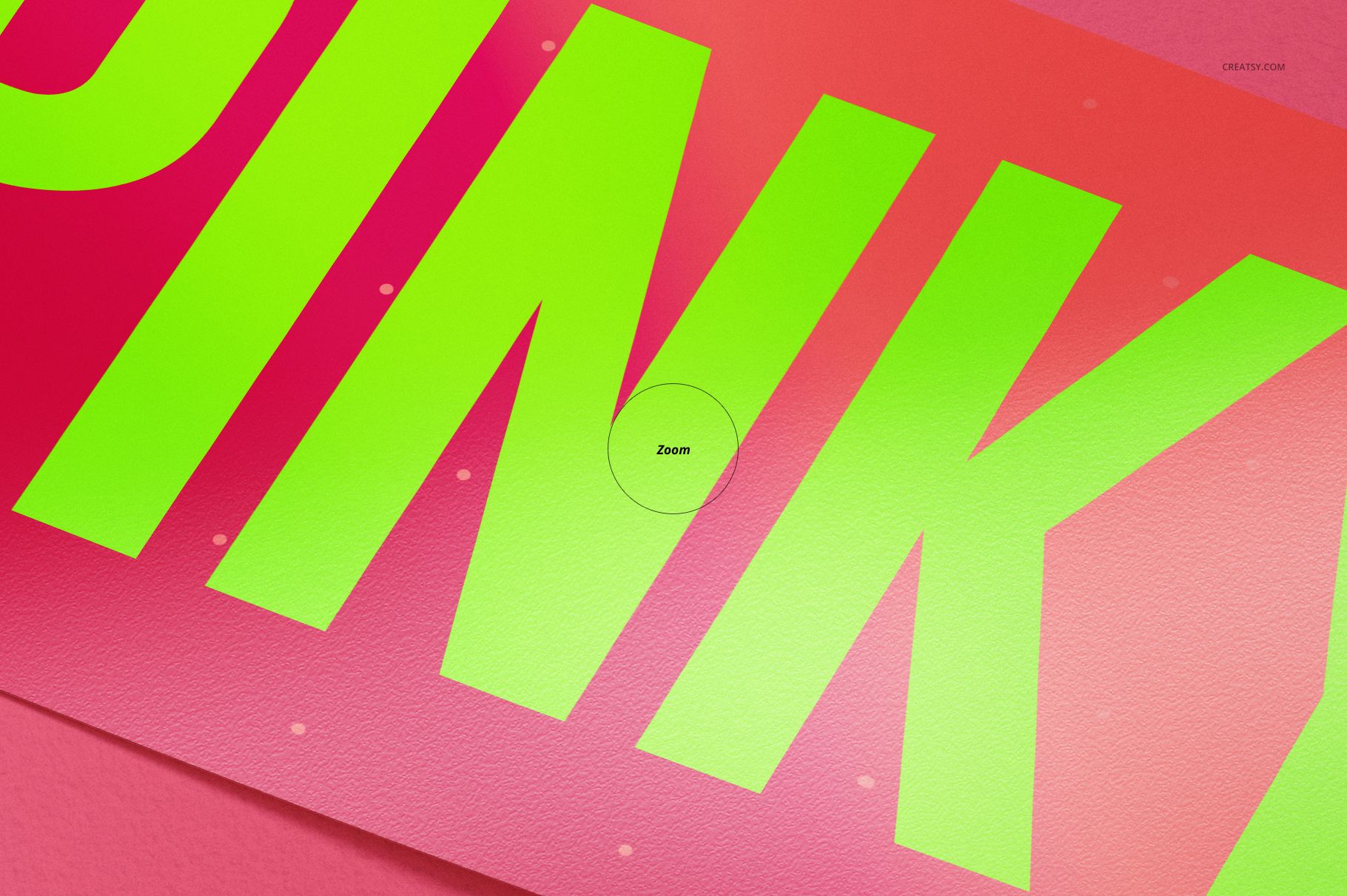
Place artwork through Smart Objects, adjust sticker colors, and remove reflections when a cleaner surface is needed. The high-resolution scenes keep typography, logos, and illustrations clear in client presentations and close-up crops.
Flexible Background and Shadow Control
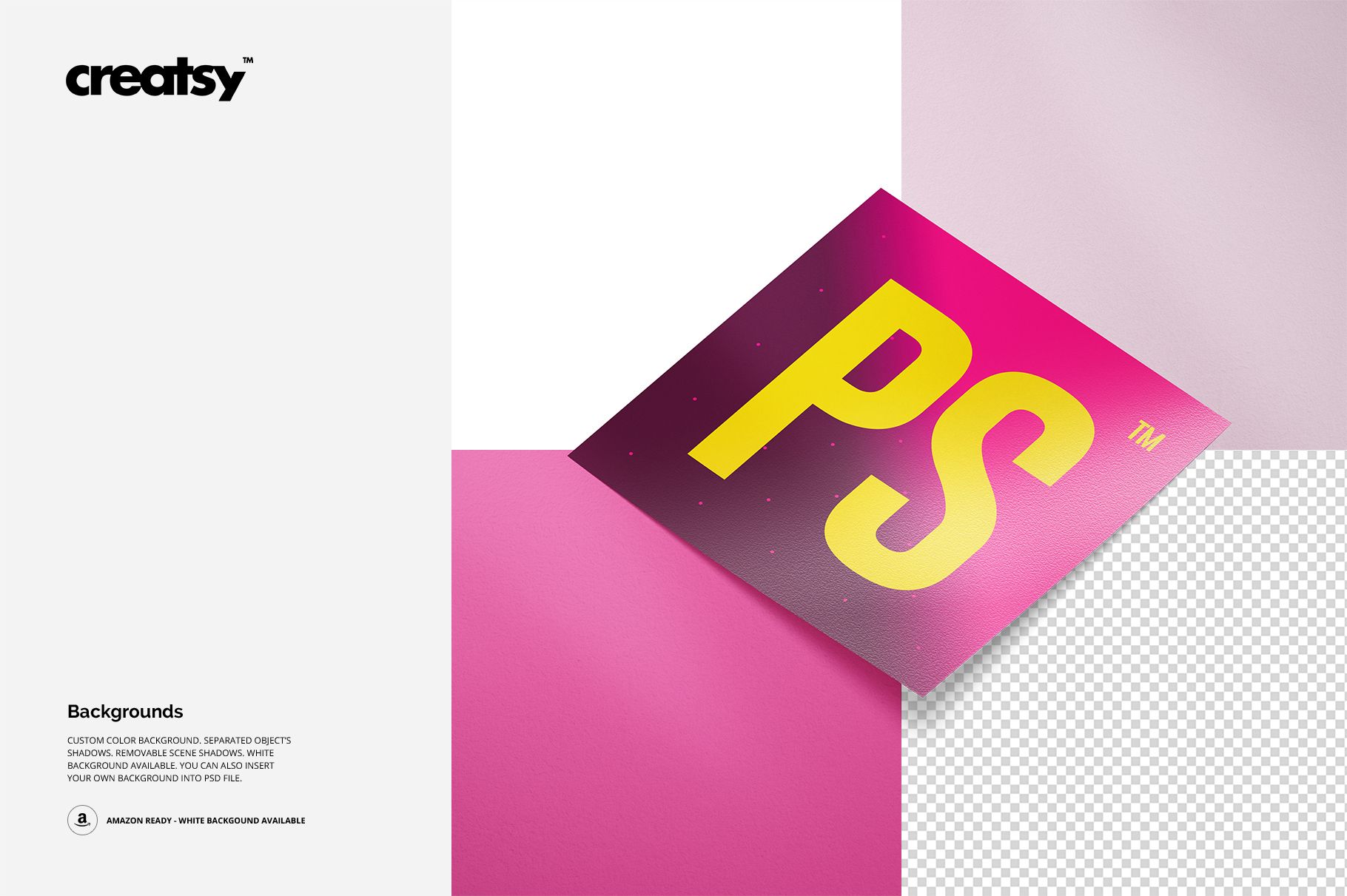
Change the background color or design, insert your own background, use the white Amazon-ready option, or prepare a transparent export. Objects and shadows are separated, while scene shadows can be removed.
Perfect For
Sticker shops and print businesses
Branding and packaging designers
Illustrators presenting custom sticker artwork
Ecommerce galleries and client approvals
This is a digital presentation mockup set. Sample artwork shown in the previews is not included.