ID: 1895668053 | Updated: Mar 25, 2025

Product Details

Folded and Stacked at Close Range

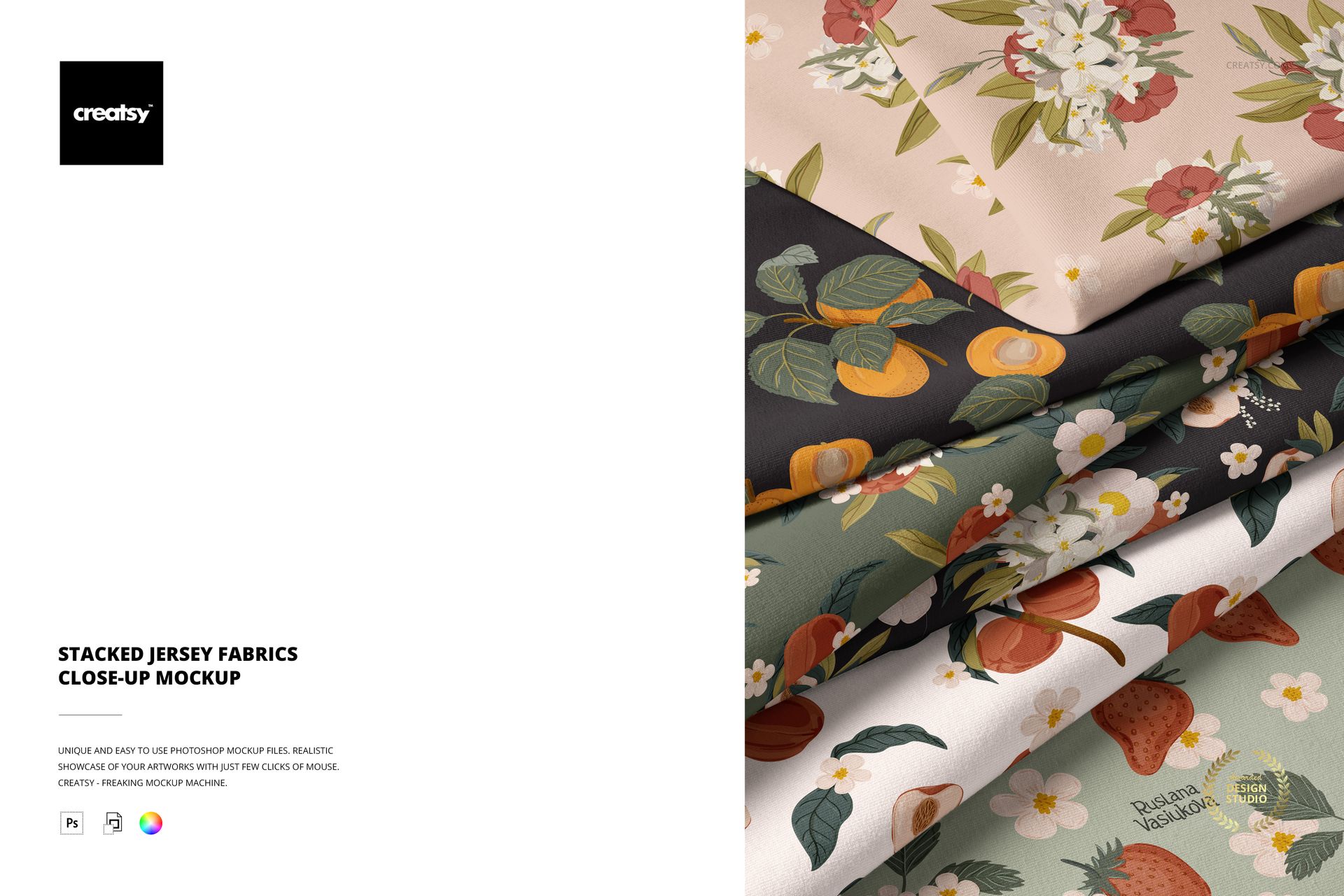
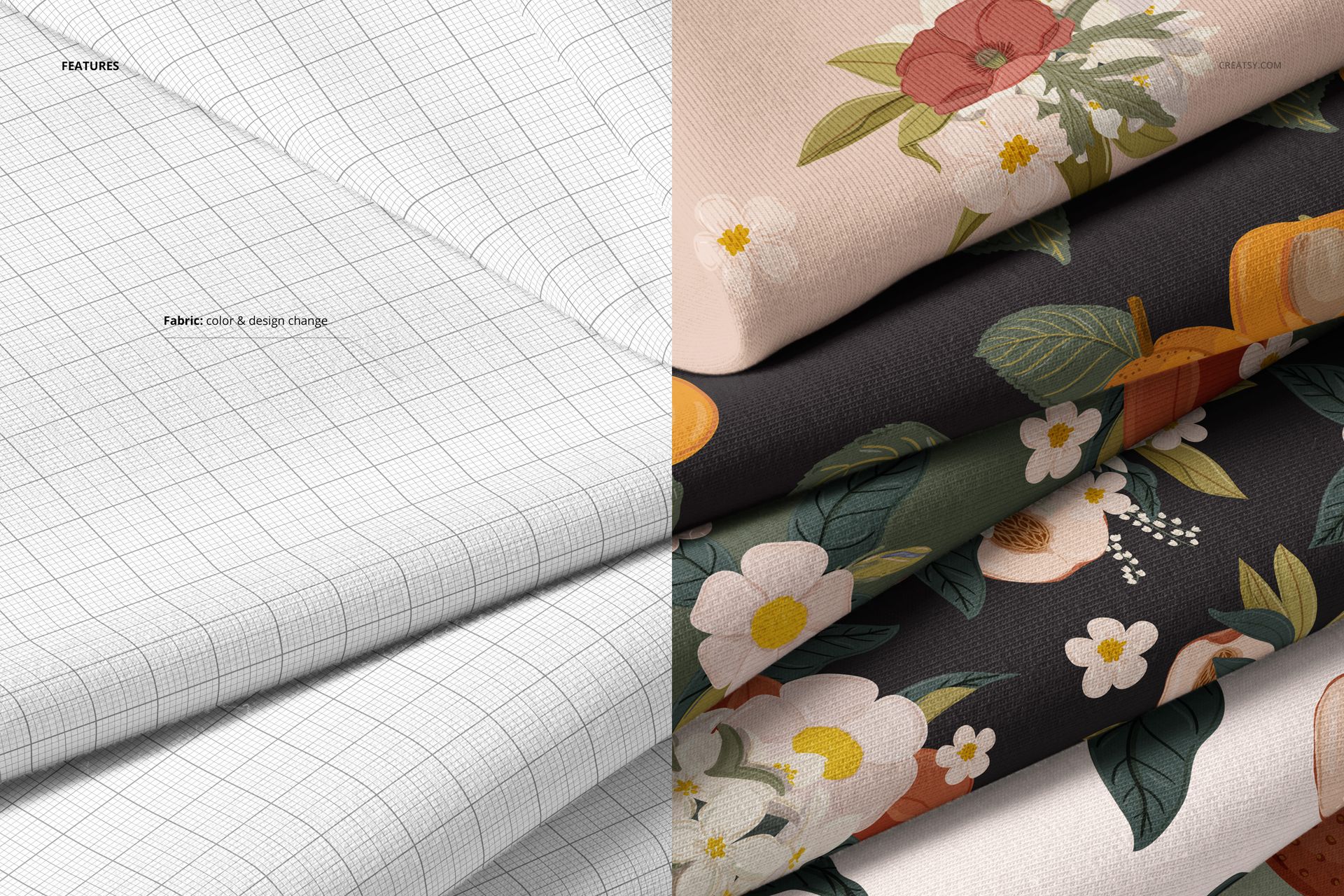
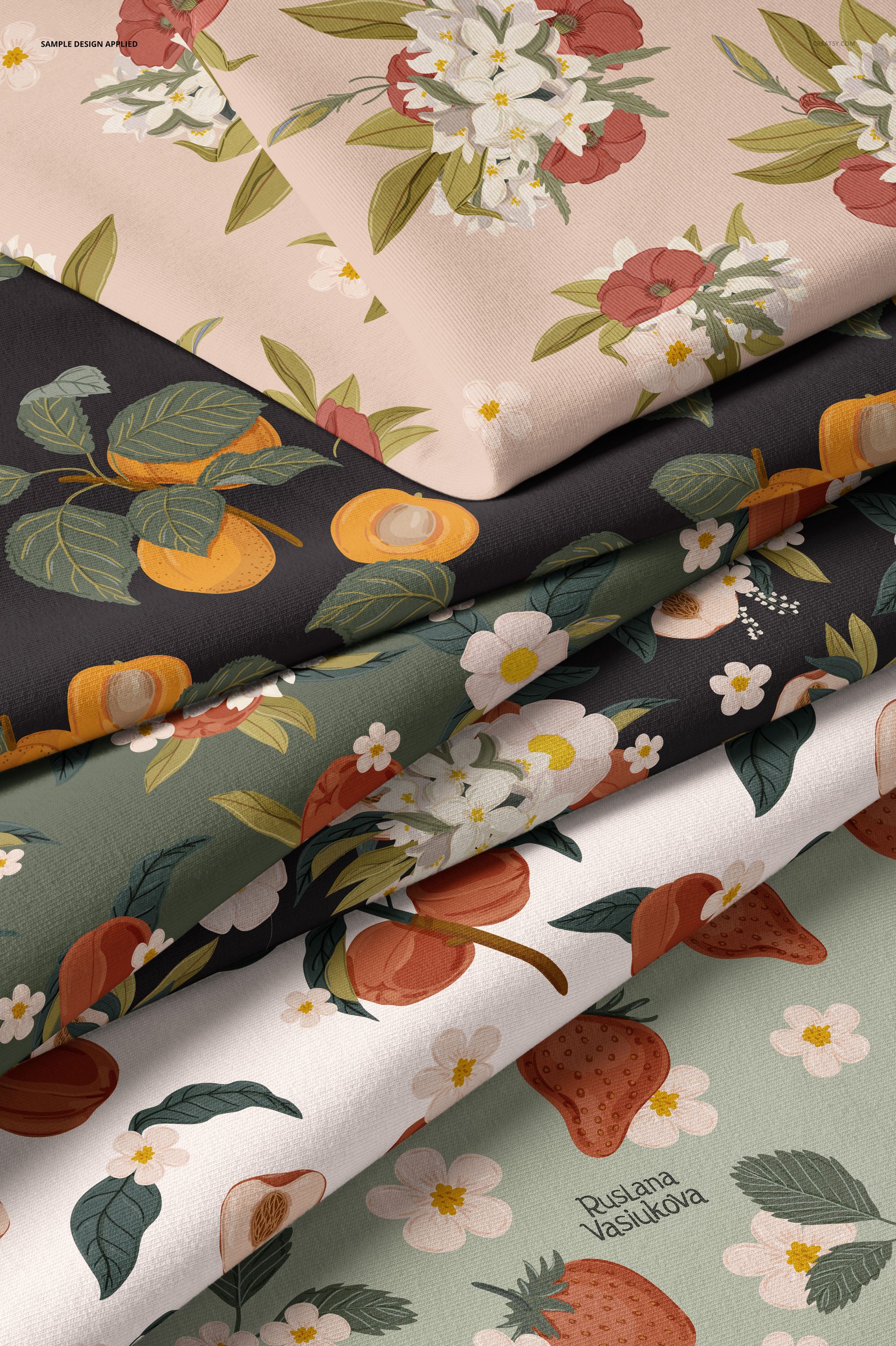
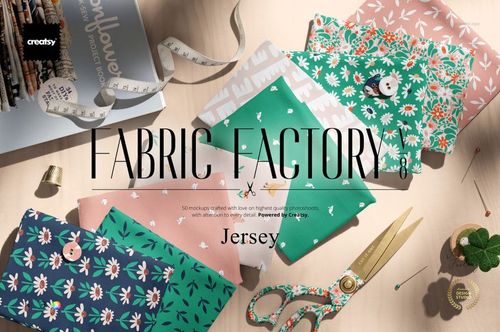
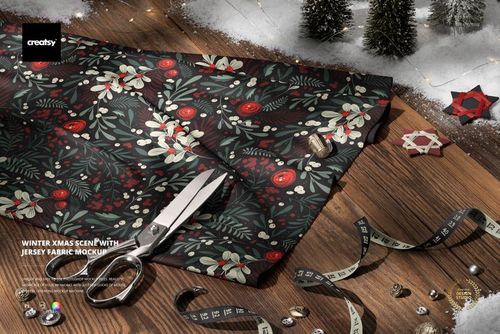
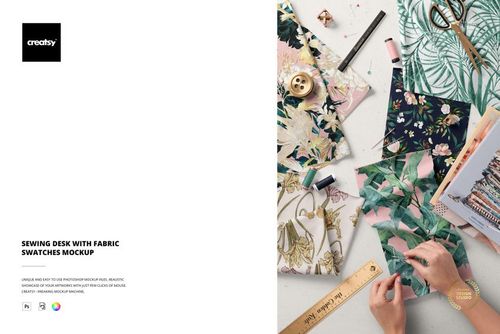
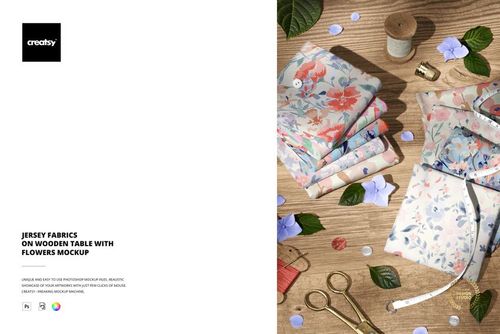
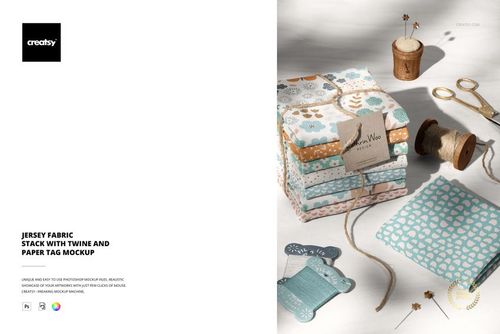
Several pieces of jersey fabric folded and layered on top of each other, photographed from a close distance that fills the frame with texture. The close-up framing puts the fabric surface front and center - you see the knit structure, the way light catches the jersey grain, and how folds create soft shadows along the edges. Your pattern or color is applied to every visible fabric piece through smart object layers, so the entire stack displays your design as a coordinated set. The stacking arrangement is the kind of styled shot that fabric suppliers and textile brands use in their catalogs and social media: multiple folds of the same material creating visual depth and a sense of abundance. One PSD file at 6000 by 4000 pixels, 300 DPI. Works in Adobe Photoshop CC 2020 or newer and in Photopea, the free browser-based editor. Example designs in screenshots are by Ruslana Vasiukova and are not included in the download.
Reading the Fabric Weight

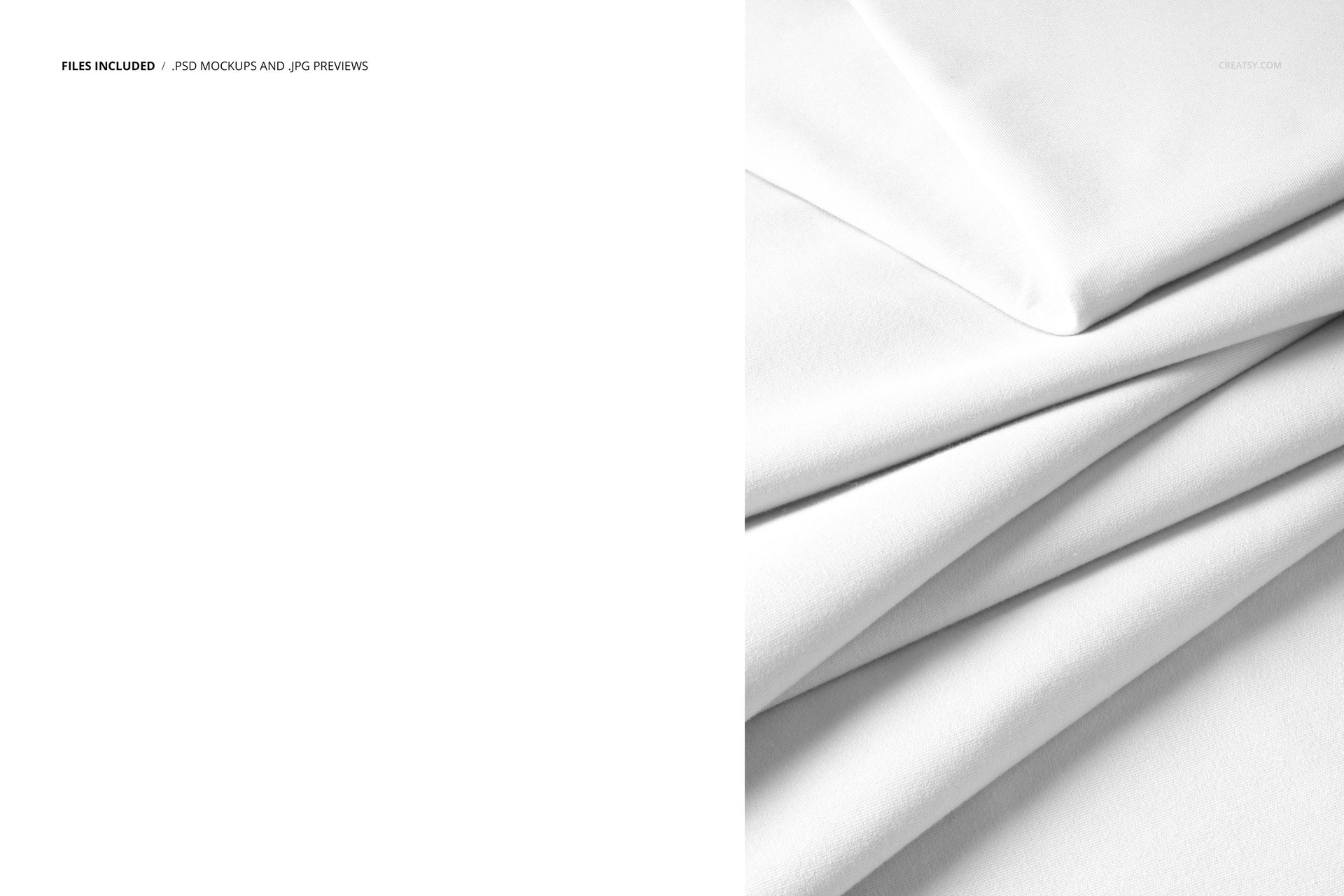
Jersey is a knit fabric with a specific drape and stretch behavior that woven fabrics do not have. Customers shopping for jersey - whether they are buying yardage, licensing a print, or ordering custom-printed fabric - need to see how a pattern interacts with that particular material behavior. A flat digital swatch cannot communicate drape. A photograph of folded jersey fabric can. The folds in this mockup show how your pattern bends, how colors shift in shadow areas, and whether fine details in your design survive the soft compression of a jersey fold. This visual information is what separates a pattern that looks good in a design file from a pattern that a buyer trusts will look good on the actual material.

Stacking as a Styling Choice

The stacked arrangement serves a specific commercial purpose. When a fabric brand photographs its seasonal collection, the hero image often shows multiple folded pieces of the same textile arranged together. This communicates volume, availability, and material richness in a way that a single flat lay cannot. The stacked format also lets you show slight color variations across folds - the same design reads darker in recessed areas and brighter on raised surfaces, which demonstrates how your pattern responds to light naturally rather than appearing as a uniform digital repeat.

Built for Fabric Sellers

If you sell printed fabric on Spoonflower, Contrado, or your own e-commerce store, your product listing needs a lifestyle image that goes beyond the flat tile preview the print-on-demand platform generates automatically. This mockup gives you that image. Insert your pattern, export, and upload a professional fabric photograph to your listing. The stacked close-up format works particularly well for jersey because it shows the fabric as a customer would encounter it after unfolding a delivery - real, tactile, dimensional. Textile designers presenting collections to manufacturers get the same benefit: a portfolio image that demonstrates your pattern on the actual fabric type you are targeting.

Technical Specifications

Format: PSD (Adobe Photoshop). Dimensions: 6000 x 4000 pixels. Resolution: 300 DPI. Color mode: RGB. Download size: 302.89 MB. Smart objects: labeled, controlling all visible fabric surfaces. Layer organization: grouped with named folders. Adjustment layers: included for color and lighting control. Compatible with: Adobe Photoshop CC 2020 or later, Photopea (free, browser-based).

File details

Compatibility
PhotopeaAdobe Photoshop
Number of files included
2
Package size
302 MB302 MB|317 MB317 MB
Files type
.psd, .jpg
Files size
4000x6000
TEST FOR FREE

Made with Creatsy

Real designs. Real customers. See how creatives use Creatsy mockups to turn their artwork, branding, and product ideas into polished visuals.

MEET THE SHOP

Creatsy logo

Creatsy

Poland
4.7 (651)

Bring your ideas to life.

We're a family-run studio in Katowice, Poland, making PSD mockups by hand since 2016. Everything in this shop starts in our own studio. We shoot the photography, build the 3D, and put together every Smart Object PSD ourselves - then we test it, organize the layers, and only ship it once it actually works...
GO TO SHOP

HOW IT WORKS

3 clicks. That's it.

No tutorial needed. If you can copy-paste, you can use this.

  1. 1OpenDouble-click the smart object inside the PSD - in Adobe Photoshop, or free in your browser with Photopea.
  2. 2PasteDrop in your pattern, print, or artwork. Any design, any style.
  3. 3SaveHit save and the mockup wraps it in for you - shadows, folds, and lighting included.

FROM IDEA TO IMAGE

Built for real workflows

Skip the photo shoot Show your artwork on the real product type for approvals or listings - no studio, no model, no sample.

See it on the product, not a swatch Drop your file into the smart object and the scene's lighting and folds wrap around it, so you judge the real thing before you commit.

Smart Objects

Edit once and you're done. Your artwork drops into a smart object and the mockup updates itself - no masking, no warping by hand.

Perfectly Organized

Named layers and folders you can actually navigate. Find what you need, change what you want, and get out fast.

Print-Ready

High-resolution files built to hold up on screen and in print. Exact size and DPI are in this product's Details above.