Disposable Oval Paper Platter Mockup Set
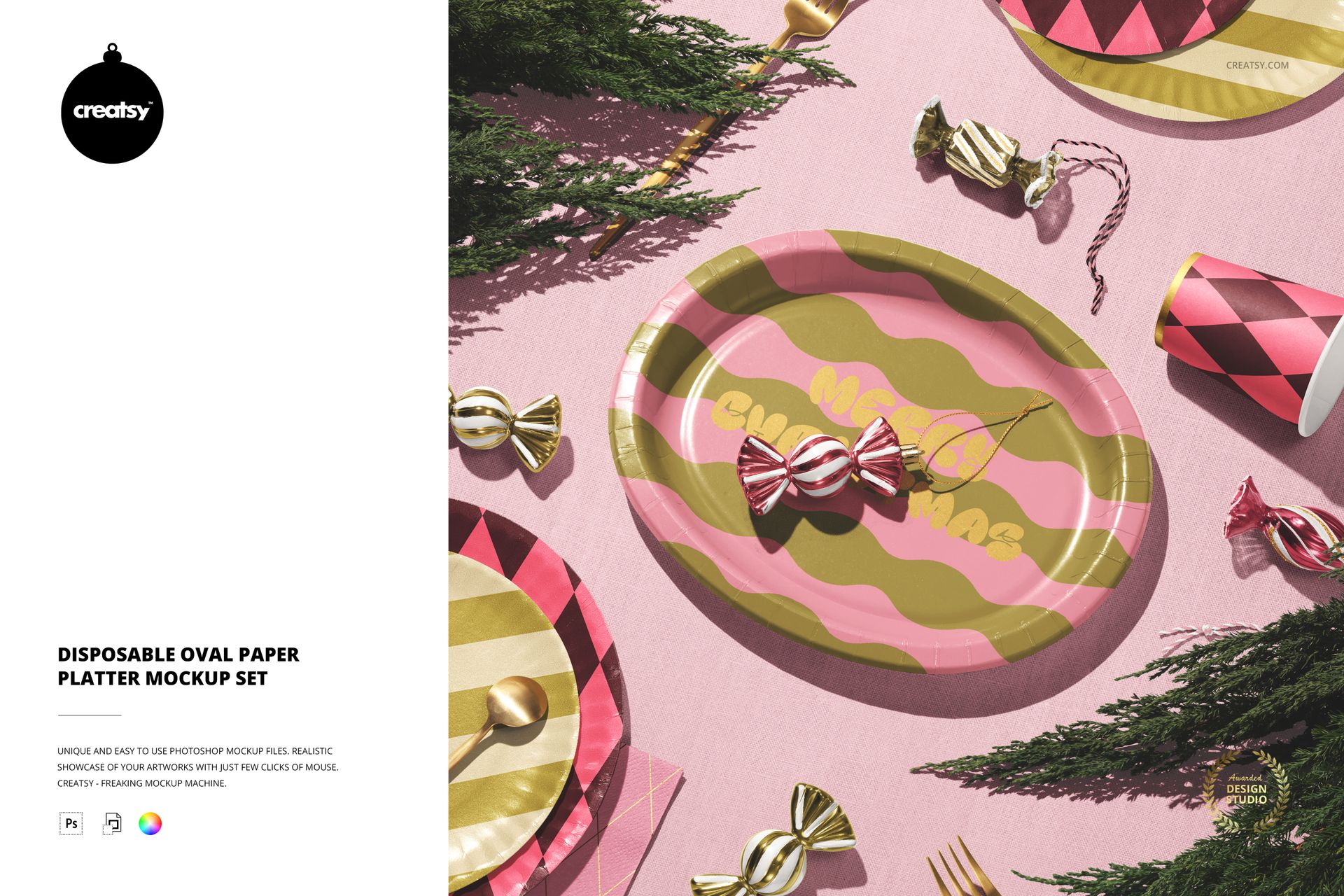
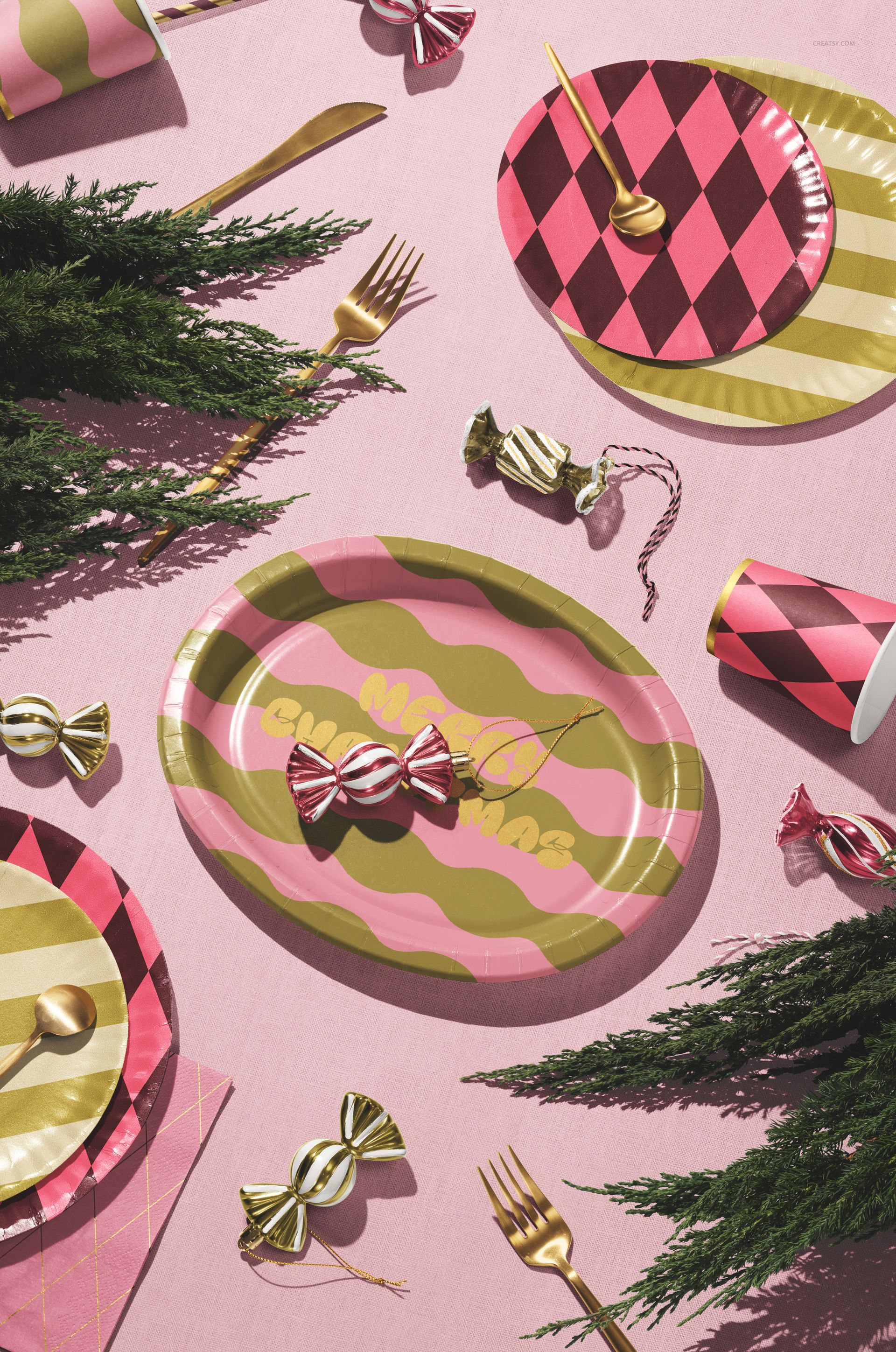
Present paper plate artwork in three complementary PSD scenes that move from clear product inspection to a styled party table. Two focused platter views make shape and print placement easy to assess, while the fuller composition shows how the design can coordinate with cups, napkins and celebration details.
What Is Included
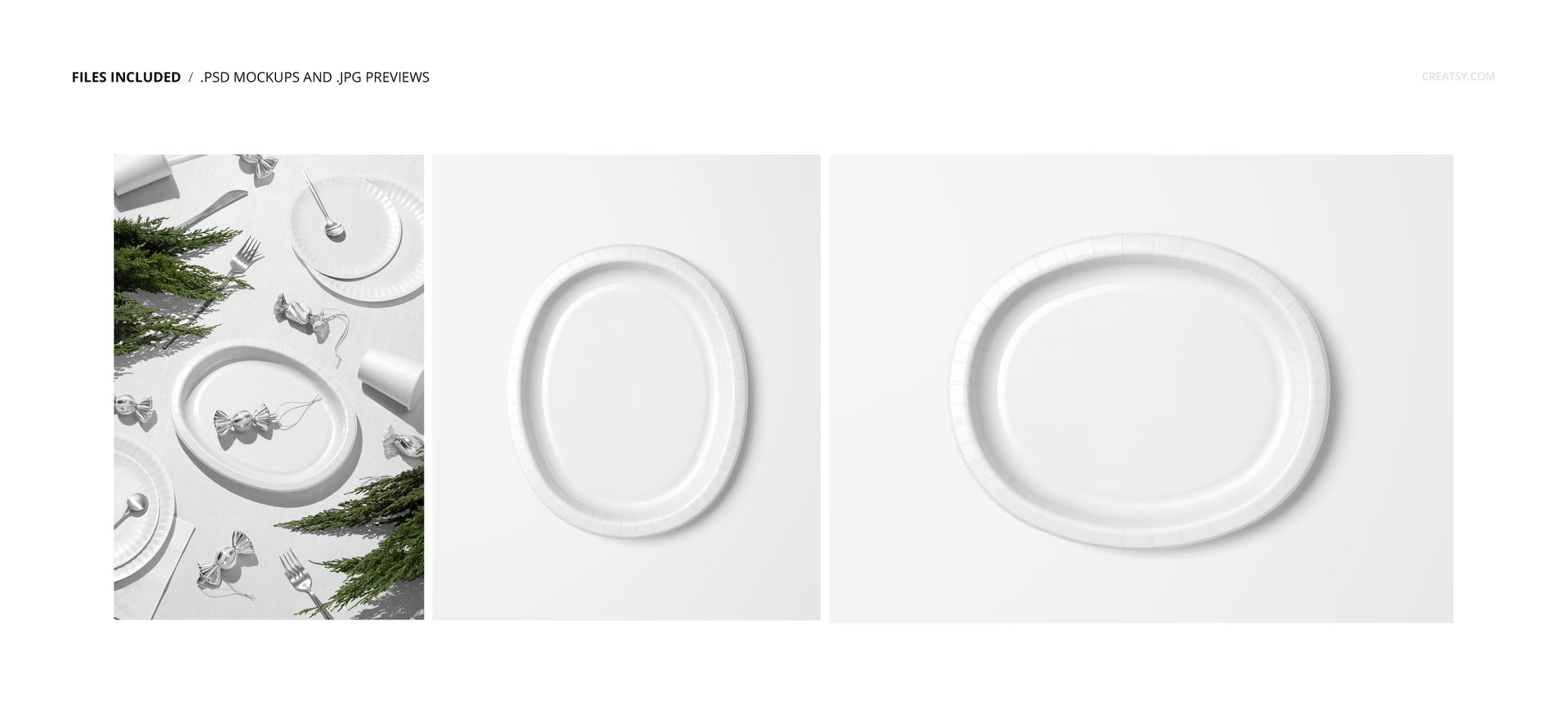
3 layered PSD mockup scenes
3 matching JPG preview files, 6 files in total
1 landscape scene at 6000x4000 px
2 portrait scenes at 5000x6000 px
High-resolution files at 300 DPI
Adobe Photoshop CC2020 or newer
Compatible with Photopea
No PSB files
Three Scenes with Different Roles
Use the minimalist platter scenes to compare a centered graphic, border or repeating pattern without visual distractions. The styled table scene adds scale and context, helping customers imagine the artwork within a coordinated birthday, holiday or event collection.
Confirmed Editing Controls
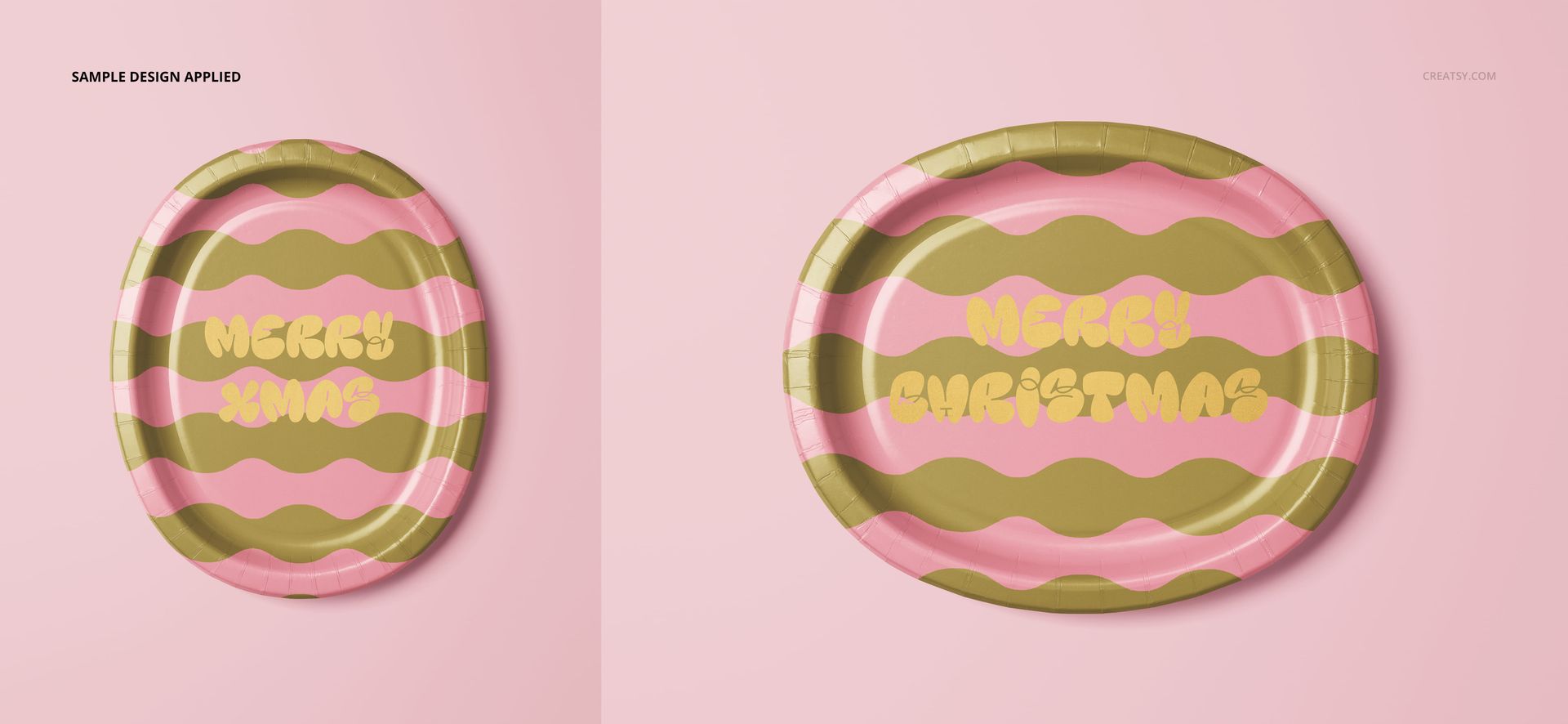
Replace artwork and adjust the platter color or design
Set a custom background color or background design
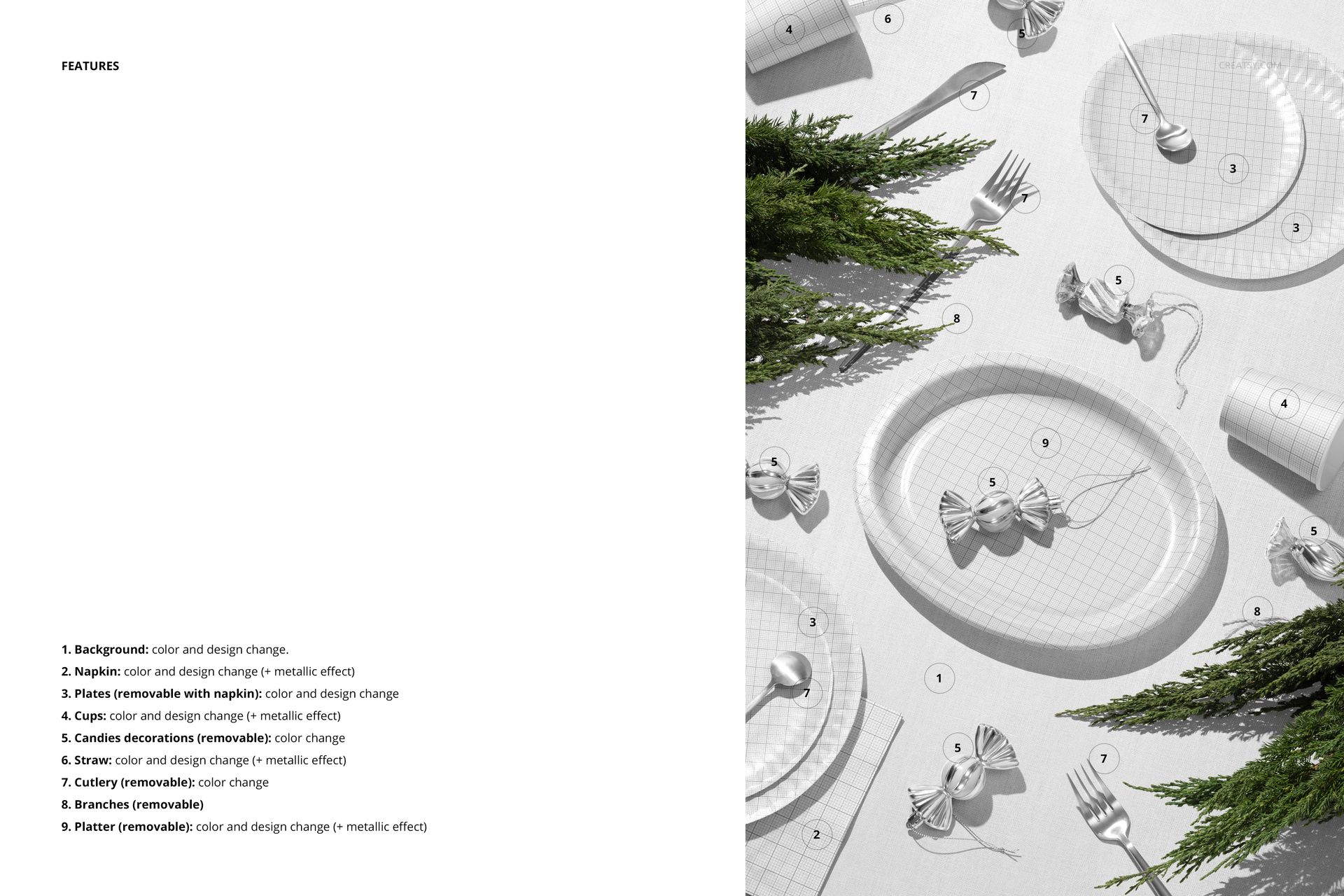
Coordinate plates, a napkin, cups, a straw, cutlery and decorative candies in the full scene
Apply metallic effects to the platter, napkin, cups and straw
Remove the platter, plates with the napkin, candies, cutlery or branches where supported
Work with clearly organized layers
Why the Oval Shape Needs Its Own Preview
An elongated platter changes how a repeat, border or wordmark reads across the center and near the raised rim. Multiple views help you check horizontal balance, safe spacing and motif scale before showing the concept to a client or publishing a product listing.
Ideal For
Surface pattern and tableware designers
Party planners and event branding studios
Seasonal collection and holiday campaign designers
Ecommerce sellers preparing coordinated product images
Portfolio, licensing and client approval presentations
Mockup production and photography: Creatsy.
The preview artwork and physical tableware are not included. This is a digital mockup set for presenting your own designs.