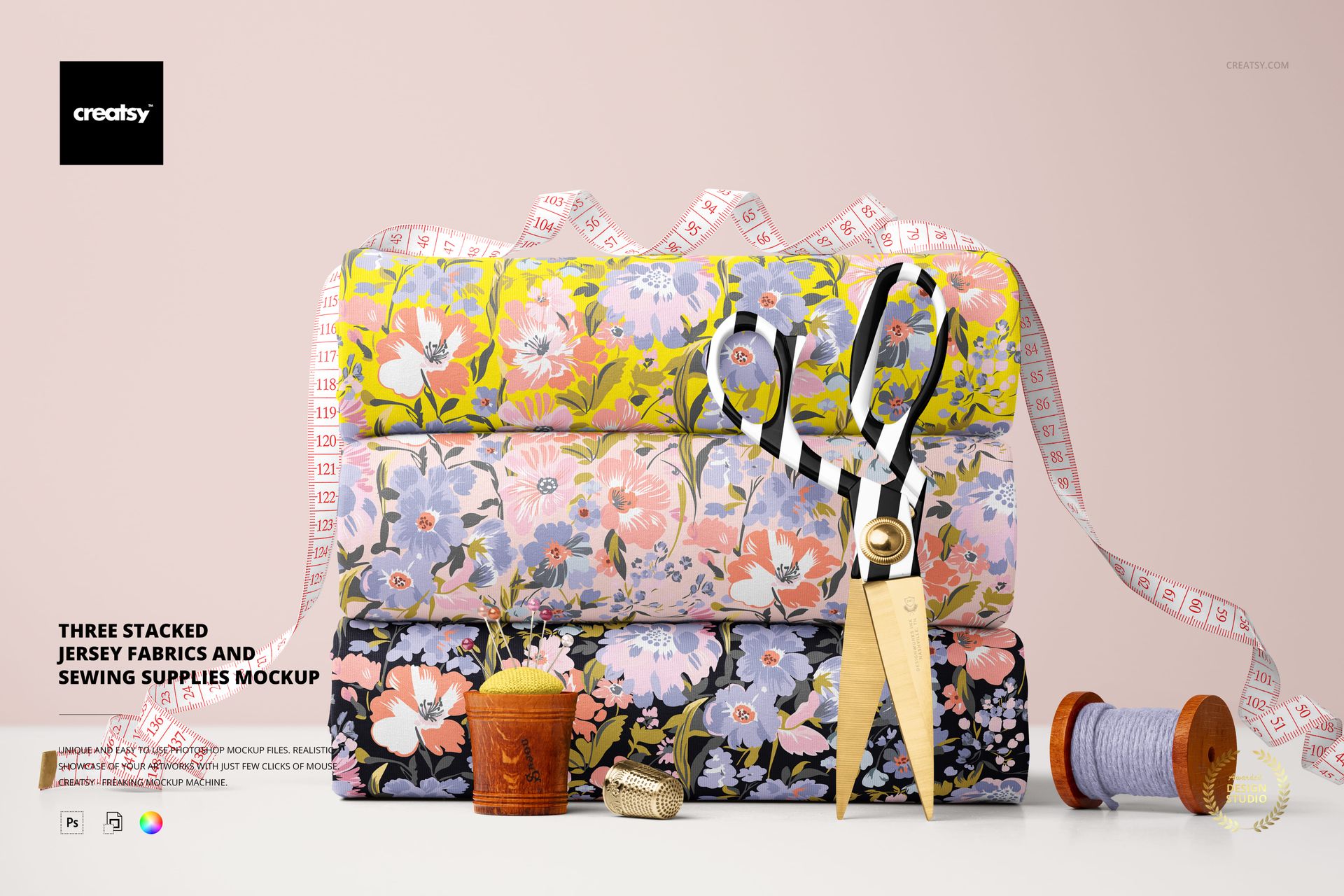
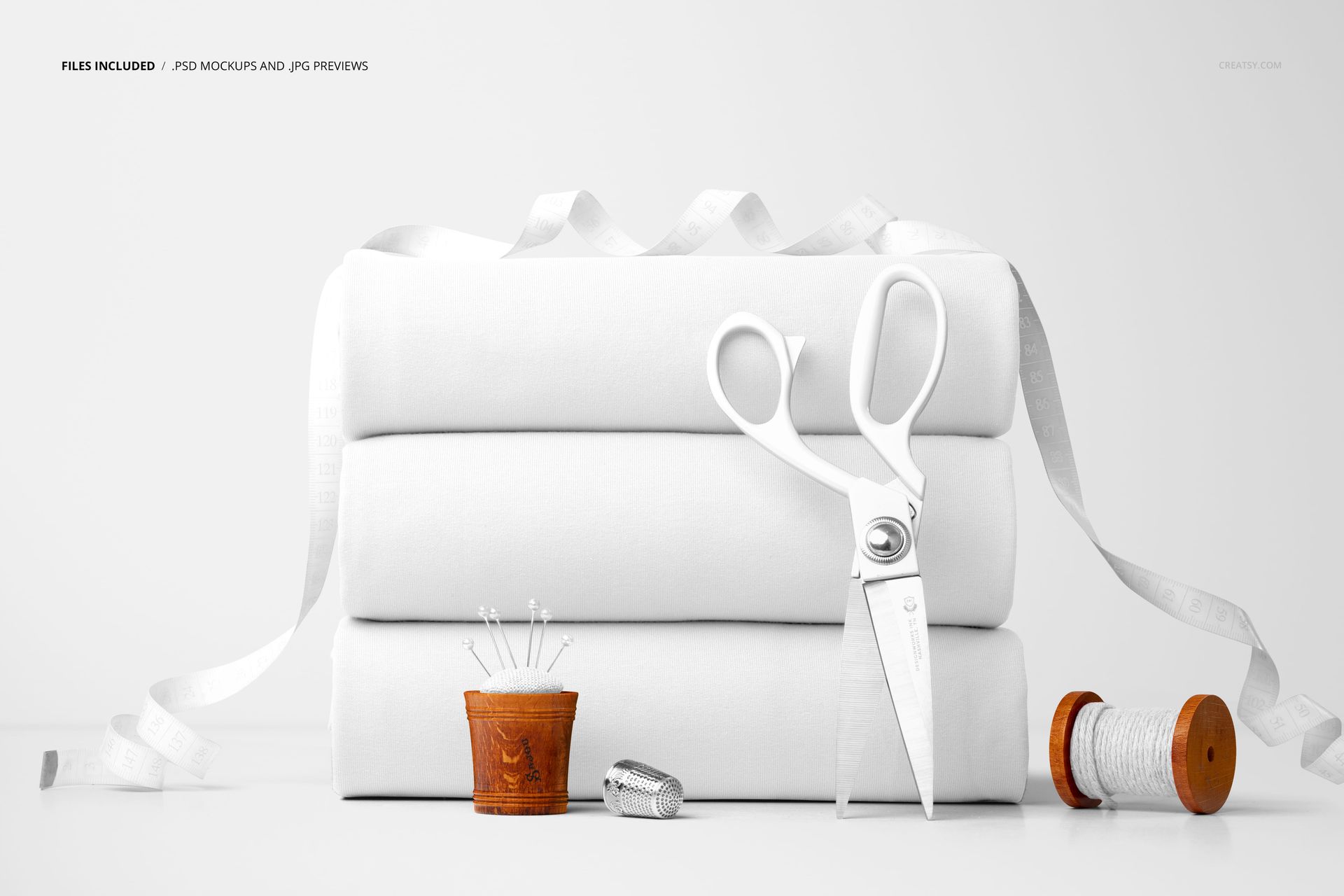
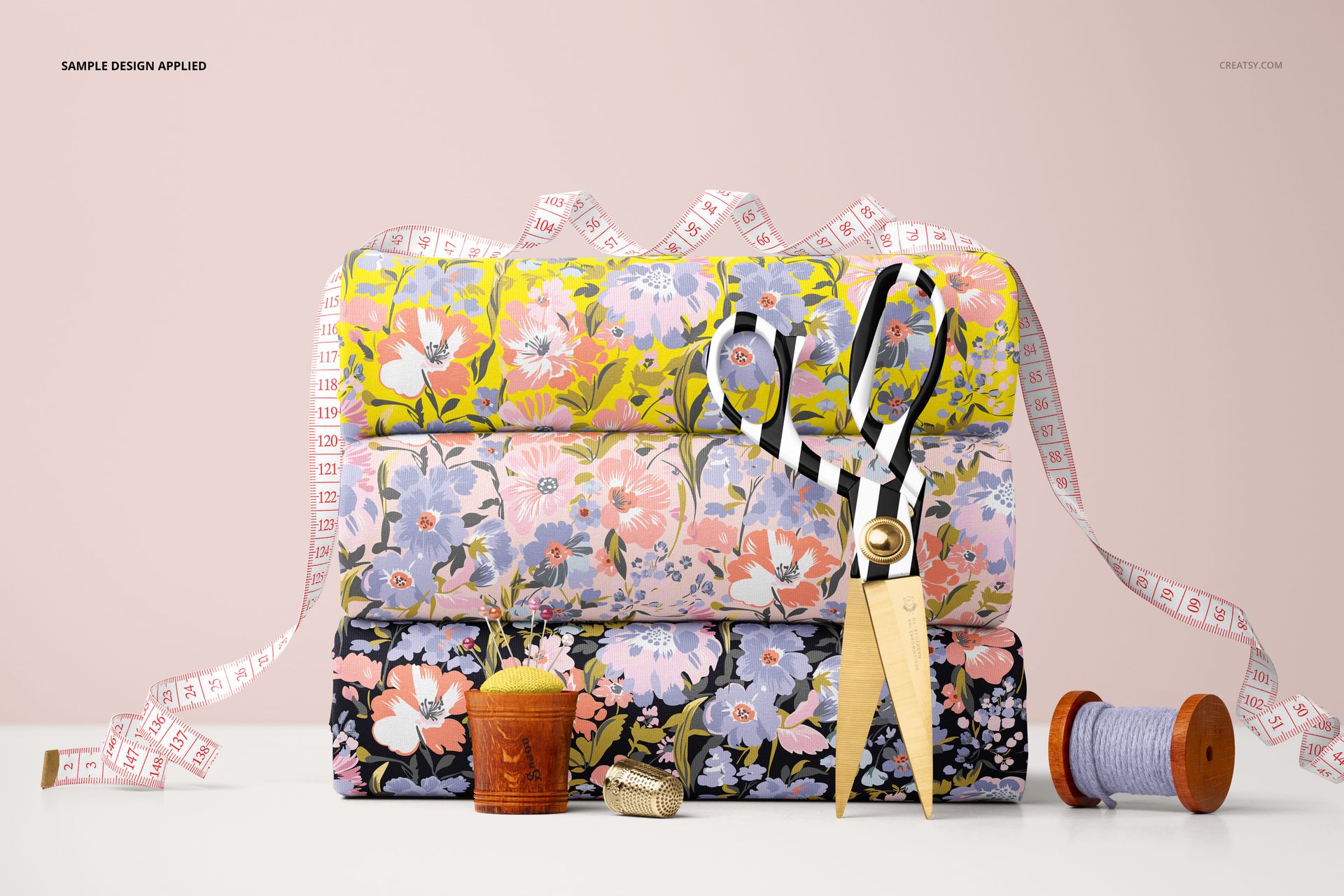
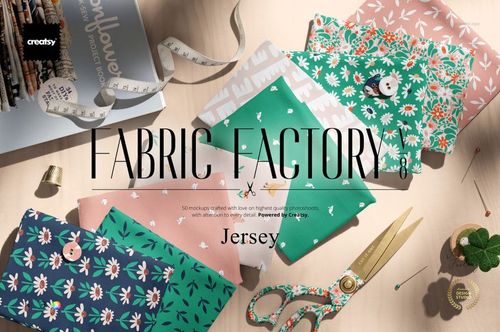
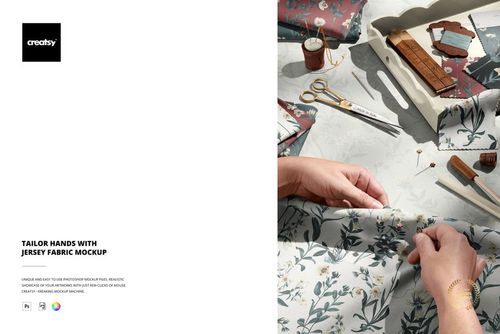
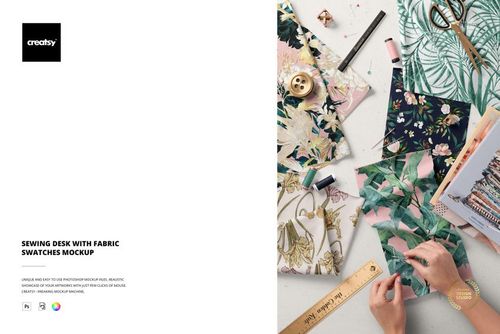
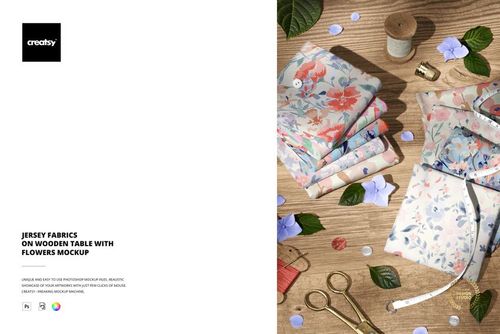
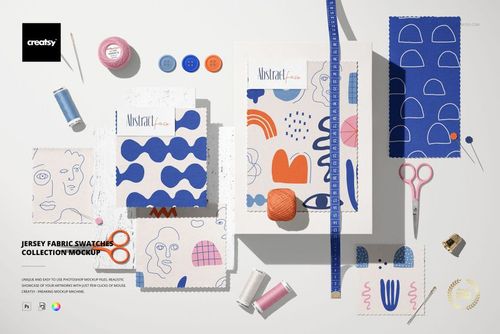
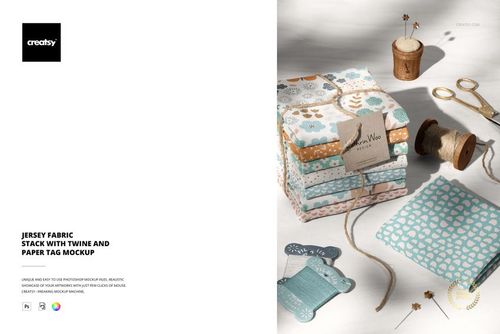
Stacked Jersey Fabrics Sewing Mockup captures three folded pieces of jersey knit fabric stacked on top of each other alongside sewing accessories including scissors and thread spools. The single PSD file presents the arrangement as a styled flat lay photographed from above, giving you a composition that shows how multiple colorways or coordinating prints look when grouped together in a sewing workspace. Built for surface pattern designers, textile brands, and fabric sellers who want to present their jersey knit designs in a context that feels real, tactile, and ready to sew.
Why This Mockup Works
Stacked fabric mockups communicate something that a single flat swatch cannot: how your prints coordinate as a collection. When a buyer or client sees three patterned jersey pieces stacked beside scissors and thread spools, they immediately understand the scale, the color relationships between your designs, and the material context of the product. The sewing accessories ground the image in a crafting environment that resonates with quilters, sewists, and DIY fabric shoppers who are actively looking for their next project. This kind of contextual product photography converts better than isolated pattern tiles because it connects the design to a use case the viewer already has in mind.
What Is Included
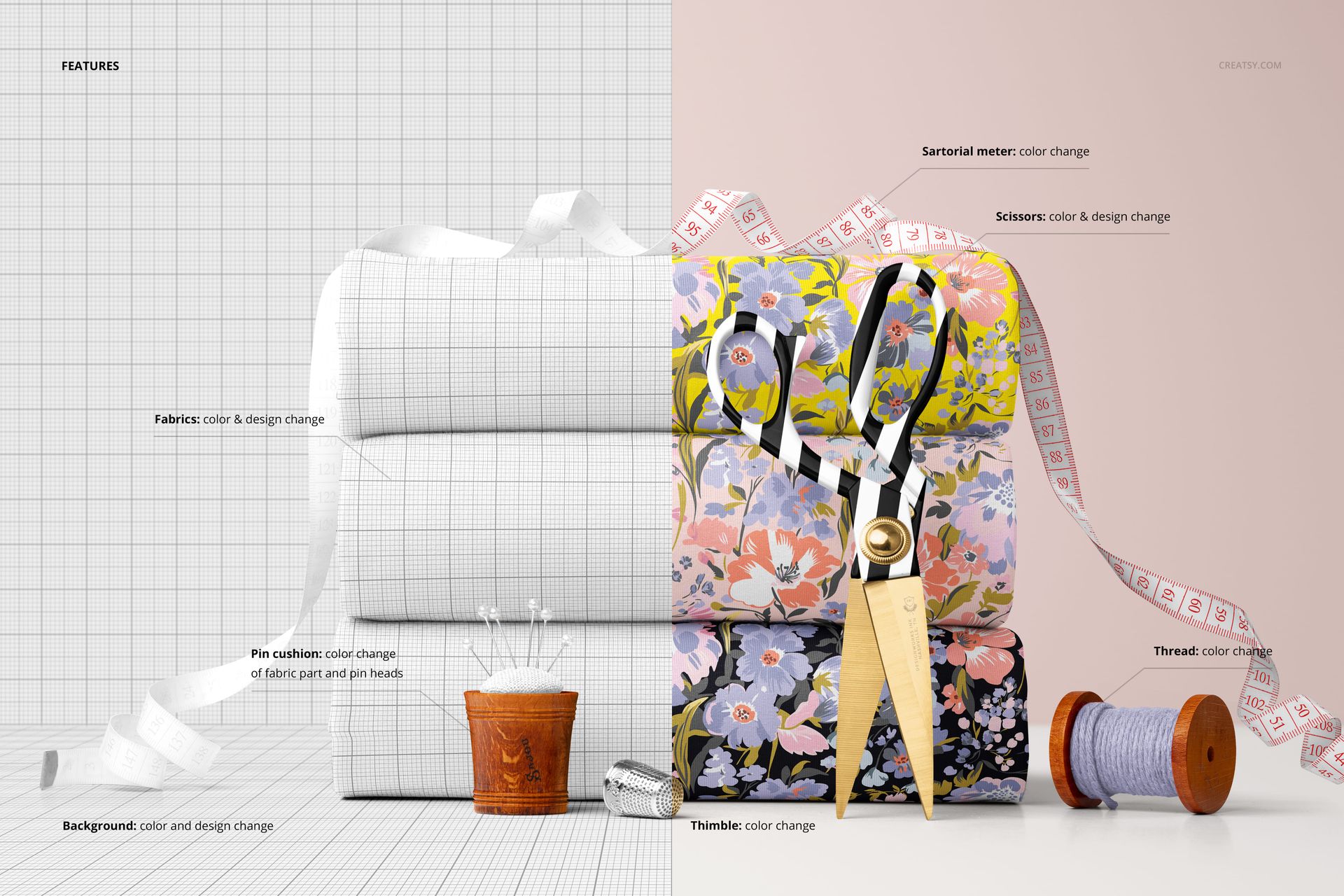
The download contains 1 PSD file at 6000x4000 pixels and 300 DPI. The scene features three stacked and folded jersey fabric pieces as the focal point, with scissors and wooden thread spools arranged as supporting props. Each fabric piece has its own smart object layer, so you can apply a different pattern to each one or show three colorways of the same design. Total download size is 364.73 MB. The file opens in Adobe Photoshop CC2020 and newer, as well as the free browser-based editor Photopea.
What You Can Customize
Open the PSD in Photoshop or Photopea and locate the smart object layers for each fabric piece. Double-click any smart object to place your repeat pattern, illustration, or textile design. The mockup maps your artwork onto the jersey knit surface with realistic folds, wrinkles, and fabric texture built into the displacement. Lighting and shadows update automatically to match your color palette. You can customize each fabric piece independently, which makes it straightforward to present coordinated collections, seasonal colorway options, or pattern variations within a single composition.
Who This Mockup Is For
Surface pattern designers showcasing coordinated jersey knit collections for licensing pitches, portfolio presentations, or social media content. Textile brands building lookbooks, catalog pages, or wholesale line sheets that feature multiple fabric options per page. Etsy and Shopify sellers listing custom or printed jersey fabric who need lifestyle-quality product images that stand out in search results. Sewing pattern companies presenting recommended fabrics alongside their garment patterns. Print-on-demand entrepreneurs previewing jersey designs before ordering production samples or launching new product listings.
File Specifications
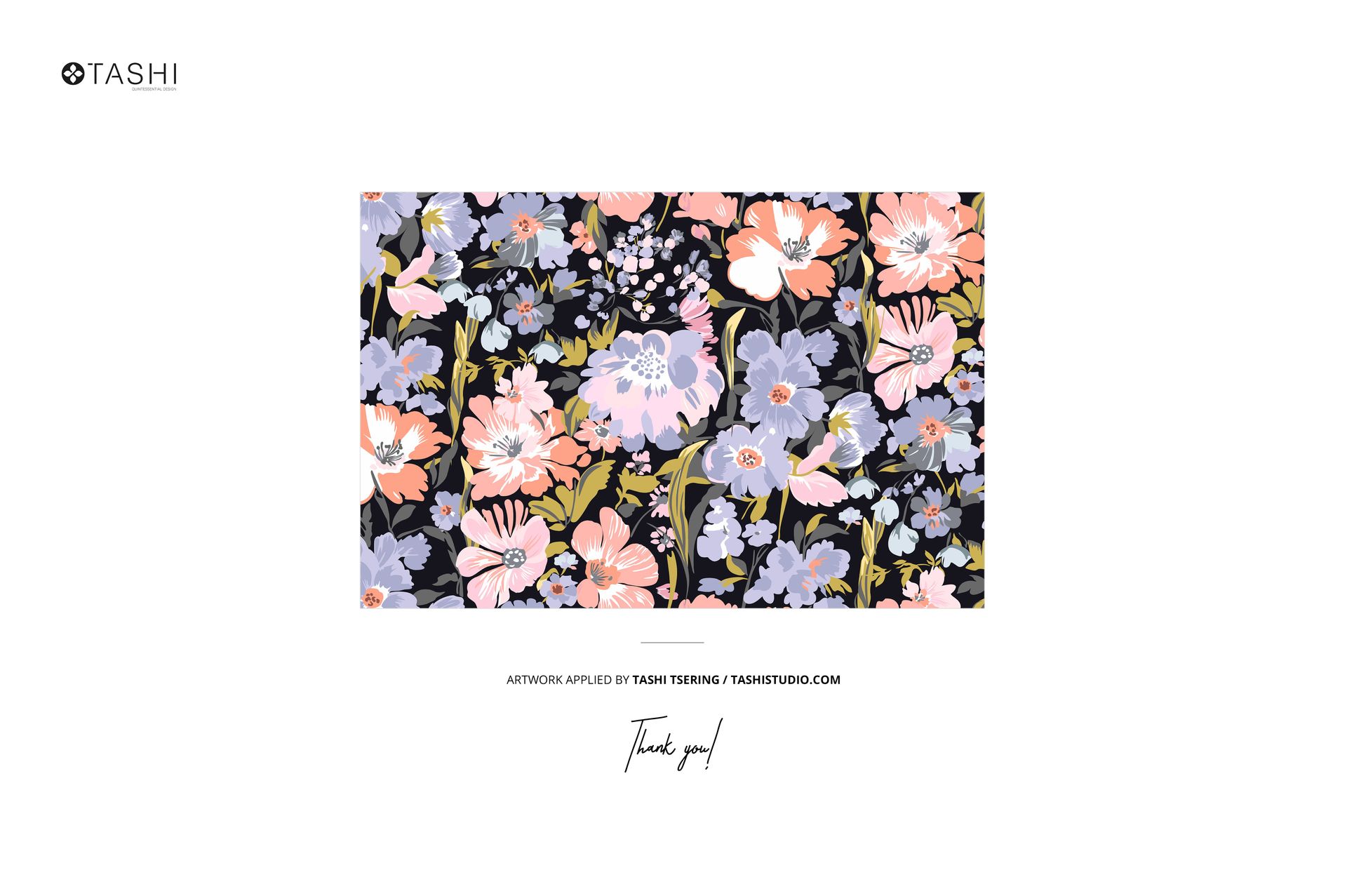
Format: PSD (Adobe Photoshop). Files: 1. Resolution: 6000x4000 px. DPI: 300. Size: 364.73 MB. Compatibility: Adobe Photoshop CC2020 and newer, Photopea (free browser-based editor). Multiple smart object layers for independent pattern placement on each fabric piece. Well organized layer structure. Example artwork by Tashi Studio: tashistudio.com (not included in the download).