Colored Vinyl Records Mockup
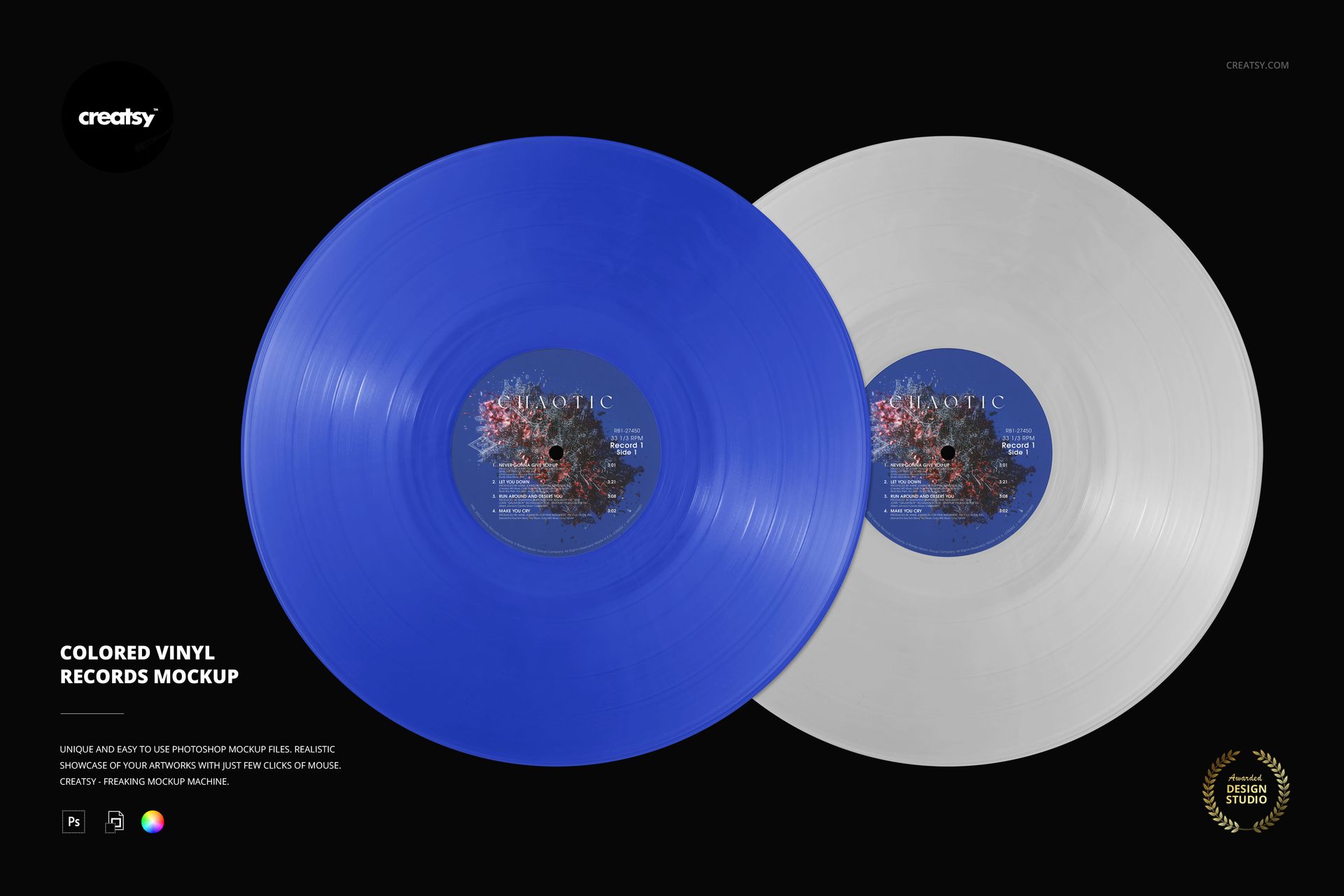
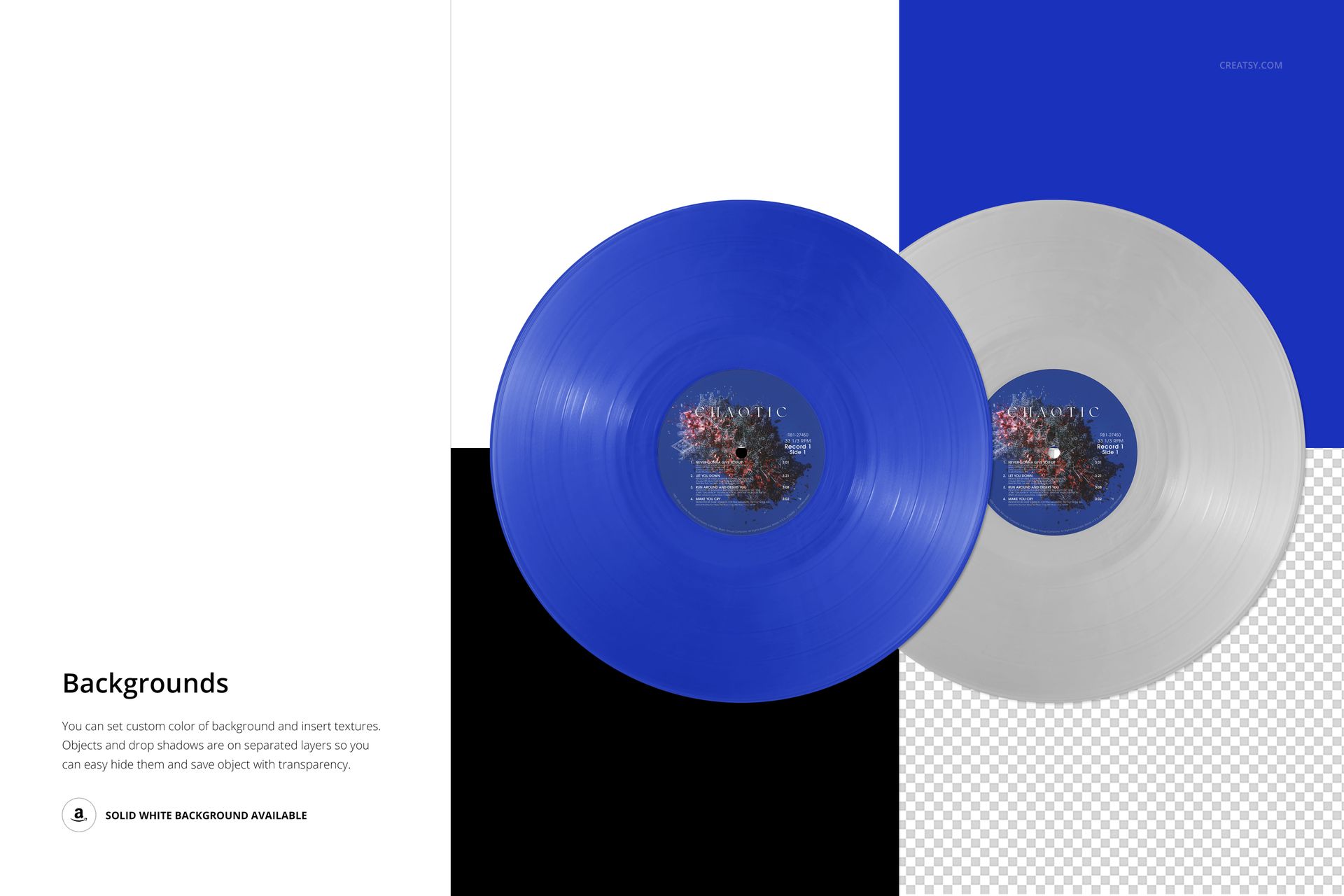
Two overlapping discs turn a color choice into a coordinated release concept. This two colored vinyl records mockup presents both labels in a clean overhead composition, making it useful for showing a paired-disc edition or comparing complementary vinyl finishes.
The landscape scene keeps the records themselves in focus, without an album jacket competing for attention. Use it to explain how the disc colors and center-label artwork belong to the same visual identity.
What Is Included
1 layered PSD with one two-record scene, 6000 × 4000 px at 300 DPI.
1 JPG preview, with 2 files in the download.
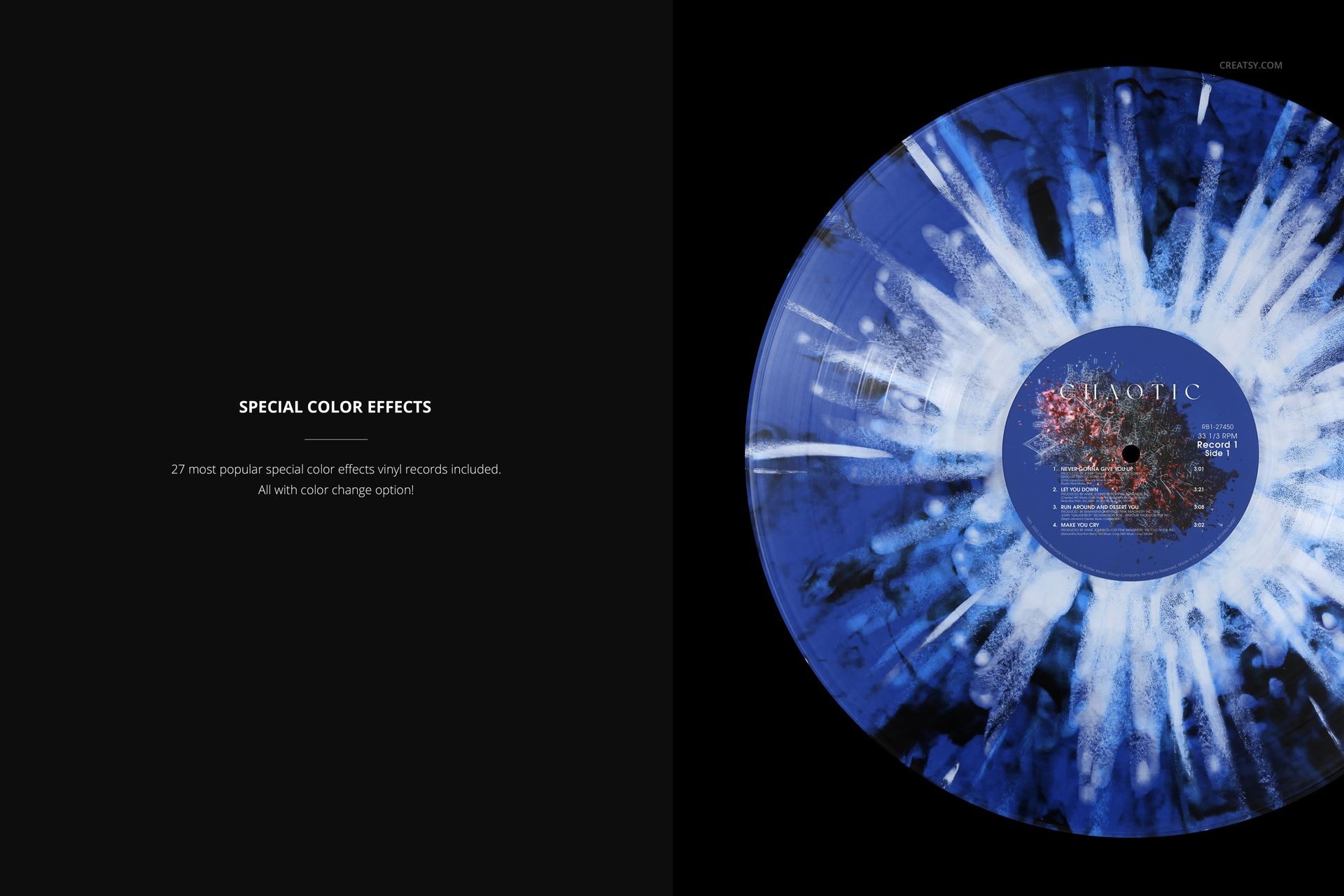
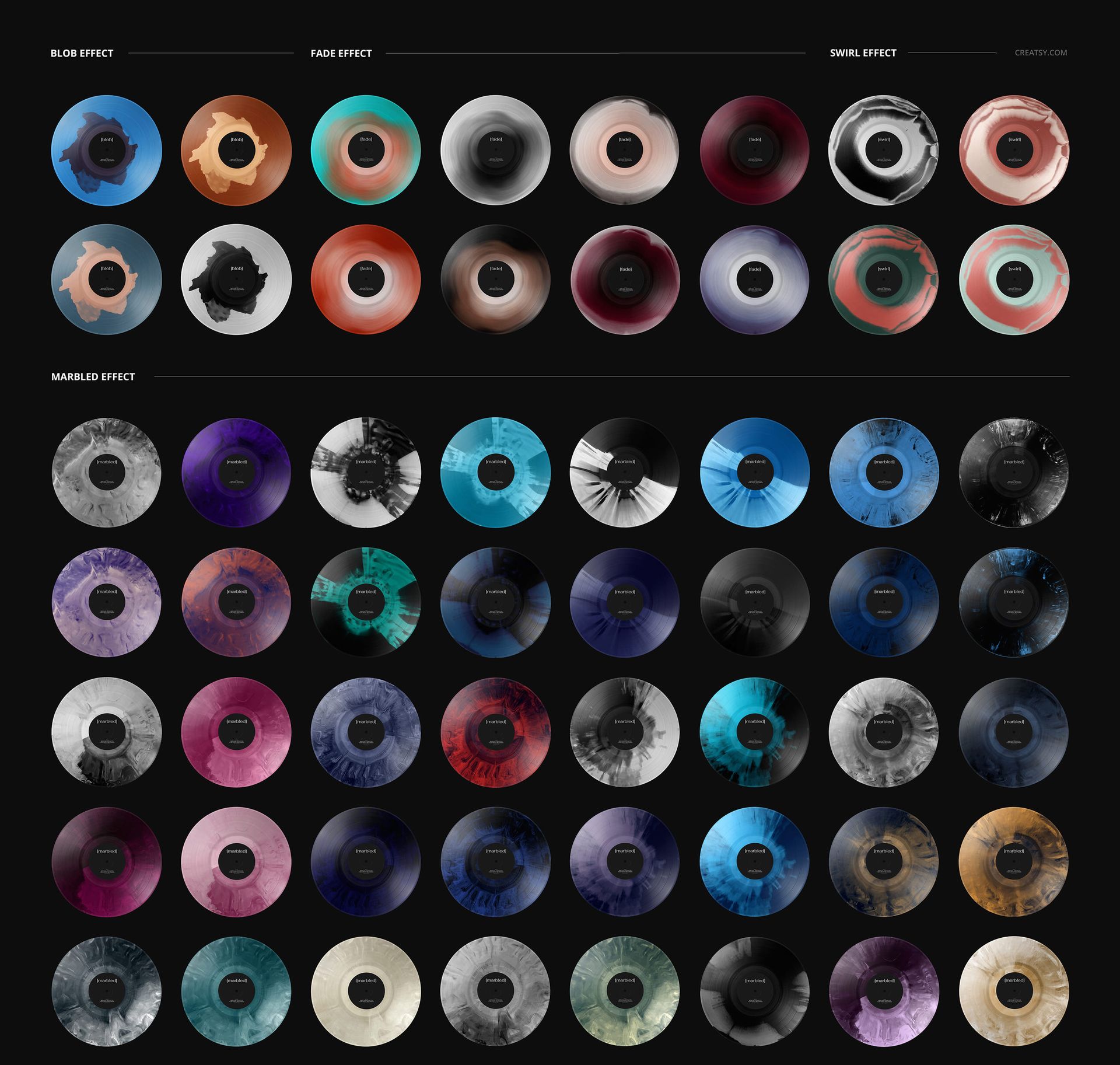
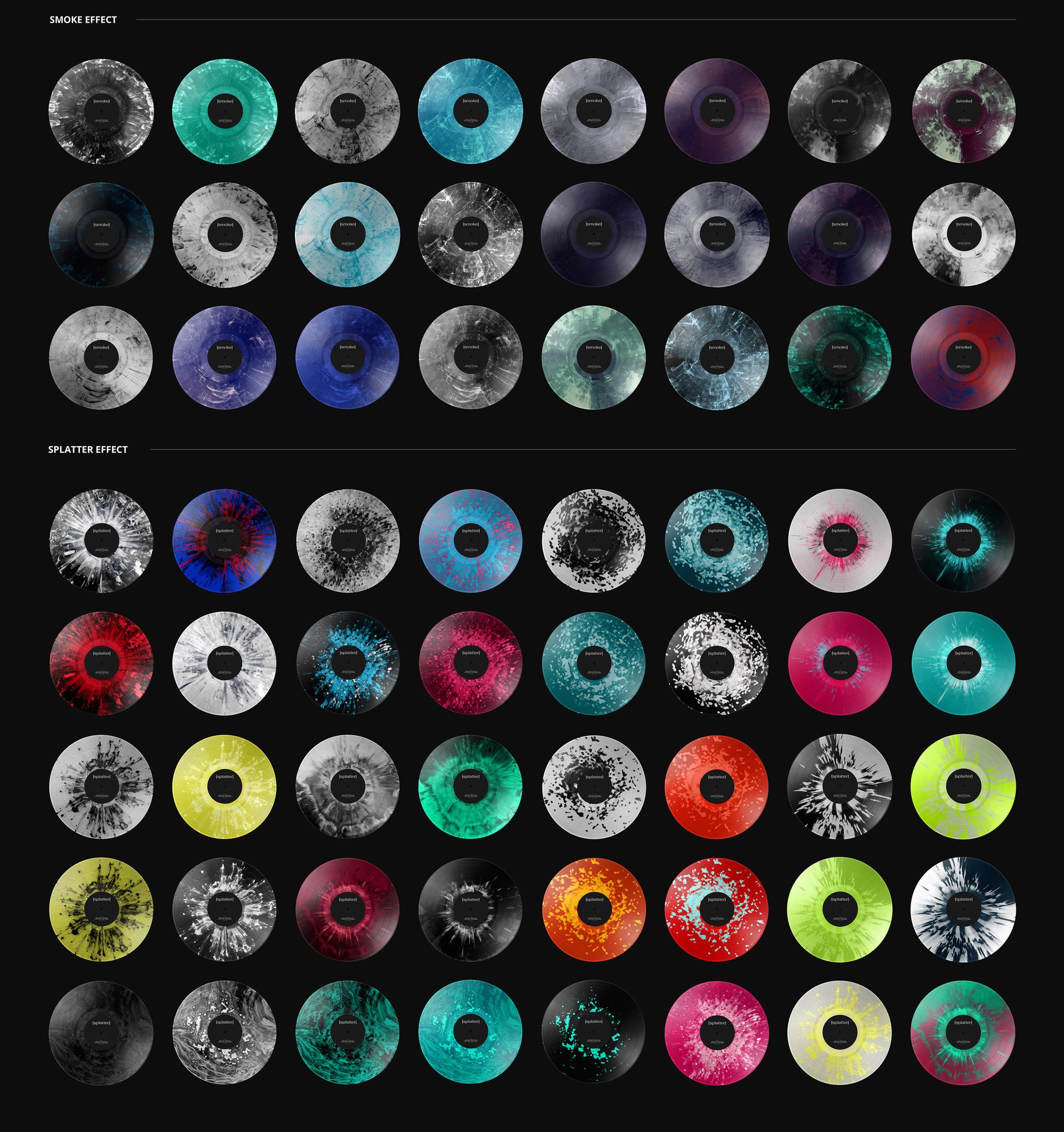
27 special vinyl color effects with editable colors.
Build a Two-Disc Color Story
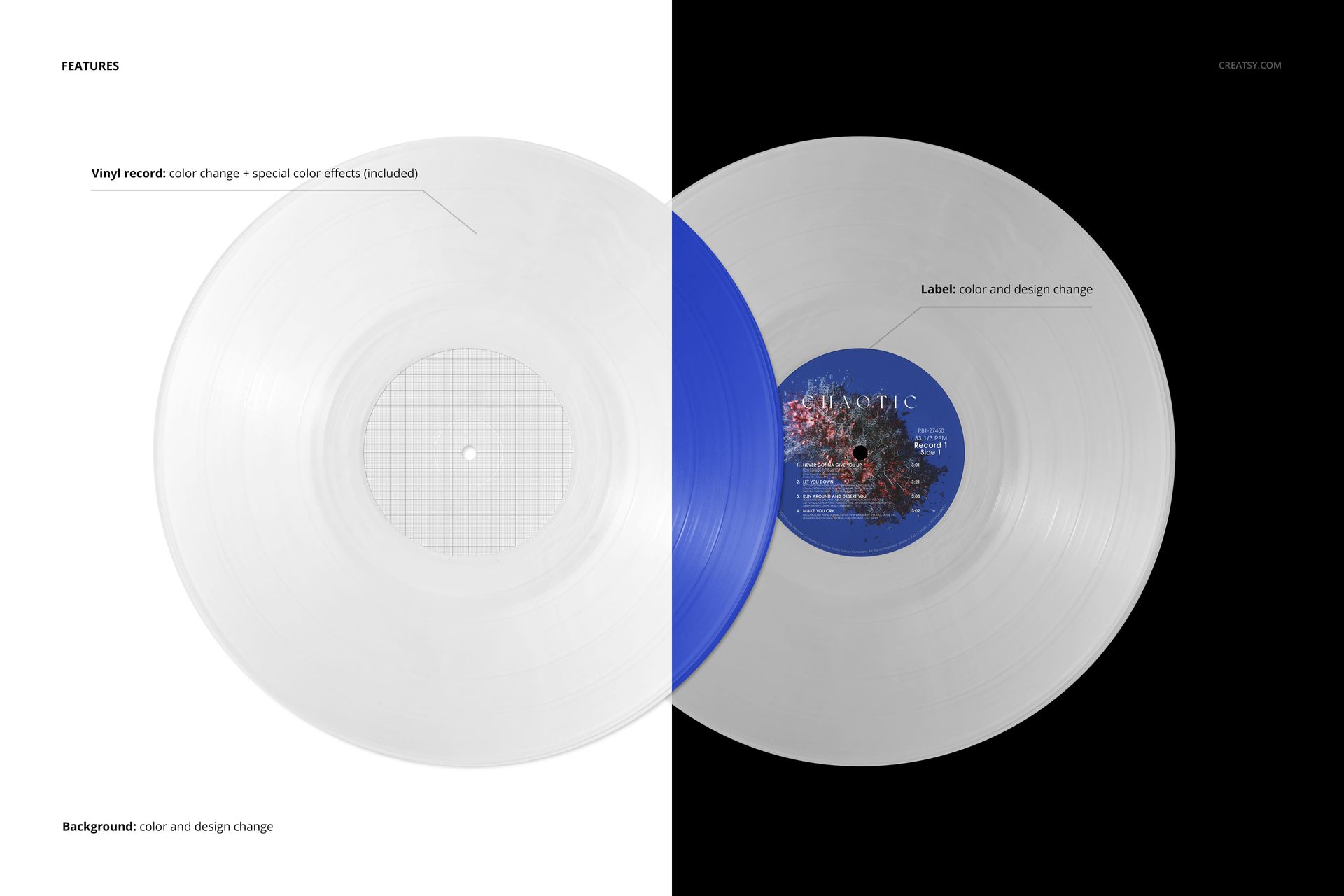
Change the label colors and designs, adjust the vinyl colors, and explore blob, fade, swirl, marbled, smoke and splatter effects. Customize the background color or design, use custom textures, or hide the background for a transparent export. Object and drop-shadow layers are separate.
Easy Smart Object Editing
Place your label artwork into the Smart Objects in Adobe Photoshop or Photopea. Organized layers keep artwork replacement and color adjustments easy to revisit.
Perfect For
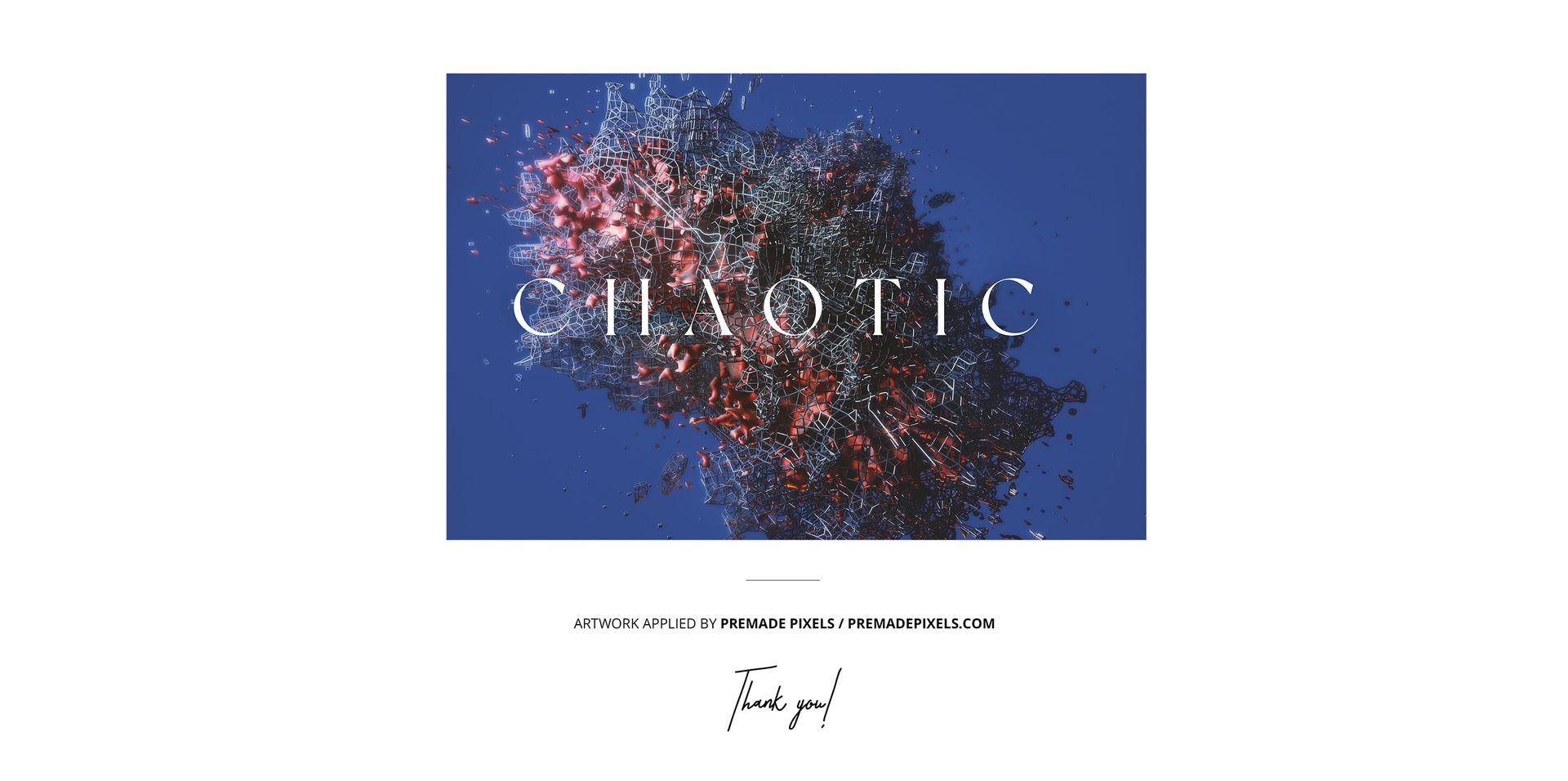
Music-label presentations, paired-record release visuals, colorway proposals and album-design portfolios. Digital mockup files only; physical records and the sample artwork are not included.