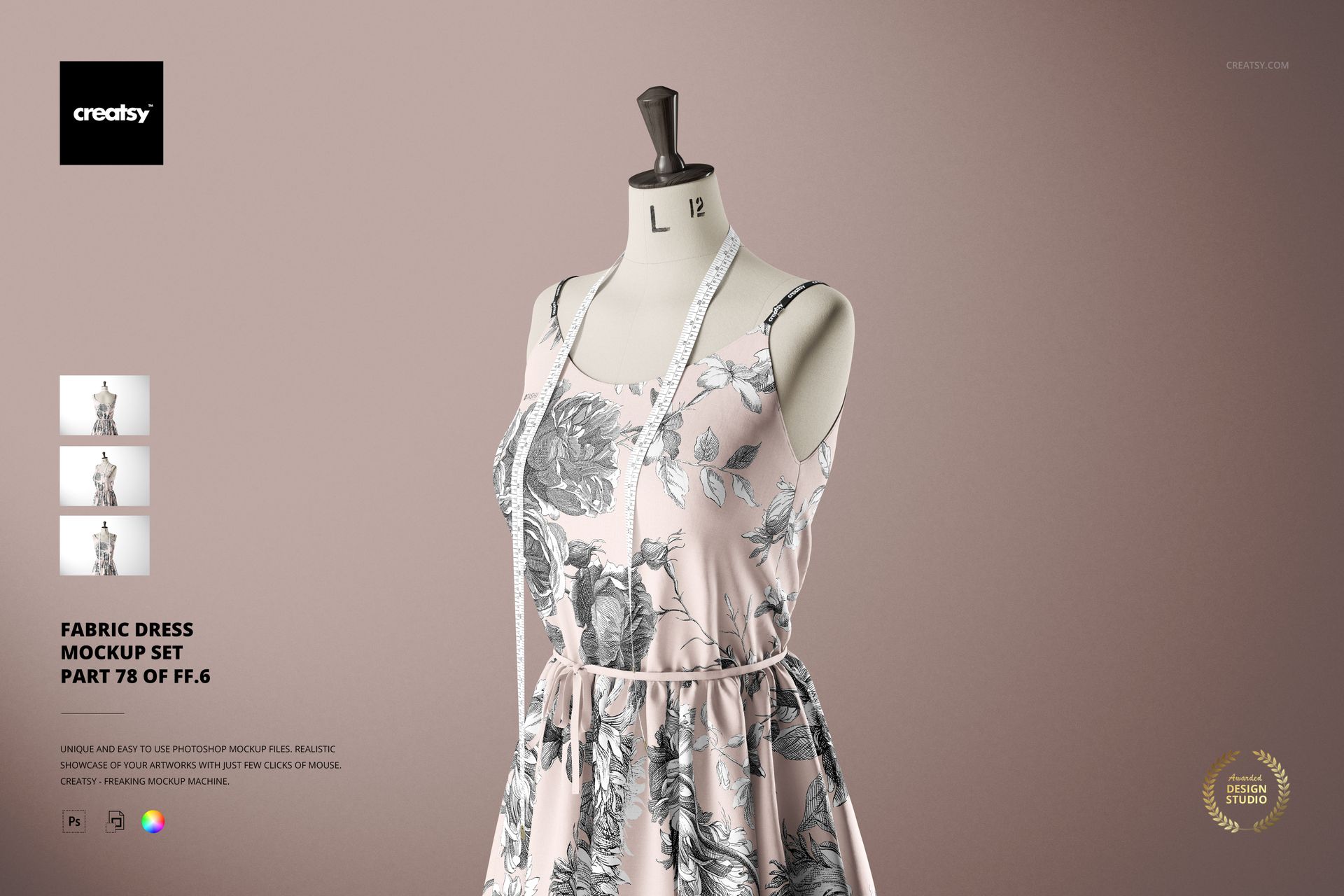
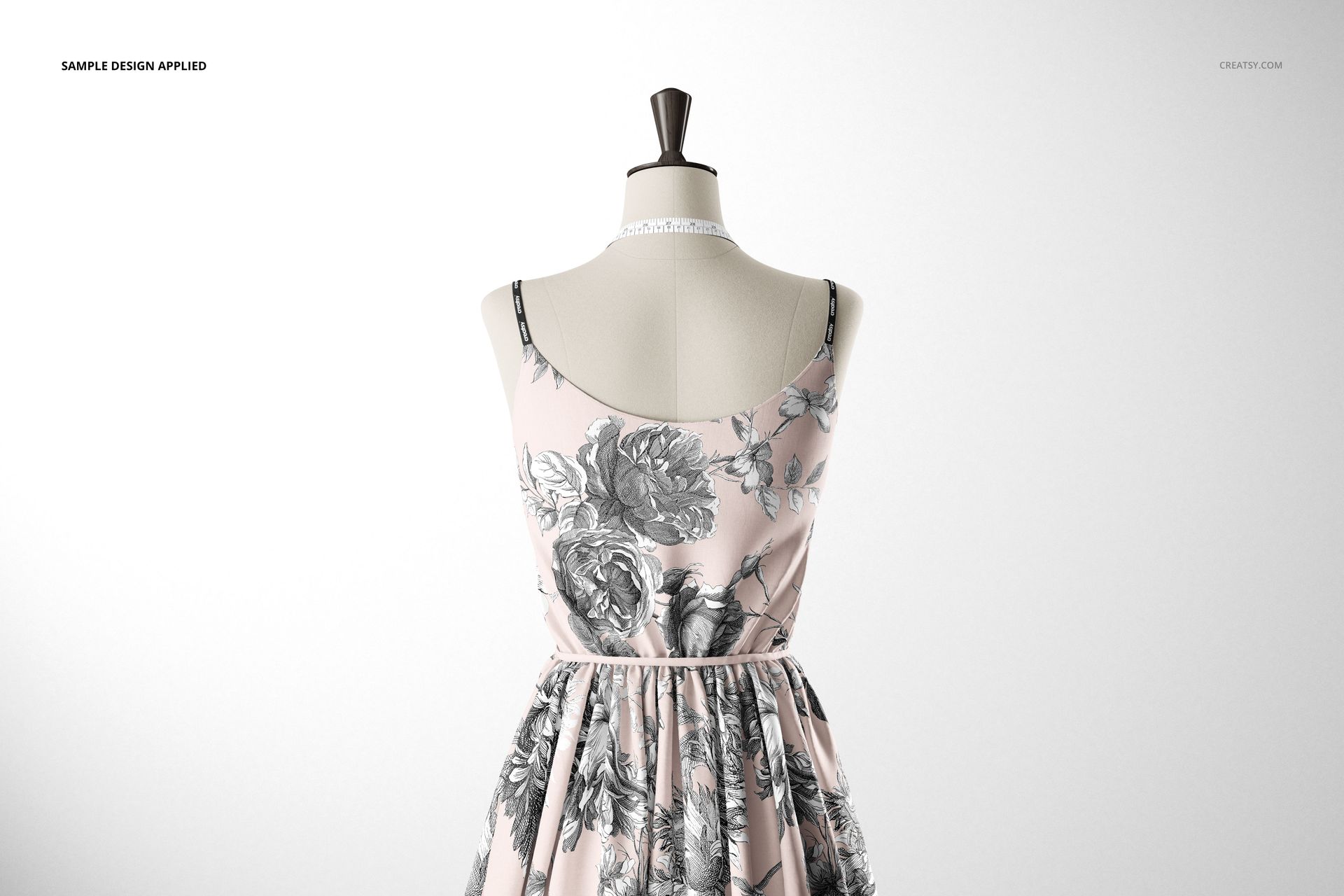
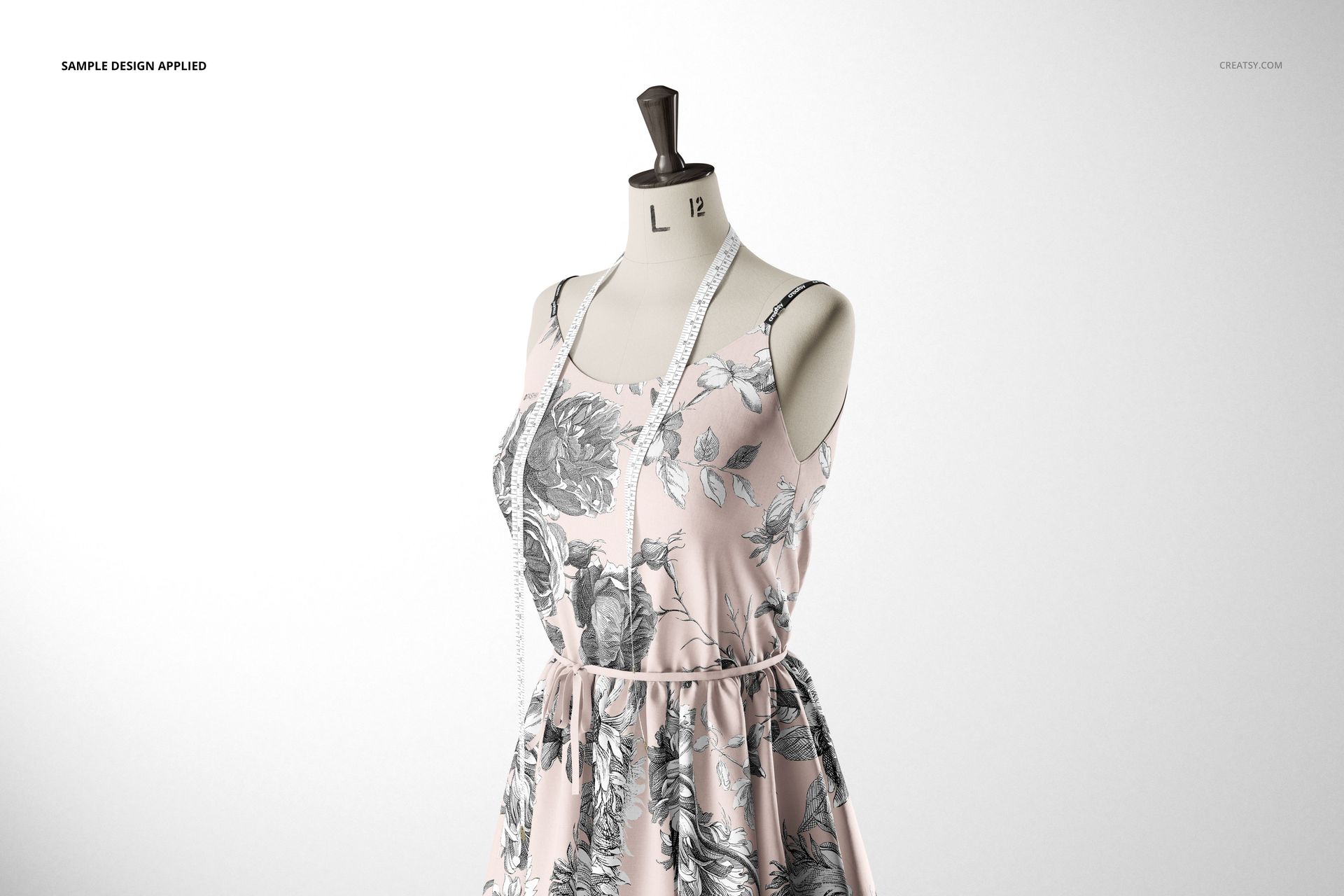
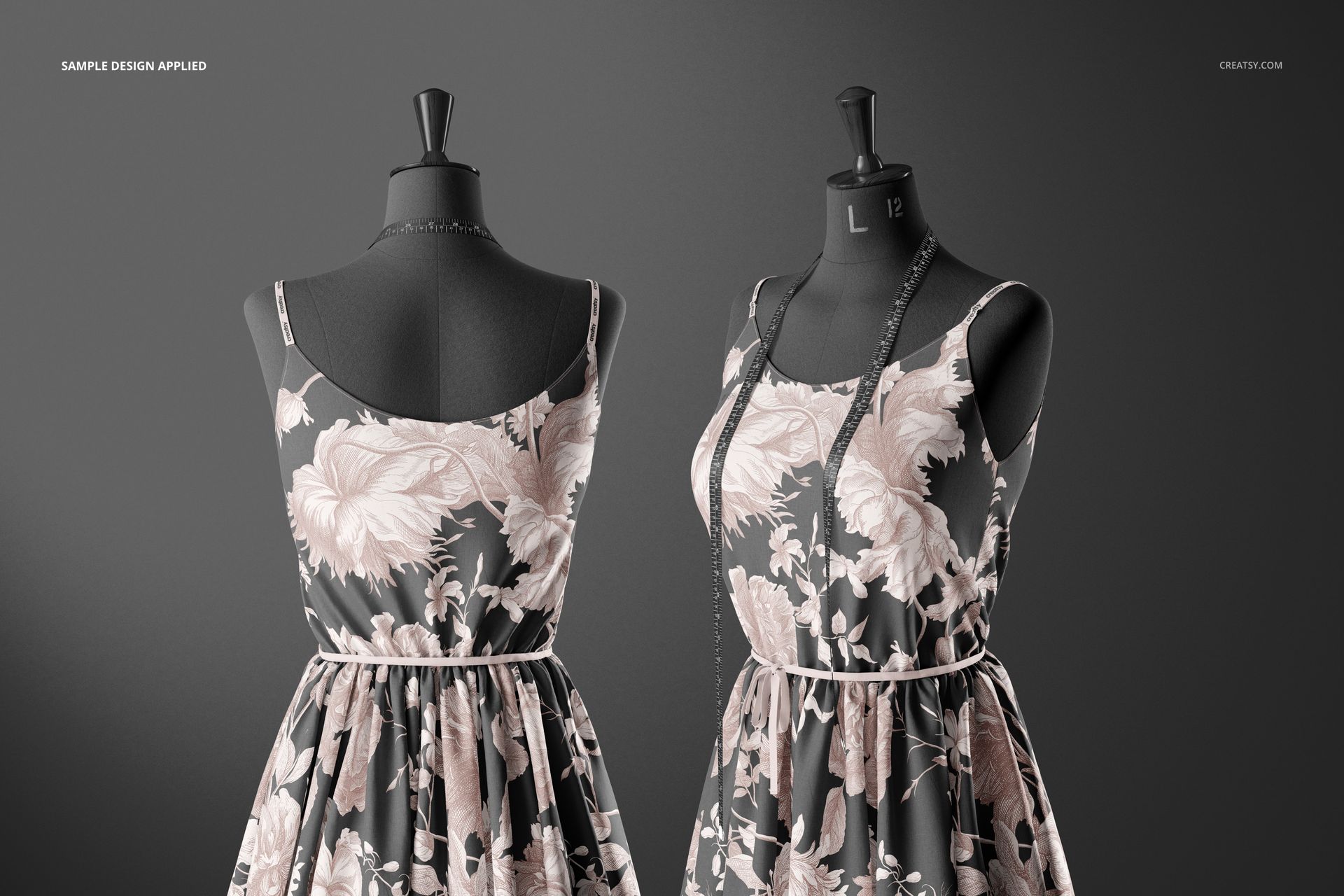
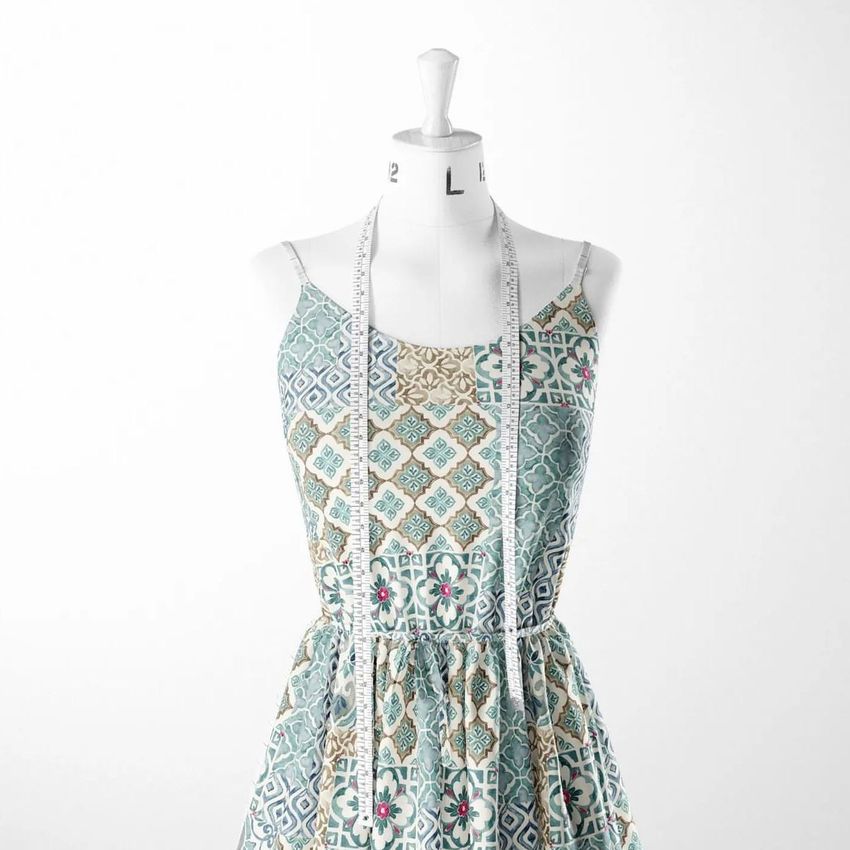
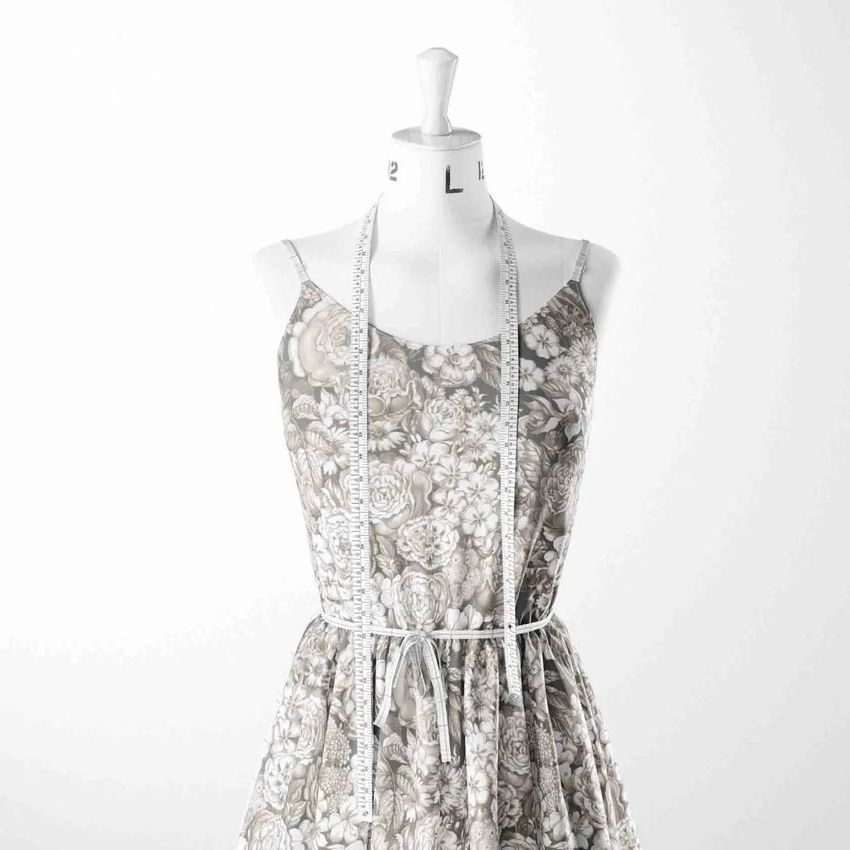
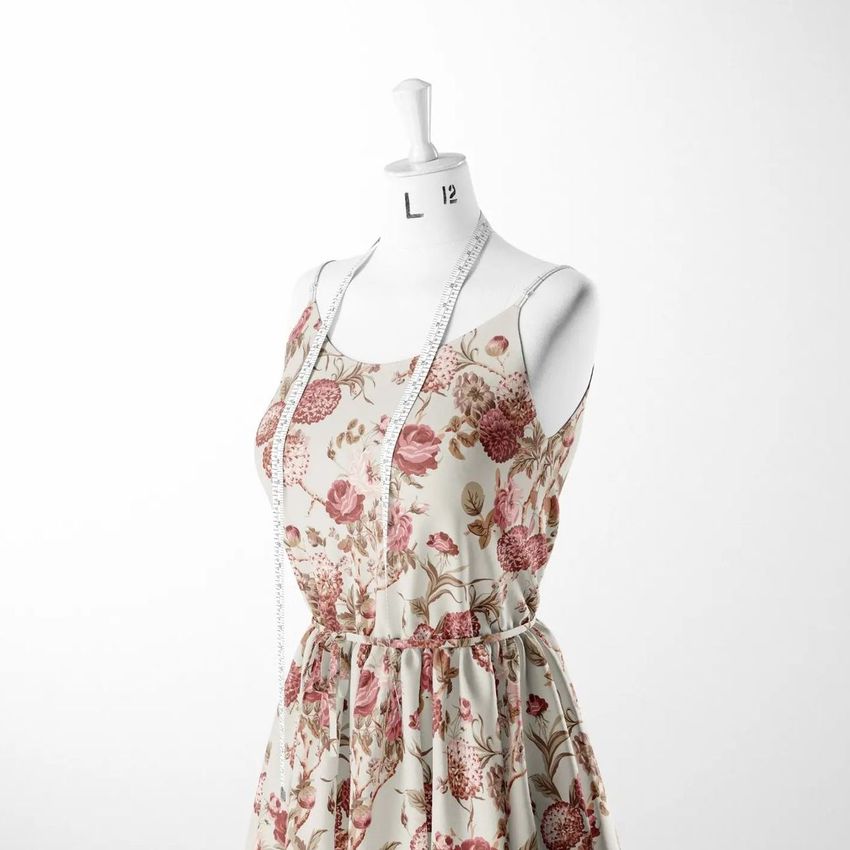
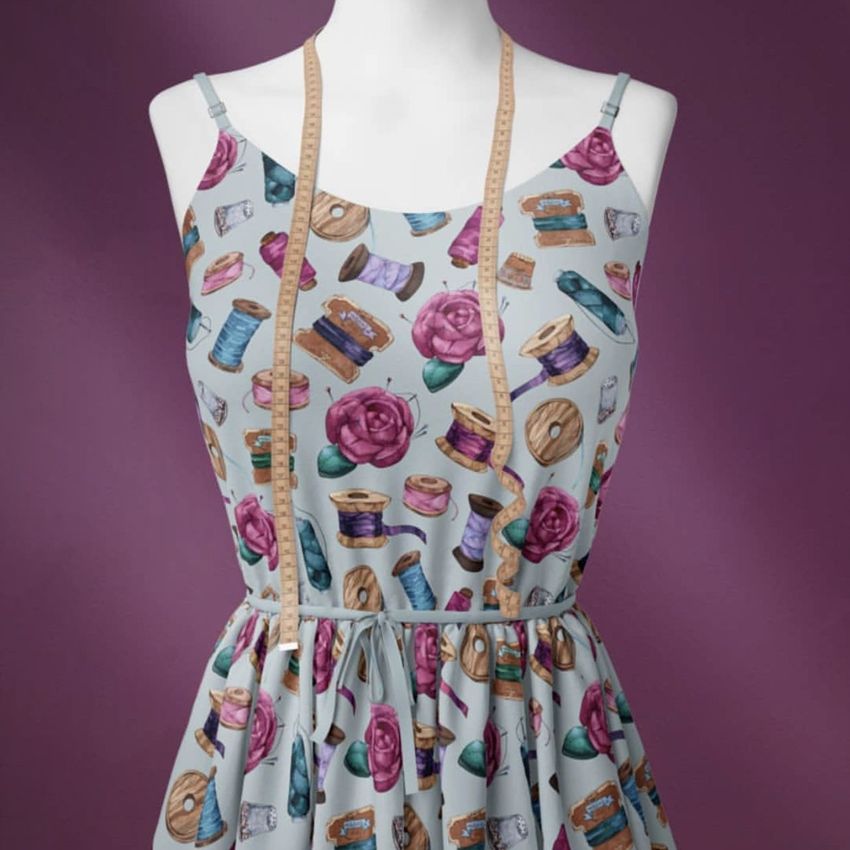
See how your fabric design looks on an actual dress before printing a single yard of material. This Fabric Dress Mockup Set includes 3 PSD files at 6000 x 4000 pixels and 300 dpi, each showing the same dress form in a different fabric type - cotton, linen, and jersey - plus a clean version for fabric scan presentations. Every file lets you change the fabric pattern, mannequin color, measuring tape color, and background, giving you full control over the final image from a single smart object placement.
Why This Mockup Set Works
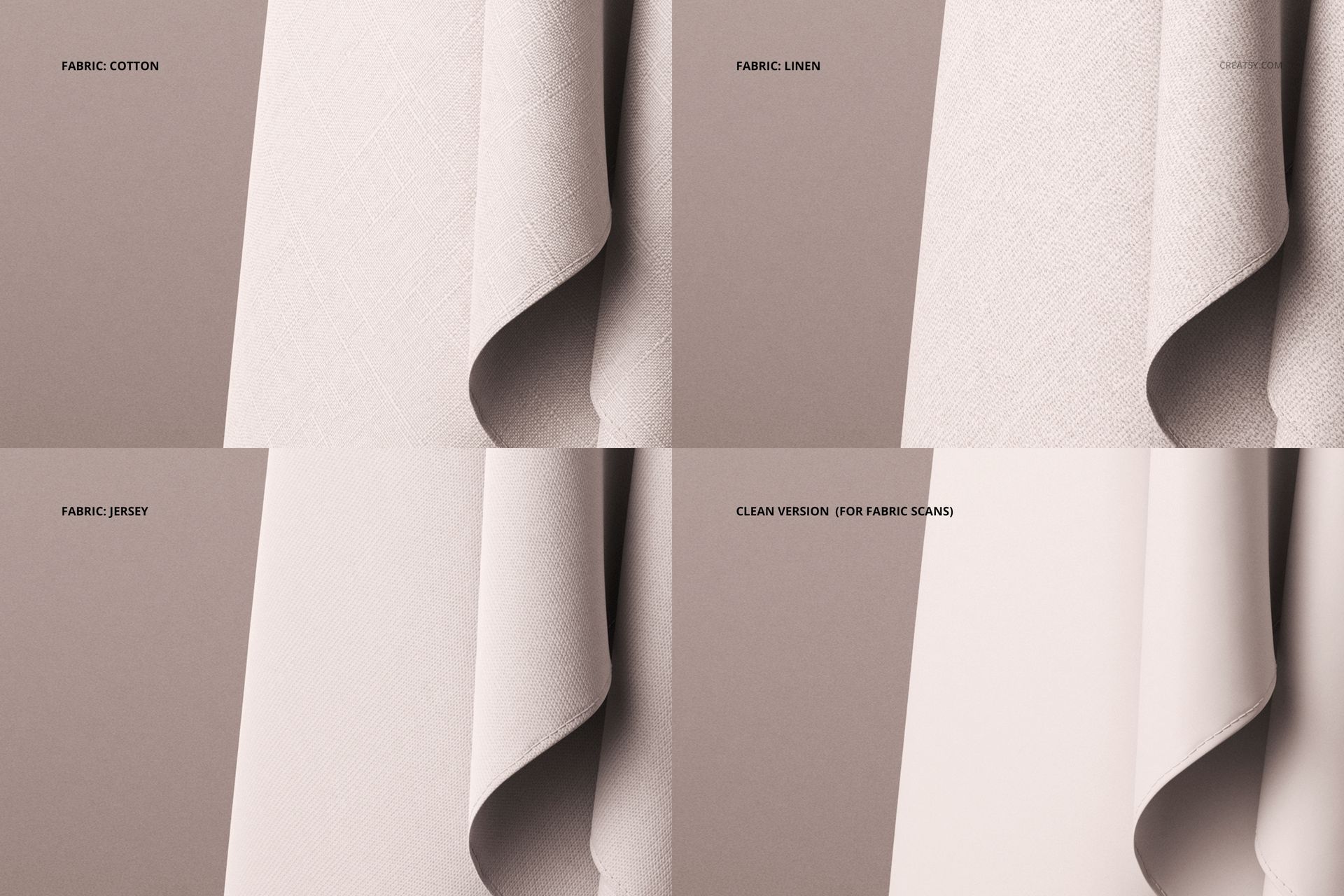
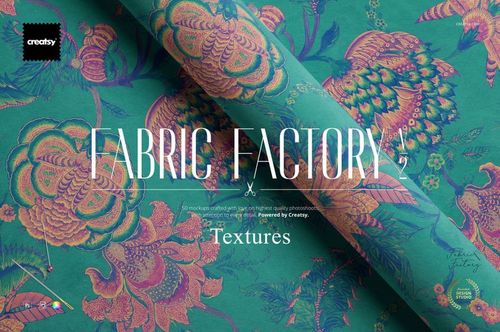
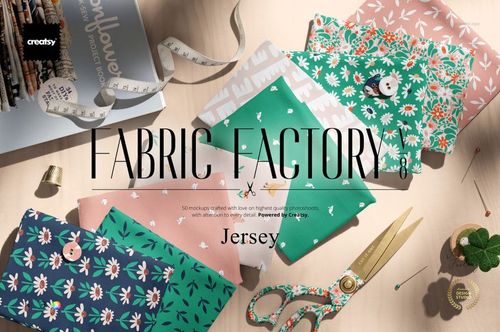
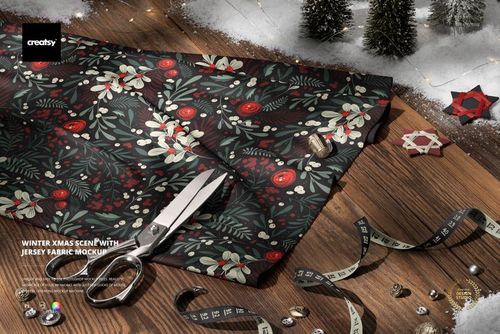
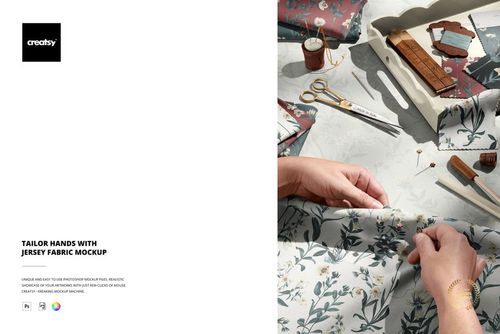
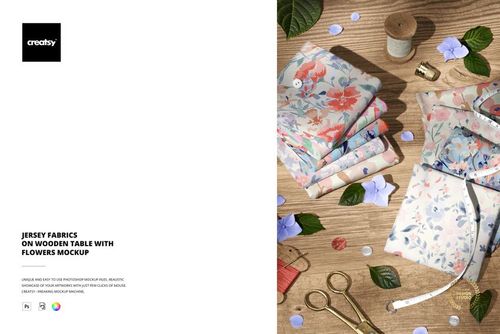
Fabric designers and fashion brands need to show how a print reads on a garment - not just as a flat tile. A dress on a mannequin communicates scale, drape, and how the pattern follows seams and contours in ways that a swatch preview cannot. This set goes further by offering three distinct fabric textures. Cotton shows a crisp, structured finish. Linen adds a natural, slightly textured weave. Jersey demonstrates how the pattern stretches and softens on a knit surface. Presenting the same design across all three fabrics gives buyers, manufacturers, and licensing partners a clear picture of how versatile the artwork is. The 6000 x 4000 px resolution at 300 dpi produces output sharp enough for website hero images, print lookbooks, trade show displays, and social media campaigns.
What Is Included
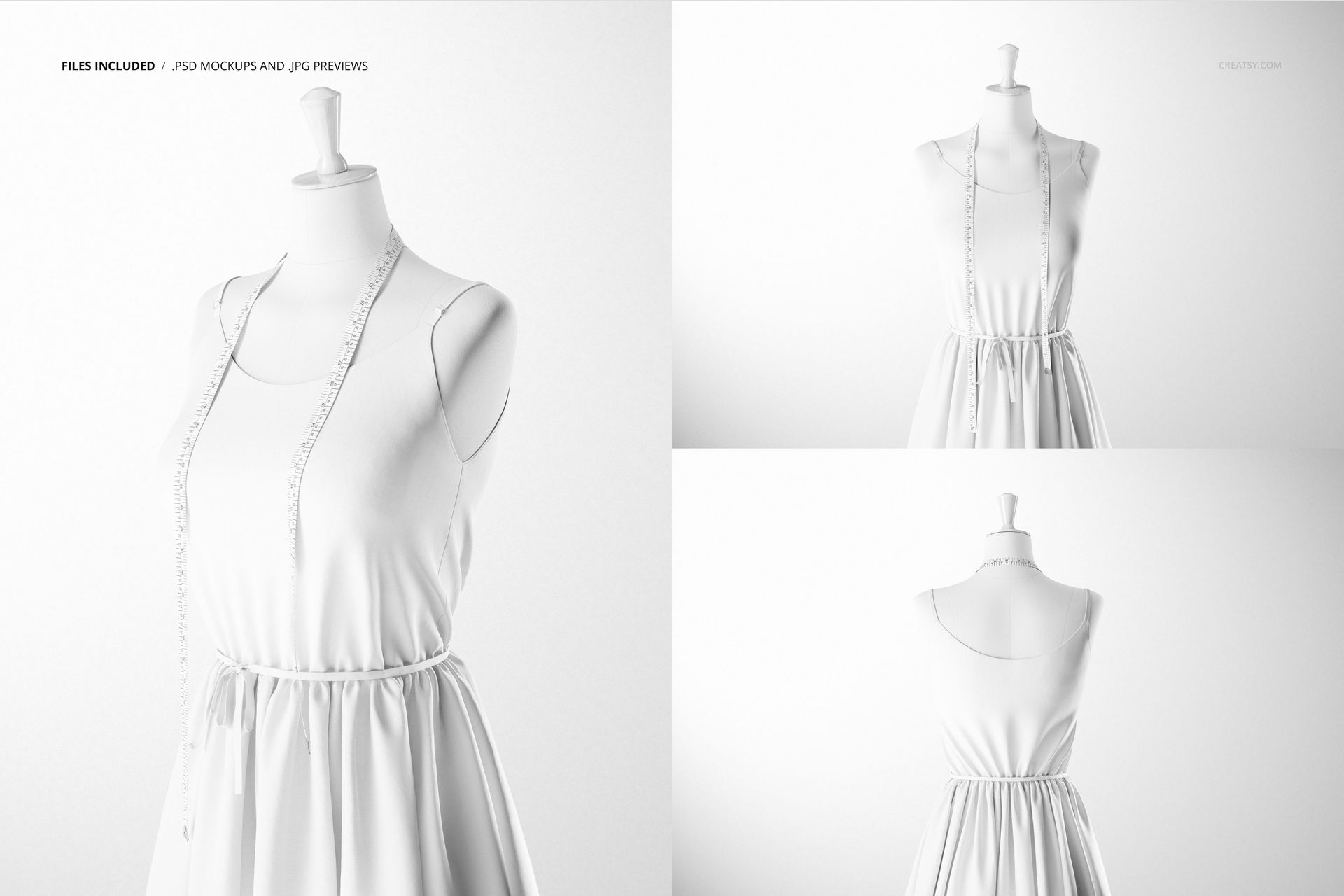
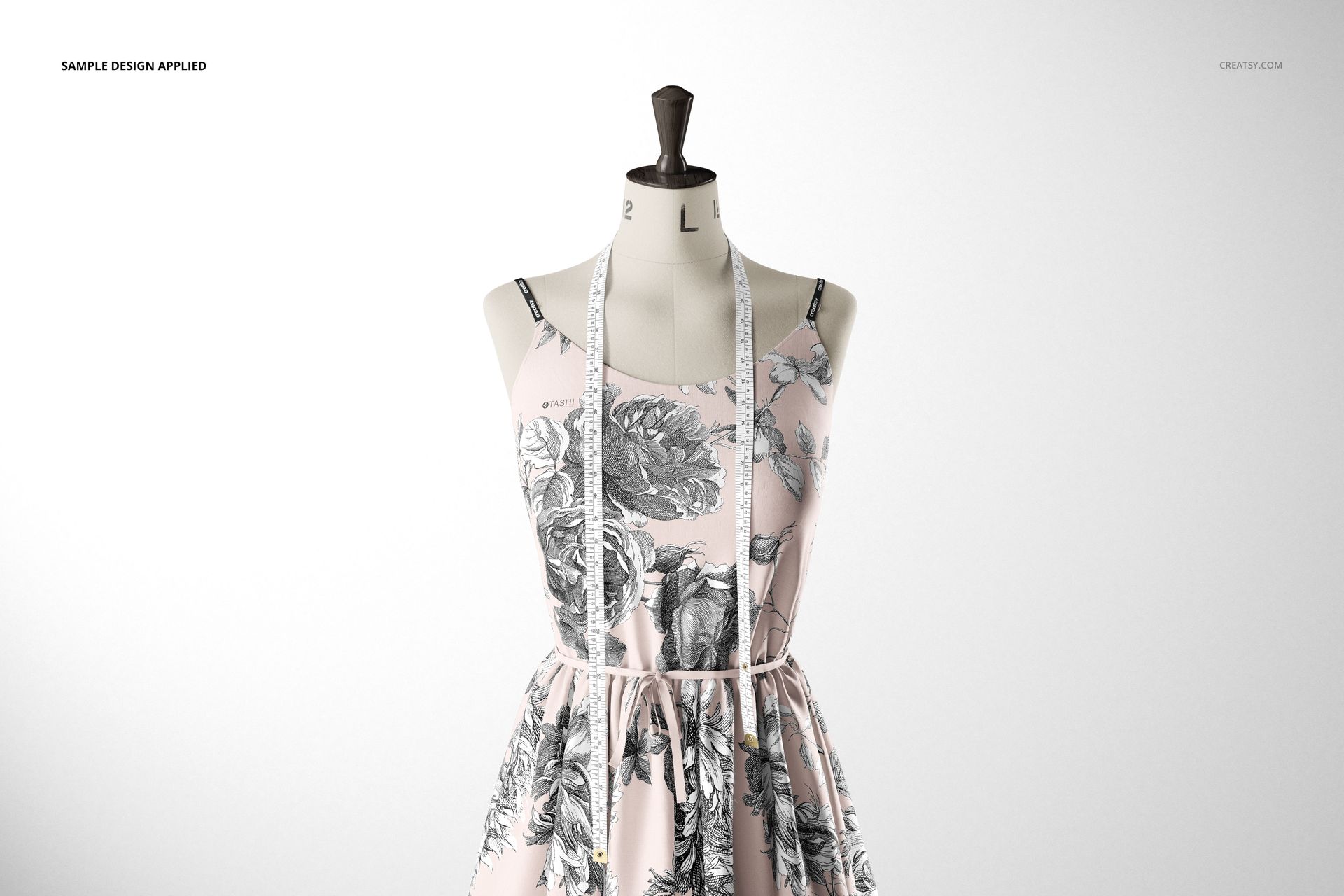
The download contains 3 editable PSD files (cotton, linen, jersey fabric versions), 3 JPG blank previews, and a PDF user manual. Each PSD is 6000 x 4000 pixels at 300 dpi with well-organized, labeled layers. The clean version without fabric texture is ideal for presenting fabric scans or photographic textile prints where you want the design to appear without an overlaid weave texture. All files are built for Adobe Photoshop CC 2020 or newer. Pattern designs shown in preview screenshots are by Tashi Tsering at tashistudio.com and are not included in the download.
What You Can Customize
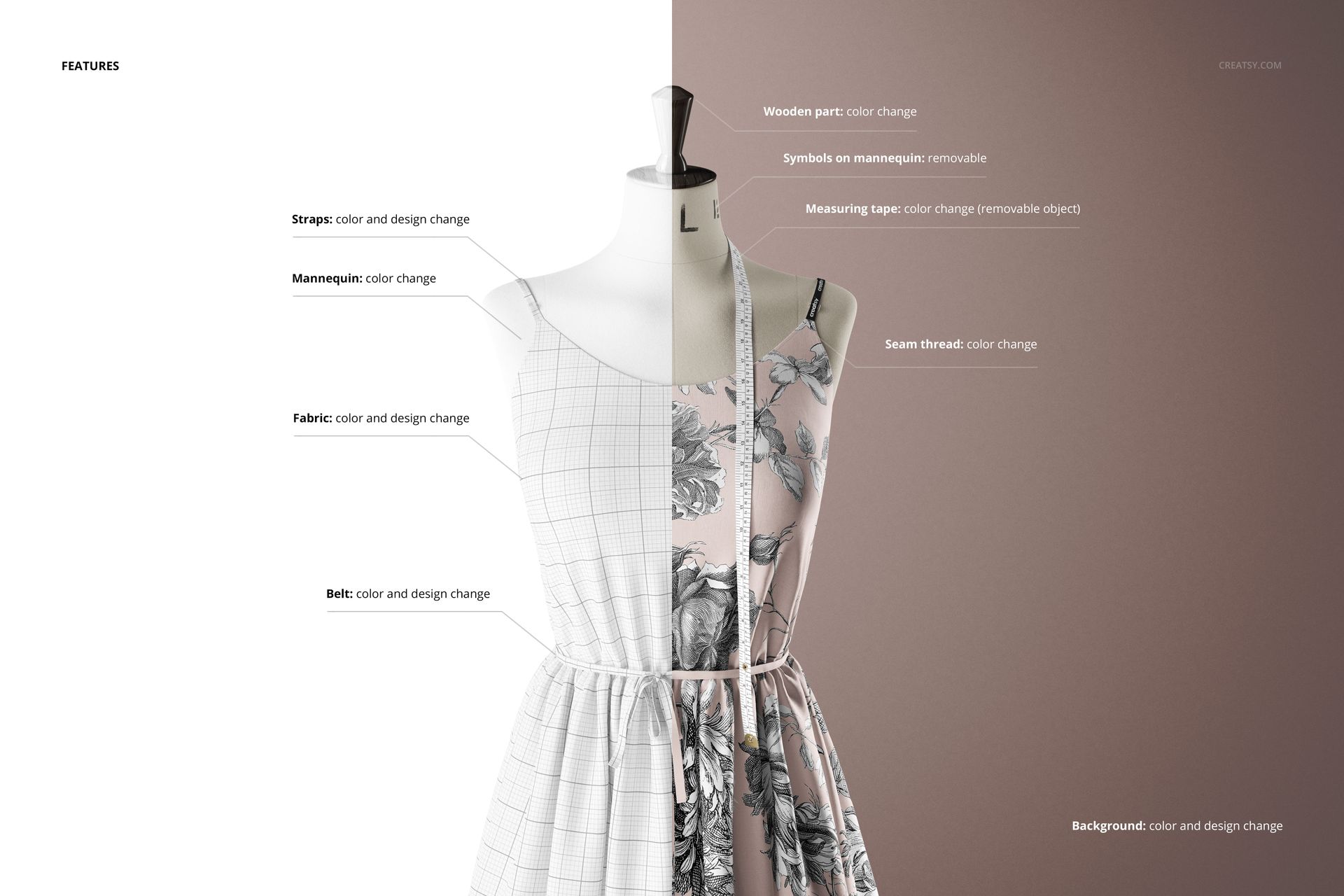
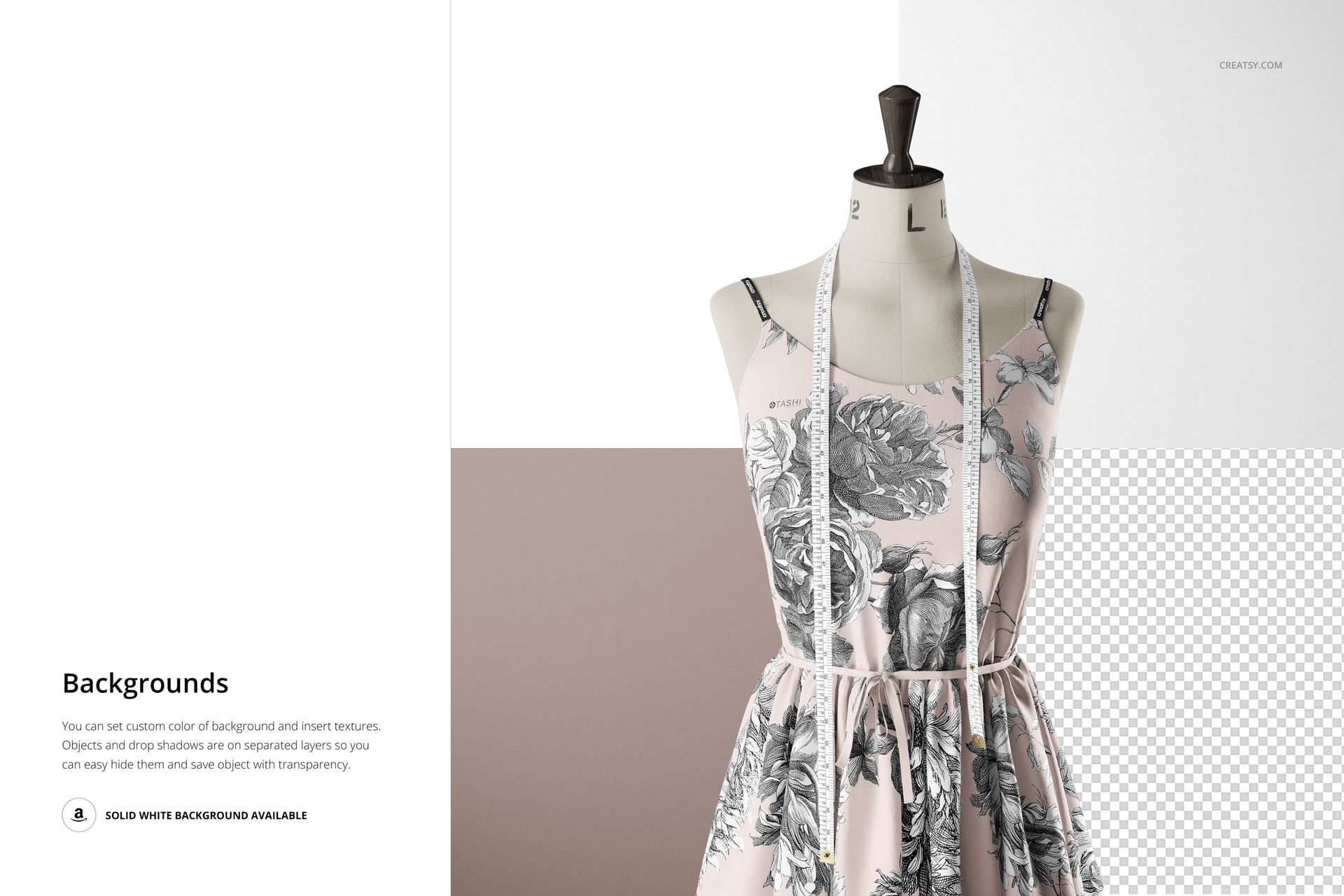
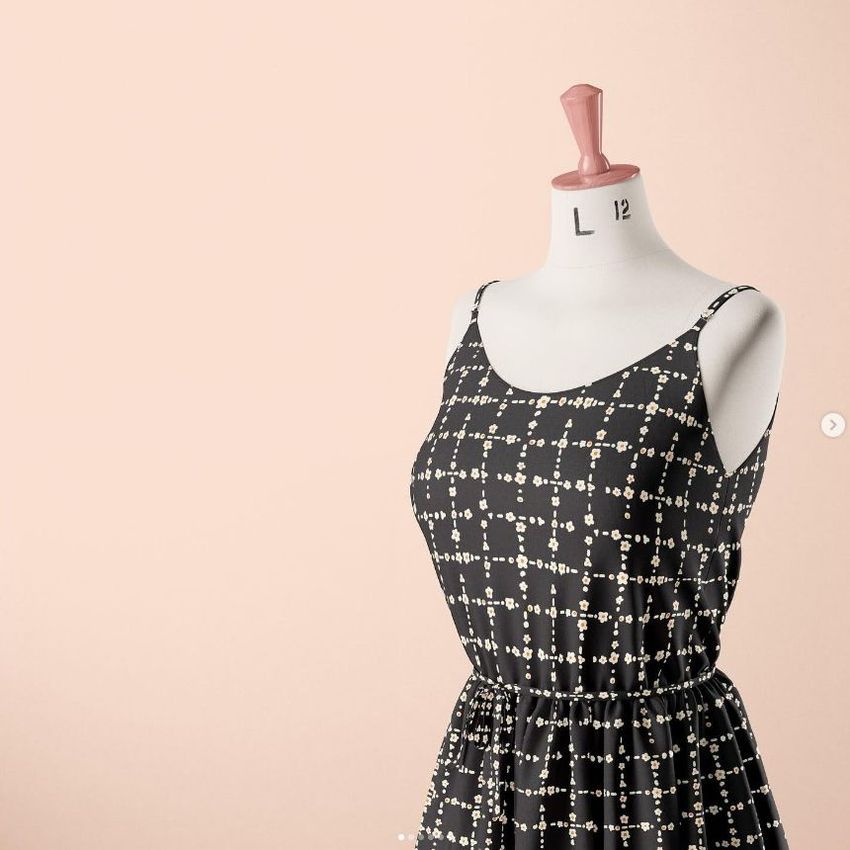
Each PSD contains smart object layers for the dress fabric - double-click, paste your pattern or textile design, save, and the artwork maps onto the dress with realistic drape, seam lines, and fabric-specific texture. Change the mannequin color to white, black, skin tone, or any custom shade to suit your presentation style. Adjust the measuring tape color to match or contrast with your design. Swap the background to a solid color, gradient, or custom texture for different marketing contexts - clean white for e-commerce listings, a styled color for social media, or a neutral tone for catalog layouts. The clean version removes the fabric weave overlay entirely, making it ideal for designs where you want to display the raw print without texture interference.
Who This Mockup Set Is For
Surface pattern designers presenting textile collections to fashion brands, fabric manufacturers, or licensing partners. Fashion designers and clothing brands building lookbooks, product pages, or wholesale catalogs before production samples are ready. Textile artists showing how their hand-painted, illustrated, or digitally created patterns translate to garment scale. Print-on-demand apparel sellers who need professional product imagery for Etsy, Shopify, or marketplace listings. Fashion students building portfolios that demonstrate commercial application of their pattern work. Fabric manufacturers creating marketing materials that show how their base textiles look with printed designs applied.
File Specifications
Format: PSD (Adobe Photoshop) plus JPG previews and PDF user manual. Files included: 3 fabric versions (cotton, linen, jersey) plus clean version. Dimensions: 6000 x 4000 px. Resolution: 300 dpi. Smart objects: fabric design, mannequin color, measuring tape color, background. Minimum software: Adobe Photoshop CC 2020. Layers: organized and labeled.










Beautiful mockups! My designs look well on them! Easy to use and high quality as usually. Creatsy is doing very good job!