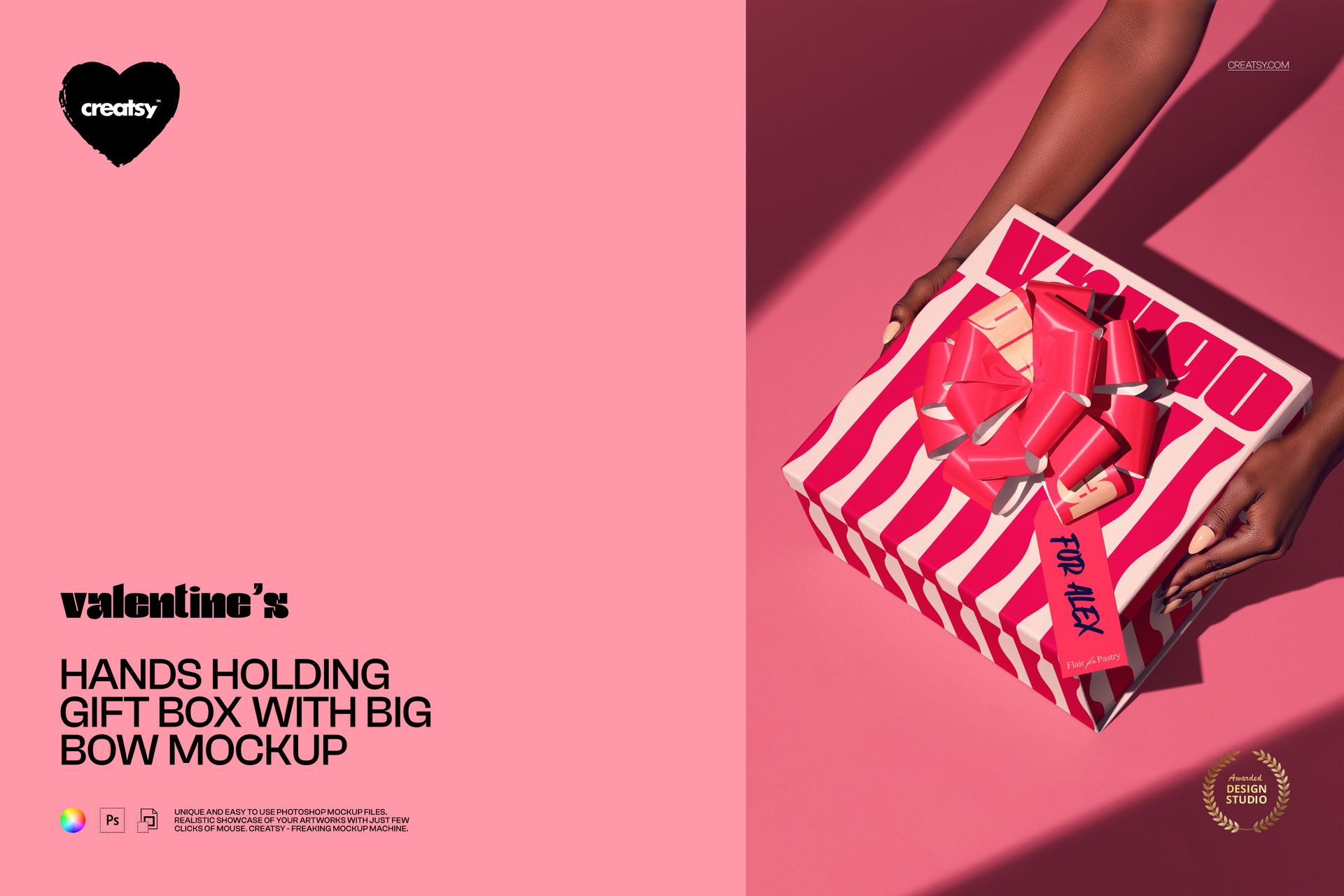
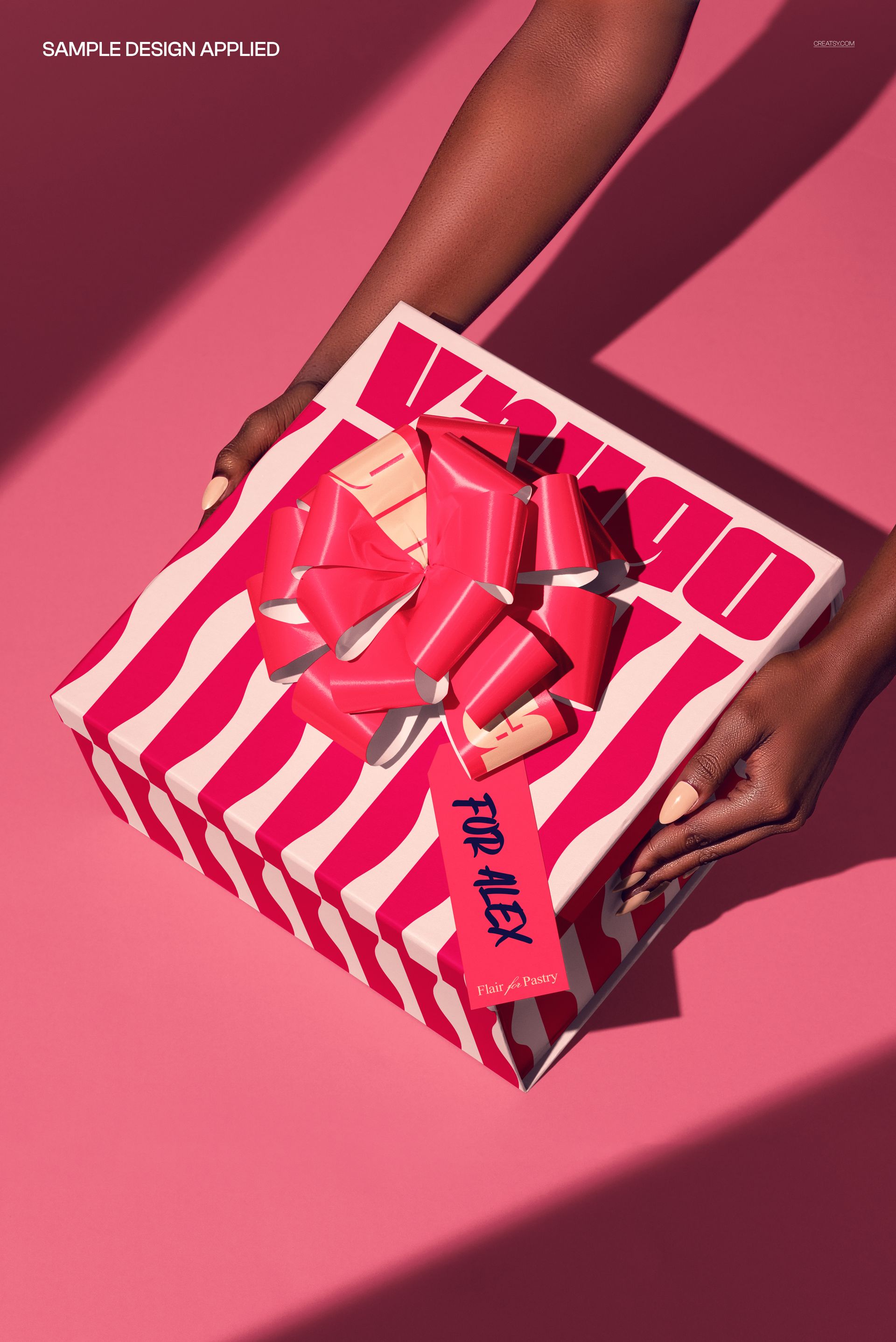
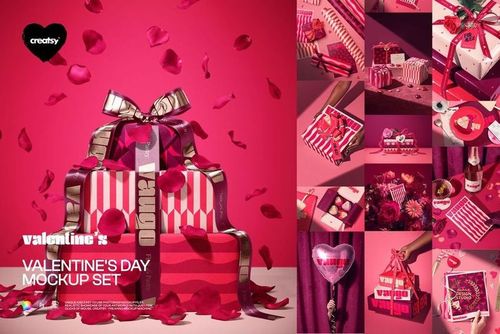
The Hands Holding Gift Box with Big Bow Mockup from Creatsy shows a pair of hands presenting a wrapped gift box topped with an oversized decorative bow. The human element of hands holding the box adds emotional context that static product-only shots cannot provide, making this mockup ideal for Valentine's Day campaigns, holiday gift guides, luxury brand presentations, and any marketing material where the act of giving matters as much as the package design itself.
Why This Mockup Works
Gift packaging photographed alone on a flat surface tells buyers what the box looks like. Gift packaging held in someone's hands tells buyers how it feels to receive it. That emotional difference drives significantly higher engagement on social media, product listing pages, and email campaigns. This mockup captures the moment of presentation - the anticipation of opening a beautifully wrapped gift. The oversized bow adds a focal point of luxury and occasion, while the hands provide natural scale reference that helps viewers instantly understand the box dimensions and proportions without needing measurements in the description.
What Is Included
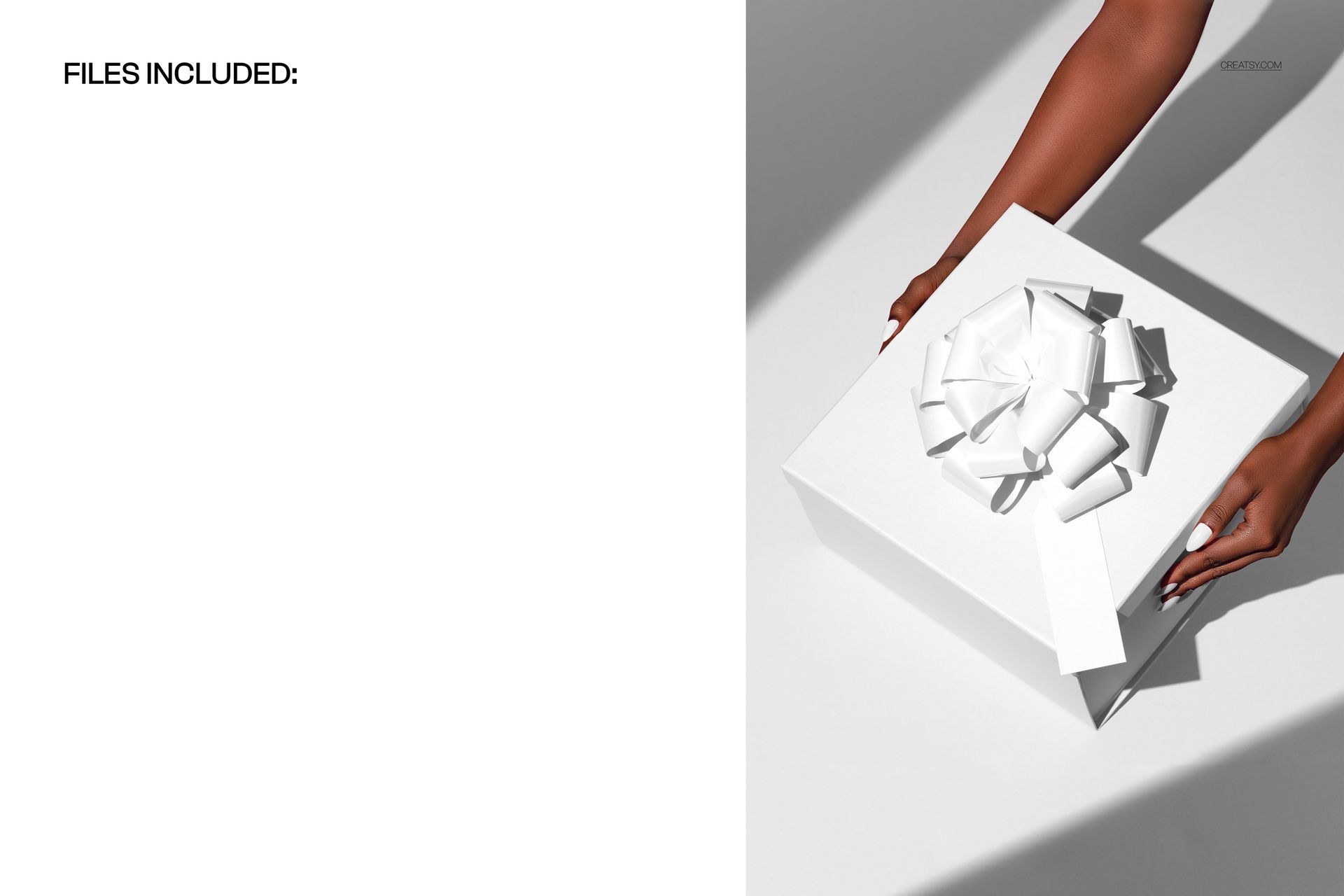
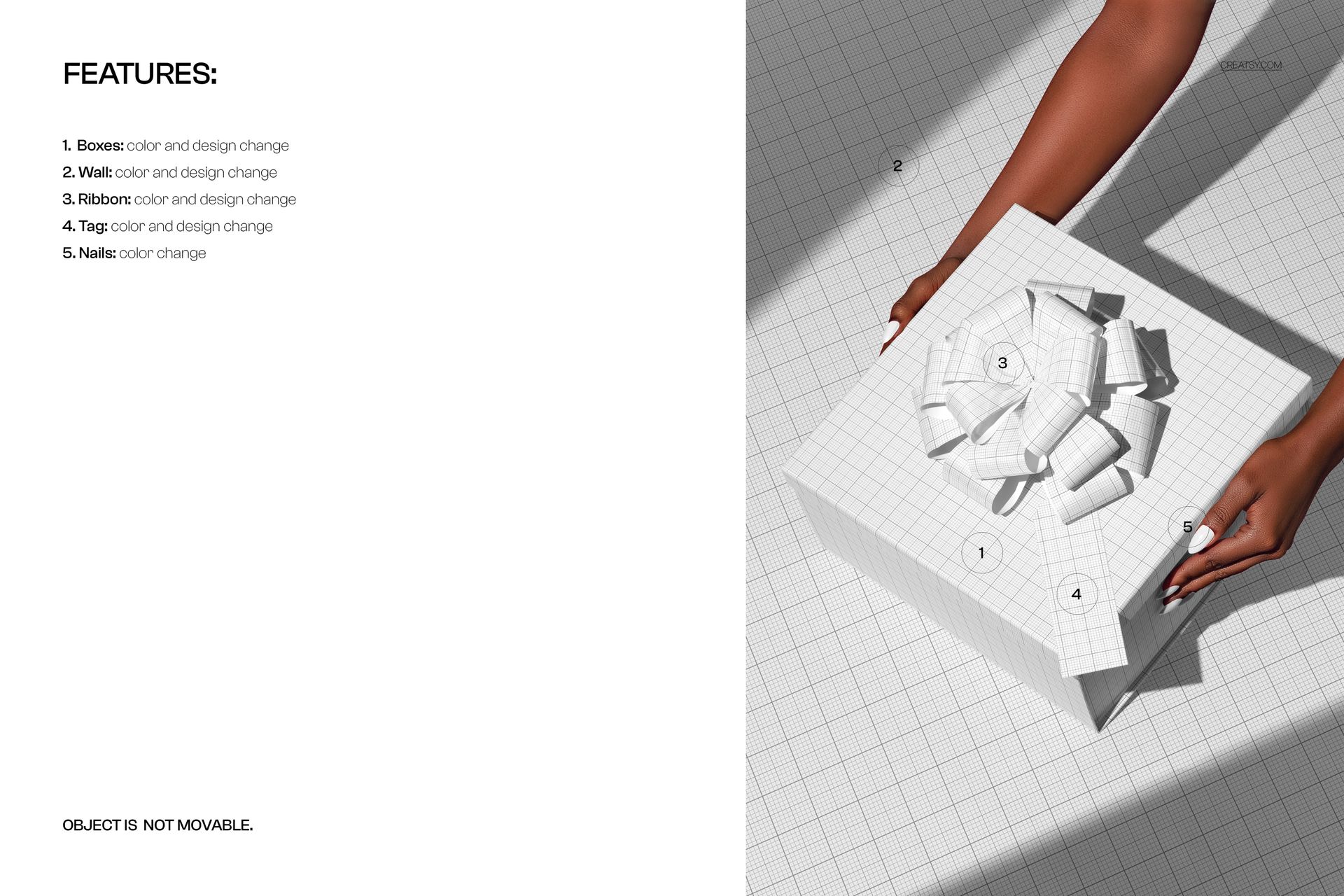
You receive 1 layered PSD file at 6000x4000 px and 300 DPI resolution. The composition shows hands holding a gift box with a large, detailed bow on the lid. All elements are arranged in clearly labeled layers with smart objects for applying your wrapping paper design, box surface pattern, and bow texture. The file includes adjustable shadows and highlights that respond naturally to whatever design you apply, maintaining photorealistic depth and dimension across different color schemes, patterns, and seasonal themes.
What You Can Customize
The gift box surface and wrapping paper design are applied through smart object layers. Double-click the smart object, paste your pattern or artwork, save, and the main canvas updates with your design wrapped around the box with accurate perspective and edge folding. The bow can be customized separately, allowing you to coordinate or contrast the ribbon color with the box wrapping. Background color is adjustable through a dedicated layer, letting you match your brand palette or seasonal campaign theme. Shadows and lighting remain consistent regardless of your design choice, keeping the photorealistic quality intact across every variation.
Who This Mockup Is For
This mockup serves gift packaging designers and manufacturers showcasing box and wrapping paper designs to retail buyers and brand clients. Luxury brands use the hands-holding composition for Valentine's Day, Christmas, Mother's Day, and birthday campaign imagery. E-commerce sellers on Etsy, Amazon, and Shopify use it for gift box product listings where presentation style drives purchase decisions. Wedding and event planners feature it in promotional materials showing custom favor boxes. Surface pattern designers demonstrate how their patterns translate to gift wrapping and packaging applications in licensing portfolios.
File Specifications
Format: 1 PSD file with organized smart object layers. Canvas: 6000x4000 px. Resolution: 300 DPI for web, social media, print advertising, and catalog production. Compatibility: Adobe Photoshop CC 2020 or newer. Also works in Photopea, a free browser-based PSD editor with smart object support. File size: 351.42 MB.