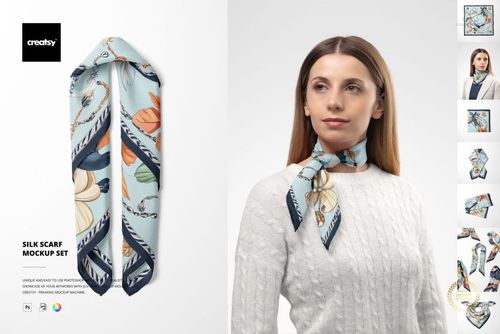
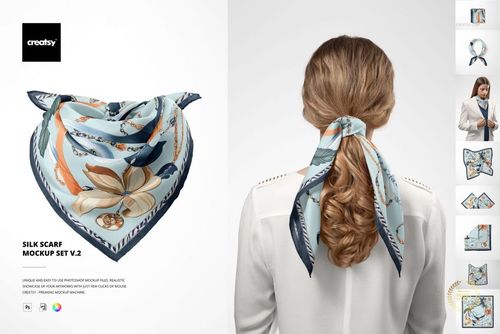
Silk Face Mask Mockup Set

ID: 1648066901 | Updated: May 11, 2022

Product Details

What is Silk Face Mask Mockup Set?

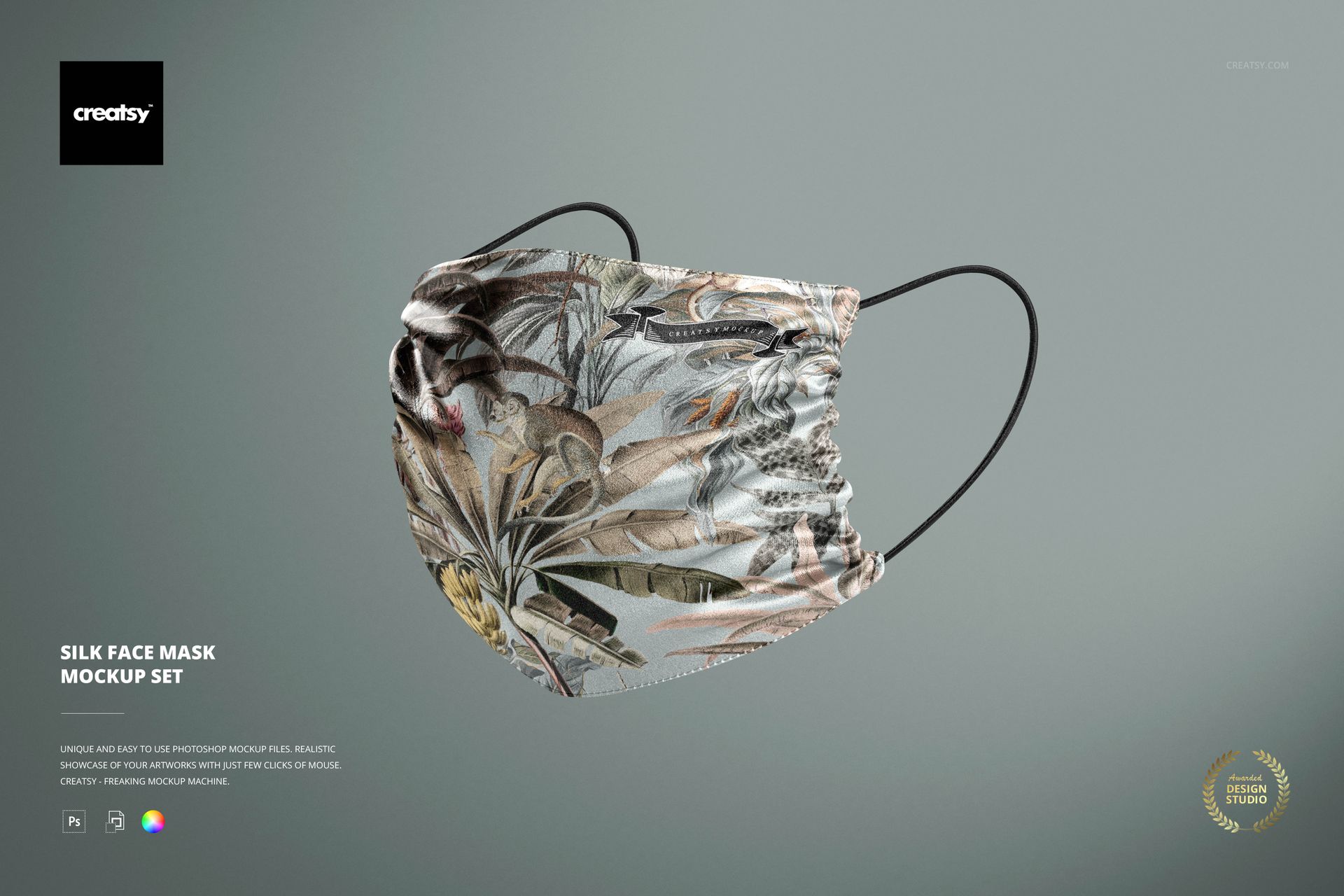
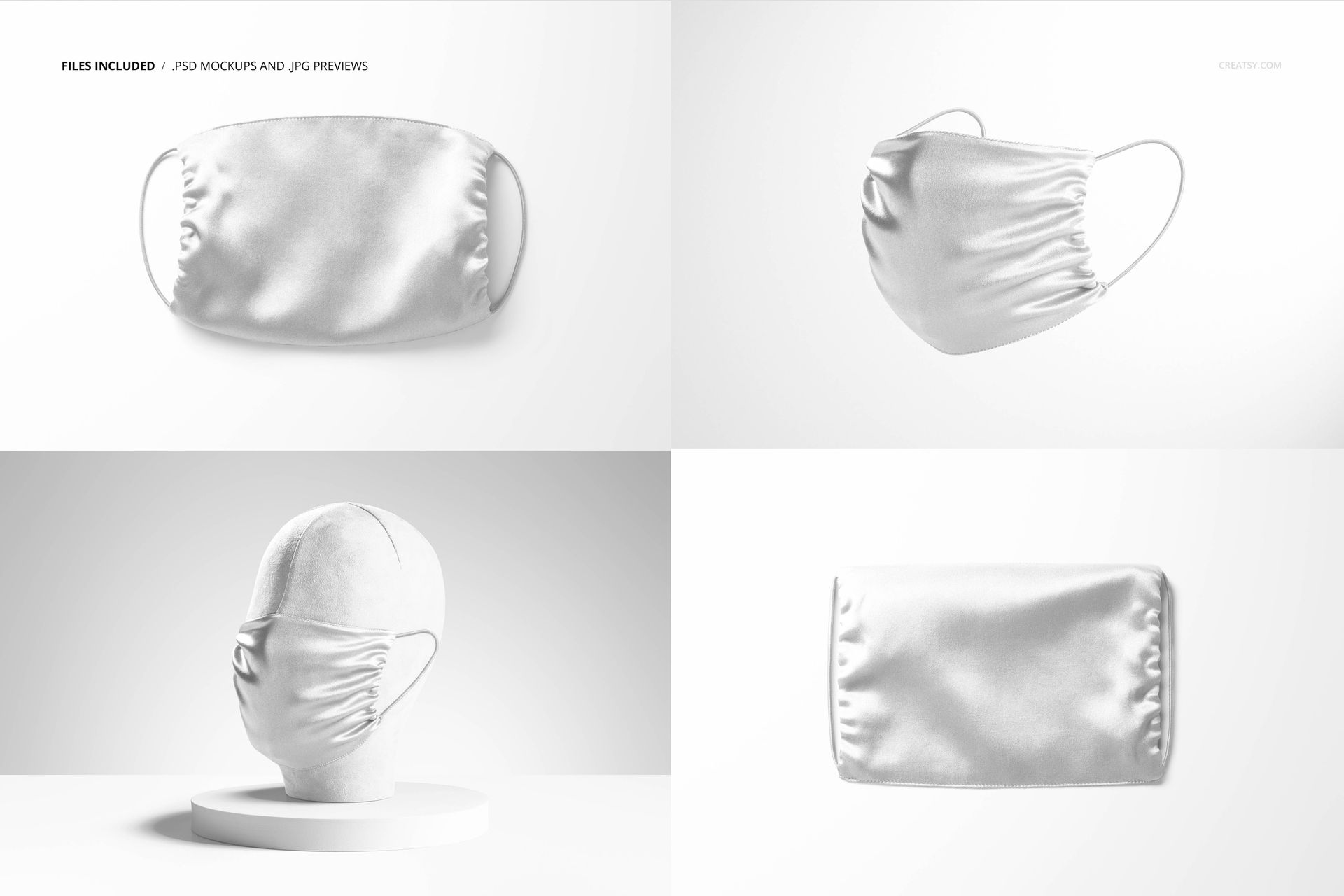
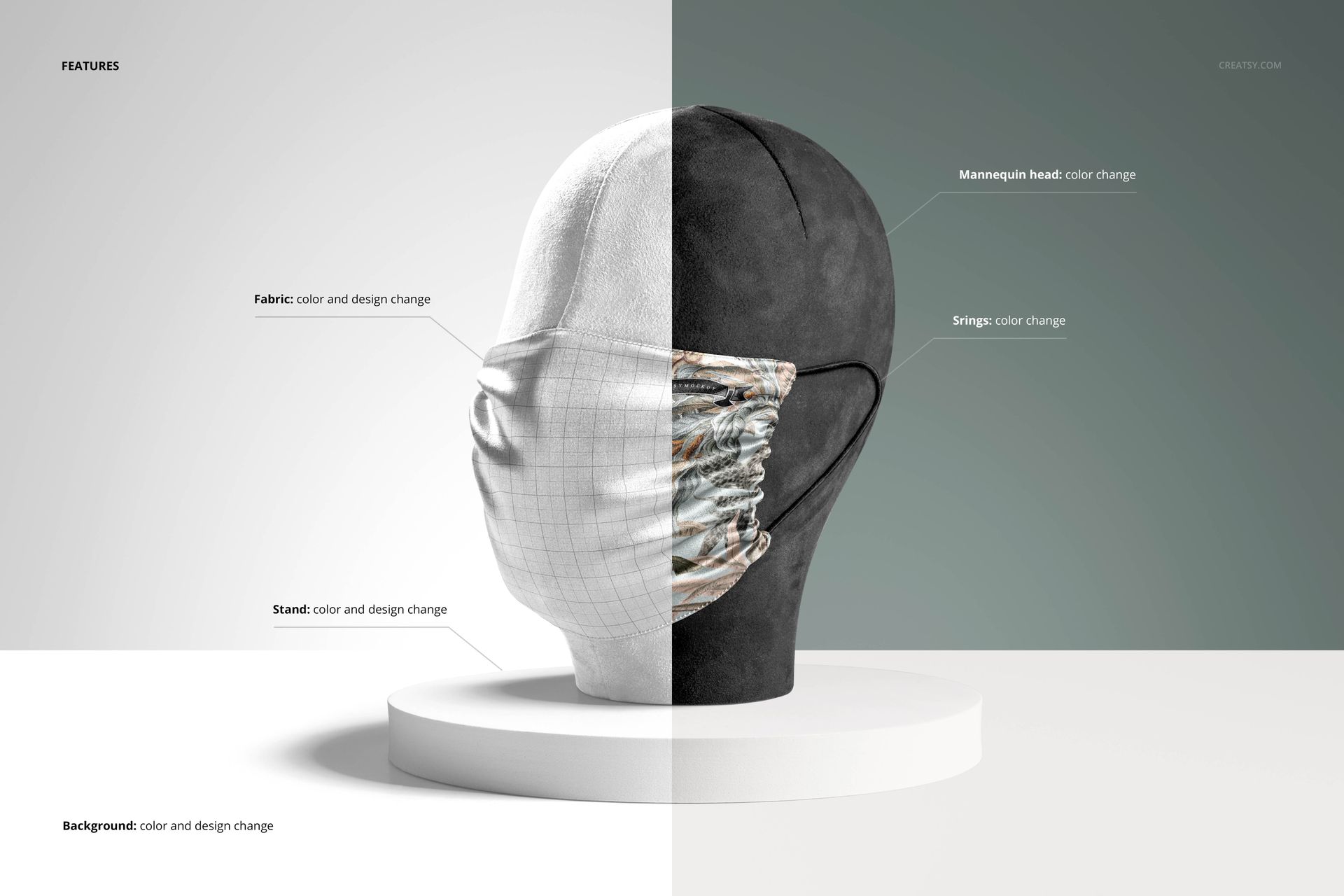
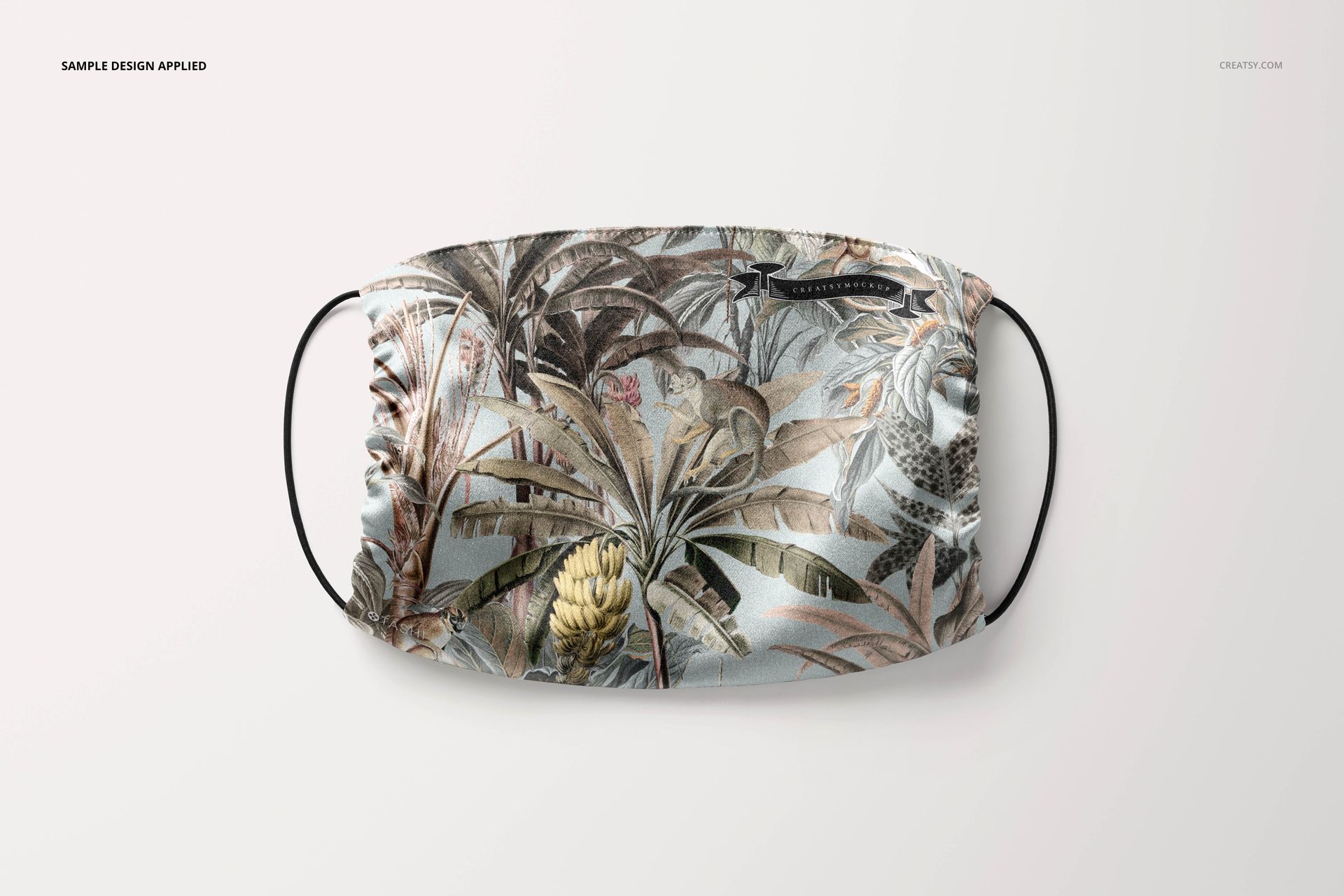
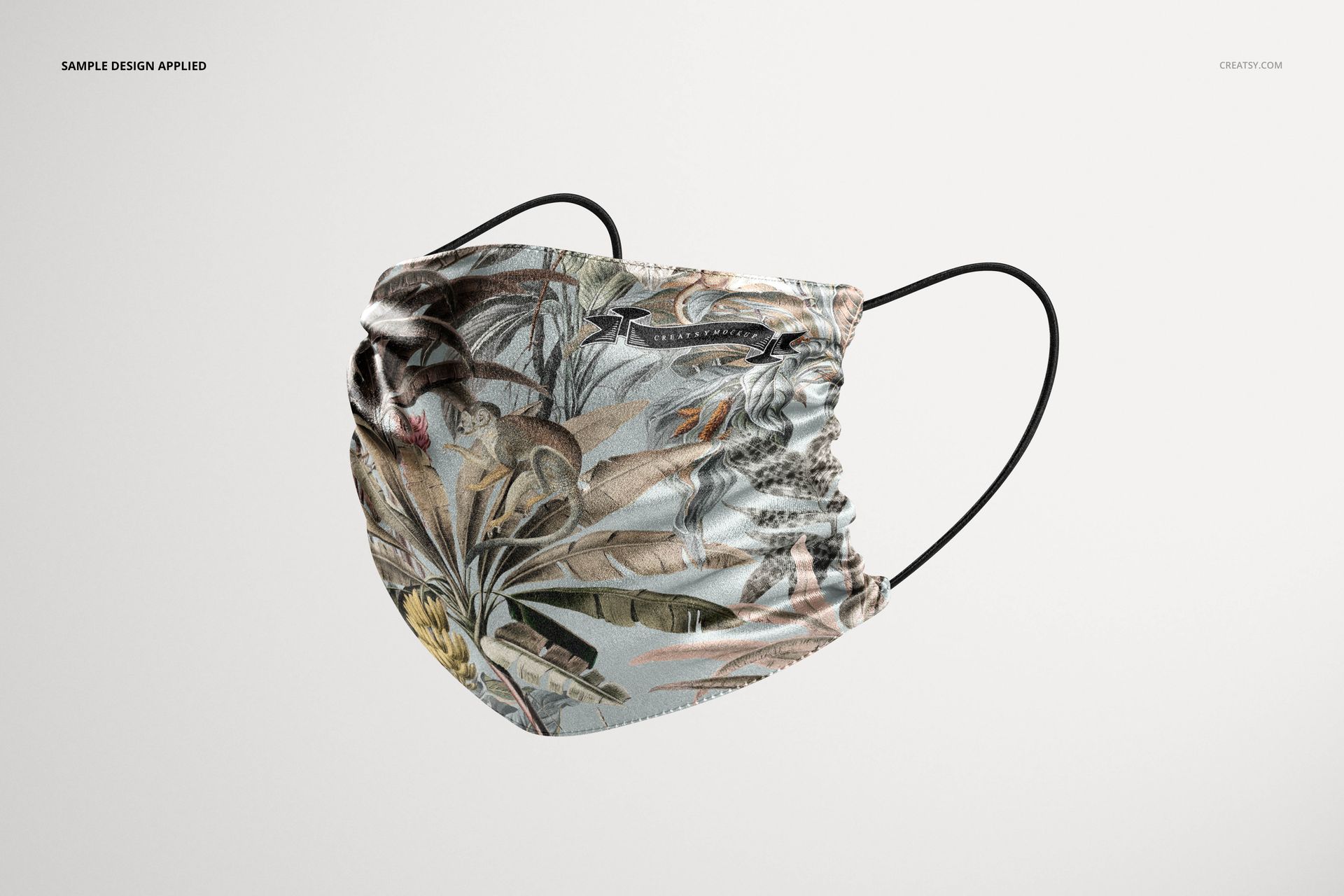
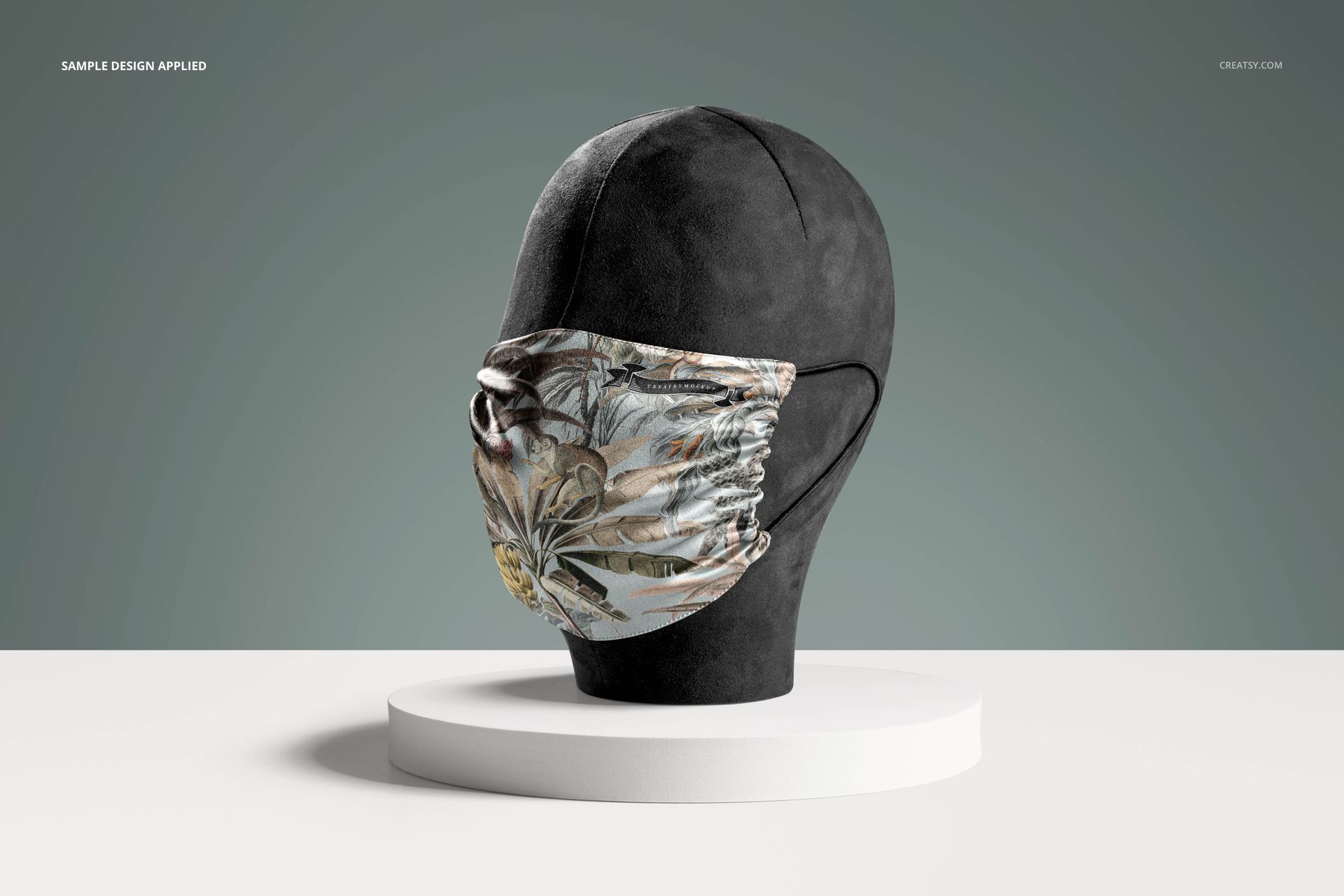
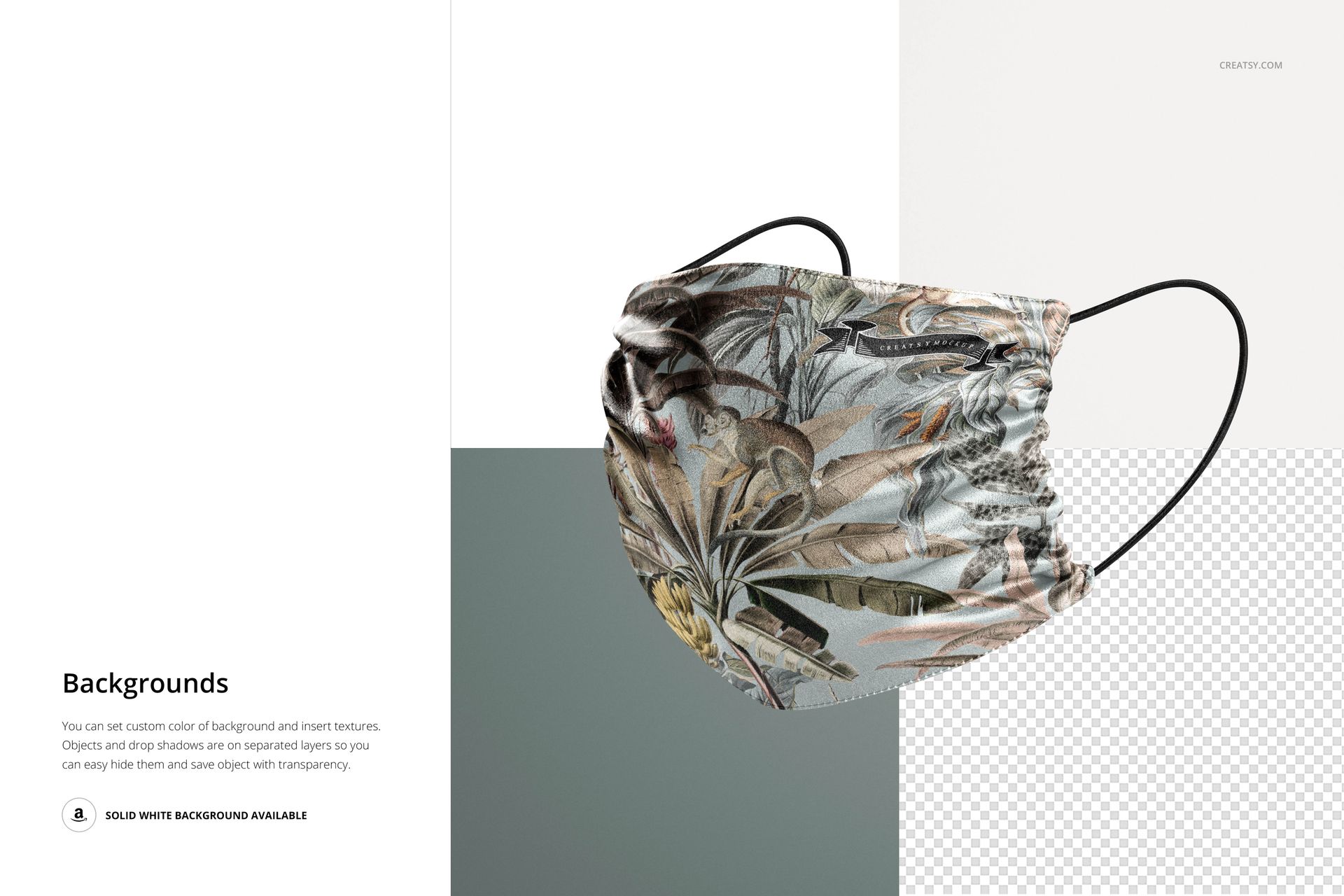
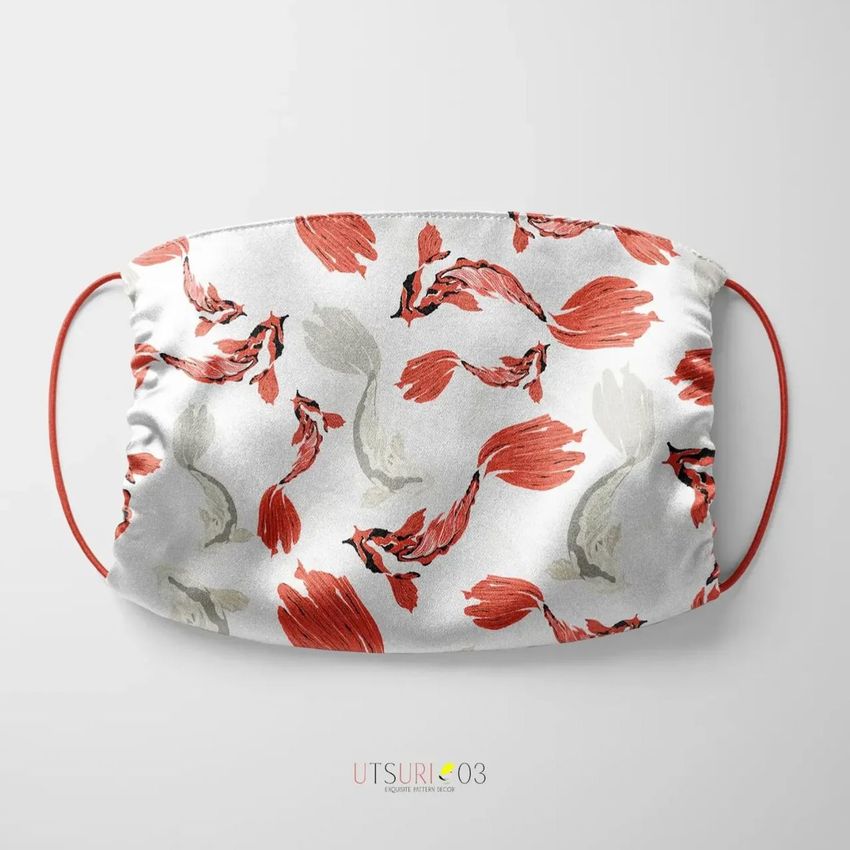
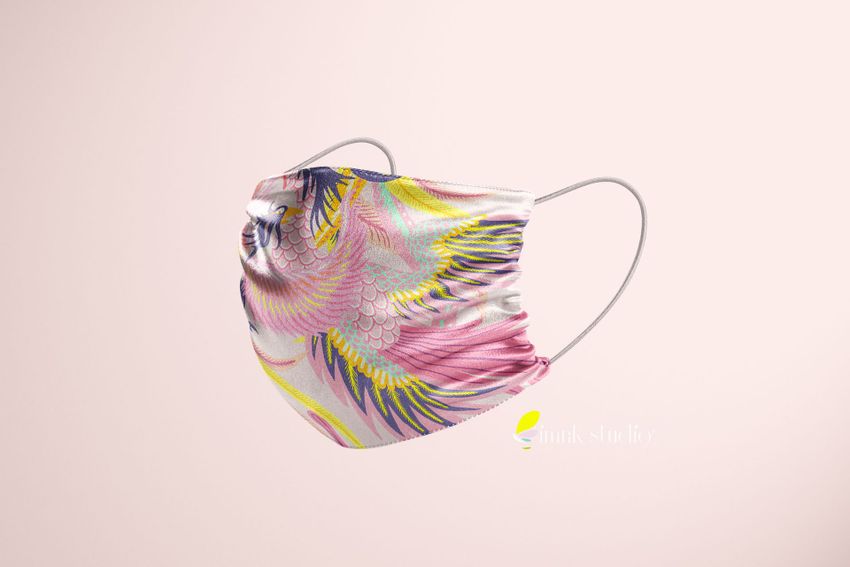
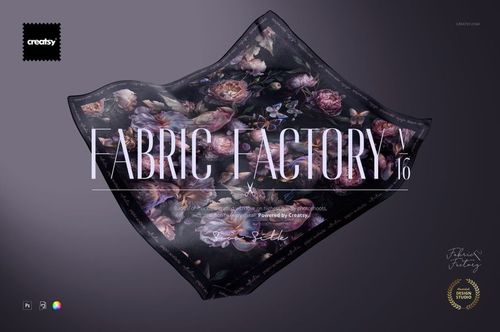
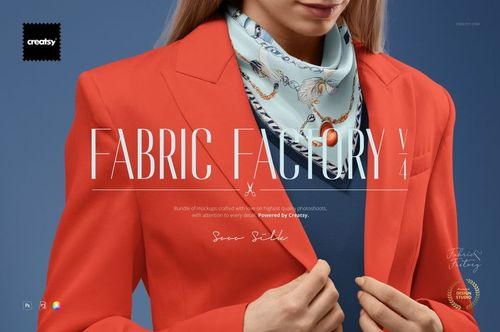
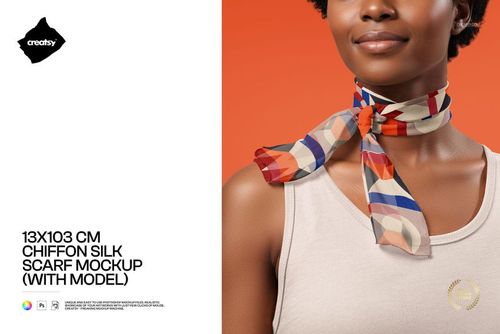
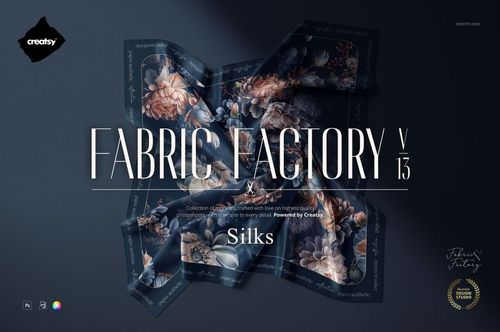
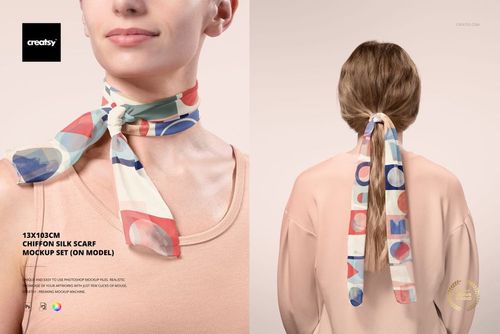
Silk Face Mask Mockup Set template by Creatsy provides you with four unique views of a face mask for you to mock up your designs. This accessories mockup is a must-have in every designer's portfolio and offers you a great way to display your designs. Skillfully arranged in this mockup are color layers and smart objects, giving you complete control over how you customize the background and the face mask using solid colors, gradients, and custom designs. The Silk Face Mask Mockup Set is a sensible way to share the uniqueness of your designs. Each of the four Adobe Photoshop mockup files contains well-organized layers with easy-to-use features, allowing you to customize the Silk Face Mask Mockup Set mockup to your satisfaction. Color layers and smart objects will enable you to make your designs pop. Adding textures, hiding objects, removing drop-shadows, and saving the files with transparency make this face mask mockup a handy way to show off your designs! 


What makes Creatsy different?

We are so glad you asked! We take only the best high-quality images of products and scenes and combine them with 3D rendering to create the best mockups on the market. Do you need an additional view or a product you don’t see listed? Not a problem! We are happy to provide custom mockup options at a price that fits your needs. Please email us at [email protected] to find out more! 


  • Compatibility: Adobe Photoshop min. version CC 2018

  • Includes: 4 PSD files with well-organized layers: 6000x4000 px, 300 dpi,  

  • Editable components: color and design change,

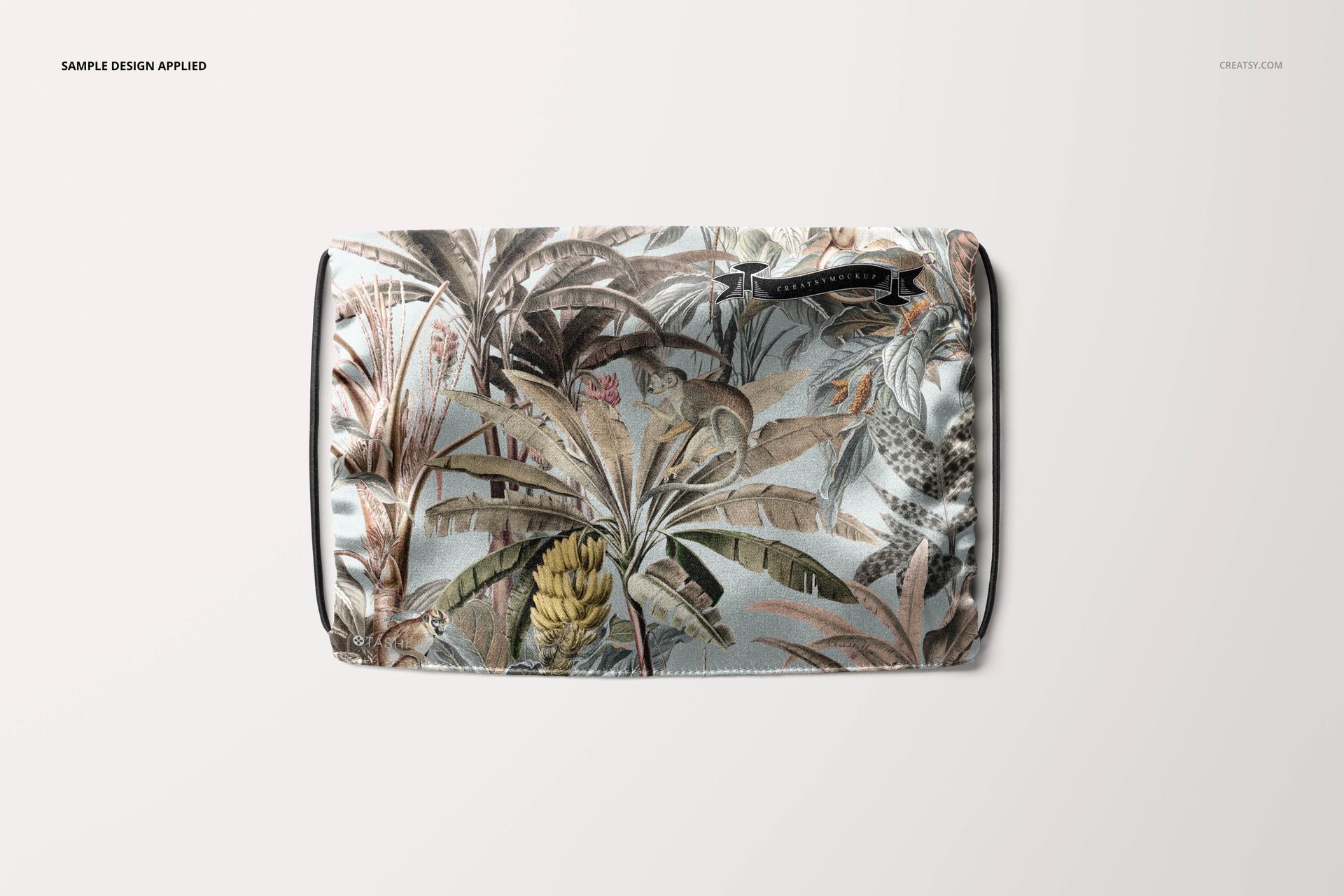
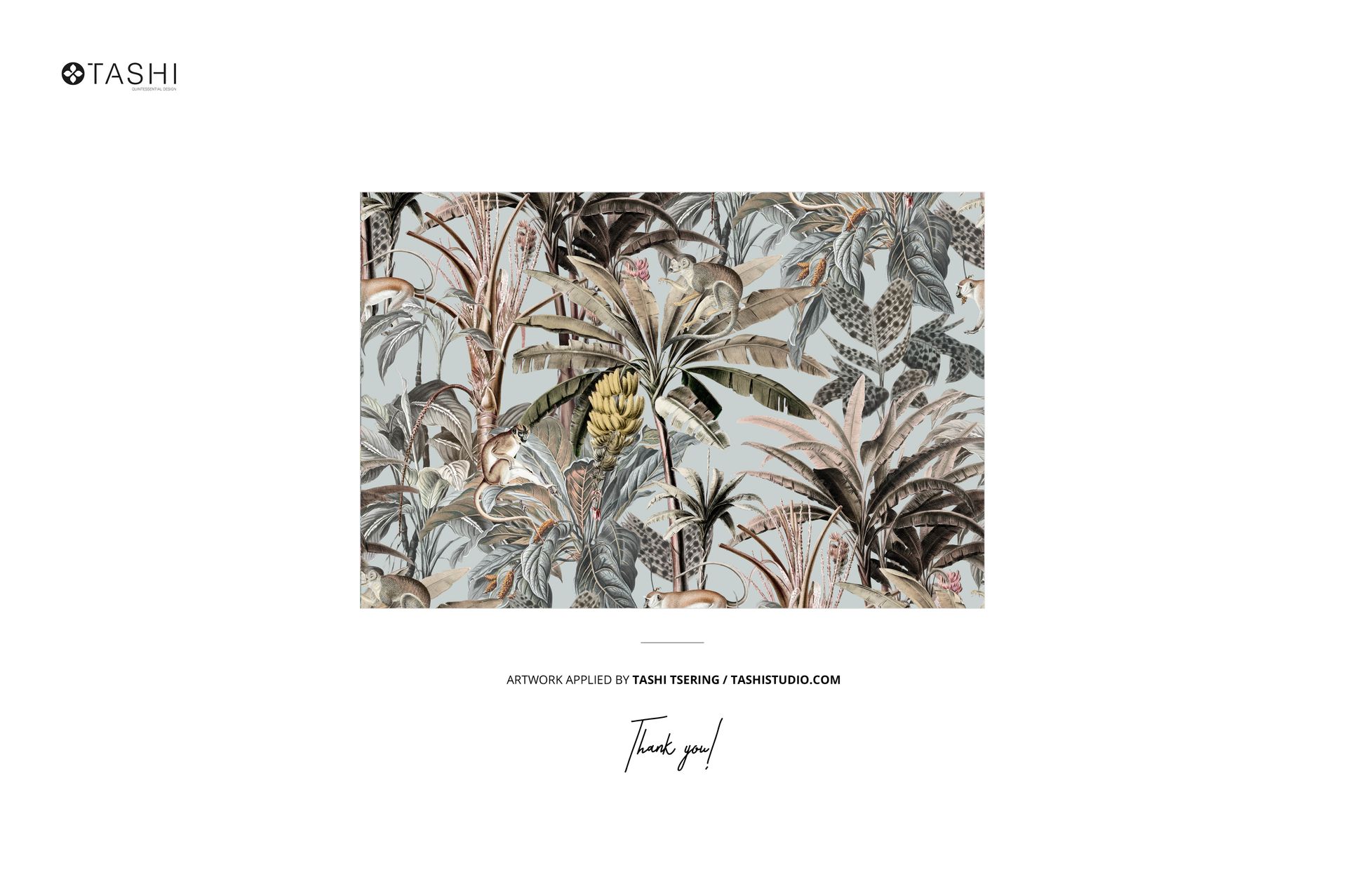
  • Example artwork by Tashi Tsering (TSTUDIO) / tashistudio.com,

  • Patterns are NOT included, this product is a mockup intended for you to add your own designs.

File details

Compatibility
Adobe Photoshop
Number of files included
9
Package size
1.34 GB1.34 GB|1.44 GB1.44 GB
Files type
.psd, .jpg, .pdf
Files size
6000x4000
TEST FOR FREE

Made with Creatsy

Real designs. Real customers. See how creatives use Creatsy mockups to turn their artwork, branding, and product ideas into polished visuals.

MEET THE SHOP

Creatsy logo

Creatsy

Poland
4.7 (644)

Bring your ideas to life.

We're a family-run studio in Katowice, Poland, making PSD mockups by hand since 2016. Everything in this shop starts in our own studio. We shoot the photography, build the 3D, and put together every Smart Object PSD ourselves - then we test it, organize the layers, and only ship it once it actually works...
GO TO SHOP

HOW IT WORKS

3 clicks. That's it.

No tutorial needed. If you can copy-paste, you can use this.

  1. 1OpenDouble-click the smart object inside the PSD - in Adobe Photoshop, or free in your browser with Photopea.
  2. 2PasteDrop in your pattern, print, or artwork. Any design, any style.
  3. 3SaveHit save and the mockup wraps it in for you - shadows, folds, and lighting included.

FROM IDEA TO IMAGE

Built for real workflows

Skip the photo shoot Show your artwork on the real product type for approvals or listings - no studio, no model, no sample.

See it on the product, not a swatch Drop your file into the smart object and the scene's lighting and folds wrap around it, so you judge the real thing before you commit.

Smart Objects

Edit once and you're done. Your artwork drops into a smart object and the mockup updates itself - no masking, no warping by hand.

Perfectly Organized

Named layers and folders you can actually navigate. Find what you need, change what you want, and get out fast.

Print-Ready

High-resolution files built to hold up on screen and in print. Exact size and DPI are in this product's Details above.