Close-up of Vinyl Record on DJ Turntable Mockup
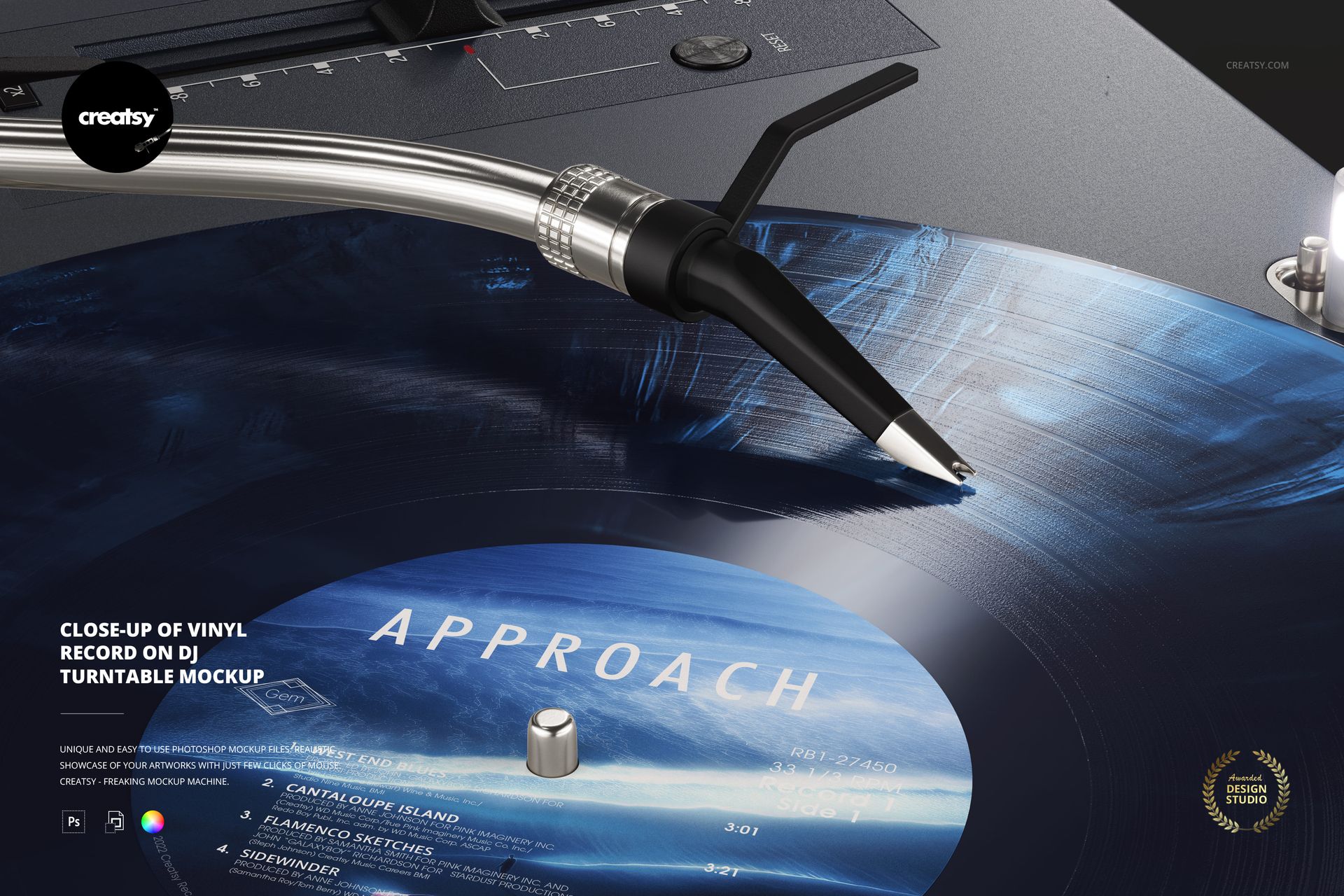
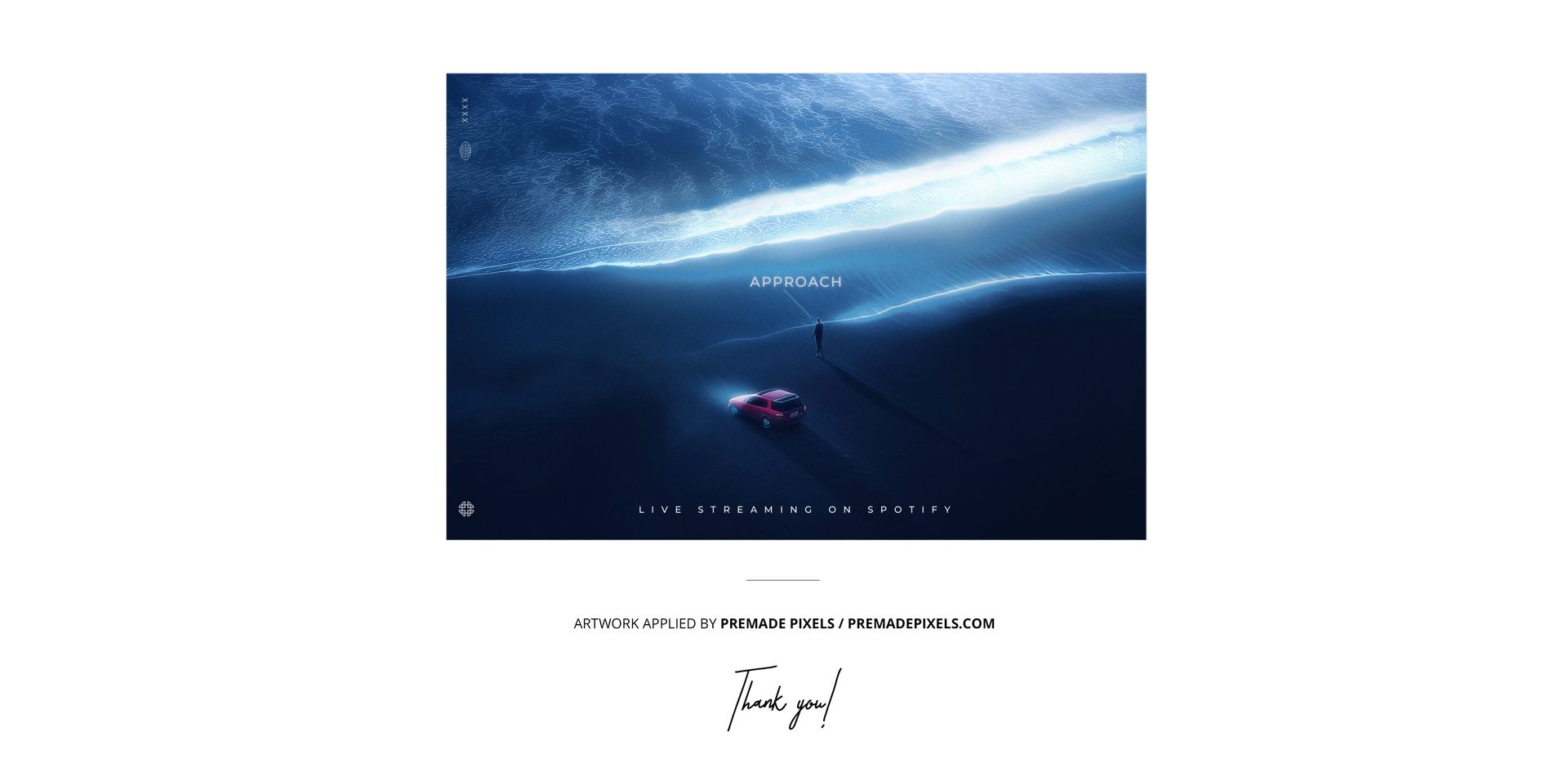
Bring the listener close to the point where the stylus meets the groove. This landscape vinyl record mockup frames the cartridge, tonearm and record surface in detail, with part of the center label visible in the foreground. It is a focused companion image for a release campaign, especially when you want to show a colored pressing in a playback setting.
What Is Included
1 layered PSD mockup with one close-up DJ turntable scene.
6000 × 4000 px at 300 DPI.
1 JPG preview, 2 files in total.
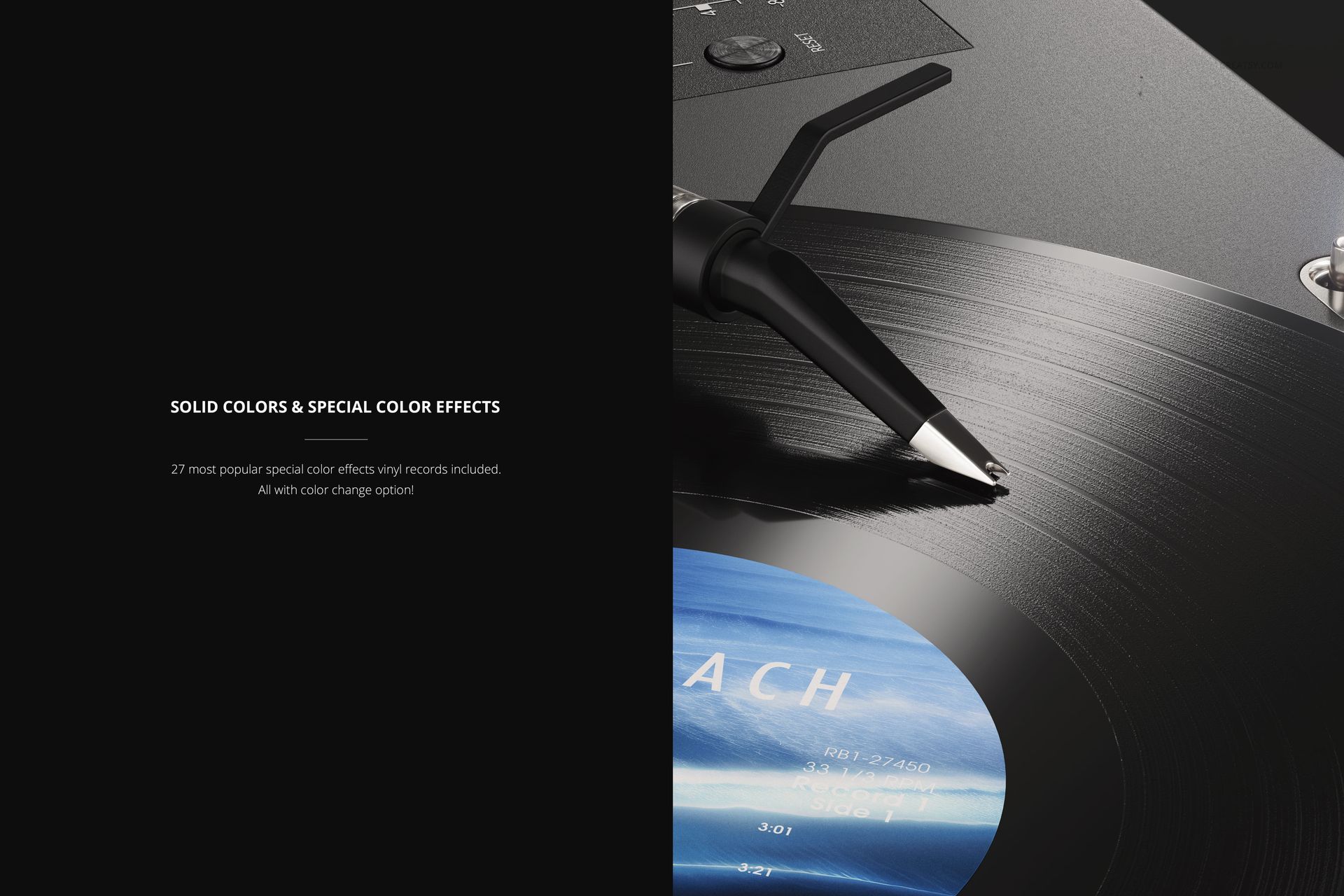
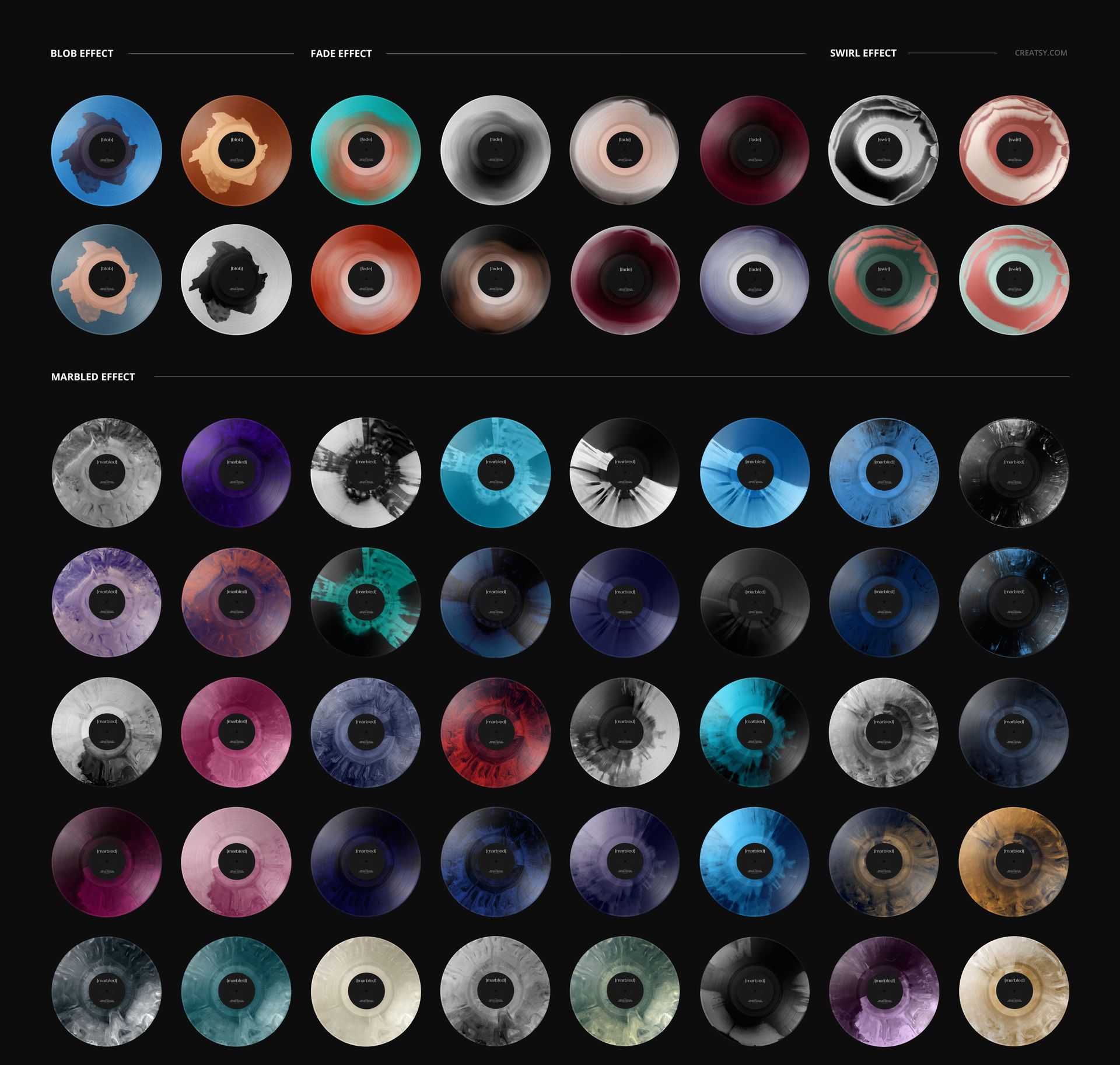
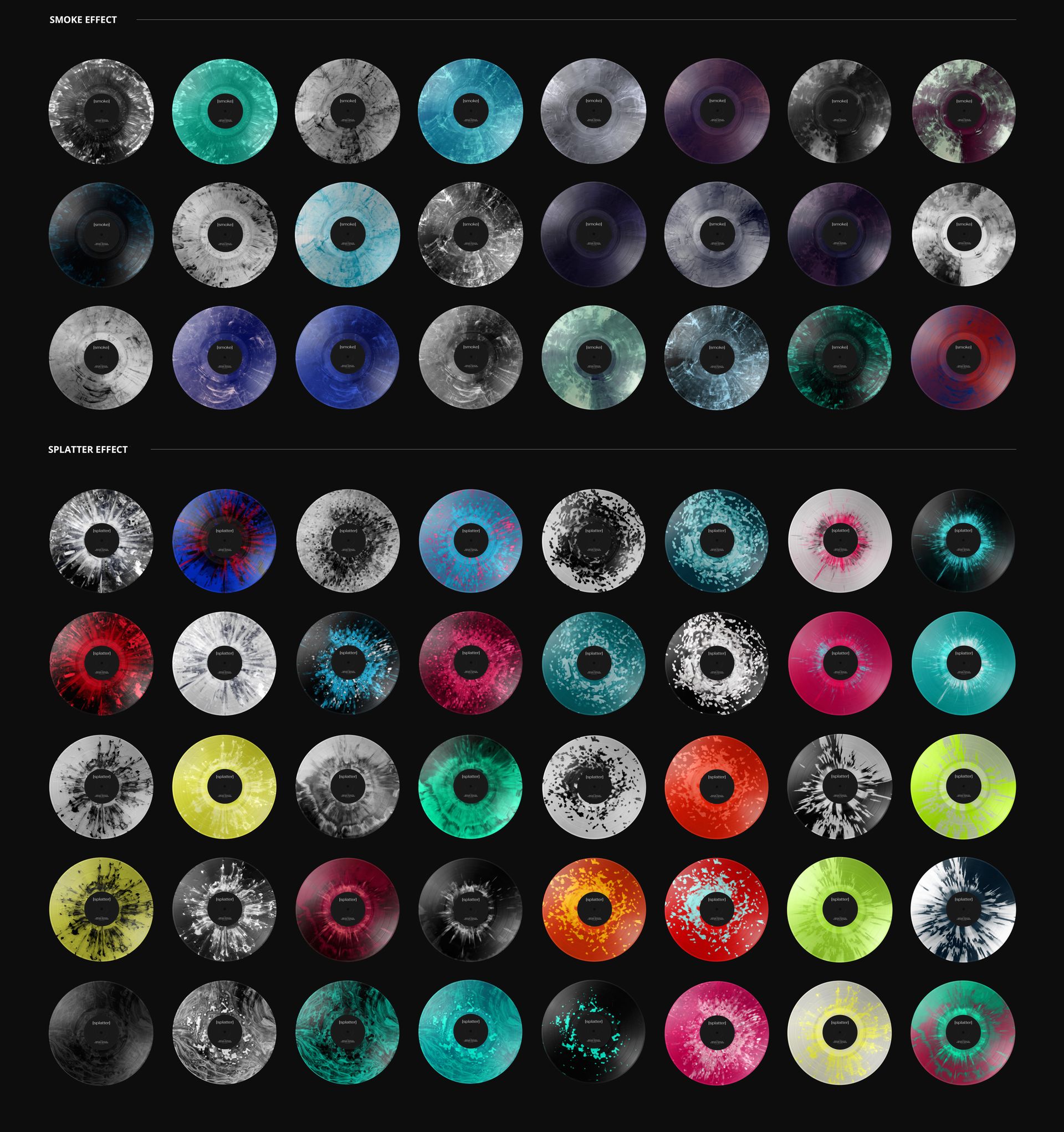
Solid vinyl colors and 27 special color effects.
Coordinate the Record and Deck Colors
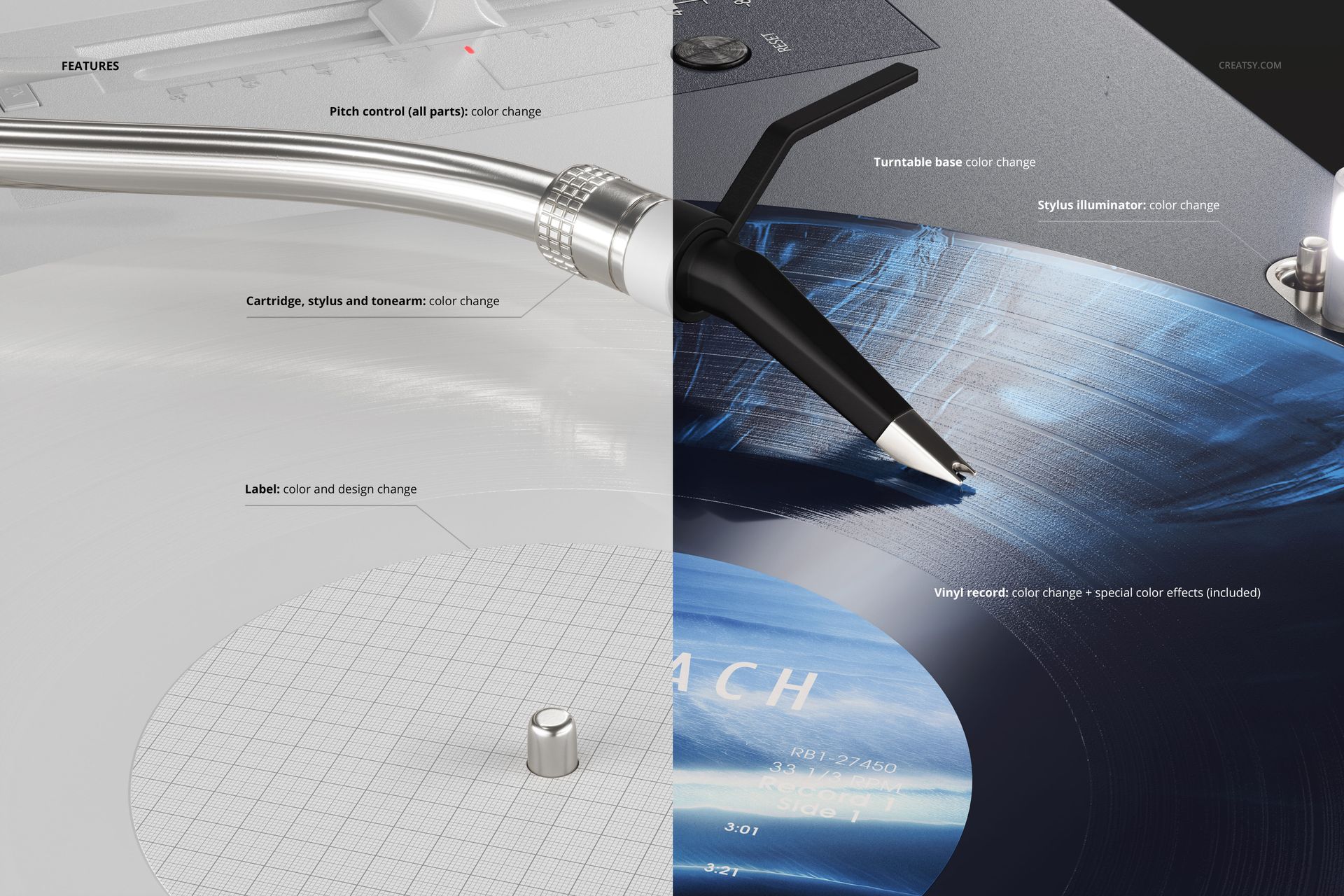
Change the label color and artwork, then explore blob, fade, swirl, marbled, smoke and splatter effects on the record. Color controls also cover the turntable base, pitch control parts, stylus illuminator, cartridge, stylus and tonearm, helping you coordinate the visible equipment with your release palette.
Easy Smart Object Editing
Open the PSD in Adobe Photoshop or Photopea. Replace the label artwork through its Smart Object, save the edited object and return to the scene to adjust the available color and effect layers. The organized layer structure keeps the artwork and presentation controls easy to locate.
Perfect For
Music labels, independent musicians and music branding designers can use this close-up for release announcements, artist portfolios and supporting campaign images. Pair it with a full-record view when the complete label needs to be readable.
Digital mockup only. No physical record or equipment is supplied, and the example artwork shown in the previews is not included.