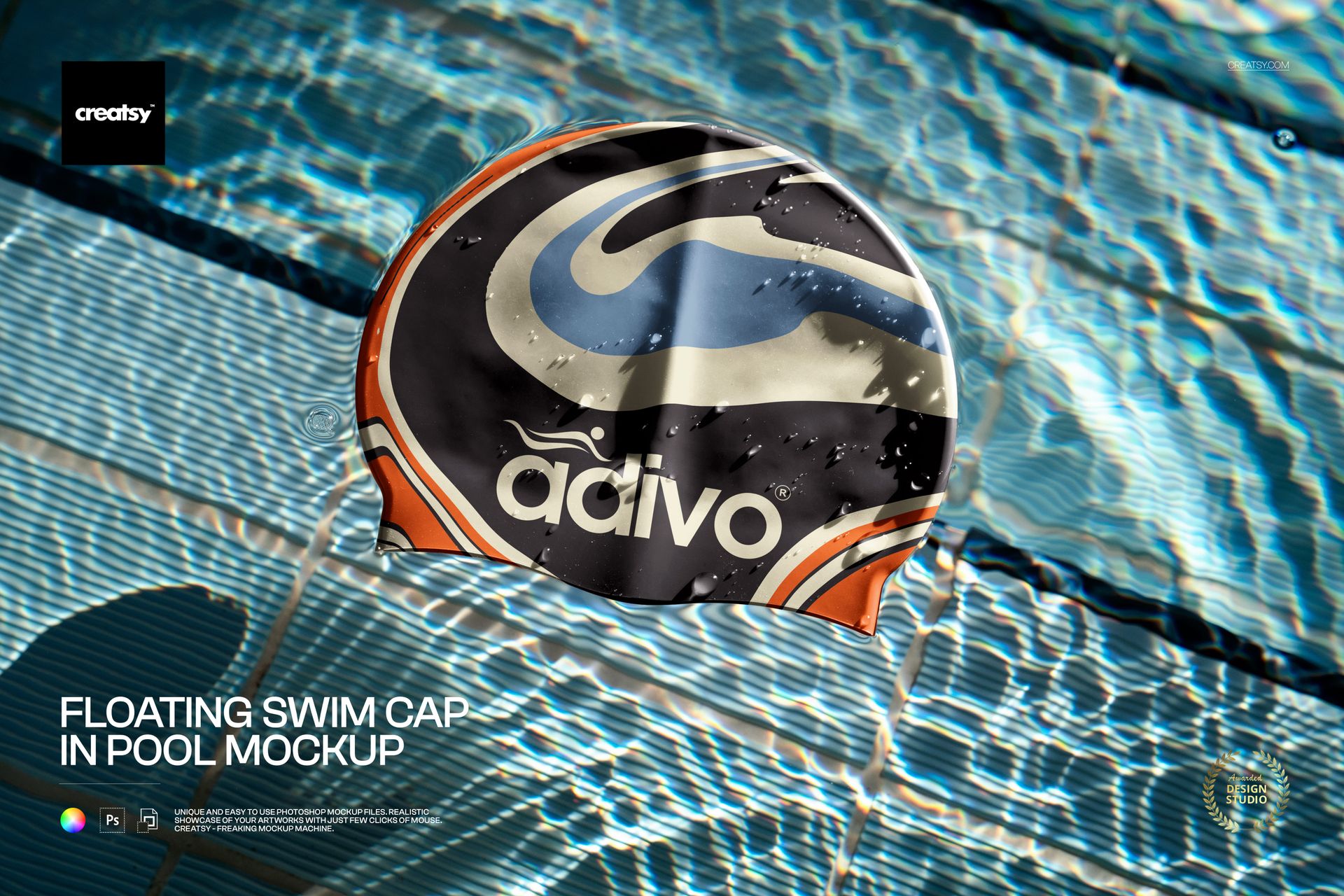
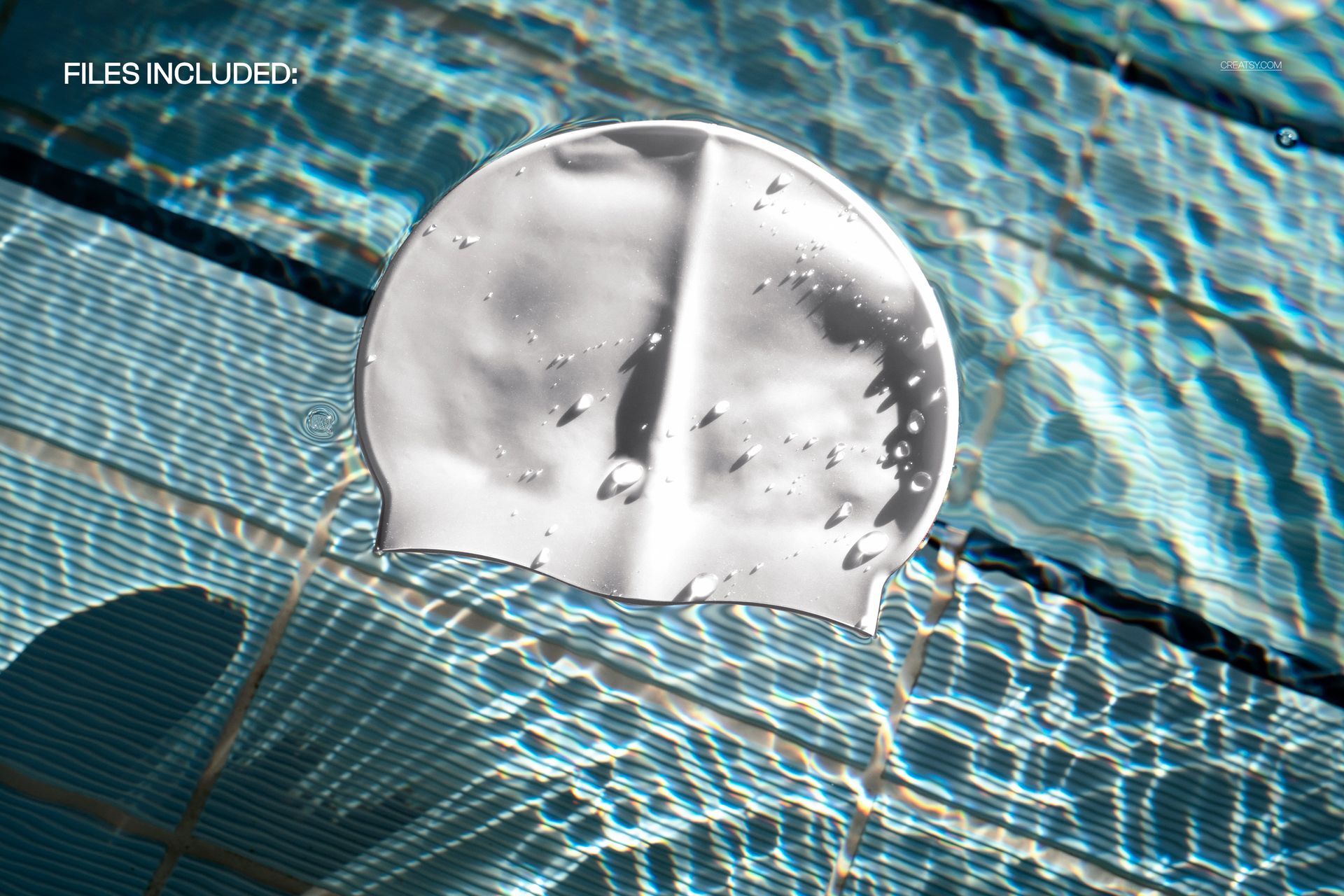
Make your swim and sports branding dive-ready with this free Floating Swim Cap in Pool Mockup. Drop your artwork into the Smart Object and see it wrapped around a realistic silicone swim cap drifting in a sunlit pool, complete with rippling reflections and water drops. Customize the cap color, keep the crisp pool background, and export high-impact visuals for campaigns, catalogs, or social media – free for commercial use (see license for details).
Highlights
- Format: 1× PSD, 5000×4000 px, 300 dpi
- Workflow: Smart Objects; well-organized layers
- Apps: Photoshop (min. CC 2020) + Photopea (free online editor)
- Scene: Floating swim cap in a tiled pool with realistic water refractions and droplets
- Use cases: swimwear branding, sports clubs, event merch, online shops, promo graphics
- License: free for personal & commercial use (see terms)
What’s inside / Specs
- Files: 1× PSD (+ JPG preview)
- Canvas: 5000×4000 px, 300 dpi
- Editable elements: Swim cap design; swim cap color
- Background: pool tiles and water surface (not editable)
- Compatibility: Photoshop CC 2020 or newer; works in Photopea
- Approx. size: ~162–170 MB (archive may vary by compression)
How-to (Photoshop & Photopea)
- Open the PSD in Photoshop (CC2020+) or Photopea.
- Double-click the swim cap Smart Object, paste your design, save, and return to the main file.
- Change the cap color layer to match your branding.
- Adjust overall light/shadow layers if needed.
- Export high-resolution JPG/PNG/WebP for web, print, or client presentations.
License & usage
Free for personal & commercial use (for 1 business, up to 5,000 end products). Source files may not be resold, shared, or redistributed in any form. See the full license on the product page – check the “Freebie” row for complete details.