Vinyl LP Record in Paper Sleeve Mockup
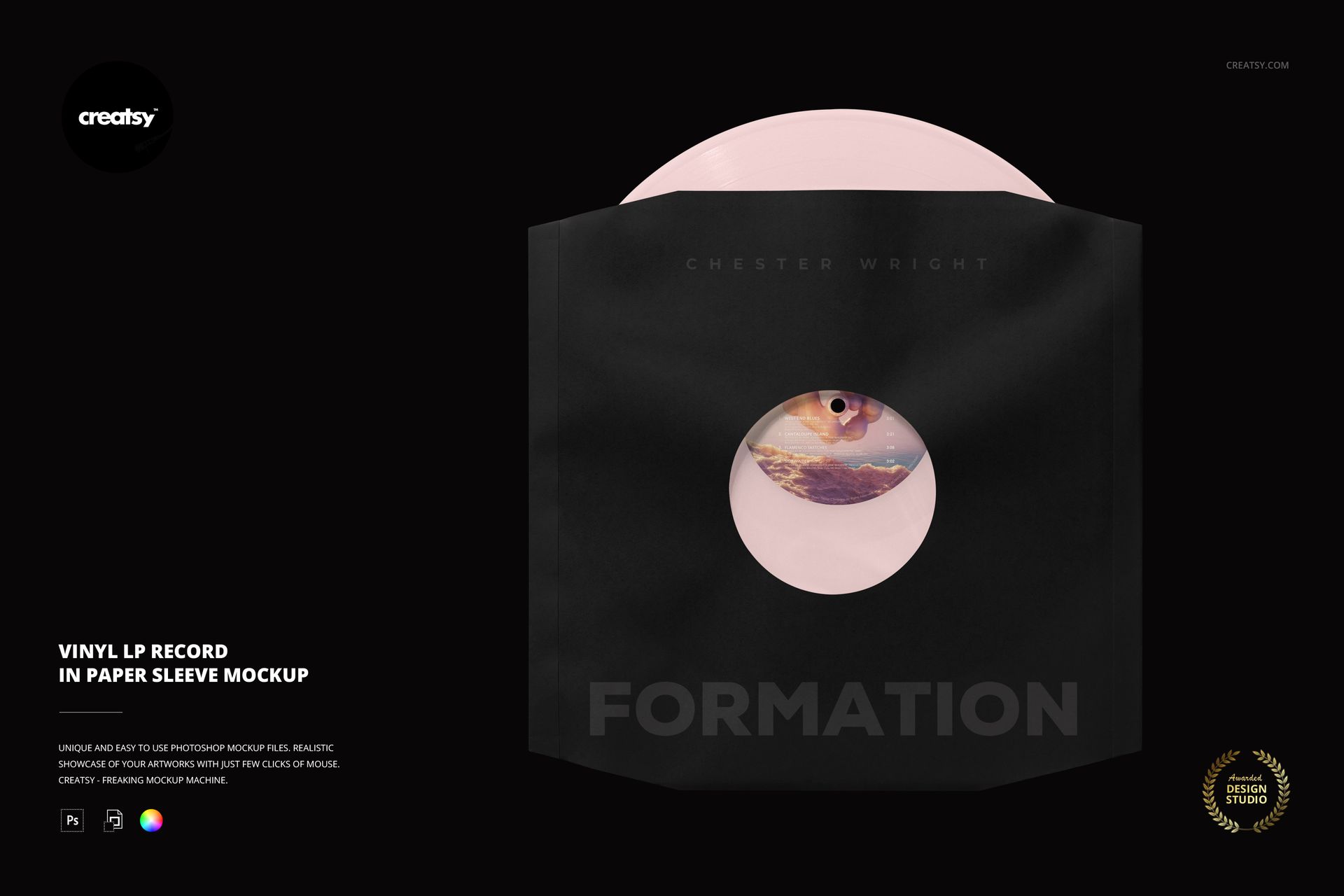
Bring the inner sleeve into the album identity. This vinyl record paper sleeve mockup shows an LP partially emerging from a paper sleeve with a circular cutout. The visible label and exposed disc create a practical preview of how sleeve artwork and a colored pressing concept work together.
What Is Included
1 layered PSD containing one paper-sleeve presentation.
6000 × 4000 px landscape scene at 300 DPI.
1 JPG preview, making 2 files in total.
Coordinate Sleeve, Label and Vinyl
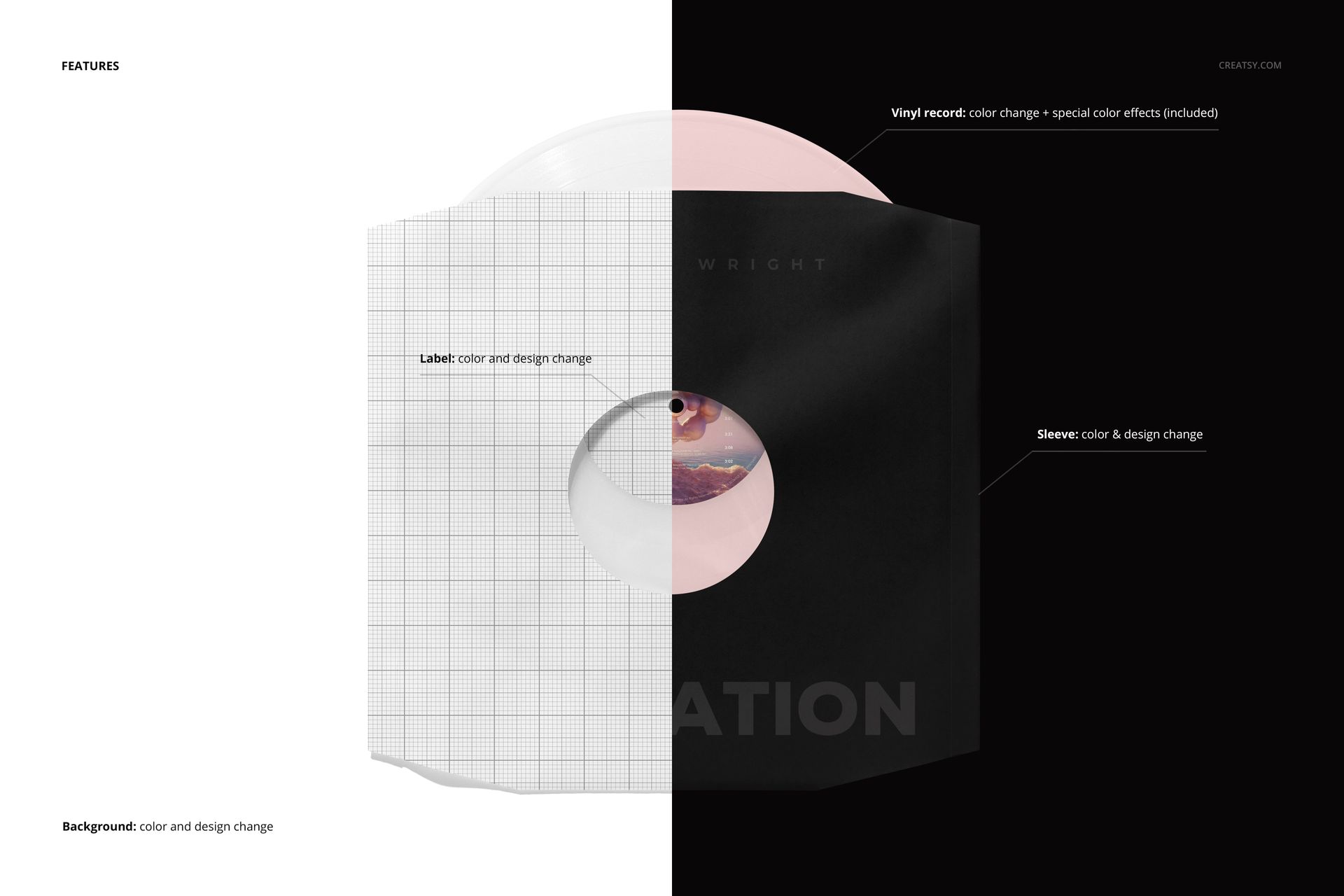
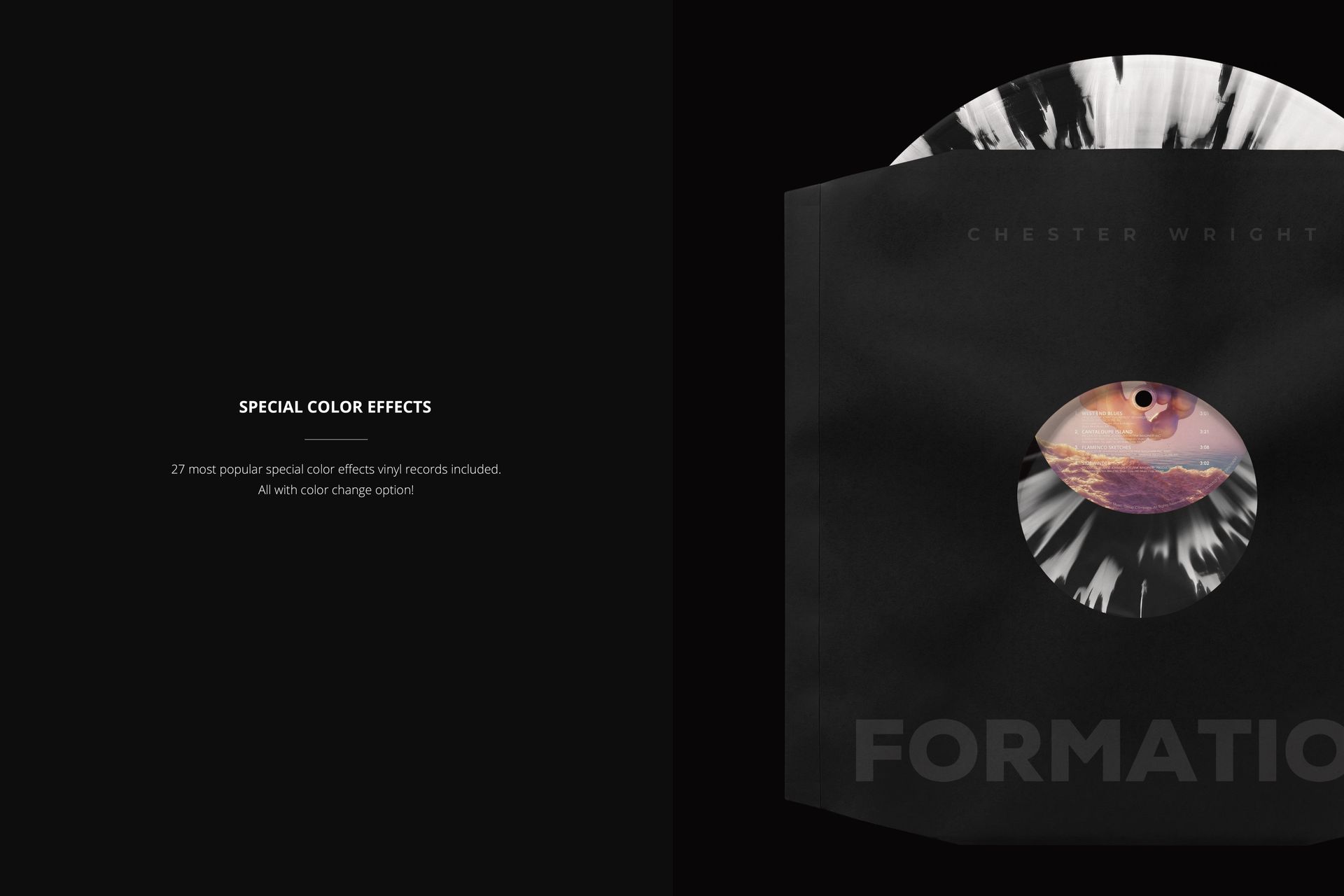
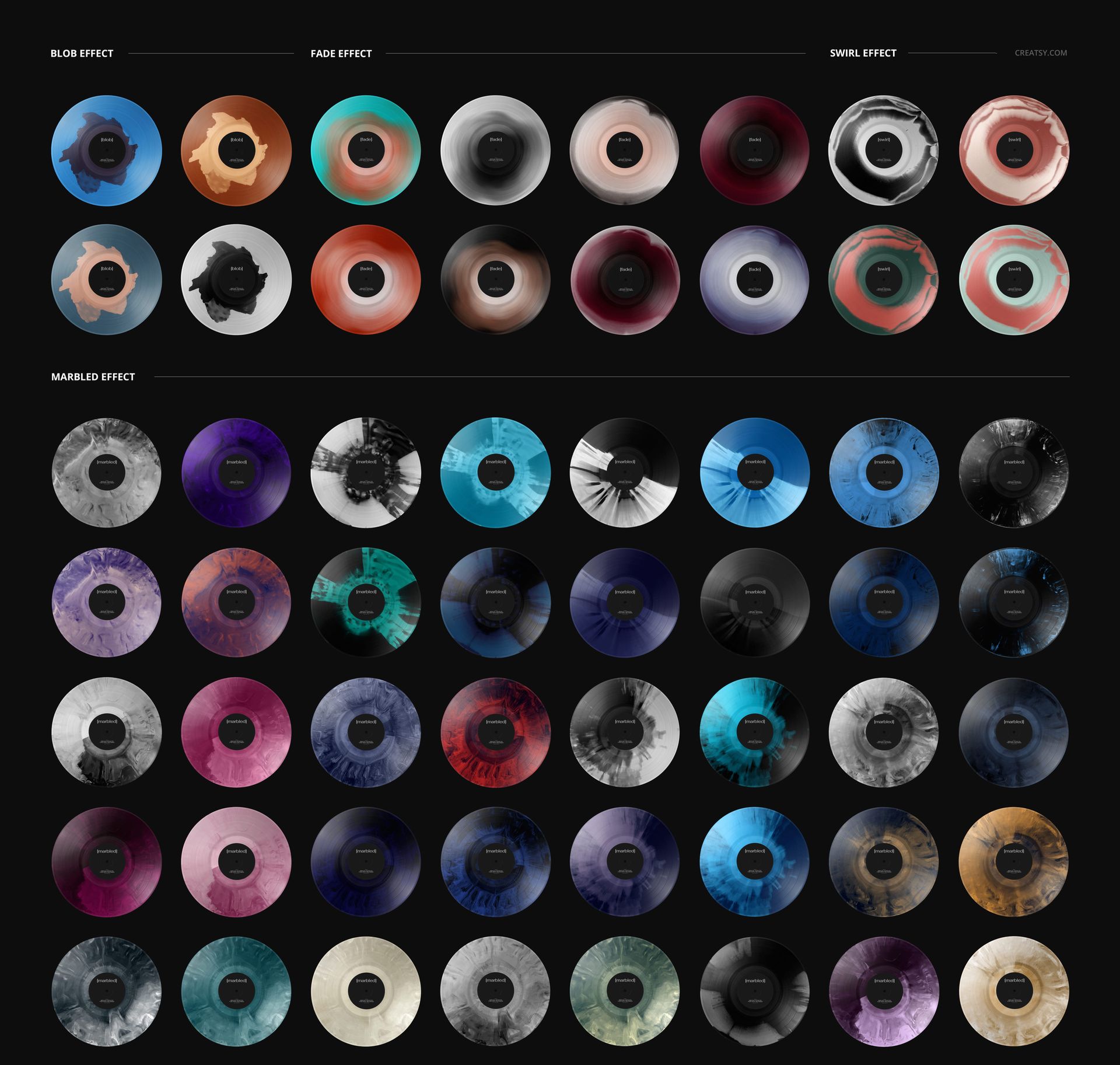
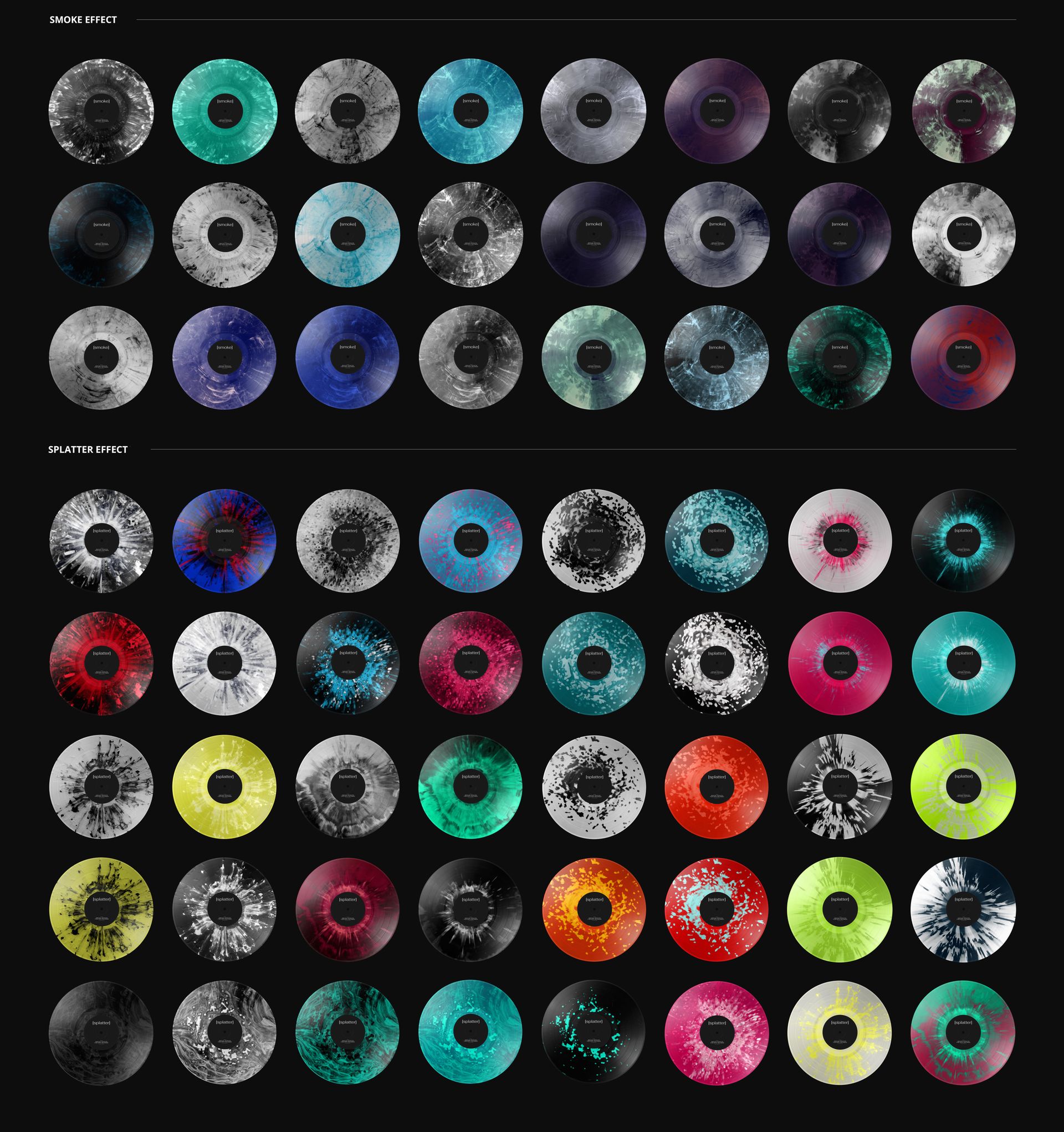
Change the sleeve color and design, replace the center-label artwork and color, and customize the vinyl color. The 27 included special color effects cover blob, fade, swirl, marbled, smoke and splatter looks. The background supports both color and design changes, so it can complement the packaging or carry a separate visual treatment.
Easy Smart Object Editing
Work in Adobe Photoshop or Photopea using the organized PSD layers. Open the relevant Smart Objects, insert your artwork, save them and review the updated sleeve and label together in the scene.
Perfect For
A useful choice for music packaging designers, independent labels and musicians presenting inner-sleeve branding, release concepts or coordinated vinyl editions to clients and collaborators.
Digital mockup only. No physical sleeve or record is supplied, and the sample preview artwork is not included.