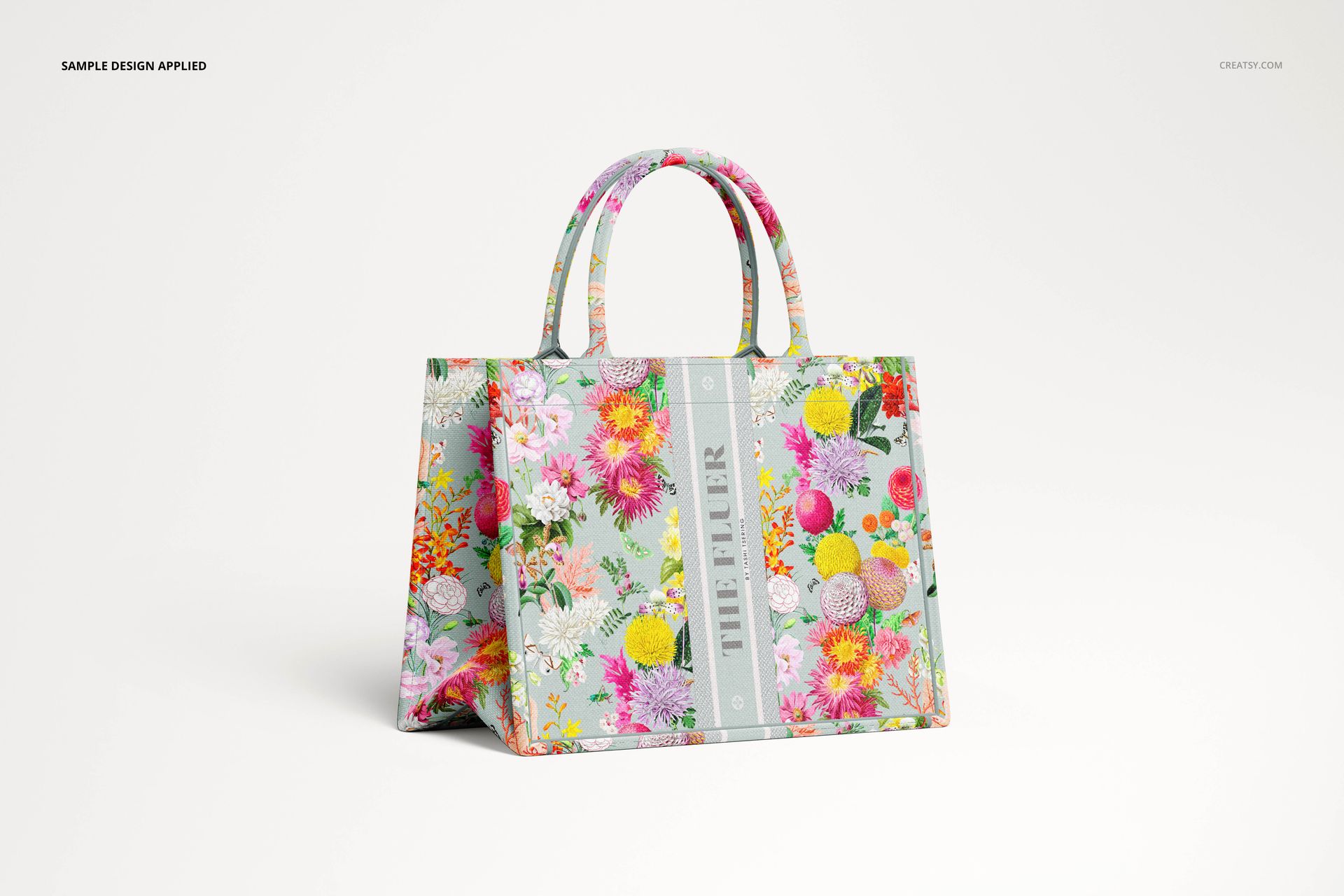
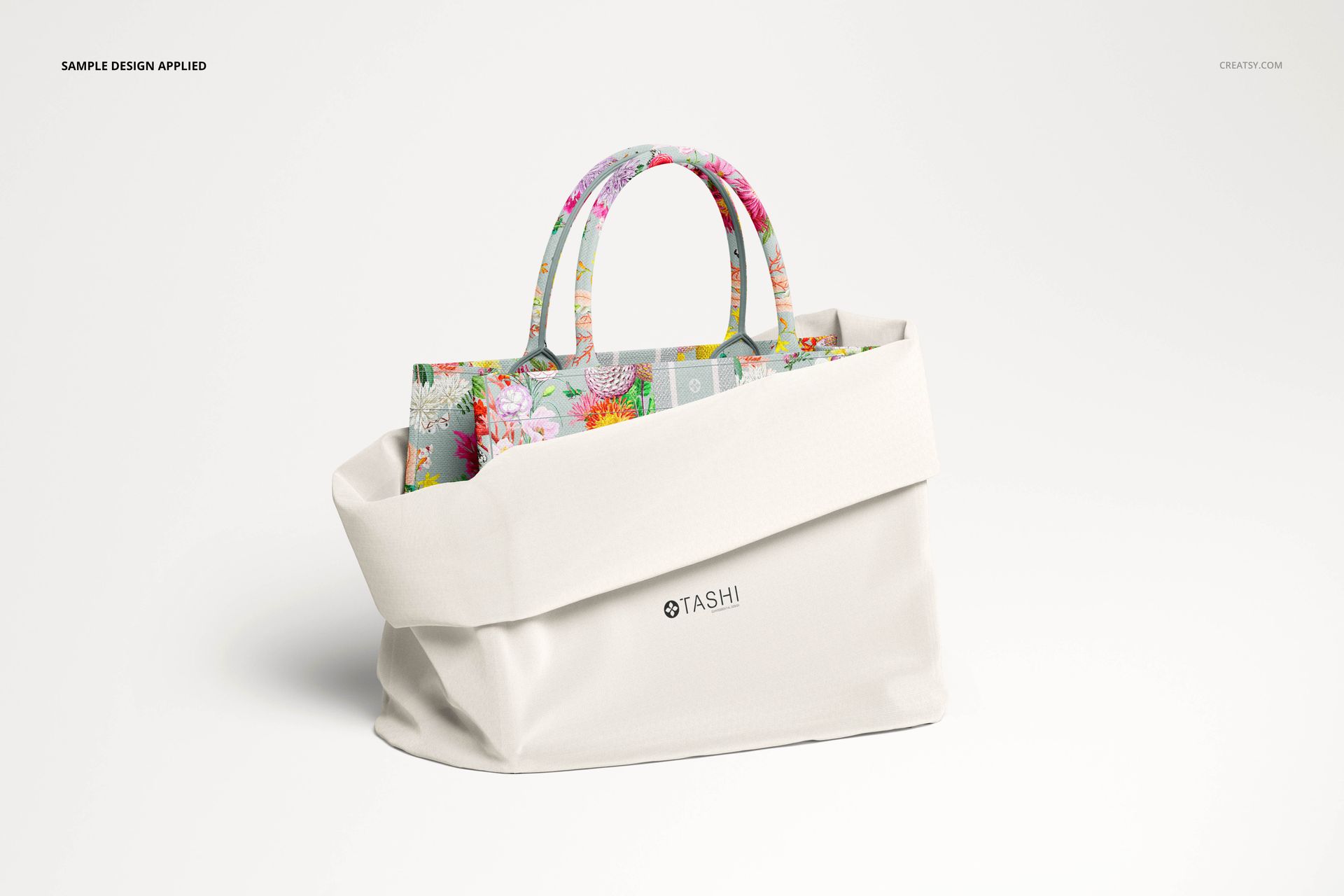
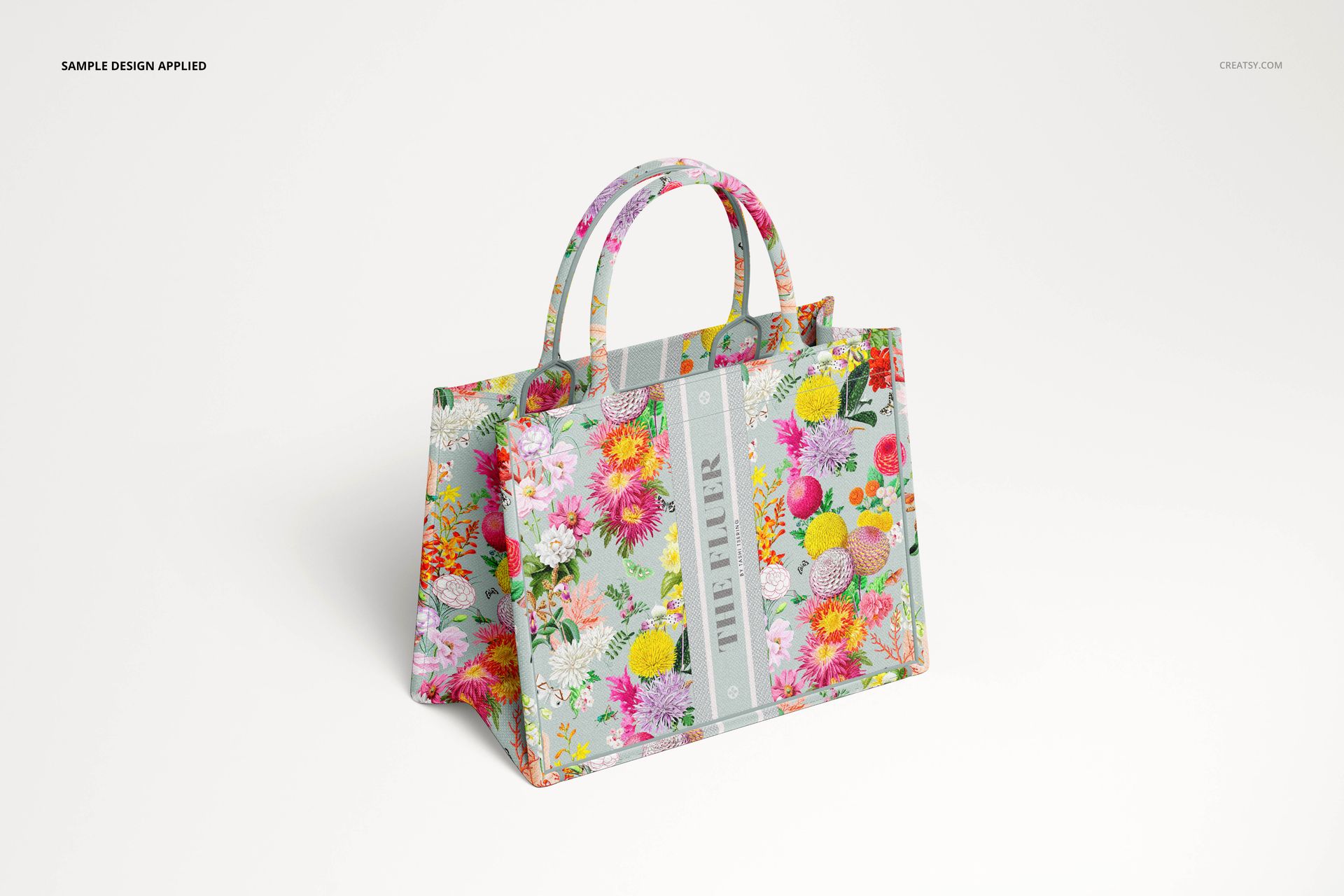
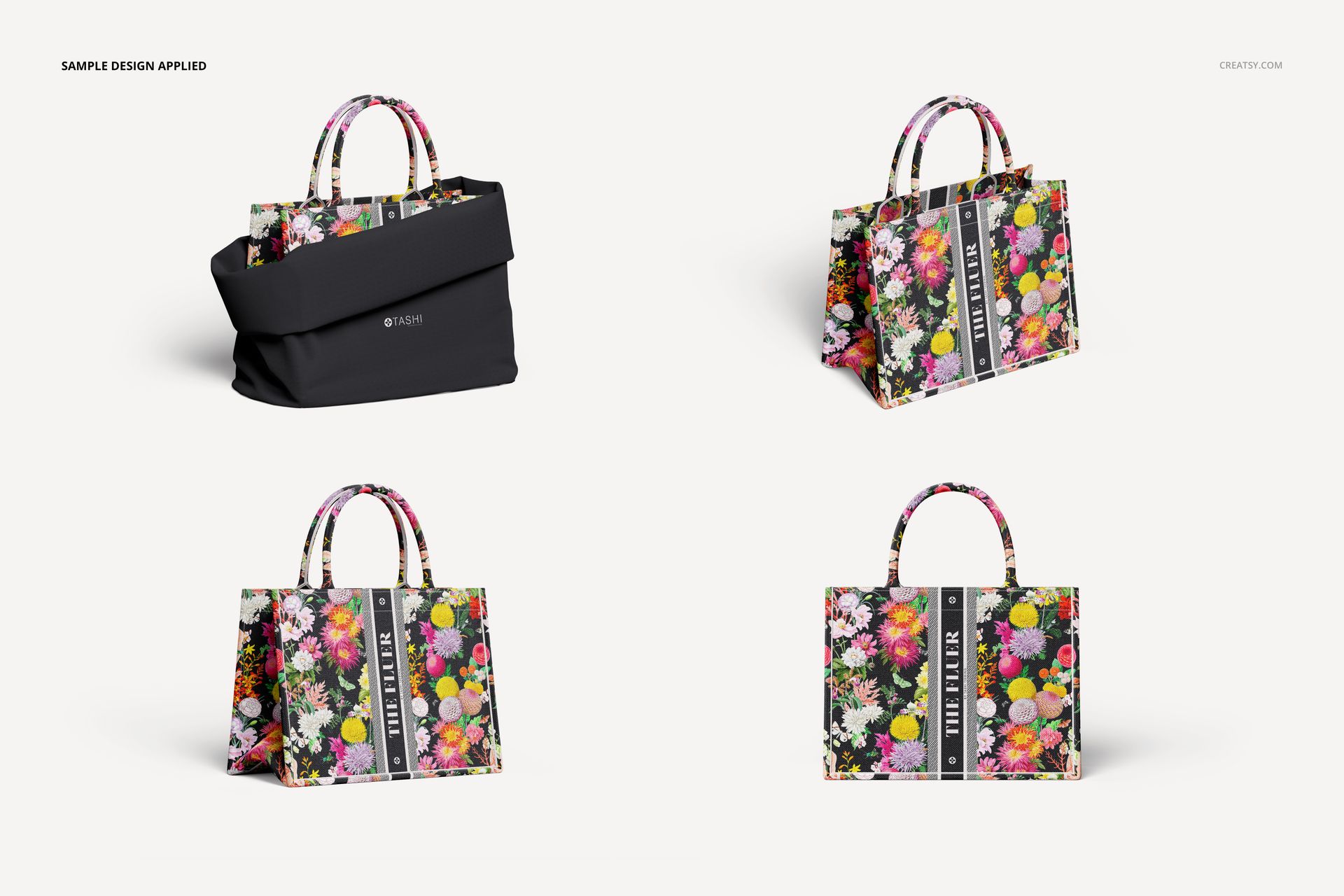
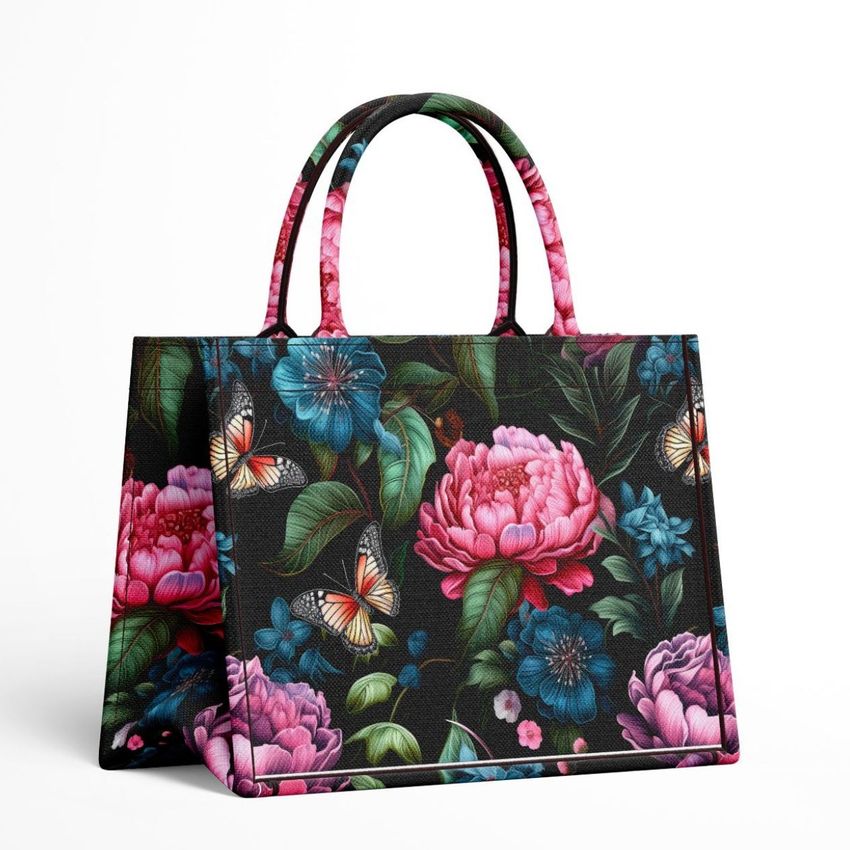
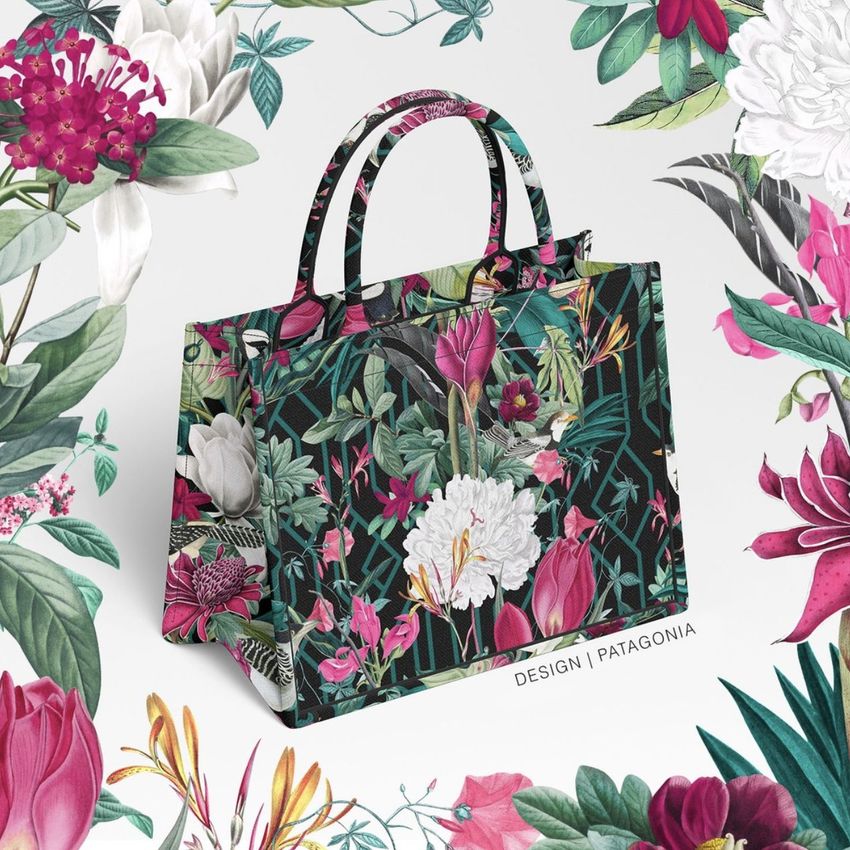
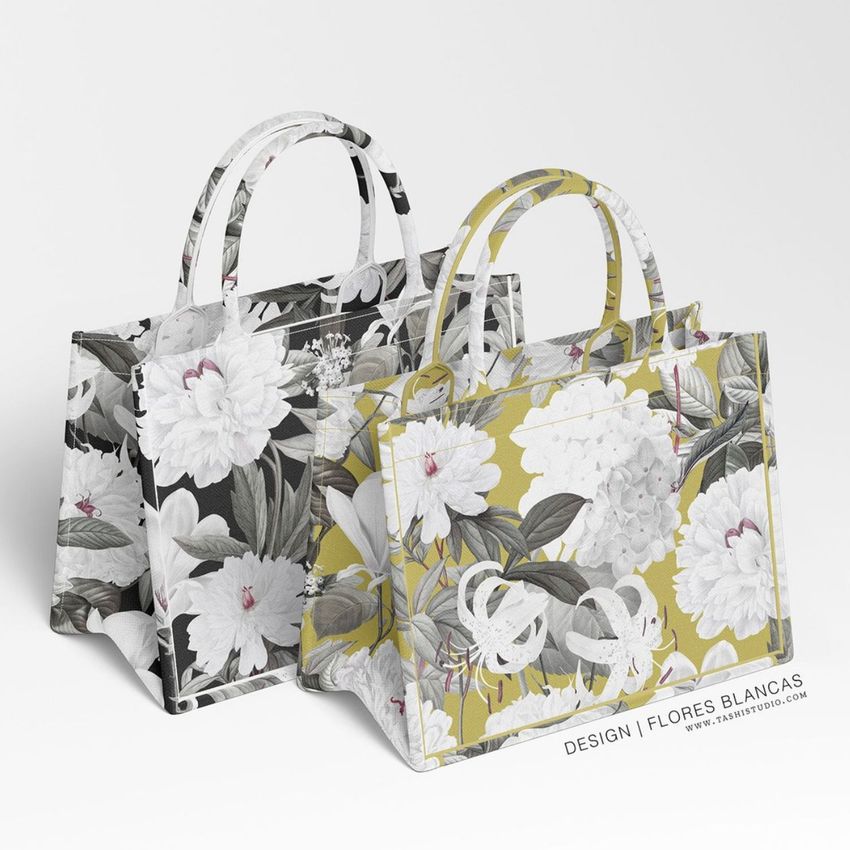
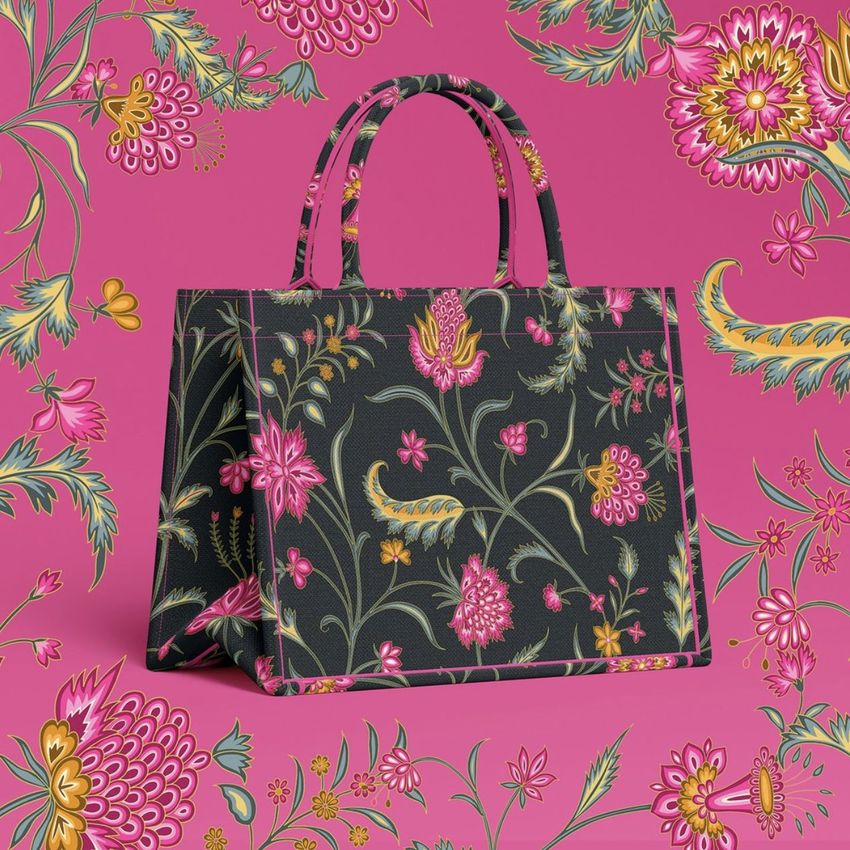
What is the Canvas Handbag Mockup Set?
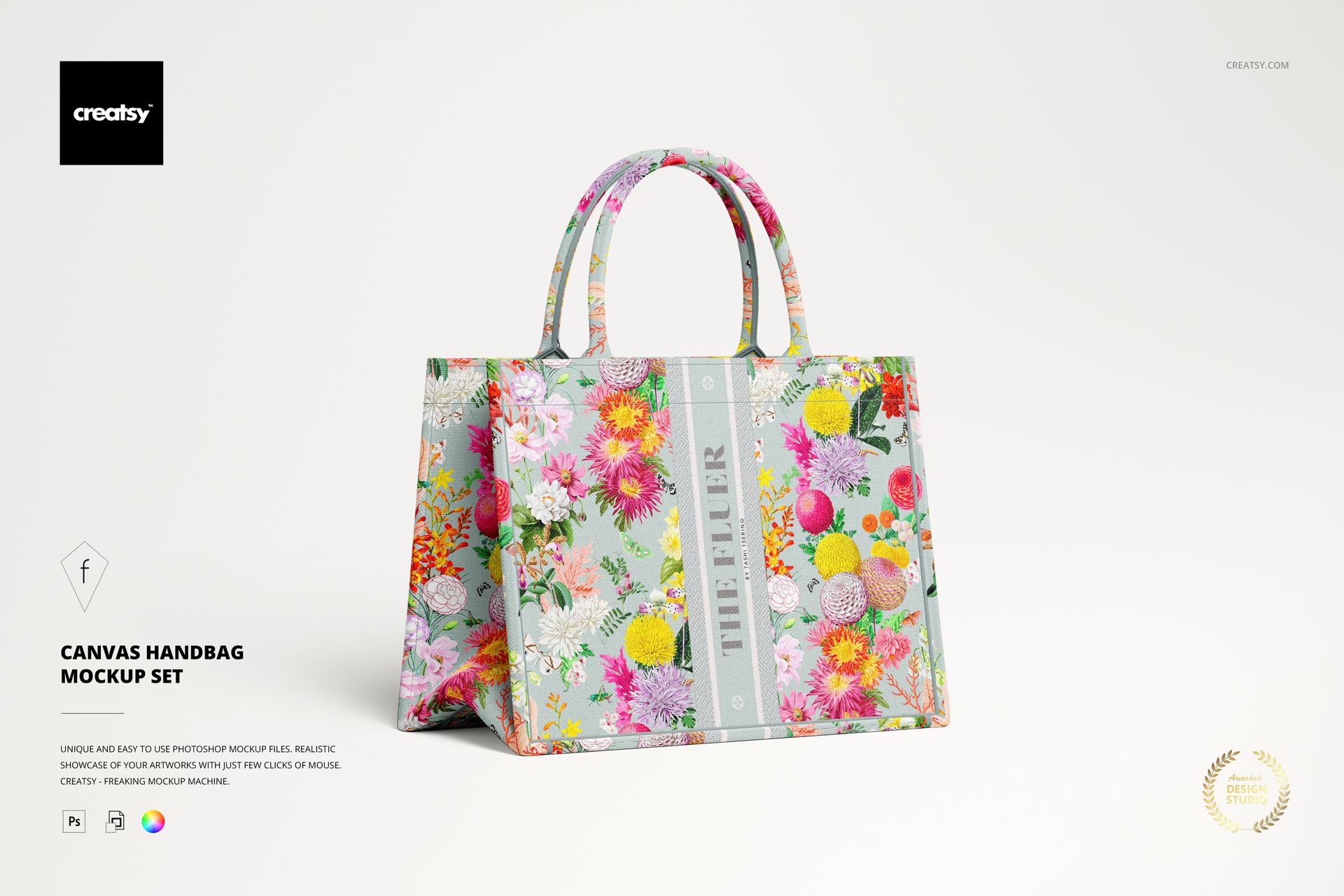
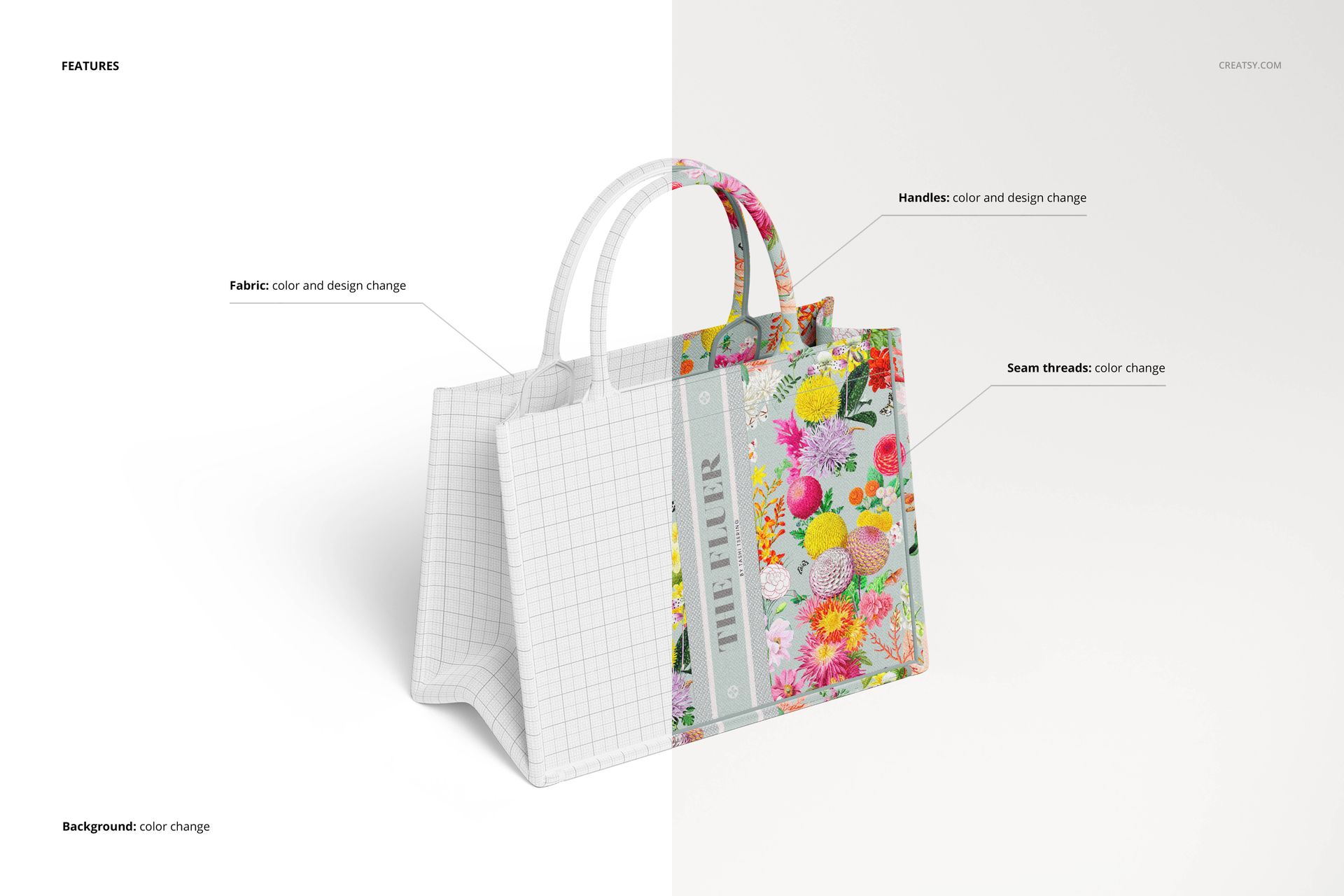
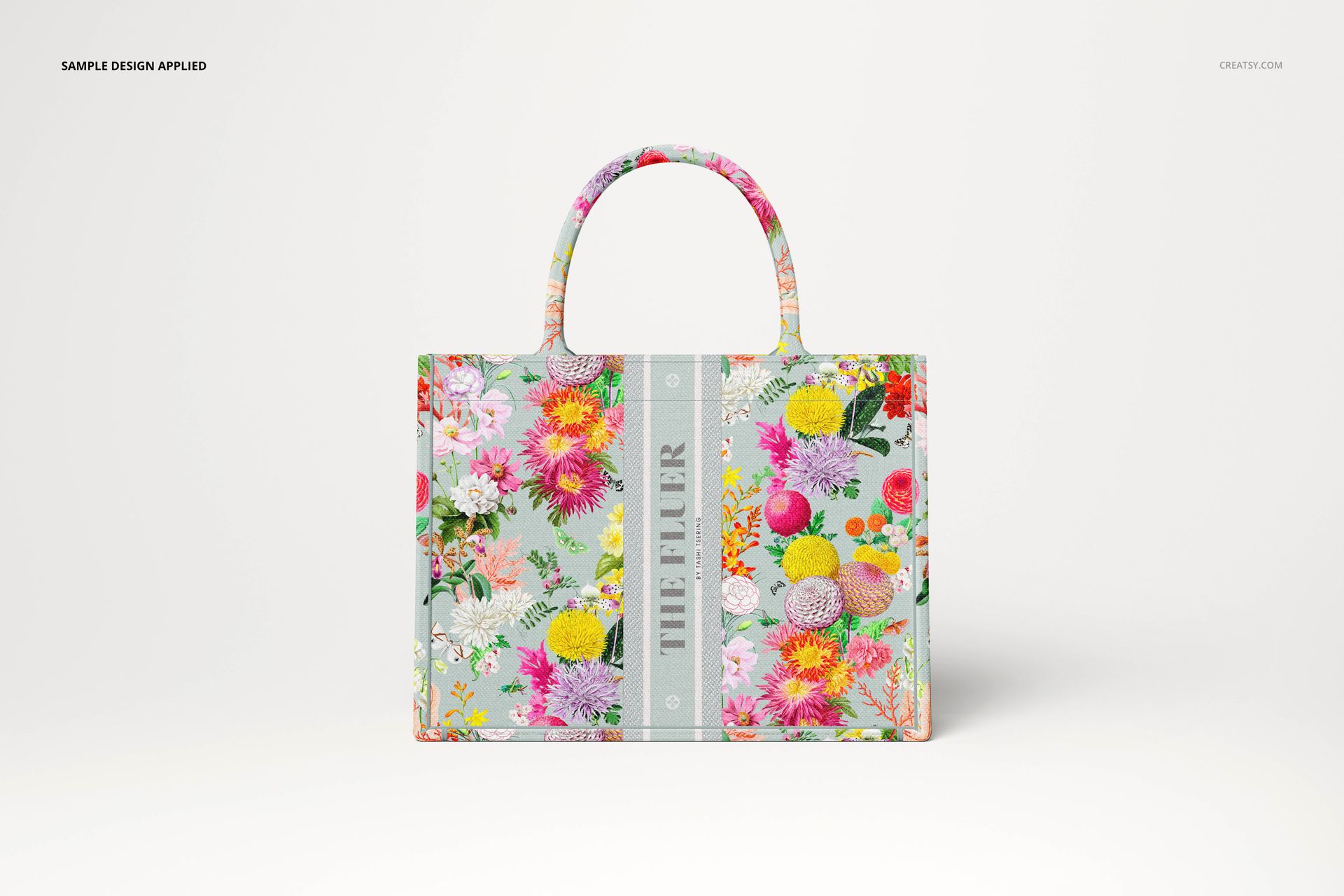
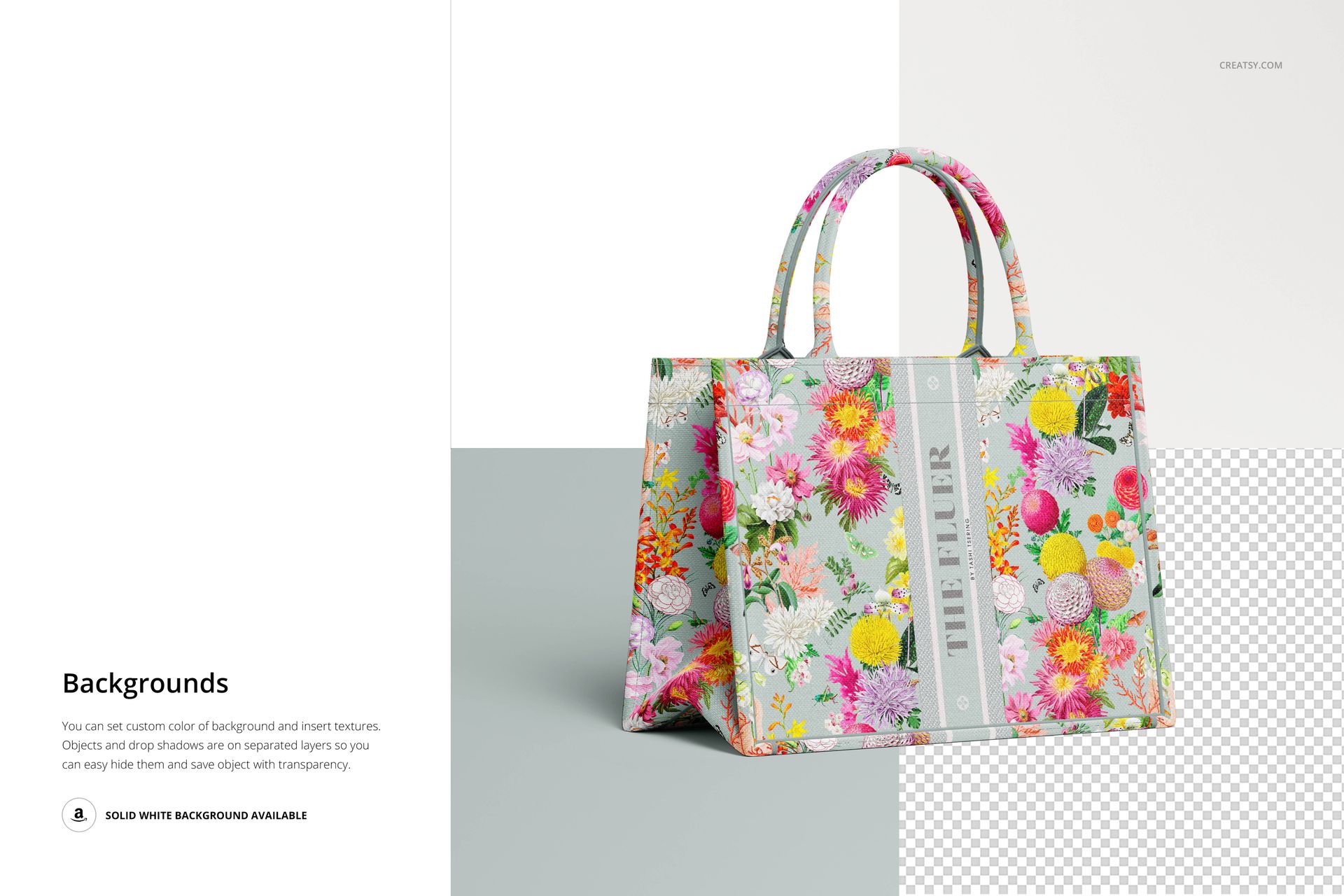
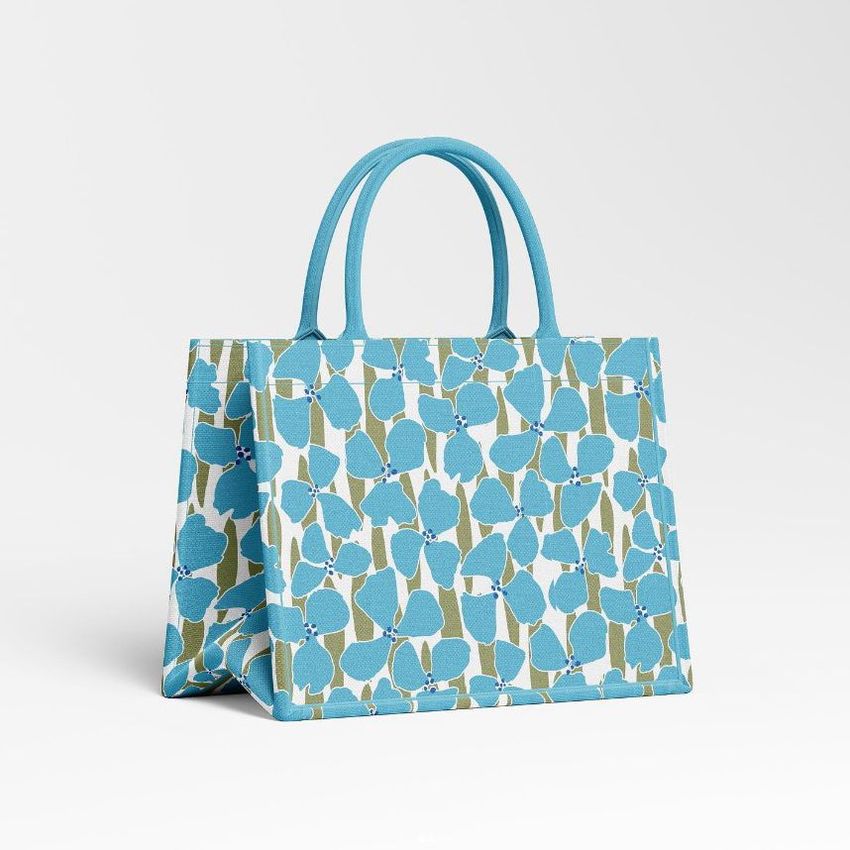
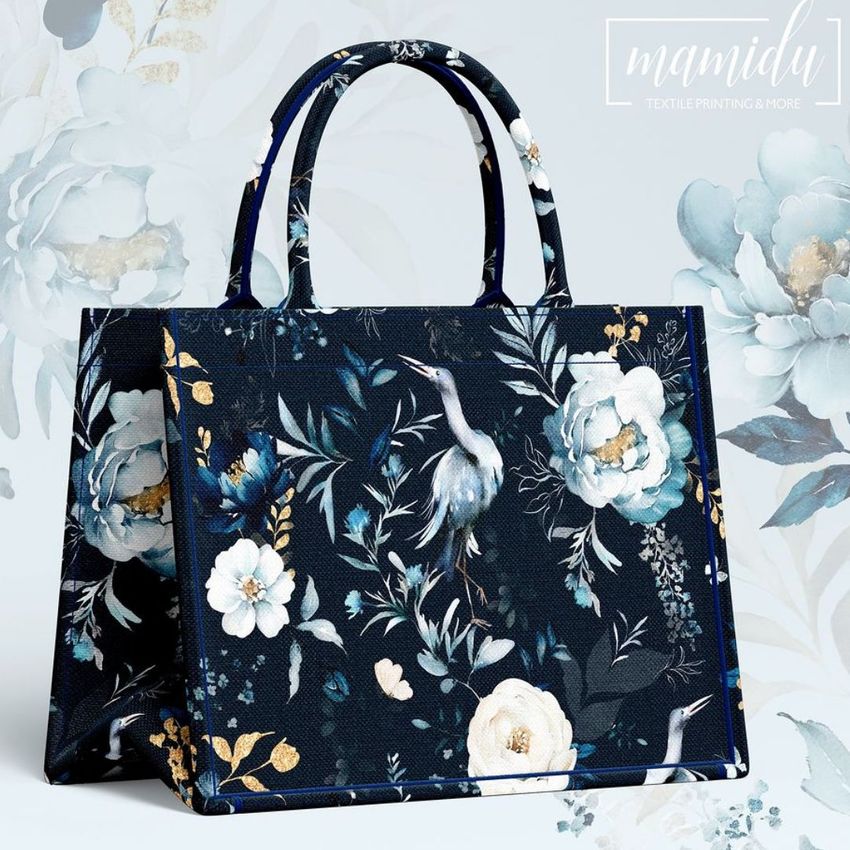
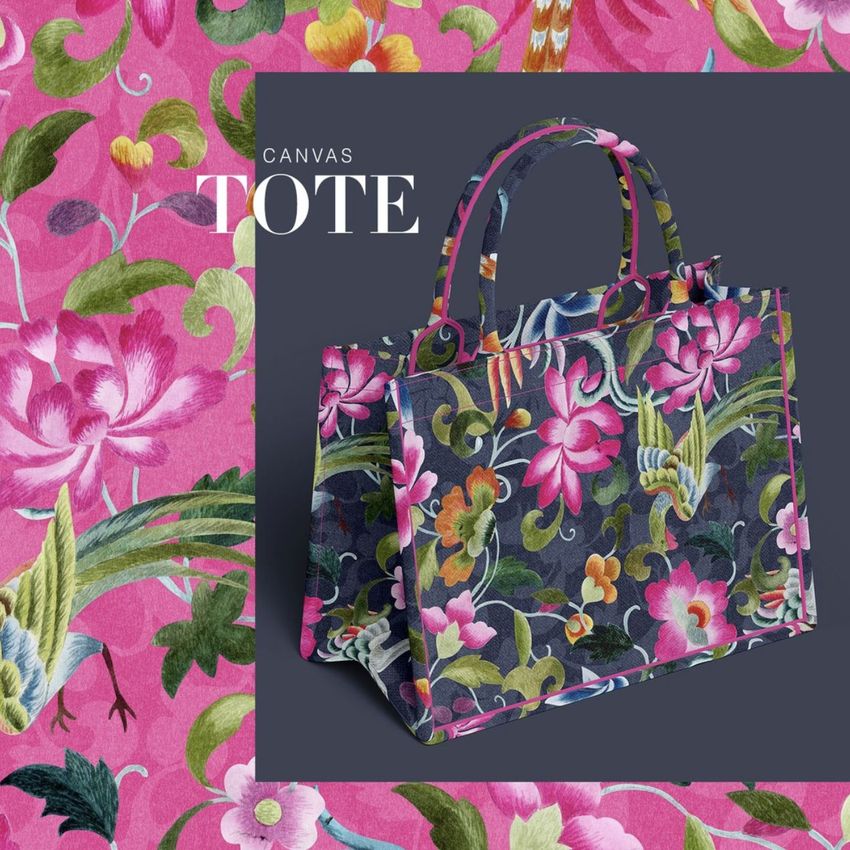
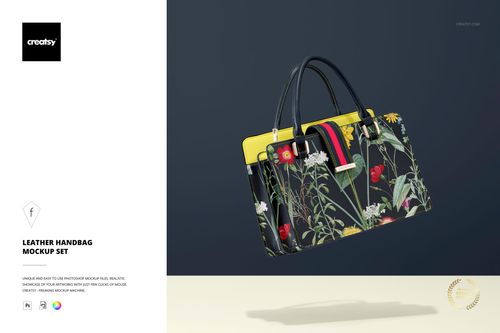
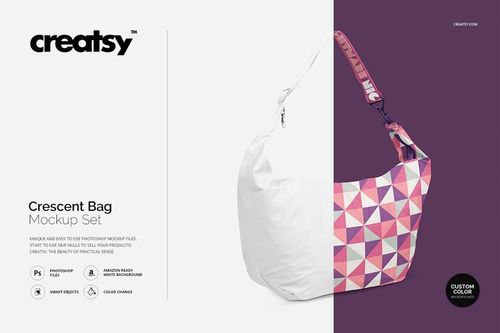
The Canvas Handbag Mockup Set is a collection of 4 layered, editable PSD files prepared to showcase your custom handbag designs in a realistic setting. Each file features smart objects and editable color layers in Adobe Photoshop, allowing you to place your artwork, patterns, or branding onto the canvas handbag surface with a single click. The mockup renders your design with realistic fabric texture, stitching details, and natural shadows - presenting it as a finished, ready-to-sell product.
How can these mockups help me?
Creatsy provides high-quality mockup files that let you present your canvas handbag designs in a photorealistic setting without the need for physical samples or expensive photography. Whether you are a designer, illustrator, surface pattern artist, or brand owner, these well-organized PSD files help you stand out from the competition. Realistically presenting your handbag artwork catches the eye of potential customers, strengthens your portfolio, and builds trust with retail buyers and wholesale clients.
What is included?
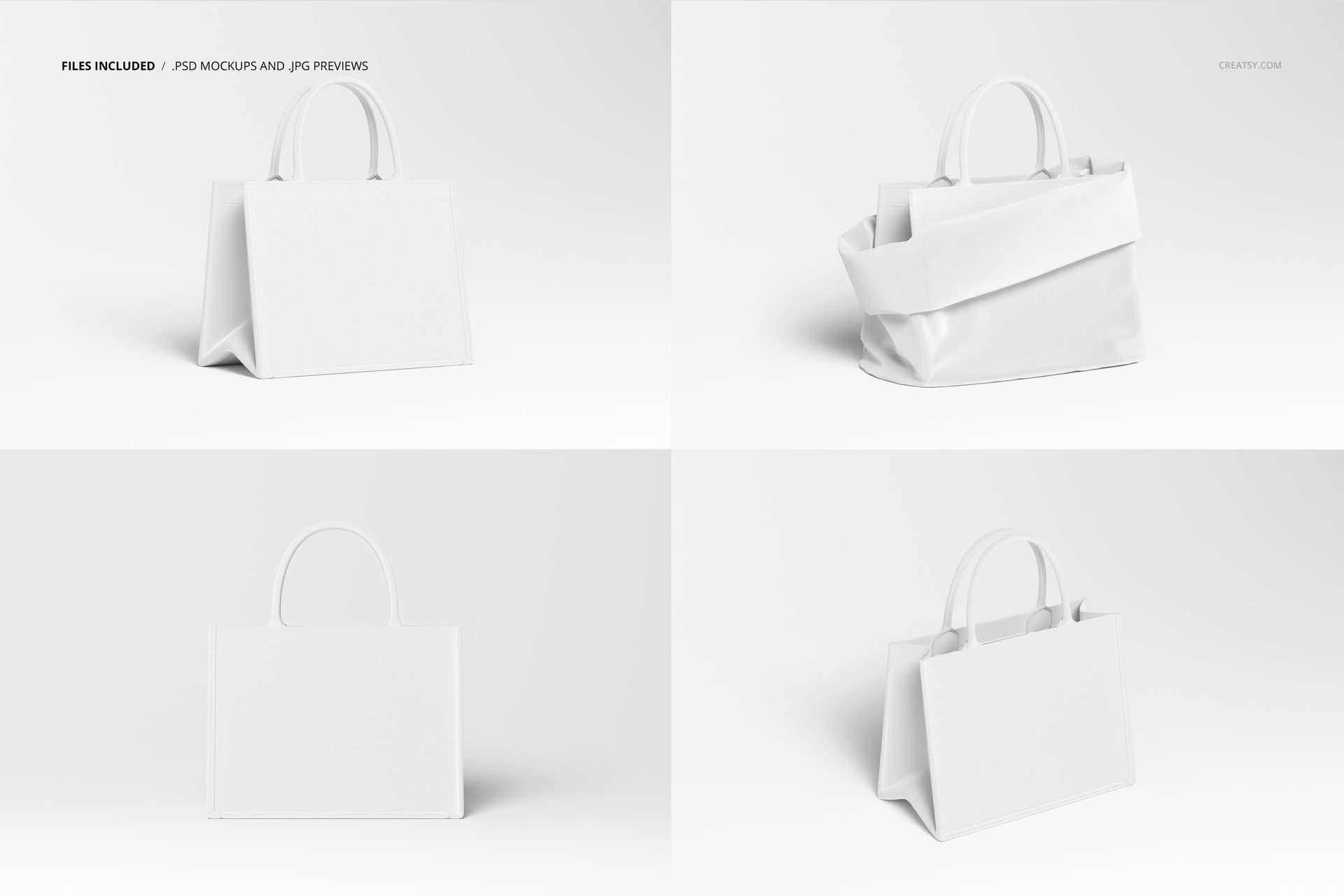
The set contains 4 PSD files at 6000×4000 pixels, 300 DPI resolution. Each file presents the canvas handbag from a different angle and composition, giving you a complete set for product listings, social media content, and client presentations. All files feature well-organized layers, smart objects for easy design placement, and editable background colors. Compatible with Adobe Photoshop and the free online editor Photopea.com.
Who is it for?
The Canvas Handbag Mockup Set is perfect for fashion designers, textile artists, surface pattern designers, bag manufacturers, print-on-demand sellers, Etsy shop owners, accessory brands, and creative professionals who want to level up their online presence and present their handbag designs with a professional, marketplace-ready look.