28x40' Large House Flag Mockup Set

Product Details
What is 28x40' Large House Flag Mockup Set?
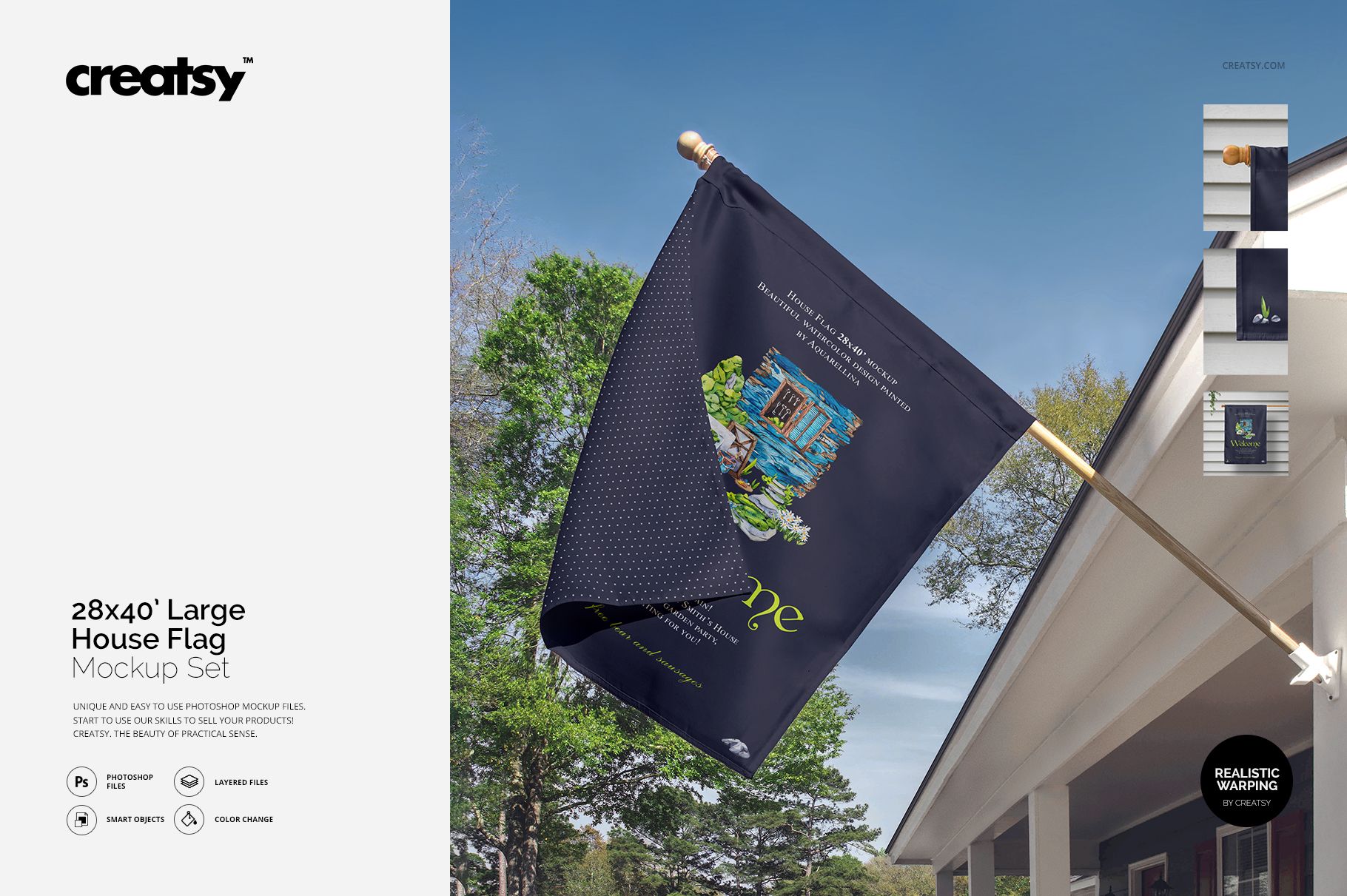
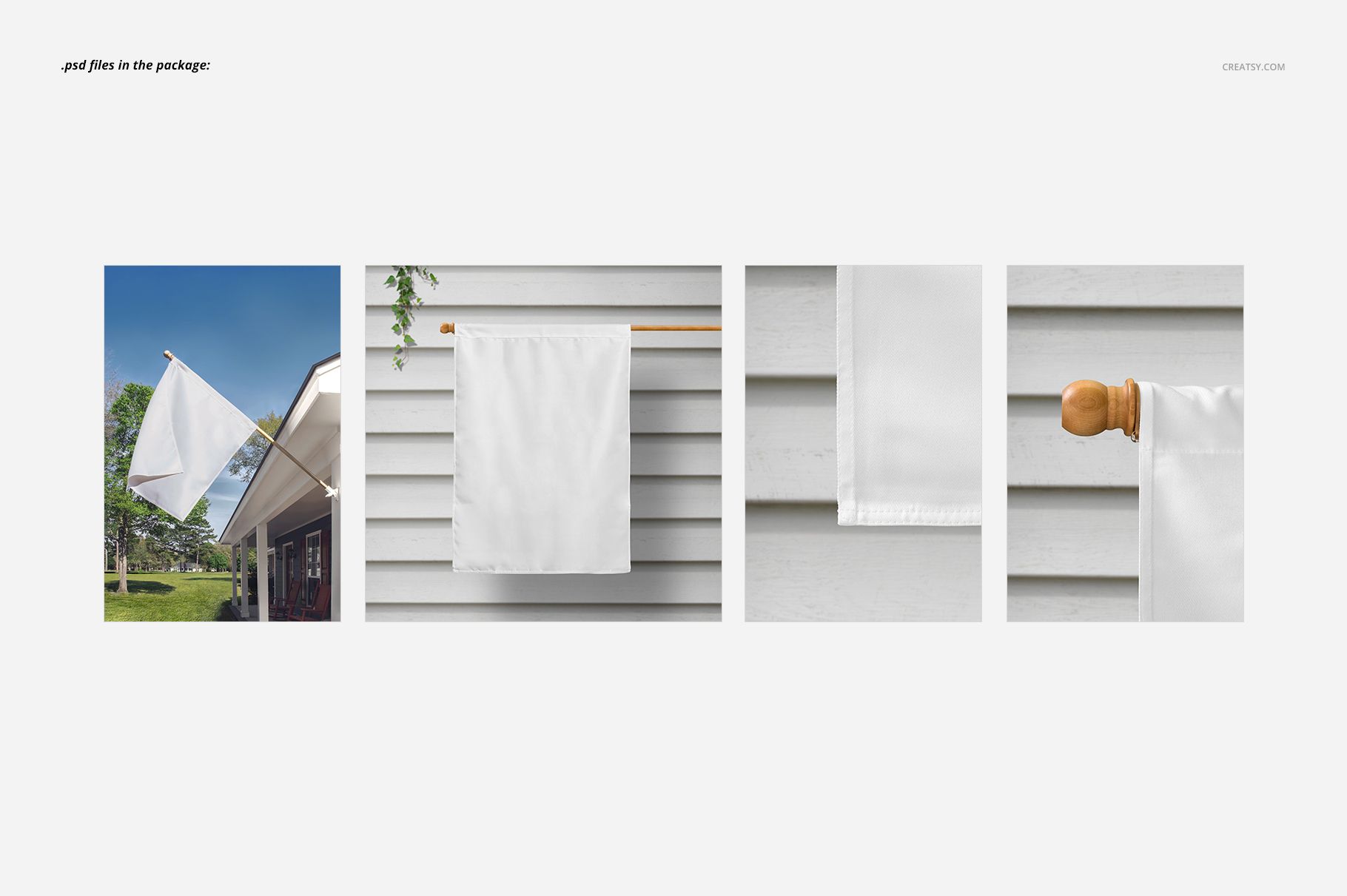
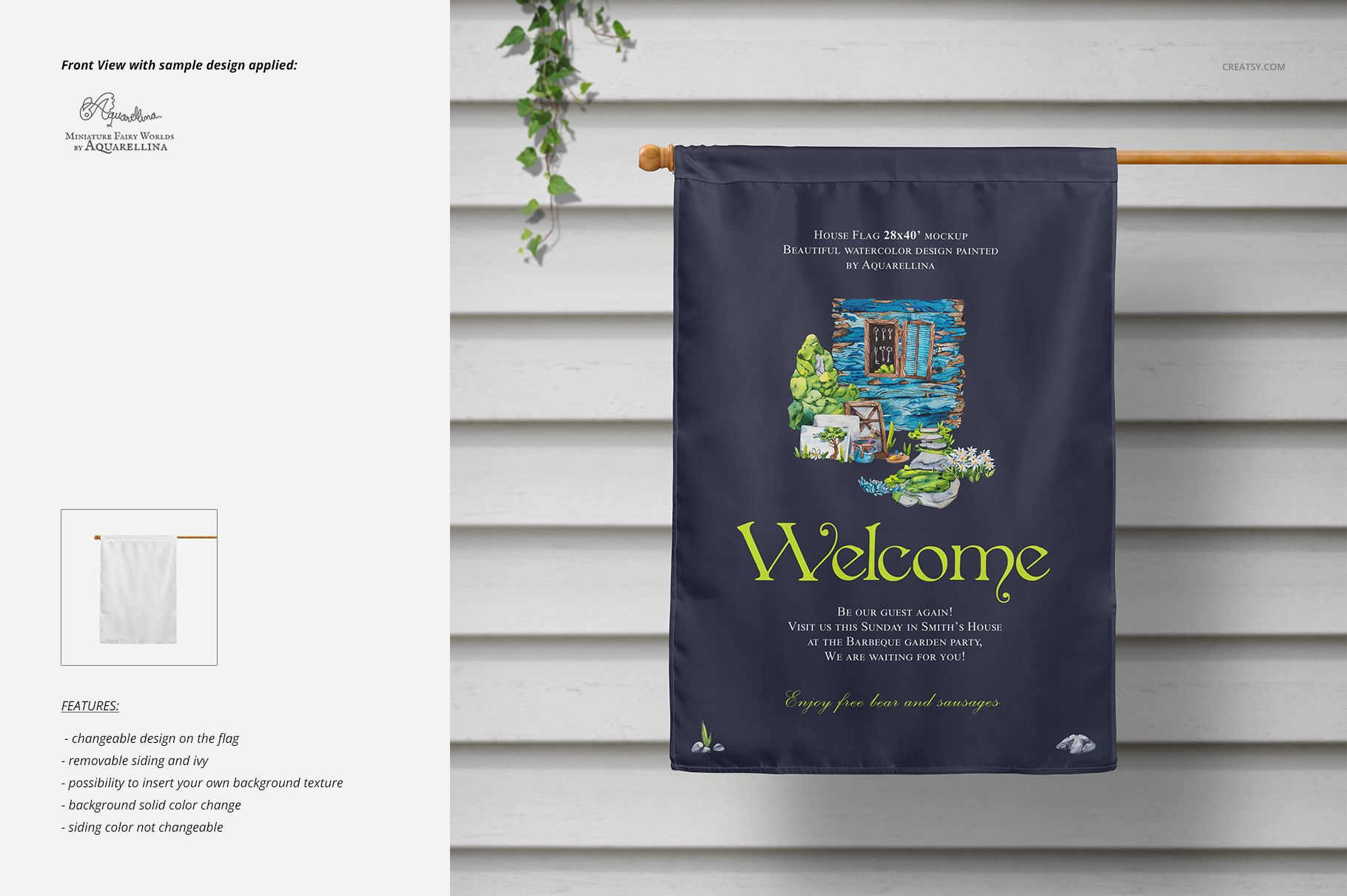
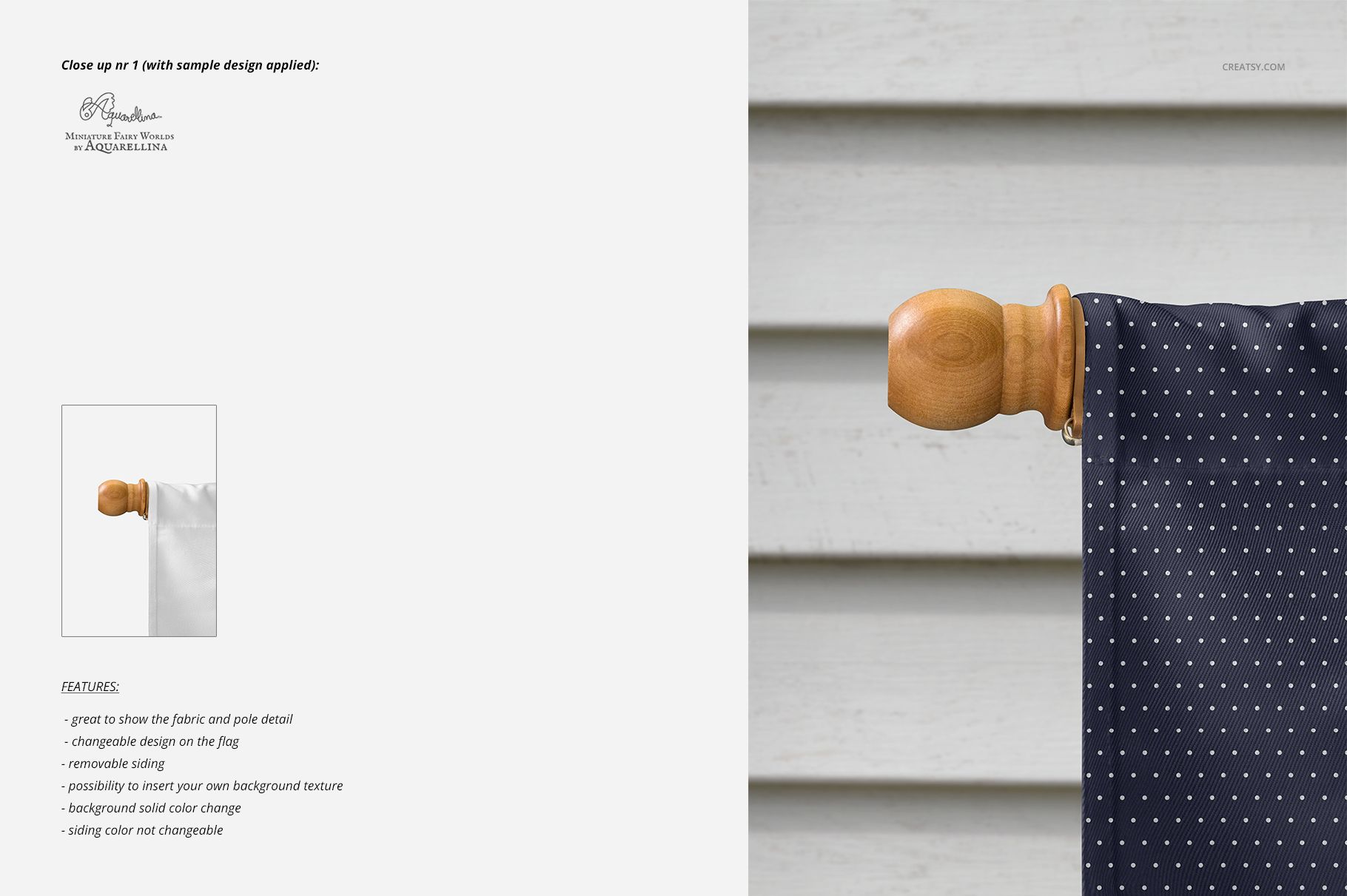
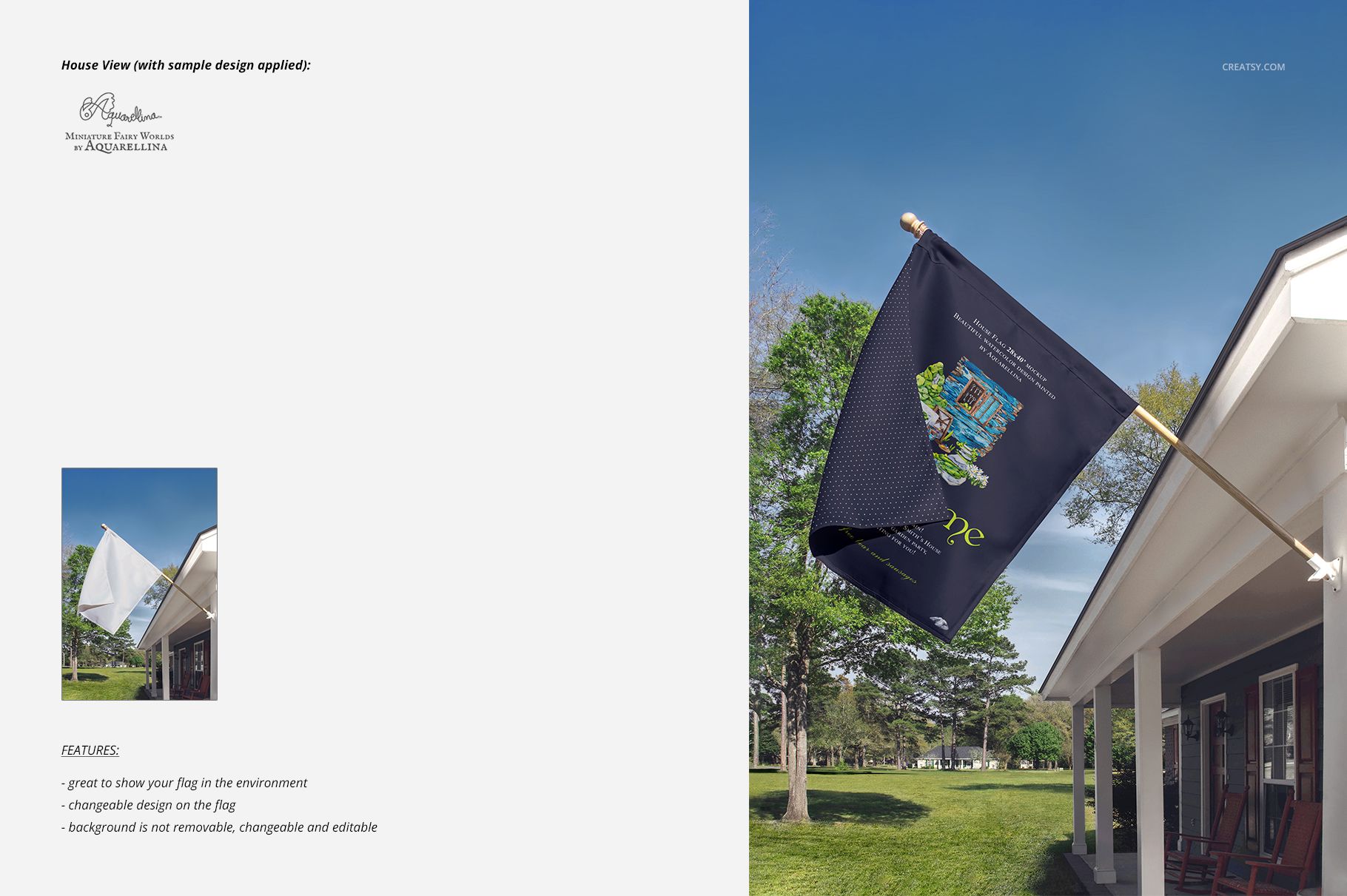
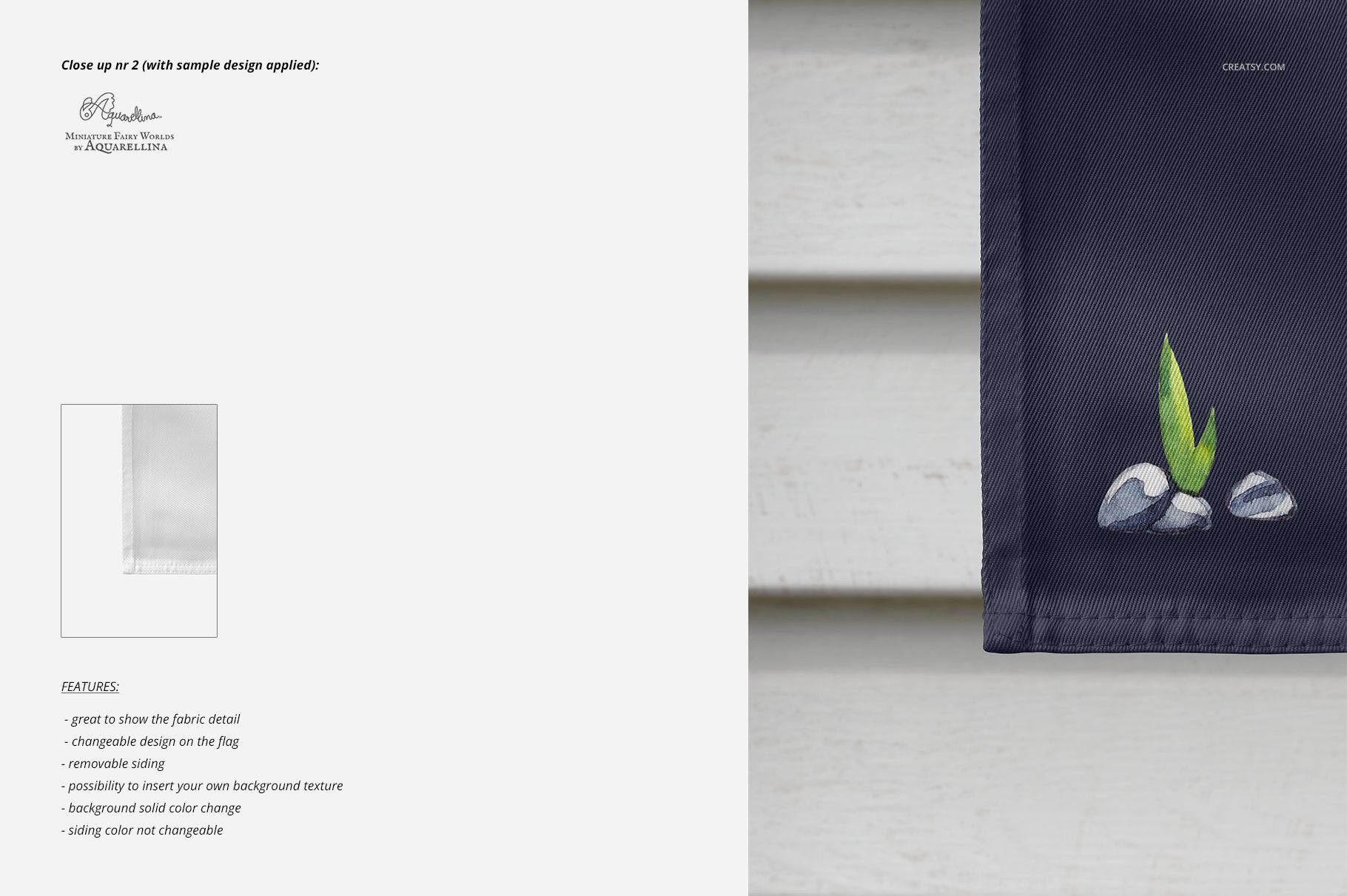
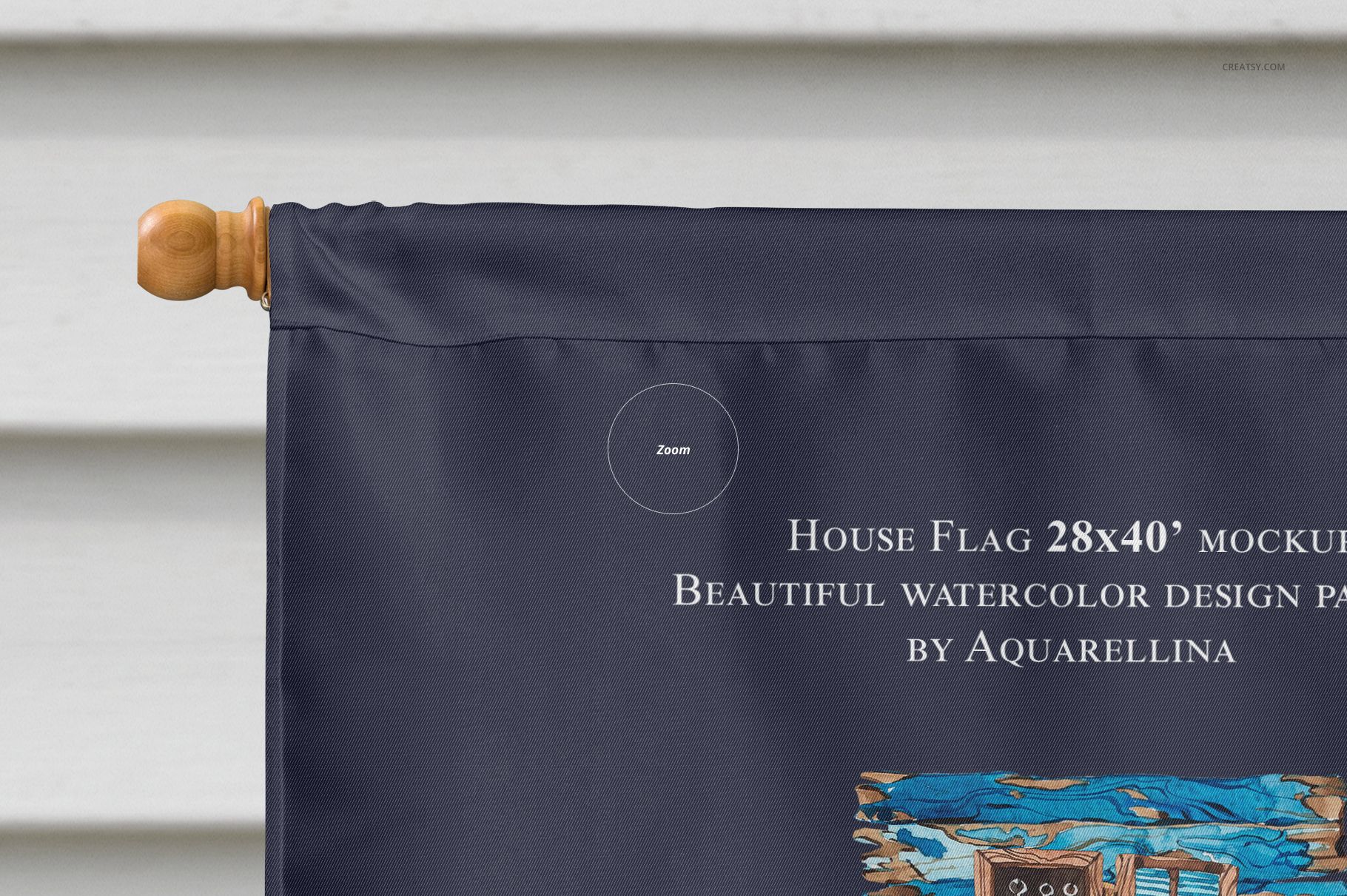
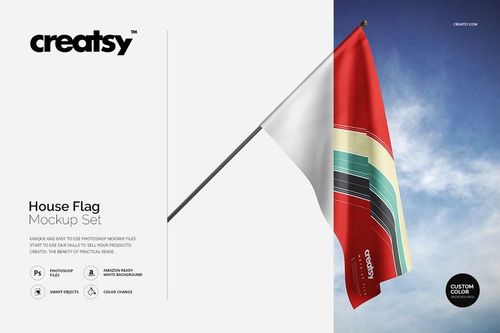
28x40’ Large House Flag Mockup Set by Creatsy is a mockup set depicting a large house flag. The home décor mockup was photographed in high definition, great for mocking up your illustrations and designs. A popular choice, these mockup files are easy to use and allow you to create unique presentations to stand out from the crowd. Each of the four Adobe Photoshop mockup files contains well-organized layers with easy-to-use features, allowing you to personalize the house flag mockup to your satisfaction. The color layers and smart objects enable you to tailor the flag mockup to your design’s specifications. The flag and the background are fully customizable. Objects and drop-shadows are on separate layers, giving you the flexibility to save the mockups with transparency. Perfect warping from every viewpoint allows your designs to look freshly printed on the 28x40’ Large House Flag Mockup Set mockup.
Why shop with Creatsy for your mockup needs?
Creatsy provides the best mockup files available to companies and individuals. Whatever the size of your business, we have the solutions. Reaching your business goals and expanding your customer base is possible with our well-organized mockup files. They are necessary for every designer, artist, or illustrator who wants to present their artwork or products realistically. Creating an eye-catching portfolio and improving your online visibility is easy with Creatsy mockups.
Compatibility: Adobe Photoshop min. version PS CC 2015,
Includes: 4 PSD files with well-organized layers: 4500x4400 px and 3000x4500 px, 300 dpi,
Editable components: color and design change, there is NO background change in the house view,
Example artwork by Aquarellina / creativemarket.com/Aquarellina,
(patterns are NOT included, this product is a mockup intended for you to add your own designs).
File details
- Compatibility
- Number of files included
- 9
- Package size
- 510 MB
|535 MB
- Files type
- .psd, .jpg
- Files size
- 4500x4400


MEET THE SHOP

HOW IT WORKS
3 clicks. That's it.
No tutorial needed. If you can copy-paste, you can use this.
- 1OpenDouble-click the smart object inside the PSD - in Adobe Photoshop, or free in your browser with Photopea.
- 2PasteDrop in your pattern, print, or artwork. Any design, any style.
- 3SaveHit save and the mockup wraps it in for you - shadows, folds, and lighting included.
FROM IDEA TO IMAGE
Built for real workflows
Skip the photo shoot Show your artwork on the real product type for approvals or listings - no studio, no model, no sample.
See it on the product, not a swatch Drop your file into the smart object and the scene's lighting and folds wrap around it, so you judge the real thing before you commit.
Smart Objects
Edit once and you're done. Your artwork drops into a smart object and the mockup updates itself - no masking, no warping by hand.
Perfectly Organized
Named layers and folders you can actually navigate. Find what you need, change what you want, and get out fast.
Print-Ready
High-resolution files built to hold up on screen and in print. Exact size and DPI are in this product's Details above.