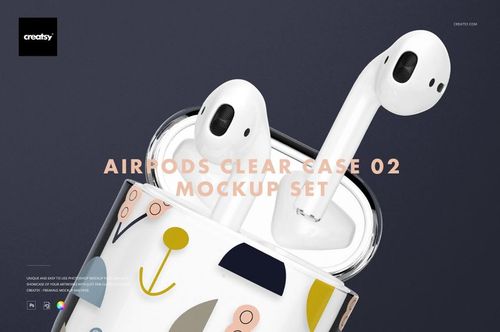
AirPods Clear Case Mockup Set 01 for Illustrated Designs
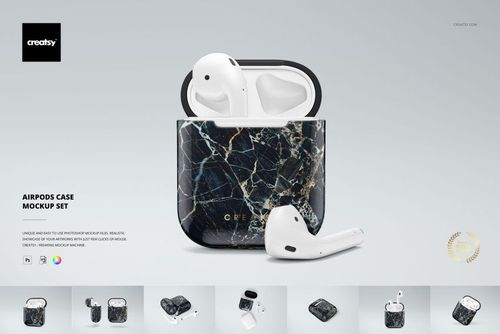
Explore a transparent case as a setting for your illustrations, lettering, and repeat patterns. AirPods Clear Case Mockup Set 01 includes ten layered PSDs with open and closed arrangements, single and paired cases, and compositions with earbuds. The clear shell lets you consider the spacing between printed motifs alongside the visible charging case beneath them.
What's Included
10 layered PSD mockups with 10 JPG previews and a JPG guide.
Canvas sizes: 4000 x 2667 px and 6000 x 4000 px at 300 dpi.
Compatibility: Adobe Photoshop CC 2018 or later, and Photopea.
Editable elements: case artwork and colors, using Smart Objects and color layers.
Background options: change the color, add a custom background, or hide it for a transparent export.
Sample artwork: Ruslana Vasiukova, instagram.com/ruslanavasiukova.shop.
Give Small Motifs a Clear Presentation
A compact case can carry a playful collection of icons or a single focal illustration. Use a front view to check readability and an angled view to see how motifs approach the corners and lid. The paired arrangements help compare colorways or companion designs in an online shop gallery, portfolio, or client proposal.
Example artwork is shown for demonstration and is not included. The download contains digital mockup files; no physical case or earbuds are supplied.