Contrado Handmade Bone China Christmas Bauble Mockup Set

Product Details
Handmade Bone China Christmas Bauble Mockup Set
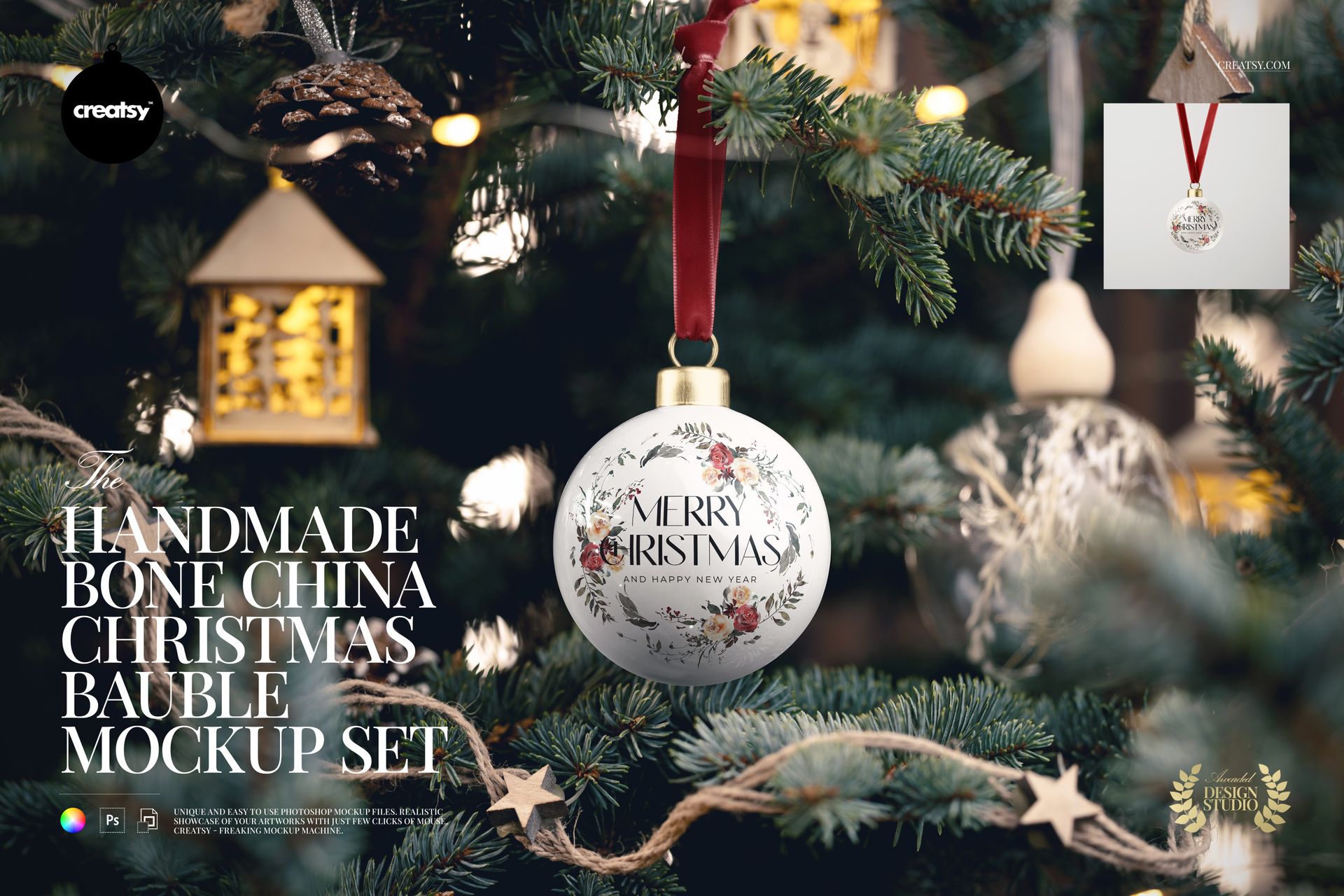
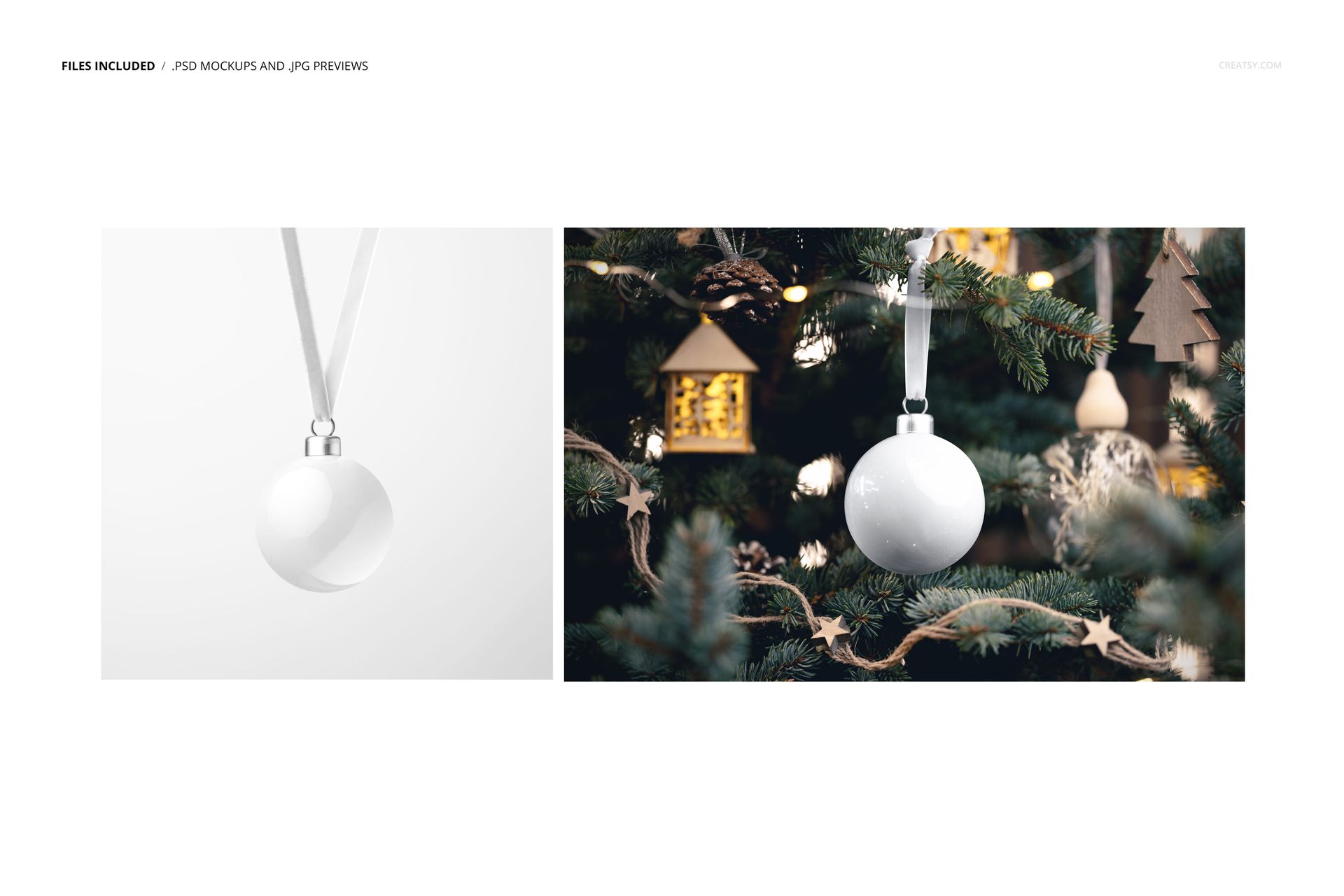
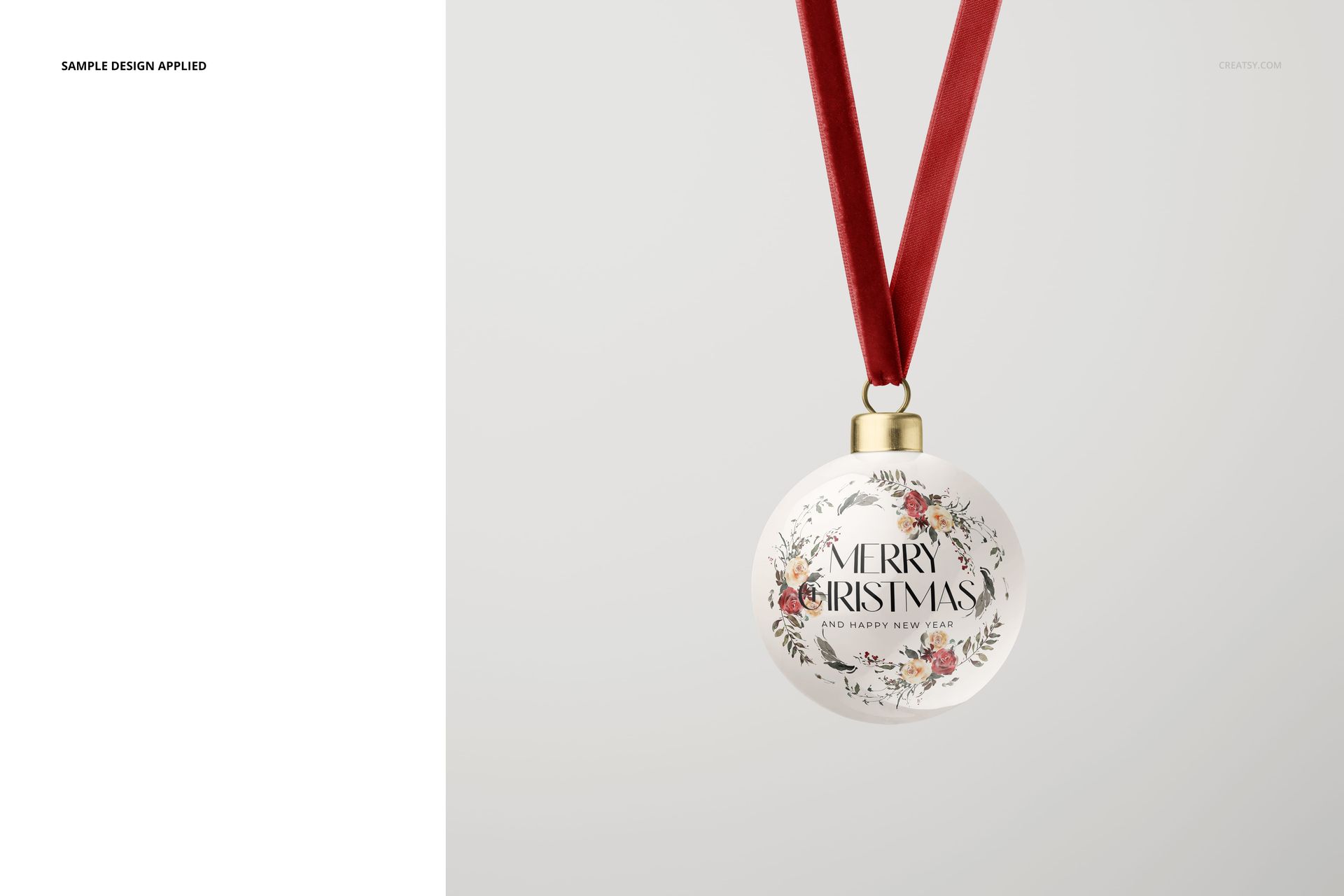
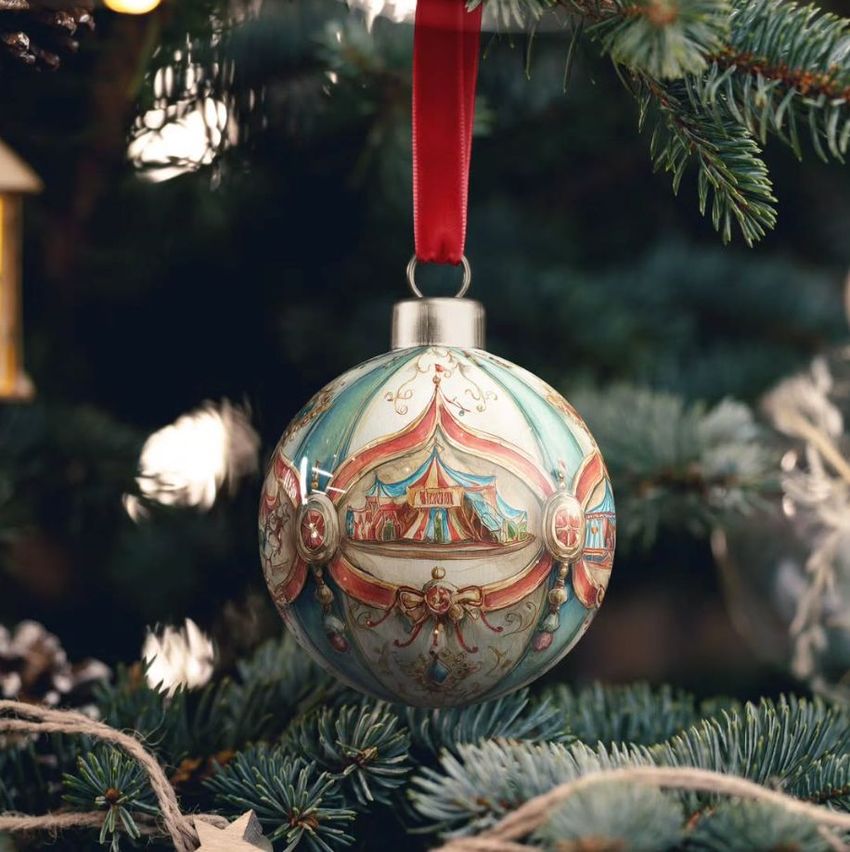
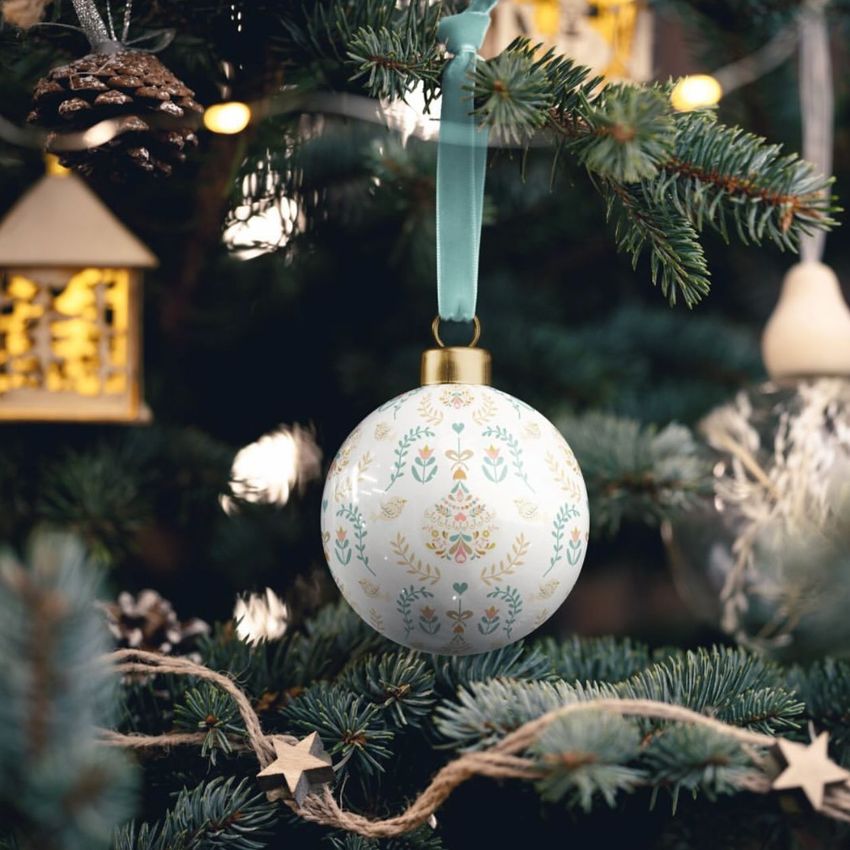
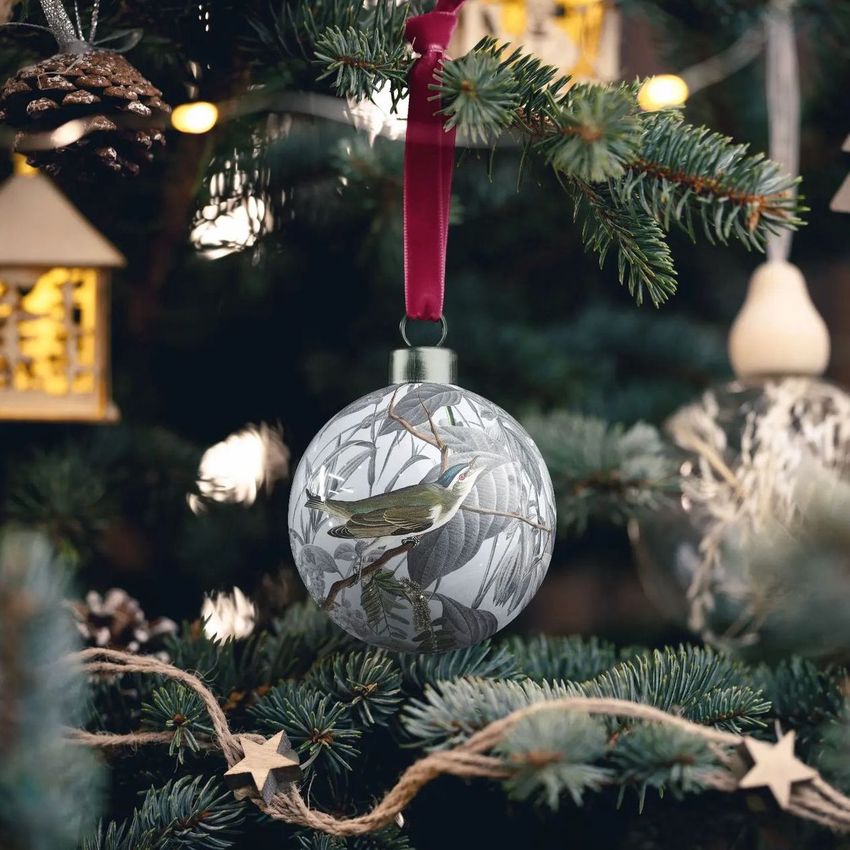
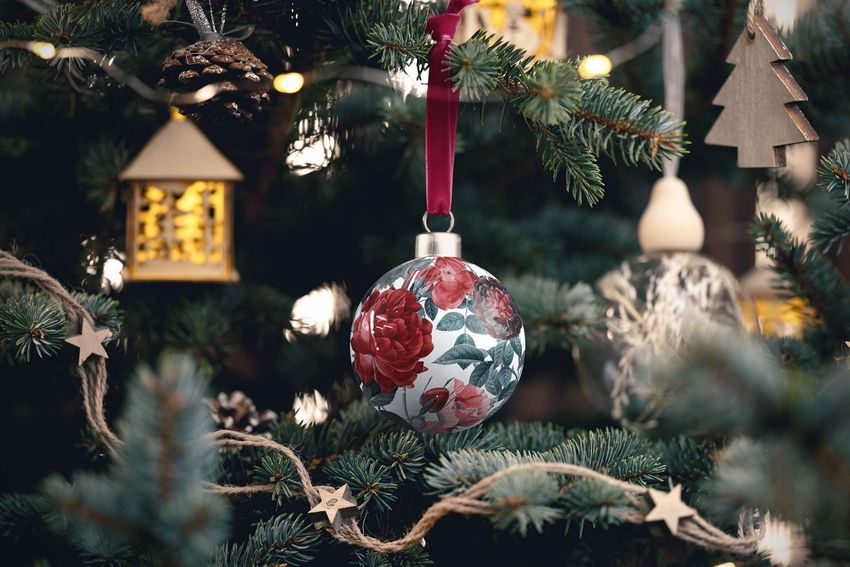
Brighten up your holiday designs with our Handmade Bone China Christmas Bauble Mockup Set. This unique collection adds a special touch to your creations, featuring not only the classic bauble mockup, but also a version delicately hung on a real Christmas tree. Get into the holiday spirit and showcase your designs with the utmost realism and authenticity.
Hang Your Dreams - Realistic Bauble Mockups
This is your chance to see your designs come to life on a real Christmas tree. The classic bauble mockup and its counterpart hanging on the tree provide the perfect canvas for your creativity to shine. Every detail is meticulously captured, from the texture of the bone china to the subtle play of shadows, ensuring your designs shine with elegance.
Elegance Adorning Your Designs - Tailor Every Element
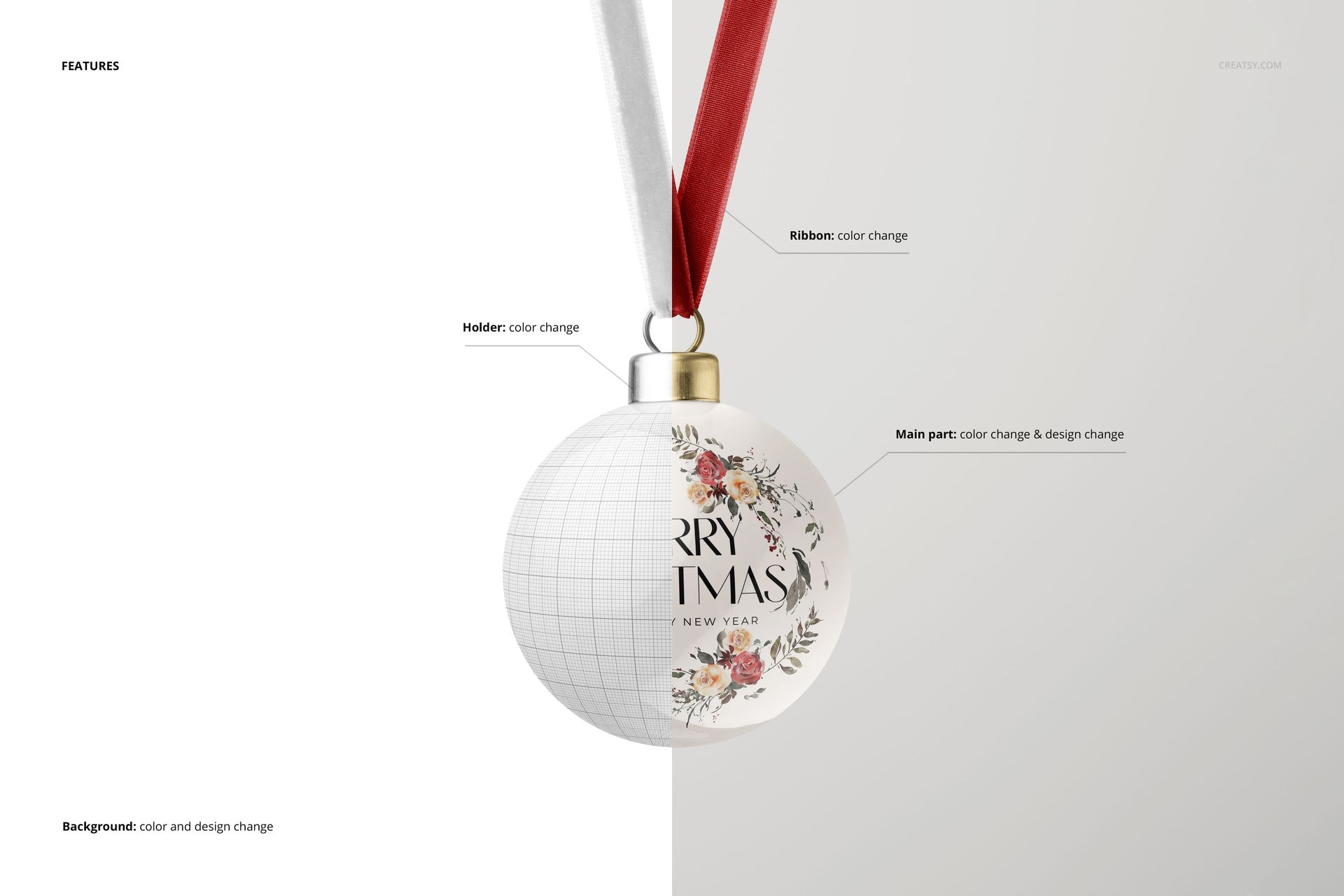
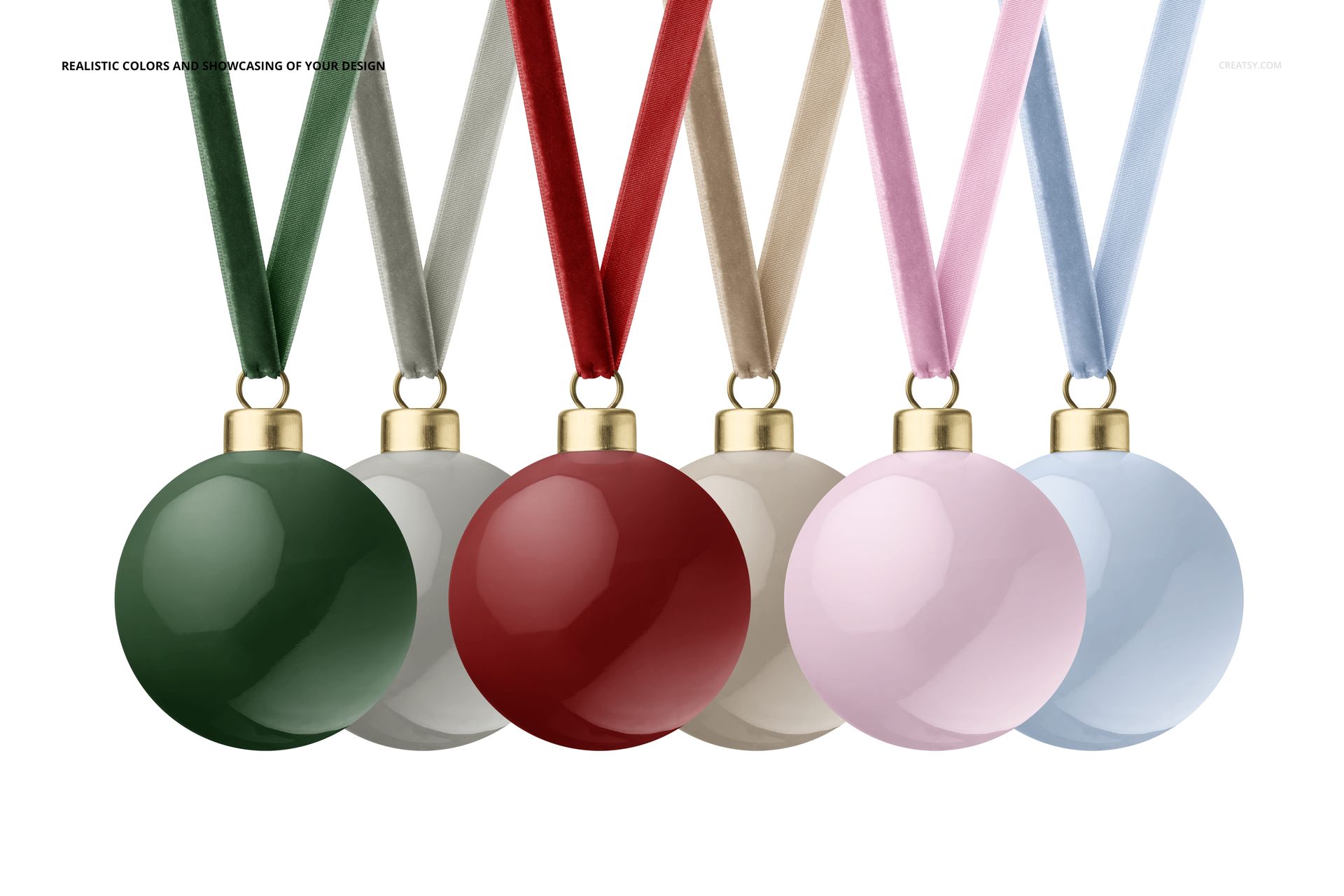
Experience the magic of natural and realistic design presentation. We've paid attention to every detail, from the folds of the material to the shimmer of the velvet ribbon. Present your designs with authenticity and let the fine details shine through. In this set, you have the power to customize every aspect of the baubles. Edit the color and design of the main body, choose the perfect shade for the holder, and play with the color of the velvet ribbon to match your vision. Unleash your creativity and make each bauble a unique piece of art!
File works in Photoshop CC and Photopea;
Pack includes 2 .psd files: 6000x4000 px, 300dpi;
Check screenshots for all the features;
Artwork applied by WalaPalette / linktr.ee/walapalette;
Patterns are NOT included, this product is a mockup intended for you to add your own designs.
File details
- Compatibility
- Number of files included
- 4
- Package size
- 84 MB
|88.1 MB
- Files type
- .psd, .jpg
- Files size
- 6000x4000


Made with Creatsy
Real designs. Real customers. See how creatives use Creatsy mockups to turn their artwork, branding, and product ideas into polished visuals.
MEET THE SHOP

HOW IT WORKS
3 clicks. That's it.
No tutorial needed. If you can copy-paste, you can use this.
- 1OpenDouble-click the smart object inside the PSD - in Adobe Photoshop, or free in your browser with Photopea.
- 2PasteDrop in your pattern, print, or artwork. Any design, any style.
- 3SaveHit save and the mockup wraps it in for you - shadows, folds, and lighting included.
FROM IDEA TO IMAGE
Built for real workflows
Skip the photo shoot Show your artwork on the real product type for approvals or listings - no studio, no model, no sample.
See it on the product, not a swatch Drop your file into the smart object and the scene's lighting and folds wrap around it, so you judge the real thing before you commit.
Smart Objects
Edit once and you're done. Your artwork drops into a smart object and the mockup updates itself - no masking, no warping by hand.
Perfectly Organized
Named layers and folders you can actually navigate. Find what you need, change what you want, and get out fast.
Print-Ready
High-resolution files built to hold up on screen and in print. Exact size and DPI are in this product's Details above.