What is Grommet Curtain Mockup Scene?
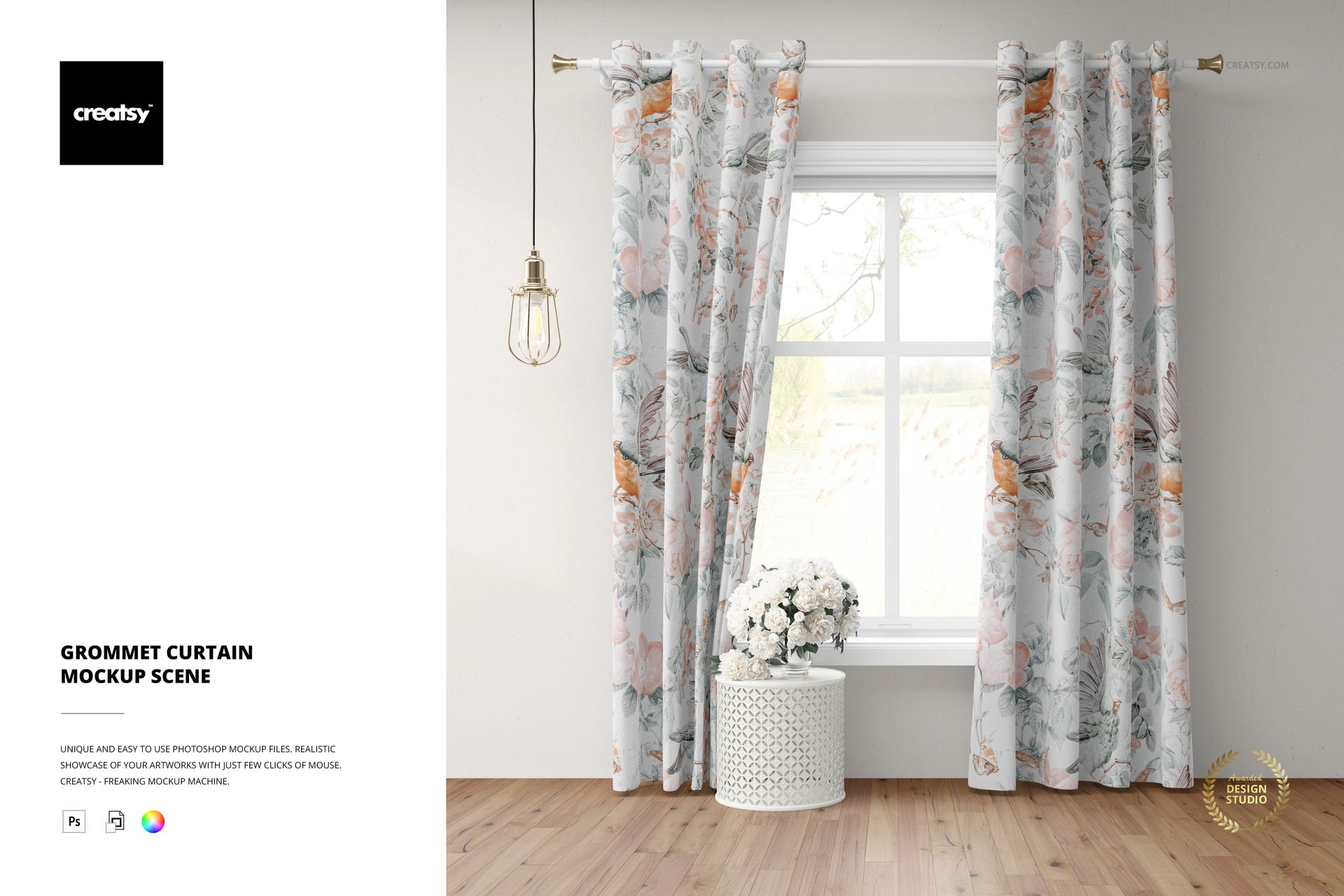
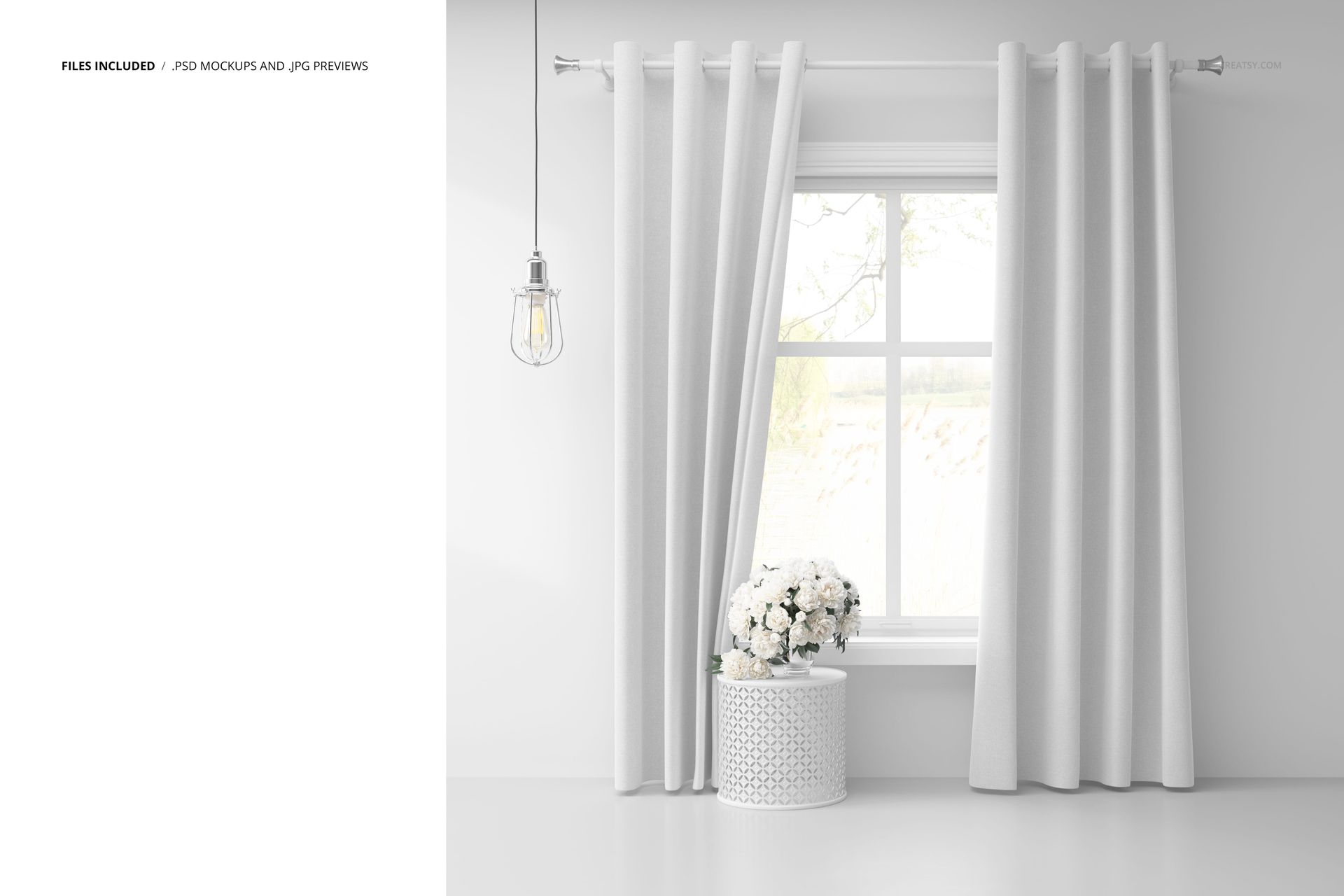
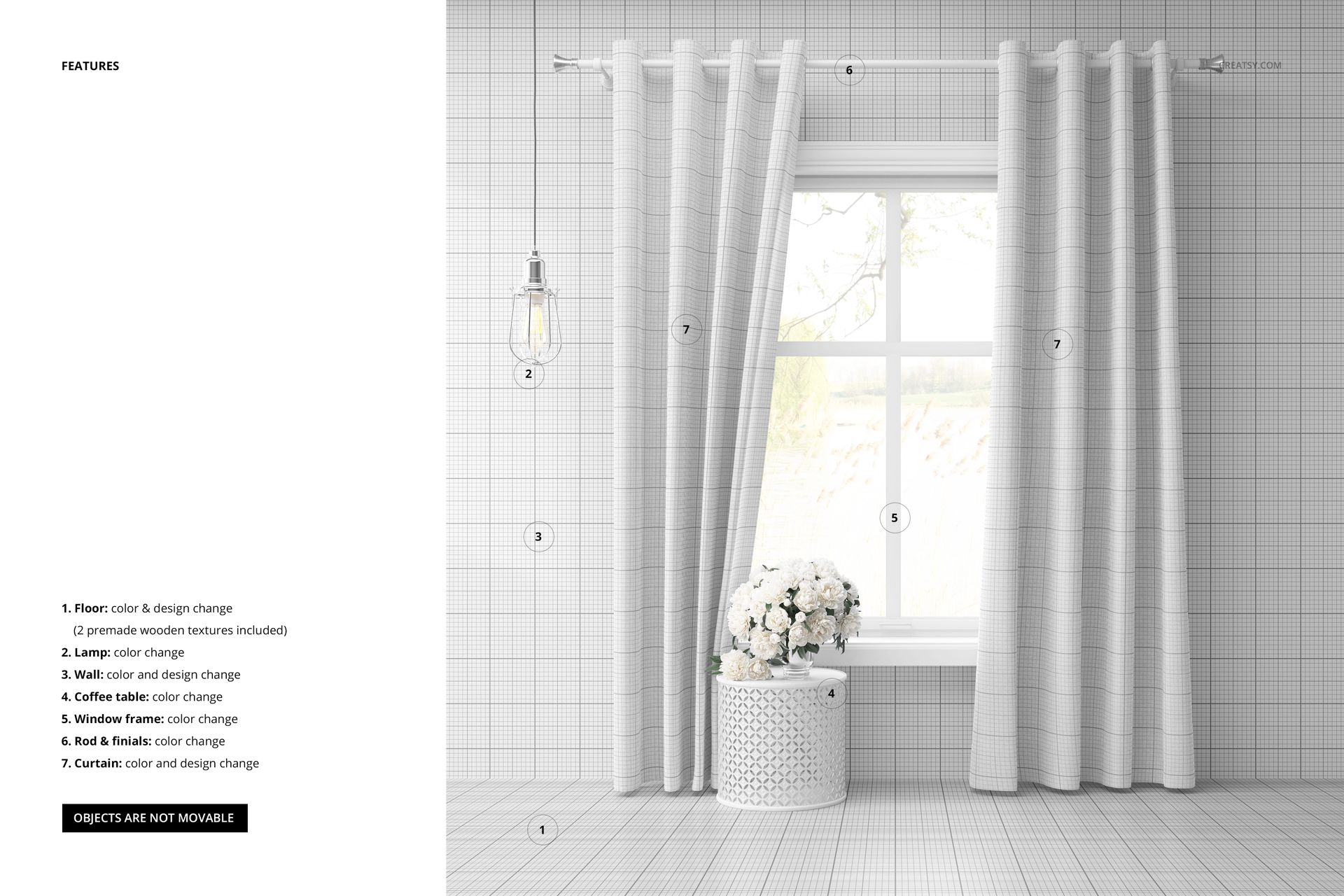
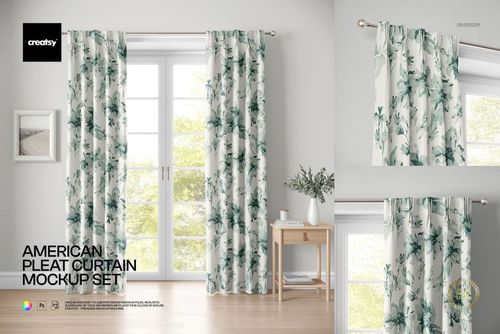
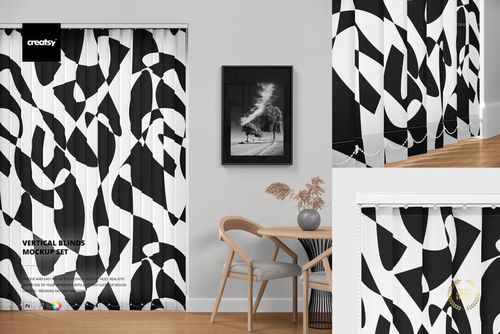
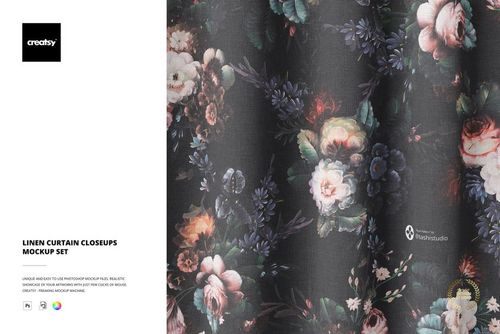
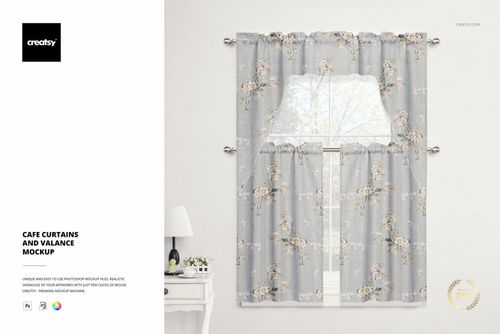
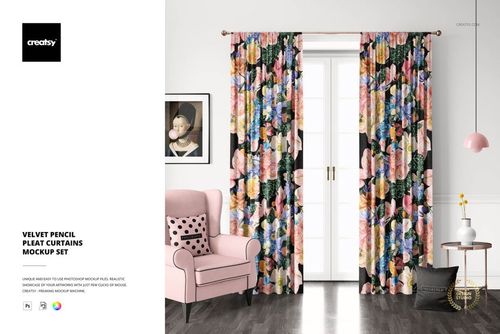
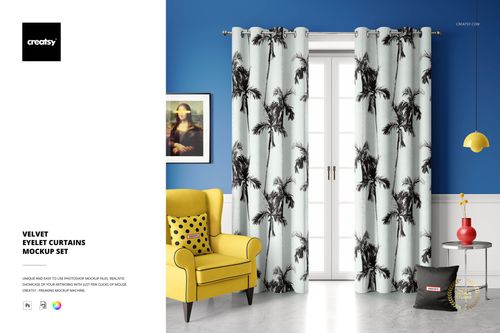
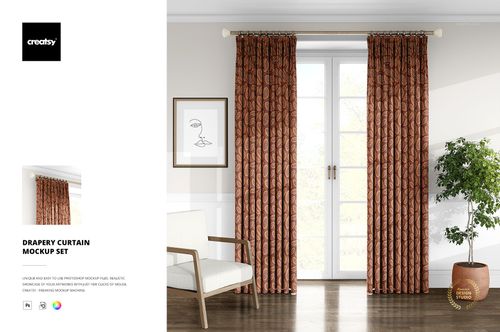
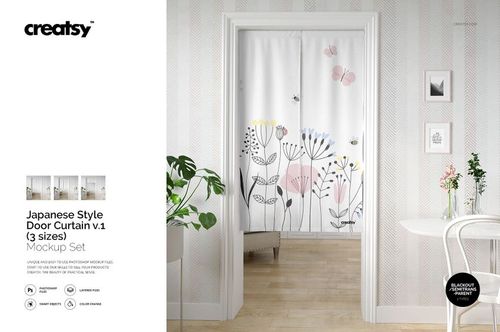
The Grommet Curtain Mockup Scene template by Creatsy provides high-quality photographs of the valance that have been perfectly warped into this mockup set, retaining the original highlights, shadows, and textures of the curtain. Placing your artwork on the valance in this mockup set is easy and yields impeccable results every time. The well-organized Adobe Photoshop mockup files allow you to quickly transform this Grommet Curtain Mockup Scene with your artwork. Utilizing smart objects and color layers to customize your design, you can hide objects and shadows to save the curtain with transparency. You can change the color and design of the curtain and background, giving you various options to showcase your designs just the way you want.
High-quality mockups every time
Creatsy uses only the best quality photographs to create our mockup files. Depicting your artwork on an actual product or in a scene mockup can increase your profit, expand your current customer base, and help you to reach your professional goals. Well-organized mockup files are a must-have for every designer, artist, or illustrator. Presenting your artwork and products in a realistic, eye-catching way is easy with our mockup files. This Grommet Curtain Mockup Scene is a great mockup to portray your designs, build a digital portfolio, and improve your online visibility.
- Compatibility: Adobe Photoshop min. version PS CC2020, Photopea,
- Includes: 1 PSD file with well-organized layers: 4000x4000 px, 300 dpi,
- Editable components: color and design change,
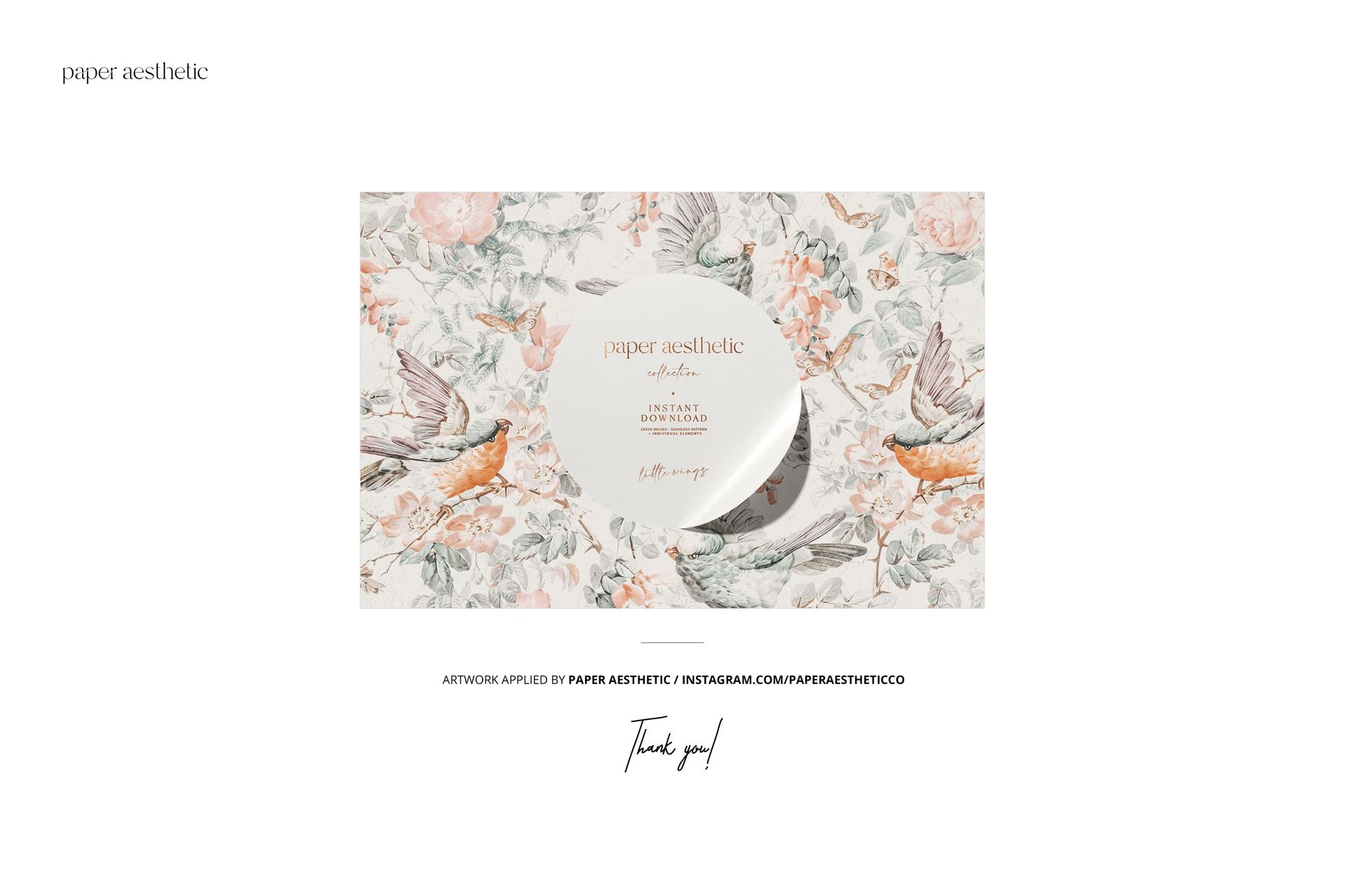
- Example artwork by Paper Aesthetic: instagram.com/paperaestheticco,
- (patterns are NOT included, this product is a mockup intended for you to add your own designs).