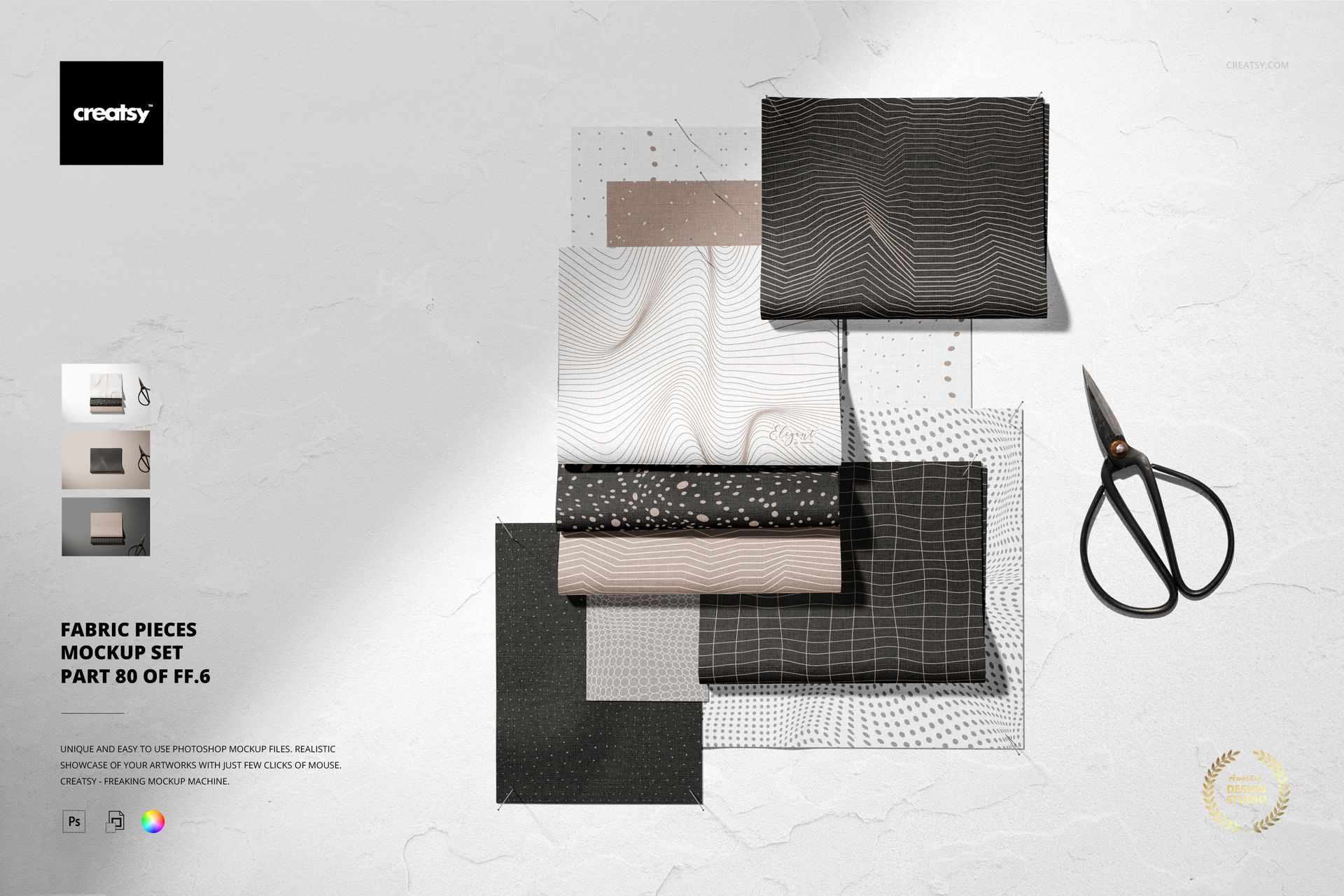
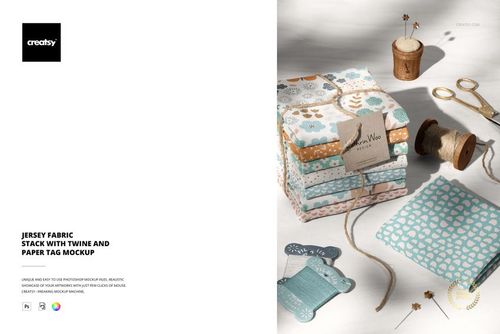
Fabric Pieces Mockup Set for Cotton and Linen Designs
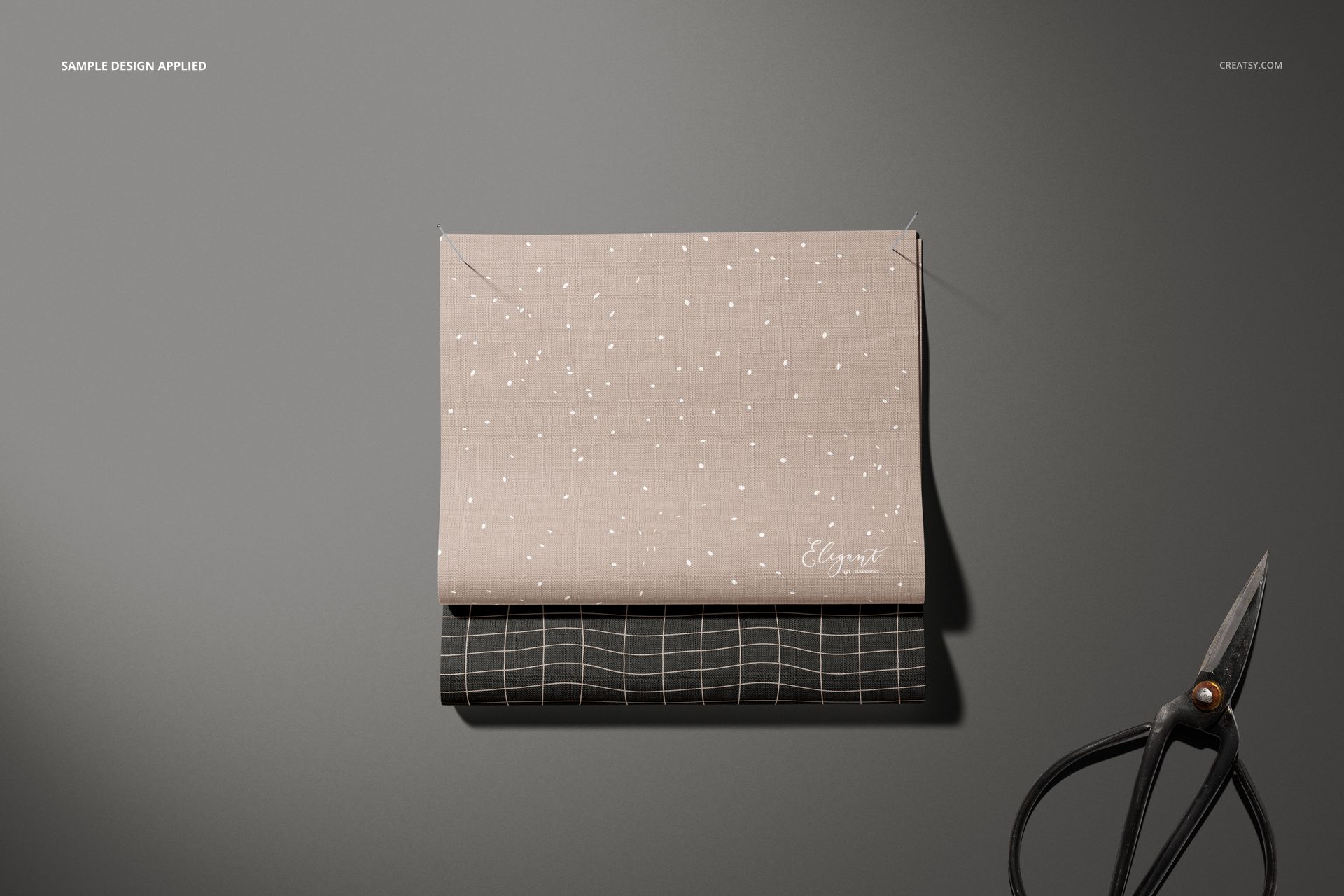
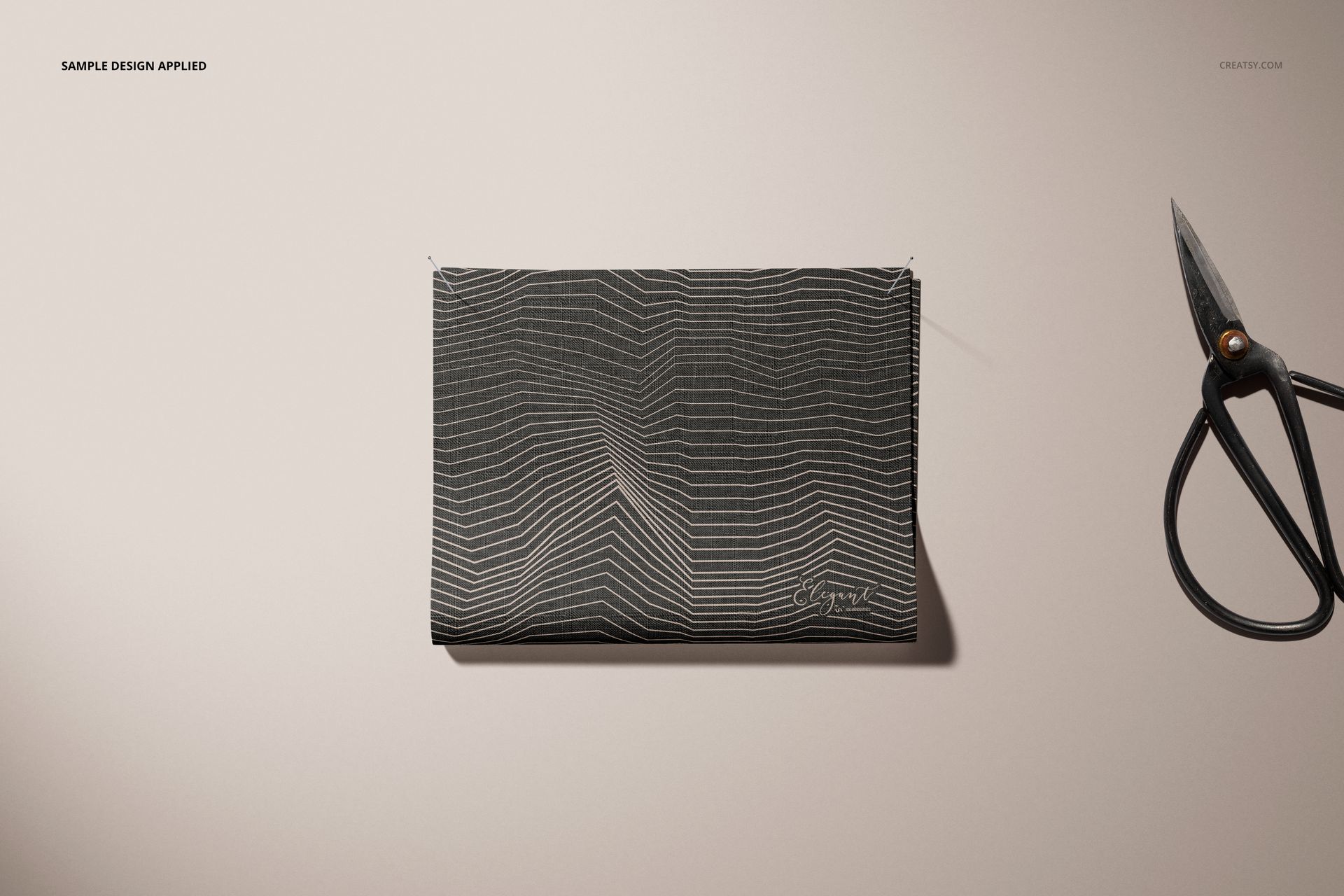
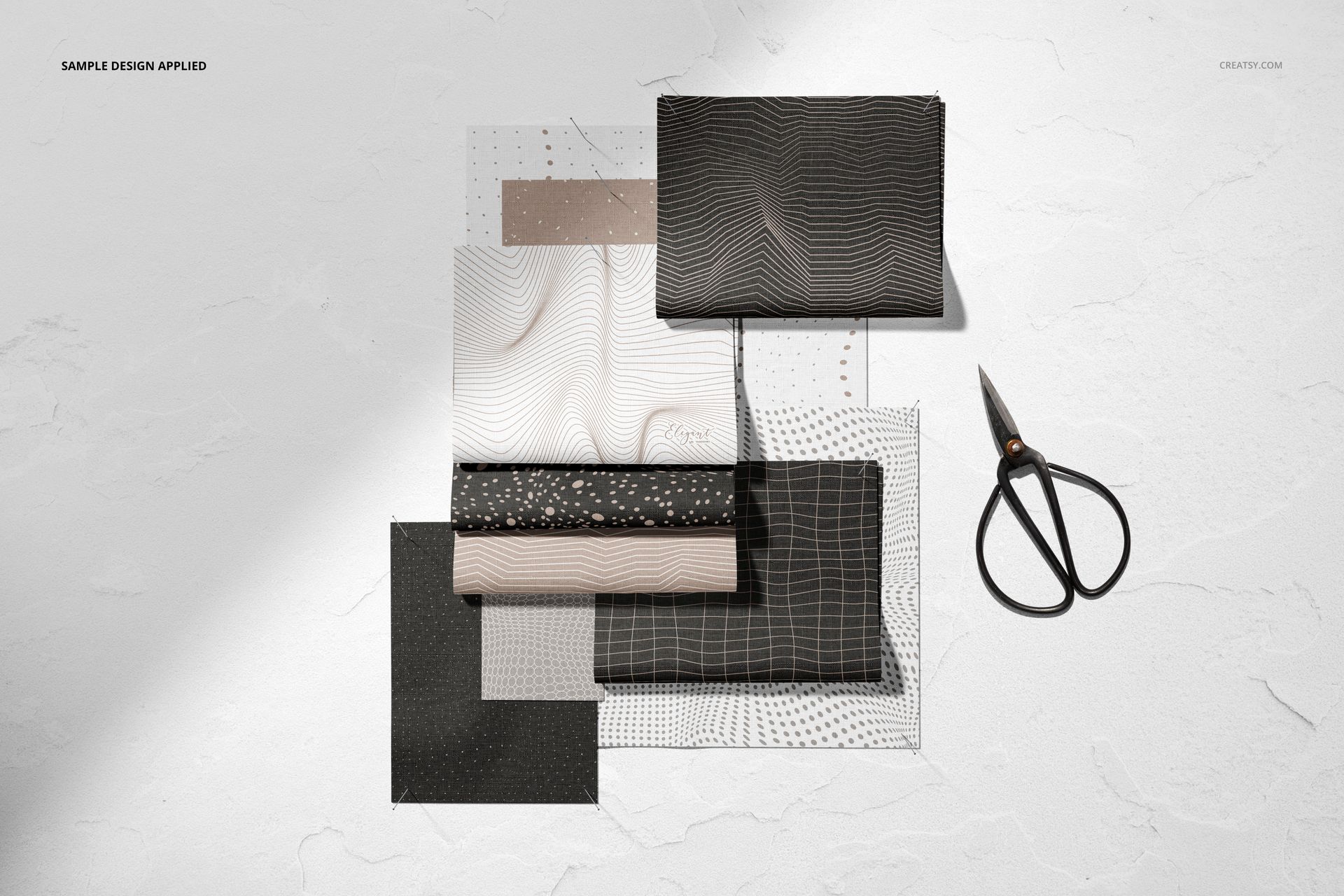
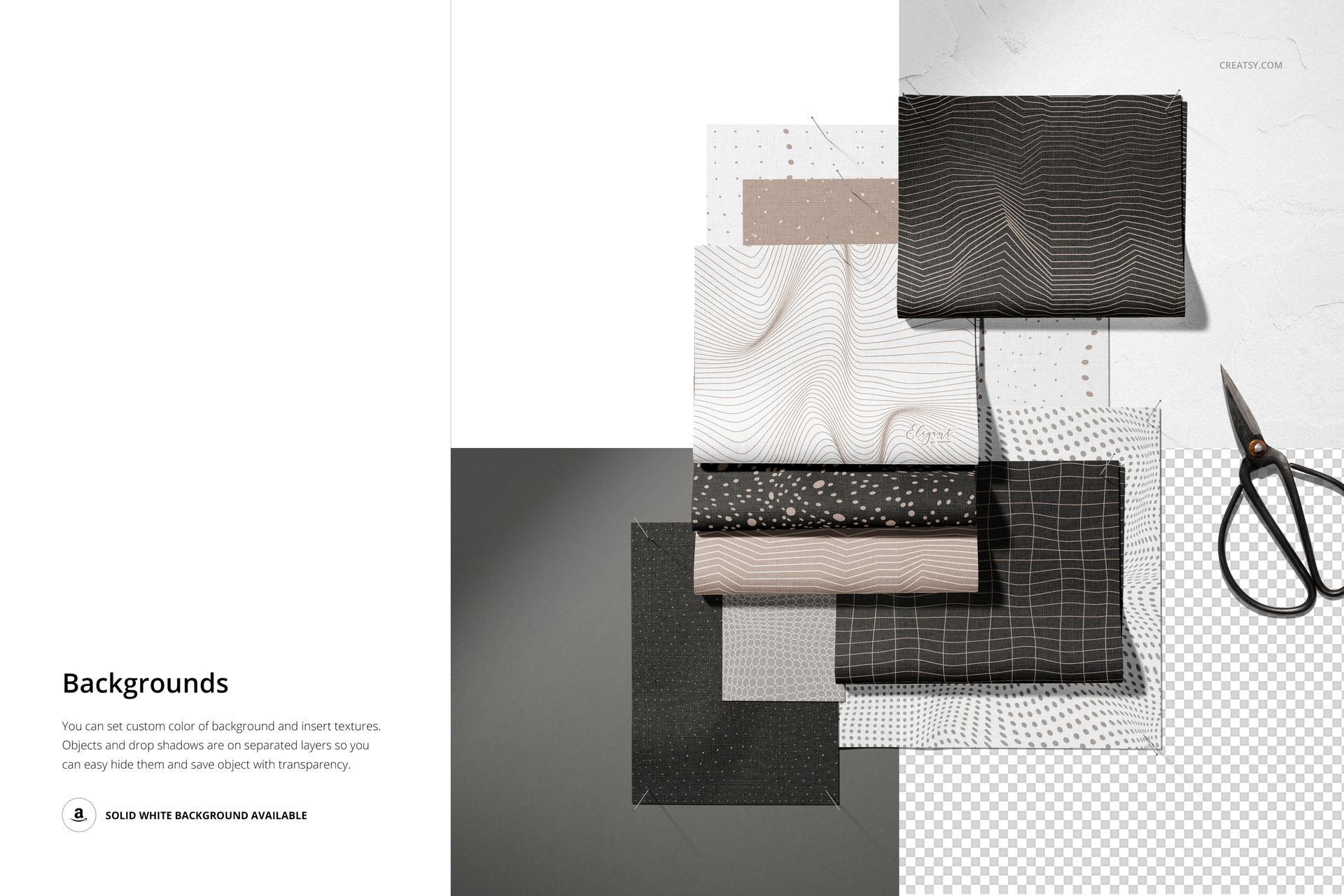
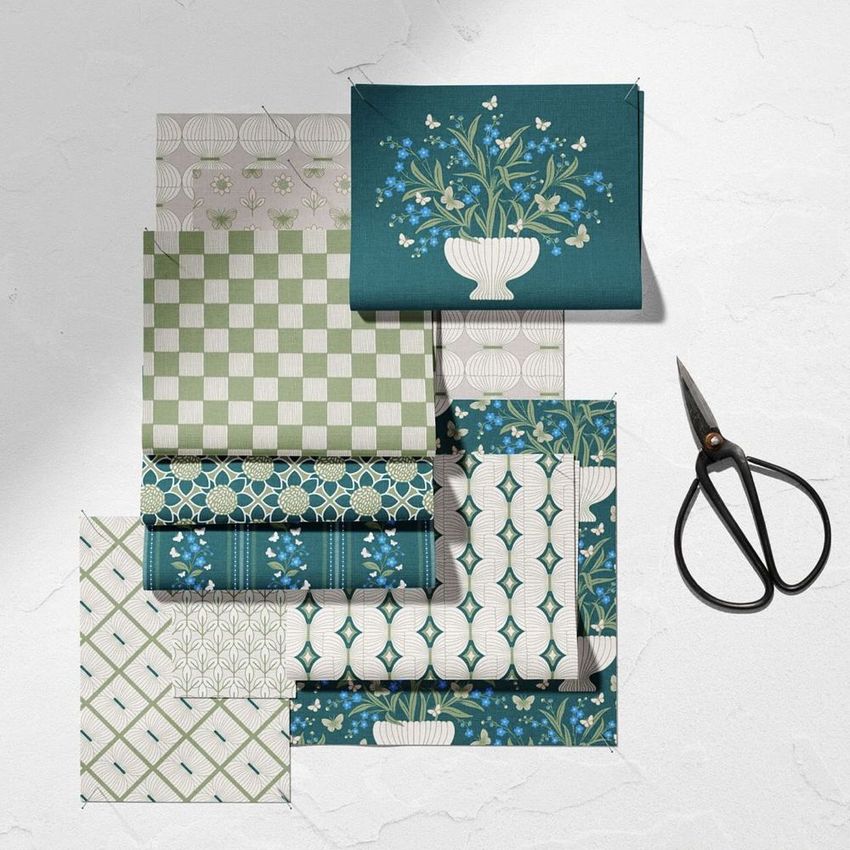
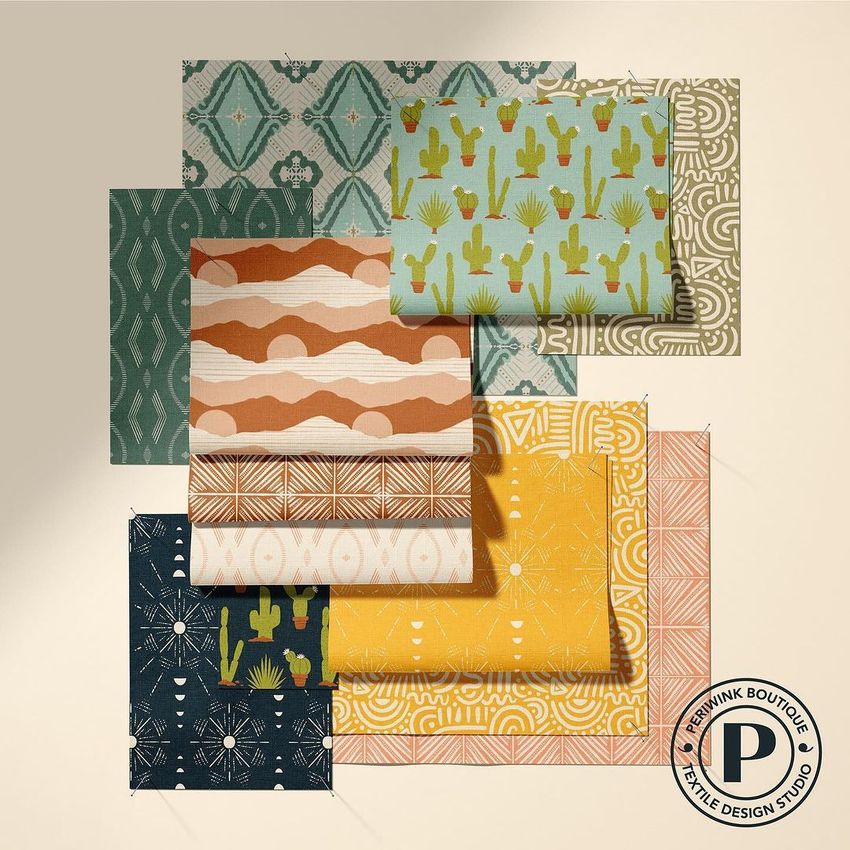
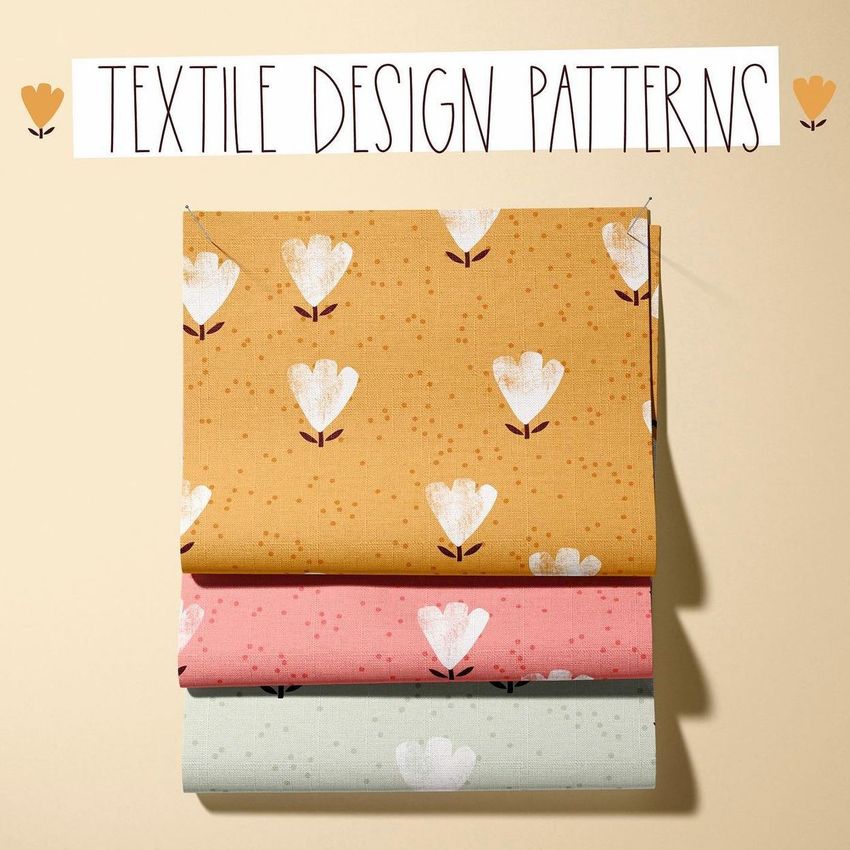
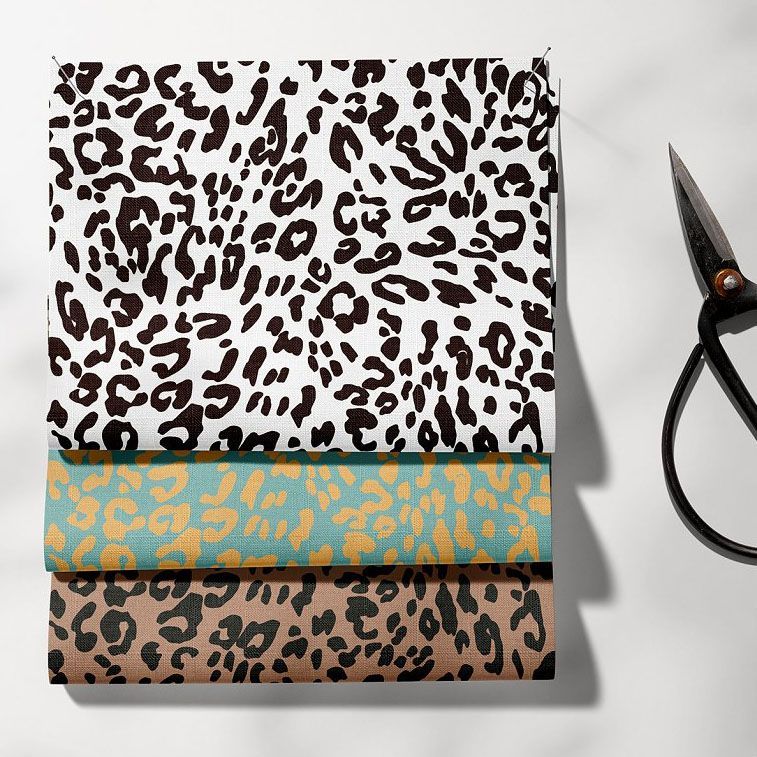
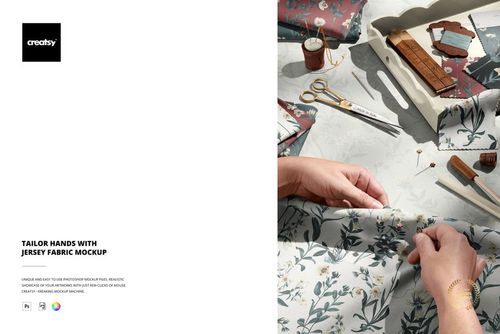
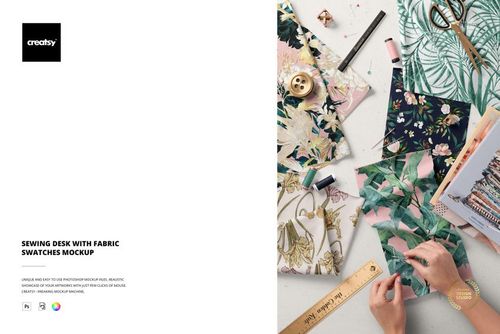
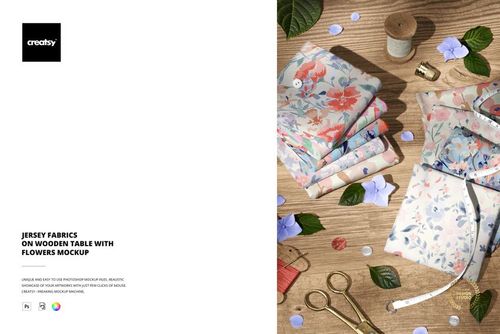
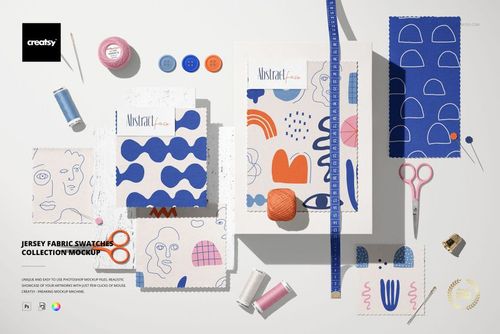
Showcase textile patterns on layered fabric pieces with a realistic top view presentation. Fabric Pieces Mockup Set (80/FFv.6) is designed for surface pattern collections, fabric previews, mood boards, licensing presentations, and portfolio images that need believable texture and depth.
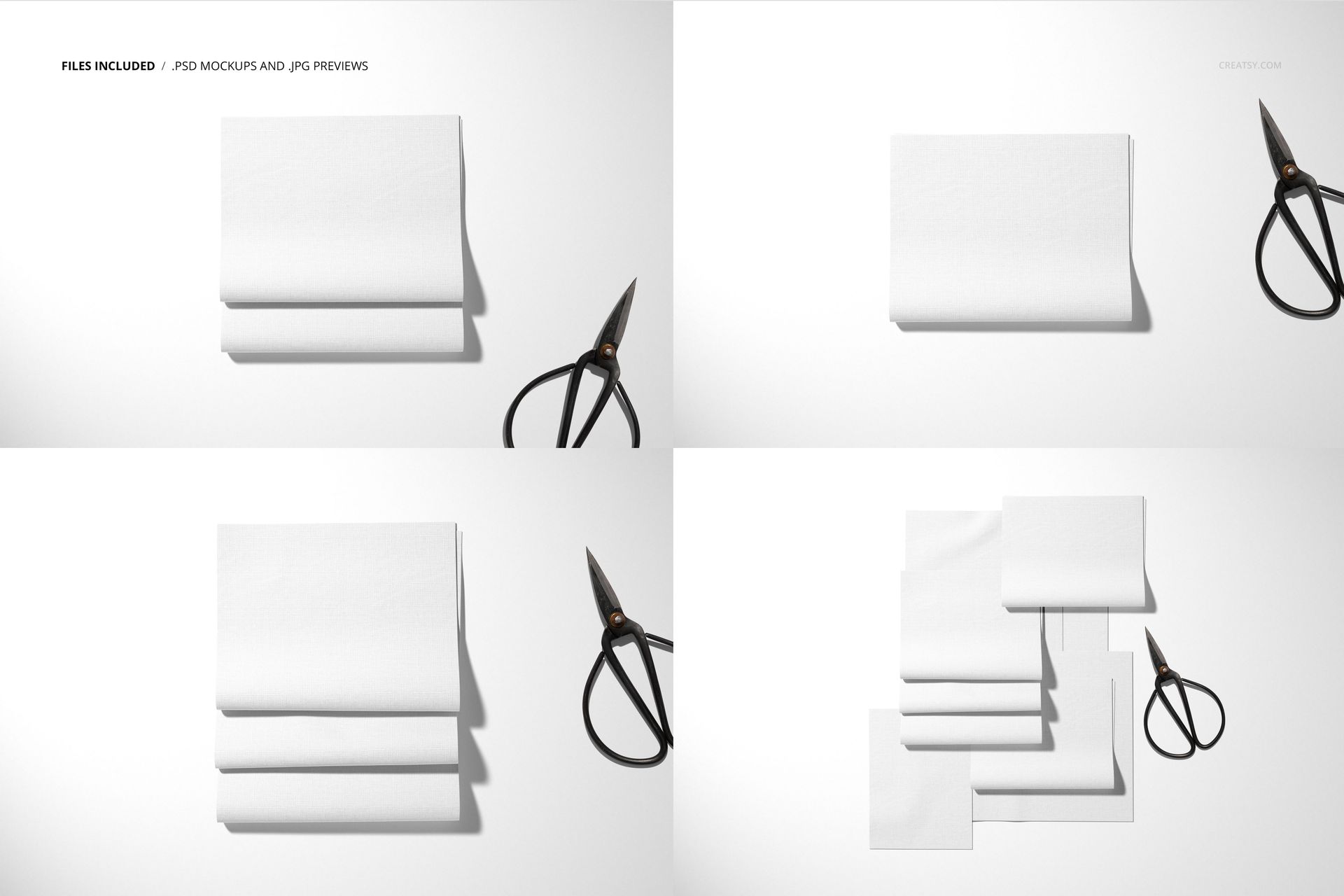
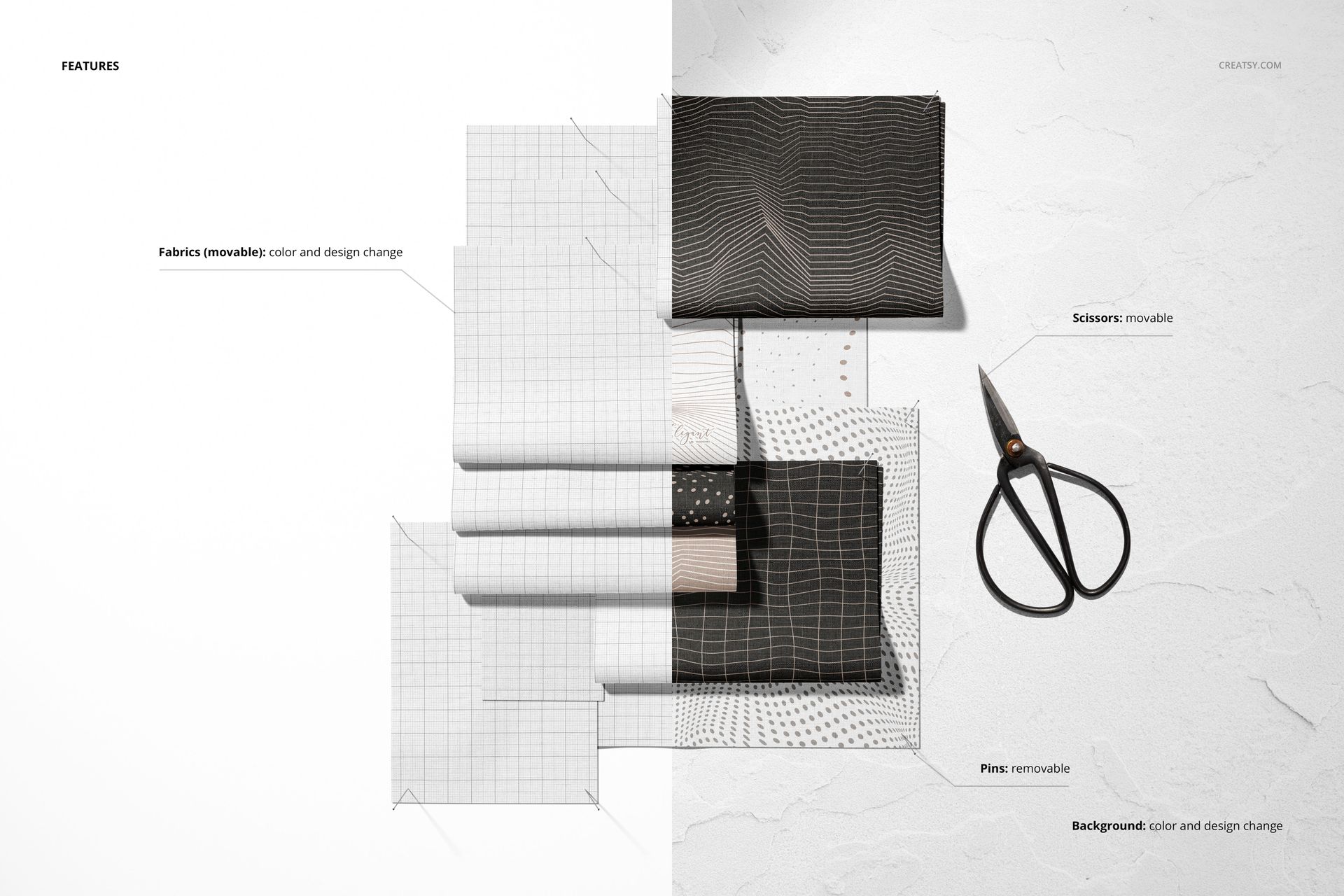
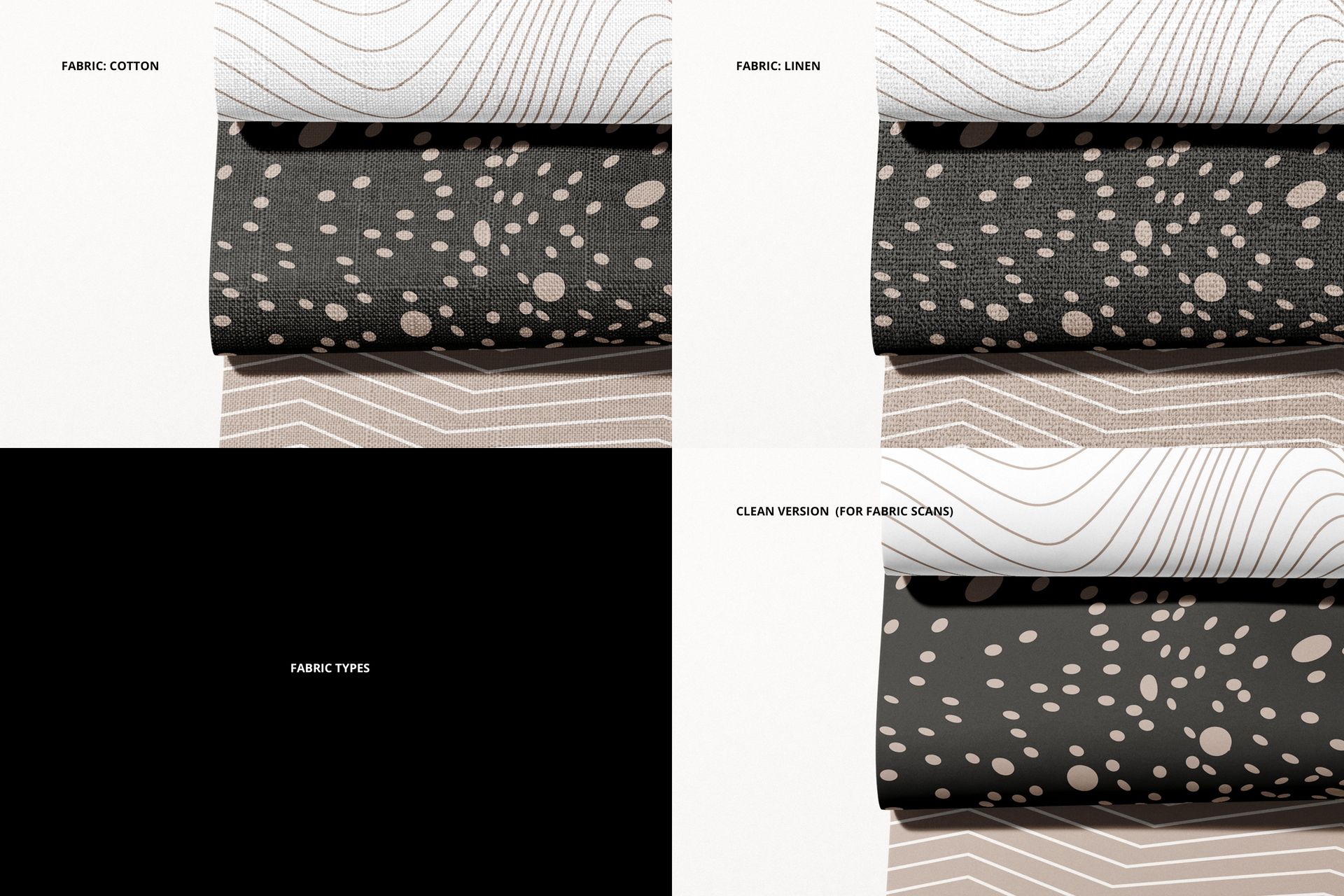
The set contains four layered PSD files, each measuring 6000 x 4000 px at 300 dpi. Prepared Smart Objects make artwork placement efficient, while organized controls let you change colors, reposition fabric pieces, and remove pins. Cotton and linen options help demonstrate how the same motif may feel on different surfaces, and a clean version supports more minimal layouts.
Flexible Textile Composition
4 layered PSD files
6000 x 4000 px at 300 dpi
Cotton and linen fabric options
Clean presentation version
Movable fabric pieces and removable pins
Editable artwork and color controls
From Pattern Tile to Product-Ready Visual
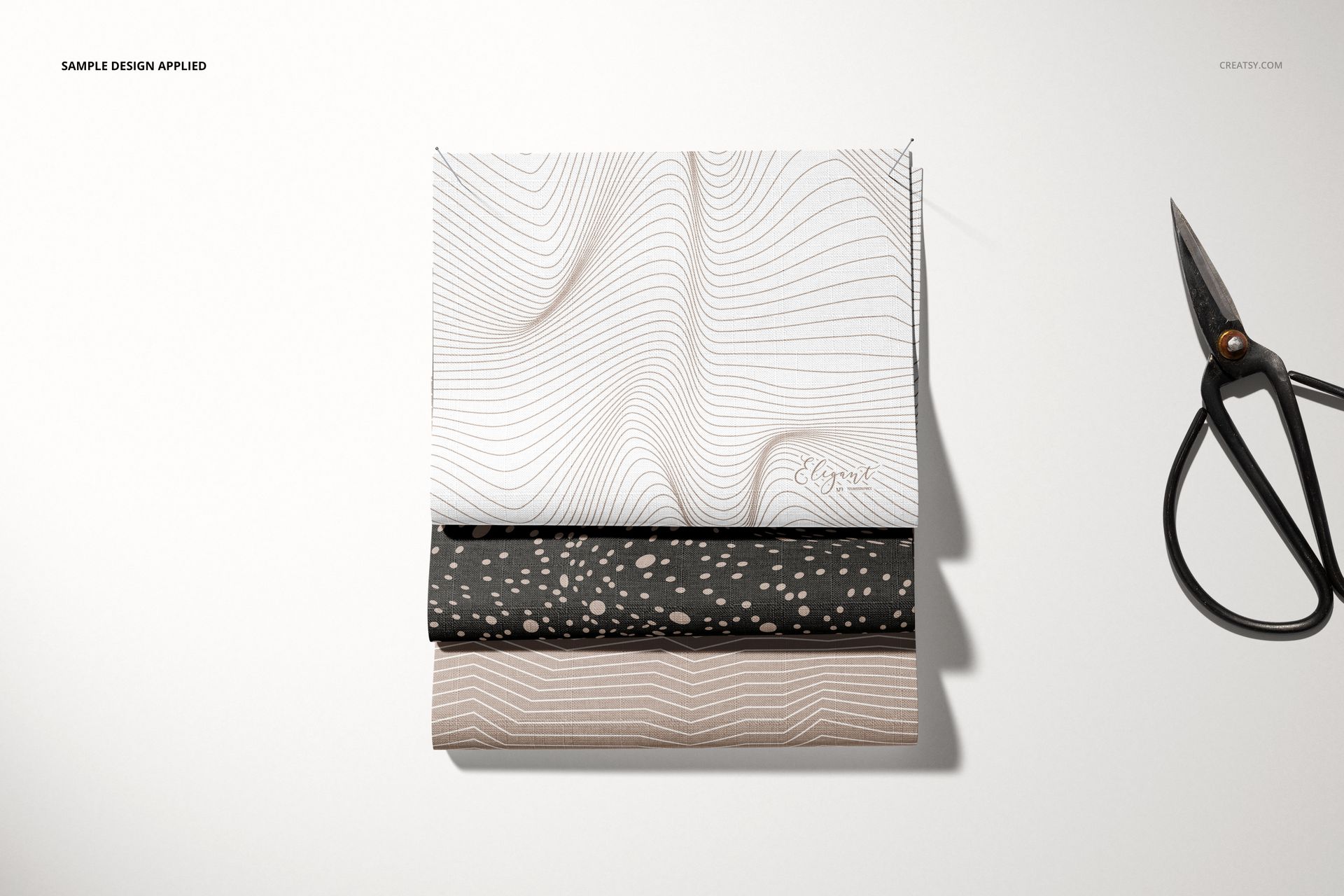
The overlapping swatches communicate scale, contrast, and material texture more effectively than a flat repeat alone. Use the files to compare colorways, introduce coordinated collections, prepare online shop imagery, or create professional visuals for clients and art directors.
Compatibility: Adobe Photoshop CC 2020 or newer.
The package includes the standard files and a version with 3D layers.
Sample artwork is by Irene Demetri of YouAndIGraphics. The artwork shown in the previews is not included.
This product is a digital mockup template intended for adding your own designs.