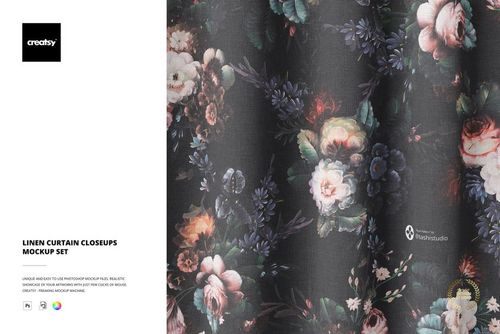
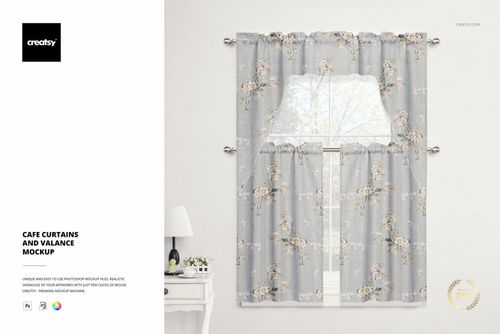
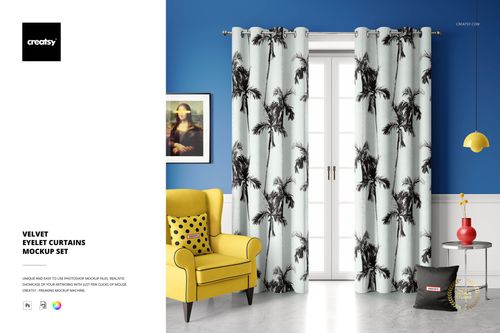
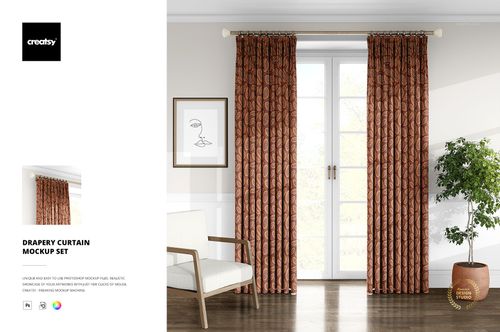
Velvet Pencil Pleat Curtains Mockup Set

Product Details
Velvet Pencil Pleat Curtains Mockup Set
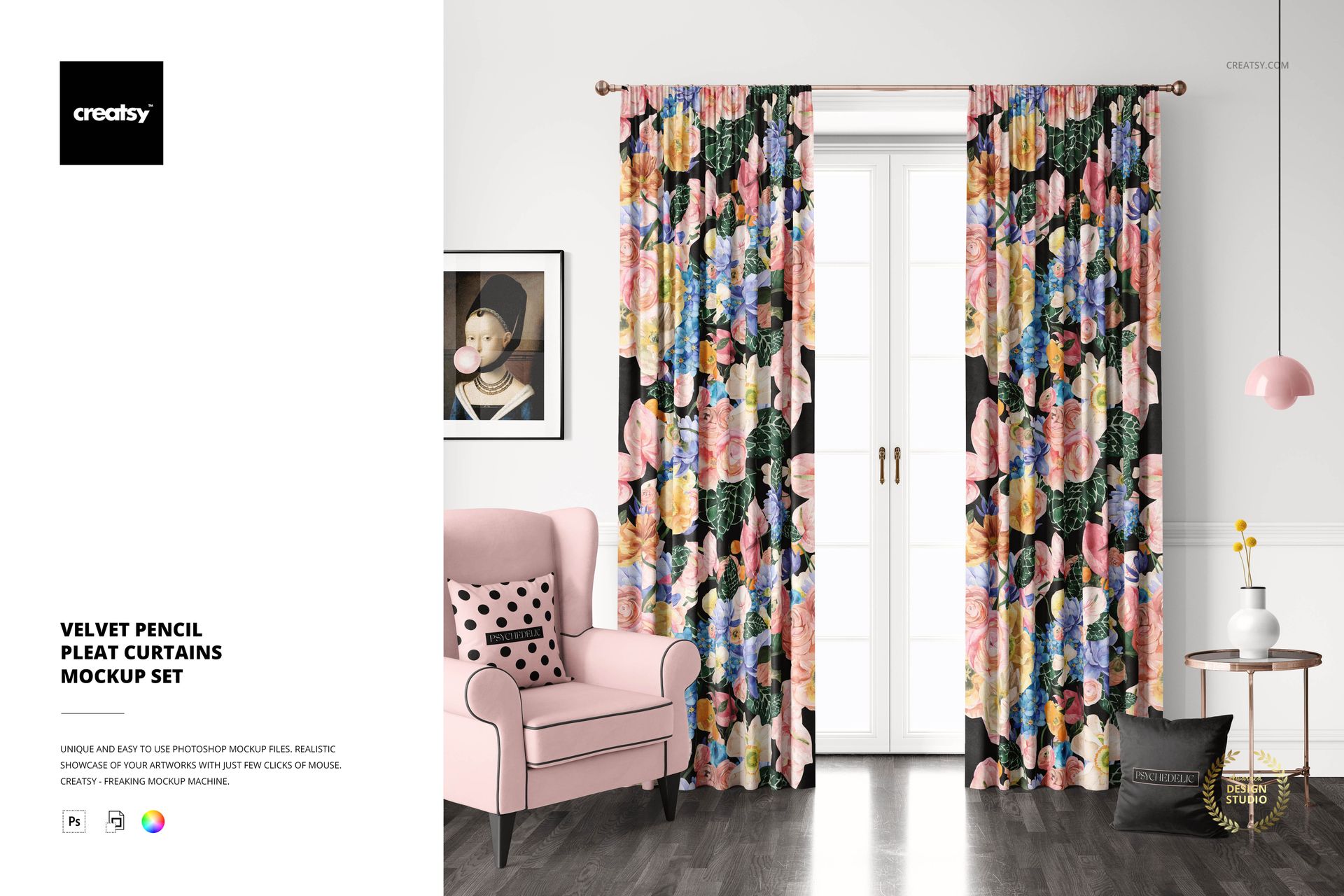
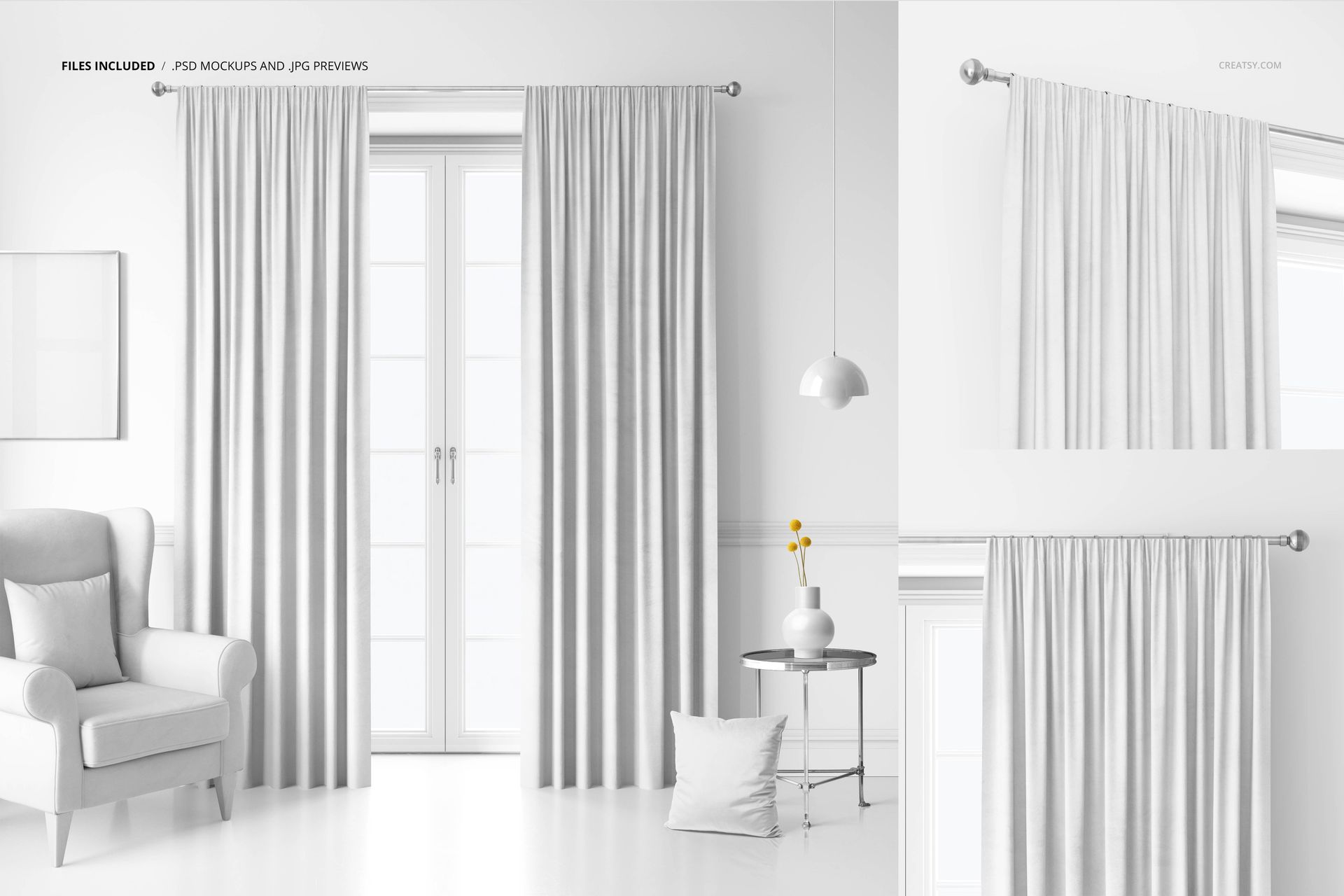
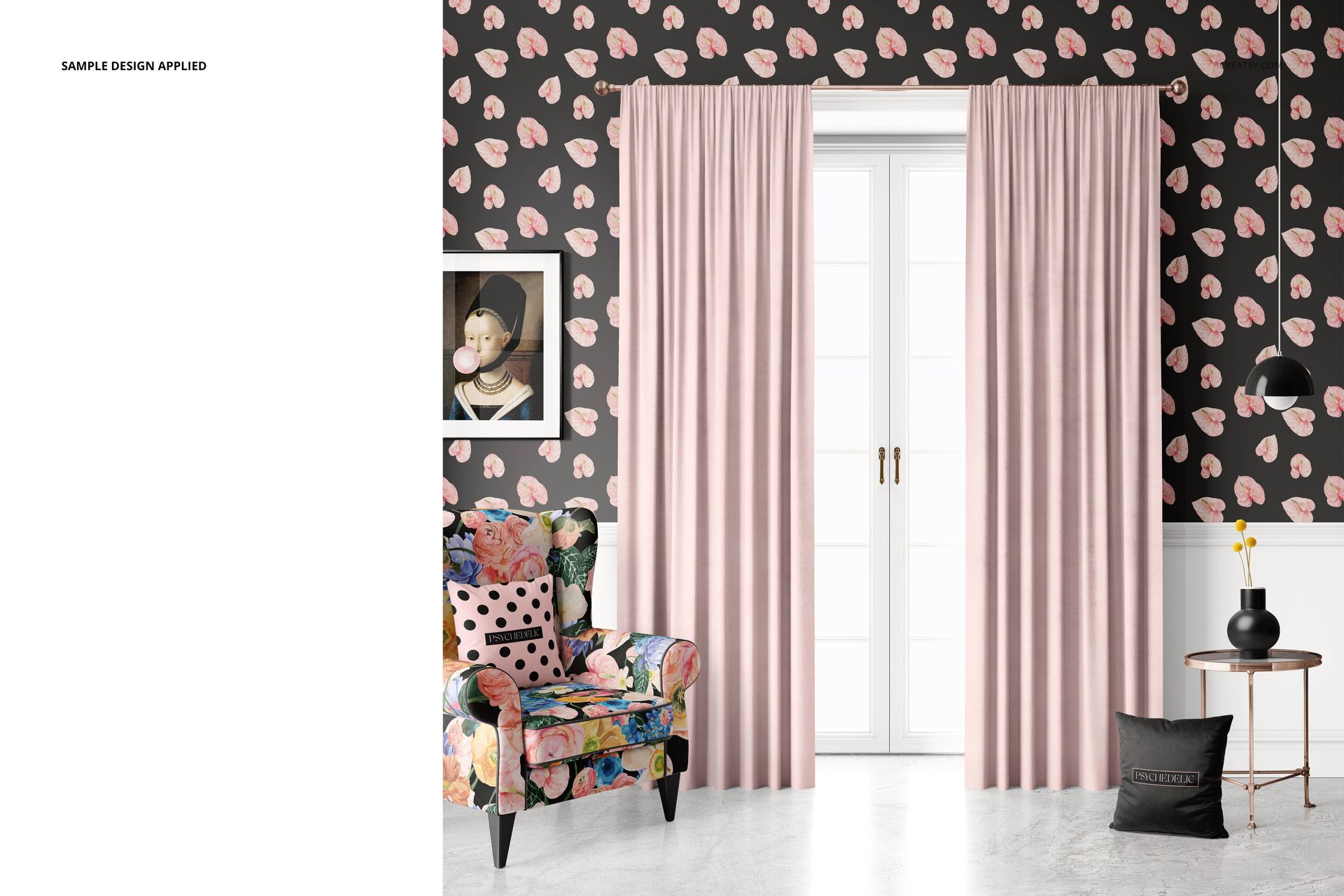
Present a velvet curtain collection with a gathered pencil pleat heading and closely spaced vertical folds. Three PSD views combine a full room presentation with two details of the curtain top, making it easier to judge a print both across the panels and around the pleats.
Included files
3 layered PSD files and 3 JPG previews.
What you can customise
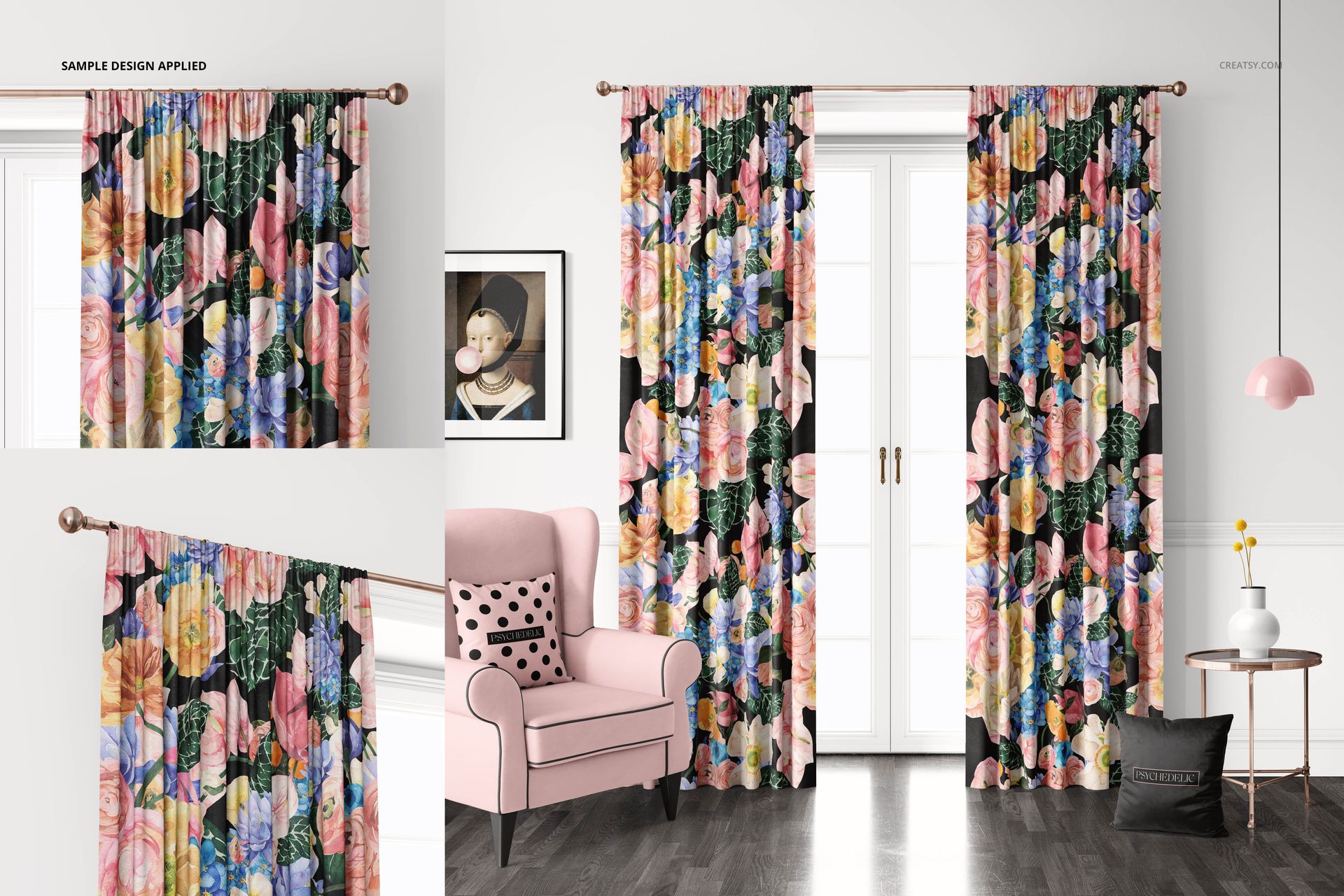
Add curtain artwork with Smart Objects and change the fabric colour.
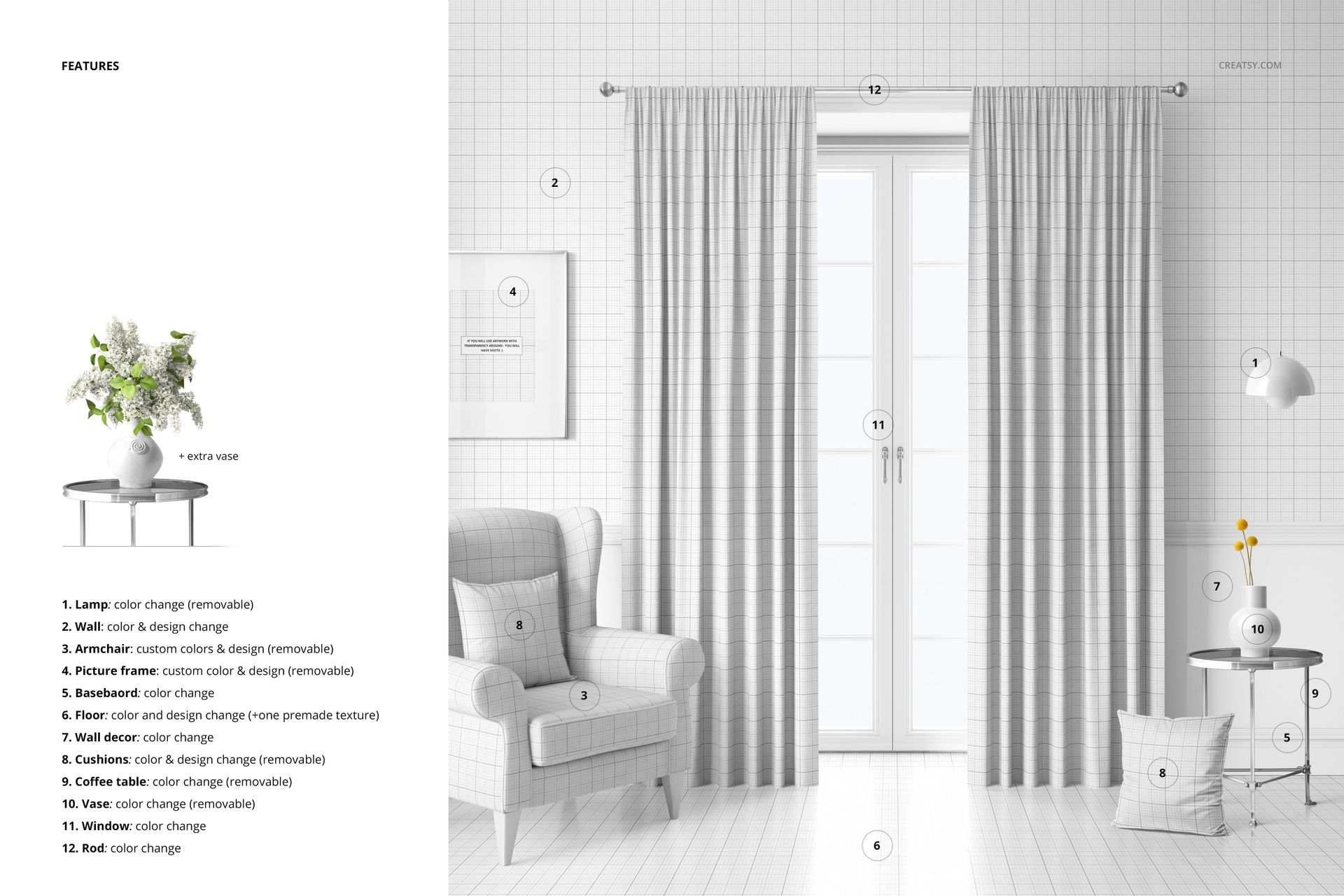
Coordinate the wall, armchair and cushions with your curtain pattern using their colour and design controls.
Customise the floor colour or design, with a premade texture option.
Adjust the colours of the lamp, baseboard, wall decor, table, vase, window and curtain rod.
Hide the lamp, armchair, picture frame, cushions, coffee table and vase in the room scene.
This digital mockup is intended for fabric collection previews, design portfolios and client presentations. Physical curtains and sample artwork are not included.
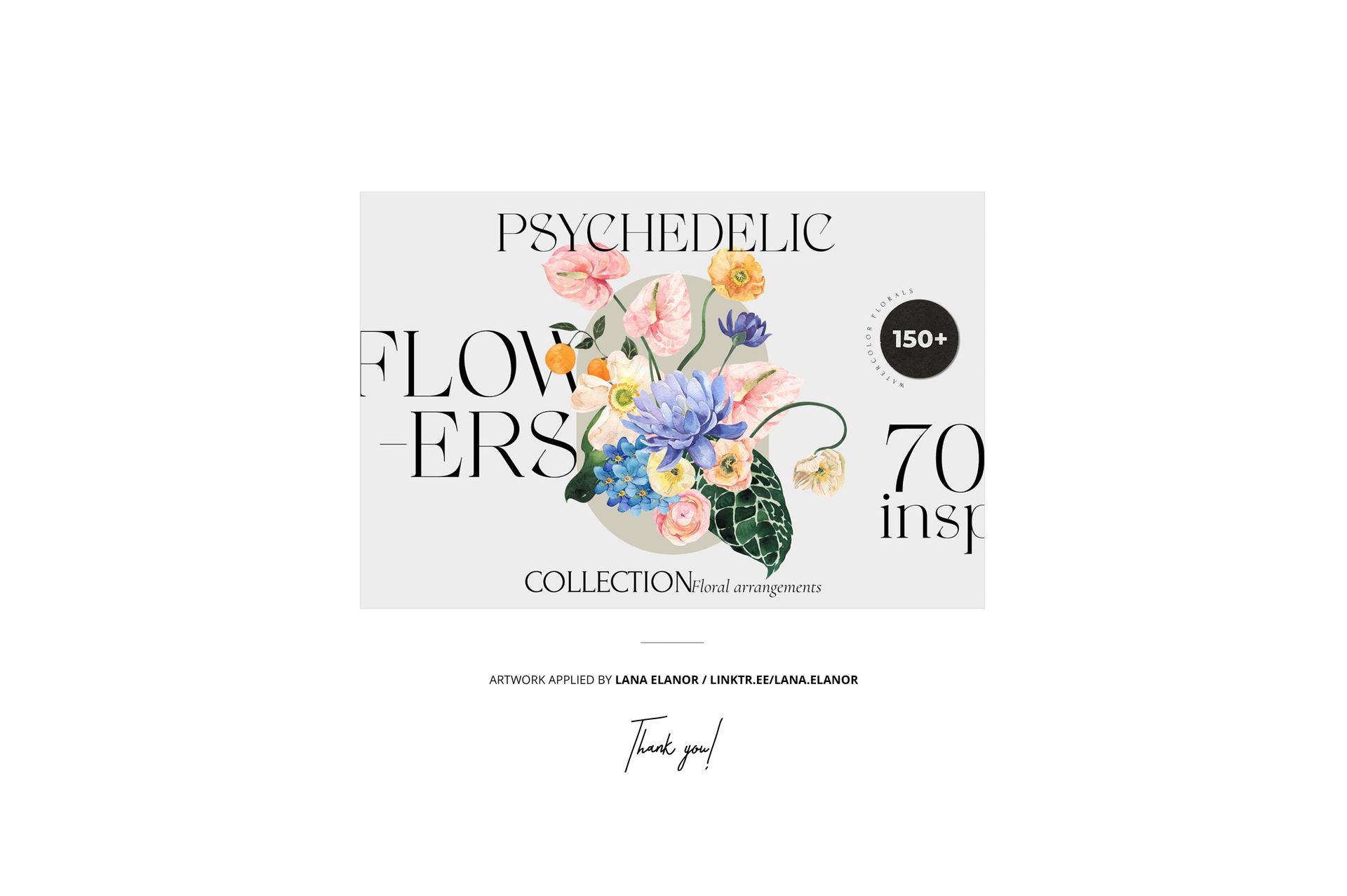
Example artwork by Lana Elanor. Sample artwork is not included.
File details
- Compatibility
- Package size
- 1.69 GB
|1.81 GB
- Files type
- .psd, .jpg
- Files size
- 6000x6000


Reviews
Professional PSD mockups built in-house - editable, realistic, high-resolution, and supported by real people.
Made with Creatsy
Real designs. Real customers. See how creatives use Creatsy mockups to turn their artwork, branding, and product ideas into polished visuals.
MEET THE SHOP
- $1870$22.00
- $1615$19.00
- $2040$24.00
- $1955$23.00

HOW IT WORKS
3 clicks. That's it.
No tutorial needed. If you can copy-paste, you can use this.
- 1OpenDouble-click the smart object inside the PSD - in Adobe Photoshop, or free in your browser with Photopea.
- 2PasteDrop in your pattern, print, or artwork. Any design, any style.
- 3SaveHit save and the mockup wraps it in for you - shadows, folds, and lighting included.
FROM IDEA TO IMAGE
Built for real workflows
Skip the photo shoot Show your artwork on the real product type for approvals or listings - no studio, no model, no sample.
See it on the product, not a swatch Drop your file into the smart object and the scene's lighting and folds wrap around it, so you judge the real thing before you commit.
Smart Objects
Edit once and you're done. Your artwork drops into a smart object and the mockup updates itself - no masking, no warping by hand.
Perfectly Organized
Named layers and folders you can actually navigate. Find what you need, change what you want, and get out fast.
Print-Ready
High-resolution files built to hold up on screen and in print. Exact size and DPI are in this product's Details above.


This is such a great mockup with so many elements that you can turn on and off. All elements work together so well to really help showcase your designs. The file itself is well organized and easy to use.
Thank you so much for your kind review! We’re really happy to hear that you found the mockup easy to use and well organized. It’s great to know the customizable elements helped you showcase your designs beautifully! ✨