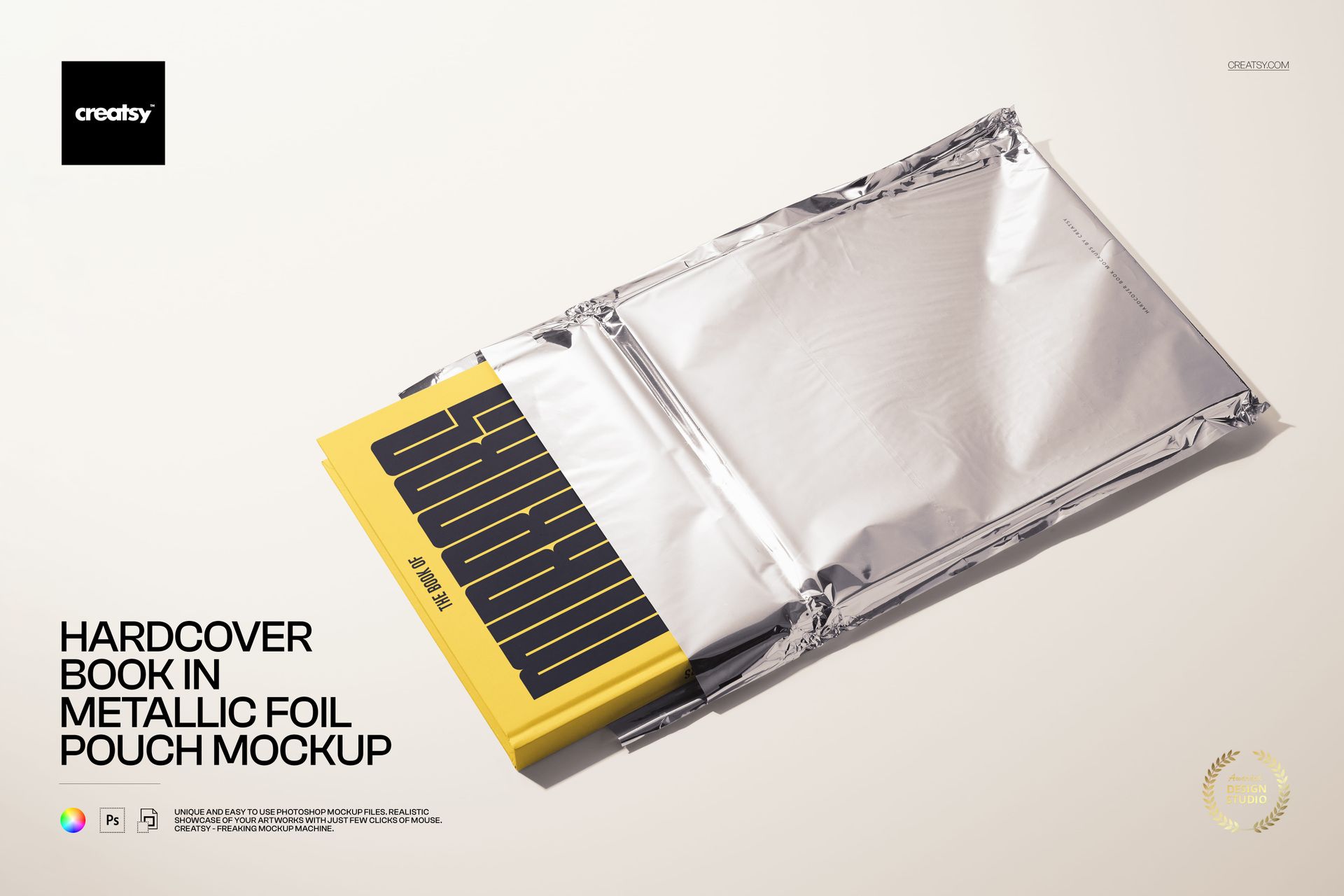
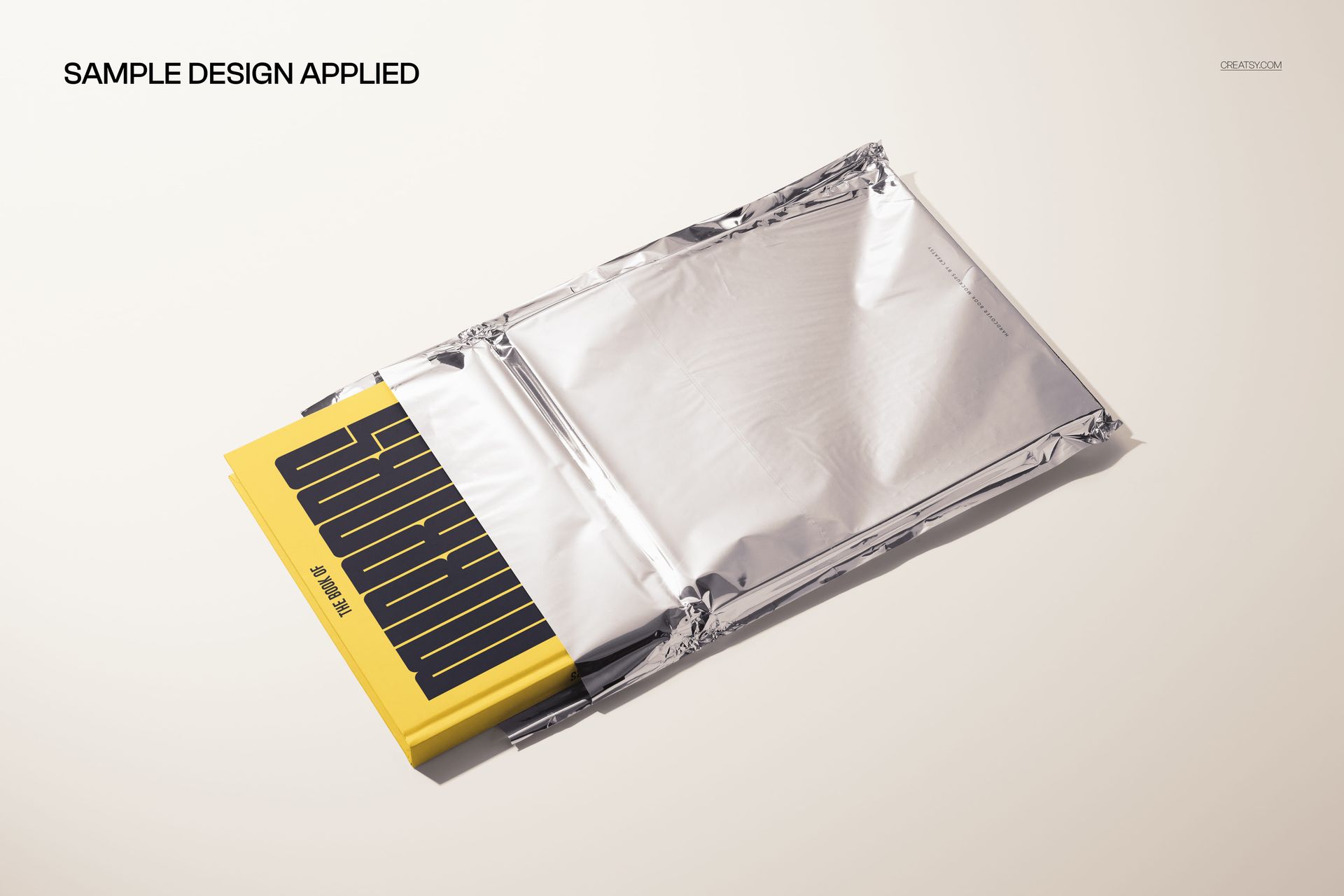
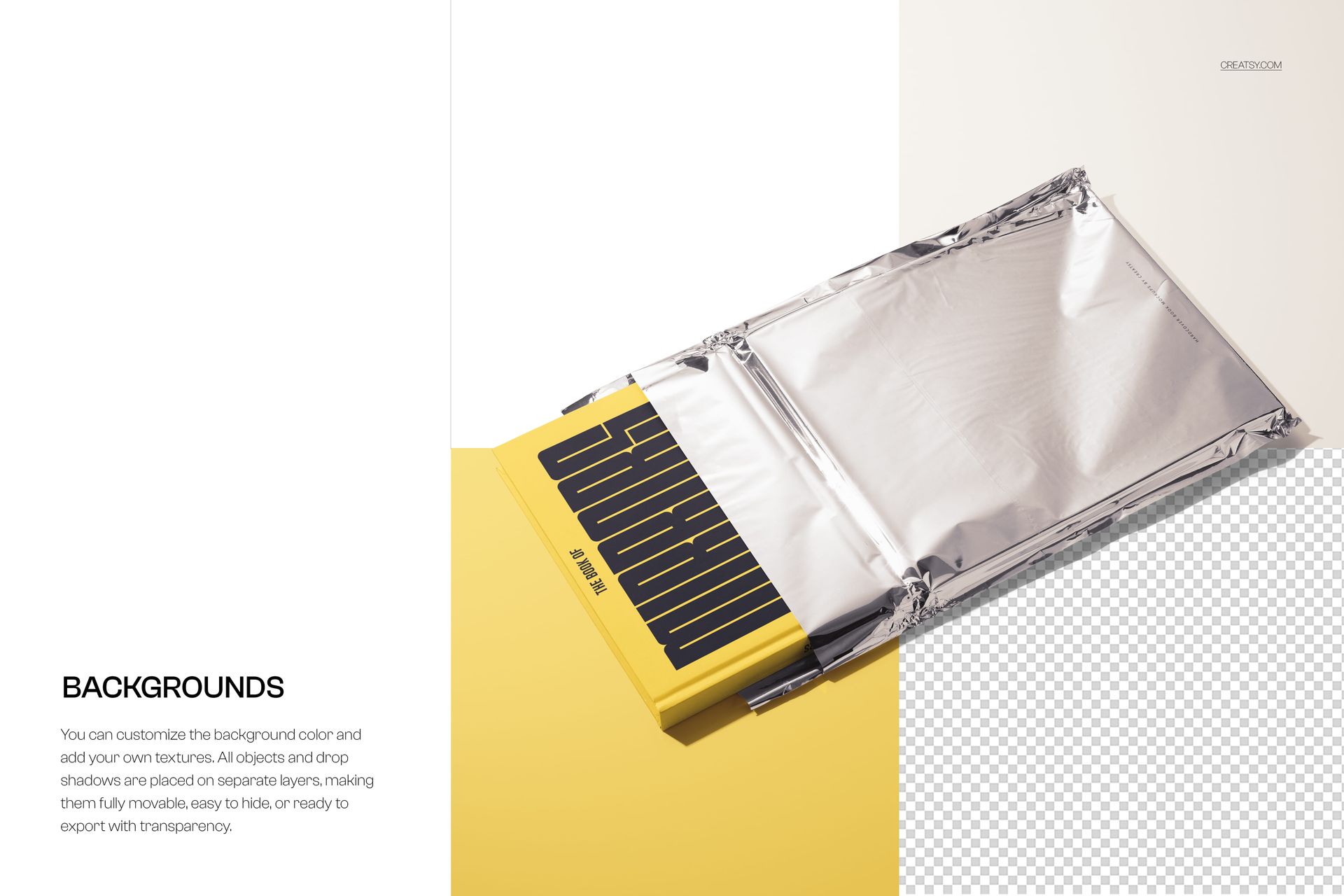
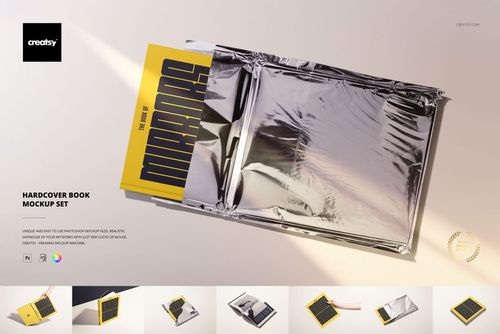
Showcase bold book cover concepts with this photo-realistic free Hardcover Book in Metallic Foil Pouch Mockup. Present special editions, press kits, or subscription-box packaging with a sleek foil mailer and hardback book peeking out, all fully editable via Smart Objects. Free for commercial use – see license for details.
Highlights
- Format: 1× PSD, 6000×4000 px, 300 dpi
- Workflow: Smart Objects; well-organized, named layers
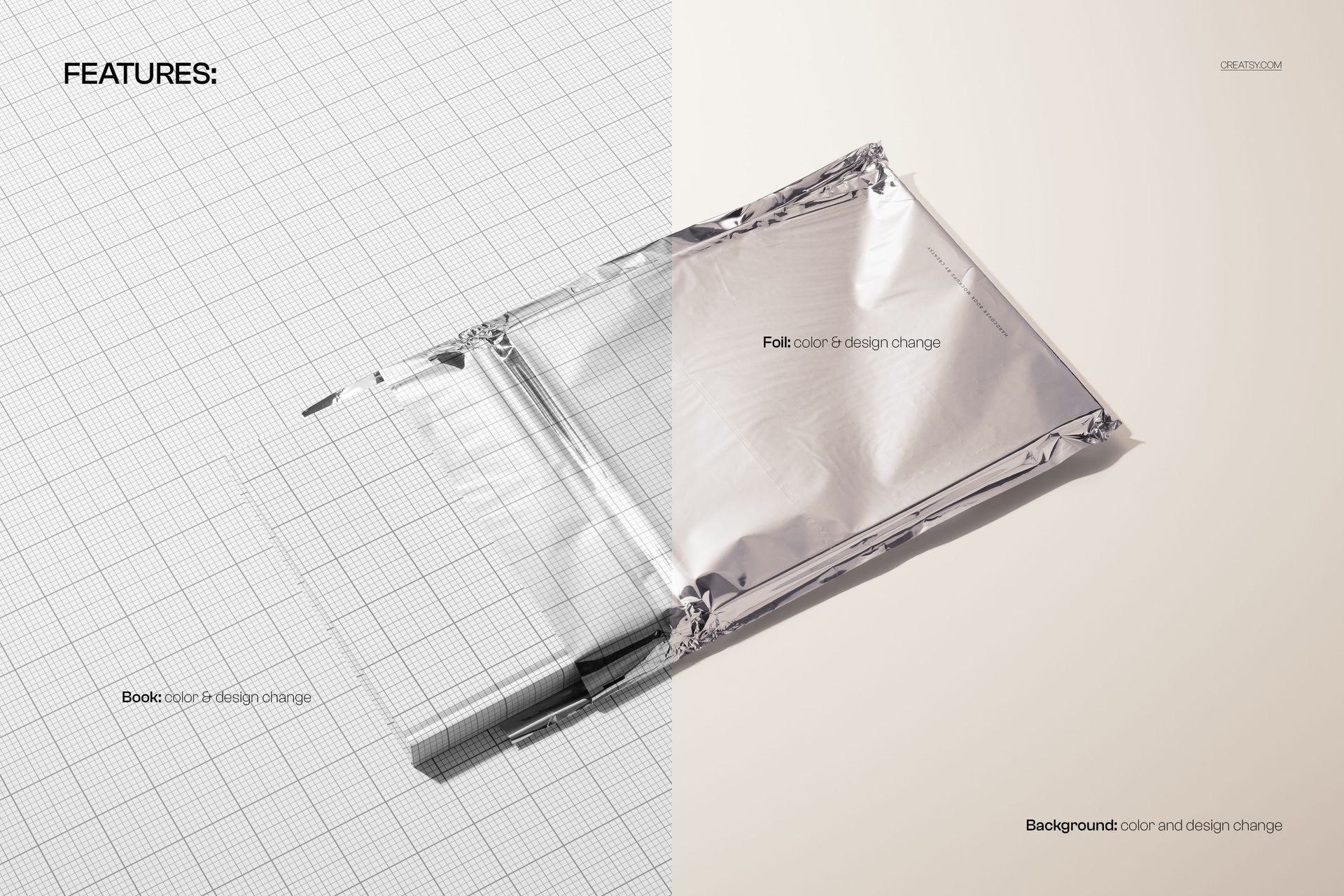
- Editable: book cover & color, metallic foil pouch color & design, background color/design
- Apps: Photoshop (min. CC 2020) + Photopea (free online editor)
- Use cases: book cover reveals, publishing promos, ecommerce listings, social media, portfolio shots
- License: free for personal & commercial use (see terms)
What’s inside / Specs
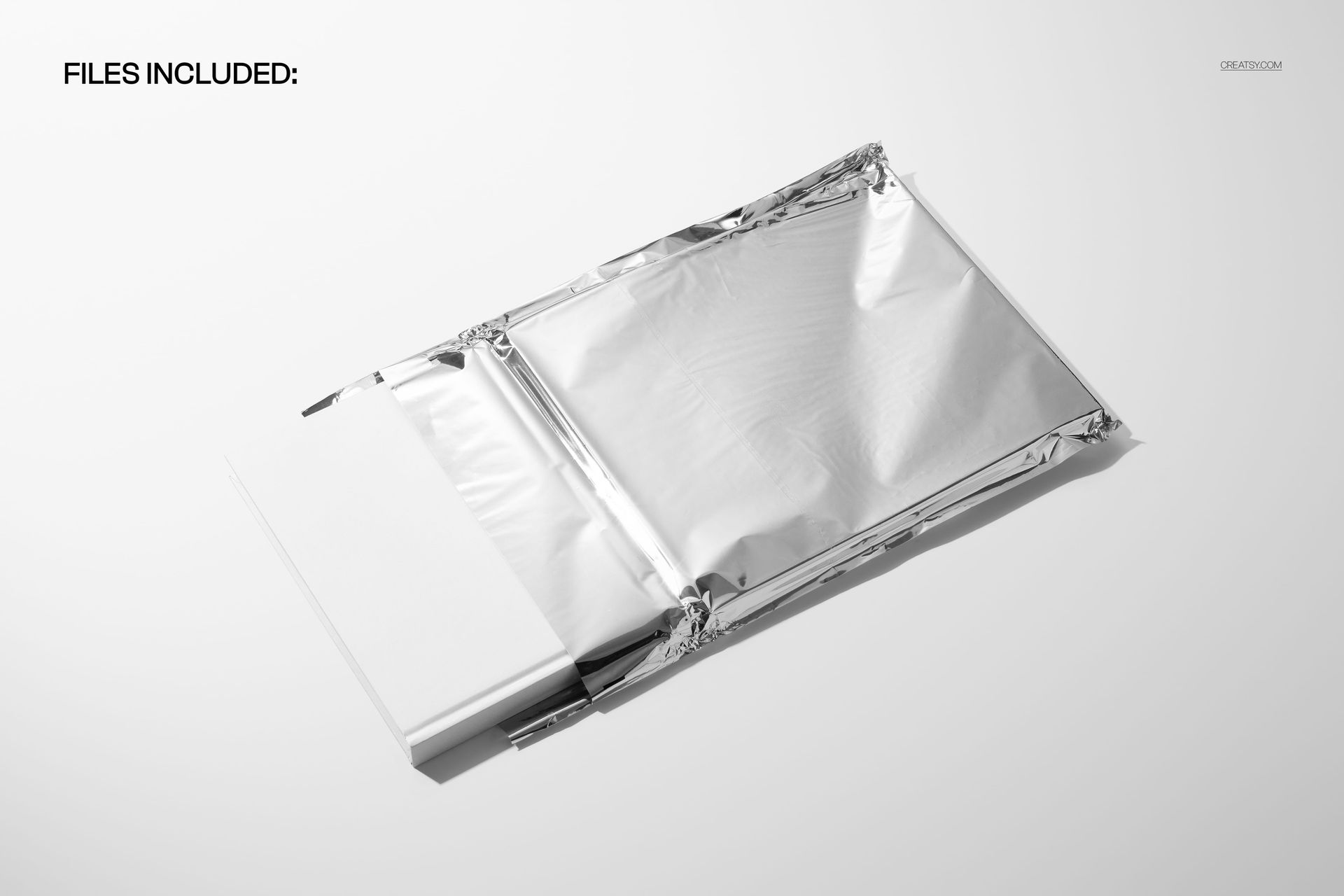
- Files: PSD (+ preview JPG)
- Canvas: 6000×4000 px, 300 dpi
- Layers: Smart Object for book cover artwork; separate controls for book color, foil pouch color/design, and background; adjustable shadows/highlights for realistic depth and shine
- Scene: hardcover book partially sliding out of crinkled metallic foil pouch
- Compatibility: Photoshop CC 2020 or newer; works in Photopea
- Approx. size: ~279–292 MB (archive may vary by compression)
How-to (Photoshop & Photopea)
- Open the PSD in Photoshop (CC 2020+) or Photopea.
- Replace the book Smart Object with your cover design, then Save to refresh the mockup.
- Tweak foil color/design and background to match your brand or campaign.
- Fine-tune shadows and highlights for extra contrast and realism.
- Export high-res images (JPG/PNG/WebP) for web, print, or presentations.
License & usage
Free for personal & commercial use (for 1 business, up to 5,000 end products). Source files cannot be resold or redistributed. See the full license on the product page – check the “Freebie” row for complete details.














j