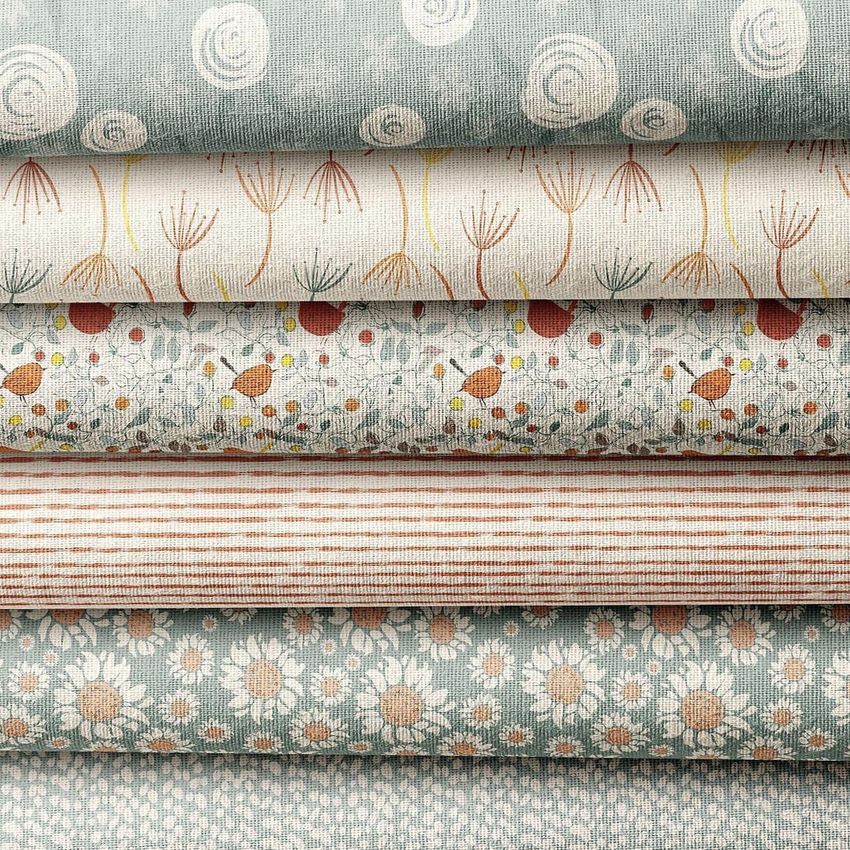
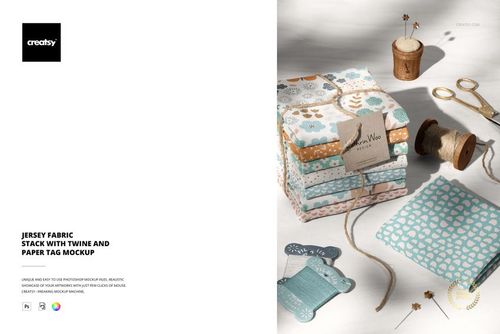
Layered Fabric Stack Mockup with Multiple Cloth Layers
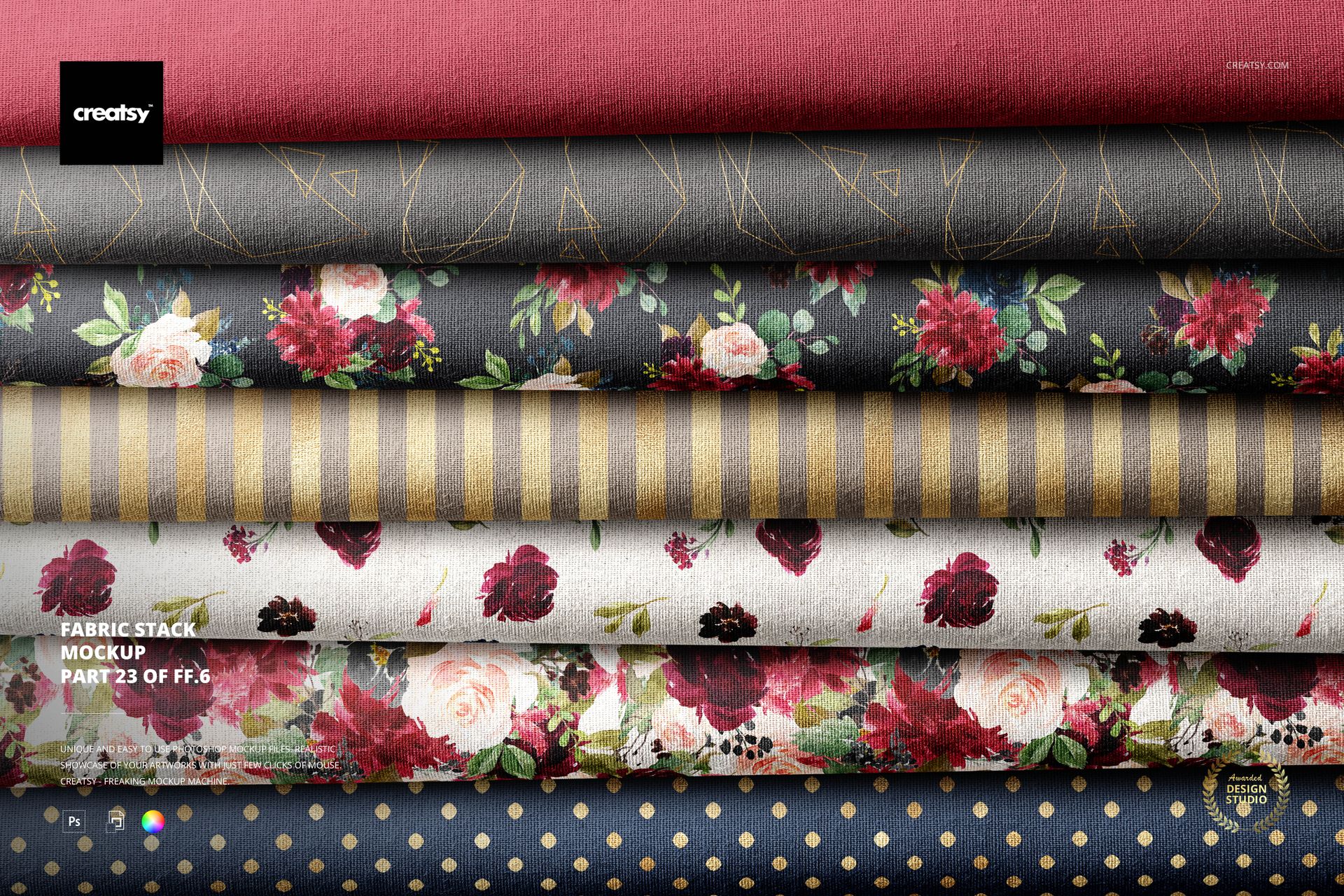
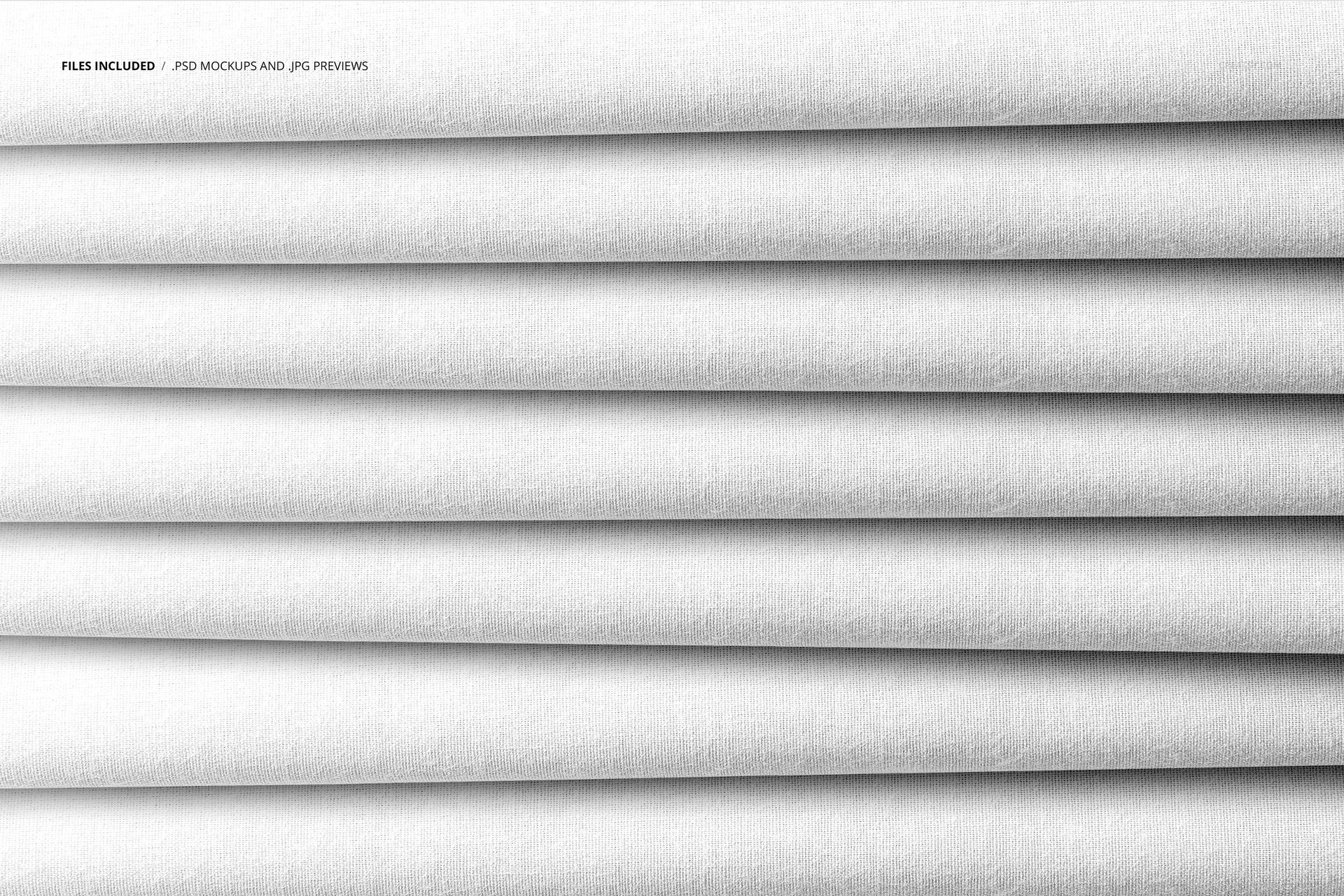
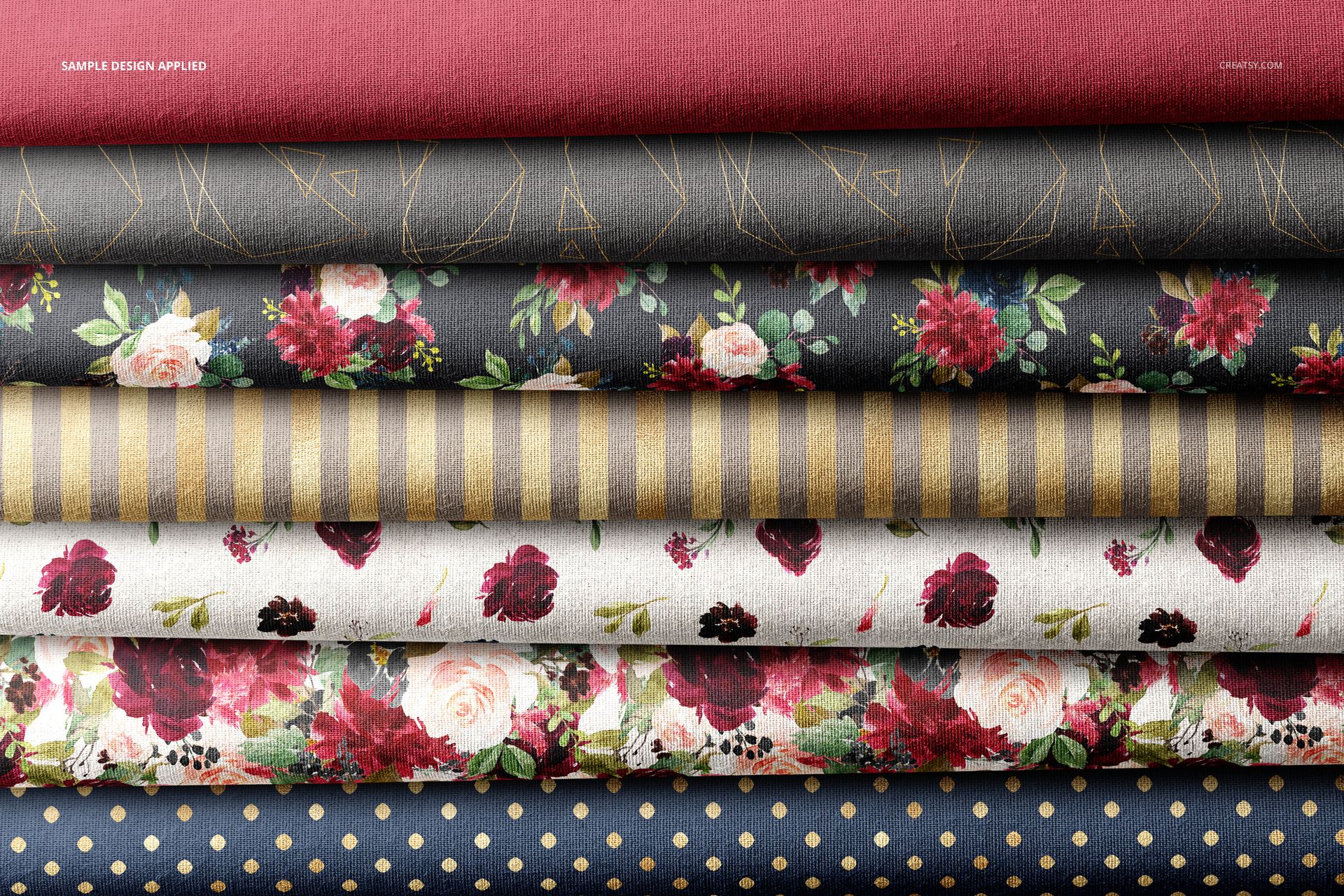
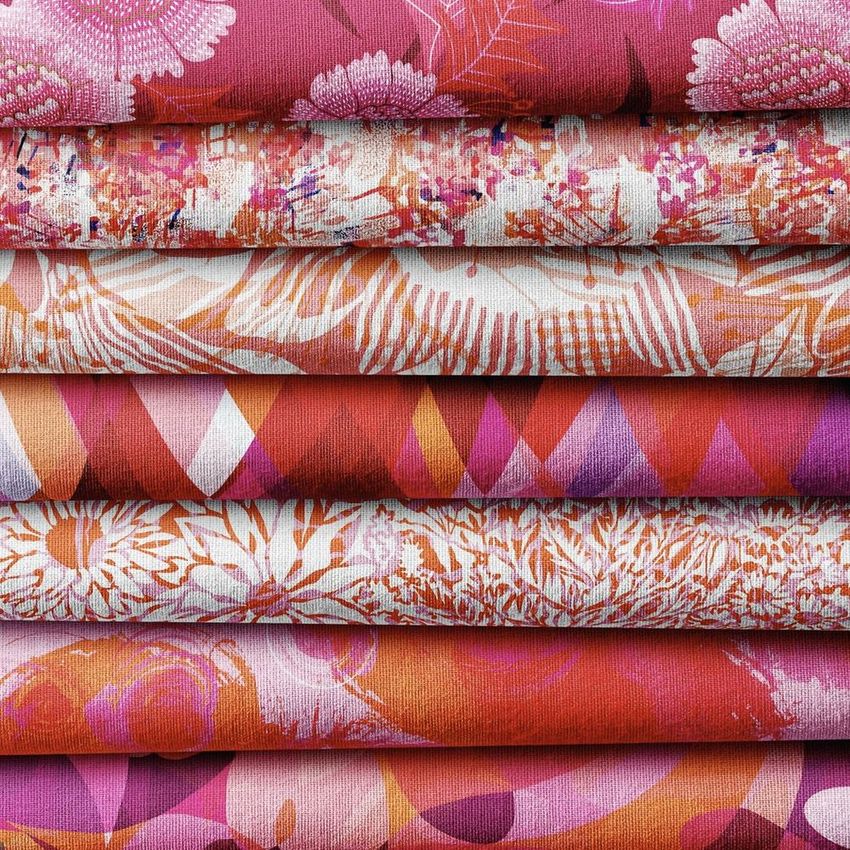
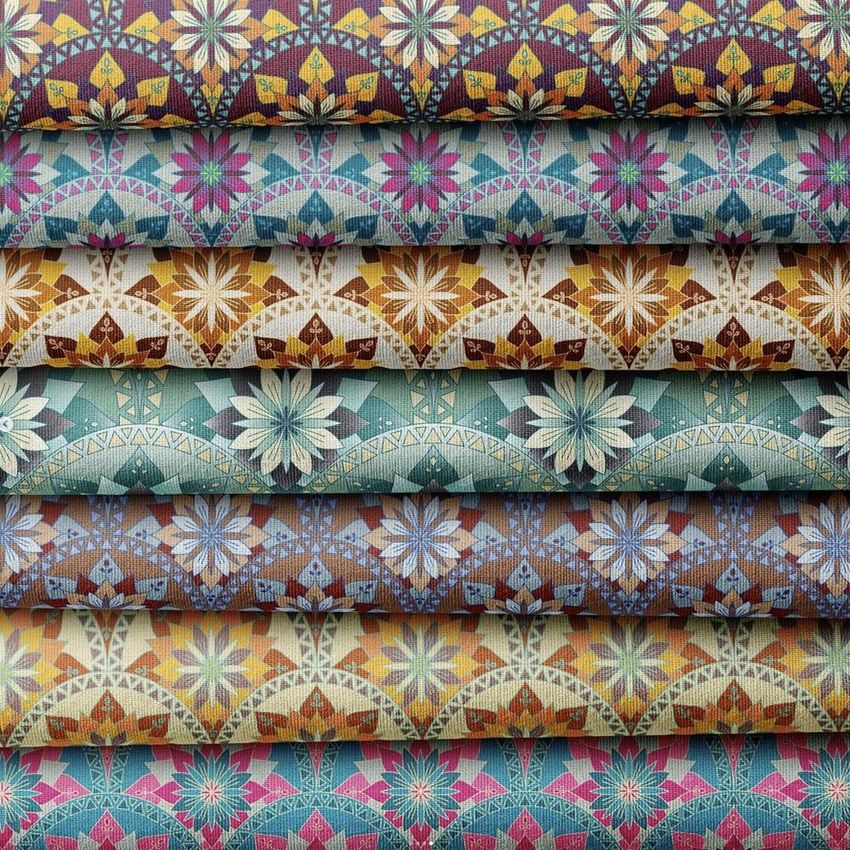
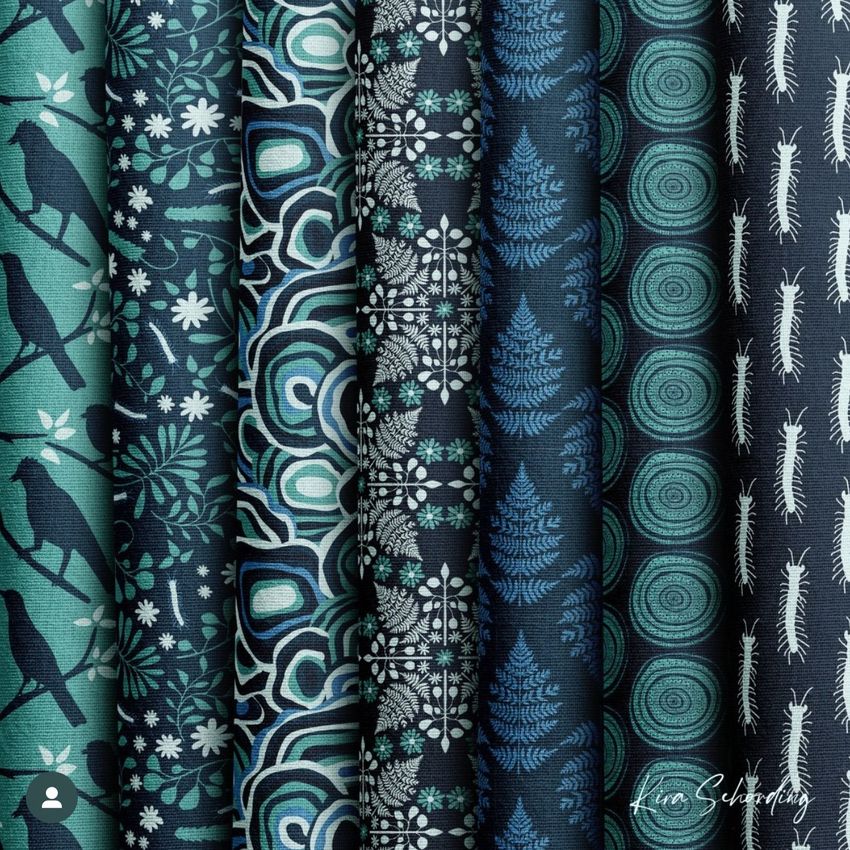
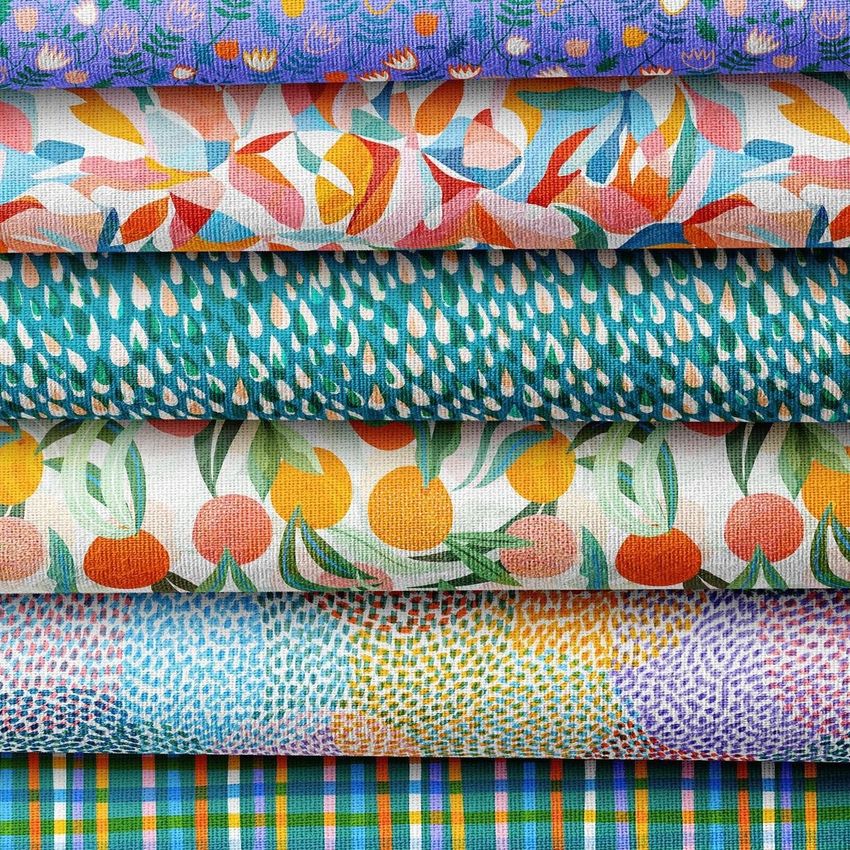
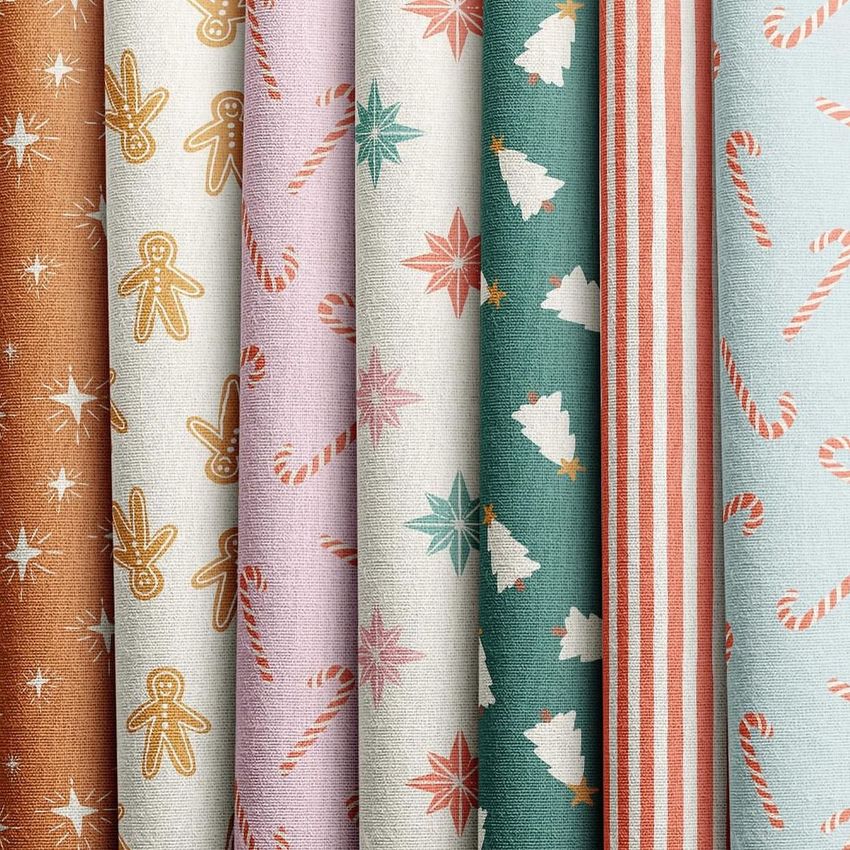
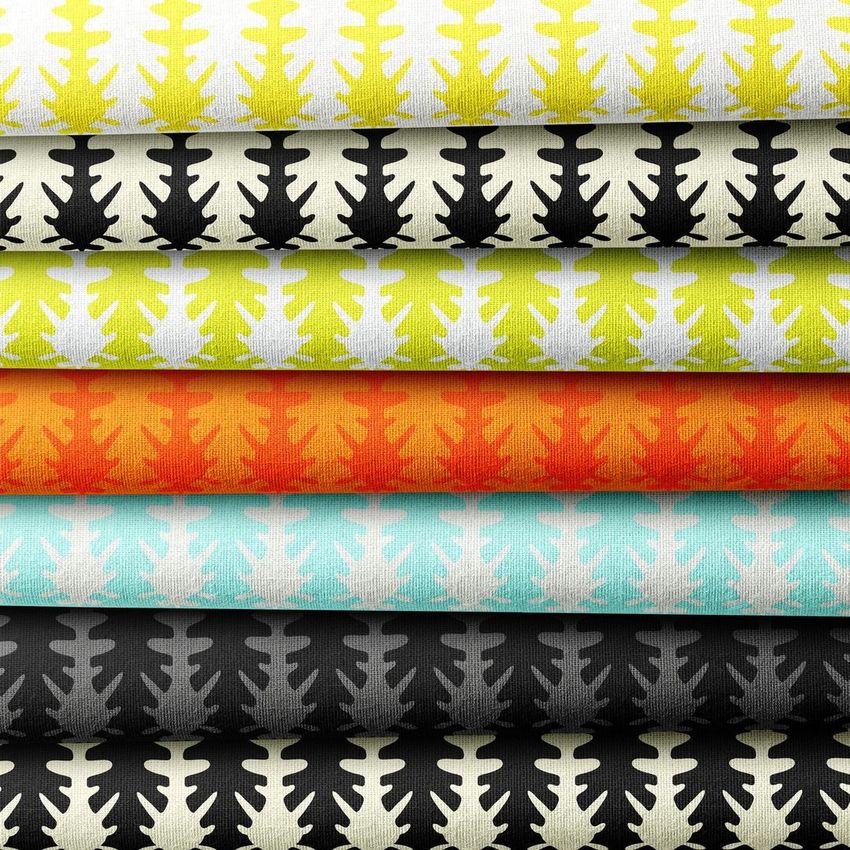
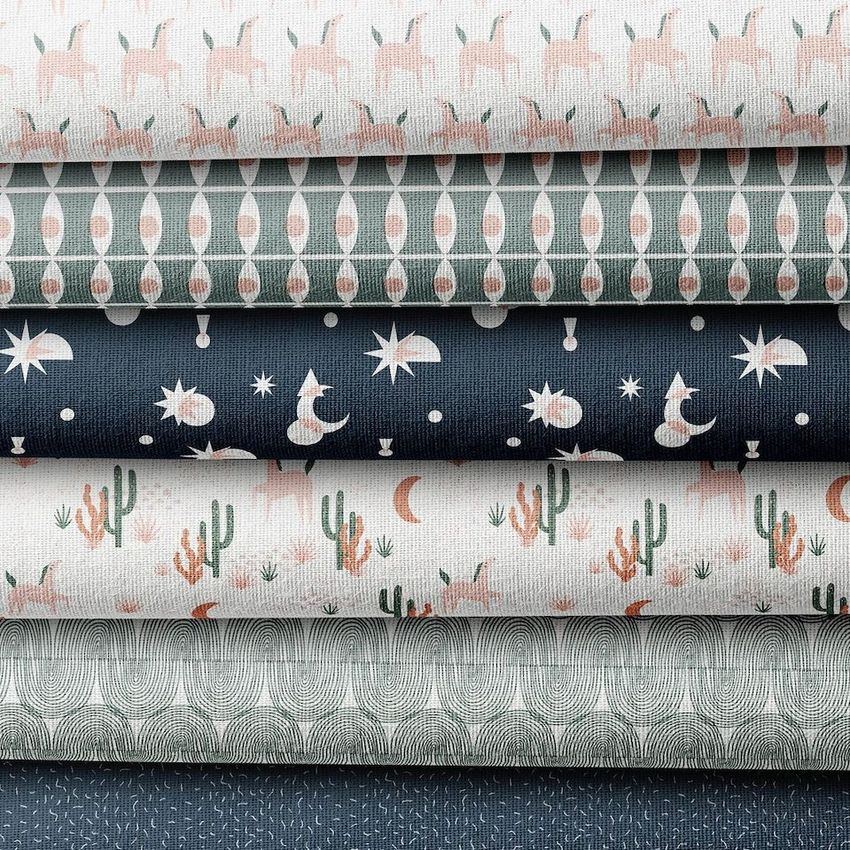
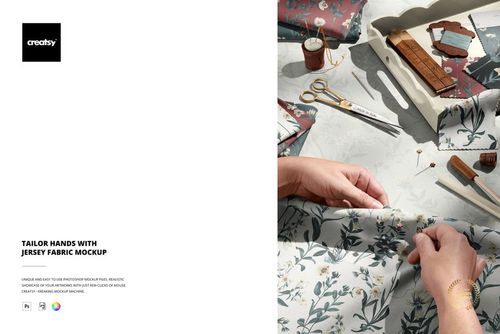
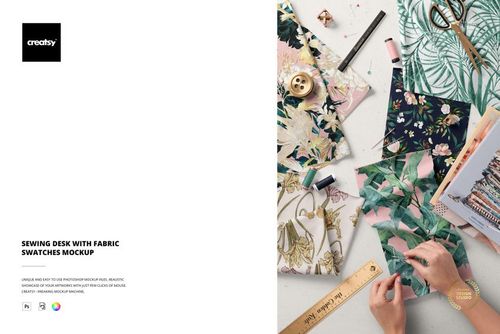
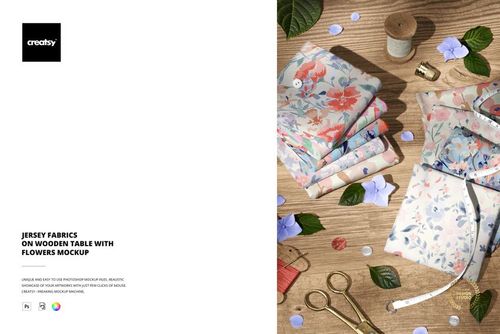
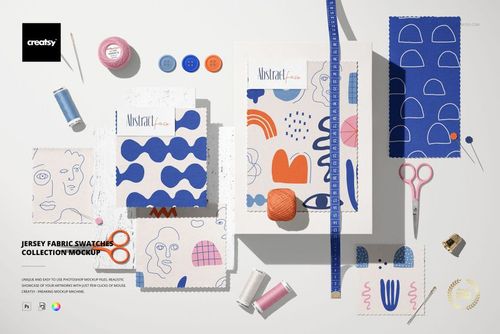
Display a coordinated pattern range across multiple stacked cloth layers in one detailed textile scene. The overlapping edges create a clear visual hierarchy, allowing viewers to compare prints, solid colors and supporting designs without losing the tactile character of the fabric. This mockup is designed for surface pattern artists, textile studios and brands preparing collection boards, licensing pitches or online product imagery.
File Details
1 layered PSD mockup file
6000 × 4000 px resolution at 300 dpi
Adobe Photoshop CS6 or newer compatibility
PSD, JPG and PDF files
Organized layers and Smart Object editing
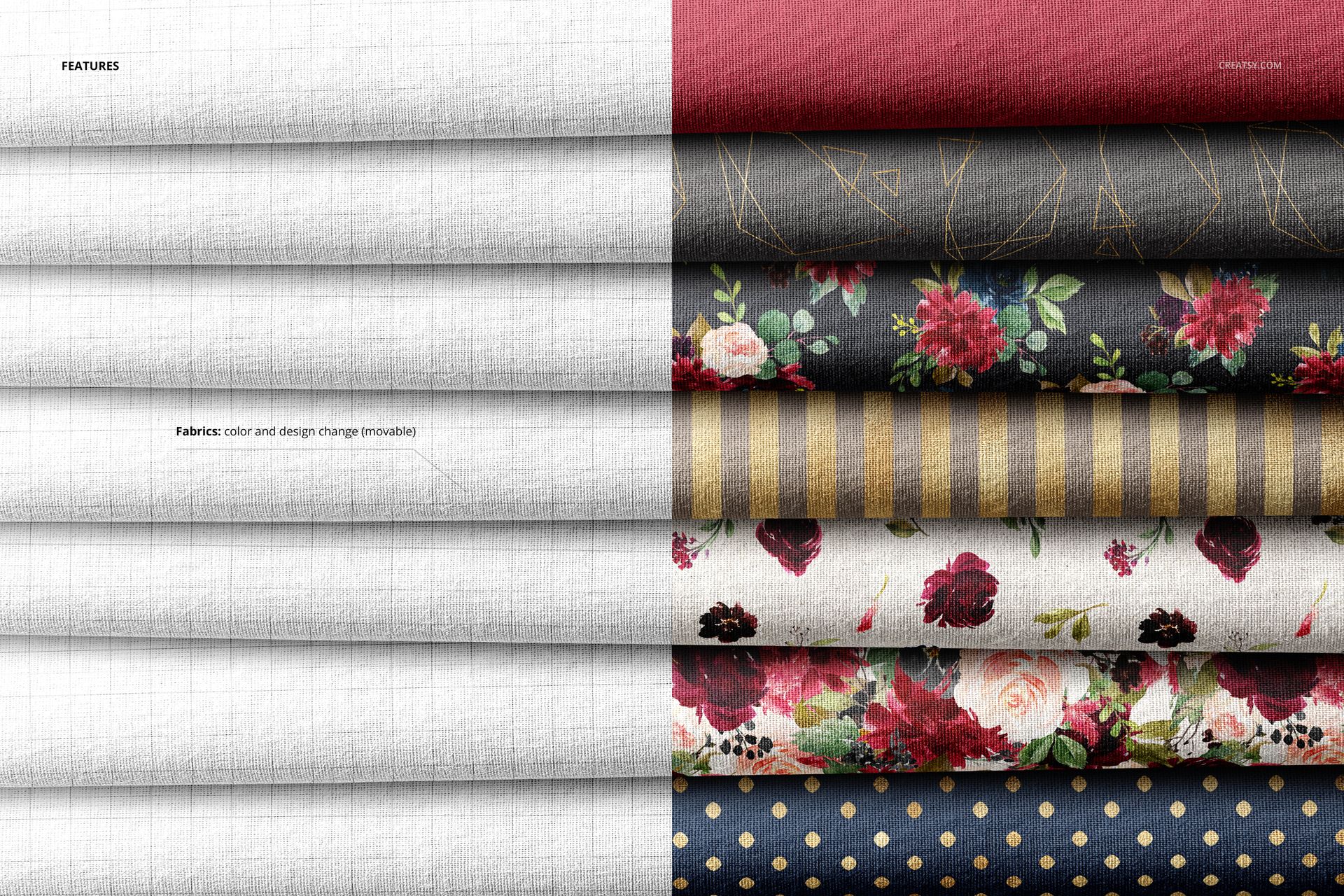
Editable fabric colors and artwork
Show More of a Collection in One Image
Apply a different design to each visible cloth layer to present hero patterns, coordinates and alternate colorways together. The composition works particularly well for seasonal textile ranges, apparel prints, quilting fabrics, nursery collections and home decor patterns. Realistic folds, shadows and layered edges give the artwork physical context while keeping each print easy to compare.
Useful for Portfolios and Buyer Presentations
Use the completed scene as a portfolio cover, collection overview, fabric shop banner, social media post or visual reference during client approval. The large canvas provides enough detail for both full-scene presentation and close-up crops.
Artwork Credit
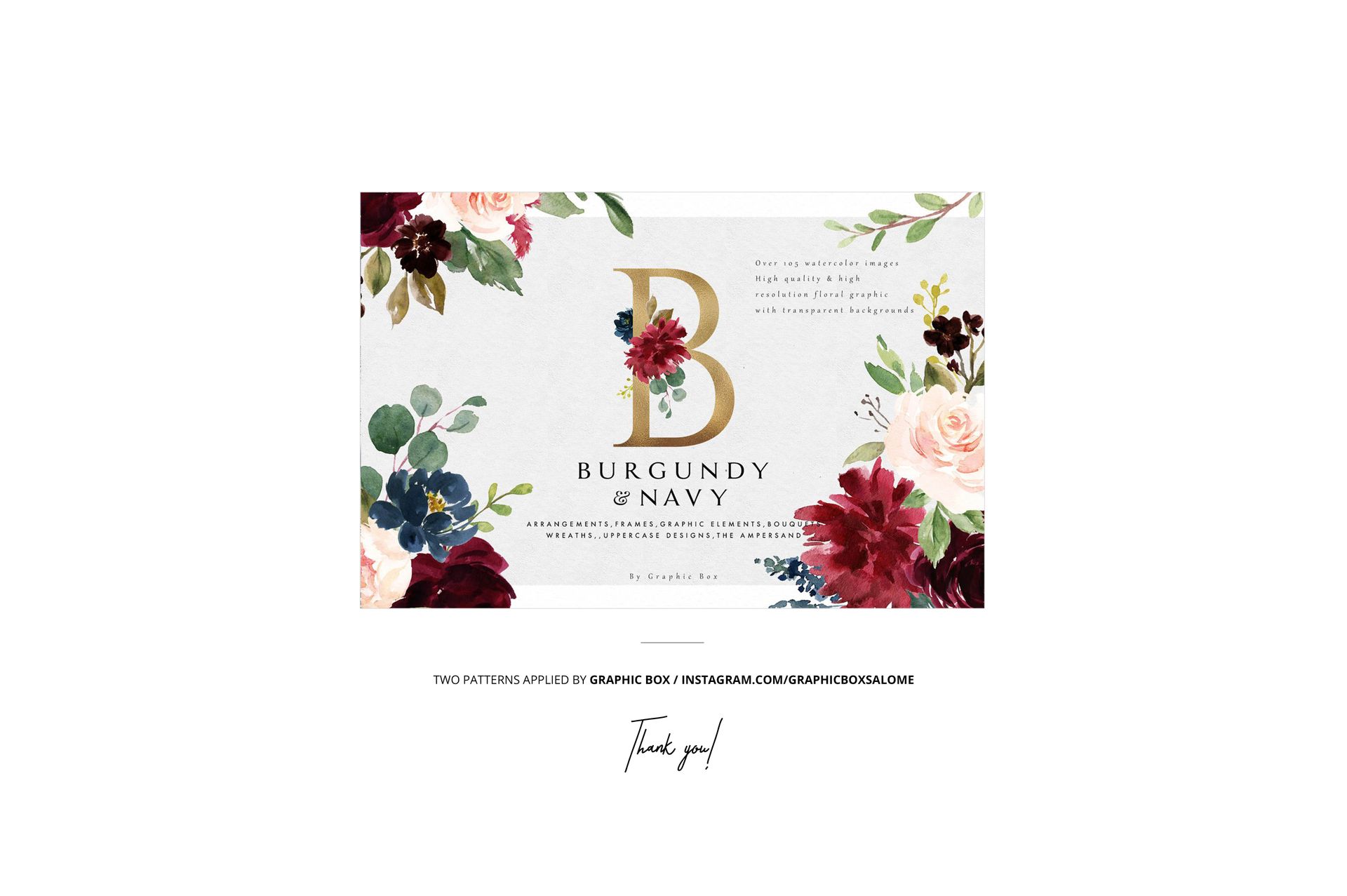
The Burgundy Navy artwork is by Graphic Box. The sample patterns are displayed for demonstration and are not included with the mockup.