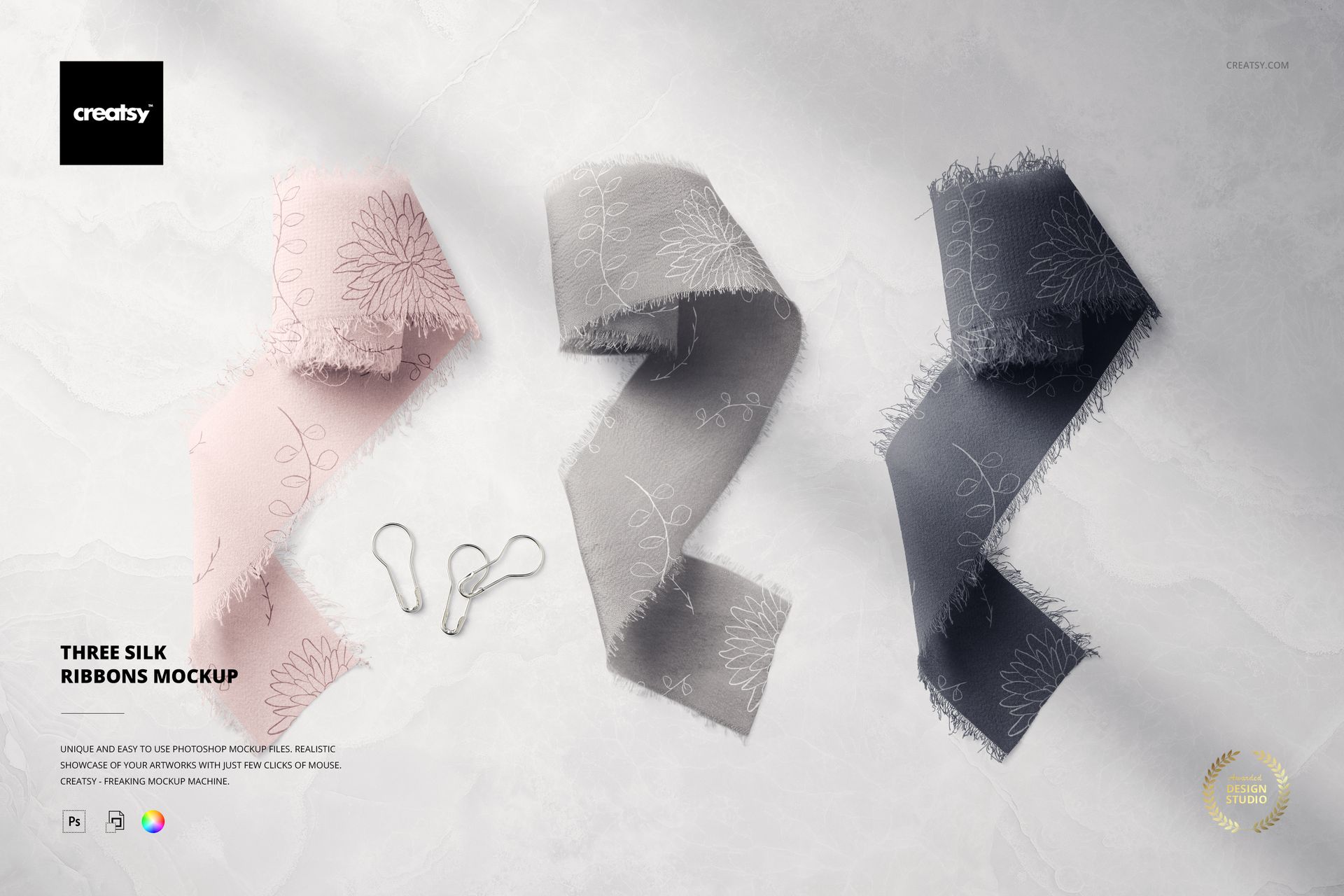
What is Three Silk Ribbons Mockup?
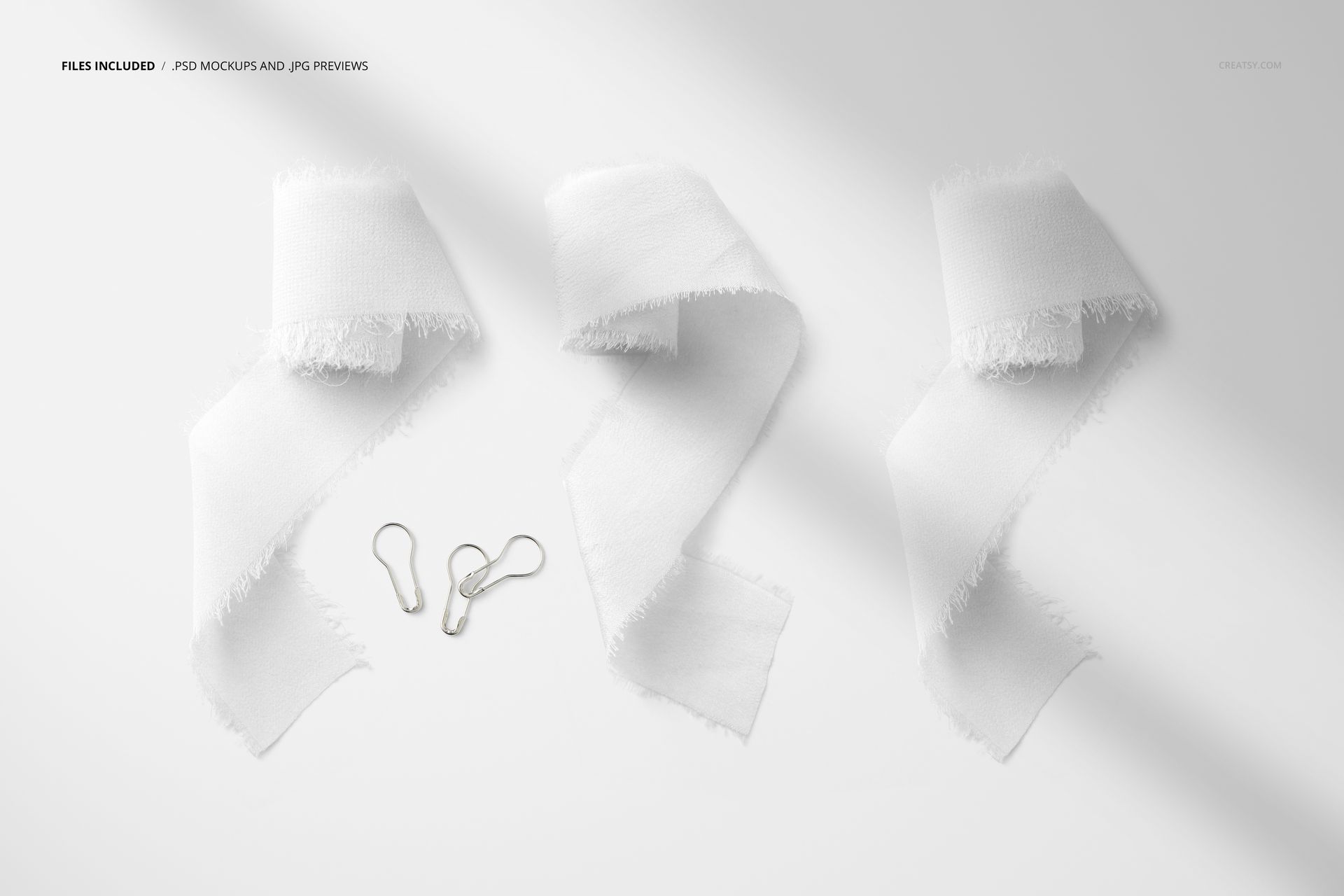
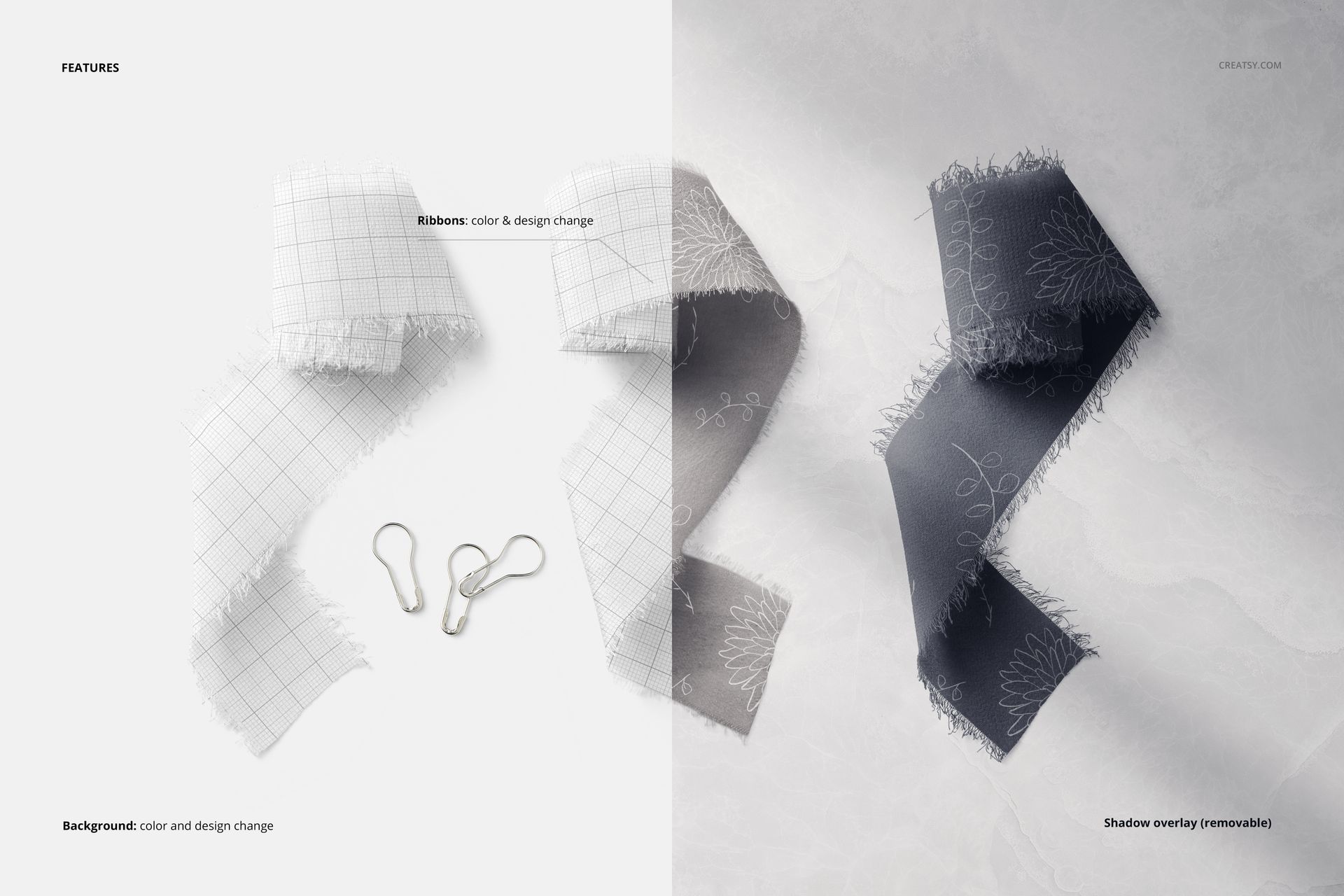
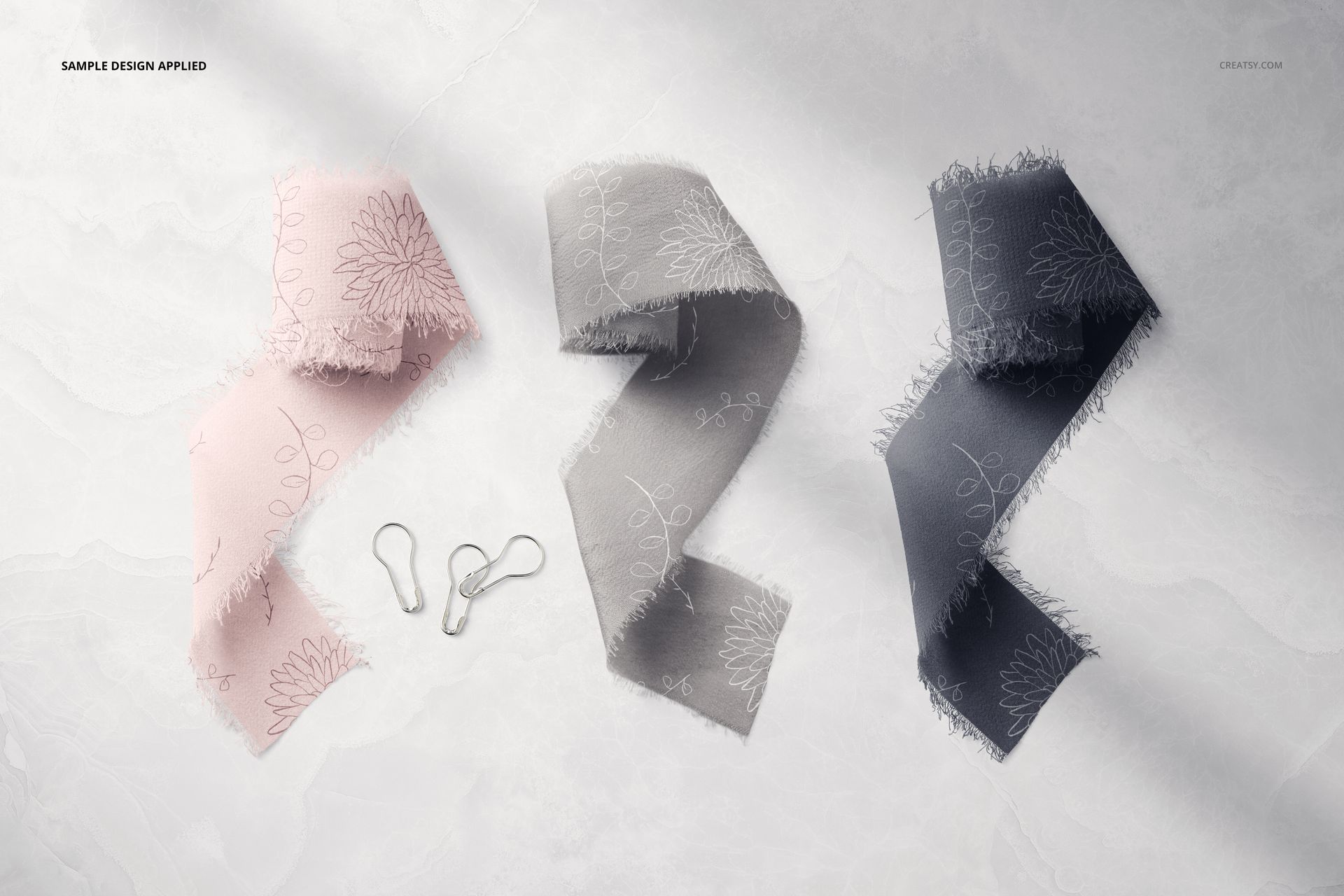
Three Silk Ribbons Mockup template by Creatsy offers fully customizable stylish ribbon mockups using only the best-quality images. This allows your designs to be displayed with realistic texture in this must-have ribbon mockup. These perfectly warped images will showcase your designs with finesse. Precisely prepared overlay layers of shadows and highlights will blend your creations into the mockup scene without losing color saturation. You can apply solid colors, gradients, and custom designs to this Three Silk Ribbons Mockup set to tailor it to your specifications. Complete with easy-to-follow instructions to make mocking up your designs a breeze, even if you’re new to the Adobe Photoshop software or using a mockup template.
The Creatsy experience
Creatsy provides professional-quality files. Exhibiting your artwork in a realistic mockup will help you elevate your brand, meet your business goals, and expand your customer base. Well-organized mockup files are a must-have for every designer, artist, or illustrator who wants to present their artwork or products in a realistic way that catches the eye of potential customers. This Three Silk Ribbons Mockup is a perfect mockup to portray your designs, build a digital portfolio, and improve your online visibility.
- Compatibility: Adobe Photoshop CC, Photopea,
- Includes: 1 PSD file with well-organized layers: 6000x4000 px, 300 dpi,
- Editable components: color and design change,
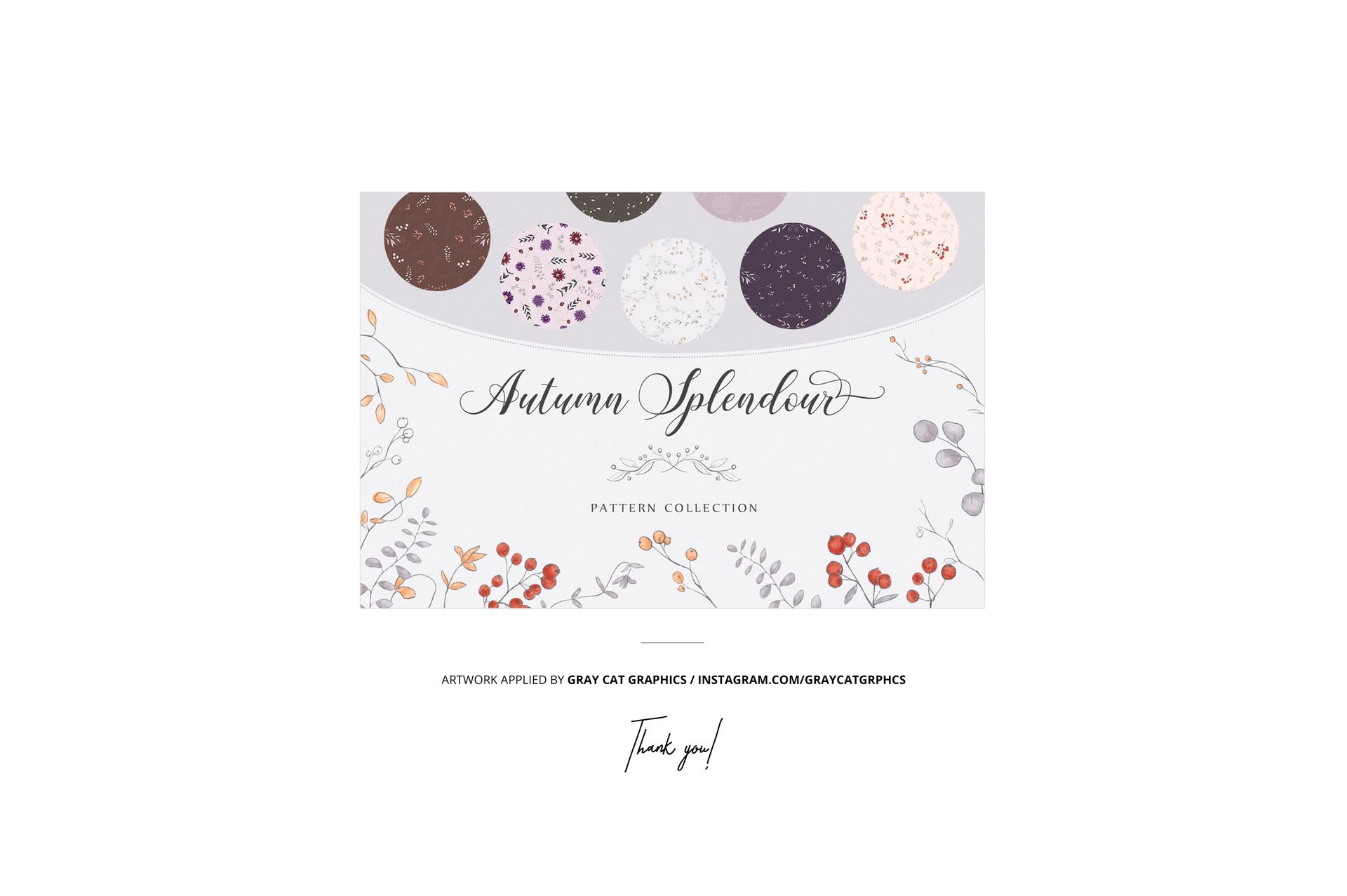
- Example artwork by Gray Cat Graphics / linktr.ee/graycatgrphcs,
- (patterns are NOT included, this product is a mockup intended for you to add your own designs).