Wrapping Papers & Gifts Mockup

Product Details
Wrapping Papers & Gifts Mockup
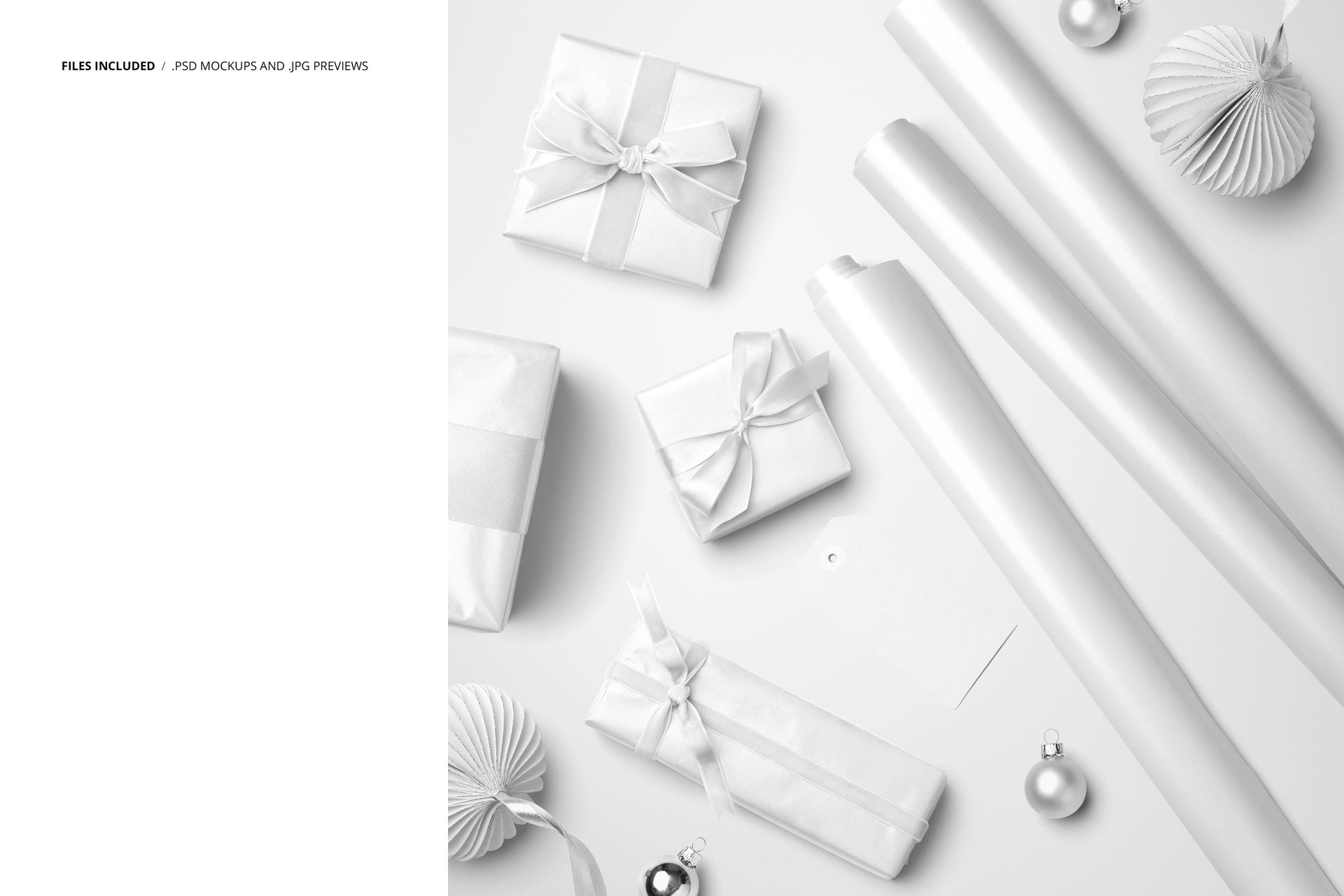
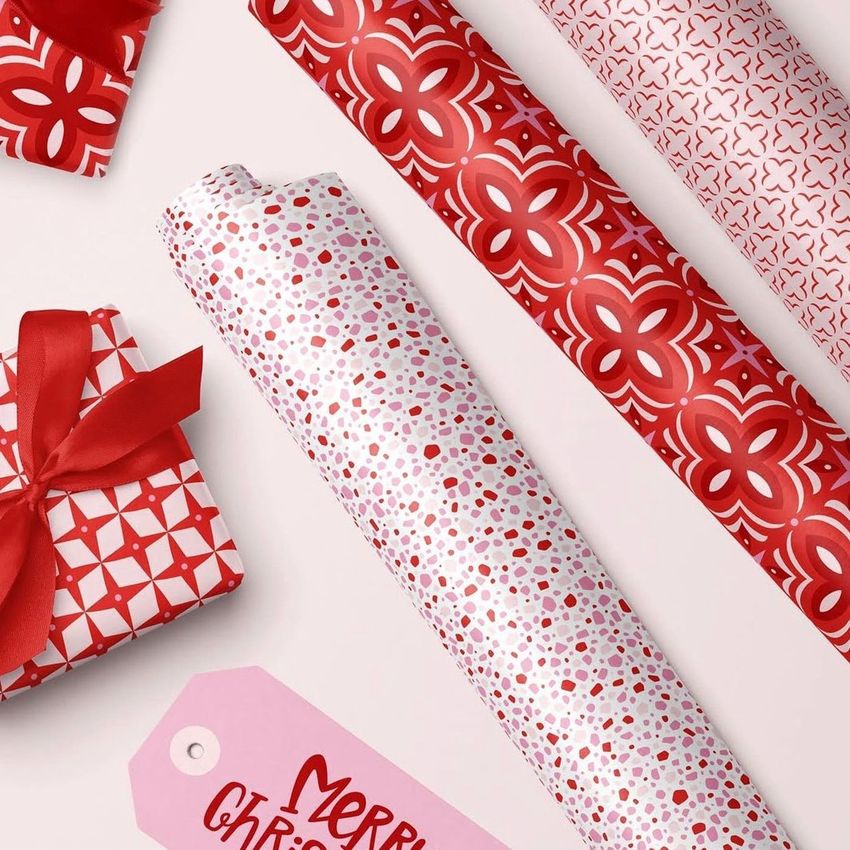
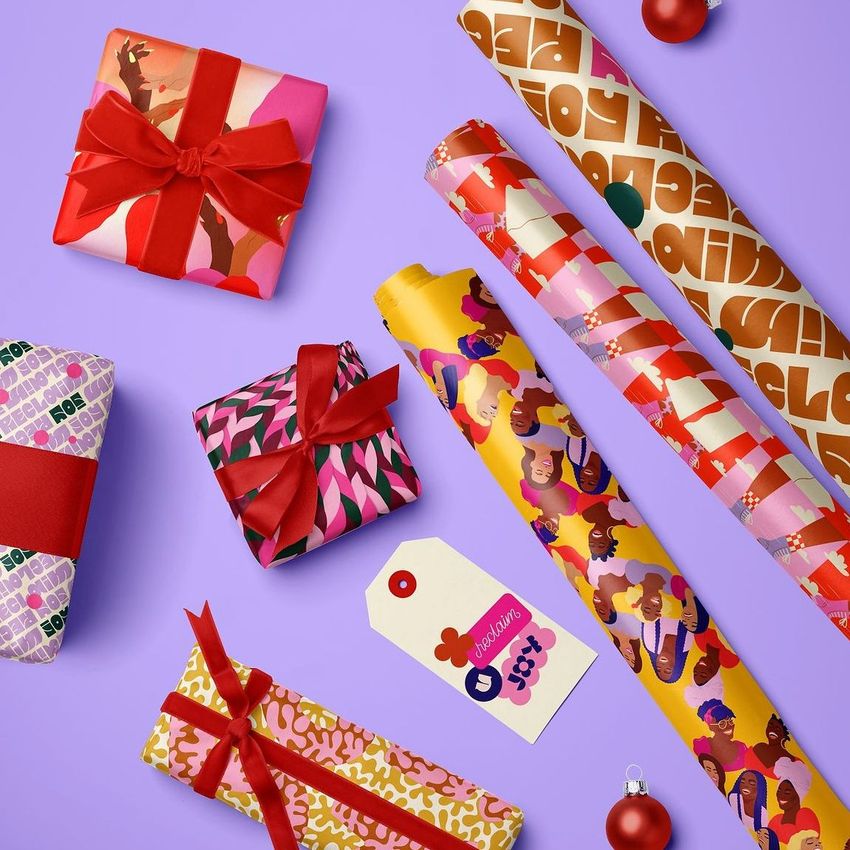
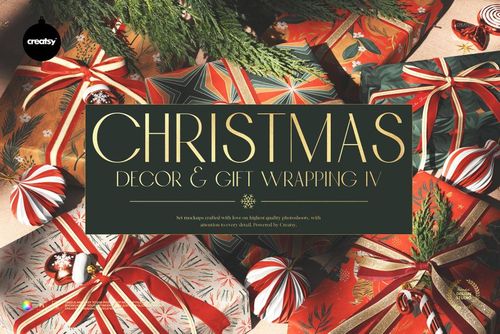
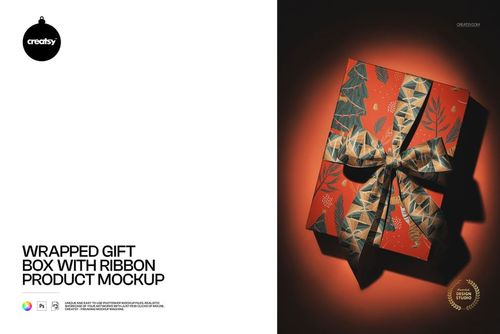
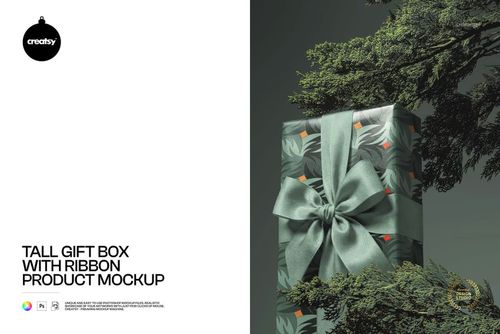
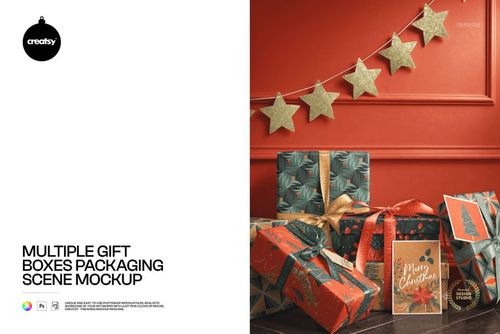
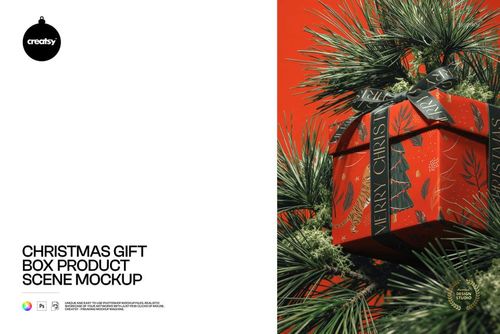
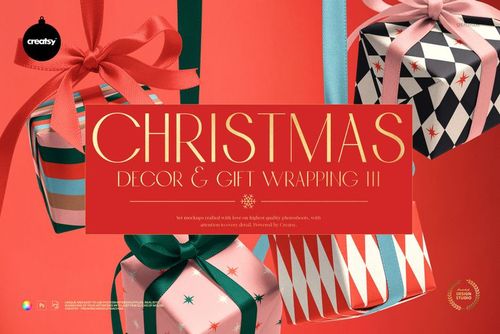
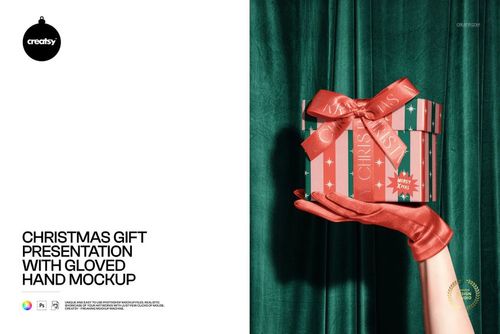
Unveil the unlimited possibilities of your designs with our Wrapping Papers & Gifts Mockup, a visual feast that showcases versatility in every detail. This mockup presents a myriad of canvases in one shot, featuring three rolls of wrapping paper, four different gifts, each in a unique shape-two adorned with luxurious velvet ribbons and two with classic ribbons-and a paper gift label. The scene is enhanced with customizable paper Christmas ornaments and baubles, creating a dynamic and captivating backdrop.
Design Playground: A Symphony of Wrapping and Giving
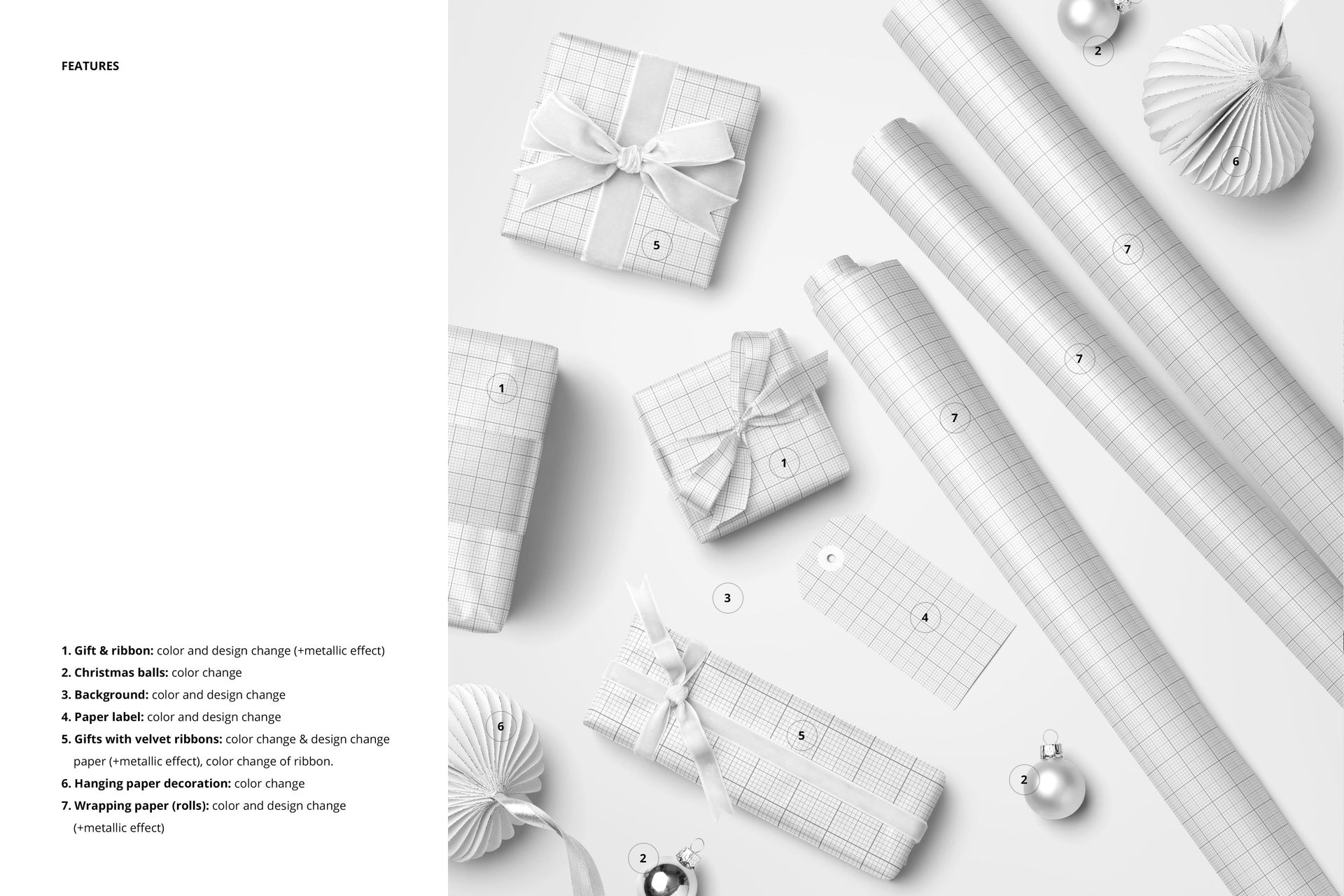
Immerse yourself in a design playground where creativity knows no bounds with our Wrapping Papers & Gifts Mockup. This composition serves as a canvas for your imagination, allowing you to edit the color and design of the gifts, classic ribbons, velvet ribbons and wrapping papers. The option to add an optional metallic print to all gifts, wrapping paper and ribbons adds a touch of luxury and transforms each element into a work of art. You can change the color of paper ornaments and Christmas balls to ensure that every detail matches your festive vision. The ability to change the color and design of the background completes the ensemble, allowing you to set the perfect stage for your holiday presentation.
- File works in Photoshop CC and Photopea;
- Pack includes 1 .psd file: 5000x5000 px, 300dpi;
- Check screenshots for all the features;
- Artwork applied by WalaPalette / linktr.ee/walapalette;
- Patterns are NOT included, this product is a mockup intended for you to add your own designs.
File details
- Compatibility
- Number of files included
- 2
- Package size
- 134 MB
|141 MB
- Files type
- .psd, .jpg
- Files size
- 6000x4000


Made with Creatsy
Real designs. Real customers. See how creatives use Creatsy mockups to turn their artwork, branding, and product ideas into polished visuals.
MEET THE SHOP

HOW IT WORKS
3 clicks. That's it.
No tutorial needed. If you can copy-paste, you can use this.
- 1OpenDouble-click the smart object inside the PSD - in Adobe Photoshop, or free in your browser with Photopea.
- 2PasteDrop in your pattern, print, or artwork. Any design, any style.
- 3SaveHit save and the mockup wraps it in for you - shadows, folds, and lighting included.
FROM IDEA TO IMAGE
Built for real workflows
You just finished a print collection and need portfolio-ready shots - without booking a $2,000 photo shoot or waiting two weeks.
Your client wants to see the pattern on a real dress before approving. Send them a photorealistic mockup, not a flat swatch and a "trust me."
You're launching a summer drop on Etsy or Shopify and need listing images that actually convert.
You're pitching resort wear to a brand and your lookbook needs to feel like a million bucks. This gets you there for the price of lunch.
Smart Objects
Edit once and you're done. Your artwork drops into a smart object and the mockup updates itself - no masking, no warping by hand.
Perfectly Organized
Named layers and folders you can actually navigate. Find what you need, change what you want, and get out fast.
Print-Ready
High-resolution files built to hold up on screen and in print. Exact size and DPI are in this product's Details above.