Christmas Gift Wrapping with Olive Tree Branches Mockup
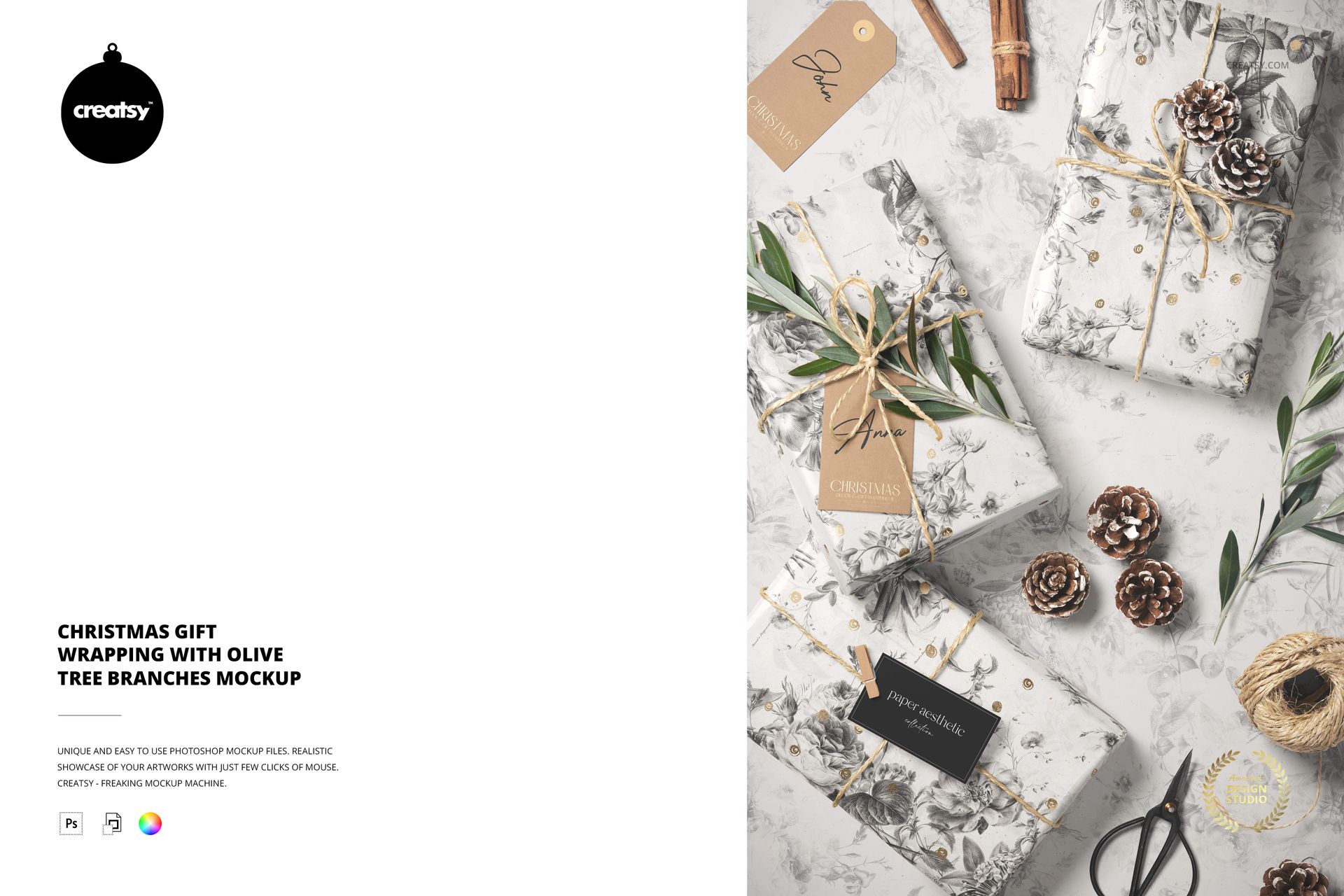
Present a coordinated holiday packaging identity with this Christmas gift wrapping mockup: three wrapped presents styled with olive tree branches, twine and pine cones. The layered PSD brings wrapping paper, paper tags and a business card into one top-view composition for seasonal branding and surface pattern presentations.
A Botanical Gift Wrapping Scene
Olive foliage, tied cinnamon sticks, a ball of twine and scissors frame the gifts with a natural, hand-wrapped look. Use the scene to show how an illustrated repeat, a personal message and a small brand card work together on finished holiday packaging.
Editable Surfaces and Finishes
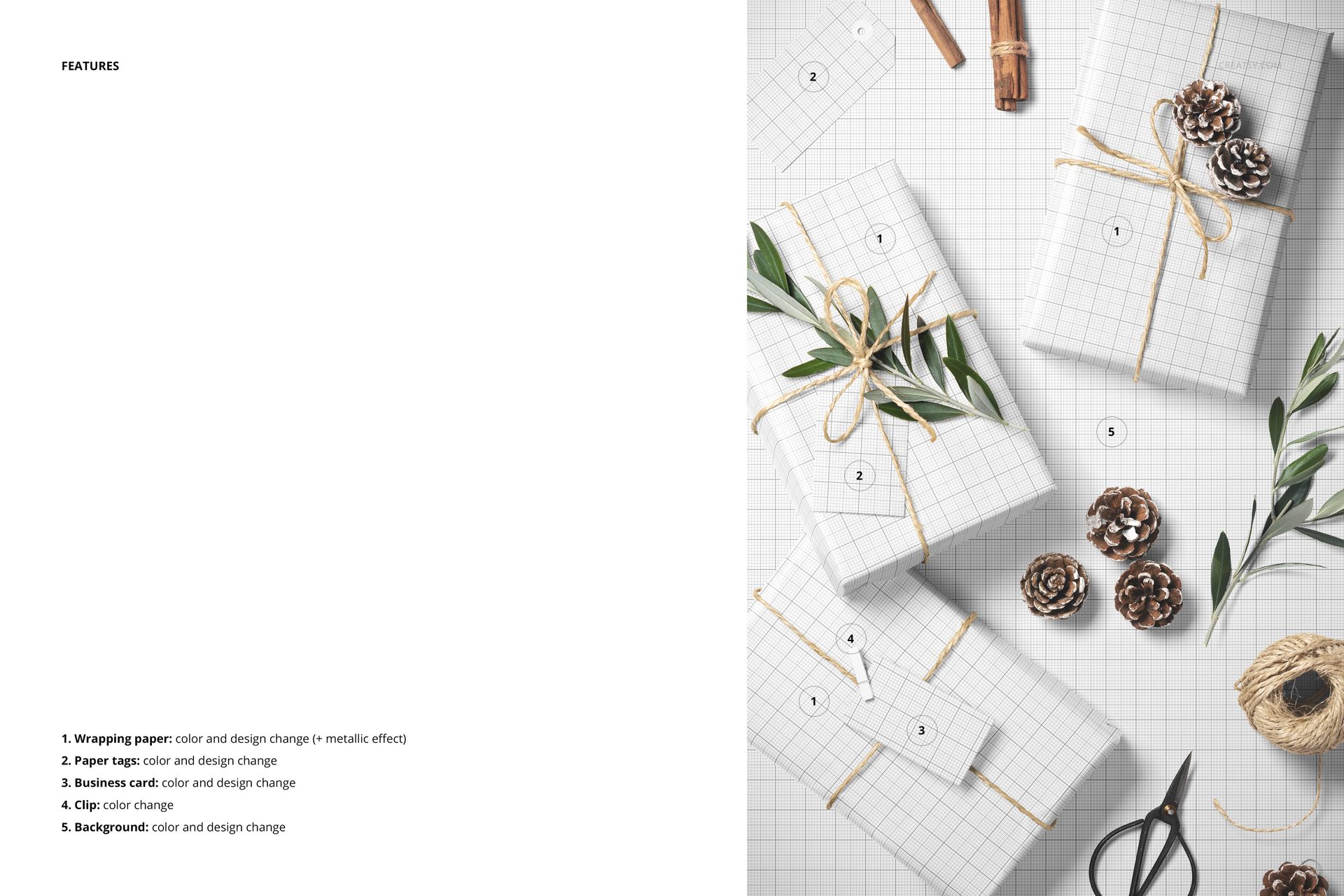
Change the wrapping paper color and design, with an optional metallic effect.
Customize the paper tags and business card with your own colors and artwork.
Adjust the clip color and change the background color or design.
Useful for Seasonal Packaging Presentations
Create visuals for wrapping paper collections, boutique gift packaging, stationery portfolios, client proposals and Christmas campaigns. The combination of larger paper surfaces and smaller printed details helps communicate a complete design direction, not just an isolated pattern swatch.
What Is Included
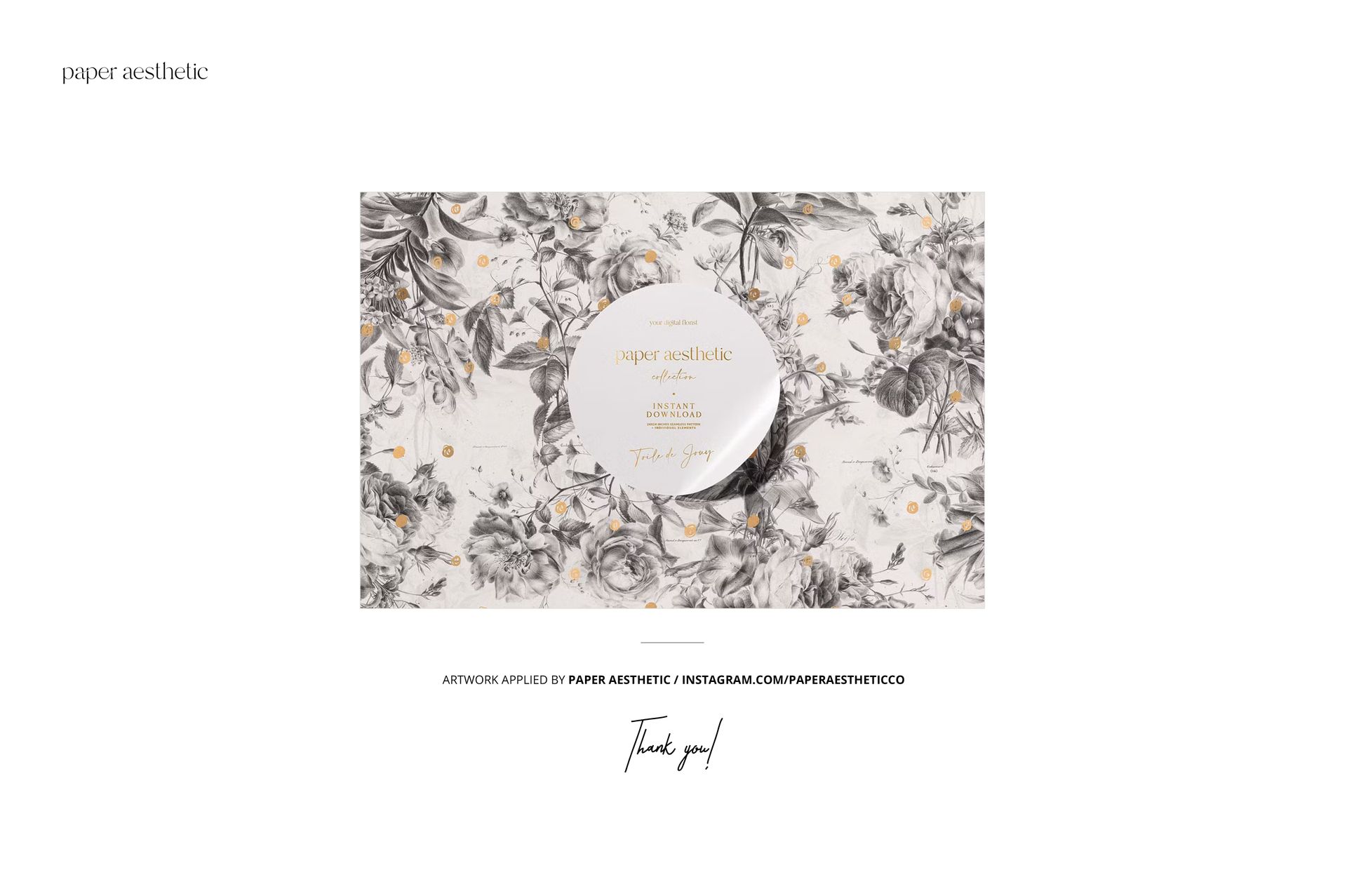
The download contains one editable PSD mockup at 4000 × 6000 px and 300 DPI, plus one small JPG preview. The three presents belong to a single prepared scene, not three separate mockup files. Preview artwork by Paper Aesthetic is shown for inspiration and is not included. This is a digital mockup; physical gifts, stationery and decorations are not supplied.