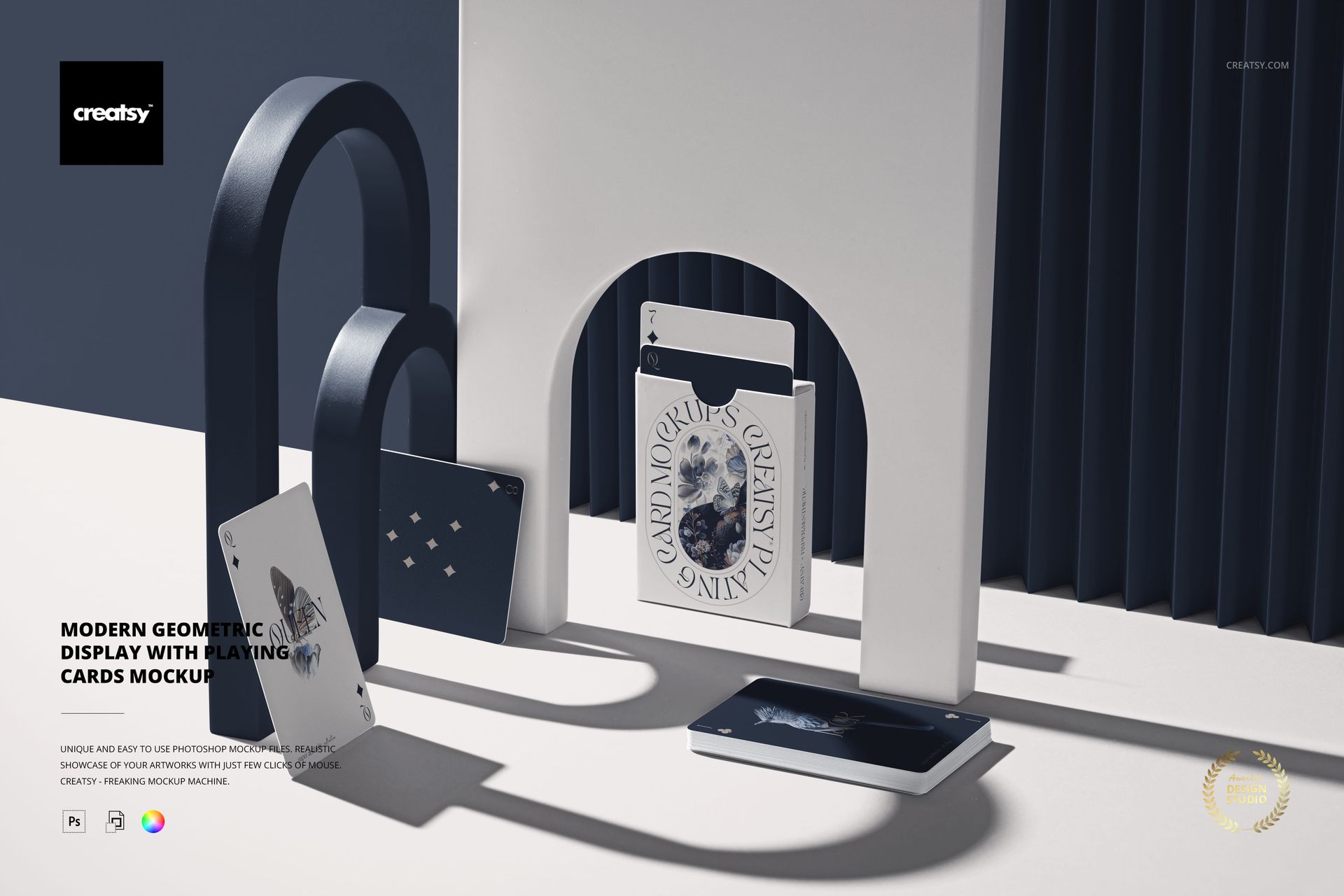
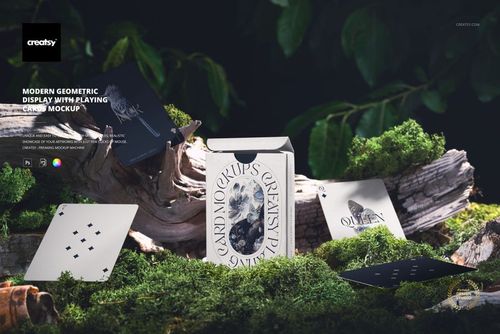
Showcase premium card decks in a sculptural setting with this free Modern Geometric Display with Playing Cards Mockup. Present tuck box artwork, card backs, and card edges in a minimalist scene of arches and folded panels, lit by strong gallery-style shadows. Ideal for playing card designers, board game creators, and branding projects. Free for commercial use – see license for details.
Highlights
- Format: 1× PSD, 6000×4000 px, 300 dpi
- Workflow: Smart Objects; clearly named, well-organized layers
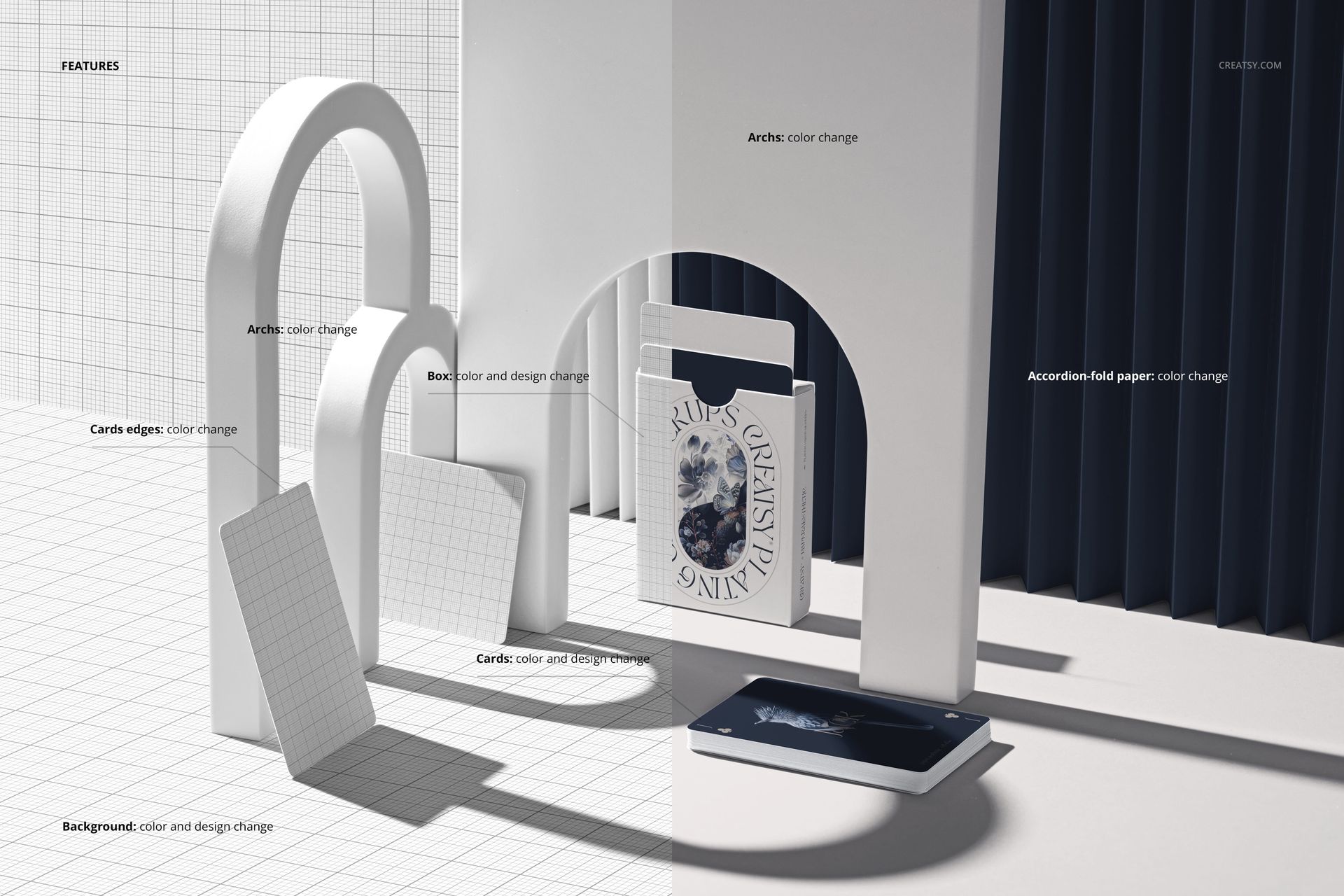
- Editable: Playing cards (color & design); card edges (color); tuck box (color & design); arches (color); accordion-fold paper backdrop (color); background (color & design)
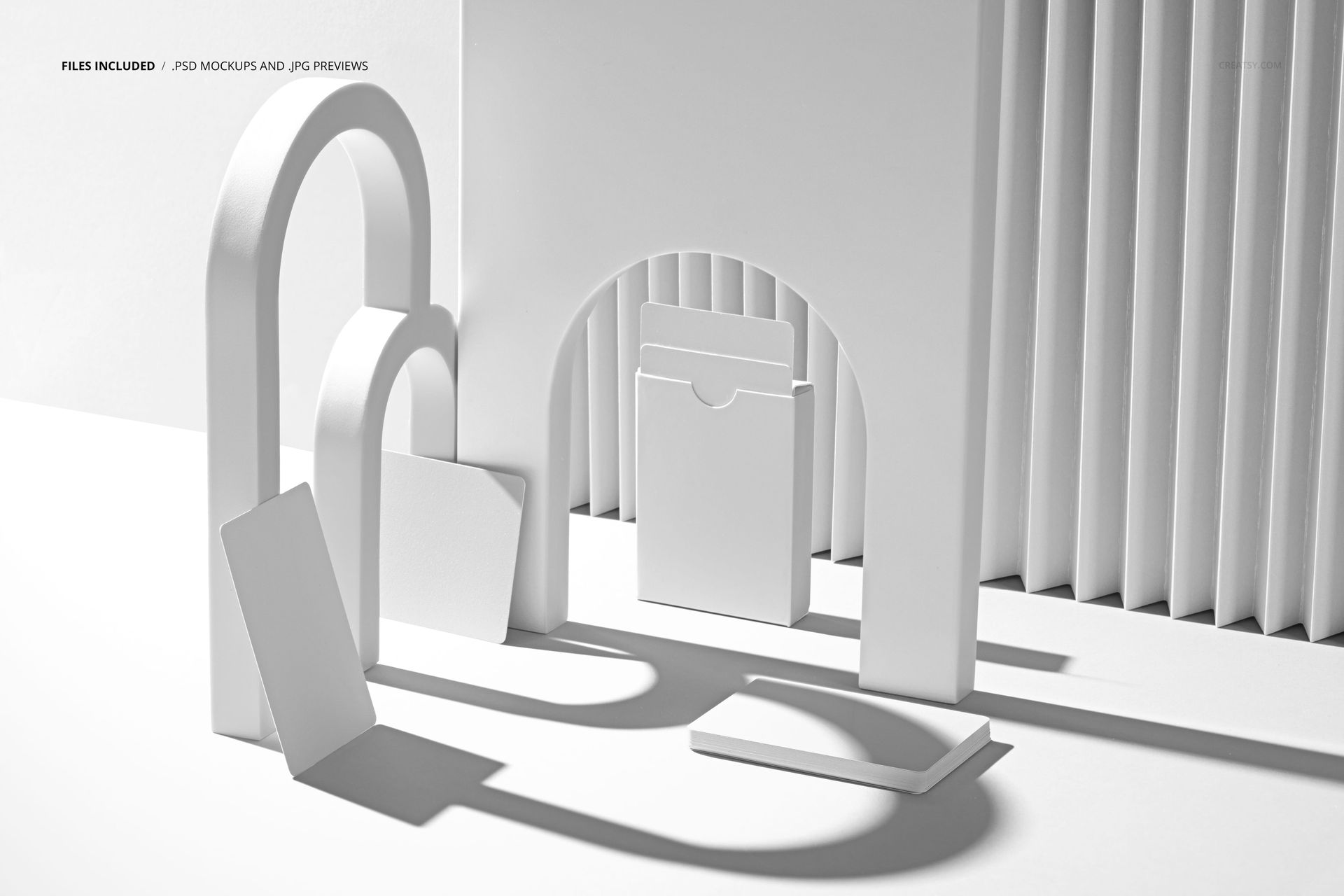
- Scene: modern geometric display with arches framing a standing box, loose cards, and a stacked deck on a clean surface
- Apps: Photoshop (min. CC 2020) + Photopea (free online editor)
- Use cases: playing card decks, tarot cards, game prototypes, premium packaging, social media, portfolios
- License: free for personal & commercial use (see terms)
What’s inside / Specs
- Files: PSD (+ preview JPG)
- Canvas: 6000×4000 px, 300 dpi
- Layers & controls:
- Smart Objects for card faces/backs and tuck box artwork
- Separate color controls for arches, card edges, accordion-fold paper, and background
- Prebuilt shadows and highlights for realistic depth and dimensionality
- Style: sleek, architectural composition that spotlights your deck like an art object
- Compatibility: Photoshop CC 2020 or newer; works in Photopea
- Approx. size: ~336–352 MB (archive may vary by compression)
How-to (Photoshop & Photopea)
- Open the PSD in Photoshop (CC 2020+) or Photopea.
- Place your designs into the card and box Smart Objects, then Save to refresh the mockup.
- Adjust colors of arches, card edges, backdrop, and background to match your deck’s aesthetic.
- Fine-tune overall contrast and lighting if needed to emphasize details.
- Export high-resolution JPG/PNG/WebP images for campaigns, shops, or client presentations.
License & usage
Free for personal & commercial use (for 1 business, up to 5,000 end products). PSD source files cannot be resold, shared, or redistributed as-is. Please refer to the full license – “Freebie” row – for all terms and restrictions.









To be honest, your mockups are already among the best on the market. There's nothing I can suggest to improve them. But considering general use, not the quality of the mockup, there's one thing that would be a great help. The design community in general uses various available methods to activate the preview of PSD mockups, whether on Mac or Windows, as this helps us save a lot of time and improve organization. Your mockups are the only ones among Class A studios that don't yet send mockups with the same view as seen on the sales page. In other words, I see the design applied, but when I buy, it's a blank screen. This is the only point I would really like you to adjust, as it helps a lot, not only in organization but also in seeing the mockup more clearly. Thank you very much for this feedback opportunity. Cheers Sam