 $1900
$1900
 $3900
$3900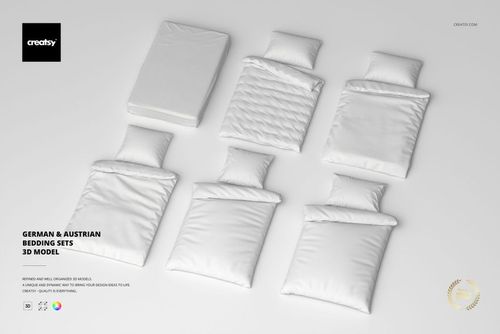
 $1900
$1900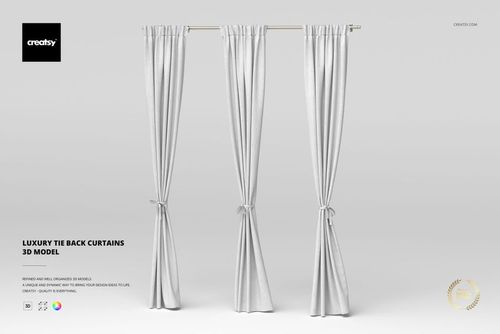
 $3900
$3900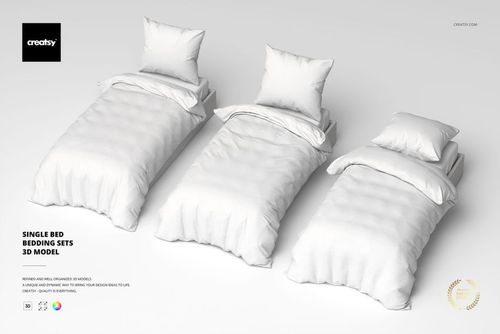
 $2900
$2900
 $2900
$2900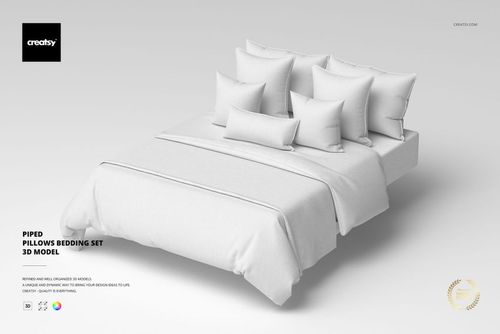
 $3900
$3900
 $2900
$2900
 $2900
$2900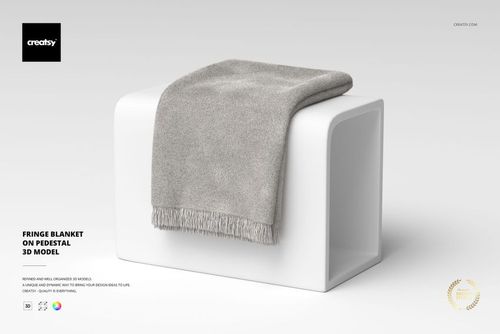
 $2900
$2900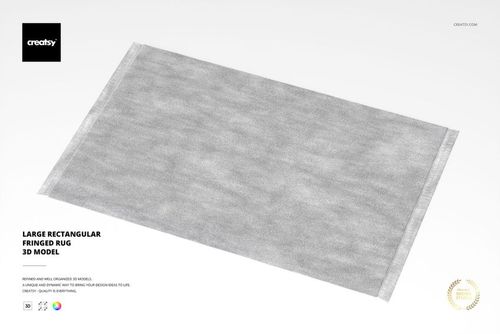
 $2900
$2900
Fabric 3D Models
Render-ready fabric and textile 3D models - curtains, bedding, throw blankets, rugs, tapestries, and pillows - built native in 3ds Max with V-Ray and exported to OBJ, FBX, USD, and DAE for archviz and product visualization.

What you get
Render-ready 3D objects built native in 3ds Max with V-Ray, exported to open in any major 3D application.
Five Formats, Every Pipeline
Each model ships as an archive with .max (native, plus an earlier-version .max for older 3ds Max), .fbx, .obj, .usd, and .dae - so the geometry opens in 3ds Max, Blender, Maya, Cinema 4D, or any USD-based pipeline. No special plugin needed to open the scene.
- Native .max plus an earlier-version .max
- .fbx, .obj, .usd, and .dae exports
- Opens in any major DCC, no plugins required
Native V-Ray Materials
The .max and .fbx files carry V-Ray materials with links to the Chaos Cosmos V-Ray Material Library, ready to render in 3ds Max with V-Ray. A V-Ray license is required, and the materials work only in .max and .fbx - in other renderers you assign your own shaders to the UV-ready geometry.
- V-Ray materials load straight in 3ds Max
- Chaos Cosmos material library links included
- V-Ray license required; .max and .fbx only
Clean Topology, Unwrapped UVs
Geometry is built with optimized quad/tri topology and unwrapped UVs, with organized object names, layers, and groups. It imports clean and ready to texture or subdivide - no remeshing or UV repair before you can use it.
- Optimized quad/tri topology
- Unwrapped UVs ready for your own materials
- Organized object names, layers, and groups
Real-World Specs Listed
Every product page lists the polygon count, real-world dimensions in centimeters, and part count, so you know the scale and weight of what you are importing before it enters your scene.
- Polygon count per model
- Real-world dimensions in centimeters
- Part count for multi-piece objects
Who are these fabric 3D models for?
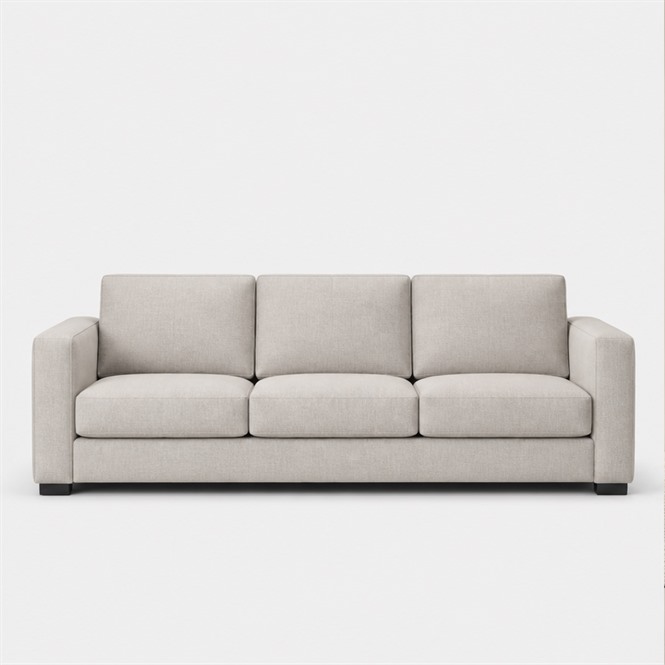
For interior designers staging a room
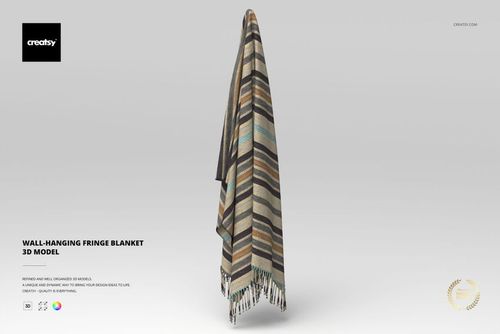
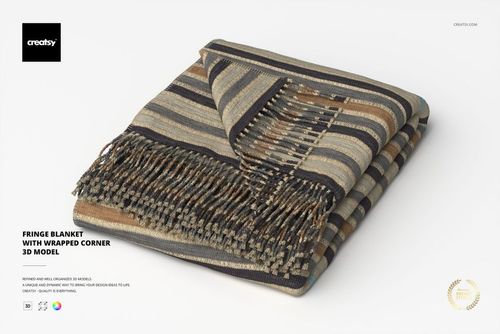
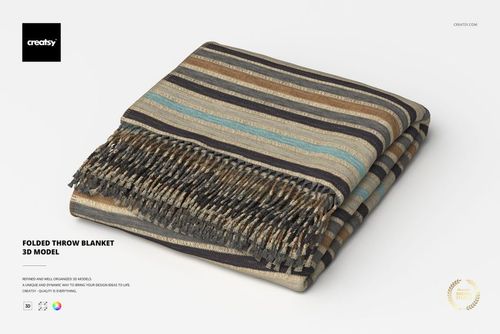
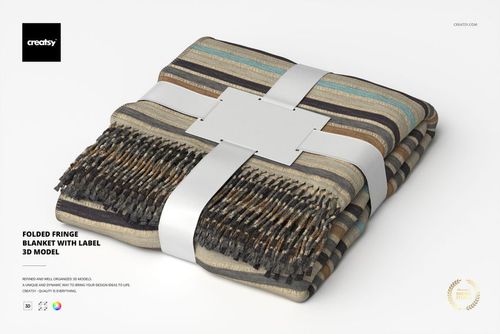
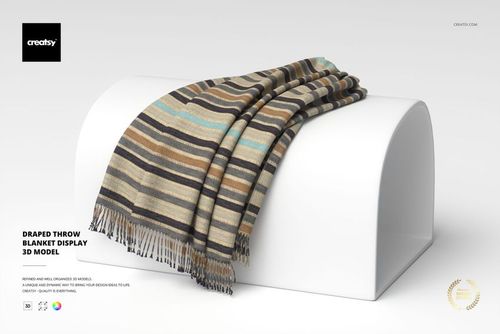
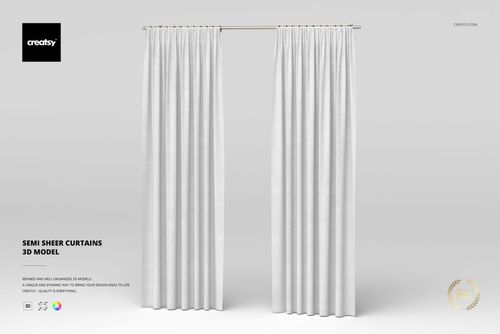
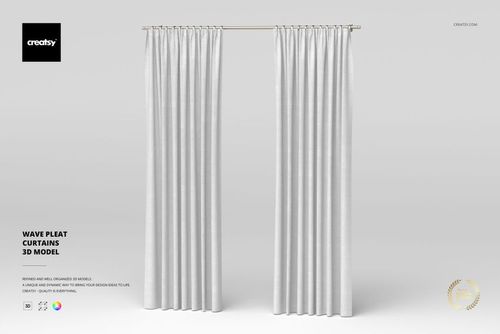
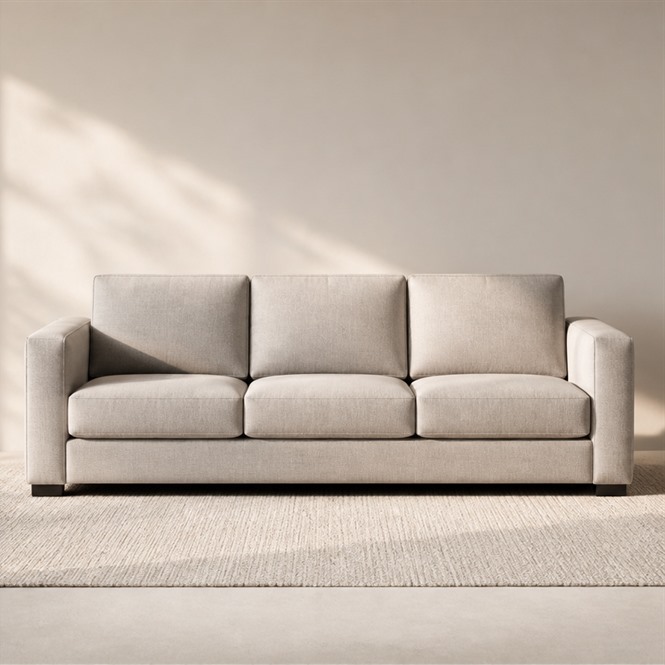
Hang French Pleat Curtains and drape a Folded Throw Blanket in a room render, then pull in furniture models to finish the space around them.
Building a room? Browse furniture 3D models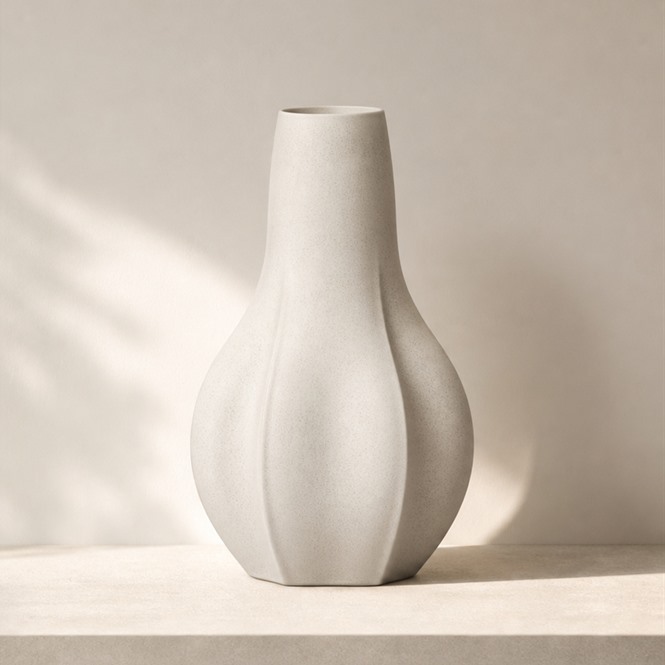
For archviz artists
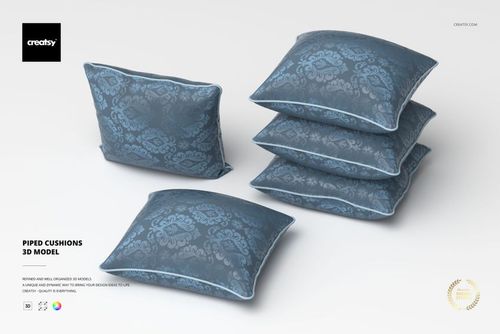
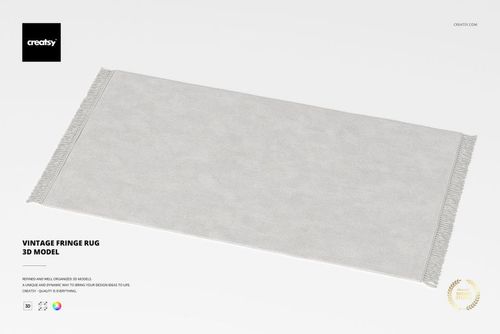
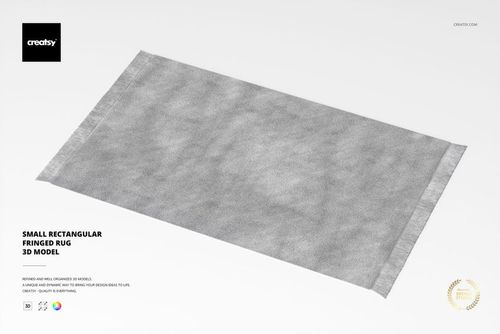
Set a Large Rectangular Fringed Rug and Piped Cushions into a rendered living room, then add decoration models so the scene reads as a lived-in space.
Finishing a scene? Browse decoration 3D models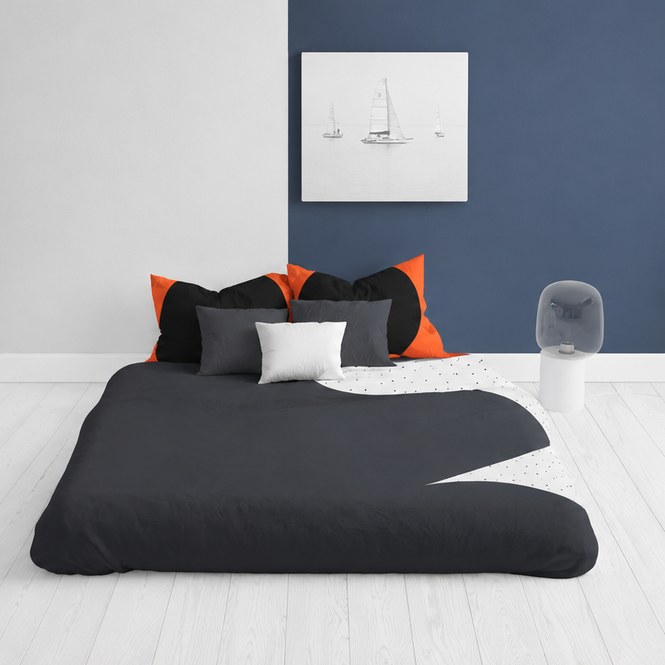
For bedding e-commerce brands
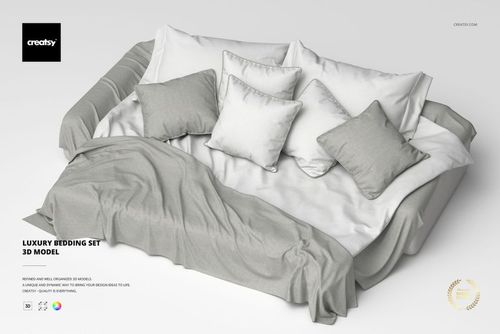
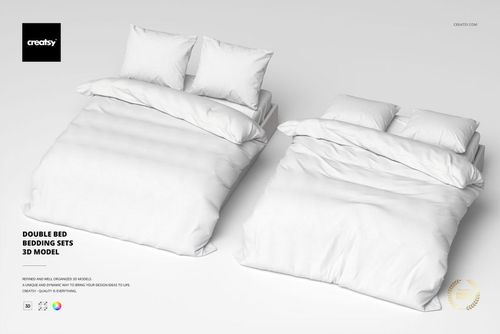
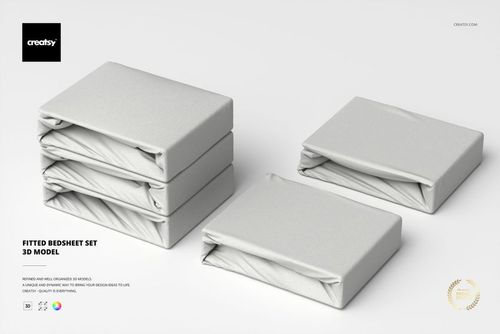
Render the Fitted Bedsheet Set or a Double Bed Bedding Set for listing photos, then show the finished bedroom concept as a flat bedding mockup.
Selling bedding? Check bedding mockups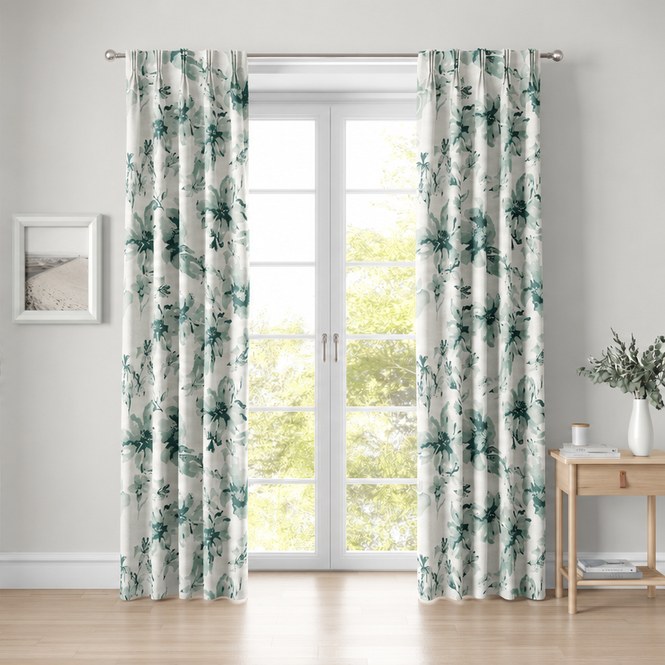
For ad and product-set builders
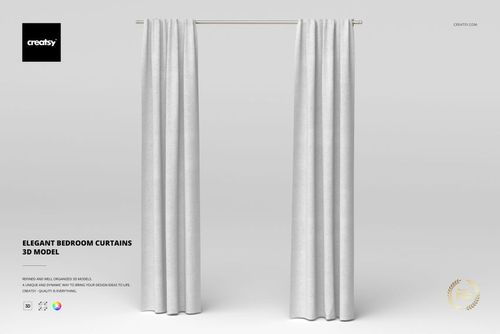
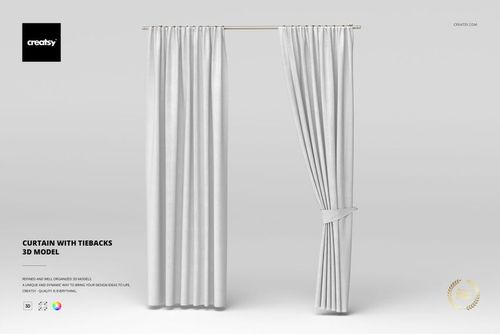
Use Curtain with Tiebacks and Pinch Pleat Curtains as window props in an ad render, then present the same drapery as a flat curtain mockup.
Shooting a concept? Check curtain mockups
FAQs
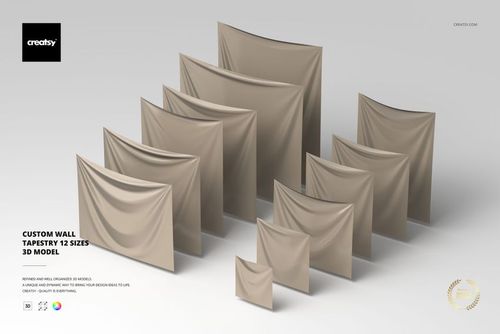
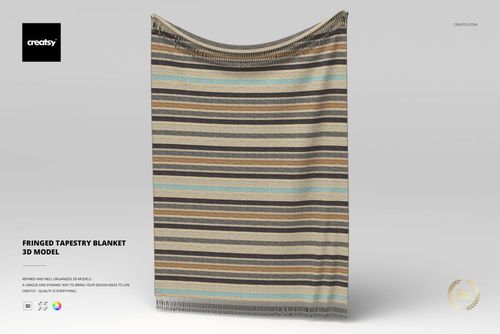
Soft furnishings and textiles for interior and product scenes - curtains (with tiebacks, weighted hem, and puddle drape), bedding sets and fitted bedsheets, draped throw blankets, rugs, wall tapestries (one available in 12 sizes), pillows, and apparel such as a Brazilian Jiu Jitsu GI uniform. The exact dimensions and part count are listed on each product page.
Each download is an archive containing the model in .max (native, plus an earlier-version .max for older 3ds Max), .fbx, .obj, .usd, and .dae. Cloth pieces authored in Marvelous Designer can also include the source .zprj project file. The native software is Autodesk 3ds Max and the native renderer is V-Ray.
Yes. The .fbx, .obj, .usd, and .dae exports open the geometry in Blender, Maya, Cinema 4D, and other DCC apps, with clean quad/tri topology ready for your own materials. The V-Ray materials, however, ship in the native .max file and require a V-Ray license.
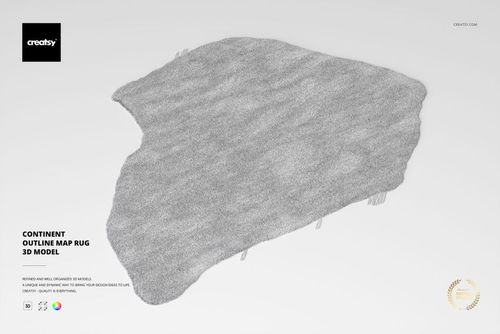
The native .max file includes V-Ray materials, with links to content from the Chaos Cosmos V-Ray Material Library (a V-Ray license is required to use them). Some textured pieces add renderer-specific effects - for example the Continent Outline Map Rug includes V-Ray Fur for its pile. If you do not use V-Ray, you assign your own fabric materials to the clean geometry in your renderer. Check the product page for exactly what ships with that model.
Some cloth pieces are simulated in Marvelous Designer and then modified in 3ds Max, so the drape and folds are resolved in the delivered geometry - the Brazilian Jiu Jitsu GI Uniform, for instance, ships its .zprj source alongside the standard formats. You import the model with its shape in place rather than running a cloth simulation yourself.
Lights and cameras are not included on these textile models, so you keep full control over lighting, camera angles, and backgrounds in your own scene. The scale unit is centimeters, and each product page lists the polygon count, real-world dimensions, and part count so the model imports at correct scale.
Why use fabric 3D models?
Render-ready fabric and textile 3D models - curtains, bedding, throw blankets, rugs, tapestries, and pillows - built native in 3ds Max with V-Ray and exported to OBJ, FBX, USD, and DAE for archviz and product visualization.
Soft furnishings are what make an interior render read as lived-in - the drape of a curtain, the fold of a throw, the pile of a rug. These fabric and textile models arrive with the cloth shape already resolved (some are simulated in Marvelous Designer for natural drape), so you place a curtain, bedding set, or throw blanket into a room shot and it falls believably without you simulating cloth from scratch. They are built native in 3ds Max with V-Ray and exported to .fbx, .obj, .usd, and .dae, so the geometry opens in Blender, Maya, Cinema 4D, or any USD pipeline. Be clear on one point: the V-Ray materials ship in the native .max file and require a V-Ray license. Open the model in another renderer and you get correct quad/tri geometry to assign your own fabric shaders to - not turnkey materials everywhere. Pile and fur effects such as the rug's V-Ray Fur are also renderer-bound, so confirm the per-product contents. Lights and cameras are not included on these textile models - that is deliberate, so you control lighting, camera angles, and backgrounds in your own scene. Each product lists its polygon count, real-world dimensions in centimeters, and part count, so you know exactly what you are placing.