Group of Wrapping Paper Rolls Mockup
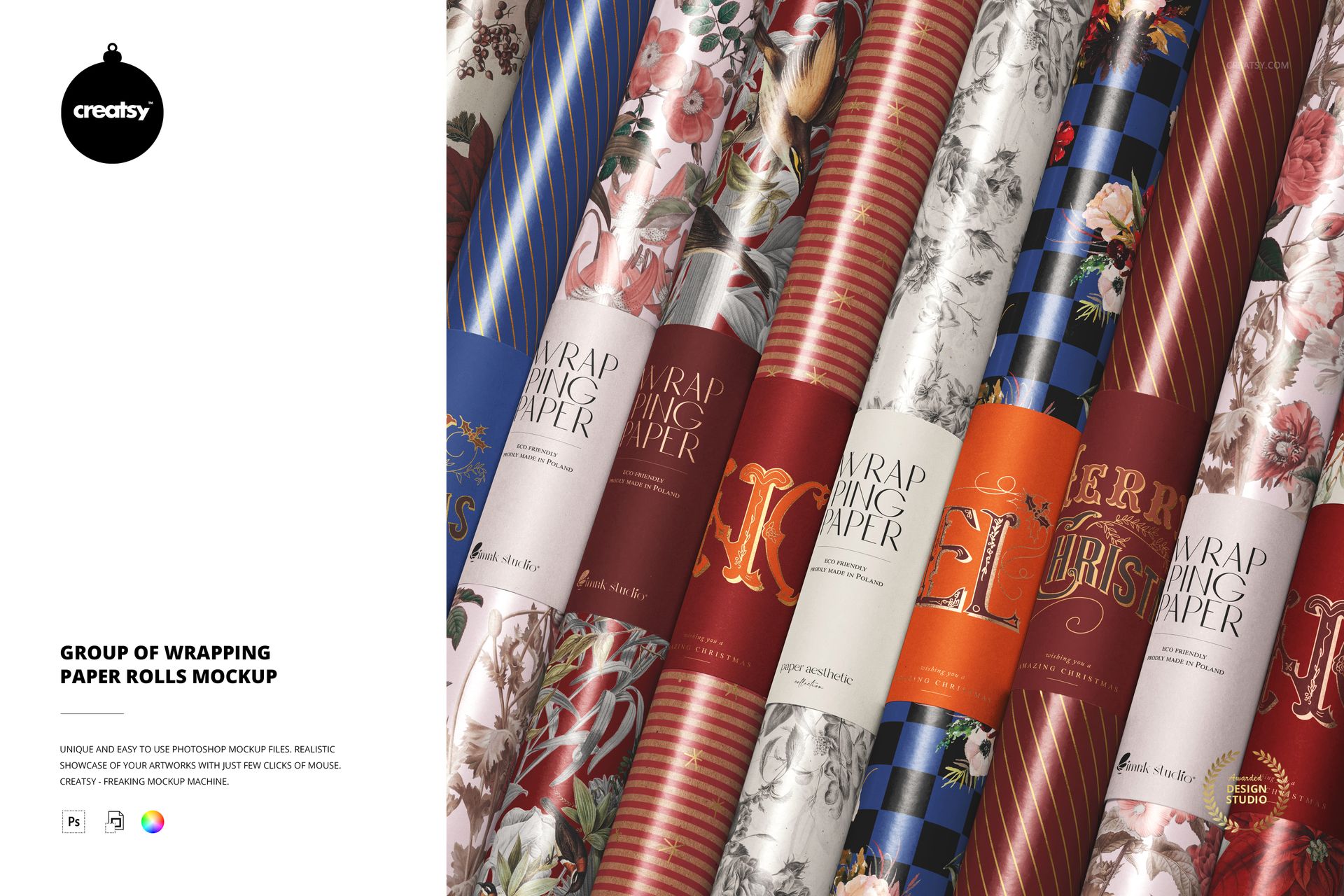
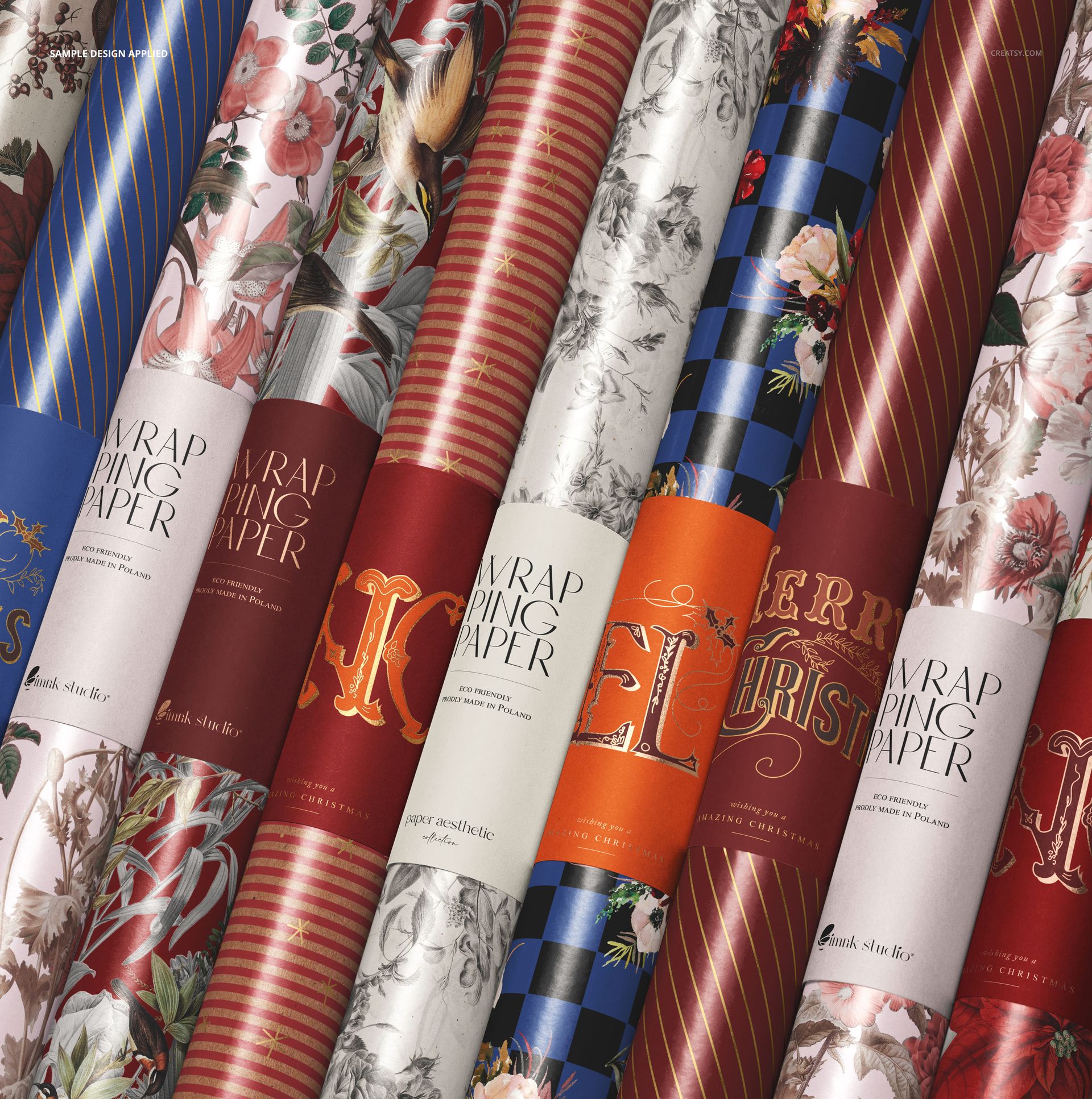
A wrapping paper collection needs to work as a family, not just as separate pattern swatches. This group of wrapping paper rolls mockup brings printed rolls and their band labels together in a close, angled composition, showing how different designs sit beside one another.
The curved paper surfaces catch the light while the labels interrupt the patterns with clear areas for branding. Use the scene to present coordinated gift wrap, contrast a detailed floral with a simple stripe, or show how one label system ties a varied range together.
What Is Included
1 layered PSD mockup at 5000x5000 px, 300 DPI, with one composition of grouped wrapping paper rolls.
1 JPG reference image, 512 × 512 px, supplied alongside the editable PSD.
Coordinate the Paper and Its Label
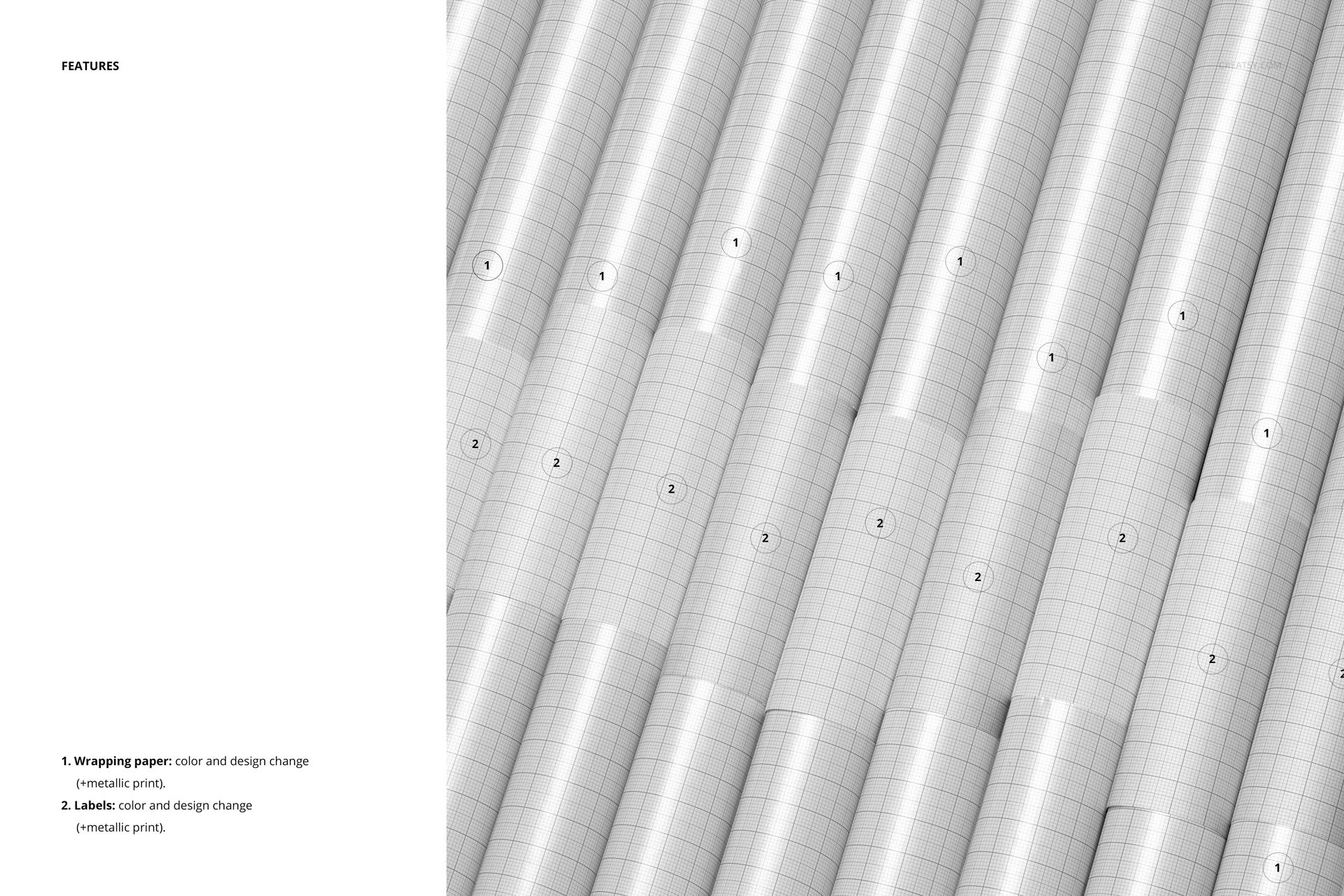
Change the wrapping paper colors and artwork, then adapt the label colors and designs to suit the collection. Metallic print effects are available for both the paper and the labels, allowing you to preview decorative accents across the two surfaces.
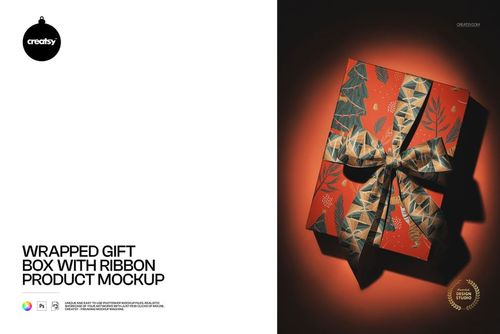
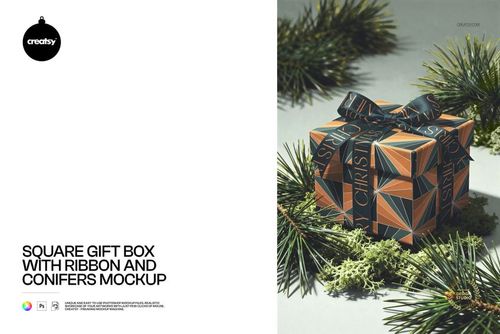
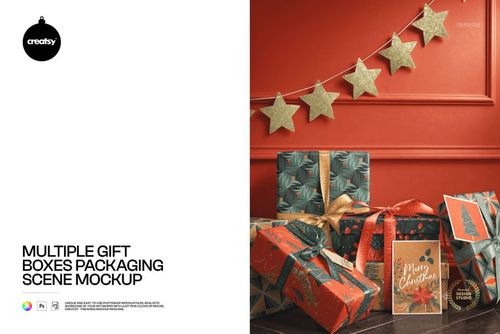
The gallery combines botanical patterns, stripes and seasonal lettering. Those examples suggest different creative directions, but the mockup is also useful for birthday, wedding or everyday gift-wrap collections when you insert your own artwork.
Easy Smart Object Editing
Work in Adobe Photoshop CC 2020 or newer, or in Photopea. Open the relevant design Smart Object, place your pattern or label artwork, save the Smart Object and return to the main scene to review the result. The PSD has well-organized layers for navigating the available options.
Perfect For
Create a collection overview for a surface pattern portfolio, a gift-wrap brand presentation or a retail range proposal. The grouped view helps show the relationship between prints and label branding in a single image.
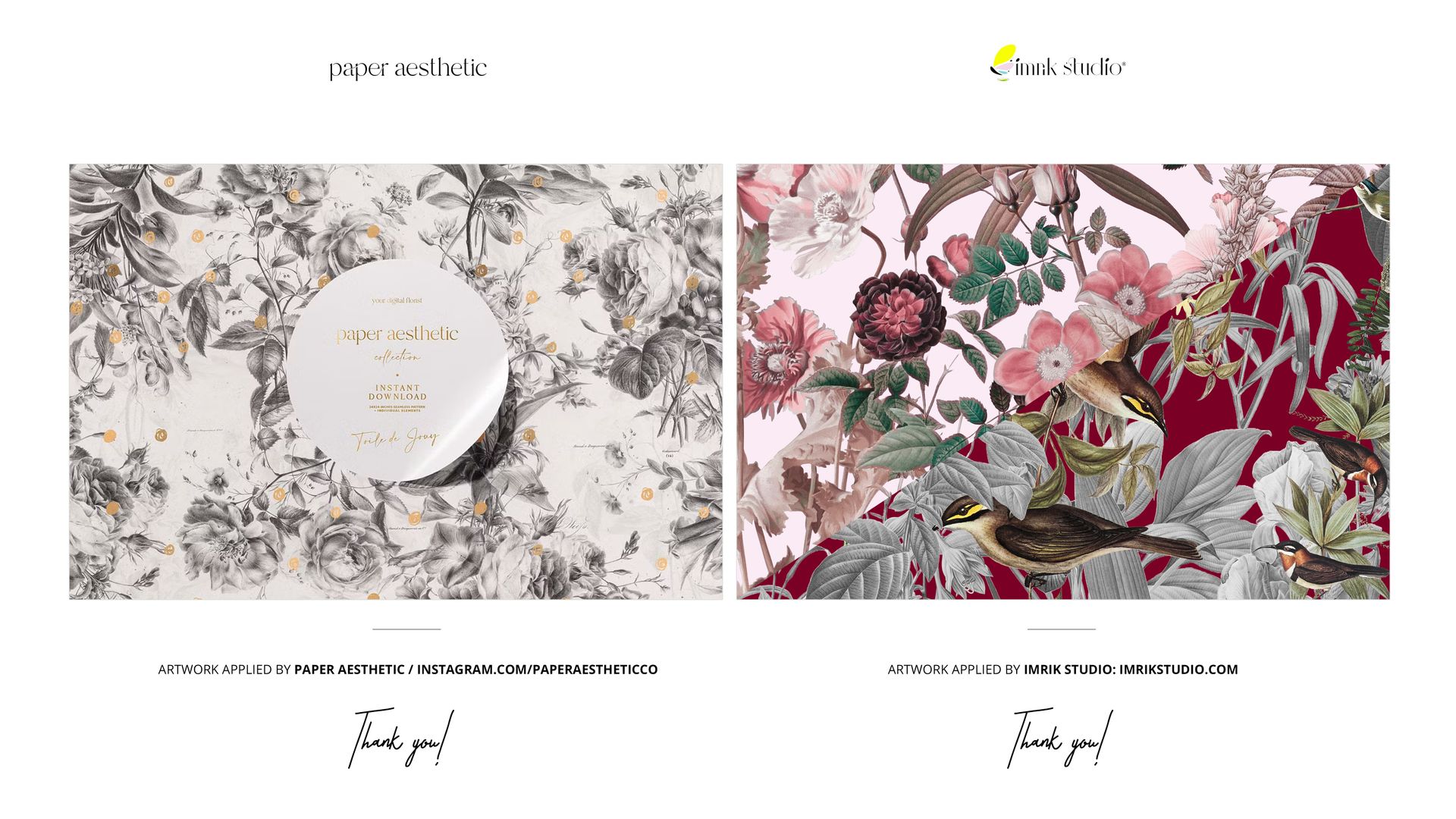
This is a digital mockup, not a physical paper product. Sample artwork shown in the previews is for presentation purposes only and is not included.