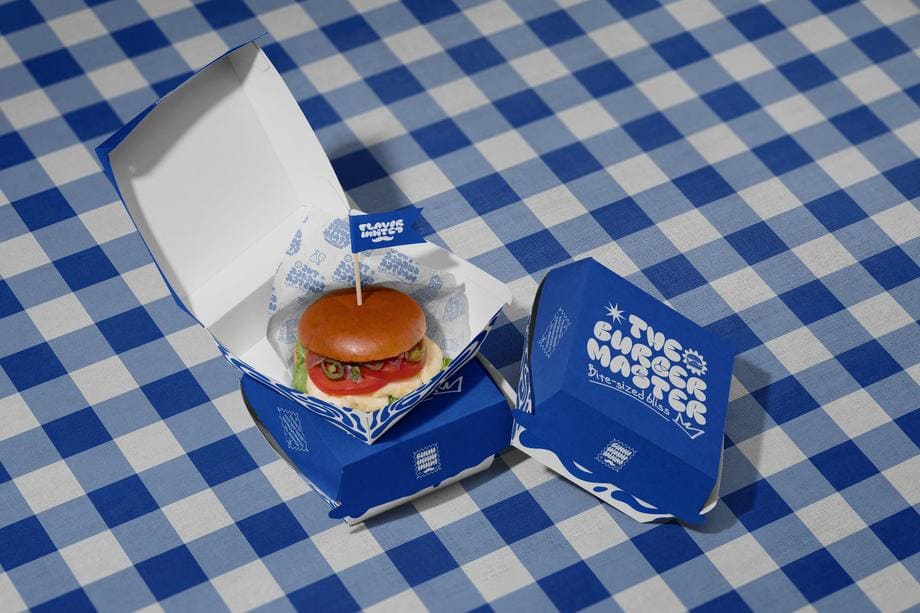
Packaging Mockups
Packaging mockups for boxes, paper bags, stand-up pouches, bottles, jars, coffee bags, tapes, and wrapping paper - the largest mockup hub on Creatsy with editable PSD templates.


Reviews
What designers and brand owners say after using these PSD mockups in real client work.
0
Sort by:


Creatsy continue to supply great mockup files.
 Free Disco Party Champagne Bottle and Wine Glass PSD Mockup View product
Thank you so much, Lisa! We’re so happy to hear you’re enjoying our mockup files! 😊

GOOD
 Free Shopping Bag with Tissue Paper on Ledge Packaging PSD Mockup View product
Thank you so much! We’re glad you liked the Shopping Bag with Tissue Paper on Ledge mockup. We hope it helps you create clean, professional and realistic packaging presentations.

تااتم
 Free Angled Folded Tissue Paper Packaging PSD Mockup View product
 Thank you for your 5-star review! We’re happy you tried the Angled Folded Tissue Paper Packaging Mockup and hope it helps you showcase your packaging designs beautifully.

Creatsy has the best mockups!
 Paper Tubes in Jungle Jellies Packaging Mockup View product
 Thank you so much for your lovely review! We’re so happy to hear you love our mockups. Your support truly means a lot to us.

awesome mockups i will use it on my next branding project
 Raspberry Jam Jar Mockup Set View product
 Thank you! Can’t wait to see how it turns out 🧡

I'm working on a mini collection right now for birthday items, including bags. This was the perfect the mockup for it. I can't wait to get it finished and live!
 Paper Bags Mockup Set (Gifting Edition) View product
 Thank you so much for your lovely review! We’re so happy to hear this mockup is a perfect fit for your birthday collection. We can’t wait for you to get it finished and live - it sounds beautiful already.


What you get
Professional PSD mockups built in-house - editable, realistic, high-resolution, and supported by real people.
Layered PSD Files
Creatsy mockups are delivered as fully layered Photoshop .psd files, with layers sorted into clearly named groups. Shadows, highlights, and the background each sit on their own editable layer, and nothing is flattened into a single image. Open it in Photoshop or the free browser editor Photopea and get to work.
- Clearly named, organized layer groups
- Shadows and highlights on separate layers
- Editable background, never flattened
- Works in Photoshop or free Photopea
Smart Objects
Open the smart object, paste your artwork, and save. The design lands on the product with the perspective, warp, and wrap already worked out. Scene lighting and shadows fall back on top, so it reads as a photograph, not a flat paste-in. Swapping a design takes seconds, so one file can carry a whole run of variants and colorways.
- Double-click, paste your design, save
- Perspective, warp, and wrap pre-built
- Scene lighting and shadows sit back on top
- One file covers many variants and colorways
High-Resolution Output
Many scenes are built from real product photography rather than 3D renders, so the fabric and surface read like a studio shot. Files export at high resolution and stay sharp at full zoom, with clean edges where the print sits. The same file works for a hero banner, a paid ad or a product listing.
- Real product photography in many scenes
- Exports ready for print
- Holds detail at full zoom
- Works for banners, ads and listings
Easy to Edit
Colors, backgrounds, and artwork sit on separate, clearly named layers, so you swap a color or background without disturbing the rest of the scene. There is no relighting or shadow work to redo, and the same file works for your next project.
- Edit color and background layers directly
- No relighting or shadow rework needed
- No masking or layer skills required
- One file reused across projects
Fast Support
There is a real in-house team behind every file, not a ticket bot. Before you buy, ask whether a specific mockup fits what you have in mind, and we will tell you. When a smart object or a layer group is tripping you up, send the question and you usually get a reply within 48 hours.
- Real in-house team behind every file
- Replies within 48 hours
- Pre-purchase help picking the right mockup
- Answers on smart objects and layer setup
Who are these mockups for?
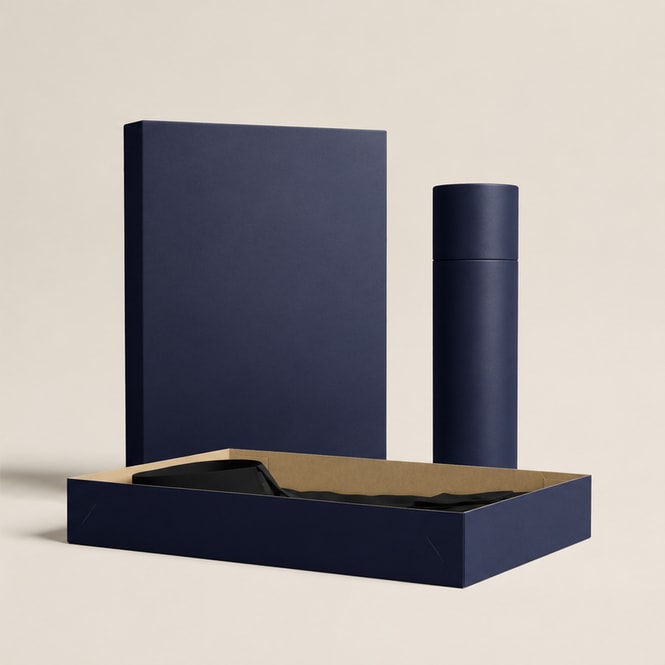
For packaging designers
Show a client the box, tube, and label as one system in a single pitch deck.
Pitching packaging? Browse box & tube mockups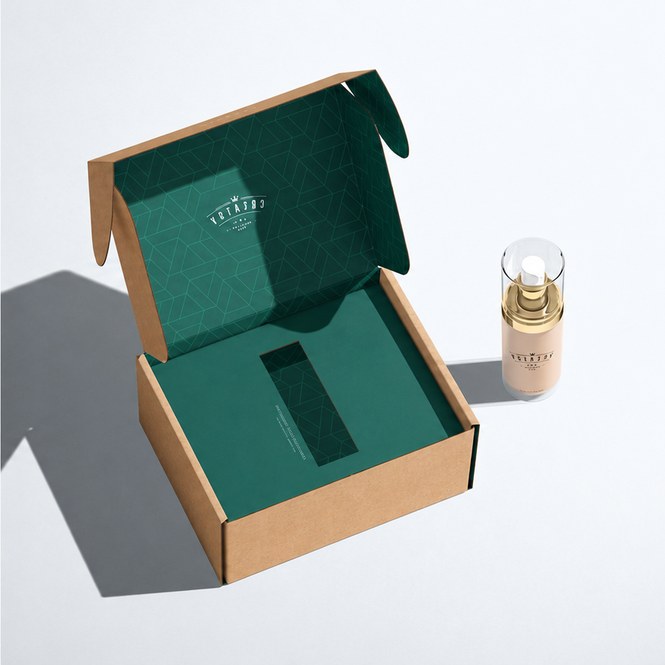
For subscription-box brands
Preview the mailer and label your customer films on unboxing day.
Shipping a box? Check mailing box mockups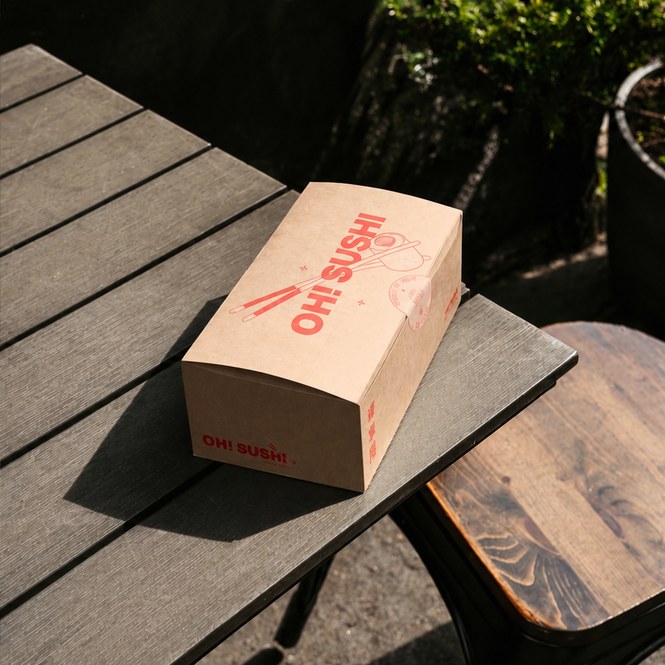
For food & drink makers
Get a label or pouch in front of retail buyers before committing to a print run.
Selling a product? Browse food packaging mockups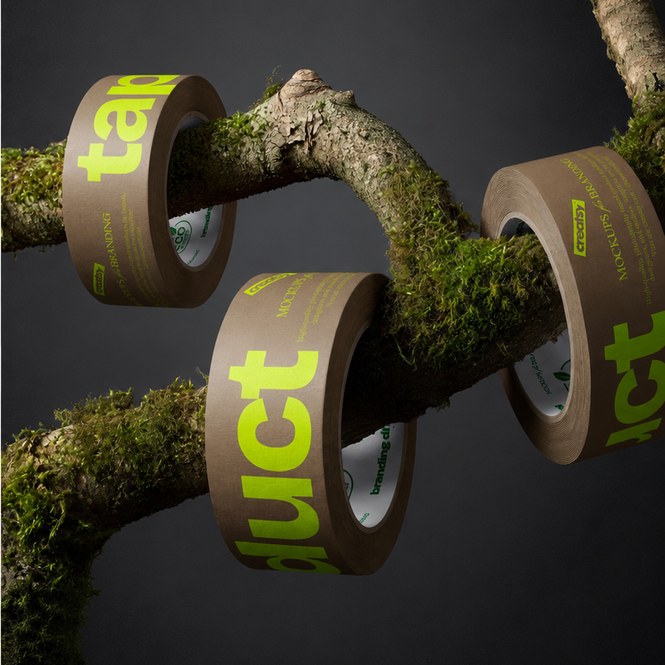
For print shops
Approve a client's custom tape and wrap before the on-demand run prints.
Approving artwork? Check packaging tape mockups
FAQs
The packaging hub contains editable PSD mockups, making it the largest single category on Creatsy. The collection spans sub-categories from boxes and tubes to wrapping paper and packaging tapes.
Yes. The commercial license covers brand-identity decks, client pitch presentations, social media campaigns, packaging-approval renders, and pre-launch marketing collateral. Both indie brands and agency client work are covered.
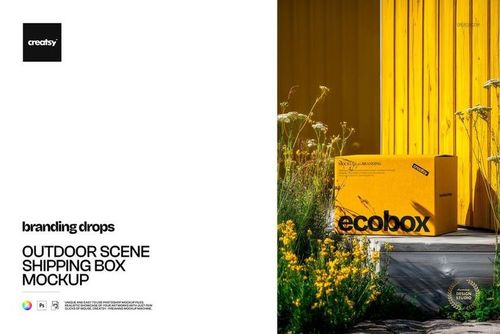
Yes. The mailing-boxes-and-shipping-labels sub-category includes single mailing box mockups and the Noissue Mailing Box series (Bundle + v.1 through v.7) plus shipping label mockups, kraft mailers, and outdoor/forest/winter scene variants for marketing visuals.
Yes. The hub includes a deep fast-food set: burger boxes (multiple scenes - car hood, food truck, restaurant table, served-on-hand), pizza boxes (outdoor, Italian facade), takeaway paper bags, food-safe paper wrapping (Noissue Food Safe variants for burger, pizza, sandwich, tortilla, waffles, ice cream, desserts, bakery, pastry shop), and the Vegan Burger Bar brand identity bundle.
Yes. Free packaging mockups include Free Christmas Gift Wrapping Paper Packaging, Free Close-up of Flowers Packaging Cone, Free Coffee Packaging Pouch with Scoop Branding, Free Custom Fast Food Takeaway Paper Bag Branding, Free Disco Party Champagne Bottle, Free Low Angle Tree Branch Mailer Box, Free Open Burger Box Branding, Free Paper Shopping Bag Closeup, Free Piled Up Tape Rolls, Free Shopping Bag with Tissue Paper, Free Short Flat Tin Can in Hand, Free Stand Up Pouch on Concrete Ledge, and Free Angled Folded Tissue Paper. Download a freebie to test the smart-object workflow before committing to paid sets.
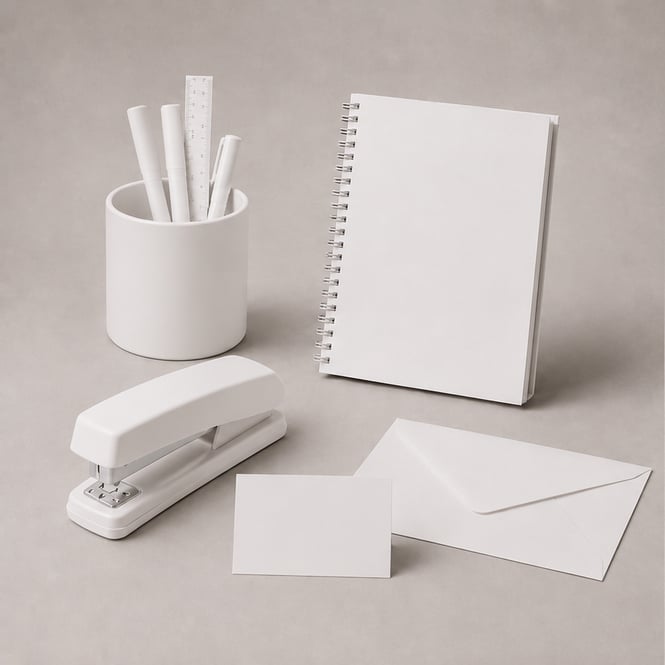
Why use Packaging & Wrapping mockups?
Packaging mockups for boxes, paper bags, stand-up pouches, bottles, jars, coffee bags, tapes, and wrapping paper - the largest mockup hub on Creatsy with editable PSD templates.
Packaging is the first thing a customer touches and the first thing they photograph for unboxing content. A misjudged label color, a stretched logo on a curved jar, or a wrap-pattern that looks rich on screen but flat against the actual cardboard - mockups expose those problems before you commit to a print run. For brand-identity work, packaging mockups across multiple formats (box + bag + pouch + tape) let you present an entire identity system in one moodboard or pitch deck. The Creatsy packaging hub covers the spectrum - from a Noissue mailing-box series for e-commerce subscription brands, through coffee bags and jam jars for indie food brands, to fast-food burger boxes and pizza boxes for restaurant branding. For pre-launch marketing, the matching outdoor and scene variants (mailing-box-on-the-beach, mailing-box-in-the-forest, burger-box-on-classic-car-hood) replace the cost of a sample photoshoot when the physical product is still in production. Drop your artwork into the smart object, render the scene, and the social post is ready.
FreeCreatsy® Mockups
Perfect!