Phone Case Mockup Templates

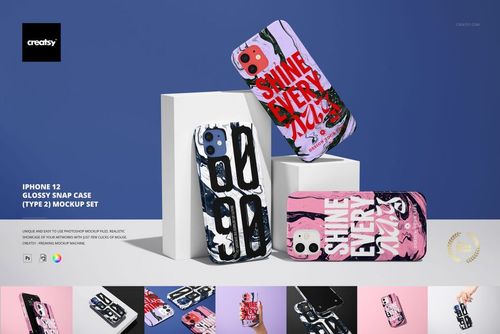
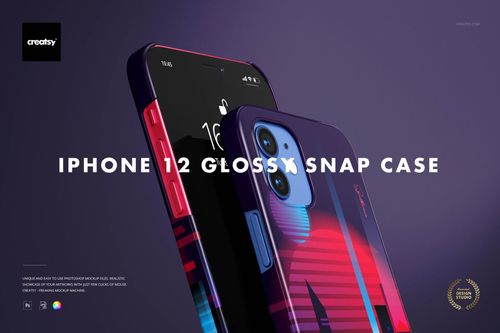
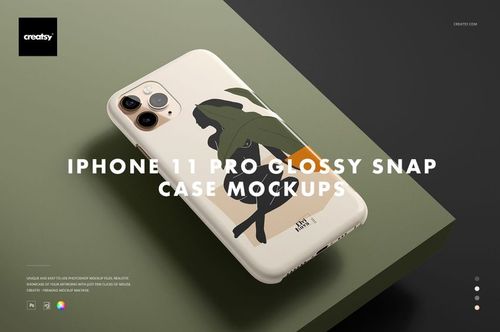
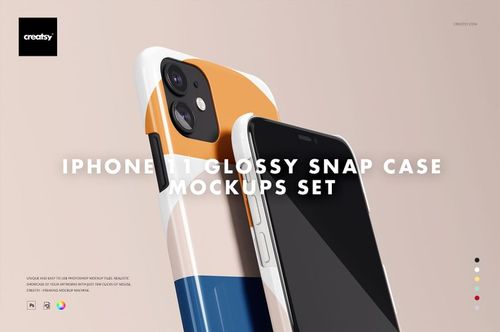
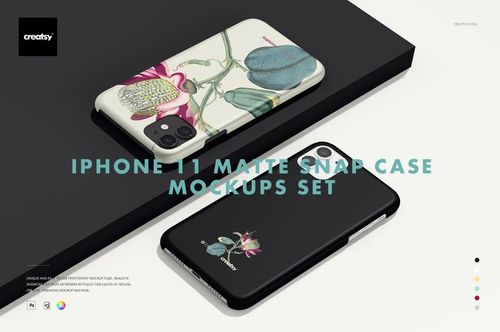
Phone case mockup PSDs - snap-on, tough, and clear cases for multiple phone models with full wrap-around design editing.

52 mockup templates available

Unlike device-specific mockups, this collection covers phone cases across multiple brands and form factors - useful when you're selling universal-fit designs or listing the same artwork across different phone ecosystems. If a customer doesn't see their exact phone in your listing image, they scroll past. These templates help you cover more ground.

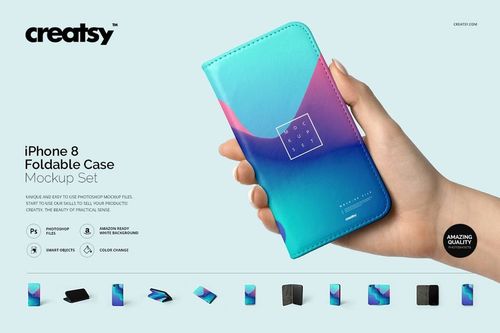
Mockups available: snap-on hard cases, tough (dual-layer) cases, soft silicone/TPU cases, clear transparent cases, wallet/folio cases, and bumper frames. Phone models covered include current and recent-generation devices - you'll find templates for various screen sizes and camera configurations that map to popular phone dimensions.

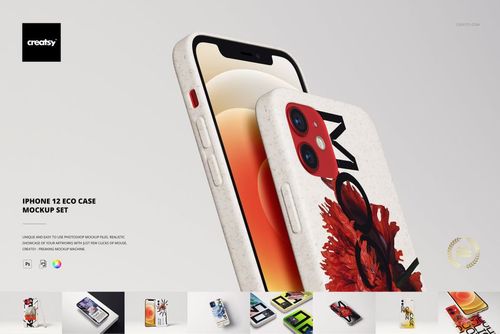
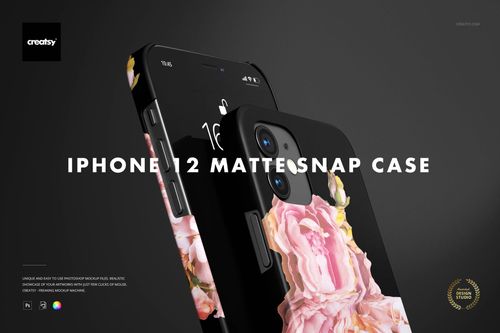
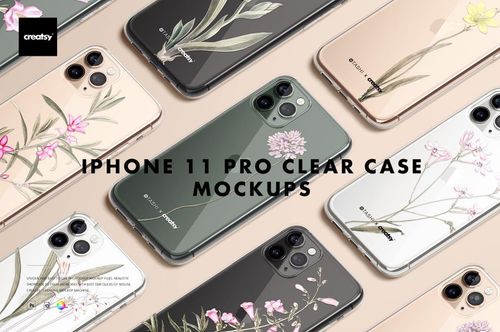
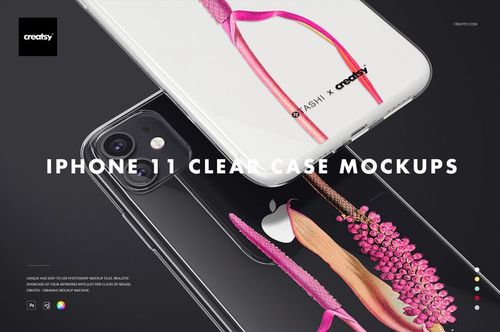
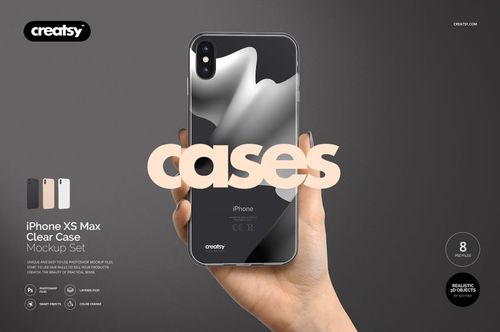
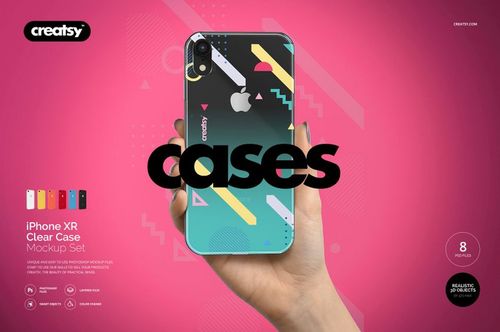
The wrap-around design placement uses a flat smart object that maps your artwork onto the curved case surface. Side edges, camera cutout borders, and button areas all render with proper perspective. On clear case templates, your design sits behind a semi-transparent layer that simulates the glossy plastic surface, letting the phone's own color show through in unprinted areas.

What distinguishes good phone case mockups from mediocre ones:

  • Camera cutout accuracy - the hole shape and position match real phone models
  • Edge rendering - side artwork wraps correctly around the case lip
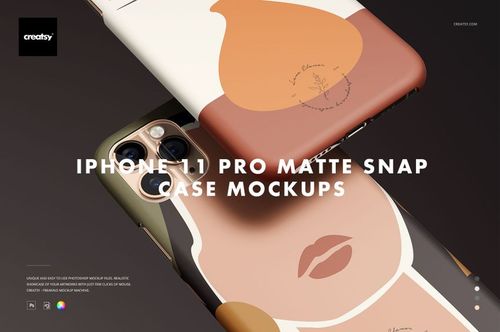
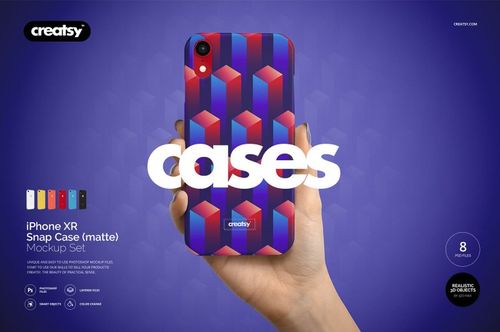
  • Material finish - matte, glossy, and soft-touch surfaces each reflect light differently
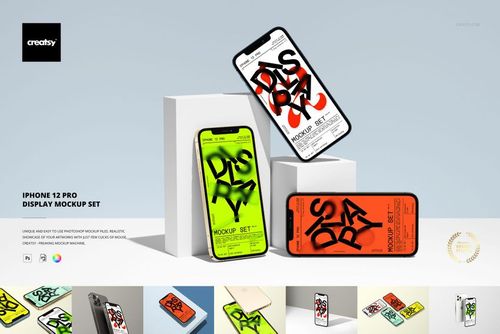
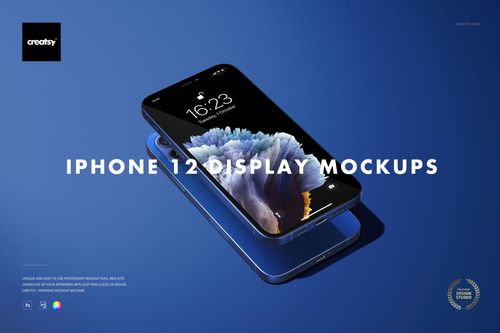
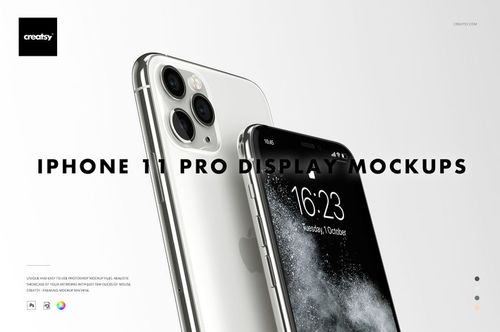
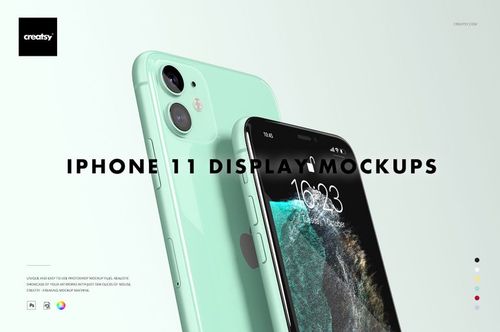
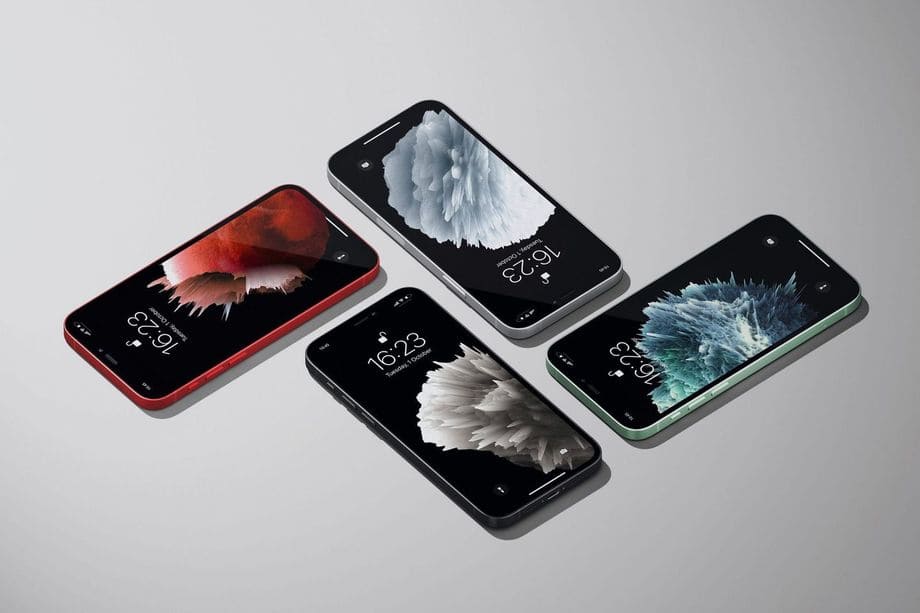
  • Phone screen content - some templates include an editable screen layer for showing a matching wallpaper or app interface

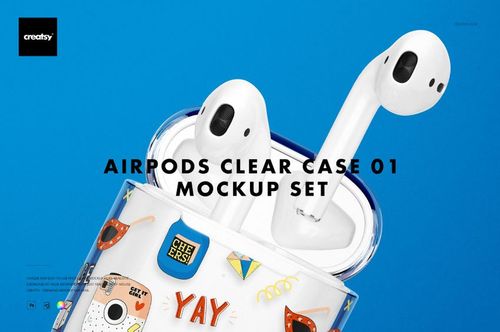
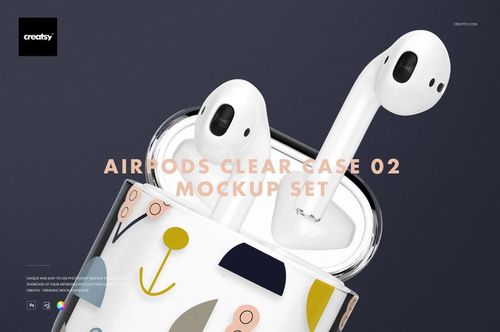
Material layers let you switch between finishes: glossy shows sharp reflections and light hotspots, matte shows diffused light with no glare, and soft-touch has that velvety appearance with very subtle sheen. Transparent and frosted case templates add another dimension - the phone body color shows through, so you can demonstrate how a design looks on different colored devices.

Phone case mockups are compact files compared to poster or blanket templates, with resolution tuned for marketplace listings, social media posts, and catalog pages.

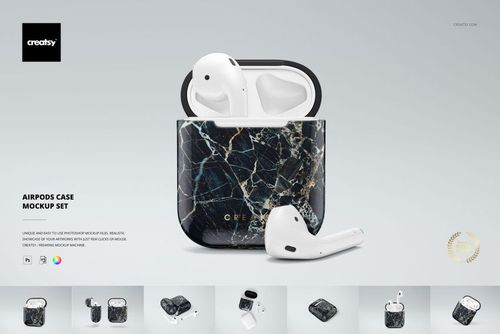
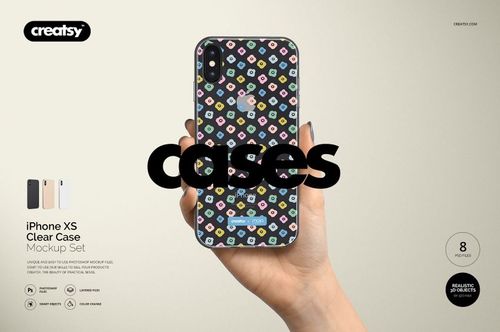
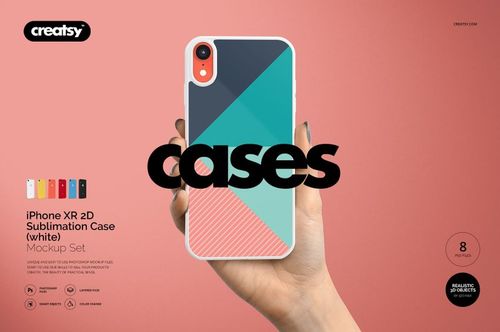
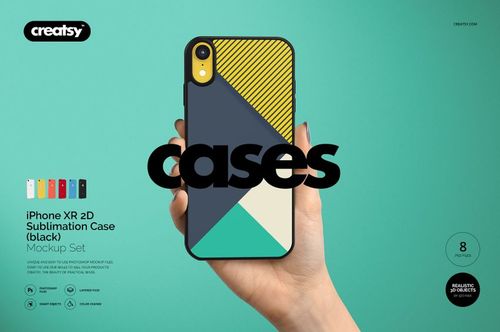
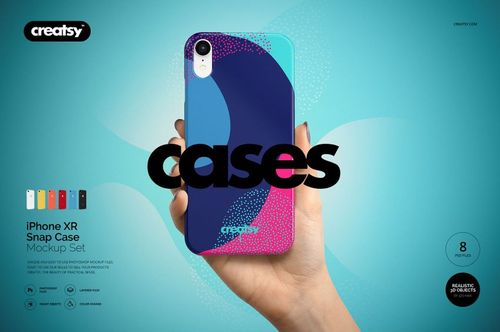
Presentation angles include back view (showing the full design), three-quarter angle (showing edge and back), side profile (showing case thickness), and flat-lay compositions with accessories like earbuds, keys, and coffee cups. Some sets include hand-held shots showing the case gripped naturally, which adds a sense of scale.

For sellers managing large catalogs of case designs, the smart object workflow keeps the process under a minute per variant. Paste your artwork into the smart object layer, save the PSD, and export - then move on to the next model template. Batch-producing listing images across multiple phone models becomes straightforward rather than tedious.

Frequently Asked Questions

What phone case types are included?

Snap-on hard cases, tough dual-layer cases, soft silicone/TPU, clear transparent, wallet/folio, and bumper frames. Templates cover multiple phone model dimensions and camera cutout configurations.

Does the design wrap around the case edges?

The smart object maps your artwork onto the curved case surface including side edges. Camera cutout borders and button areas render with proper perspective, so the mockup accurately shows how a printed case will look in three dimensions.

Are clear case mockups available?

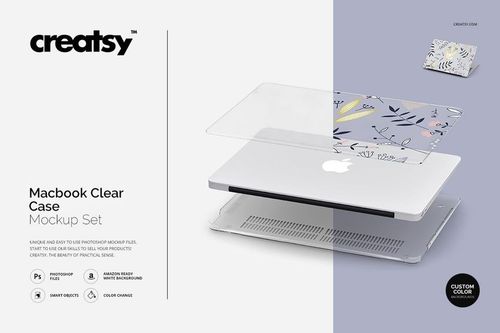
Transparent and frosted case templates show your design behind a semi-transparent plastic layer, letting the phone body color show through. This helps demonstrate how a design looks on different colored devices.