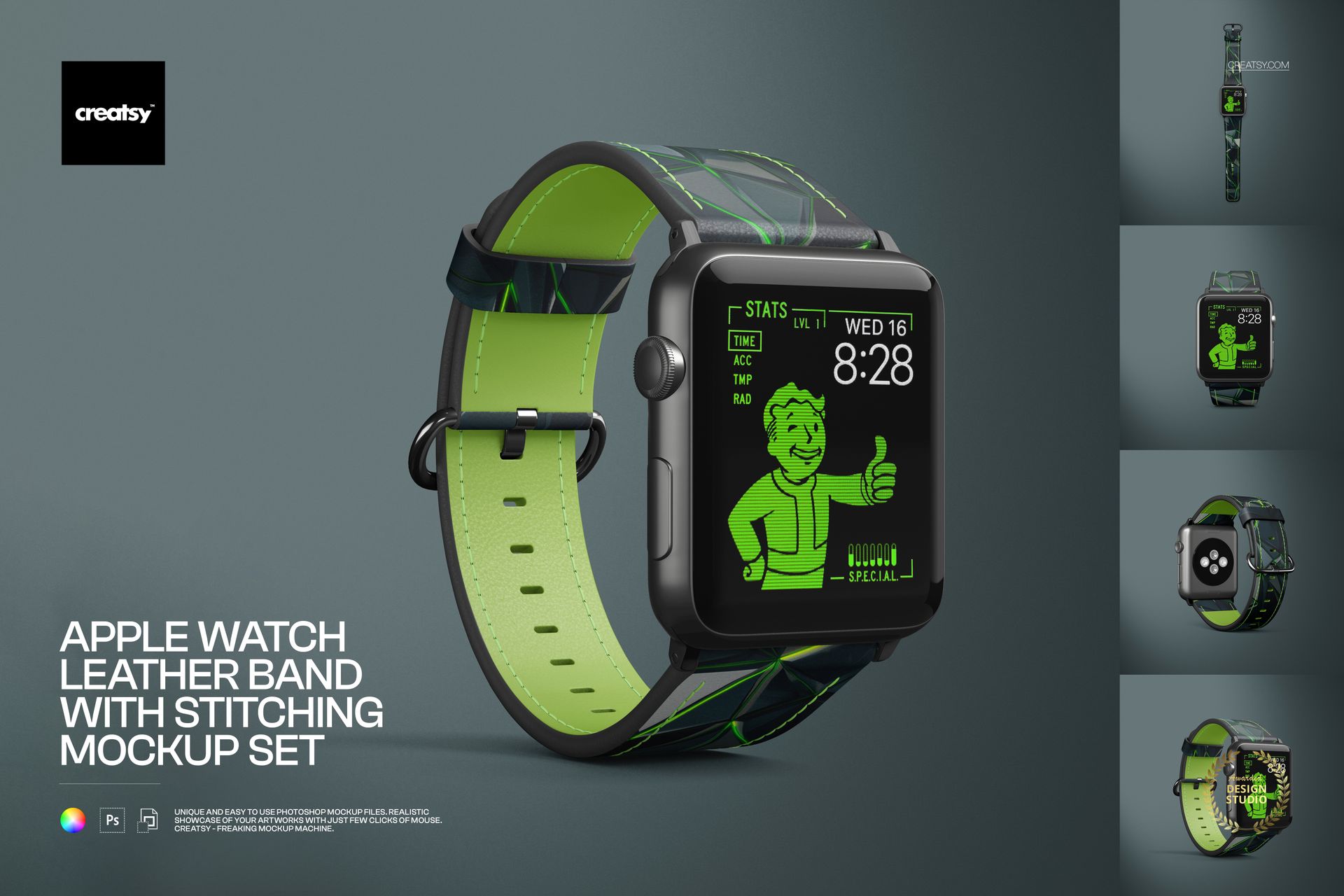
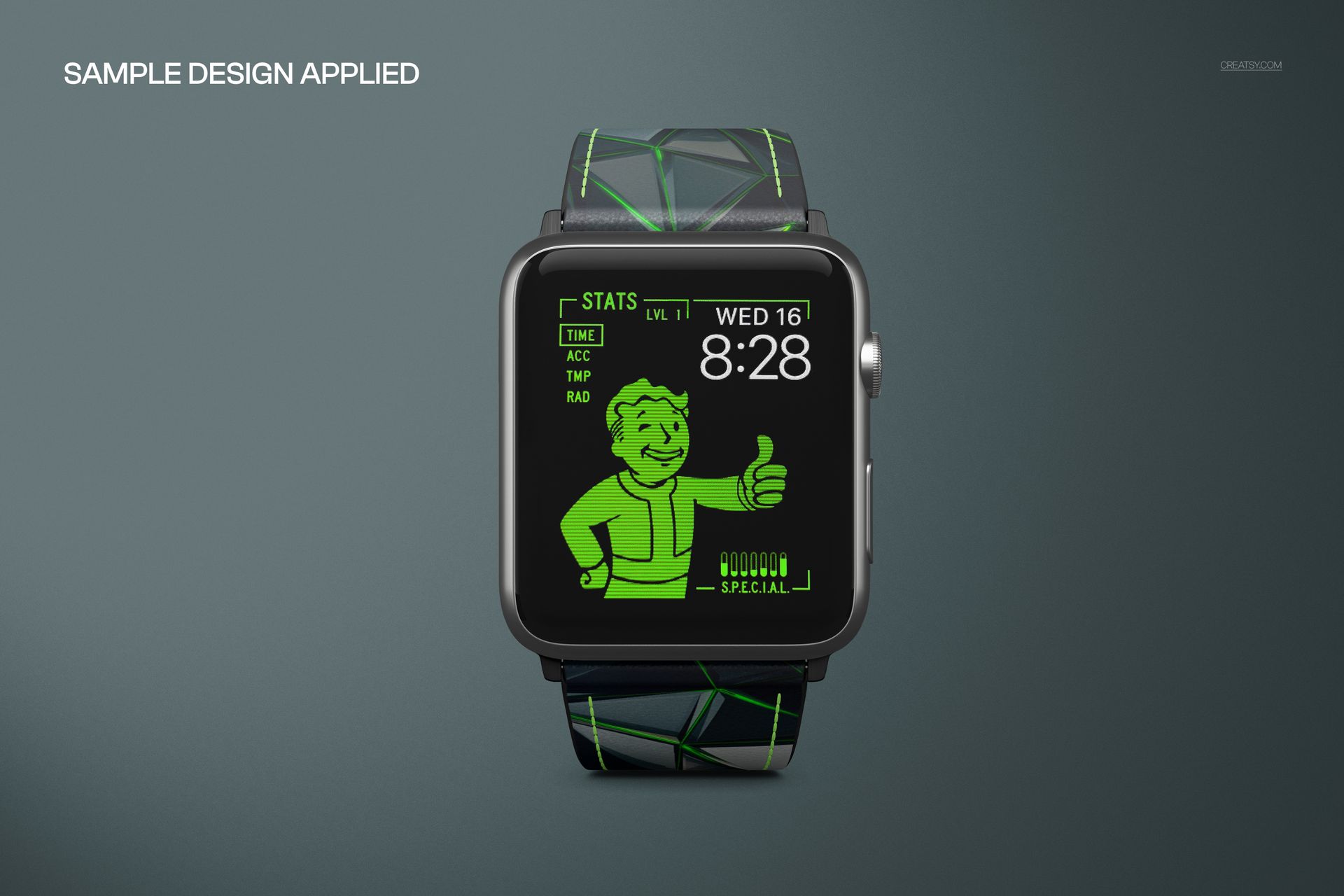
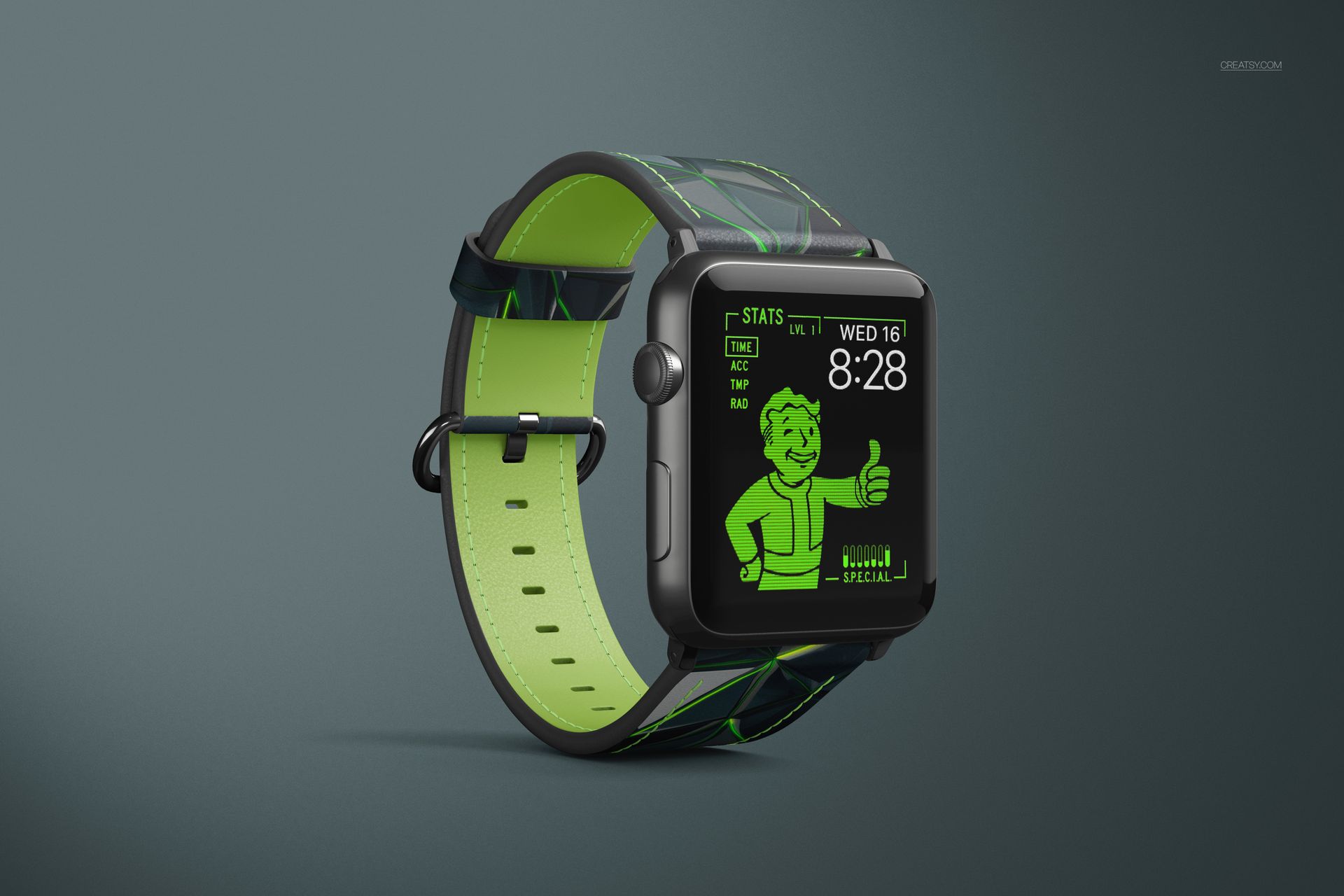
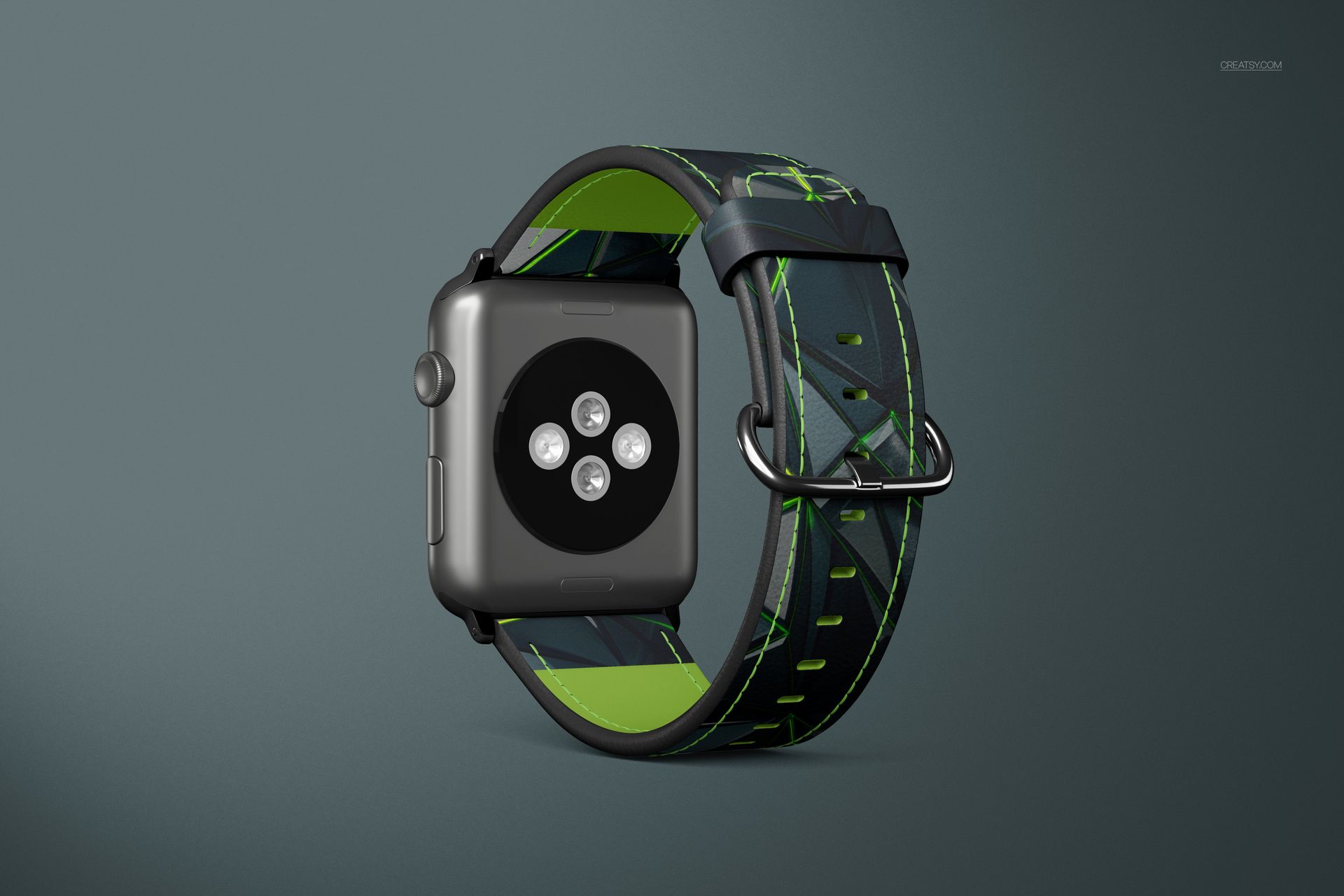
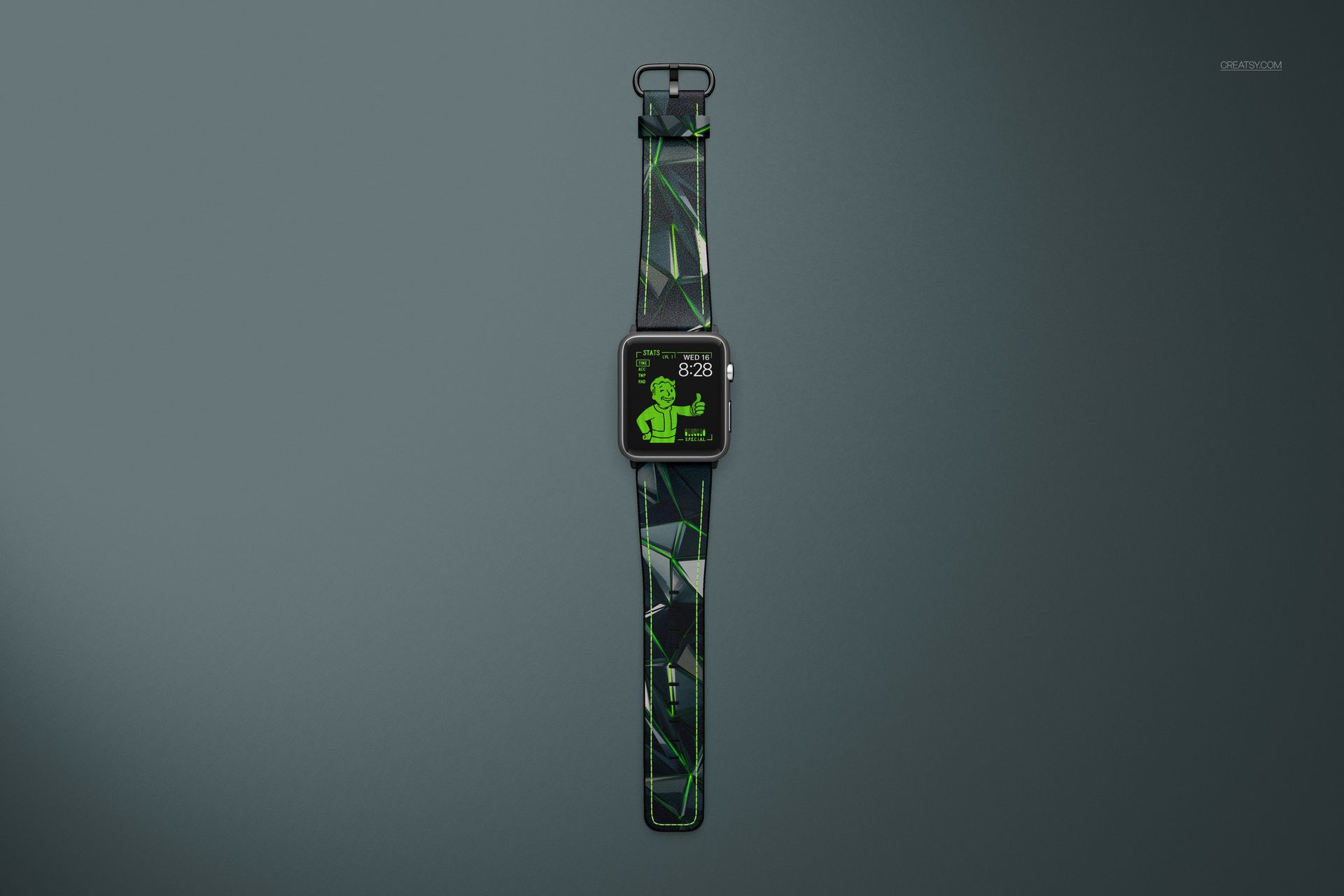
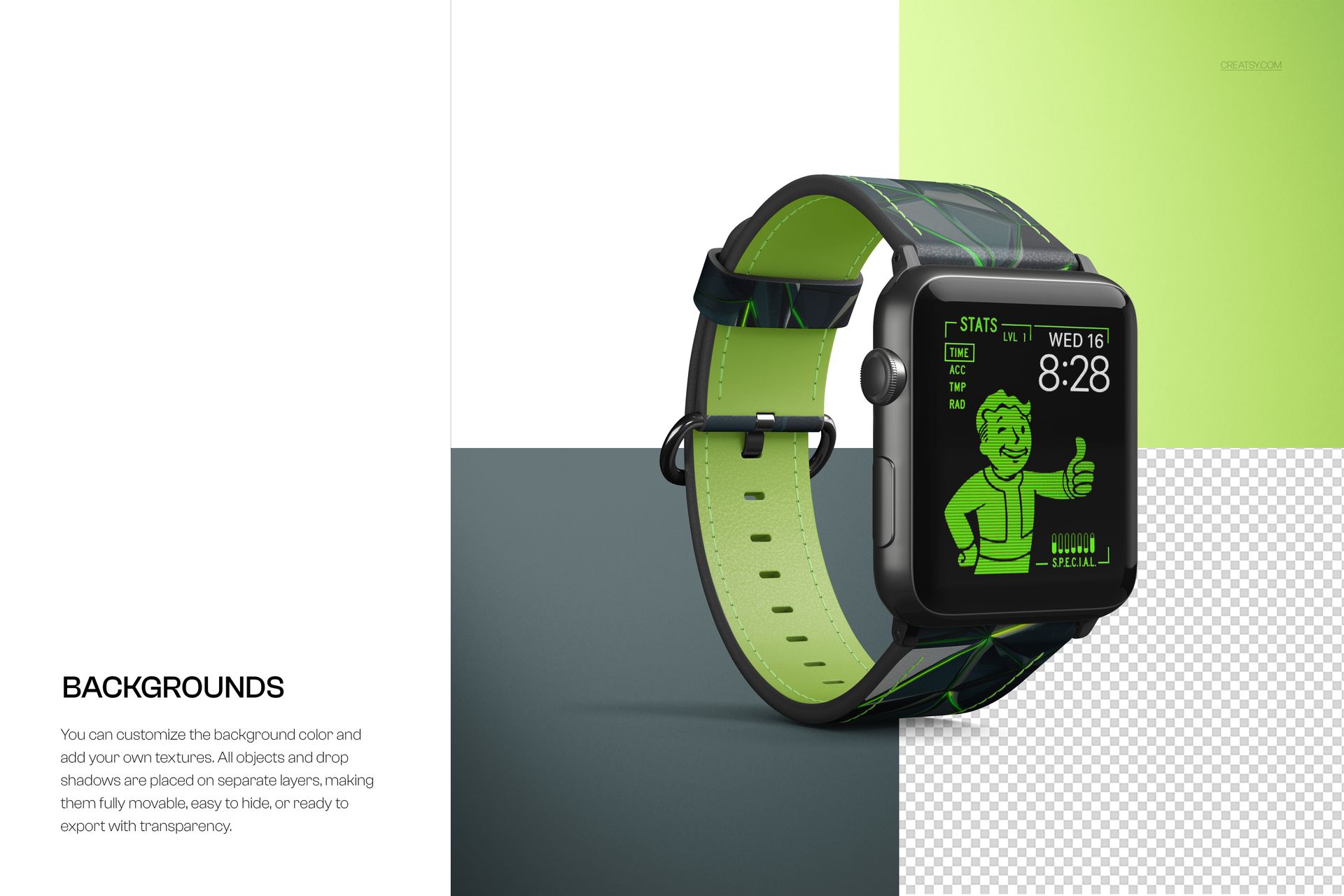
Apple Watch Leather Band with Stitching Mockup Set
Create polished, realistic and professional product visuals with this Apple Watch Leather Band with Stitching Mockup Set. Made for accessory brands, print-on-demand sellers, pattern designers, ecommerce shops and product designers, this editable PSD mockup set helps you showcase custom leather watch band designs without using 3D layers.
The updated files are based on Smart Objects, so adding your design is simple. Open the PSD in Photoshop or Photopea, place your artwork into the smart object, save it and your design appears on the watch band with realistic perspective, stitching, shadows and product detail.
This mockup set is perfect for presenting Apple Watch leather bands, stitched smartwatch straps, custom watch accessories, leather patterns, logo concepts, monogram designs, boutique accessories, personalized gifts and print-on-demand product previews.
Why This Watch Band Mockup Works
A watch band is a small product, but the details matter. Customers want to see the strap shape, stitching, buckle, holder, inner leather color, trim and overall finish before they buy. A flat artwork file cannot show how a design will look on a real curved accessory.
This mockup set gives your design a clean and realistic product context. It helps shoppers understand scale, color, texture and final appearance much faster. It is especially useful for online listings where the first image needs to feel clear, premium and trustworthy.
Use it for Etsy listings, Shopify product pages, print-on-demand previews, accessory branding, custom strap collections, product catalogs, social media posts, Pinterest graphics, client presentations and design portfolios.
Now Updated with Smart Objects
This version no longer relies on 3D layers. The files are prepared with editable Smart Objects, making the workflow easier, faster and more accessible.
You can use the mockups in Adobe Photoshop CC2020 or newer and in Photopea, which makes them practical for designers who want a flexible editing option without complex 3D tools.
Perfect For
This Apple Watch band mockup set is a strong choice for:
Accessory brands creating leather watch band product visuals
Print-on-demand sellers preparing smartwatch strap listings
Etsy and Shopify shops selling custom watch bands
Pattern designers showing artwork on wearable accessories
Fashion brands presenting coordinated accessory collections
Graphic designers creating logo or monogram strap concepts
Leather goods brands building product previews
Small businesses that need realistic visuals before production
Designers who want Smart Object PSD mockups instead of 3D files
Easy Customization with Smart Objects
The PSD files are built for a simple editing workflow. Add your artwork, pattern, logo or color concept into the smart object and let the mockup apply it to the band with realistic lighting and perspective.
You can create product images for different designs, test colorways, prepare matching collections and build a professional product gallery without ordering samples or arranging a photoshoot first.
The mockup works well with minimalist designs, luxury leather textures, geometric patterns, floral prints, monograms, brand logos, bold color blocks, abstract artwork and personalized watch band concepts.
What You Can Showcase
Use this mockup set to present:
Apple Watch leather band designs
Stitched watch strap concepts
Custom smartwatch accessories
Personalized watch bands
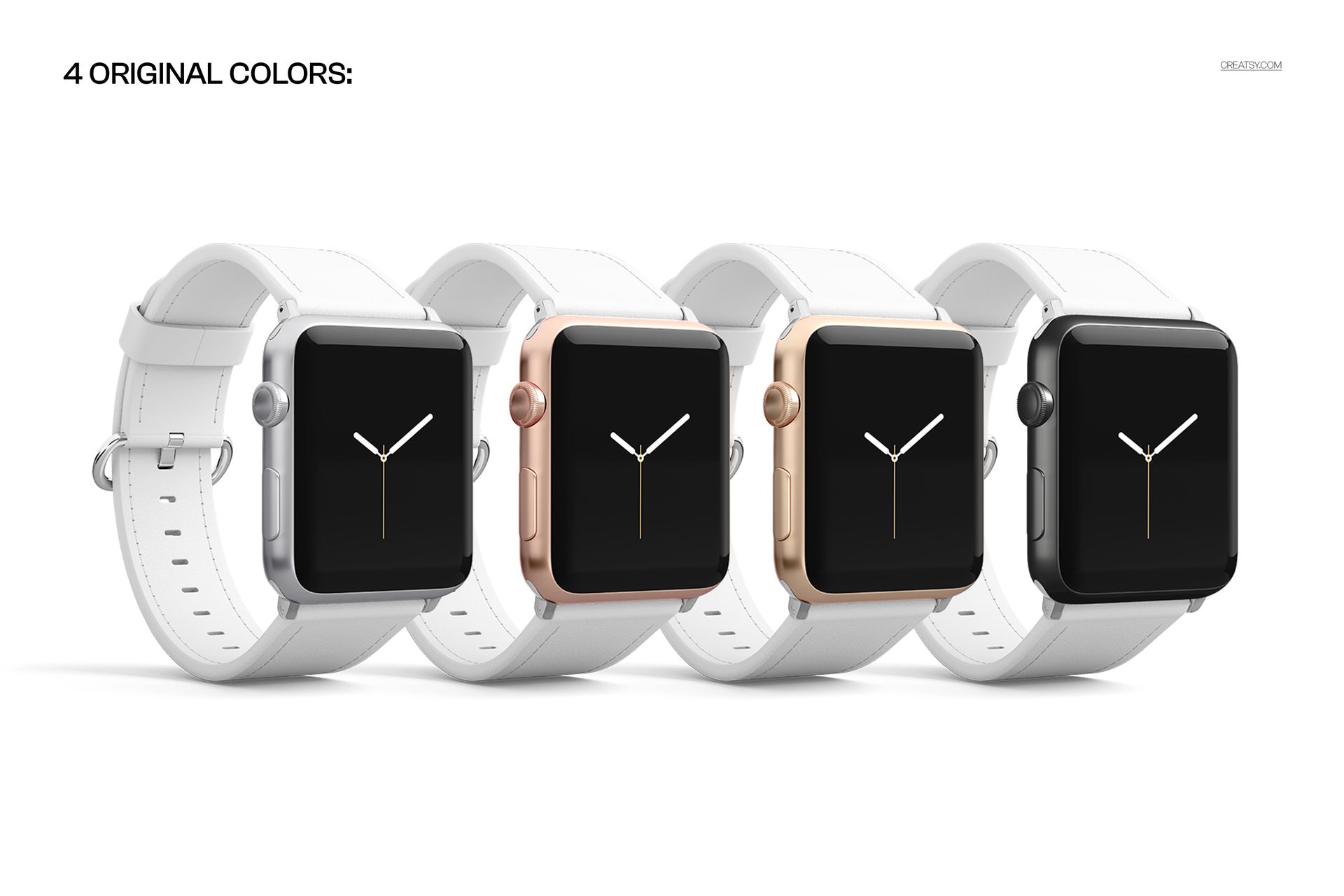
Leather strap colorways
Patterned watch bands
Printed accessory designs
Logo and monogram concepts
Fashion accessory collections
Print-on-demand watch straps
Etsy and Shopify listing images
Product catalog visuals
Social media and Pinterest graphics
Client presentation mockups
File Specifications
Files work in Photoshop, minimum version CC2020
Files work in Photopea
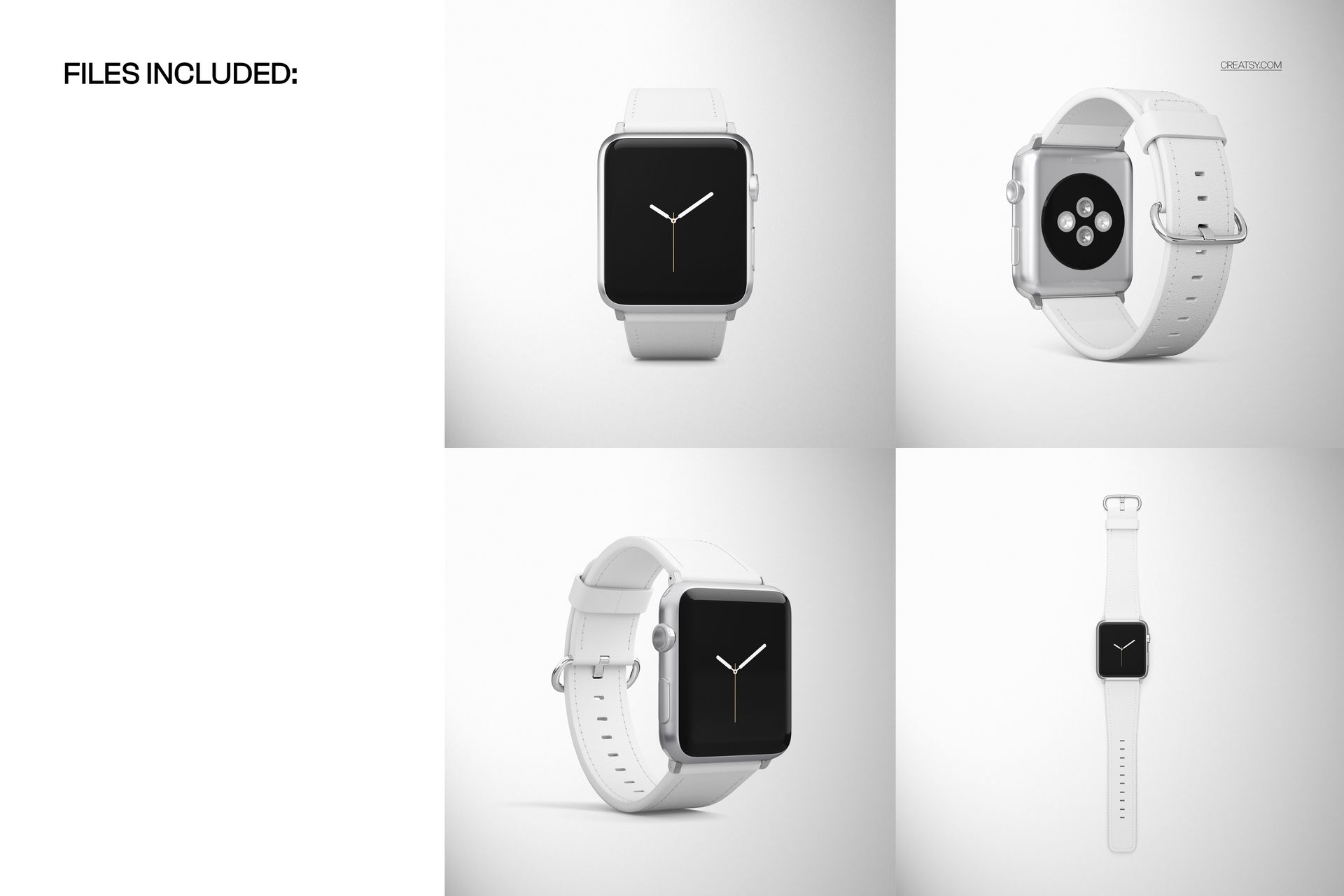
Pack includes 4 PSD files
PSD size: 4000x4000 px
Resolution: 300 DPI
Smart Object based workflow
No 3D layers required
Well organized layers
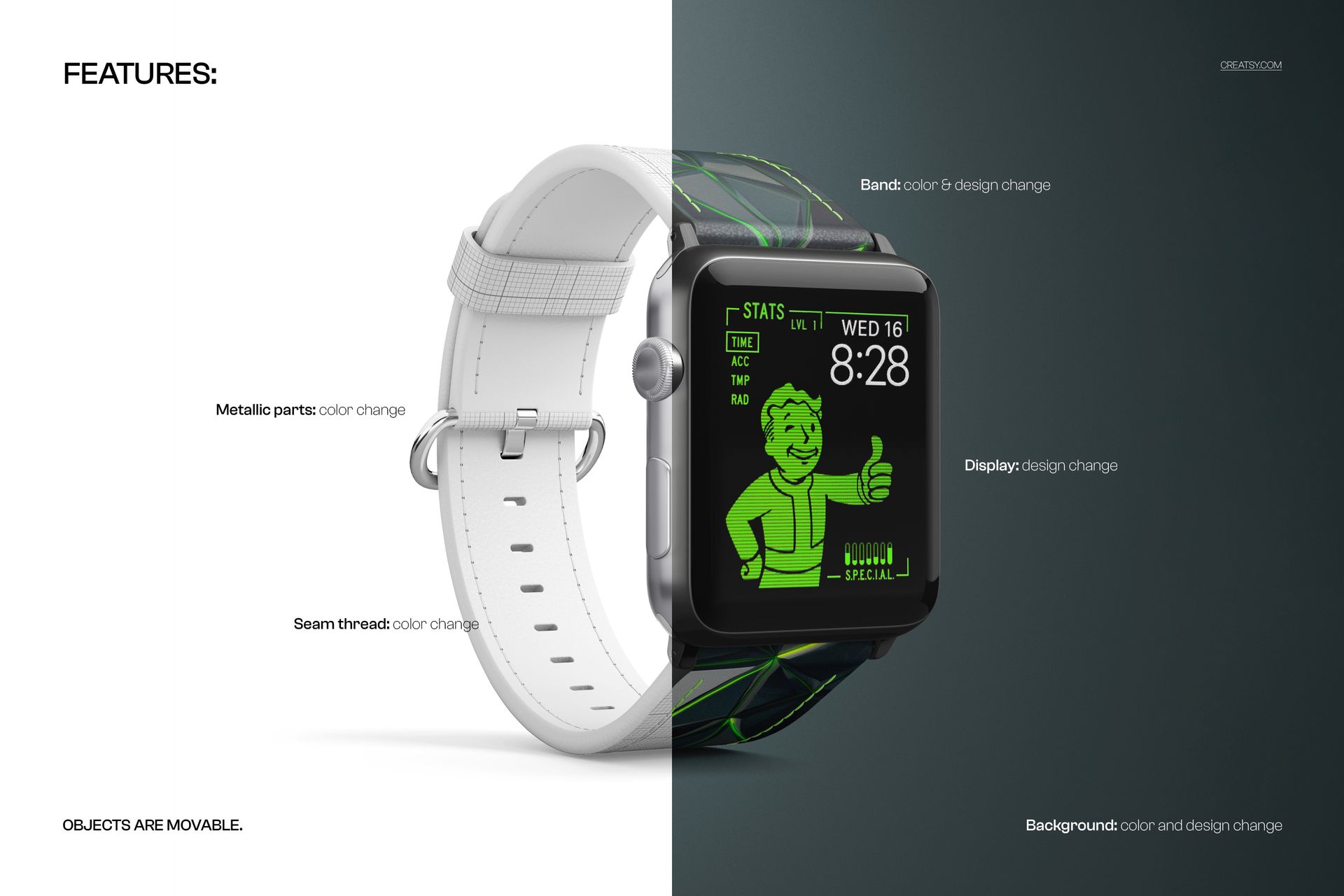
Check screenshots for all available features
Preview patterns are used for display purposes only and are not included with the mockup files