 $2200
$2200


 $2700
$2700

 $2700
$2700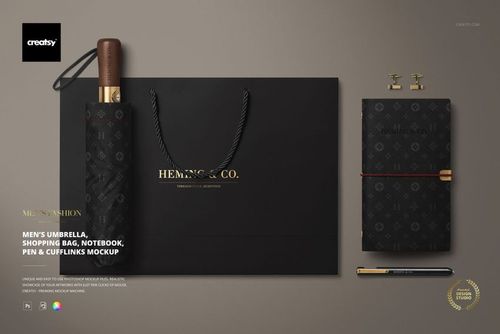
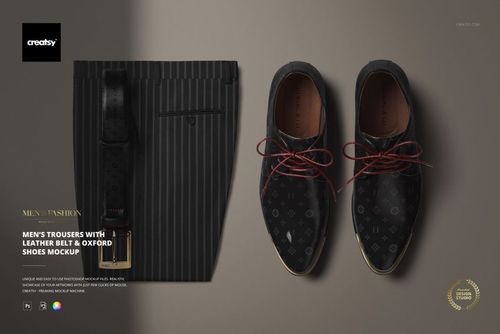
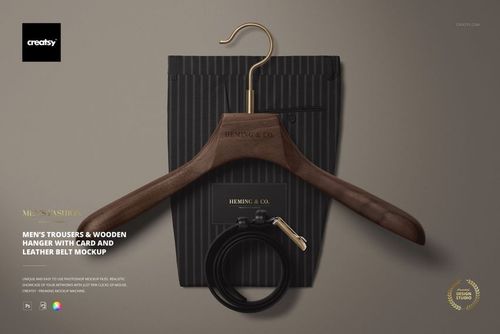
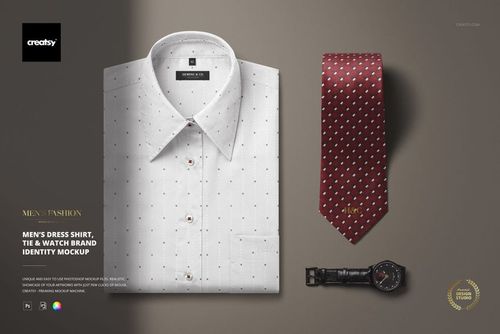
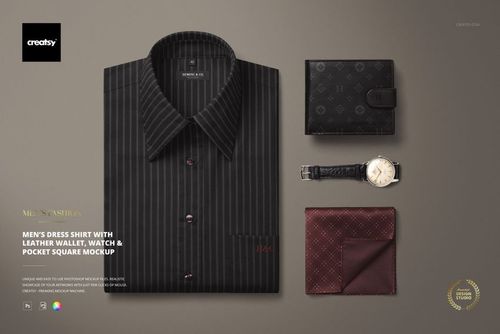
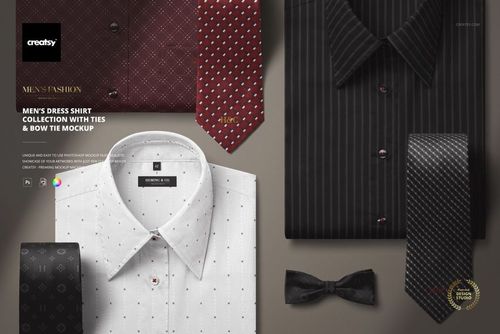
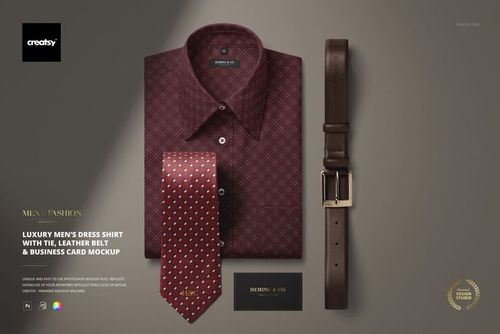
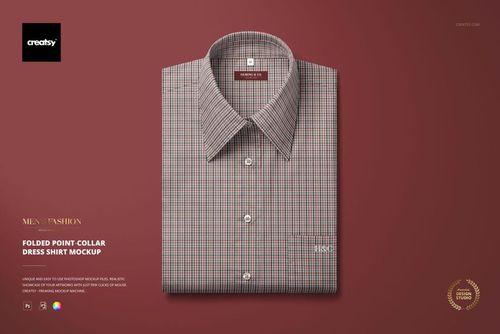
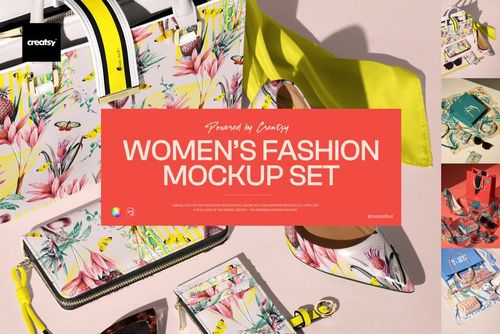
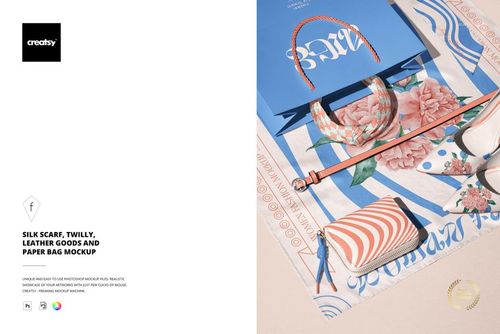
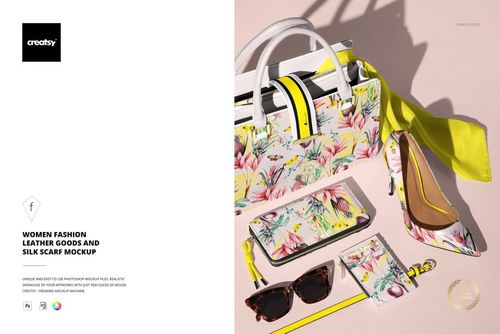
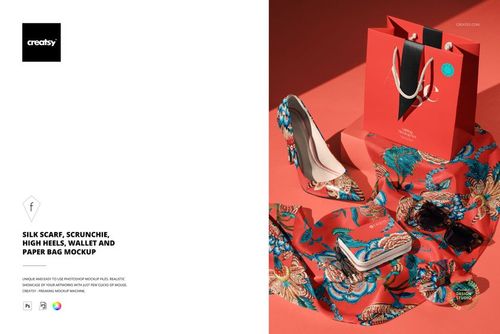
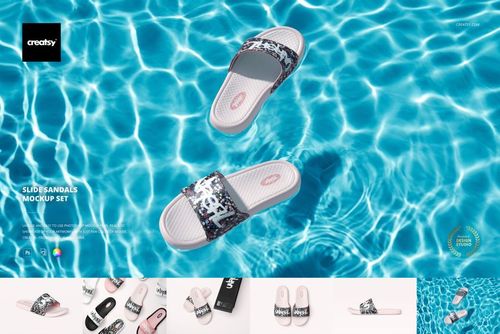
Apparel & Fashion Mockups
Apparel and fashion mockups for t-shirts (Bella Canvas series), hoodies, silk scarves, tote bags, dress shirts, swimwear, socks and footwear - PSDs across sub-categories.

Reviews
What designers and brand owners say after using these PSD mockups in real client work.
0
Sort by:



Creatsy's mockups are top quality! This one is especially fun because you can add multiple prints to the different parts of the mockup which makes it feel a bit more exclusive. I love using their mockups!
 Free Baby Ruffle Swimsuit and Hat Apparel PSD Mockup View product
Thank you so much - so glad you’re enjoying the multiple print areas! That’s exactly what makes it fun to work with 🙌
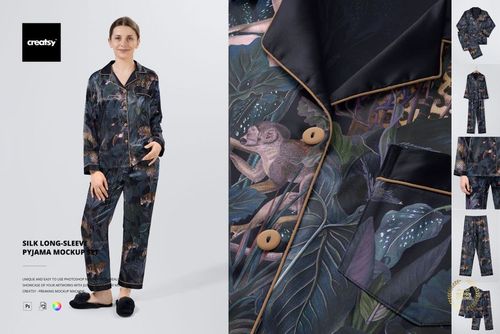
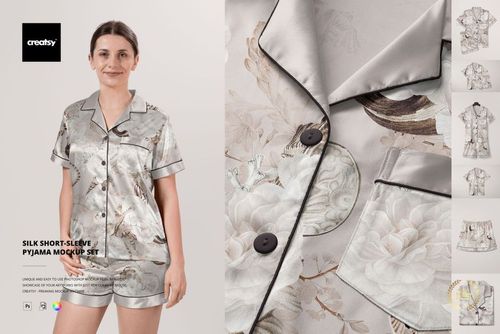
I’ve been waiting for this mockup to come from Creatsy for ages, and it is perfect! Mockup has every angle/shot I need, and some extras, and it’s fully customizable so I can really visualize what the pajamas will look like. Very happy!
 Silk Long-sleeve Pyjama Mockup Set View product
 Worth the wait - thank you so much! 🧡 Happy creating!

I love Creatsy's mockups! They are clean, easy to use and display my art in a professional manner.
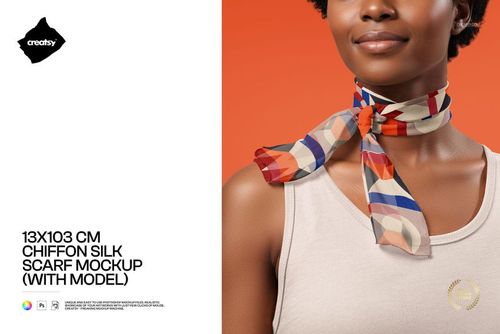
 Free 13x103 cm Chiffon Silk Neck Scarf On-Model PSD Mockup View product
 That’s exactly what we’re going for - thank you so much! 🧡
I love working with creatsy mockups. They are easy to work with and of high quality. This mockup in particularly compliments my designs on many levels.
Free 13x103 cm Chiffon Silk Neck Scarf On-Model PSD Mockup View product So happy to hear it complements your designs! Thank you 🧡


What you get
Professional PSD mockups built in-house - editable, realistic, high-resolution, and supported by real people.
Layered PSD Files
Creatsy mockups are delivered as fully layered Photoshop .psd files, with layers sorted into clearly named groups. Shadows, highlights, and the background each sit on their own editable layer, and nothing is flattened into a single image. Open it in Photoshop or the free browser editor Photopea and get to work.
- Clearly named, organized layer groups
- Shadows and highlights on separate layers
- Editable background, never flattened
- Works in Photoshop or free Photopea
Smart Objects
Open the smart object, paste your artwork, and save. The design lands on the product with the perspective, warp, and wrap already worked out. Scene lighting and shadows fall back on top, so it reads as a photograph, not a flat paste-in. Swapping a design takes seconds, so one file can carry a whole run of variants and colorways.
- Double-click, paste your design, save
- Perspective, warp, and wrap pre-built
- Scene lighting and shadows sit back on top
- One file covers many variants and colorways
High-Resolution Output
Many scenes are built from real product photography rather than 3D renders, so the fabric and surface read like a studio shot. Files export at high resolution and stay sharp at full zoom, with clean edges where the print sits. The same file works for a hero banner, a paid ad or a product listing.
- Real product photography in many scenes
- Exports ready for print
- Holds detail at full zoom
- Works for banners, ads and listings
Easy to Edit
Colors, backgrounds, and artwork sit on separate, clearly named layers, so you swap a color or background without disturbing the rest of the scene. There is no relighting or shadow work to redo, and the same file works for your next project.
- Edit color and background layers directly
- No relighting or shadow rework needed
- No masking or layer skills required
- One file reused across projects
Fast Support
There is a real in-house team behind every file, not a ticket bot. Before you buy, ask whether a specific mockup fits what you have in mind, and we will tell you. When a smart object or a layer group is tripping you up, send the question and you usually get a reply within 48 hours.
- Real in-house team behind every file
- Replies within 48 hours
- Pre-purchase help picking the right mockup
- Answers on smart objects and layer setup
Who are these mockups for?
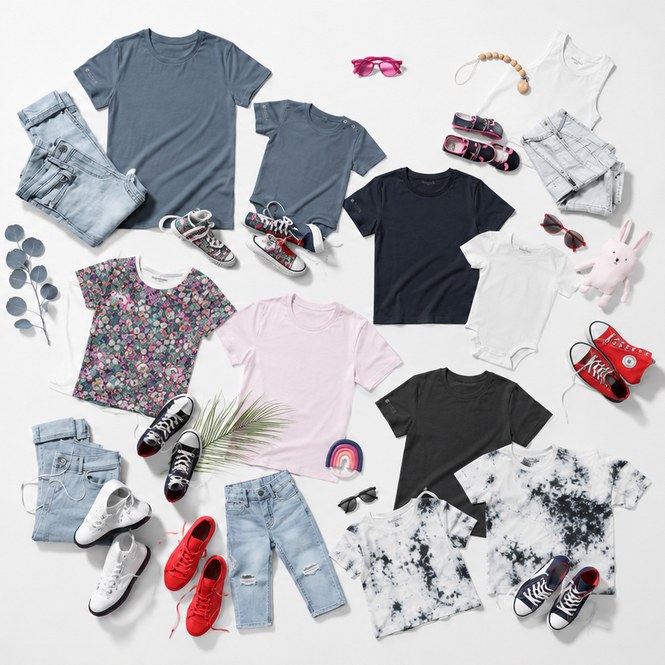
For print-on-demand sellers
Test one graphic across tee and tank fits, front and back, before it goes live on Etsy or Printful.
Selling tees? Check t-shirt mockups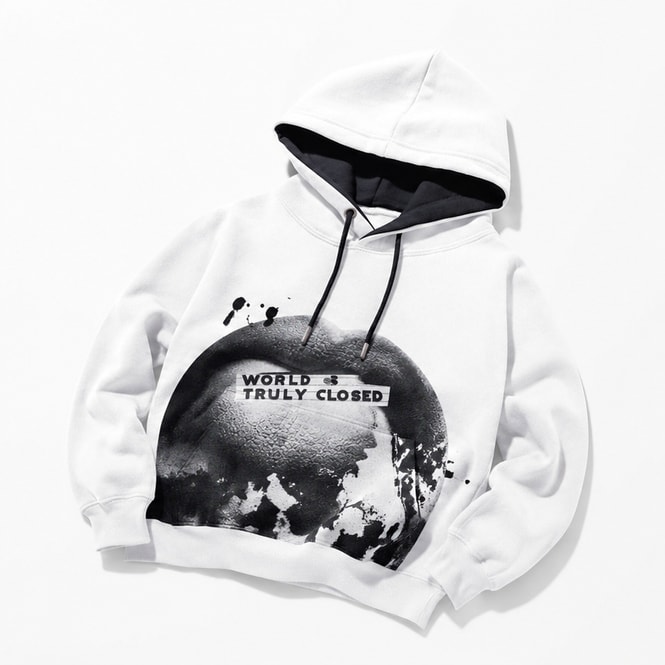
For streetwear & merch brands
Show heavyweight hoodies and crewnecks with the print sitting on the fleece, not floating above it.
Dropping a hoodie? Check hoodie mockups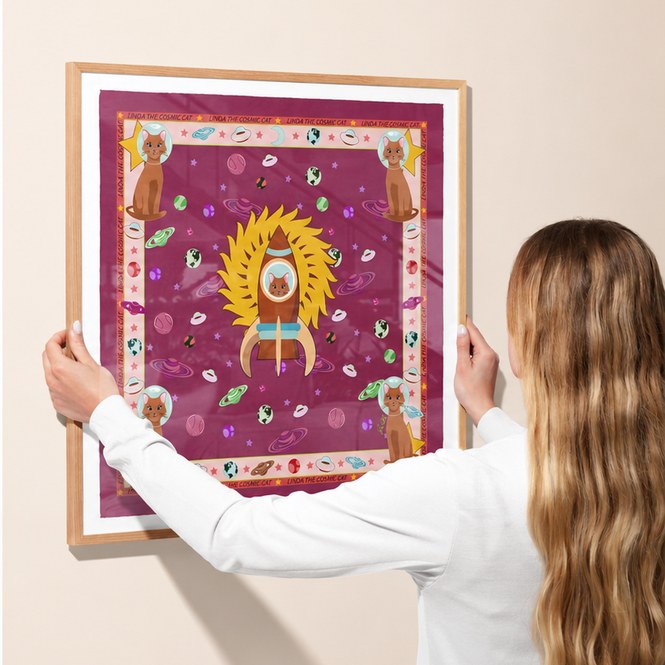
For luxury & accessory labels
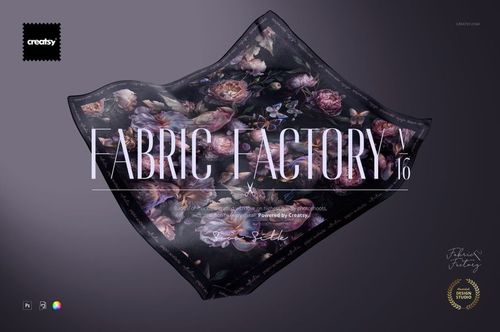
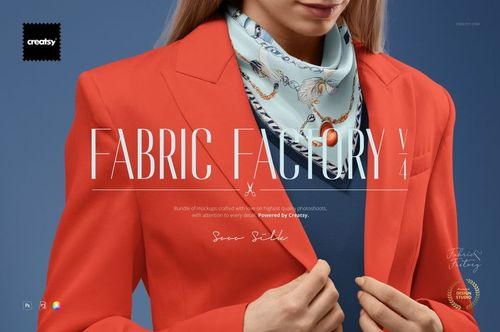
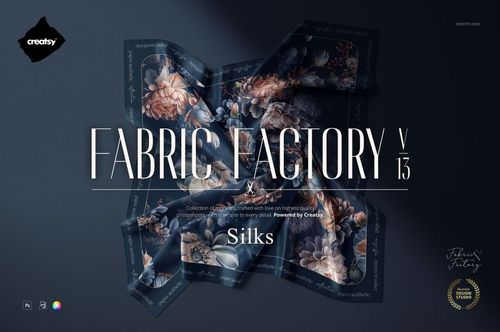
Drape a repeat across a silk scarf and read how the pattern works once it is folded and styled.
Designing scarves? Browse silk scarf mockups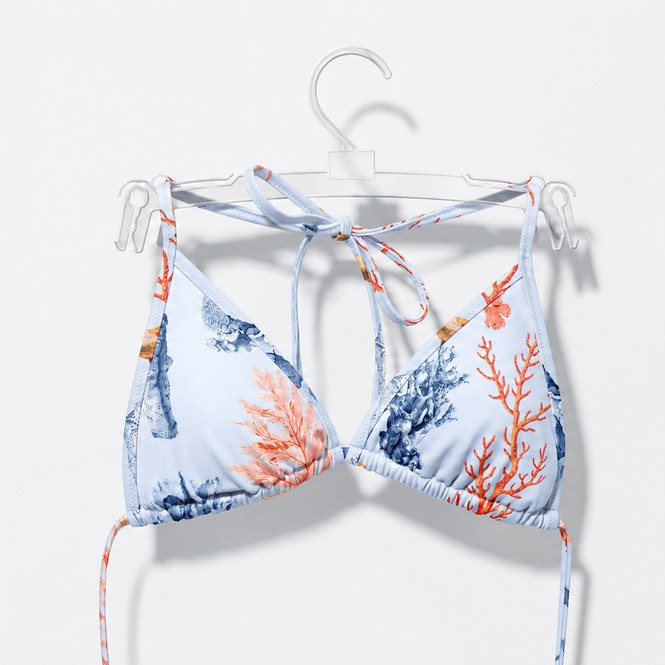
For swimwear brands
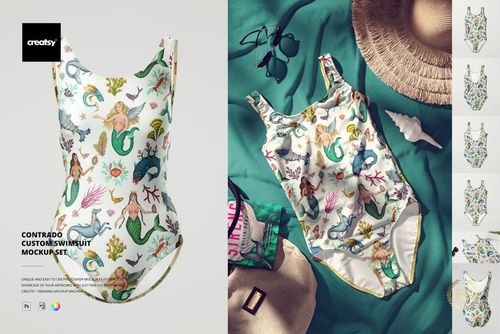
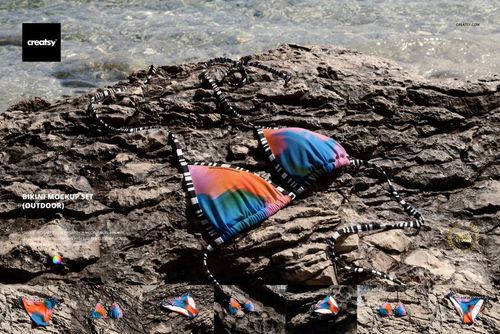
Place a season of prints on one-piece and bikini cuts without booking a beach shoot.
Designing swimwear? Check swimwear mockups
FAQs
Yes. Bella Canvas 3001 T-Shirt has scene variants: hanging on Birch Tree, Ficus Tree, Ancient Wall, Exterior Shutter, Ivy Background, Winter Edition, Sky Edition, Tied configuration, Family Mockup Set (group), Unisex Heather CVC SS Tee, Unisex Jersey Short Sleeve (men + women versions), plus Free Bella Canvas 3001 T-shirt Hanging on a Tree by the Lake.
Yes. The silk scarf collection includes Habotai Silk Scarf variants on mannequin, with handbag, with paper bag, draped over hand, on driftwood, on metal rod, plus Square Silk Scarf Hanging on Wall, Mannequin Torso Wrapped Silk Scarf, Silk Scarves on Hangers. The commercial license covers retail buyer presentations and luxury brand campaign artwork.
Yes. Bella Canvas 3001 Unisex Jersey Short Sleeve has separate men's-version and women's-version PSDs with consistent smart-object naming. Mens and Womens T-shirt Mockup Set pairs both fits in one file. The Bella Canvas 3001 Family Mockup Set covers group scenes.
Yes. Compression Shorts, All-over Print Yoga Shorts, Athletic Socks 3 Types, Baseball Pants Long, Basketball Training Uniform, Performance Longsleeve, Raglan Longsleeve, Sublimation Socks variants, and Men's / Women's Polyester Shorts cover athletic and sublimation-print performance apparel.
Yes. Free 13x103 cm Chiffon Silk Neck Scarf On-Model PSD Mockup, Free Bella Canvas 3001 T-shirt Hanging on a Tree by the Lake PSD Mockup, and Free Tote Bag Mockup v.4 cover silk scarf, t-shirt, and tote-bag workflows. Download a freebie to test the smart-object workflow before paid sets.
Why use Apparel & Fashion mockups?
Apparel and fashion mockups for t-shirts (Bella Canvas series), hoodies, silk scarves, tote bags, dress shirts, swimwear, socks and footwear - PSDs across sub-categories.
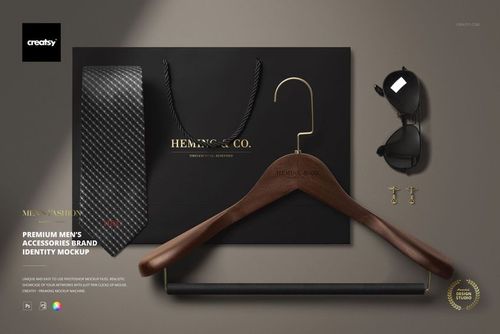
Apparel design lives or dies in the print preview. A logo that looks bold on screen fades into the fabric grain on a real t-shirt; a graphic that crops cleanly in Illustrator gets eaten by the chest seam on a hoodie; a silk scarf pattern that looks vibrant in flat preview drains into the fabric drape - the mockup catches these before any sample run. For print-on-demand and DTC apparel brands, on-model and lifestyle scene mockups (Bella Canvas 3001 hanging on Birch Tree / Ficus Tree / Ancient Wall / Exterior Shutter) double as product listing photography for Etsy, Shopify, and Amazon - replacing the cost of a model photoshoot for every new design. For luxury fashion and accessory brands, silk scarf, scarf-with-handbag, and gentleman-accessory bundle mockups (Cufflinks + Gentleman Pack, Premium Men's Accessories Brand Identity) build full identity systems suitable for retail buyer presentations. For sports and athleisure brands, performance-fit mockups (Compression Shorts, Athletic Socks, Performance Longsleeve, Yoga Shorts, Basketball Training Uniform) cover the athletic apparel spectrum.
FreeCreatsy® Mockups
Love this mockup! So fun to play with different pattern combinations to make it look totally unique!
Thank you so much, Mina! We’re so happy to hear you’re enjoying the mockup and having fun creating different pattern combinations. We truly appreciate your lovely review! ✨