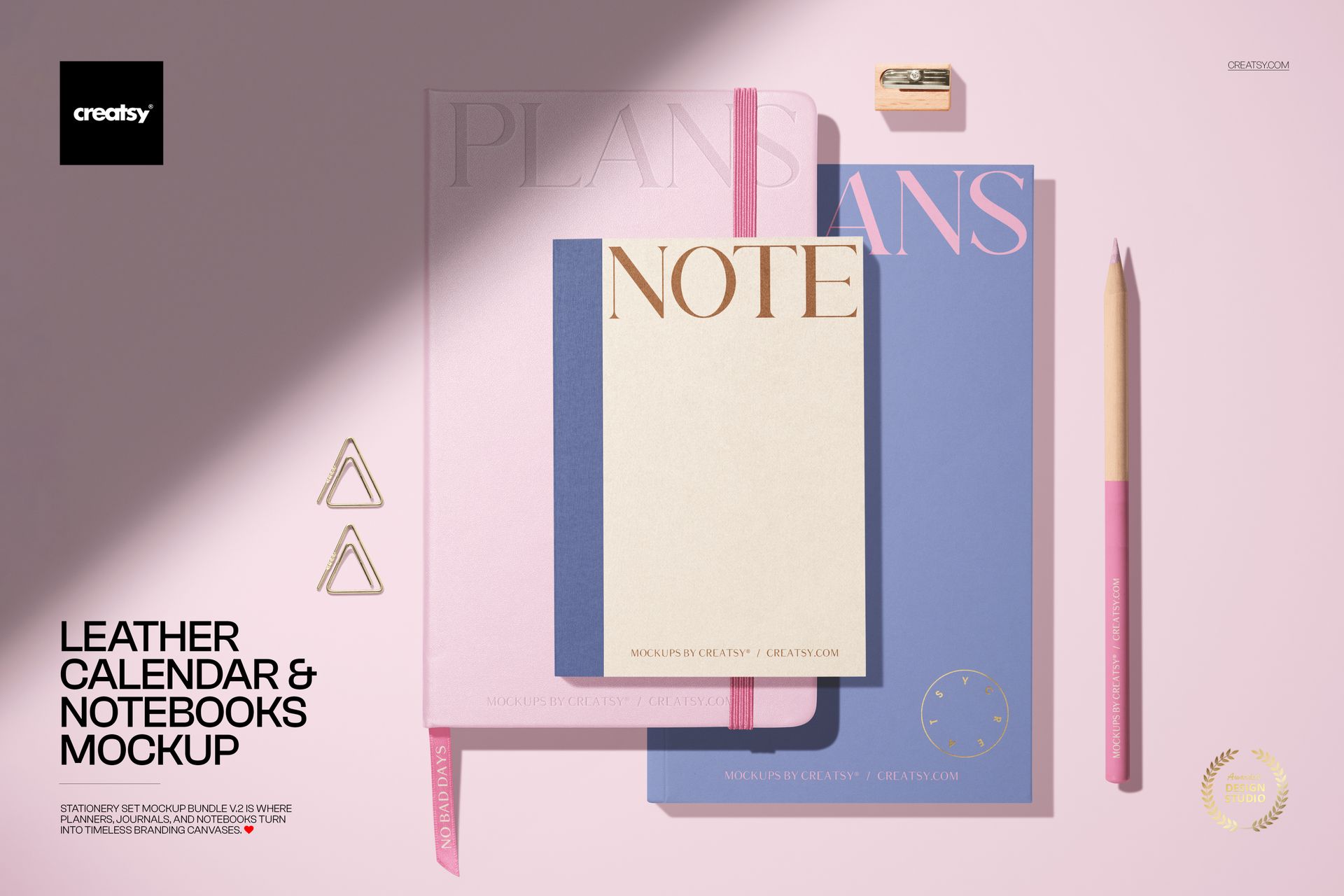
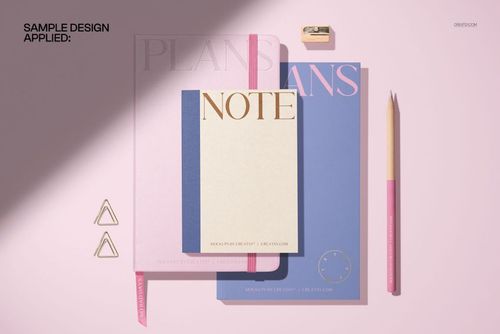
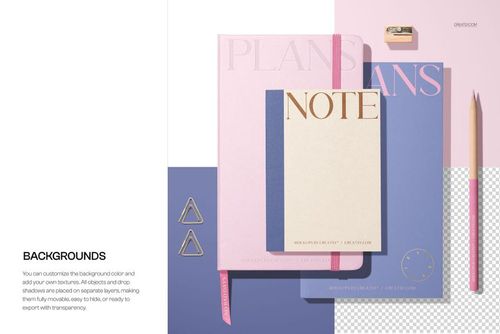
Bring your stationery branding to life with this Leather Calendar and Notebooks Mockup. Showcase planners, journals, and notebooks in a softly lit desktop scene with movable props, optional foil stamping, and a dramatic shadow overlay. Ideal for stationery collections, lifestyle visuals, and planner launches. Free for commercial use – see license for details.
Highlights
- Format: 1× PSD, 6000×4000 px, 300 dpi
- Workflow: Smart Objects; well-organized, named layers
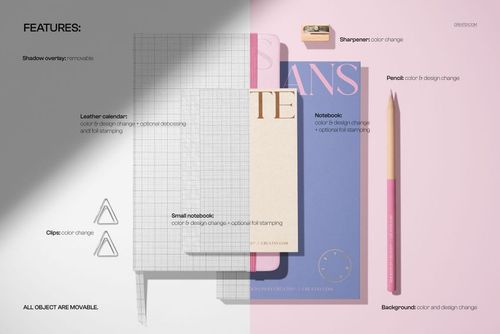
- Editable: leather calendar, large notebook, small notebook, pencil, clips, sharpener, background, and spotlight shadow overlay
- Special effects: optional foil stamping and debossing on calendar and notebooks
- Objects: all objects are movable for custom compositions
- Apps: Photoshop (min. CC 2020) + Photopea (free online editor)
- Use cases: planner and journal branding, stationery sets, ecommerce product images, social media, portfolio shots
- License: personal & commercial use – see license for details
What’s inside / Specs
- Files: PSD (+ preview JPG)
- Canvas: 6000×4000 px, 300 dpi
- Layers & controls:
- Smart Objects for leather calendar cover, notebook covers, and small notebook
- Optional foil stamping and debossing layers for premium finishes
- Separate color controls for pencil, clips, sharpener, and background
- Removable shadow overlay for a strong spotlight effect or softer lighting
- Adjustable shadows and highlights for realistic depth
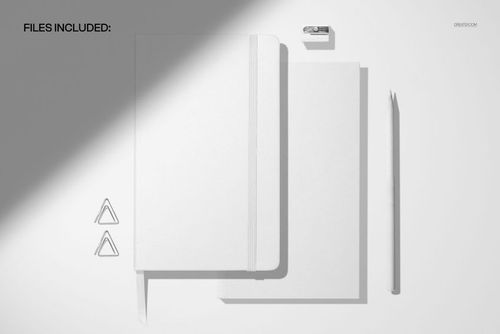
- Scene: top-view arrangement of leather calendar, two notebooks, pencil, clips, and sharpener on a clean background
- Compatibility: Photoshop CC 2020 or newer; works in Photopea
- Approx. size: ~365–383 MB (archive may vary by compression)
How-to (Photoshop & Photopea)
- Open the PSD in Photoshop (CC 2020+) or Photopea.
- Place your artwork in the calendar and notebook Smart Objects, then Save to refresh the mockup.
- Customize colors of the covers, pencil, clips, and background; toggle foil/debossing layers as needed.
- Move or rotate objects, and switch the shadow overlay on/off to match your visual style.
- Export high-res JPG/PNG/WebP files for your shop, presentations, or social media.
License & usage
Personal and commercial use for 1 business/client according to Creatsy’s license. Redistribution, reselling, or sharing of the source PSD files is not allowed. Please check the full license on Creatsy for all terms and restrictions.





I can't say enough good words about your mockups or how easy it is to add my design to them. The free mockups you've made available gave me the perfect chance to try them out and experience first-hand how well-organized these files are. In the past, I'd bought multiple mockup bundles with custom scenes but it always felt way too overwhelming or the style just didn't really fit me. Yours are next-level amazing. Truly. After trying out your mockups, I don't think there's any other website I'd recommend than Creatsy. And this has to be said: If you've won me over with your free mockup templates, I can only imagine how phenomenal all your premium bundles and other templates are. #NextNaturalStep Thank you for all you do! <3