iPhone Case Mockup Templates

iPhone case mockup PSDs - models from SE to Pro Max with precise camera cutouts, MagSafe rings, and true-to-device dimensions.

47 mockup templates available

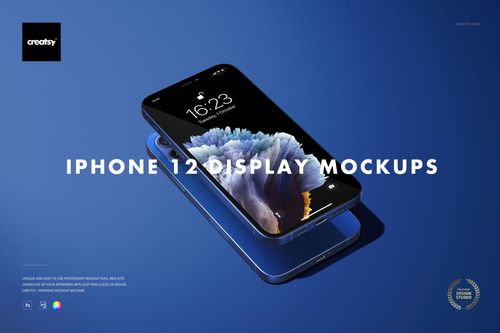
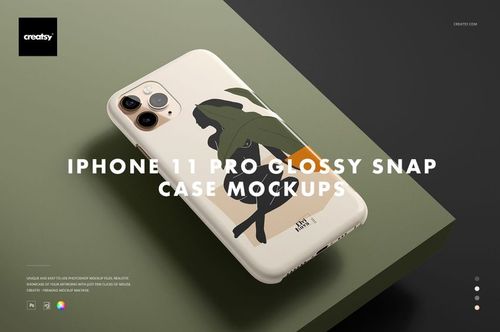
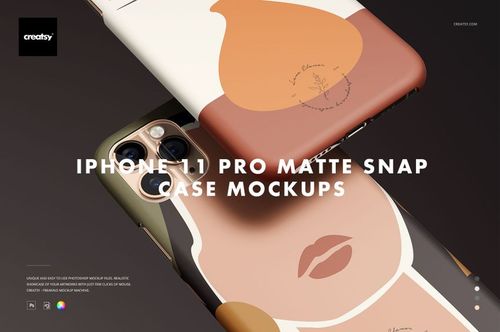
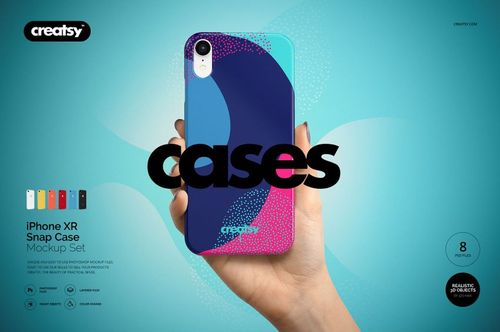
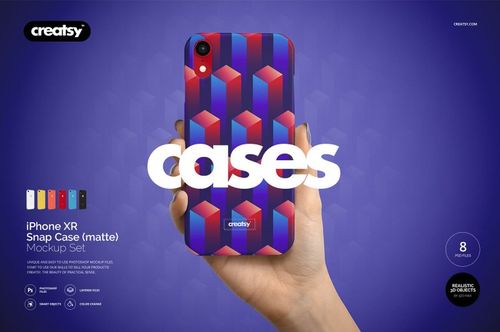
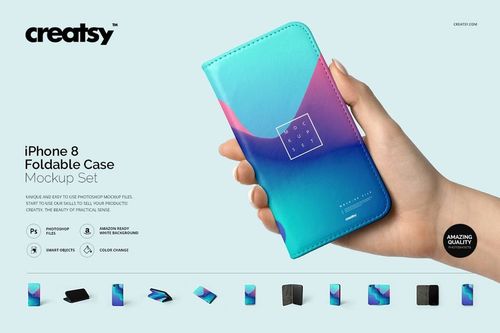
iPhone buyers expect case listings to show the exact phone they own - right camera layout, right proportions, right MagSafe ring placement. These mockup templates are modeled on specific iPhone generations and sizes, from SE compact through standard, Plus, Max, and Pro variants. The camera cutout shapes are device-accurate, which matters because nothing breaks the illusion faster than a case mockup where the camera holes don't match the phone the buyer actually owns.

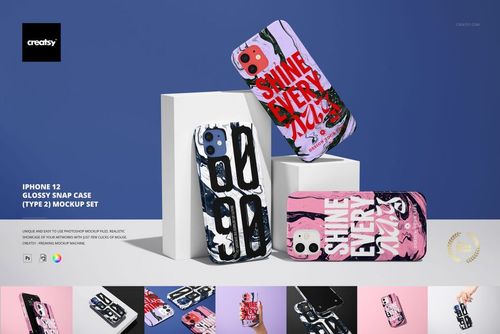
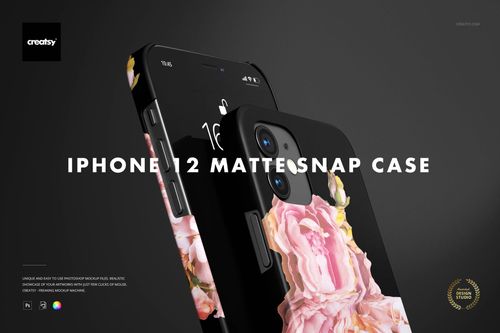
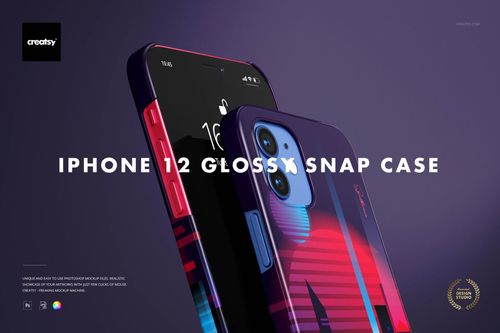
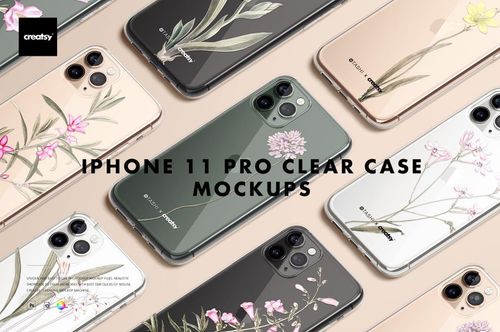
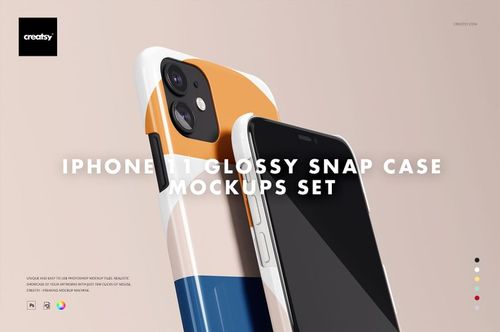
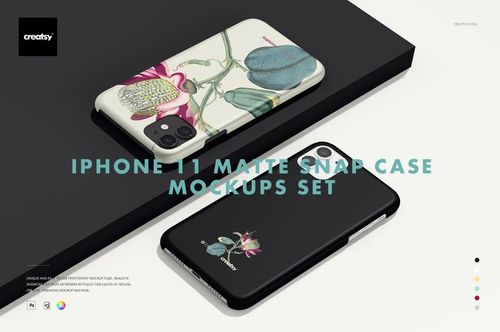
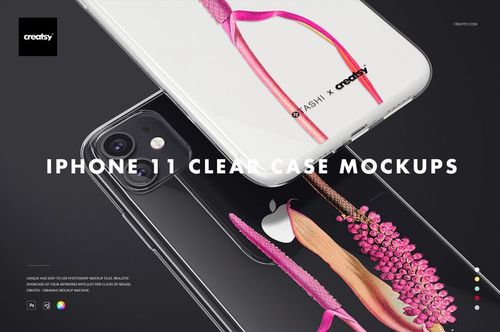
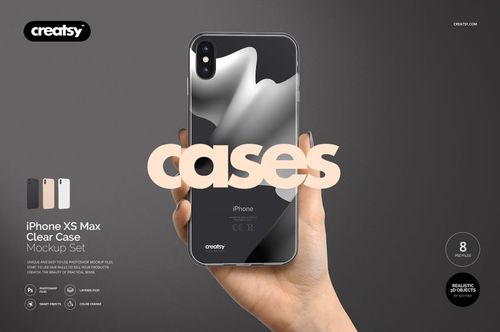
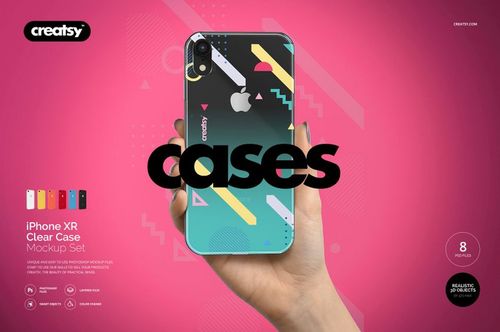
Case types represented include snap-on, tough armor, silicone, clear with MagSafe ring visible, and slim profile. The MagSafe alignment ring on applicable templates shows through clear cases as that characteristic circle on the back - a detail that iPhone-savvy buyers notice and expect in current-gen mockups.

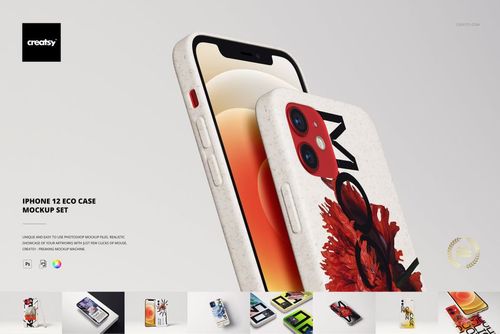
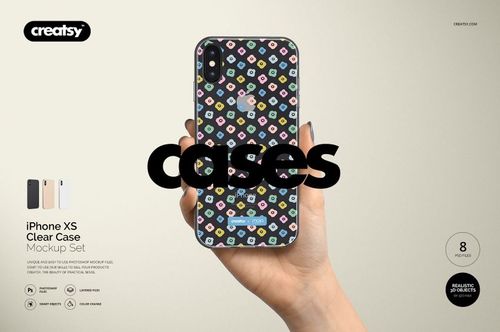
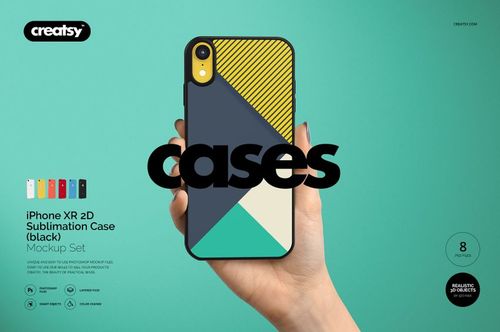
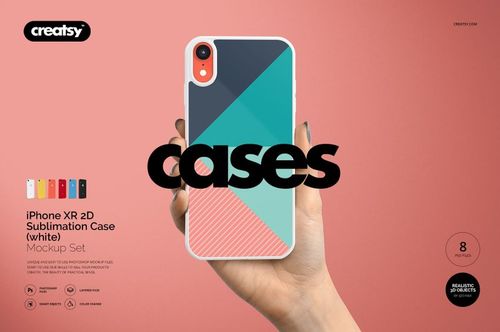
Smart objects manage the design placement. Your artwork wraps around the case with accurate edge perspective. The templates handle the unique challenge of iPhone camera islands - that raised rectangular plateau on recent models - by properly mapping artwork around it. Designs flow up to the island border and continue on the other side without visual breakage.

Per-template editing options:

  • Case back panel design (smart object)
  • Case material finish - glossy, matte, or soft-touch
  • Case edge and bumper color
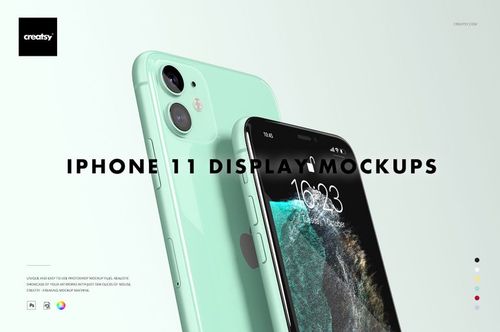
  • Phone screen content (where visible)
  • Background color or surface

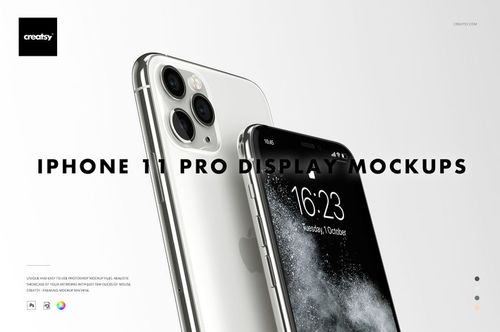
Some templates include front-angle views showing the case lip rising above the screen and the button cutout precision. These views are useful for cases marketed on protective features - showing that the lip extends past the screen surface communicates drop protection visually.

Given that phone cases are compact products, the resolution delivers clean imagery at any web size and supports cropping for social media stories and ads.

The primary audience here is independent case designers and custom case sellers who need listing images that look like product photography. In a competitive category like iPhone cases, mockup quality directly affects click-through - a crisp, correctly proportioned mockup with visible device details outperforms a generic case-on-white-background every time.

Sellers listing across multiple iPhone models can use these templates to generate model-specific listing images from a single design file. Same artwork, different device mockups, and each listing shows the buyer exactly what the case will look like on their specific phone. That specificity builds trust and reduces return rates.

Frequently Asked Questions

Which iPhone models are covered?

Templates span multiple generations and sizes - SE compact, standard models, Plus/Max sizes, and Pro variants. Camera cutout shapes are device-accurate for each model, reflecting the correct island configuration and lens positions.

Do mockups show the MagSafe ring on clear cases?

Clear case templates for MagSafe-compatible models show the alignment ring visible through the transparent material. This is an important detail for buyers of current-generation iPhone cases.

How does the design wrap around the camera island?

The smart object layer maps your artwork around the raised camera plateau accurately. The design flows up to the island border and continues on the other side, just like a real printed or sublimated case would behave on the actual device.

Can I create listings for multiple iPhone models from one design?

Use the same artwork file across different model-specific mockup templates to generate listings for each phone size. This lets you show buyers exactly what the case looks like on their particular iPhone model.