Scene Creator Mockup Templates
Scene creator mockup kits - movable individual elements with matched lighting for building custom product compositions.
135 mockup templates available
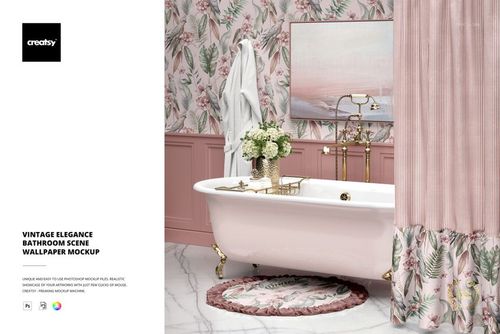
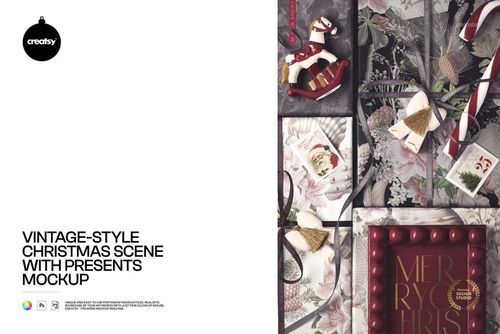
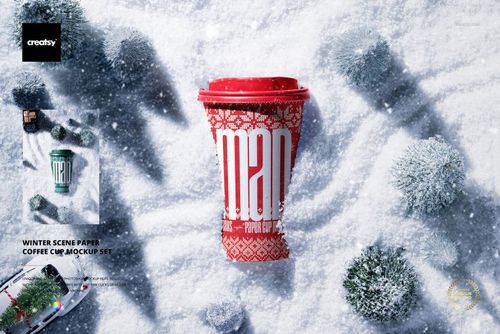
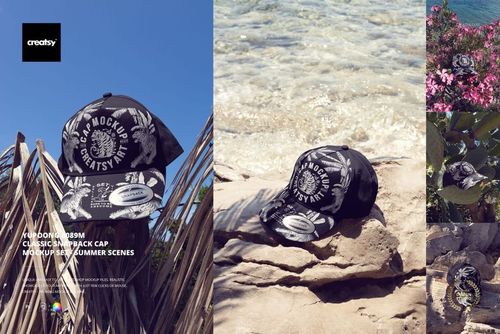
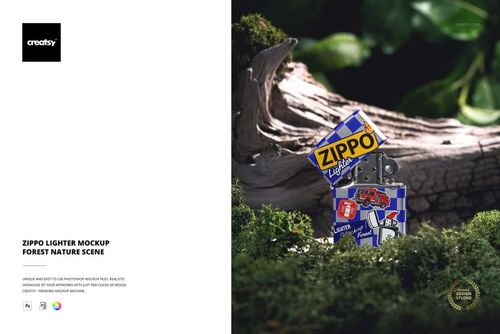
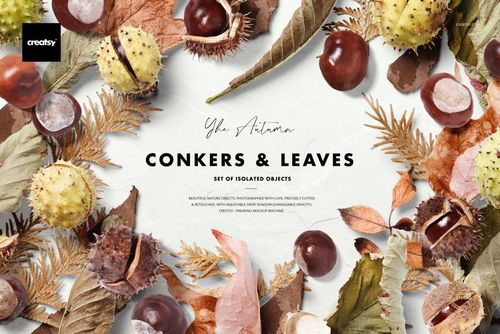
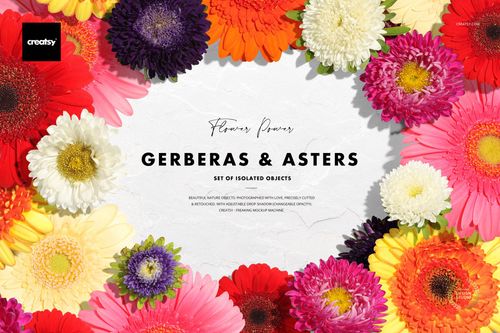
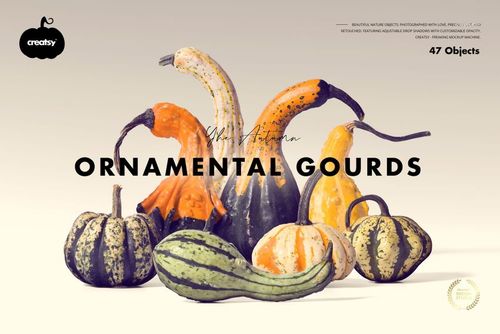
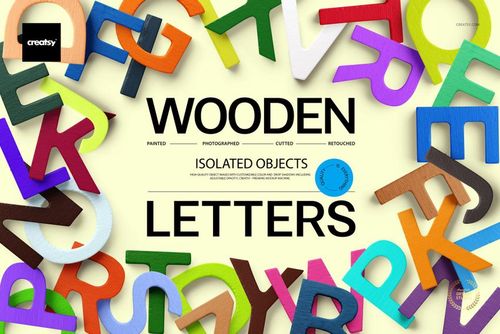
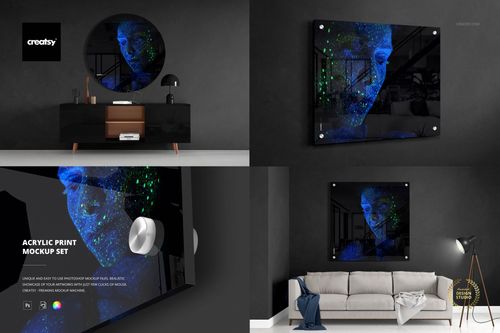
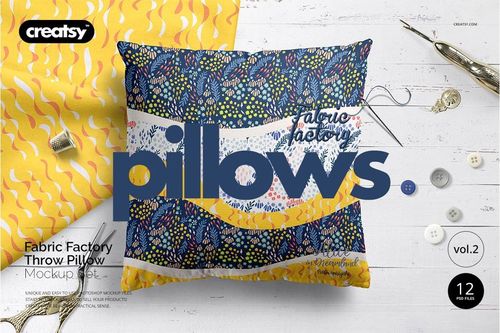
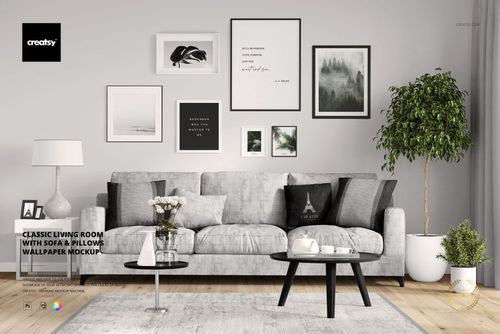
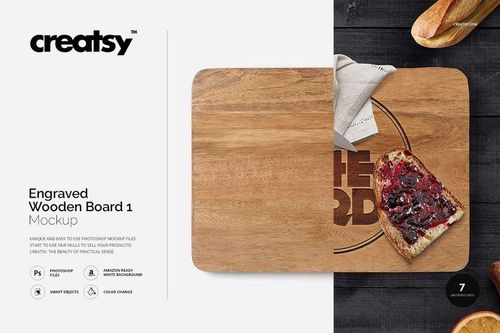
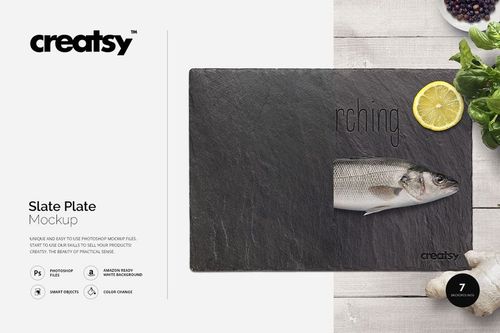
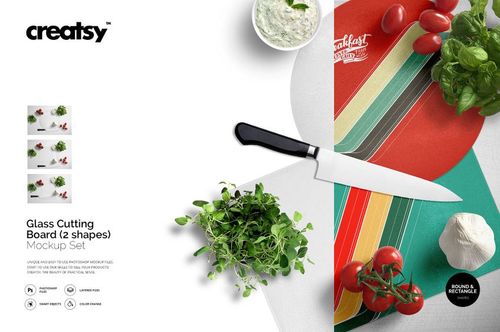
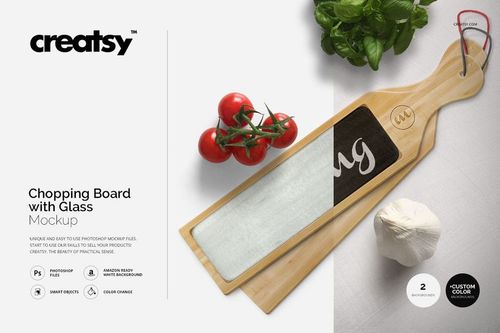
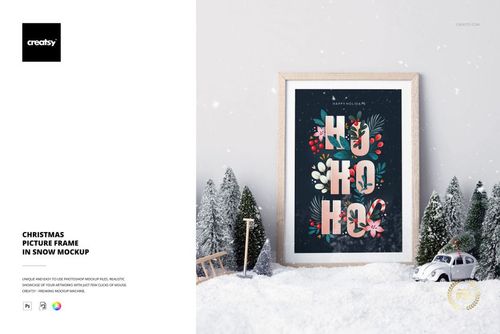
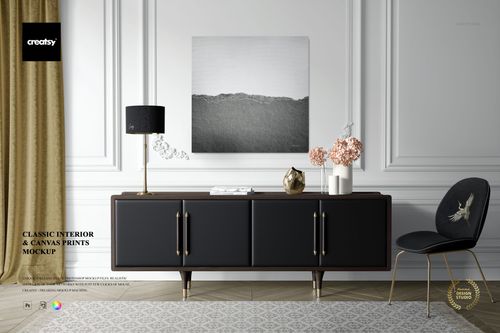
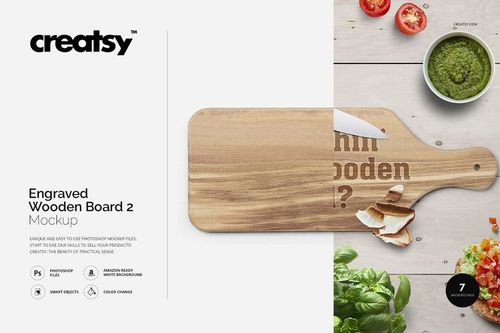
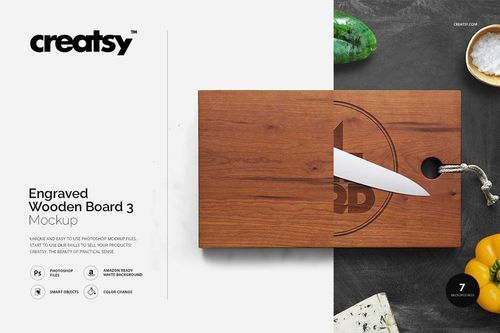
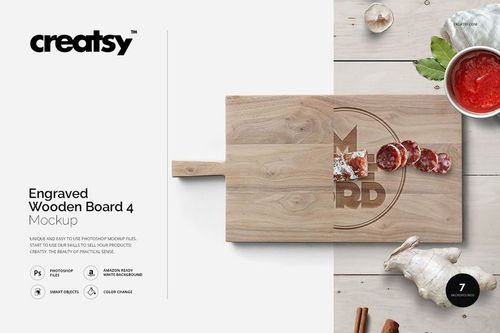
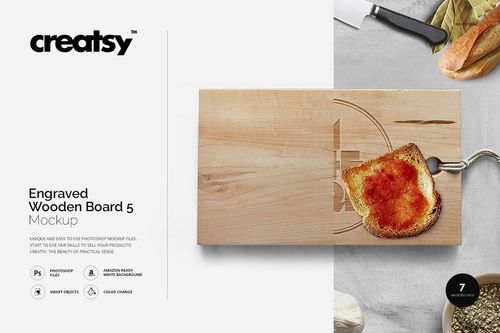

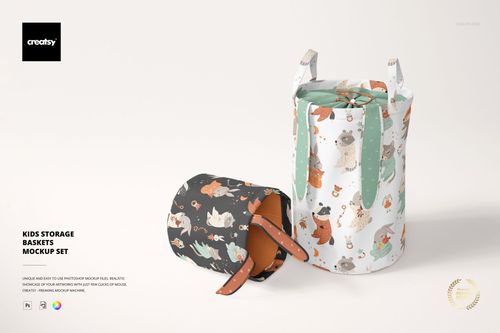
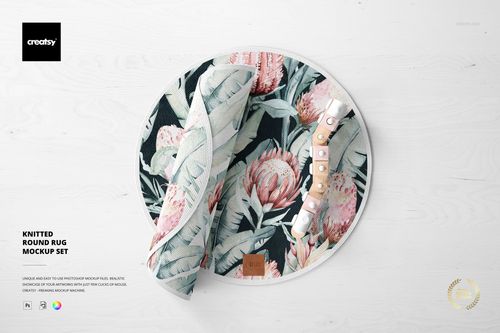
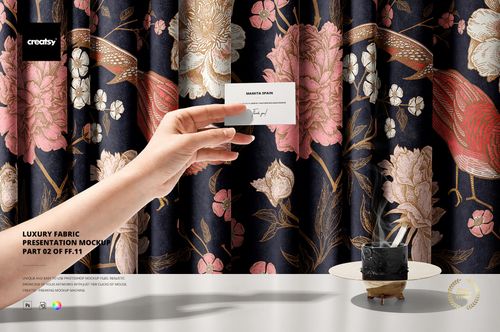
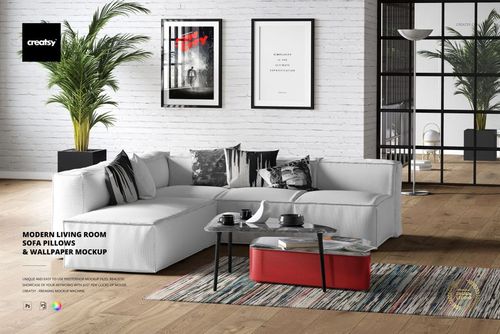
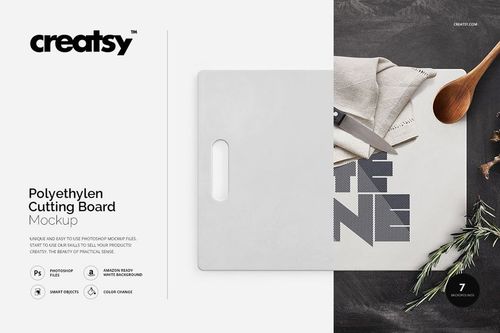
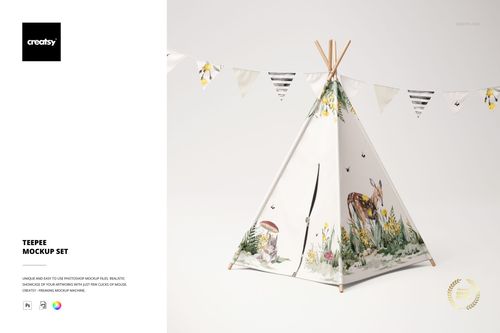
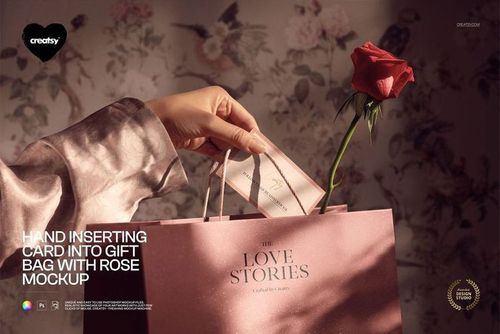
Scene creators flip the traditional mockup approach on its head. Instead of opening a fixed composition and swapping in your design, you start with a blank canvas and a library of individually photographed elements - each on its own layer with matched lighting and shadow - and build the scene yourself.
The kits in this collection include hundreds of individual items organized by category: stationery pieces (envelopes, stamps, paper clips, wax seals), tech devices (phones, tablets, laptop corners), food and drink items (coffee cups, pastries, fruit), plants and flowers, fabric swatches, hands and gestures, and decorative accessories like ribbons and confetti.
Every element is photographed or rendered from the same overhead angle with consistent lighting. That consistency is what makes the final composition look like a real photograph rather than a collage. When you place a coffee cup next to a notebook, the shadows fall in the same direction and the color temperature matches. This is extremely difficult to achieve by cutting out items from different photo sources.
The workflow in Photoshop and Photopea is drag-and-drop. Items are pre-cut with clean edges on transparent backgrounds. Shadow layers are either attached to each element or generated through consistent layer styles. You can:
- Move elements anywhere on the canvas
- Rotate and scale individual items
- Toggle items on and off
- Adjust individual item colors where smart objects are included
- Swap the background surface (marble, wood, fabric, solid color)
Where this really pays off is when you need multiple variations from one kit. A branding designer presenting an identity package can build 5-6 different compositions - social media header, Instagram post, business card close-up, full stationery spread, lifestyle scene - all from the same element library. The visual consistency ties them together while each layout serves a different purpose.
Scene creator kits on creatsy.com range from focused product sets (just stationery items, just cosmetics) to mega kits with 200+ elements spanning multiple categories. Element counts vary, but the better kits clearly organize items into labeled layer groups or provide a visual index showing every available piece.
Elements hold up well at different scales within a composition - larger foreground items and smaller background pieces both stay detailed when arranged together.
Content creators, social media managers, and brand photographers use scene creators to produce consistent branded imagery at volume. Instead of scheduling a new photo shoot every week, they remix elements from the kit into fresh compositions. It's a content production strategy that saves time and money while maintaining visual quality.
Frequently Asked Questions
How does a scene creator differ from a regular mockup?
Regular mockups are fixed compositions - you swap designs but can't rearrange elements. Scene creators provide individual items on separate layers that you freely move, rotate, scale, and combine to build custom compositions from scratch.
Do the elements have consistent lighting and shadows?
All items in a scene creator kit are photographed from the same angle with matched lighting direction and color temperature. Shadows are consistent across elements, so assembled compositions look like cohesive photographs rather than collages.
How many elements are typically included in a kit?
Focused sets include 30-80 items within a specific category (stationery, cosmetics, food). Mega kits can include 200+ elements spanning multiple categories. Each kit includes a visual index or organized layer groups for easy navigation.
What software do I need to use scene creators?
Adobe Photoshop CC or Photopea (free, browser-based) both work. The kits rely on layer management, smart objects, and sometimes layer styles for shadow effects. The drag-and-drop workflow works best with element groups organized by category in the layer panel.
Can I create multiple compositions from one kit?
A single scene creator kit can produce dozens of different layouts - social media headers, Instagram squares, Pinterest pins, website banners - all with consistent visual style. It's ideal for ongoing content production where you need fresh visuals regularly.