


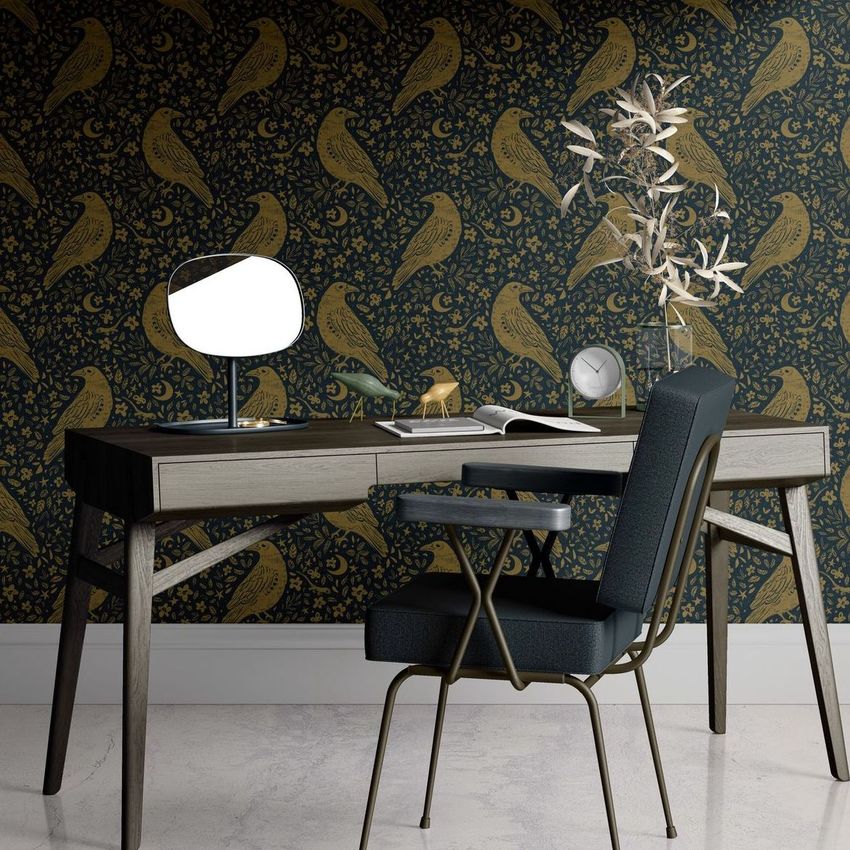
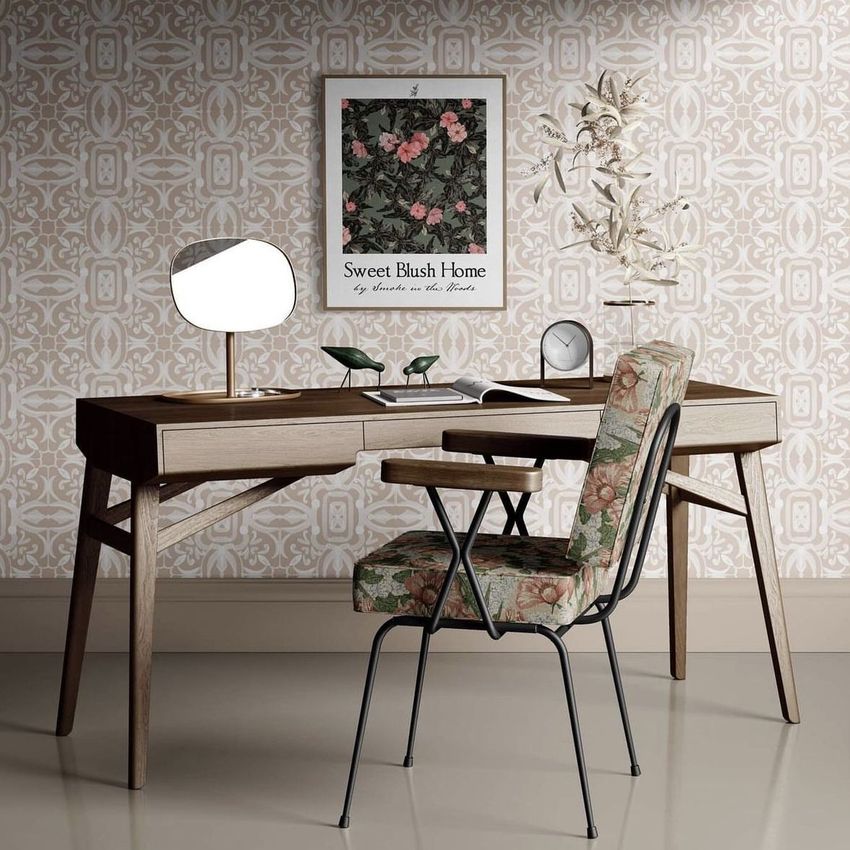
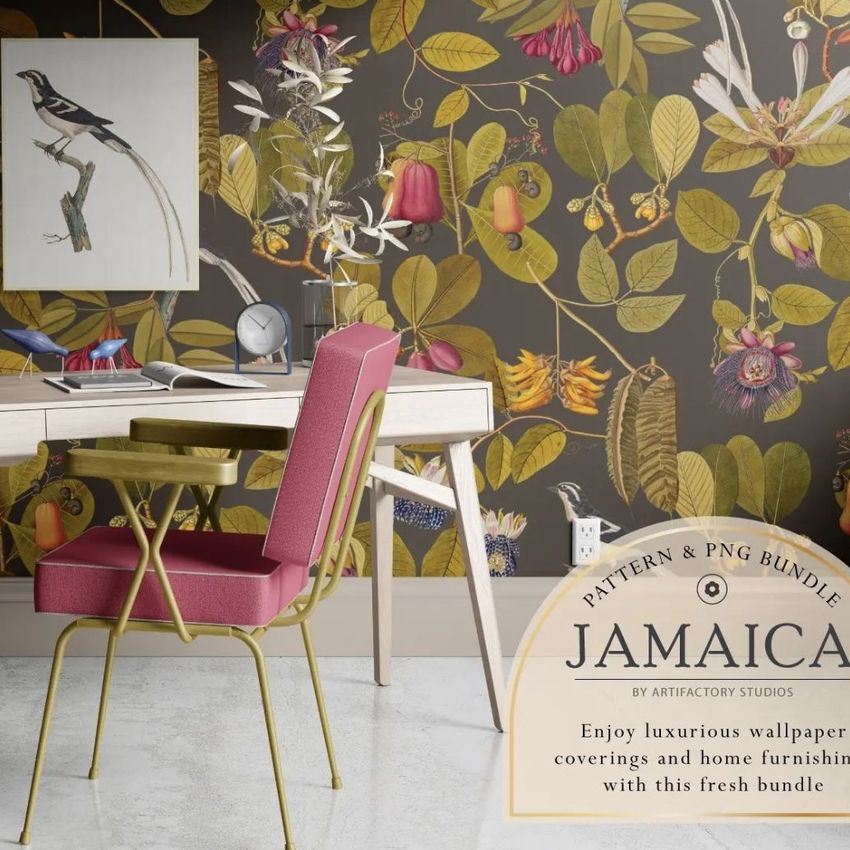
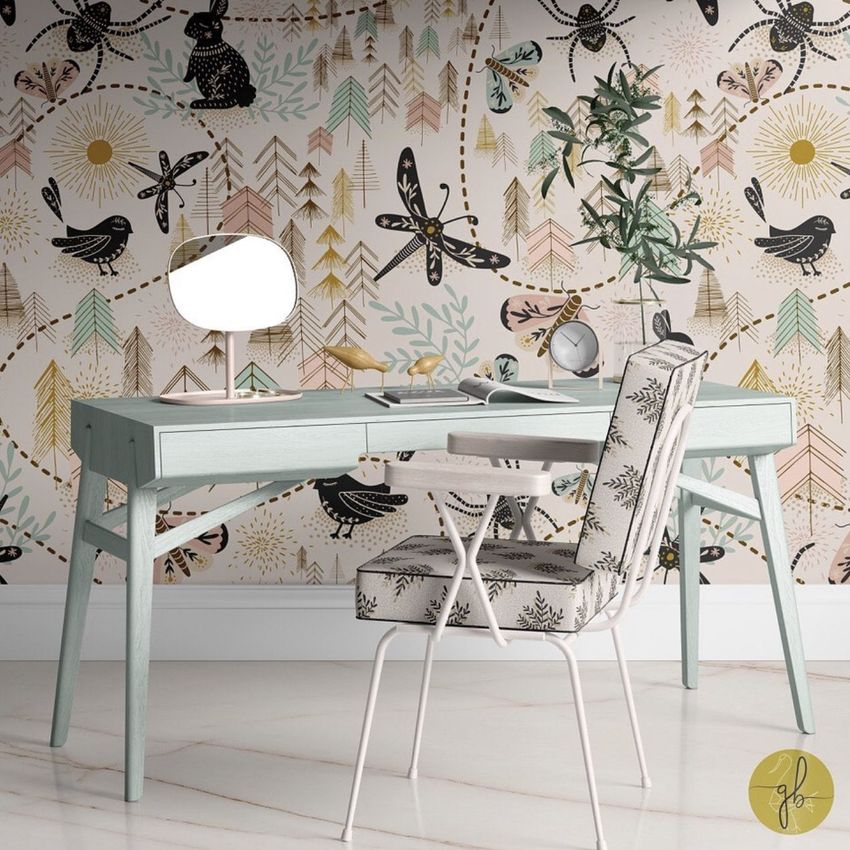
Interior Scene with Desk Mockup (6/FFv.10)
This product is a part of Fabric Factory v.10 Mockup Bundle
Product Details
Interior Scene with Desk Mockup (6/FFv.10)
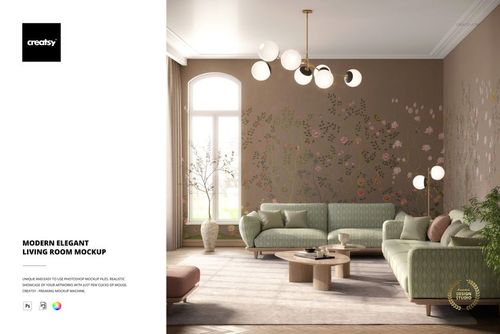
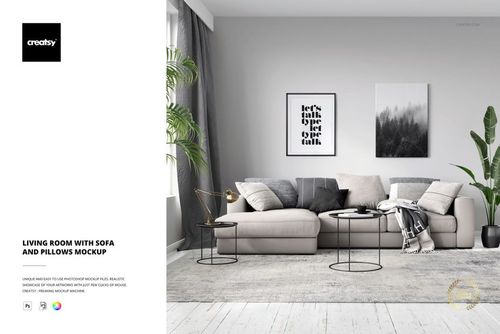
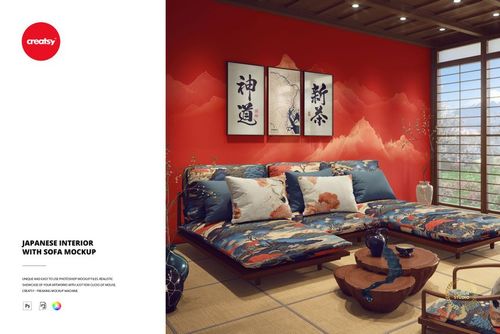
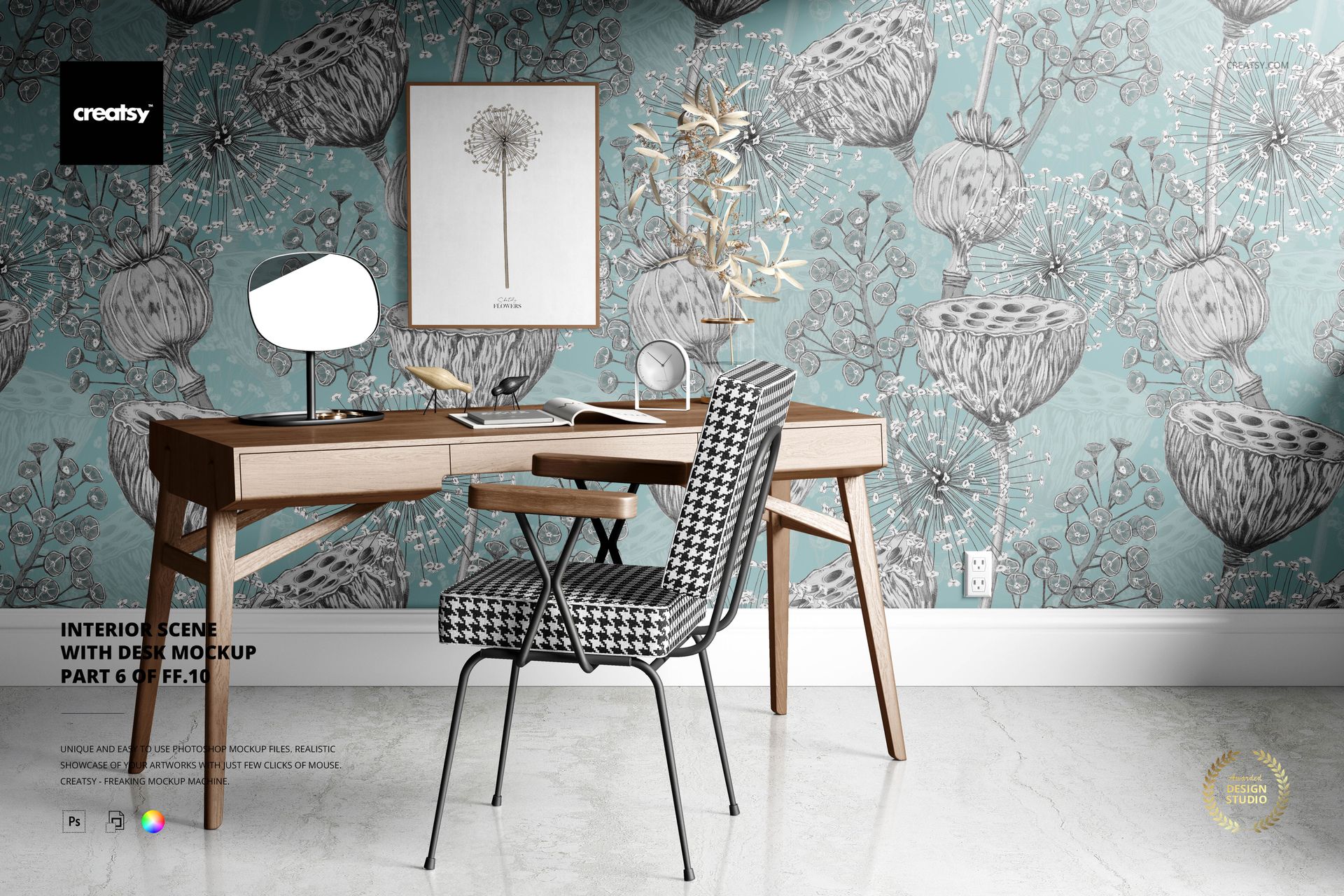
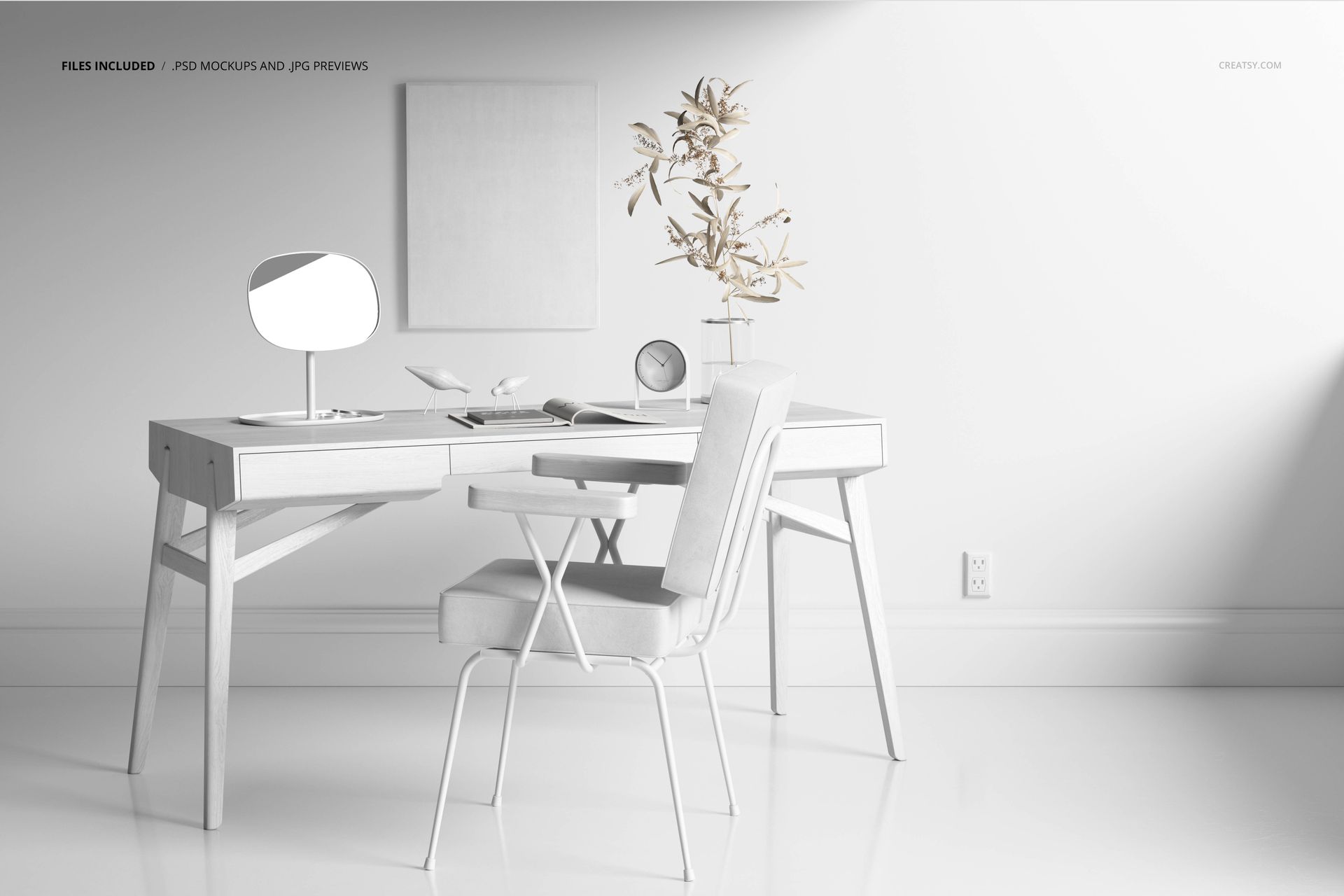
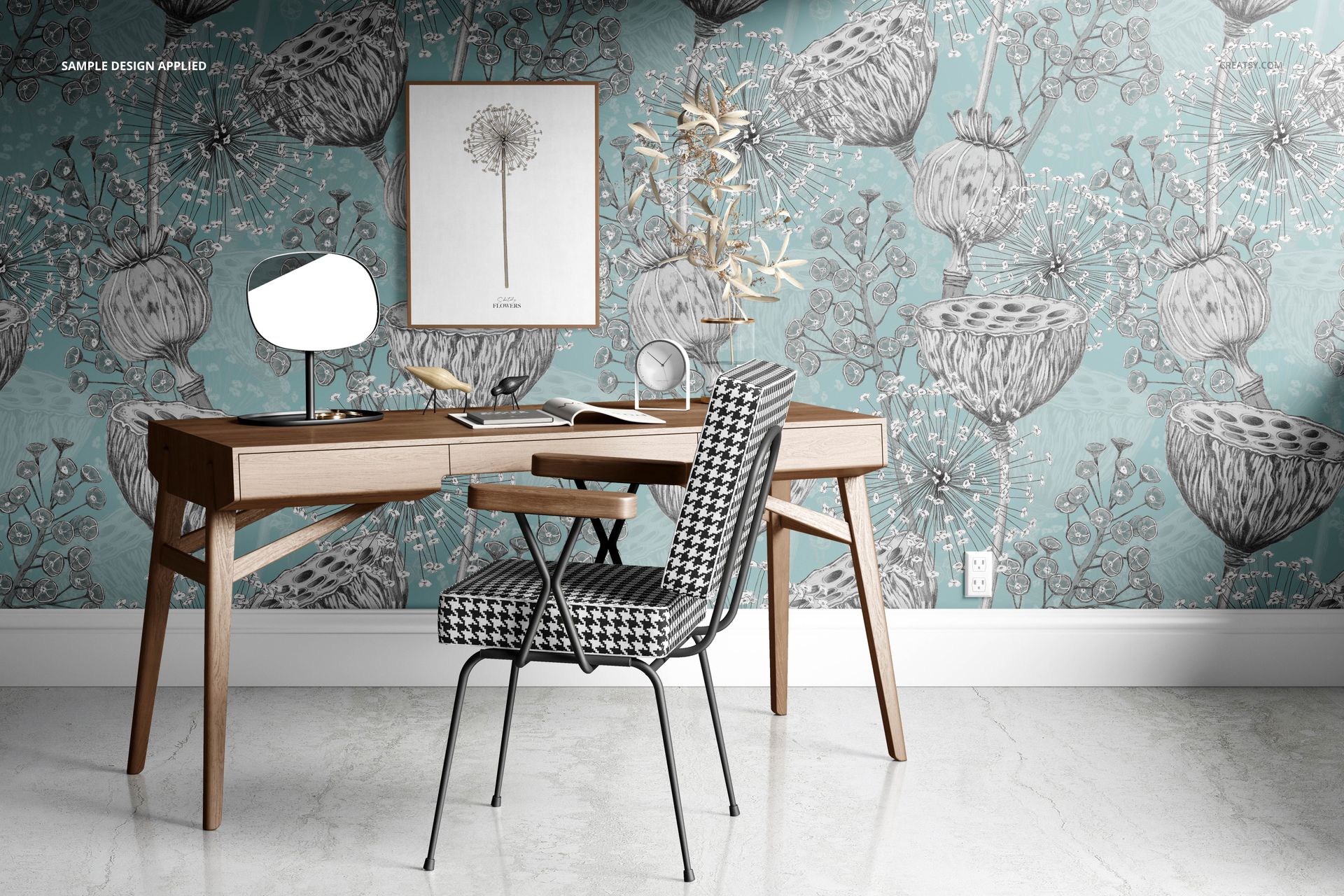
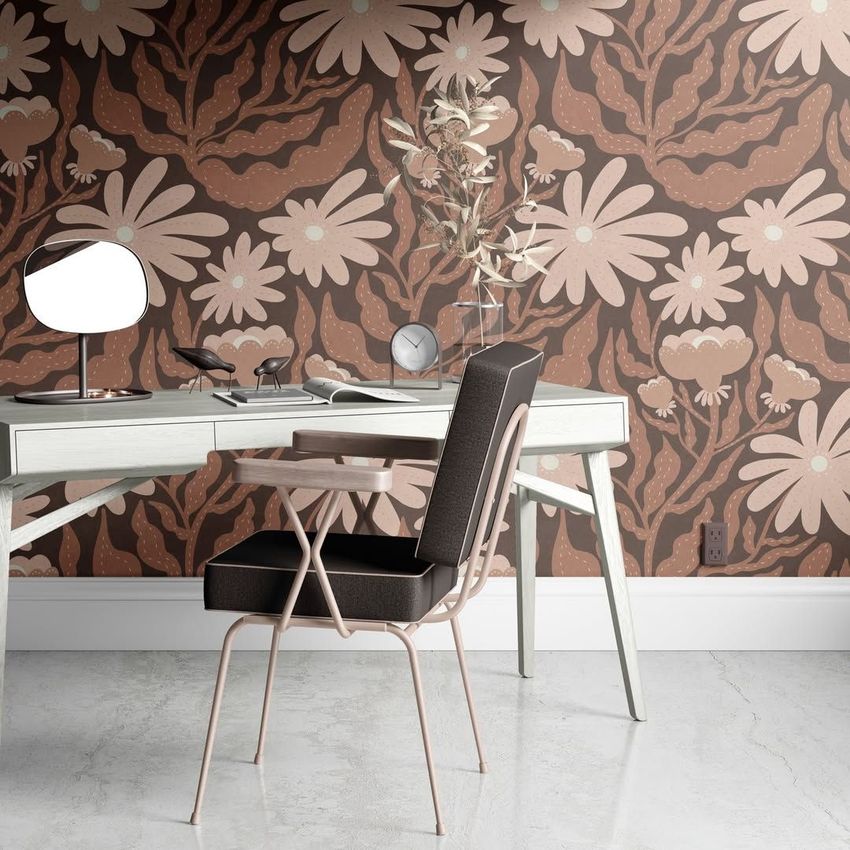
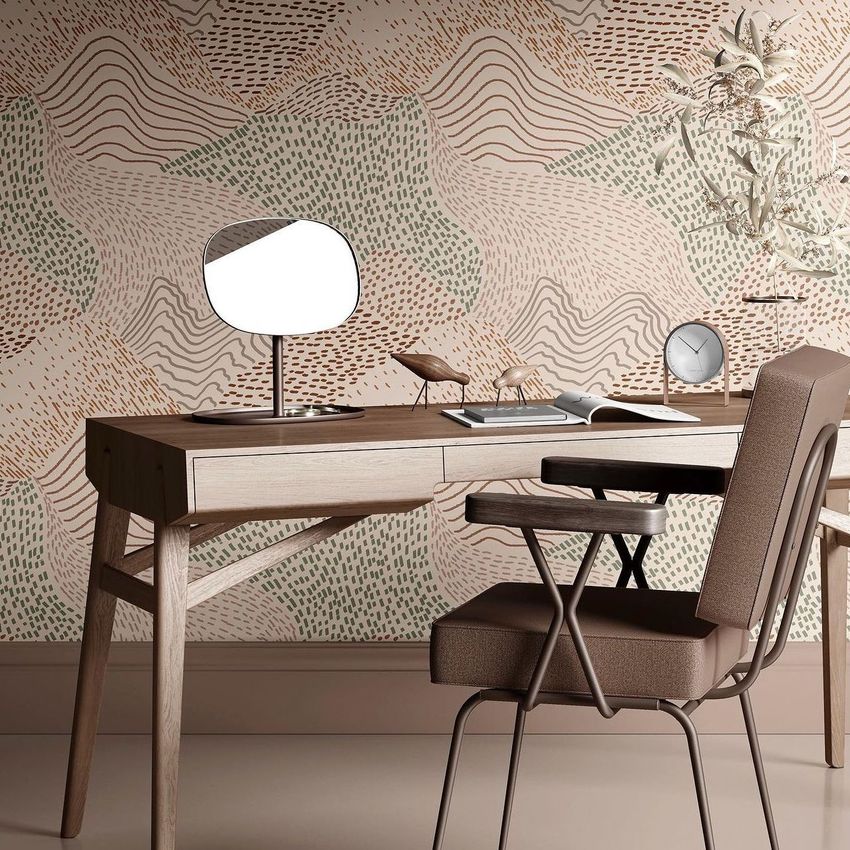
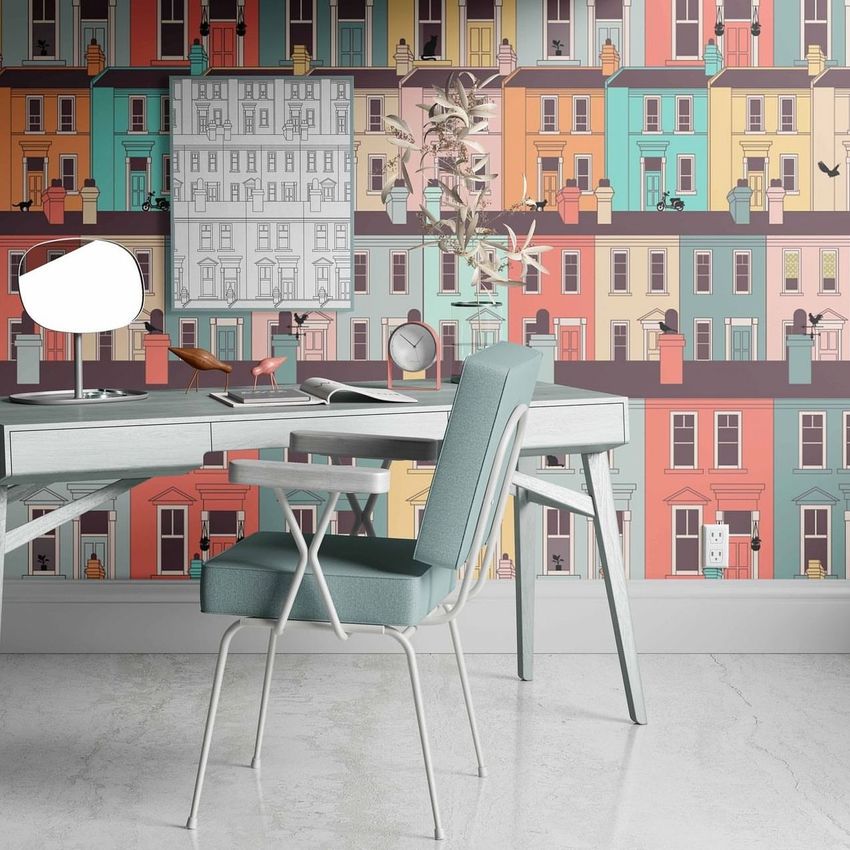
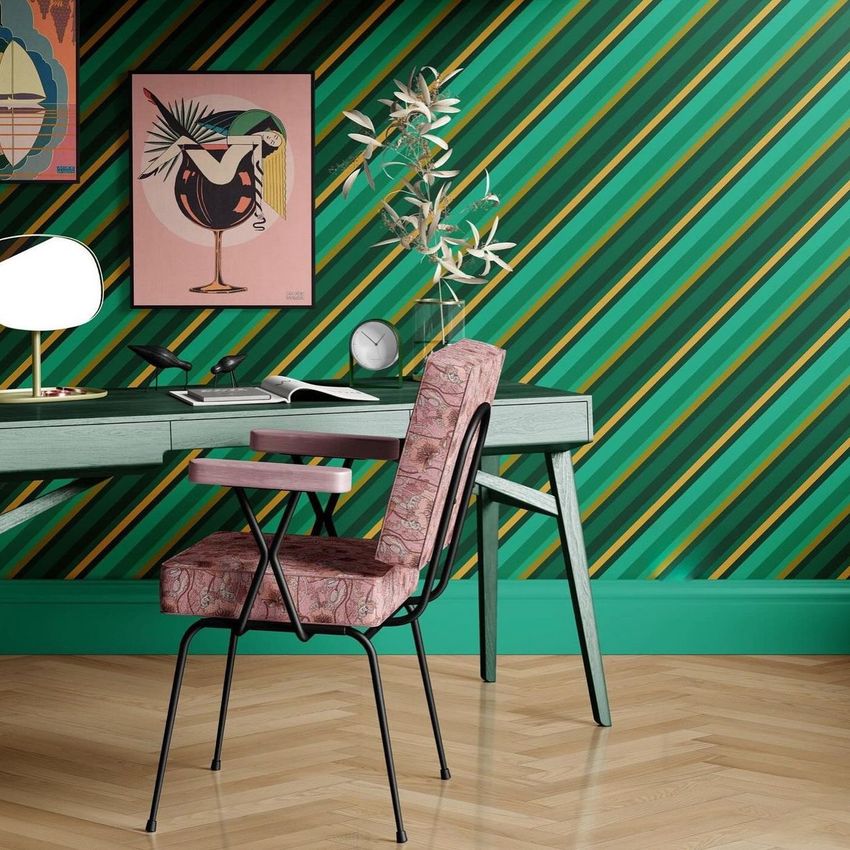
Preview upholstery, wallpaper and framed artwork together in a home office scene with a desk and upholstered chair. The angled chair shows the fabric on its seat and back, making the scene useful for coordinated textile collections.
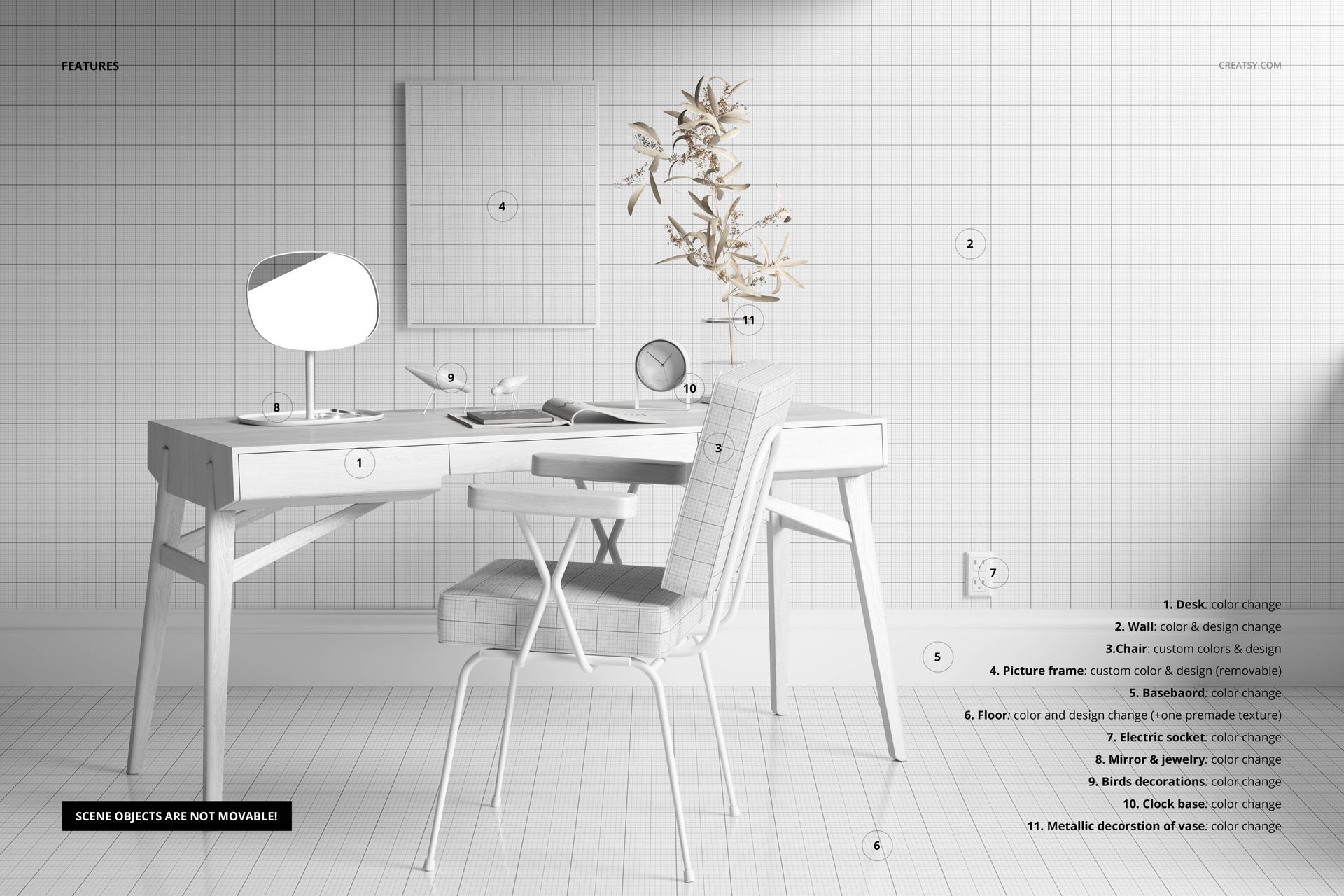
Apply designs to the chair, wall, floor and picture frame using Smart Objects.
Change desk, baseboard and socket colors, plus colors of the mirror, jewelry, birds, clock base and metallic vase decoration.
Hide the picture frame when needed. Scene objects are not movable.
One premade floor texture is included.
Includes 1 layered PSD, 1 JPG preview and a PDF guide. PSD: 6000×4000 px, 300 dpi.
Compatible with Adobe Photoshop CC2020 or later and Photopea.
Digital mockup only. Sample artwork and patterns are not included.
Example artwork by Alisa Popova.
File details
- Compatibility
- Package size
- 556 MB
|583 MB
- Files type
- .psd, .jpg, .pdf
- Files size
- 6000x4000


Reviews
Professional PSD mockups built in-house - editable, realistic, high-resolution, and supported by real people.
Made with Creatsy
Real designs. Real customers. See how creatives use Creatsy mockups to turn their artwork, branding, and product ideas into polished visuals.
MEET THE SHOP
- $2040$24.00
- $1955$23.00
- $2210$26.00
- $2040$24.00

HOW IT WORKS
3 clicks. That's it.
No tutorial needed. If you can copy-paste, you can use this.
- 1OpenDouble-click the smart object inside the PSD - in Adobe Photoshop, or free in your browser with Photopea.
- 2PasteDrop in your pattern, print, or artwork. Any design, any style.
- 3SaveHit save and the mockup wraps it in for you - shadows, folds, and lighting included.
FROM IDEA TO IMAGE
Built for real workflows
Skip the photo shoot Show your artwork on the real product type for approvals or listings - no studio, no model, no sample.
See it on the product, not a swatch Drop your file into the smart object and the scene's lighting and folds wrap around it, so you judge the real thing before you commit.
Smart Objects
Edit once and you're done. Your artwork drops into a smart object and the mockup updates itself - no masking, no warping by hand.
Perfectly Organized
Named layers and folders you can actually navigate. Find what you need, change what you want, and get out fast.
Print-Ready
High-resolution files built to hold up on screen and in print. Exact size and DPI are in this product's Details above.


haven't been able to open it yet
Hello! If you're experiencing any issues with the files, please provide us with more details so we can better assist you. Are you encountering problems with downloading the files or opening them in Photoshop or Photopea? First, ensure that you have fully downloaded the files and extracted them correctly. If you're having trouble with the download process, you can refer to this article for troubleshooting download issues: https://creatsy.com/help-center/troubleshooting-download-issues If the problem persists, please let us know, and we can explore alternative methods of delivering the files to you, such as sending them unzipped. You can always contact us directly via the contact form on our website or by emailing us at [email protected]. Our team is available to provide assistance throughout the week, including weekends. We are here to help! :)