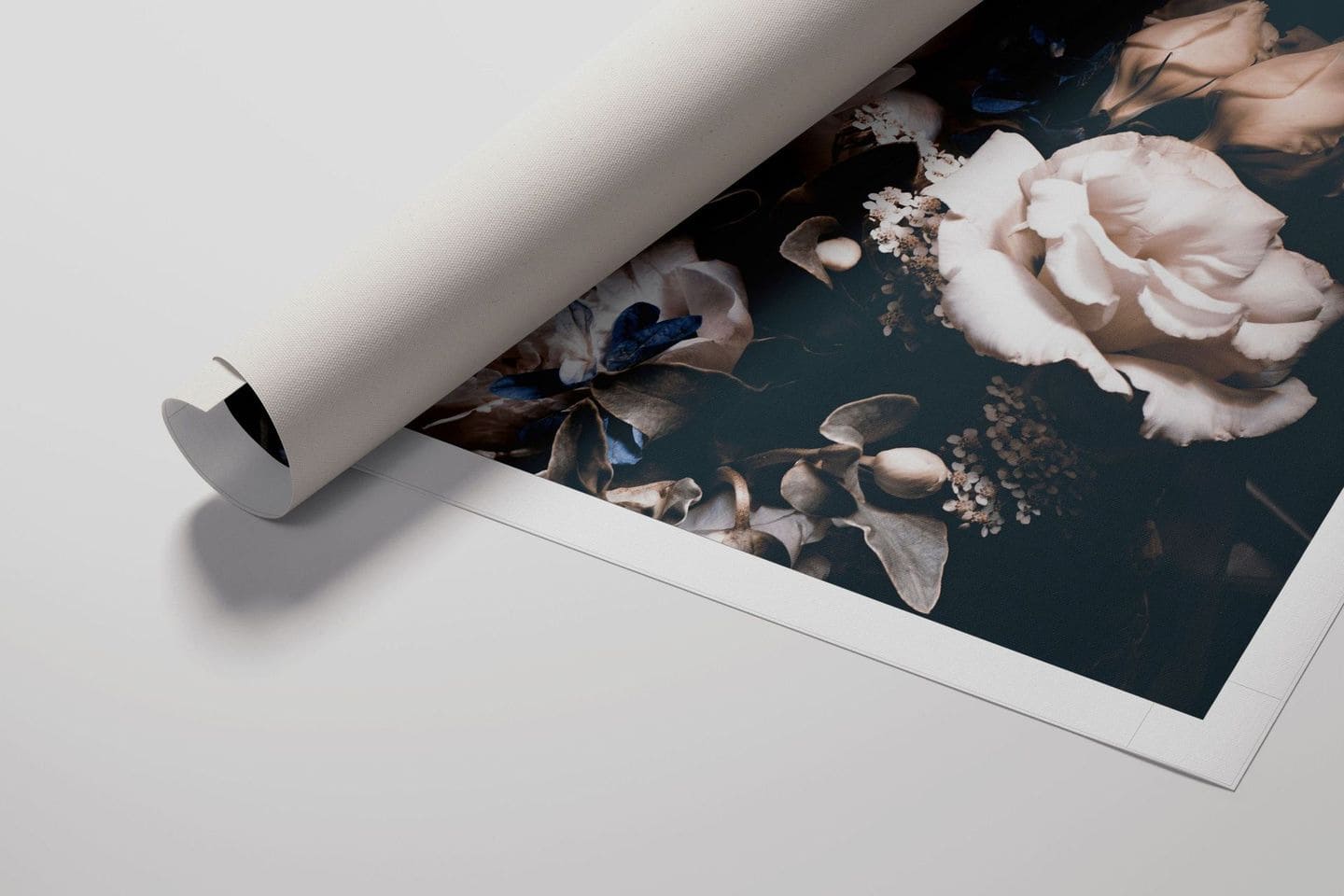
Flyer Mockup Templates
A4, A5, and DL flyer and brochure templates with folded, stacked, and in-hand views across glossy, matte, and textured paper finishes.
8 mockup templates available
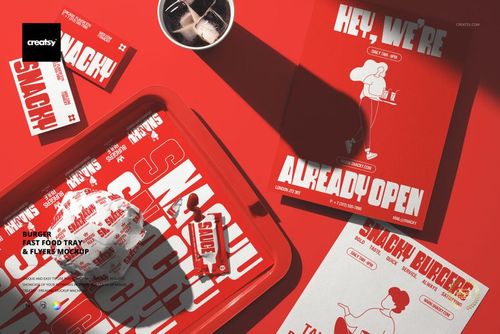
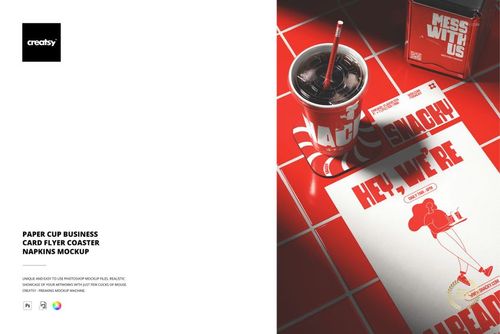
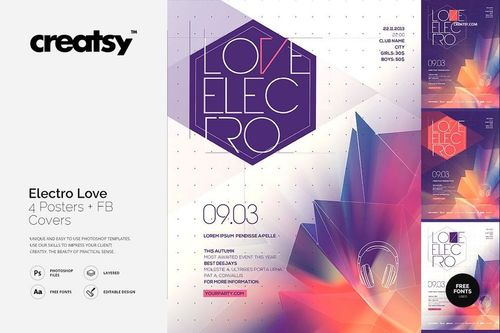

Print isn't dead - it just got pickier about design quality. Flyers and brochures remain a cornerstone of local business marketing, event promotion, real estate, restaurant menus, and trade show handouts. Showing a client how their flyer will look as a physical piece - not a flat PDF on screen - is what closes the design approval.
Templates cover single-sheet flyers, bi-fold brochures, tri-fold leaflets, Z-fold formats, and DL rack card sizes. Paper sizes cover A4, A5, US Letter, and DL (1/3 A4). Presentation styles range from flat front-facing views and angled perspective shots to stacked piles, hand-held presentations, and in-context scenes showing flyers on counters, in brochure racks, and pinned to bulletin boards.
For folded formats (bi-fold, tri-fold, Z-fold), the mockups show the piece in multiple states: fully folded with cover panel visible, partially open showing inside panels, and fully spread flat revealing the complete layout. Each panel has its own smart object layer, so you can place different content on each section of the fold. The fold lines render with realistic shadow and paper thickness along the creases.
Paper stock rendering varies between templates:
- Glossy coated - sharp reflections, vivid colors, magazine-quality feel
- Matte coated - soft finish, no glare, professional and readable
- Uncoated - natural texture, absorbent look, common for eco-friendly brands
- Textured stock - linen, laid, or felt-press patterns
Smart objects handle the artwork placement on each face. Drop in your InDesign or Illustrator-exported graphics, and the mockup applies proper paper curl, shadow casting, and surface texture. The paper thickness is visible on edge in stacked and angled views - a subtle detail that communicates print weight to clients who know the difference between 100gsm and 300gsm stock.
Clients reviewing flyer designs want to verify that headlines pop, phone numbers are readable, and QR codes are scannable in the final print format - the detail level in these templates supports all of that.
Graphic designers presenting to local business clients, marketing agencies building campaign materials, event promoters, real estate agents, and print shops offering design services all use these regularly. A clean flyer mockup in a portfolio or client deck demonstrates print production awareness, not just screen design skills.
Contextual mockups - flyers in brochure holders, on reception desks, or handed between people - add a layer of situational realism that isolated product shots can't match. They show the client where and how the piece will actually be seen by its audience.
Frequently Asked Questions
What flyer and brochure formats are included?
Single-sheet flyers, bi-fold brochures, tri-fold leaflets, Z-fold formats, and DL rack cards. Paper sizes include A4, A5, US Letter, and DL. Folded formats show the piece in multiple states - folded, partially open, and fully spread.
Can I edit individual panels of a folded brochure?
Each fold panel has its own smart object layer. You can place different content on the cover, inside panels, and back panel independently. Fold lines render with realistic shadow and paper crease detail.
Are different paper finish options available?
Templates include glossy coated, matte coated, uncoated, and textured stock (linen, laid, felt-press) options. Paper finish is an adjustable layer that affects how light reflects off the surface and how colors appear.
What presentation styles are available?
Flat front-facing views, angled perspectives, stacked piles, hand-held presentations, and contextual scenes - flyers in brochure racks, on counters, and pinned to boards. These varied views help clients visualize the piece in real-world distribution scenarios.