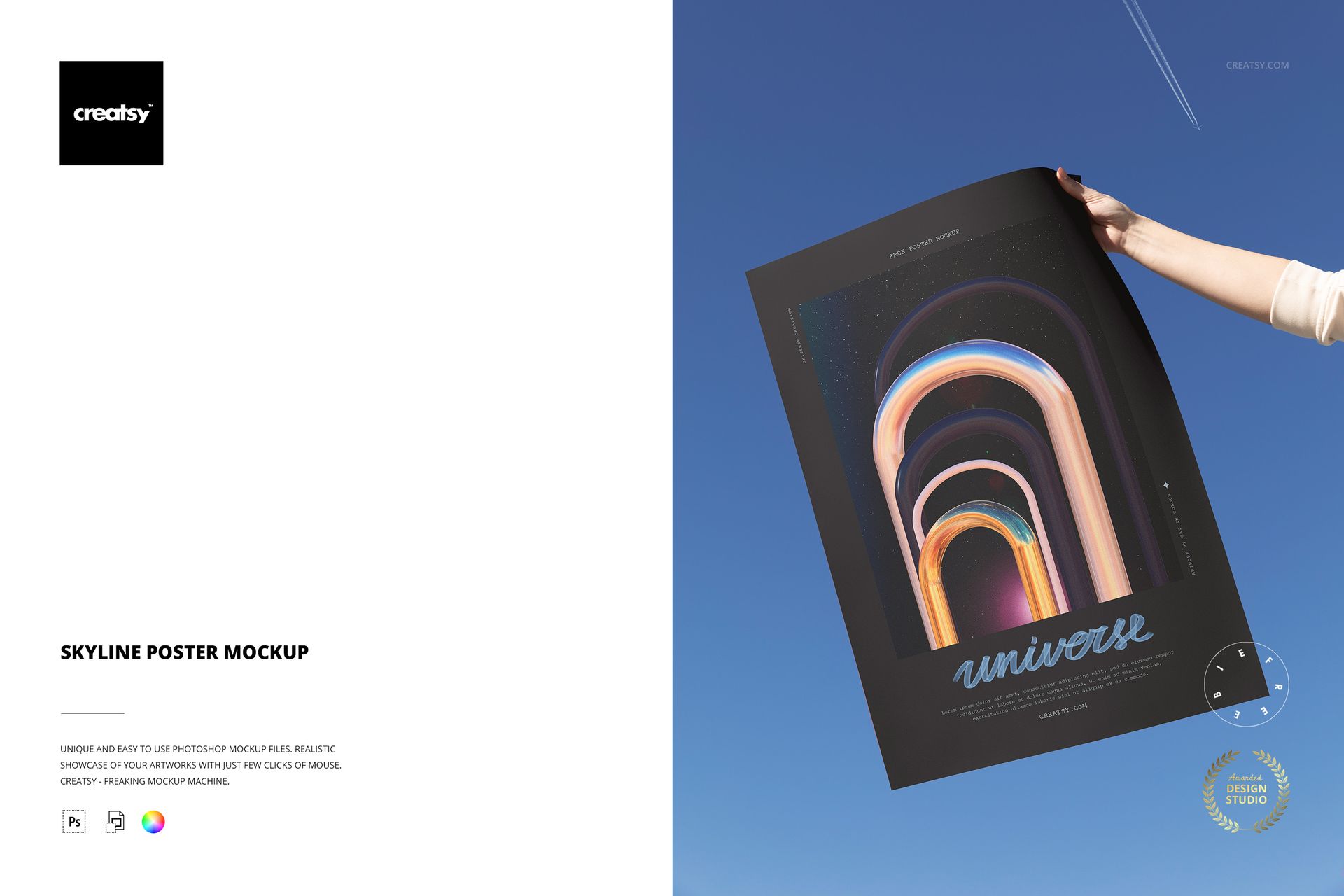
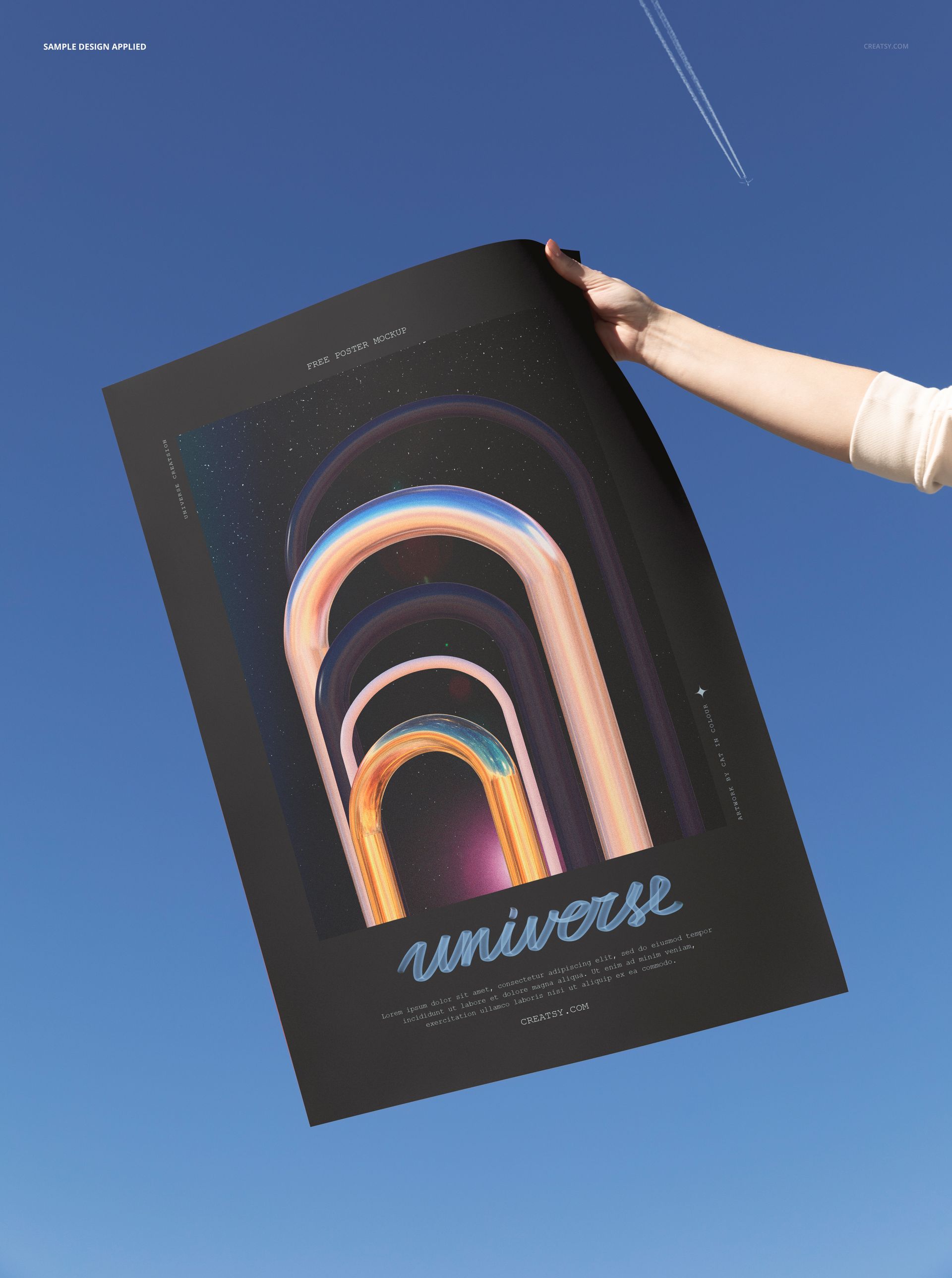
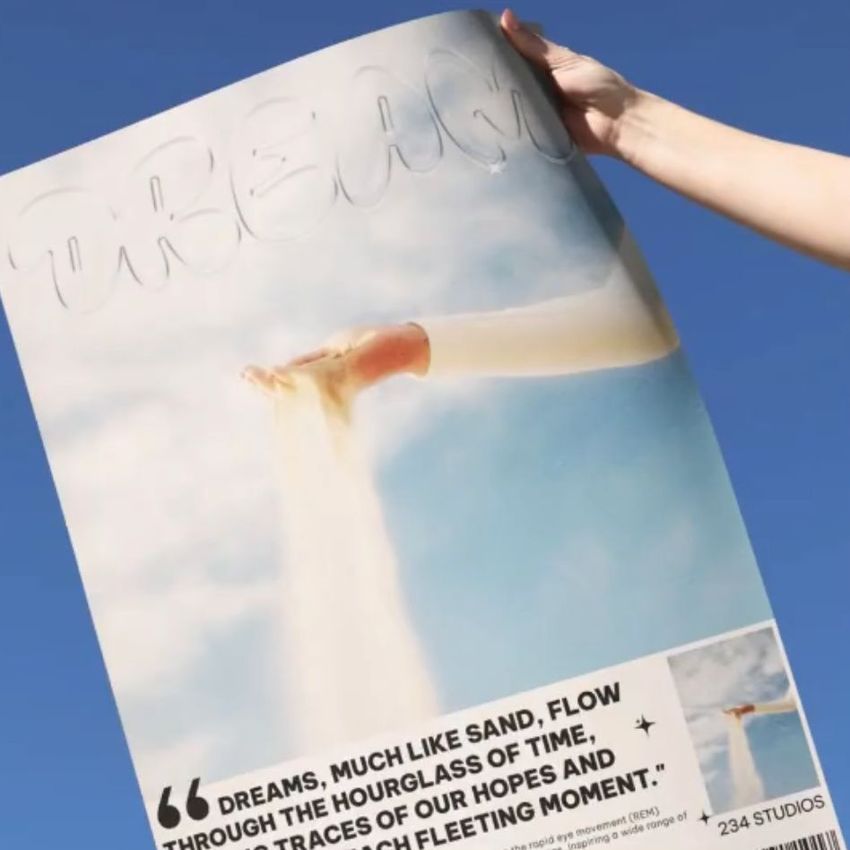
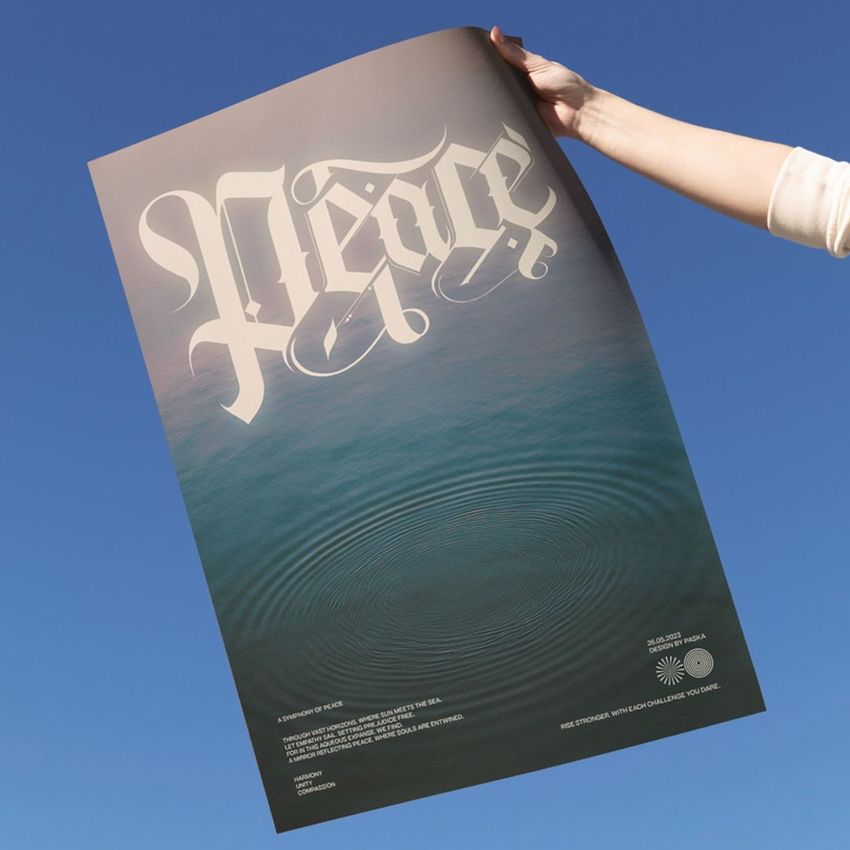
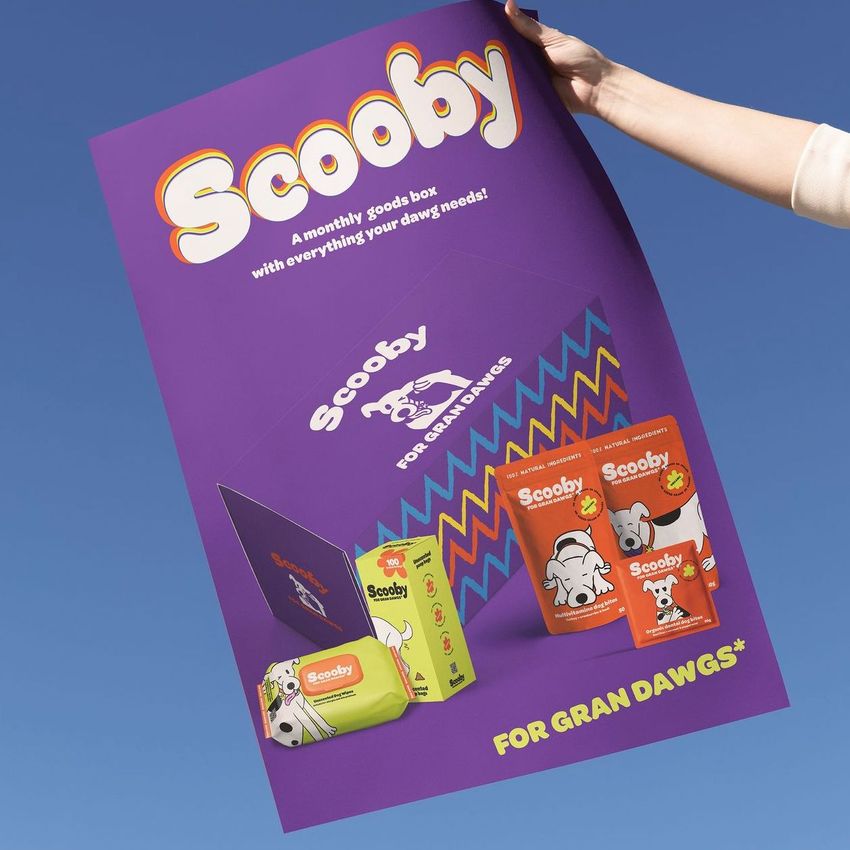
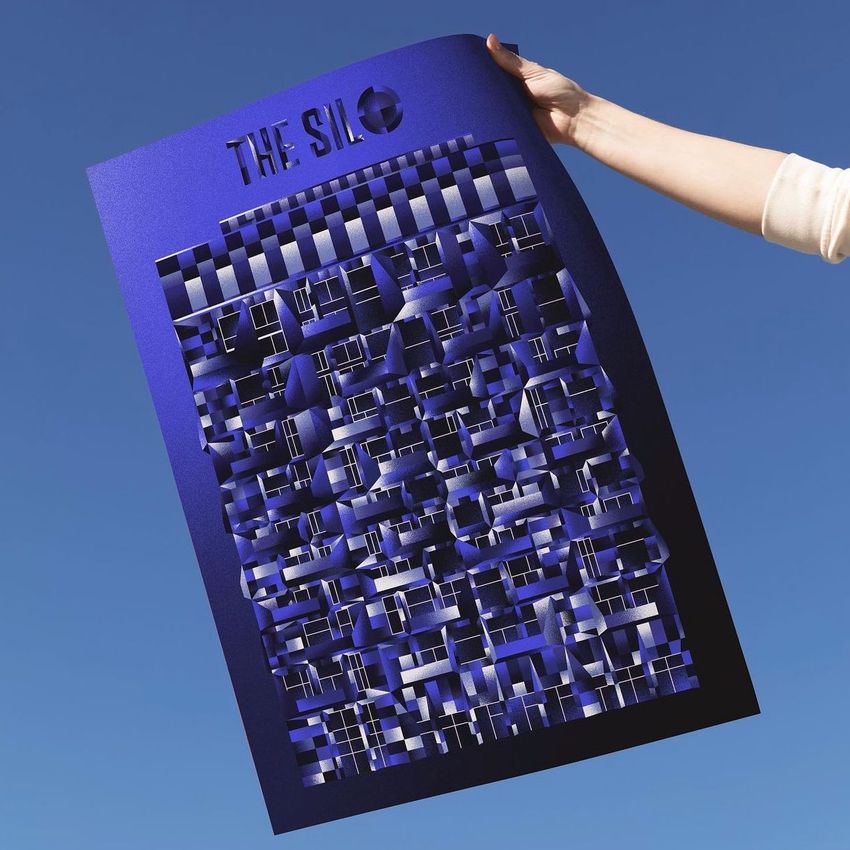
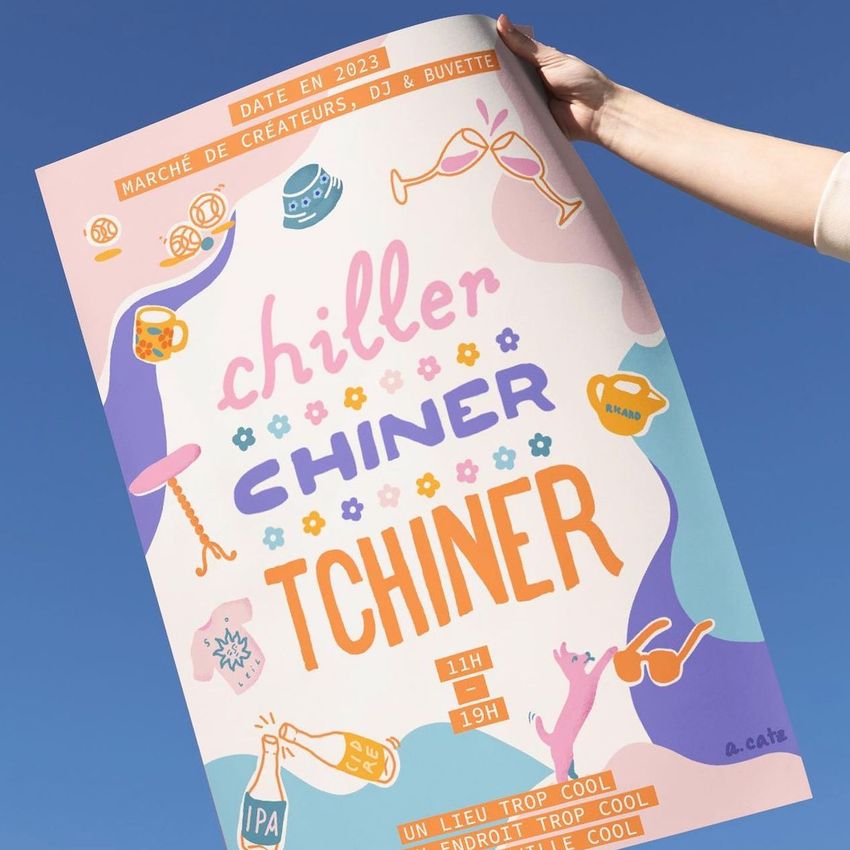
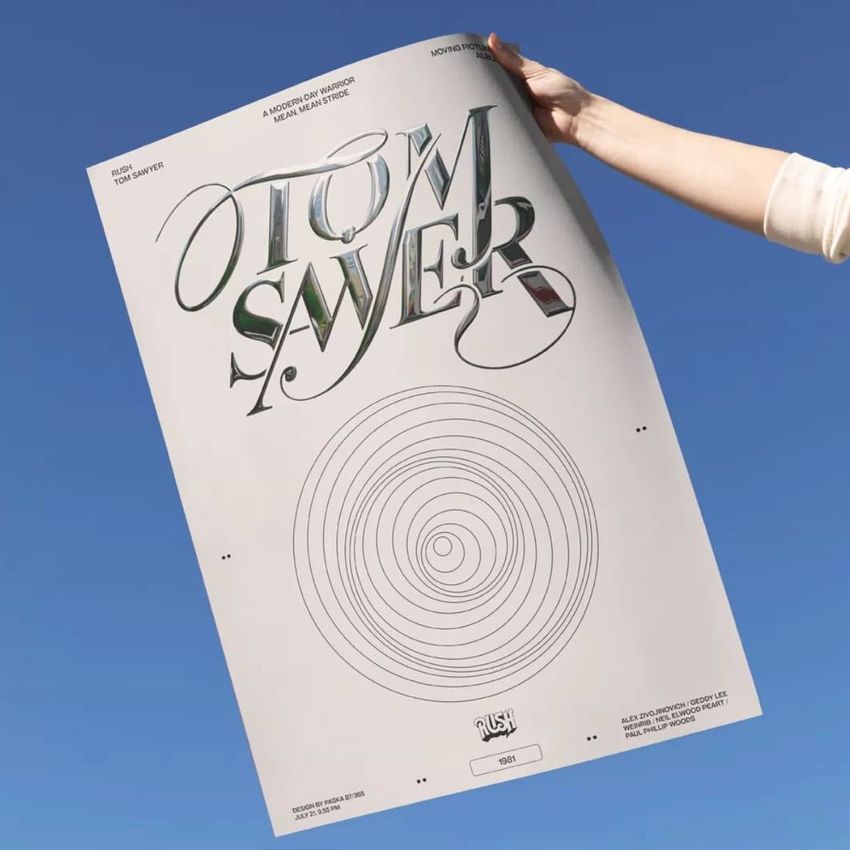
The hand lifts. The poster catches the sky. And suddenly your artwork exists somewhere between earth and atmosphere - held at arm's length against nothing but open blue, a thin silhouette of a distant airplane threading across the upper frame. This is not a mockup that tells the viewer where the poster hangs. It shows them where the poster belongs: out in the world, in someone's hands, against the widest possible backdrop.
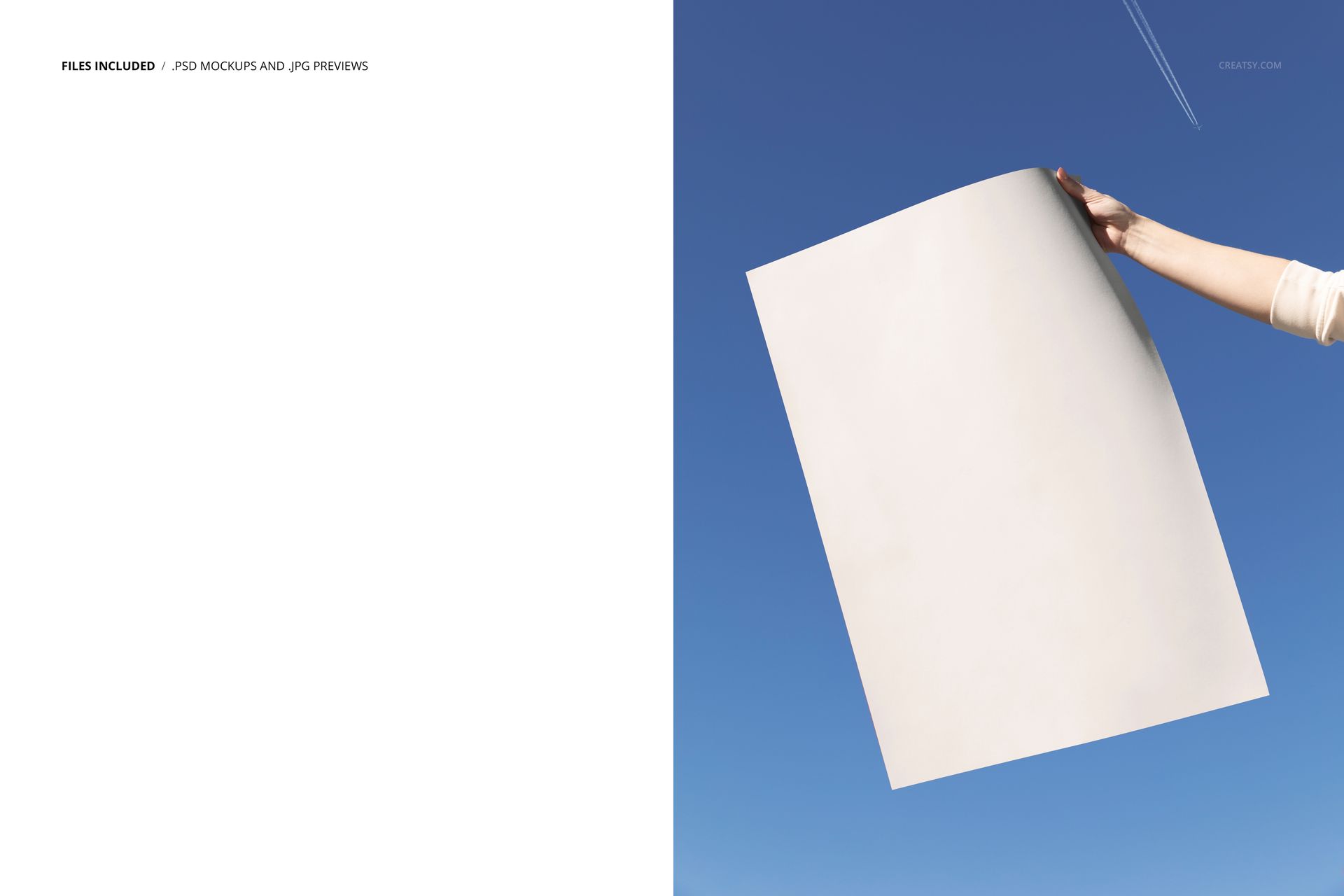
One PSD file at 6000 by 4000 pixels, 300 DPI. The composition places a rectangular poster held by a hand against a clear blue sky. The scene is shot at a slight upward angle, positioning the viewer below the poster as if looking up at someone showing them a print they just purchased or just pulled from a shipping tube. The perspective creates an immediate sense of presentation and reveal - the design is being displayed, not simply mounted. That distinction changes how the viewer engages with whatever artwork you place inside.
The sky behind the poster serves as both background and amplifier. Blue sky is optically neutral in terms of color competition, which means your artwork colors remain true and uncontested by the surrounding environment. At the same time, the depth of field and natural atmospheric haze give the image a cinematic quality that flat studio backgrounds cannot reproduce. The sky does not compete with your design. It provides the scale and openness that makes the print feel significant.
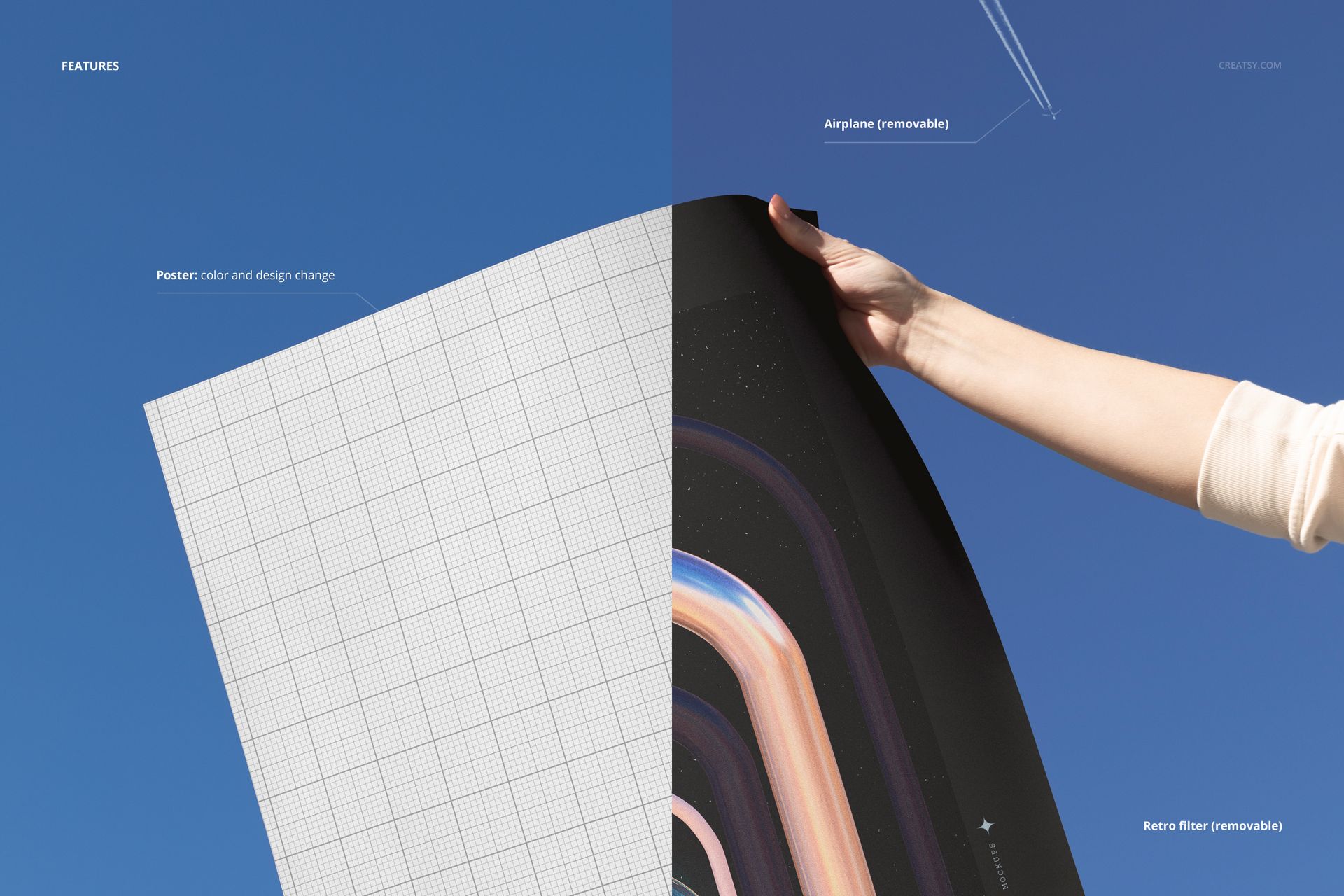
Two optional scene elements add further character to the composition. A distant airplane crosses the upper portion of the sky, creating a subtle detail of movement, travel, and scale that makes the scene feel alive rather than staged. And a retro color filter gives the entire image a warm, nostalgic tone reminiscent of film photography from the 1970s and 80s. Both elements sit on separate, toggleable layers. Turn off the airplane for a clean sky. Remove the retro filter for a contemporary color profile. Or reduce the filter opacity for a subtler vintage warmth. The single PSD file produces a range of stylistic variations from one scene.
The poster itself has a customizable border color layer. This means you can change the paper stock appearance independently of the design you place inside - white, cream, black, kraft brown, or any custom color. Combined with the toggleable filter and airplane, one file gives you more presentation options than most multi-file mockup sets.
Editing follows the standard Smart Object workflow. Open the PSD in Adobe Photoshop CC 2020 or newer, or in Photopea in your browser for free. Double-click the Smart Object, paste your artwork at any proportion, save, and the poster updates within the sky scene. The hand, lighting, and atmospheric perspective remain intact around your design without any additional work.
Particularly effective for illustrators and fine artists presenting work on social media where the sky background creates an immediately engaging, scroll-stopping image on platforms like Instagram and Pinterest. Print-on-demand sellers who need a product listing image that stands apart from the hundreds of wall-mounted poster mockups crowding every marketplace search result. Branding agencies presenting campaign poster concepts in a context that suggests outdoor advertising scale. Students and emerging designers building portfolio presentations where a hand-held poster against the sky communicates confidence and public ambition. And poster shops - both physical and digital - looking for a hero image that makes the printed product feel like something worth owning, holding, and showing off.
At 233 MB on Windows and 244 MB on Mac, the file is manageable for daily use. The 6000 by 4000 pixel resolution supports print portfolio pages, high-resolution web galleries, pitch presentations, and social media posts at any platform's maximum quality setting.
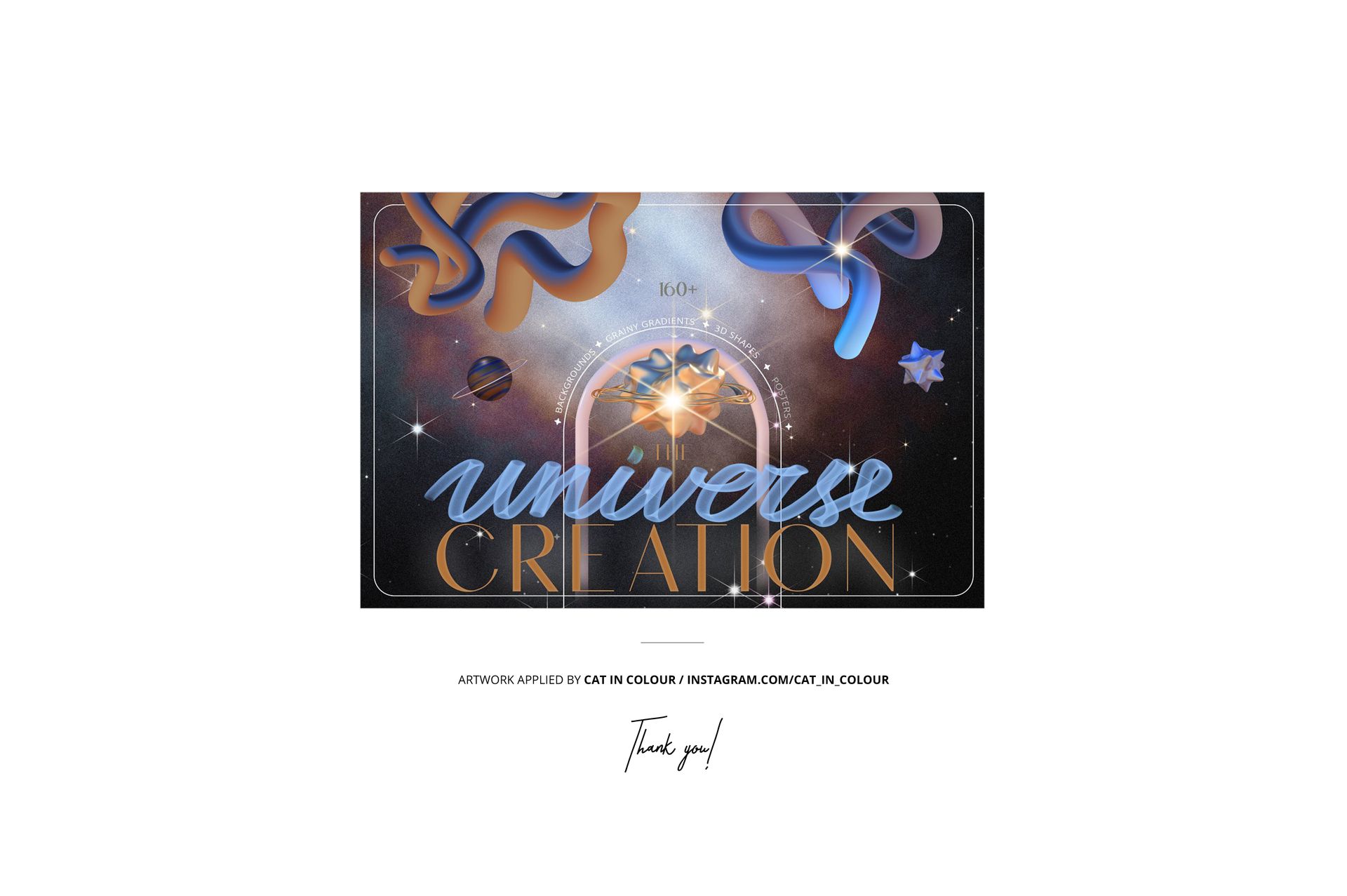
Example artwork in the preview images was created by Cat in Colour at instagram.com/cat_in_colour and is shown for demonstration only - it is not included in the download.
















It's just perfect, thank you sooo much creatsy!!!
Thank you so much, Bilal! We’re delighted to hear the mockup was exactly what you needed. We truly appreciate your kind words and support.