Dressing Table Mockup
Wallpaper is much easier to judge when it lives inside a room, not only inside a square pattern tile.
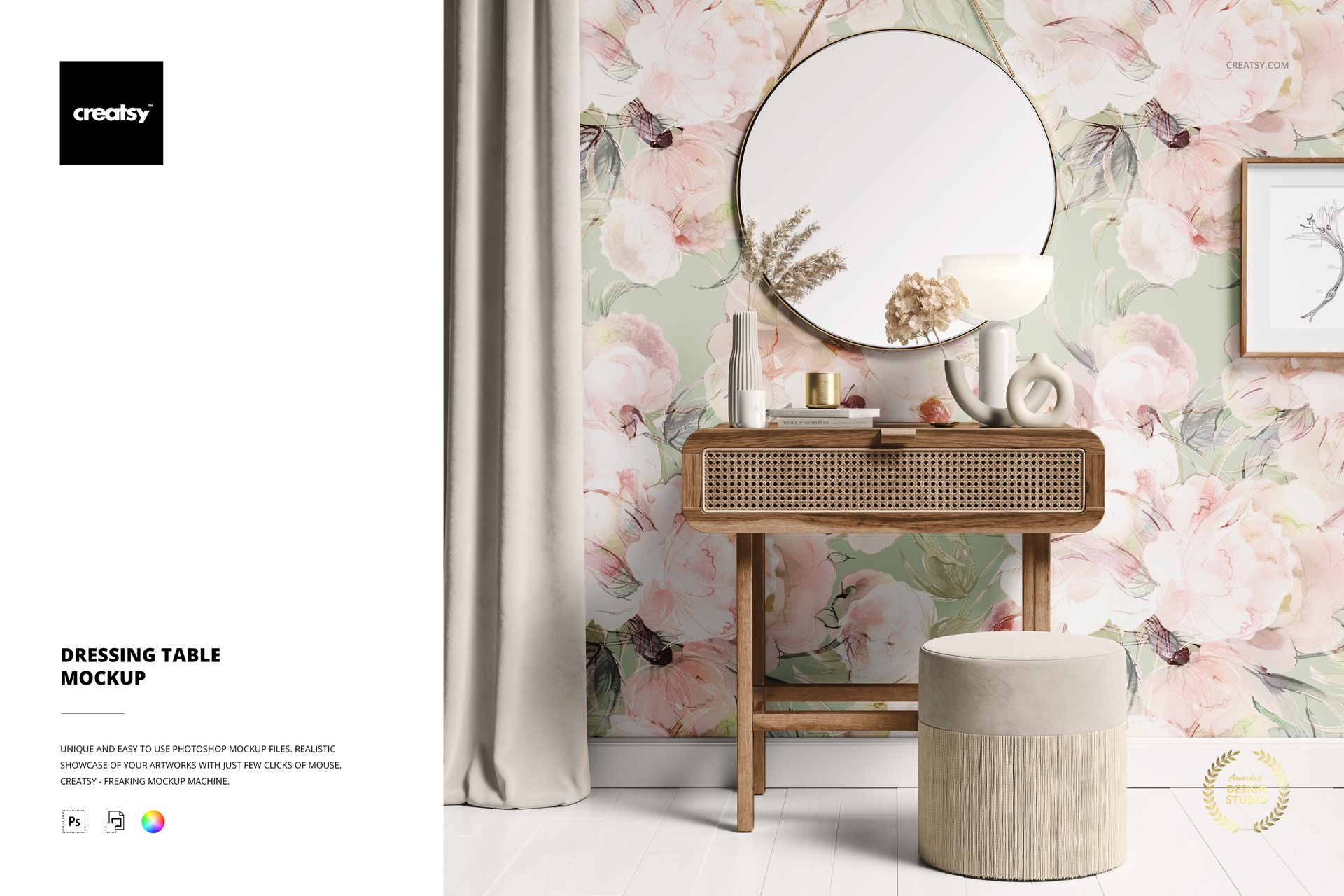
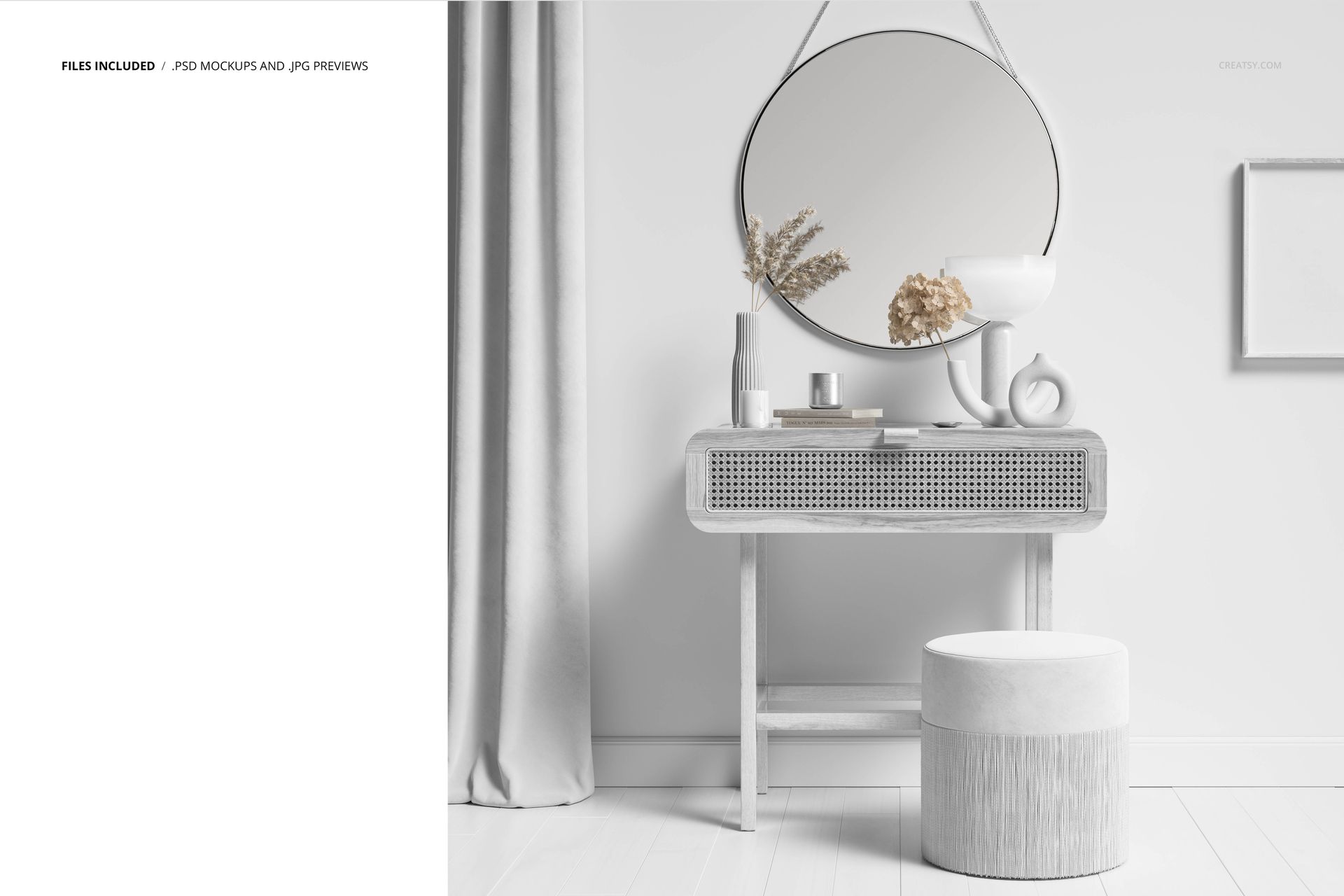
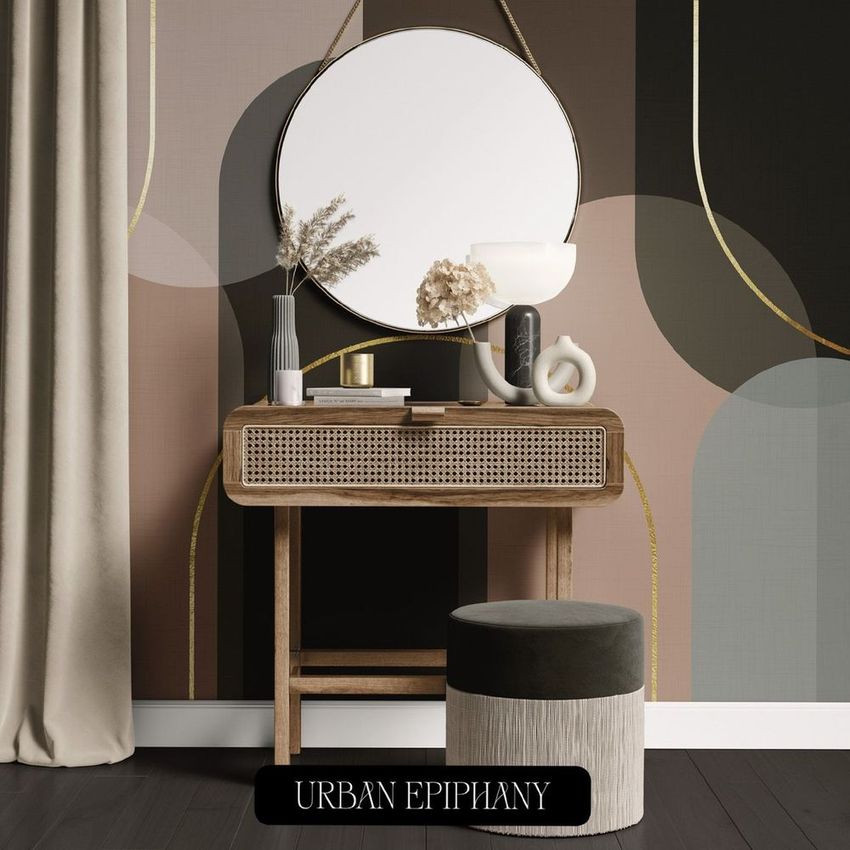
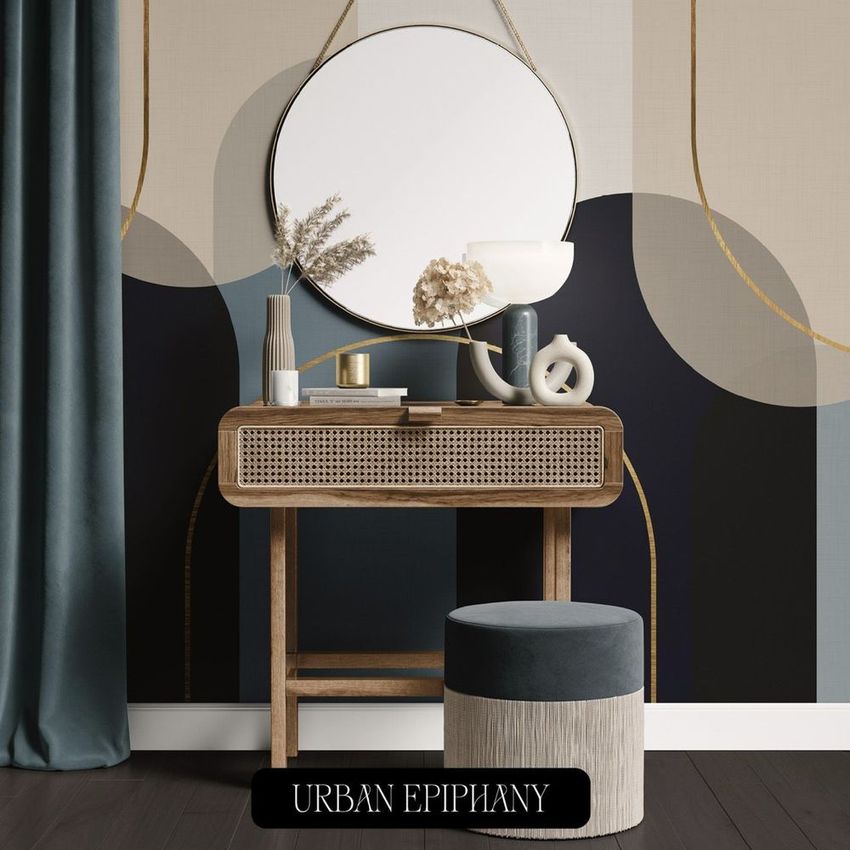
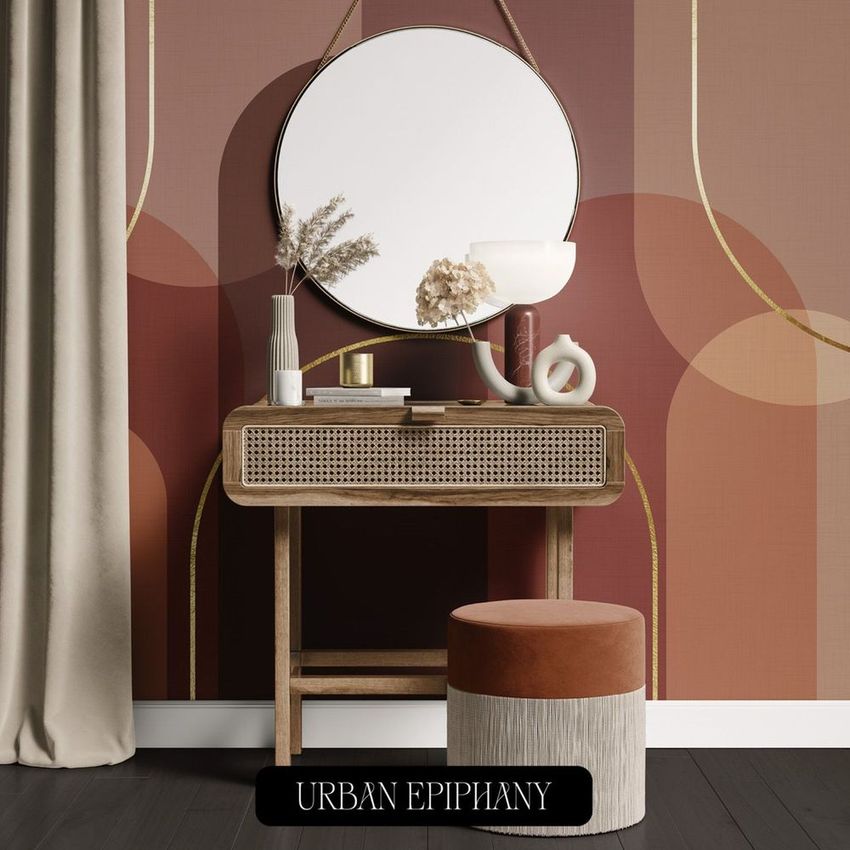
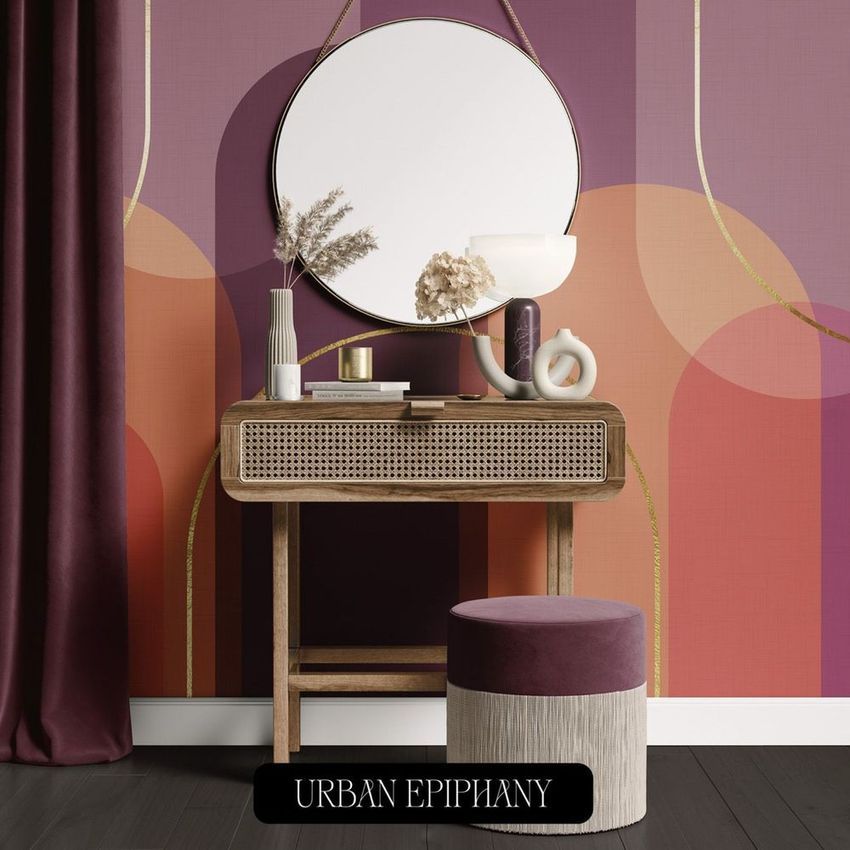
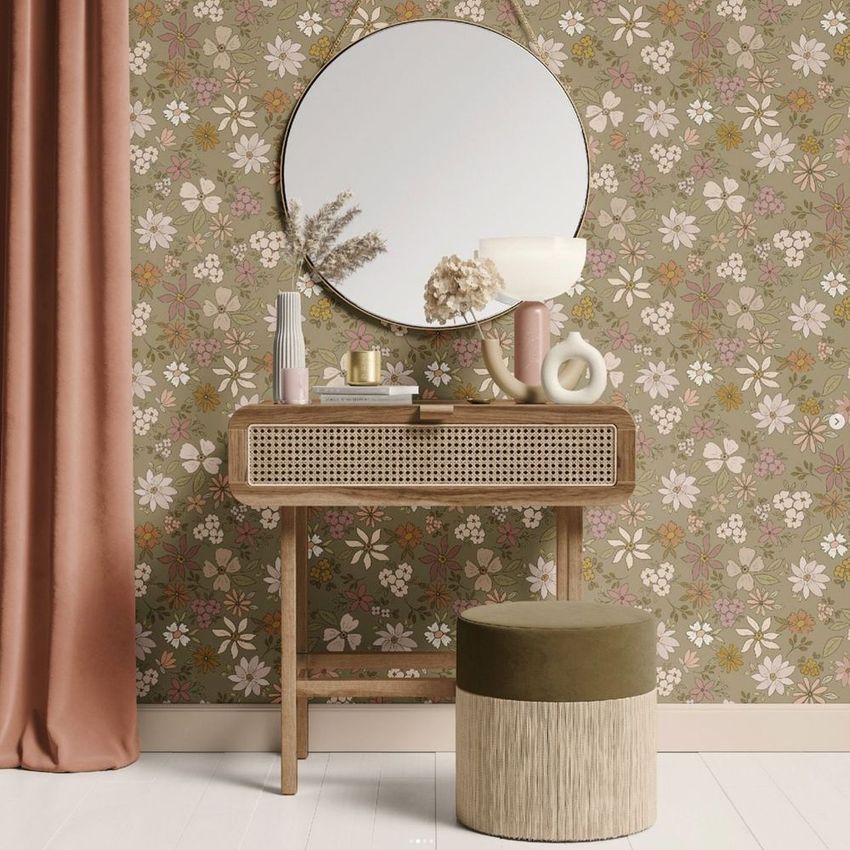
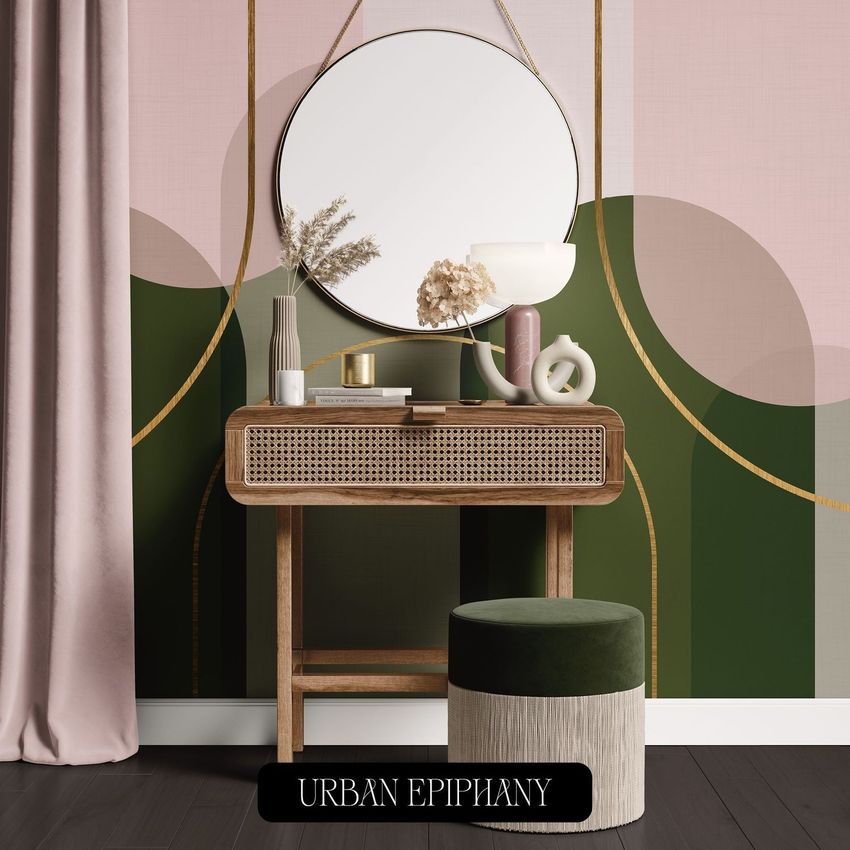
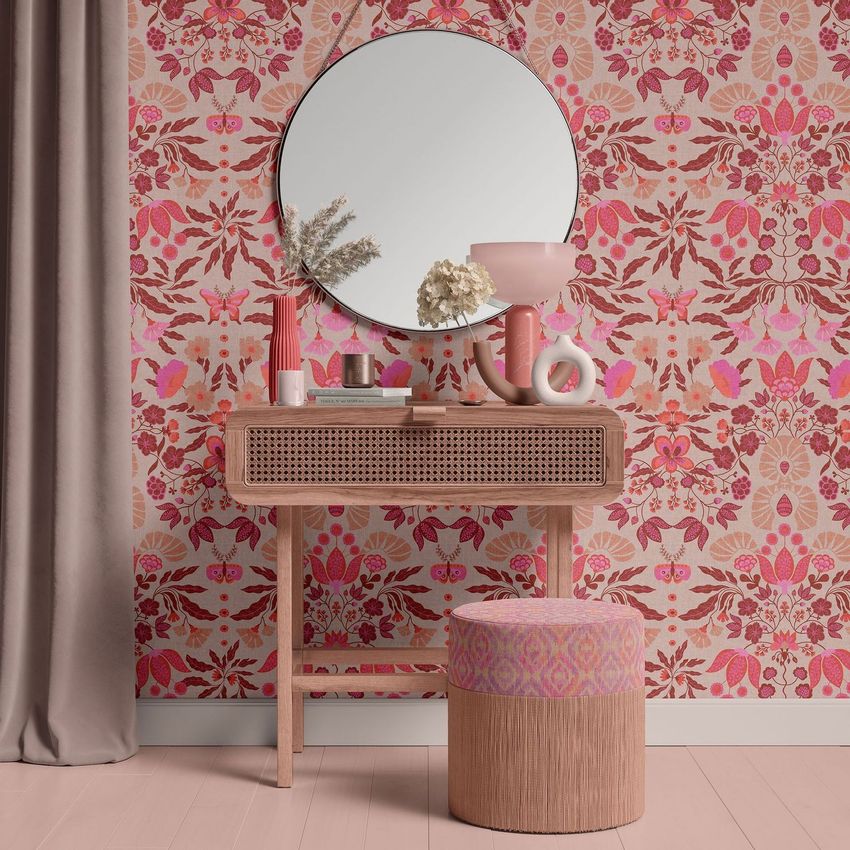
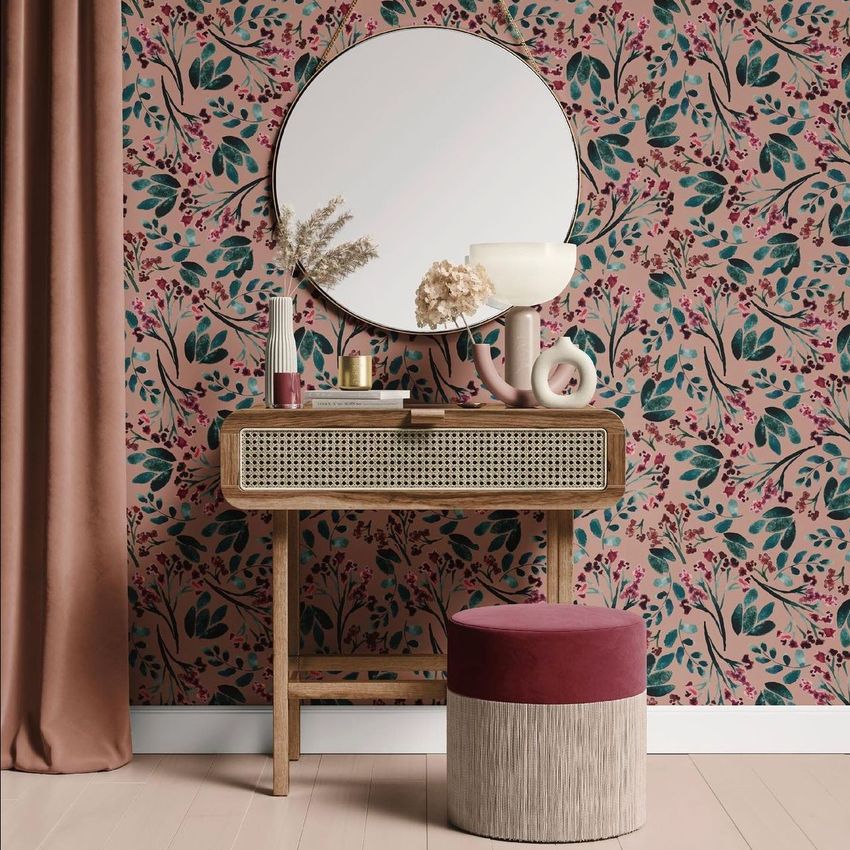
The Dressing Table Mockup places your artwork in a carefully styled vanity interior with a dressing table, round mirror, decorative accessories and a soft stool or ottoman. The front-facing composition gives the wall design plenty of visibility while providing enough furniture and decor to communicate realistic scale.
Use the scene to turn a flat wallpaper pattern or fabric design into a polished interior visual that feels suitable for a product catalog, licensing portfolio, online store or client presentation.
Give Wallpaper a Real Interior Context
A repeat pattern may look balanced on screen, but its scale and visual rhythm can change once it covers an entire wall.
The round mirror, table, decor and seating provide useful reference points. They help viewers understand whether the motifs feel subtle, expressive, oversized or detailed in a real room setting.
This mockup can help you evaluate:
Wallpaper pattern scale
Motif spacing and repetition
Color balance across a full wall
How artwork interacts with furniture and decor
Whether a design feels calm, playful or dramatic
How the collection may look in a residential interior
The relationship between wallpaper and upholstered fabric
Instead of asking clients or customers to imagine the final result, you can show them a complete vanity area with the design already in place.
Created for Wallpaper and Surface Pattern Designers
The dressing table scene gives surface pattern designers a more specific alternative to a generic empty wall.
It works particularly well for:
Floral wallpaper collections
Botanical repeats
Geometric wall patterns
Abstract surface designs
Heritage-inspired artwork
Folk and decorative motifs
Children’s and teenage room designs
Romantic bedroom collections
Maximalist wallpaper
Minimal wall graphics
Luxury interior patterns
Coordinated wallpaper and fabric collections
The styled room adds character while keeping the wall large enough for detailed artwork to remain visible.
Present Coordinated Wallpaper and Upholstery
The product belongs to the Fabric Factory v.3 Mockup Bundle, which focuses on upholsteries and wallpapers. The listing states that Smart Objects can be used to showcase designs on fabric and background areas, making the scene useful for coordinated interior collections.
You can use one hero pattern on the wall and introduce a smaller coordinating design on the upholstered element. Alternatively, keep the stool neutral and allow the wallpaper to become the main focal point.
This approach is helpful when presenting:
A hero wallpaper with a coordinating fabric
A complete surface pattern collection
Several scales of the same repeat
Primary and secondary interior prints
Color variations from one design family
Wallpaper and home textile licensing concepts
Boutique interior product collections
Showing the designs together can make the wider collection feel more intentional than presenting every pattern separately.
A Versatile Vanity Interior
A dressing table is associated with daily routines, personal spaces and carefully selected decor. This gives the mockup a softer and more intimate mood than a large living room or commercial interior.
The scene can support visual presentations for:
Wallpaper studios
Interior textile brands
Surface pattern designers
Home decor shops
Interior designers
Wallpaper manufacturers
Fabric and upholstery businesses
Licensing artists
Independent design studios
Print-on-demand wallpaper sellers
Boutique homeware brands
It can also be used in interior mood boards, digital catalogs, product launch graphics and design portfolio projects.
Build More Persuasive Client Presentations
Clients often struggle to evaluate wallpaper from a flat repeat alone. They may understand the colors, but not how the design will influence the overall mood of a room.
This dressing table mockup can help make feedback more specific. A client can see whether the pattern feels too busy near the mirror, whether the repeat is large enough or whether the color palette works with neutral furnishings.
Use the final image for:
Wallpaper collection presentations
Client approval decks
Interior design proposals
Surface pattern portfolios
Behance case studies
Licensing submissions
Online product listings
Website hero graphics
Pinterest content
Instagram campaign posts
Digital catalogs
Trade show materials
Wholesale presentations
The square composition also works naturally for social media, portfolio covers and ecommerce galleries.
Explore Different Interior Styles
The same room can feel completely different depending on the artwork placed on the wall.
Use soft florals and pastel colors for a romantic vanity corner.
Apply oversized botanical motifs for a bold, nature-inspired interior.
Choose geometric artwork for a modern or mid-century look.
Add decorative folk patterns for a more expressive, handcrafted direction.
Use restrained linework or subtle texture for a calm, minimalist presentation.
Because the furniture arrangement remains consistent, you can compare several wallpaper directions without changing the wider scene.
Flexible Scene Customization
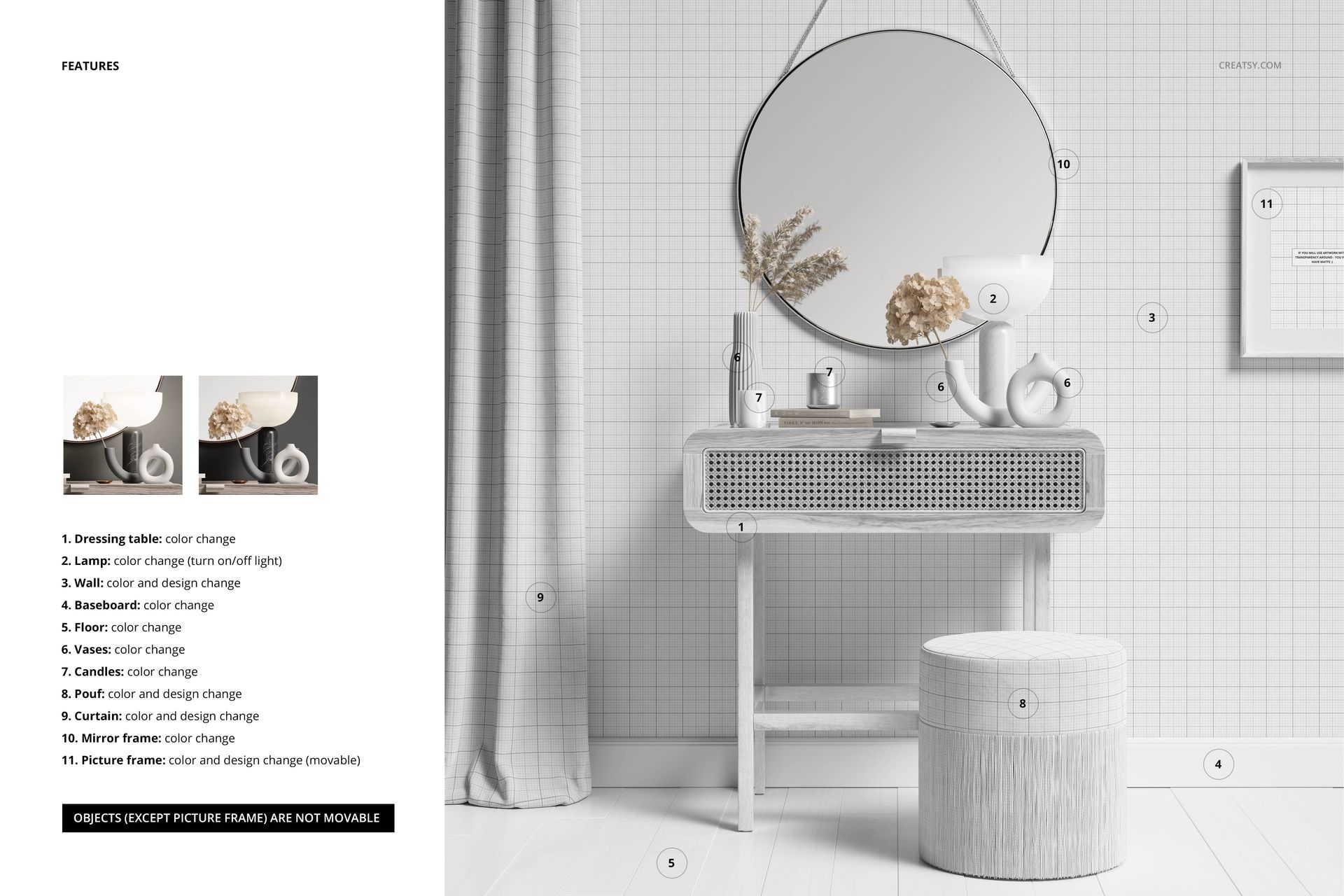
The current product description mentions editable color and design components, options for adding textures, hiding objects and drop shadows, and saving the scene with transparency. The exact available controls should be shown clearly in the product screenshots.
These options can help you adjust the presentation to suit the artwork rather than forcing every pattern into the same visual setup.
For example, you may create:
A complete interior scene with all decorative objects visible
A simplified version with fewer accessories
A transparent cutout for a wider campaign layout
A lighter presentation for delicate patterns
A stronger contrast for detailed or darker wallpaper
Several coordinated visuals for one wallpaper collection
Smart Object Editing
Open the PSD in Adobe Photoshop CC2020 or newer, locate the editable Smart Object and add your design. Once the Smart Object is saved, the artwork appears within the existing interior composition.
The file uses organized layers and editable design areas, so you can focus on testing artwork rather than rebuilding the room or manually adjusting the perspective.
This workflow is useful when preparing several pattern variations, because the same interior can be reused to create a consistent product gallery or portfolio series.
What You Can Showcase
Use the Dressing Table Mockup to present:
Wallpaper patterns
Wall covering collections
Surface pattern designs
Upholstery artwork
Coordinated wallpaper and fabric
Floral and botanical repeats
Geometric wall designs
Decorative interior patterns
Bedroom wallpaper concepts
Vanity room styling
Home textile collections
Licensing portfolio artwork
Interior design proposals
Wallpaper shop product images
Client approval visuals
File Specifications
Product title: Dressing Table Mockup
Part of Fabric Factory v.3 Mockup Bundle (Upholsteries & Wallpapers)
Main mockup includes 1 PSD file
PSD dimensions: 6000x6000 px
Resolution: 300 DPI
Official compatibility listed: Adobe Photoshop CC2020 or newer
Editable components: color and design
Smart Objects for fabric and background artwork
Well-organized layers
Preview artwork is not included with the mockup files
Preview Artwork Credit
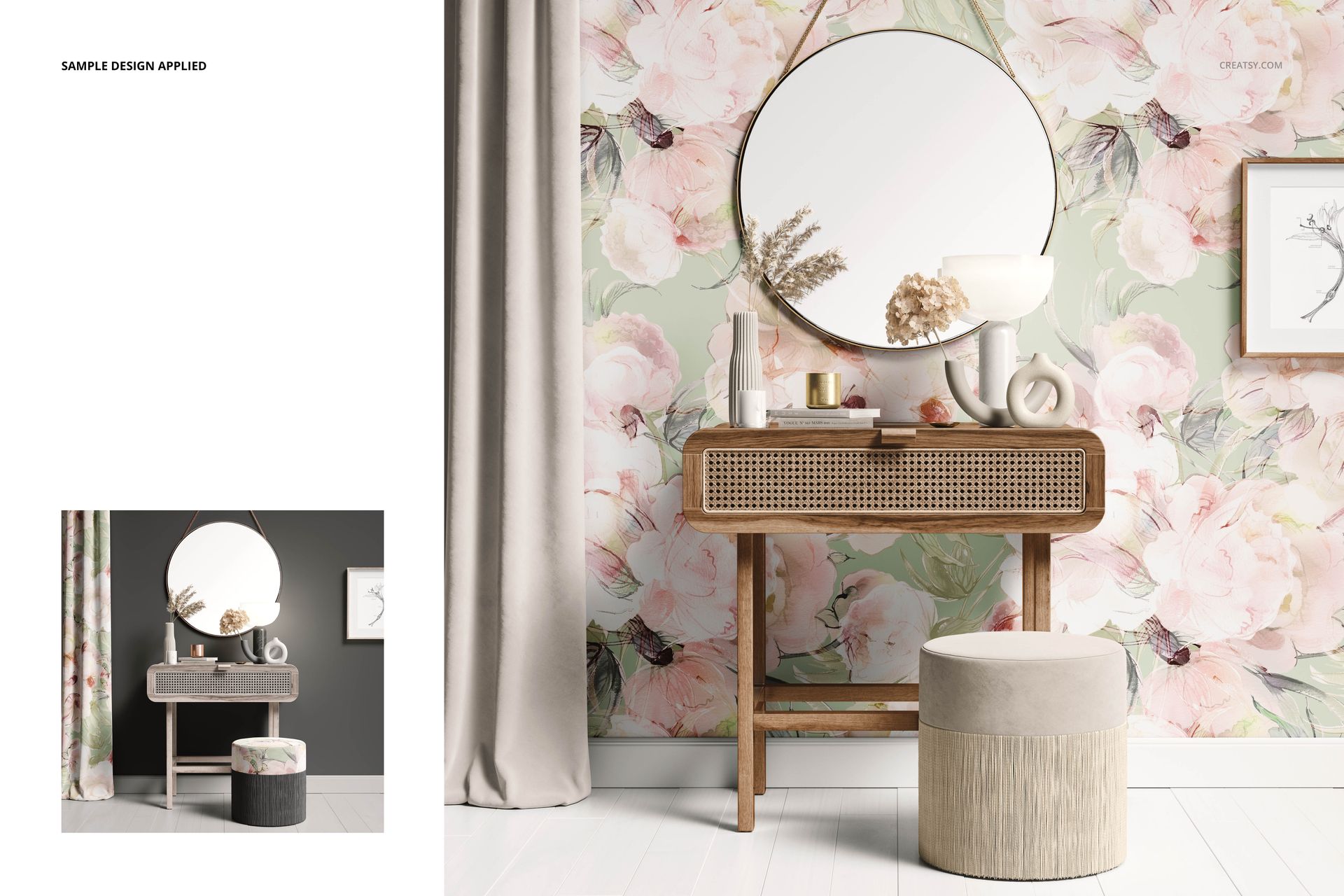
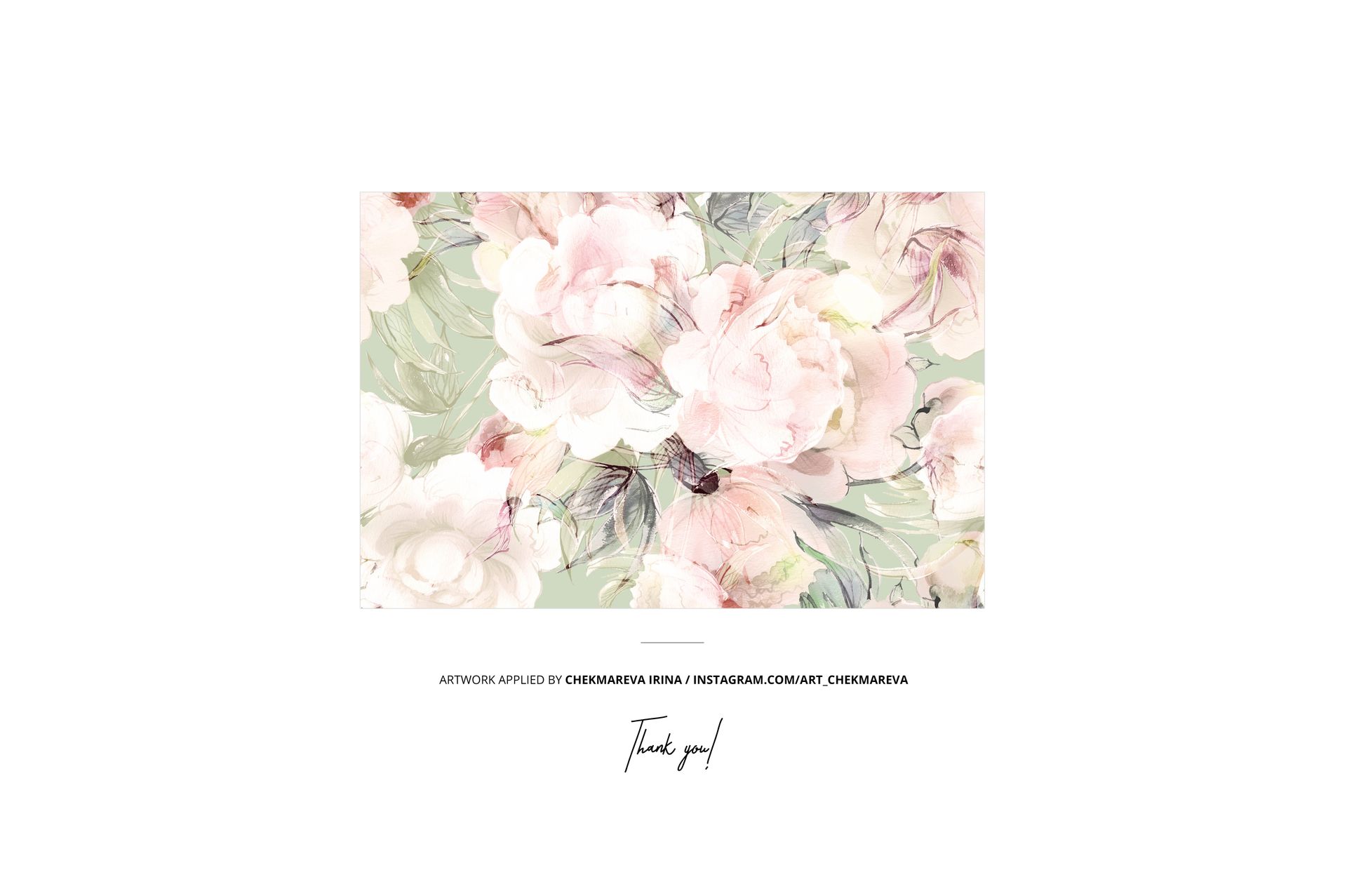
The example artwork shown in the main product previews is by Chekmareva Irina.
The artwork demonstrates how a floral design can be presented across a large wall area in a styled dressing table interior. It is used for preview purposes only and is not included with the mockup files.









Creatsy make the best Mockups on the market, no matter what you need to showcase. These mockups are highly customizable, and the lighting in them makes everything look very realistic. You can keep or turn off many of the Items in the mockup, also a great feature giving control over the look you want. They have the most friendly and very helpful support. I highly recommend these mockups!